
Installation guide May 2019 Tools from environment simulation
- Slides: 14
Installation guide — May 2019 Tools from environment simulation II Bernard Pottier Lab. STICC@UBO Students & Sames group http: //sames. univ-brest. fr
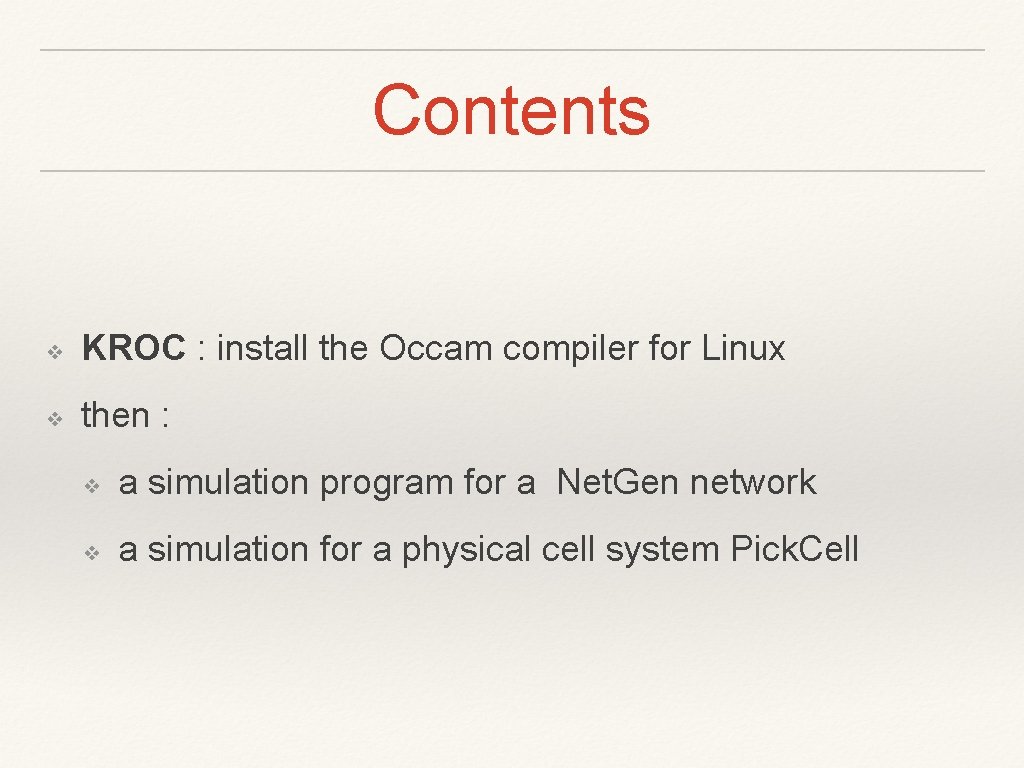
Contents ❖ KROC : install the Occam compiler for Linux ❖ then : ❖ a simulation program for a Net. Gen network ❖ a simulation for a physical cell system Pick. Cell
Partie 1: installing Kroc ❖ download a compiler tree for Kroc ❖ install pre-requisites ❖ generate kroc ❖ test kroc.
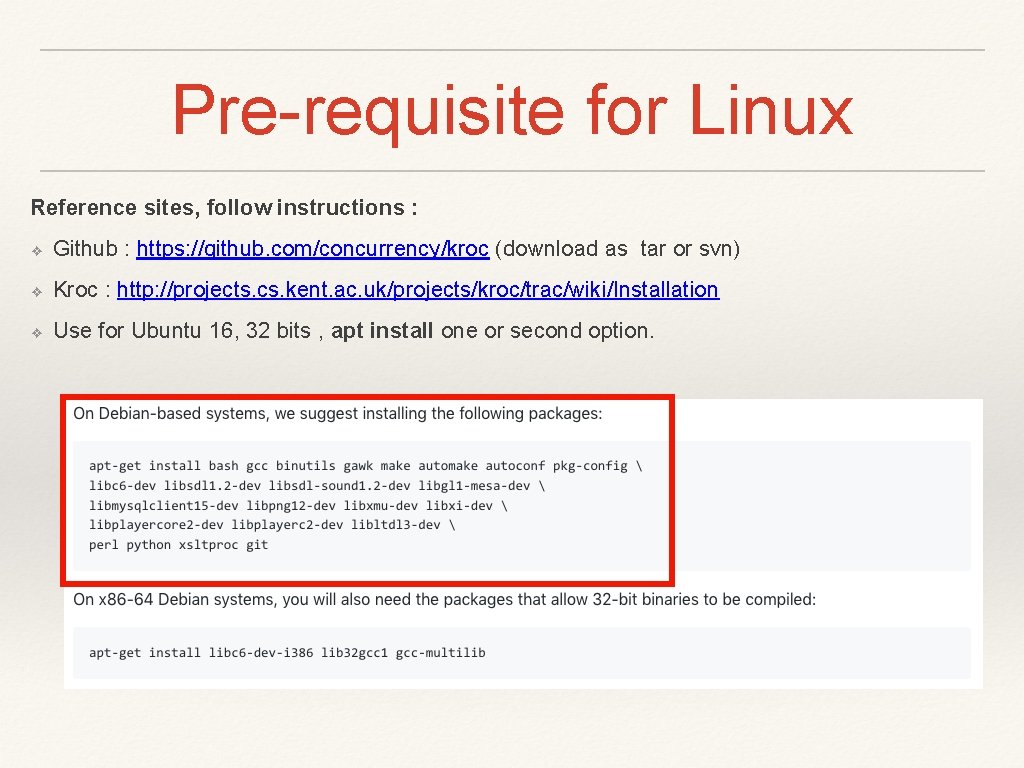
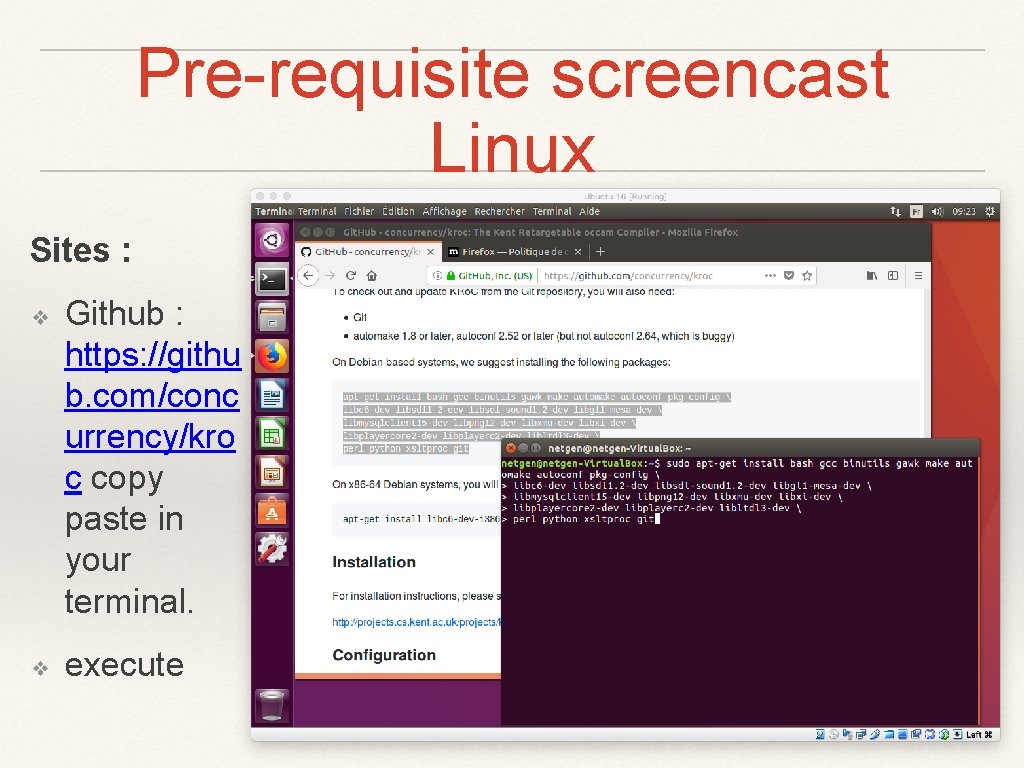
Pre-requisite for Linux Reference sites, follow instructions : ❖ Github : https: //github. com/concurrency/kroc (download as tar or svn) ❖ Kroc : http: //projects. cs. kent. ac. uk/projects/kroc/trac/wiki/Installation ❖ Use for Ubuntu 16, 32 bits , apt install one or second option.
Pre-requisite screencast Linux Sites : ❖ ❖ Github : https: //githu b. com/conc urrency/kro c copy paste in your terminal. execute
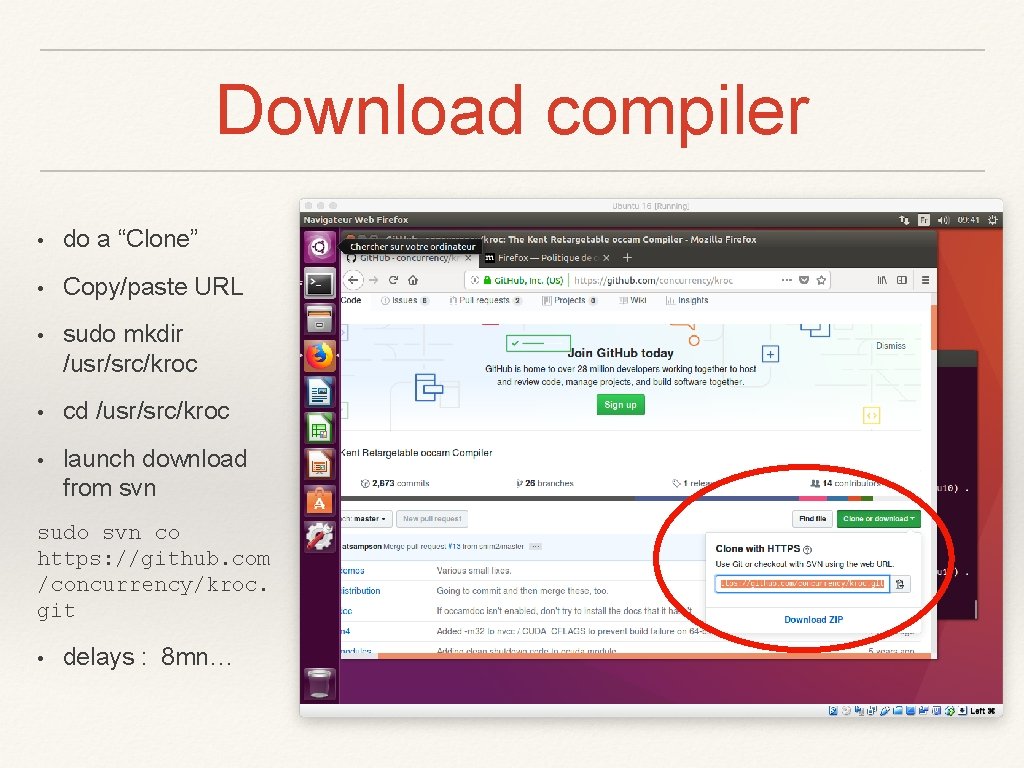
Download compiler • do a “Clone” • Copy/paste URL • sudo mkdir /usr/src/kroc • cd /usr/src/kroc • launch download from svn sudo svn co https: //github. com /concurrency/kroc. git • delays : 8 mn…
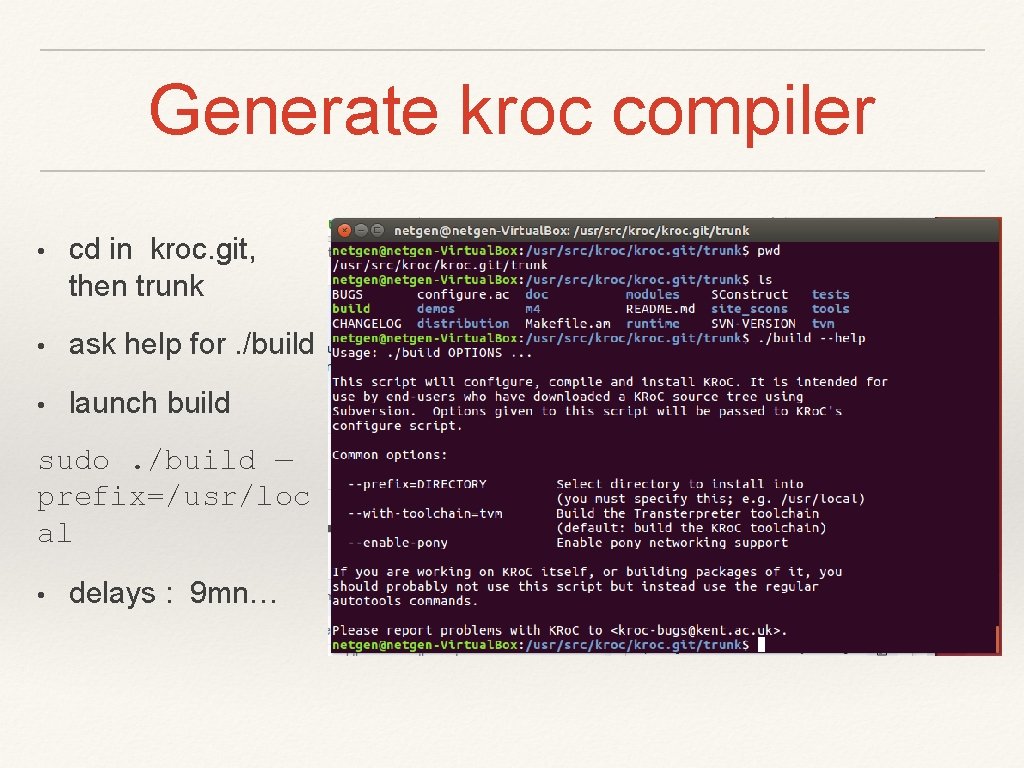
Generate kroc compiler • cd in kroc. git, then trunk • ask help for. /build • launch build sudo. /build — prefix=/usr/loc al • delays : 9 mn…
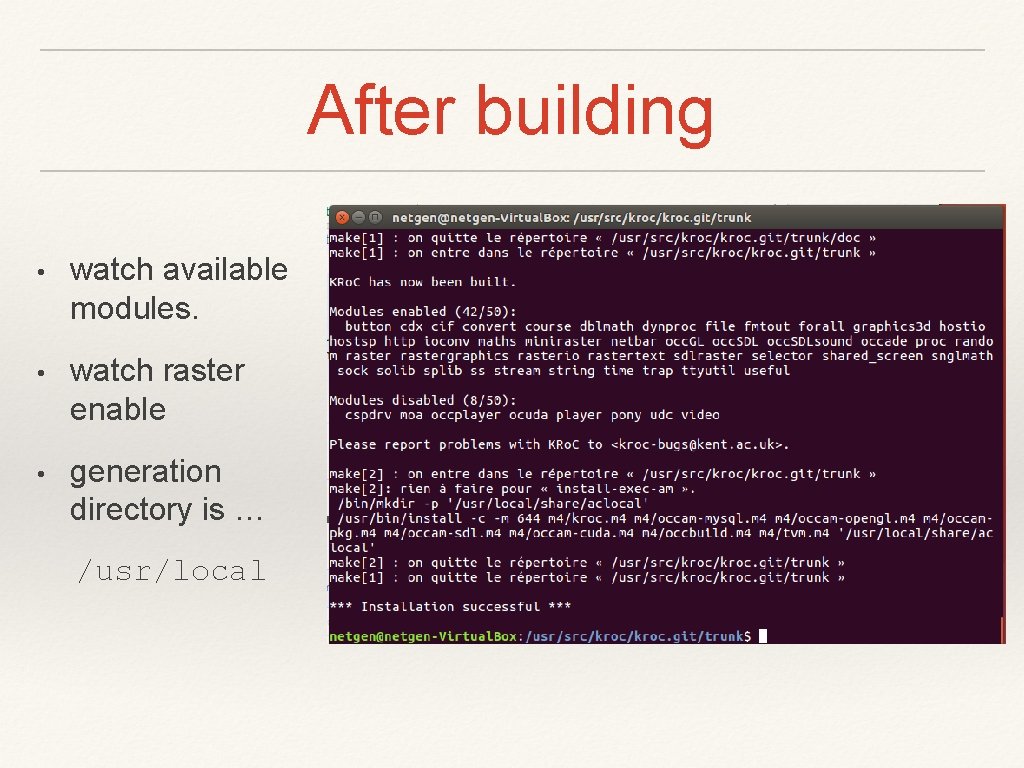
After building • watch available modules. • watch raster enable • generation directory is … /usr/local
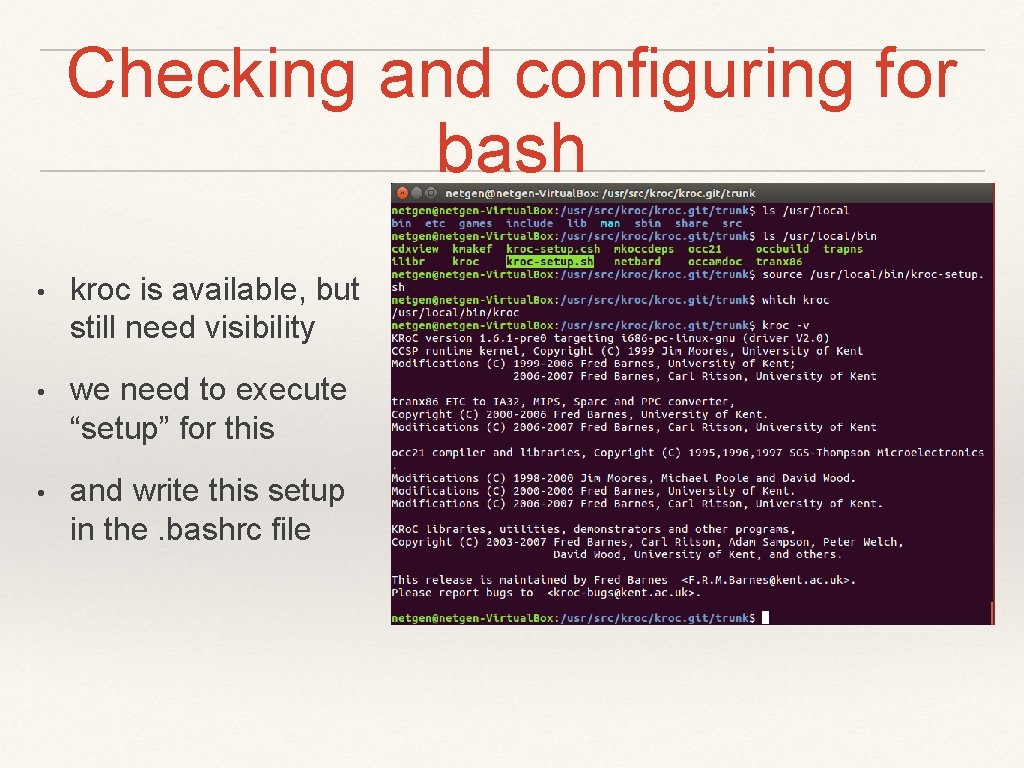
Checking and configuring for bash • kroc is available, but still need visibility • we need to execute “setup” for this • and write this setup in the. bashrc file
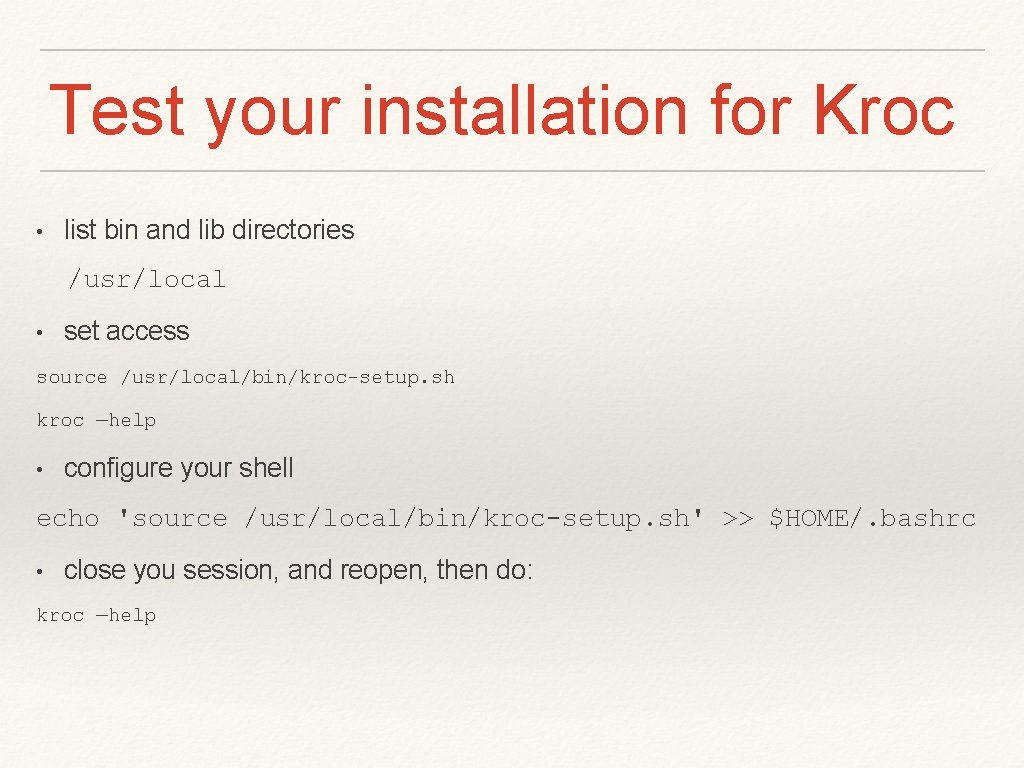
Test your installation for Kroc • list bin and lib directories /usr/local • set access source /usr/local/bin/kroc-setup. sh kroc —help • configure your shell echo 'source /usr/local/bin/kroc-setup. sh' >> $HOME/. bashrc • close you session, and reopen, then do: kroc —help
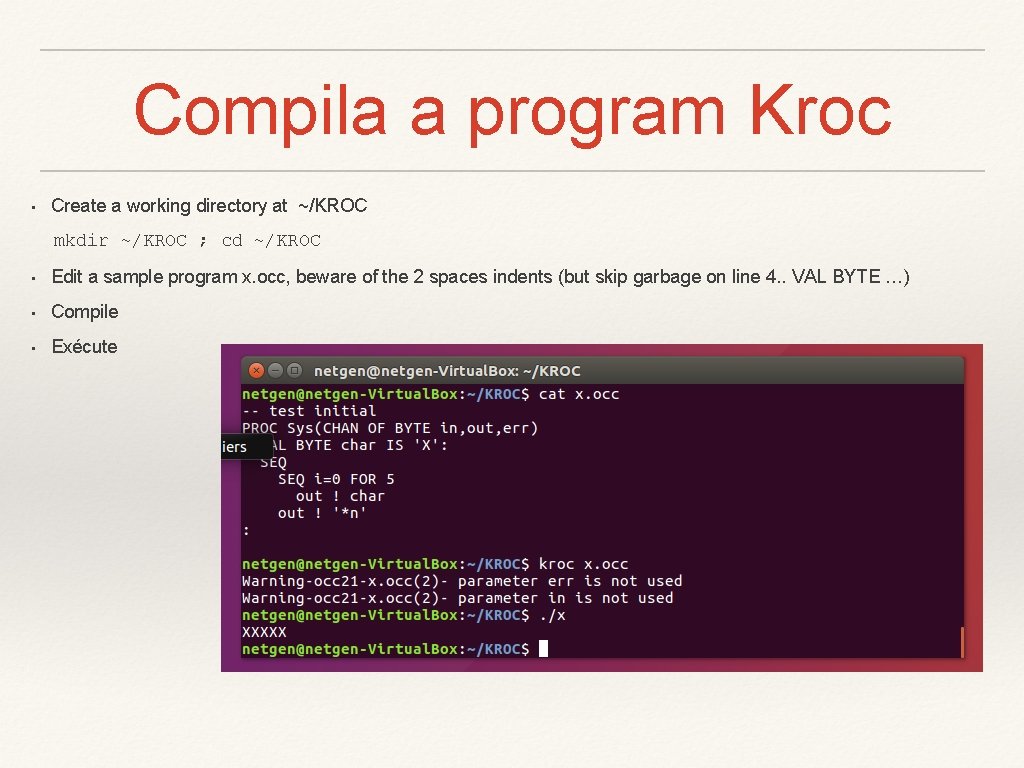
Compila a program Kroc • Create a working directory at ~/KROC mkdir ~/KROC ; cd ~/KROC • Edit a sample program x. occ, beware of the 2 spaces indents (but skip garbage on line 4. . VAL BYTE …) • Compile • Exécute
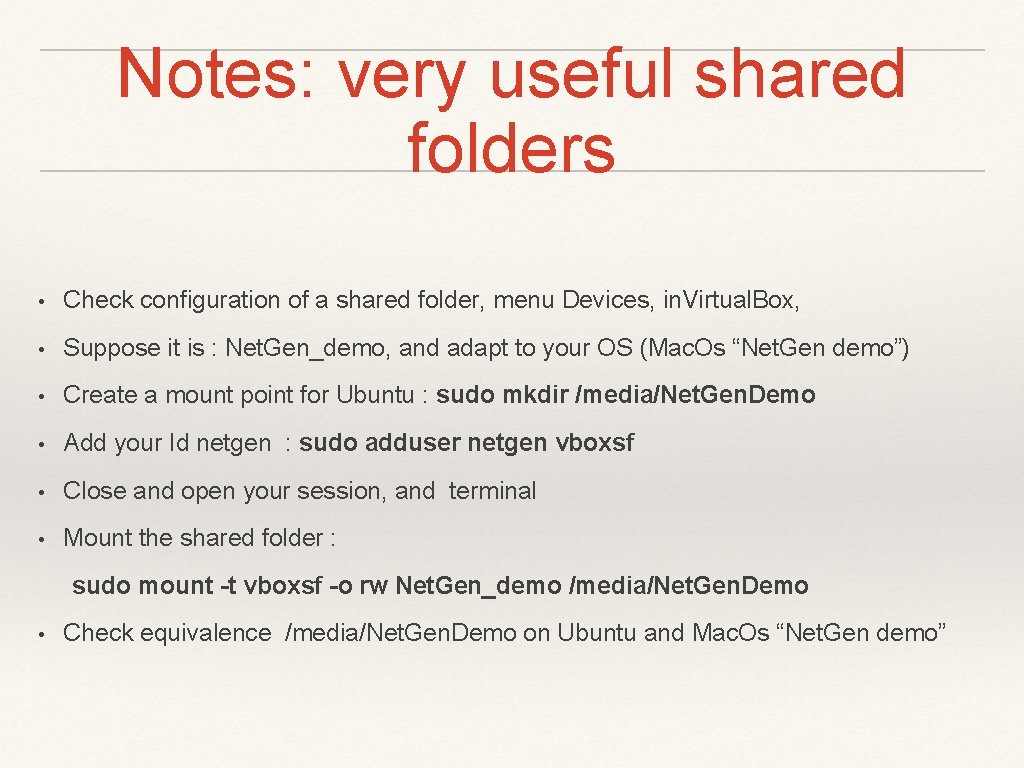
Notes: very useful shared folders • Check configuration of a shared folder, menu Devices, in. Virtual. Box, • Suppose it is : Net. Gen_demo, and adapt to your OS (Mac. Os “Net. Gen demo”) • Create a mount point for Ubuntu : sudo mkdir /media/Net. Gen. Demo • Add your Id netgen : sudo adduser netgen vboxsf • Close and open your session, and terminal • Mount the shared folder : sudo mount -t vboxsf -o rw Net. Gen_demo /media/Net. Gen. Demo • Check equivalence /media/Net. Gen. Demo on Ubuntu and Mac. Os “Net. Gen demo”
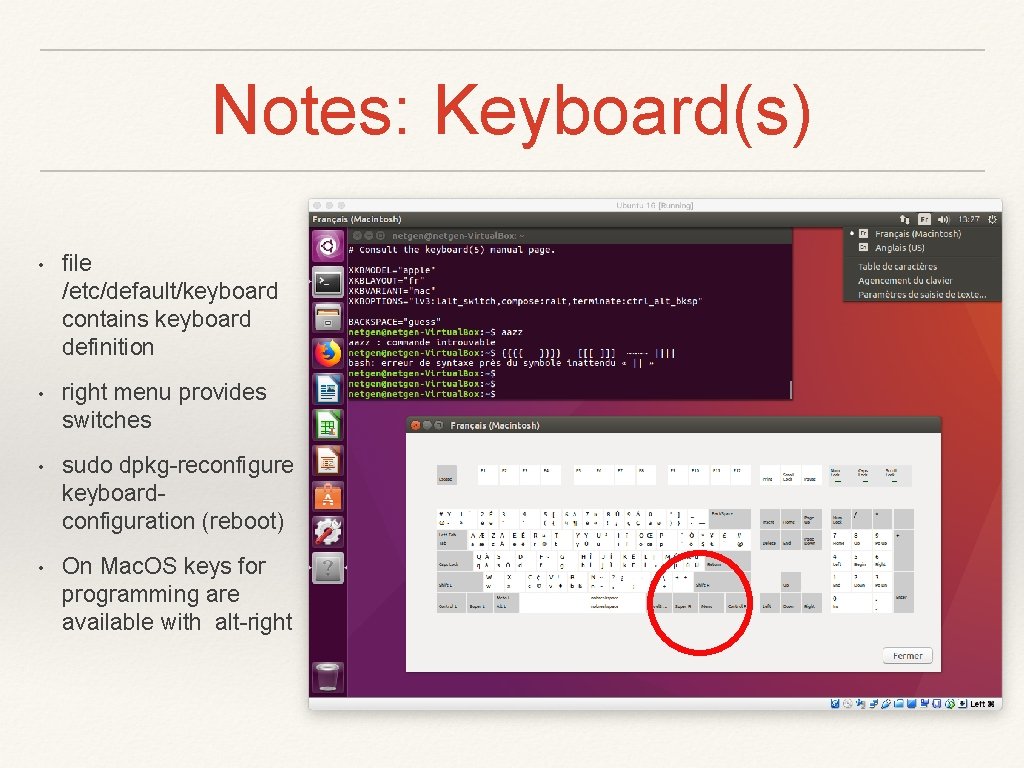
Notes: Keyboard(s) • file /etc/default/keyboard contains keyboard definition • right menu provides switches • sudo dpkg-reconfigure keyboardconfiguration (reboot) • On Mac. OS keys for programming are available with alt-right
To follow… • Editing and compiling a synchronous network program • Handle code generated from Net. Gen and Pick. Cell