
INSTALLATION AND CONFIGURATION OF AN OPERATING SYSTEM SYSTEM
- Slides: 9
INSTALLATION AND CONFIGURATION OF AN OPERATING SYSTEM.
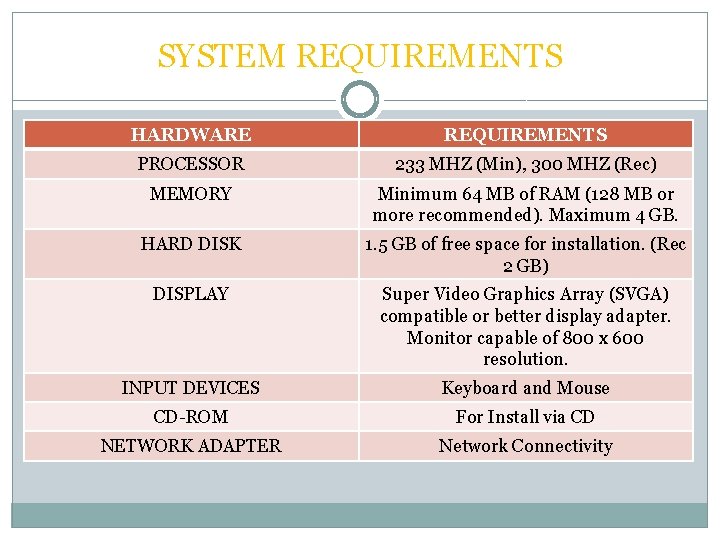
SYSTEM REQUIREMENTS HARDWARE REQUIREMENTS PROCESSOR 233 MHZ (Min), 300 MHZ (Rec) MEMORY Minimum 64 MB of RAM (128 MB or more recommended). Maximum 4 GB. HARD DISK 1. 5 GB of free space for installation. (Rec 2 GB) DISPLAY Super Video Graphics Array (SVGA) compatible or better display adapter. Monitor capable of 800 x 600 resolution. INPUT DEVICES Keyboard and Mouse CD-ROM For Install via CD NETWORK ADAPTER Network Connectivity
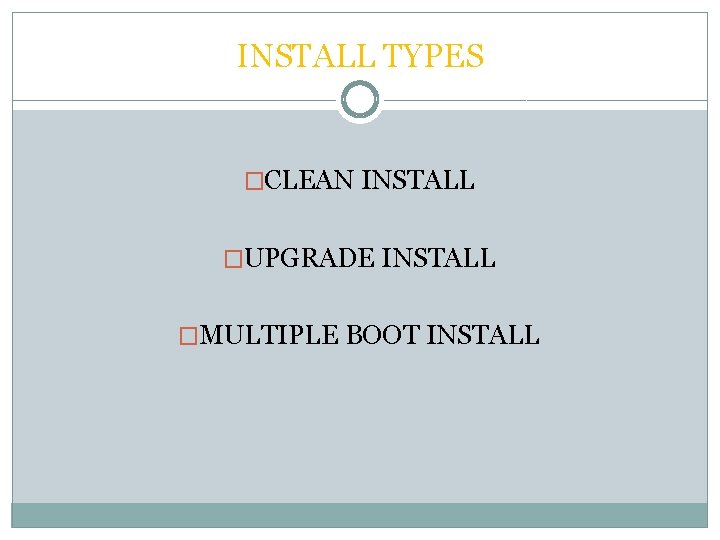
INSTALL TYPES �CLEAN INSTALL �UPGRADE INSTALL �MULTIPLE BOOT INSTALL
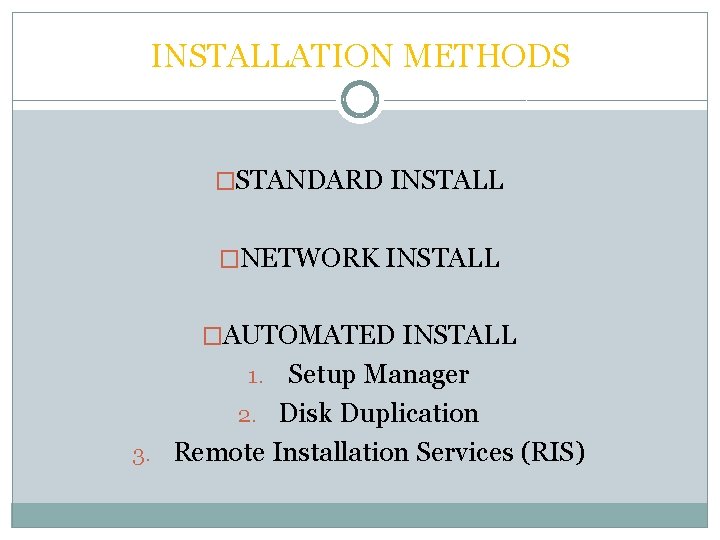
INSTALLATION METHODS �STANDARD INSTALL �NETWORK INSTALL �AUTOMATED INSTALL Setup Manager 2. Disk Duplication 3. Remote Installation Services (RIS) 1.
PARTITION TYPES �PRIMARY �EXTENDED �LOGICAL
FILE SYSTEMS - NTFS �File and folder security: in Windows XP Professional, NTFS allows precise control over which users can access applications and data via NTFS file permissions. Windows XP Home only offers simple file sharing. �Increased performance: NTFS uses a more efficient mechanism for locating and retrieving information from the hard disk than FAT or FAT 32. �Disk quotas: In Windows XP Professional, NTFS let's you control the amount of disk space each user can have. Windows XP Home does not support disk quotas.
FILE SYSTEMS - NTFS �Disk compression: NTFS can compress files to increase the amount of disk space available. Windows XP Home does not support disk compression. �File encryption: In Windows XP Professional, NTFS allows data stored on the hard disk to be encrypted. Windows XP Home does not support file encryption.
FILE SYSTEMS - FAT �If you use FAT to format a partition during Windows XP Setup, Windows uses FAT for partitions that are smaller than 2 GB and FAT 32 for partitions that are larger than 2 GB. �Windows XP Setup cannot create a FAT 32 partition that is smaller than 2 GB, nor can it create a FAT 32 partition that is larger than 32 GB.
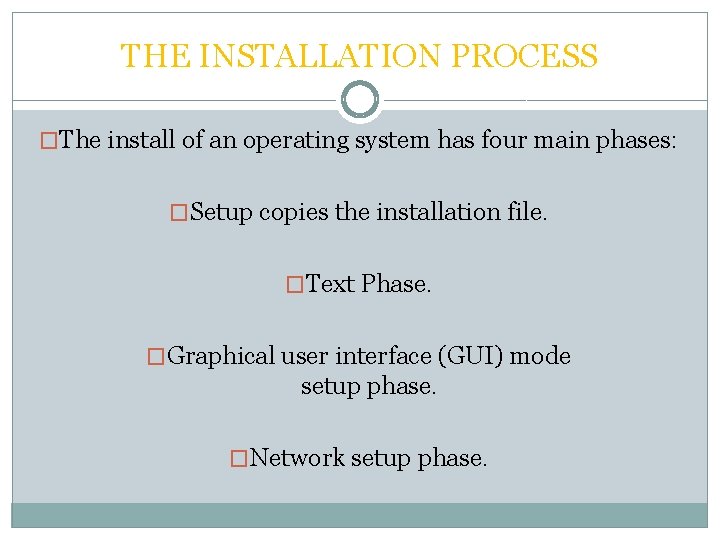
THE INSTALLATION PROCESS �The install of an operating system has four main phases: �Setup copies the installation file. �Text Phase. �Graphical user interface (GUI) mode setup phase. �Network setup phase.