
Install and Configure PHP XAMPP LAMP IDEs PHP








- Slides: 39
Install and Configure PHP: XAMPP, LAMP, IDEs PHP, Web Server, XAMP, LAMP, PHP IDEs Soft. Uni Team Technical Trainers Software University http: //softuni. bg
Table of Contents 1. PHP, Web Servers, HTTP 2. XAMPP: Install and Configure 3. Configuring PHP: php. ini 4. Configuring Apache: httpd. conf 5. PHP IDEs: Aptana, PHP Storm, Netbeans 2
Questions sli. do #PHPFUND 3
PHP, Web Servers, HTTP
What is PHP? § PHP is a server-side scripting language § Designed for Web development § Mix HTML with PHP to create dynamic Web pages § Can be used as general purpose language, e. g. for desktop and command-line apps § Free and open-source: http: //php. net § Huge popularity: 244 millions sites run PHP in 2013 § PHP: Hypertext Preprocessor (a recursive acronym) 5
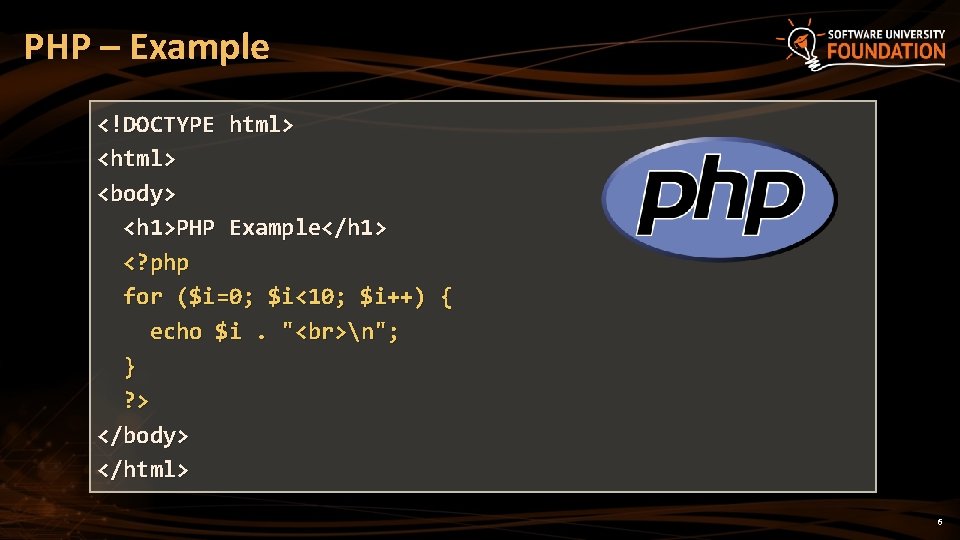
PHP – Example <!DOCTYPE html> <body> <h 1>PHP Example</h 1> <? php for ($i=0; $i<10; $i++) { echo $i. " n"; } ? > </body> </html> 6
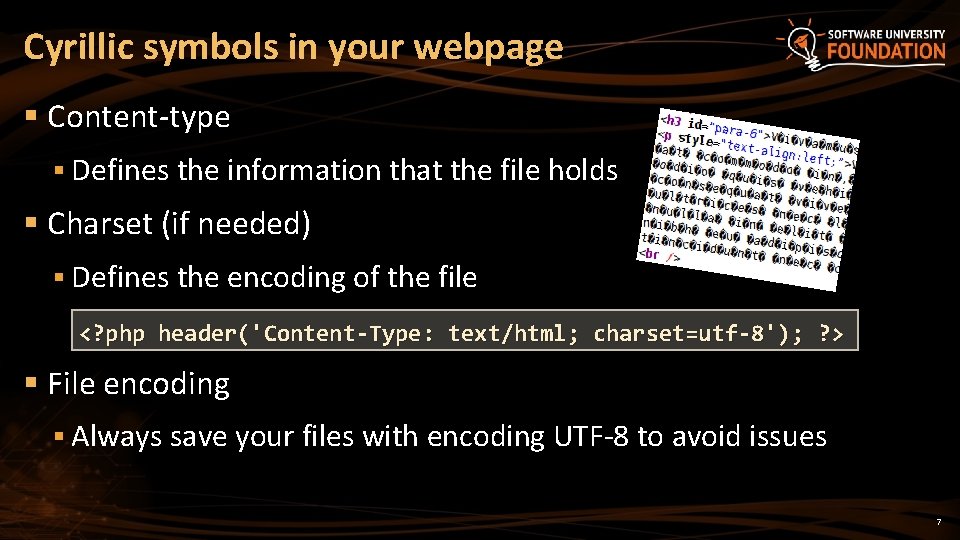
Cyrillic symbols in your webpage § Content-type § Defines the information that the file holds § Charset (if needed) § Defines the encoding of the file <? php header('Content-Type: text/html; charset=utf-8'); ? > § File encoding § Always save your files with encoding UTF-8 to avoid issues 7
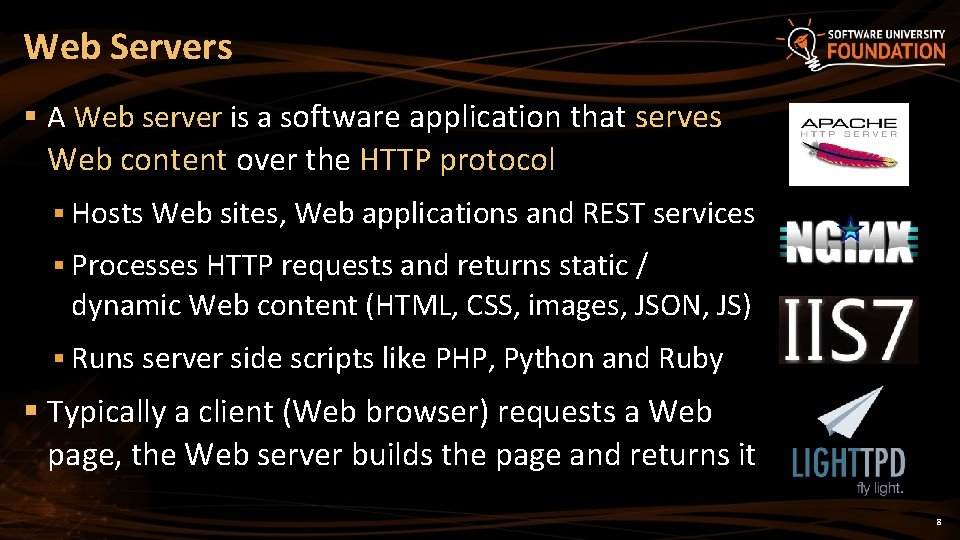
Web Servers § A Web server is a software application that serves Web content over the HTTP protocol § Hosts Web sites, Web applications and REST services § Processes HTTP requests and returns static / dynamic Web content (HTML, CSS, images, JSON, JS) § Runs server side scripts like PHP, Python and Ruby § Typically a client (Web browser) requests a Web page, the Web server builds the page and returns it 8
What is HTTP? § Hyper Text Transfer Protocol (HTTP) § Client-server protocol for transferring Web resources § HTML files, CSS styles, images, scripts, JSON data, etc. § Important properties of HTTP § Request-response model § Text-based format § Relies on a unique resource URLs § Stateless (cookies can overcome this) 9
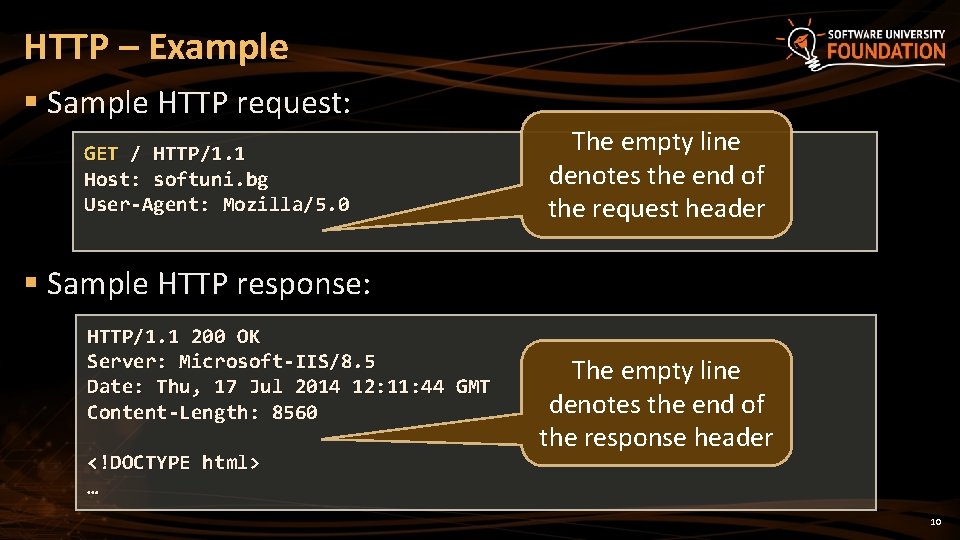
HTTP – Example § Sample HTTP request: GET / HTTP/1. 1 Host: softuni. bg User-Agent: Mozilla/5. 0 The empty line denotes the end of the request header § Sample HTTP response: HTTP/1. 1 200 OK Server: Microsoft-IIS/8. 5 Date: Thu, 17 Jul 2014 12: 11: 44 GMT Content-Length: 8560 <!DOCTYPE html> … The empty line denotes the end of the response header 10
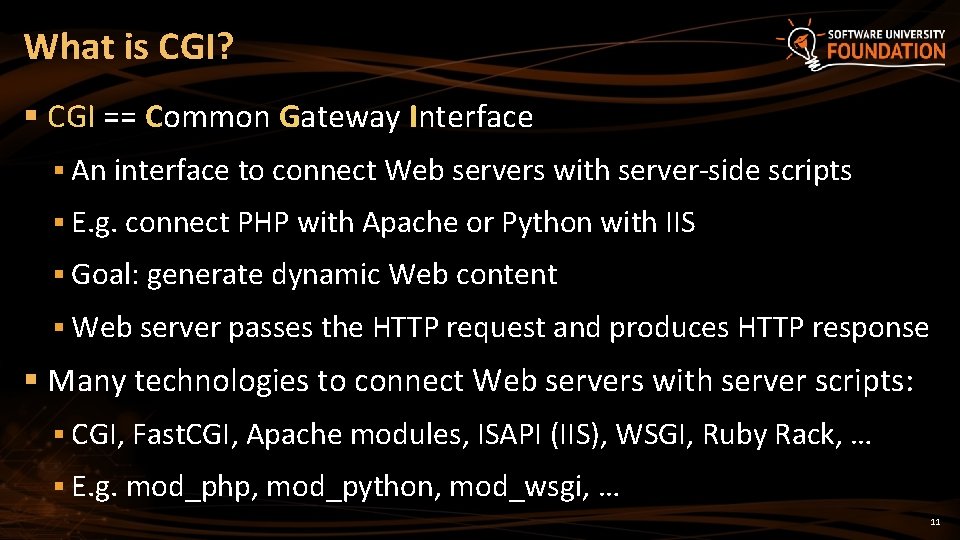
What is CGI? § CGI == Common Gateway Interface § An interface to connect Web servers with server-side scripts § E. g. connect PHP with Apache or Python with IIS § Goal: generate dynamic Web content § Web server passes the HTTP request and produces HTTP response § Many technologies to connect Web servers with server scripts: § CGI, Fast. CGI, Apache modules, ISAPI (IIS), WSGI, Ruby Rack, … § E. g. mod_php, mod_python, mod_wsgi, … 11
XAMPP Install and Configure XAMPP
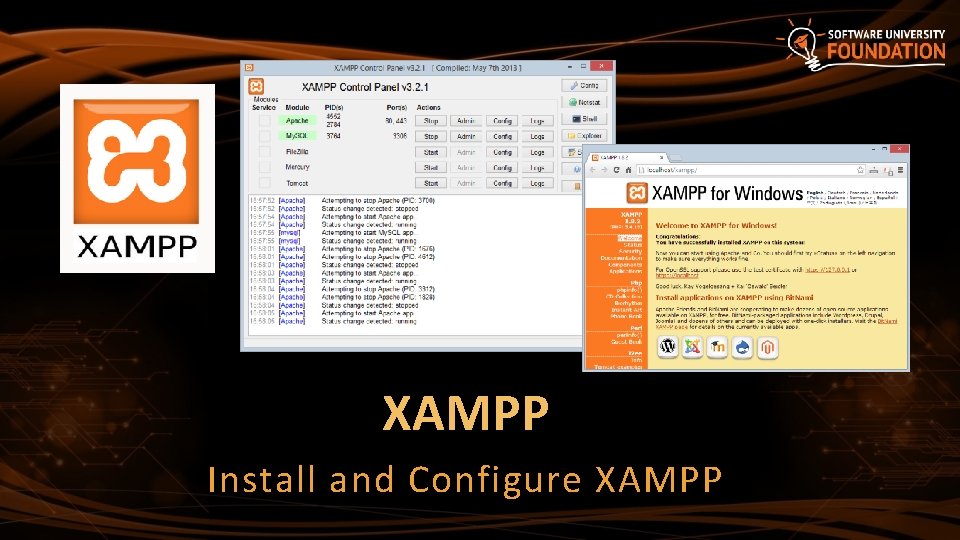
What is XAMPP? § XAMPP (/ˈzæmp/ or /ˈɛks. æmp/) § Free, open source cross-platform Web server solution stack § Runs in Windows, Linux and Mac OS X § Apache Web server + Open. SSL § My. SQL database + php. My. Admin § Scripting languages: PHP and Perl § File. Zilla FTP server § Mercury mail server (SMTP and POP 3) § Provides an admin panel for simplified administration 13
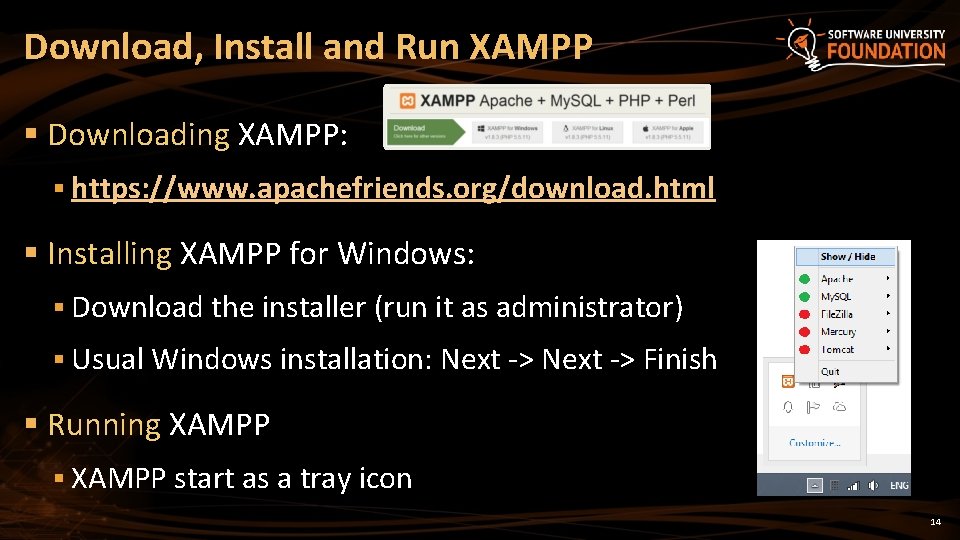
Download, Install and Run XAMPP § Downloading XAMPP: § https: //www. apachefriends. org/download. html § Installing XAMPP for Windows: § Download the installer (run it as administrator) § Usual Windows installation: Next -> Finish § Running XAMPP § XAMPP start as a tray icon 14
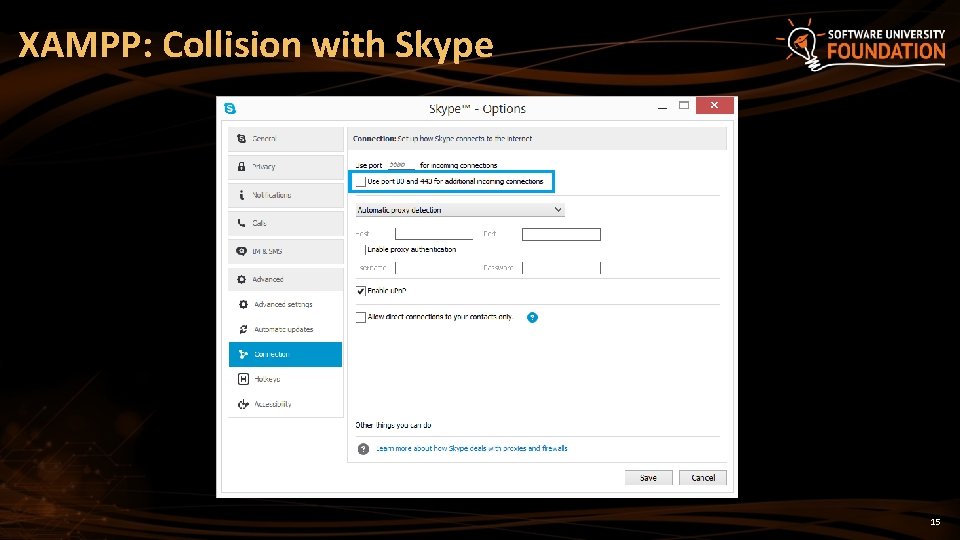
XAMPP: Collision with Skype 15
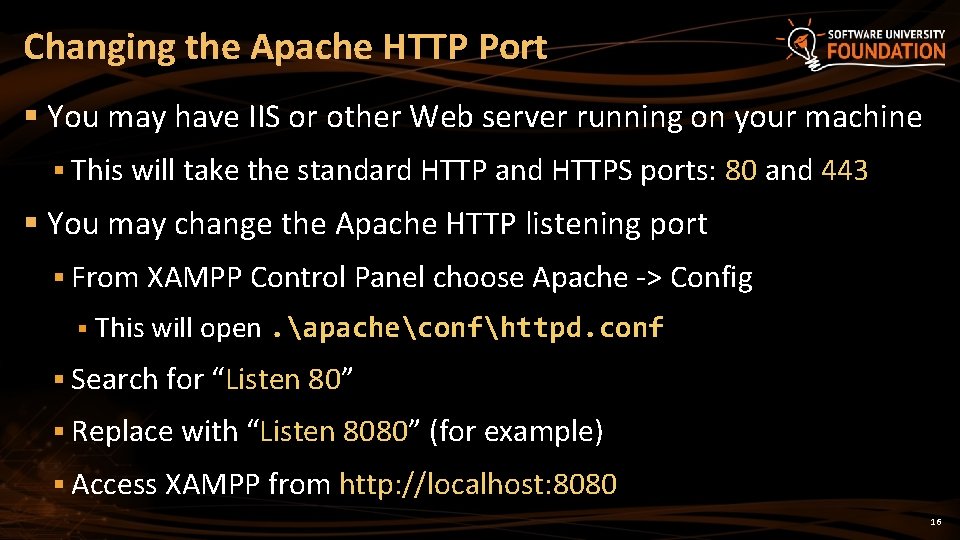
Changing the Apache HTTP Port § You may have IIS or other Web server running on your machine § This will take the standard HTTP and HTTPS ports: 80 and 443 § You may change the Apache HTTP listening port § From XAMPP Control Panel choose Apache -> Config § This will open. apacheconfhttpd. conf § Search for “Listen 80” § Replace with “Listen 8080” (for example) § Access XAMPP from http: //localhost: 8080 16
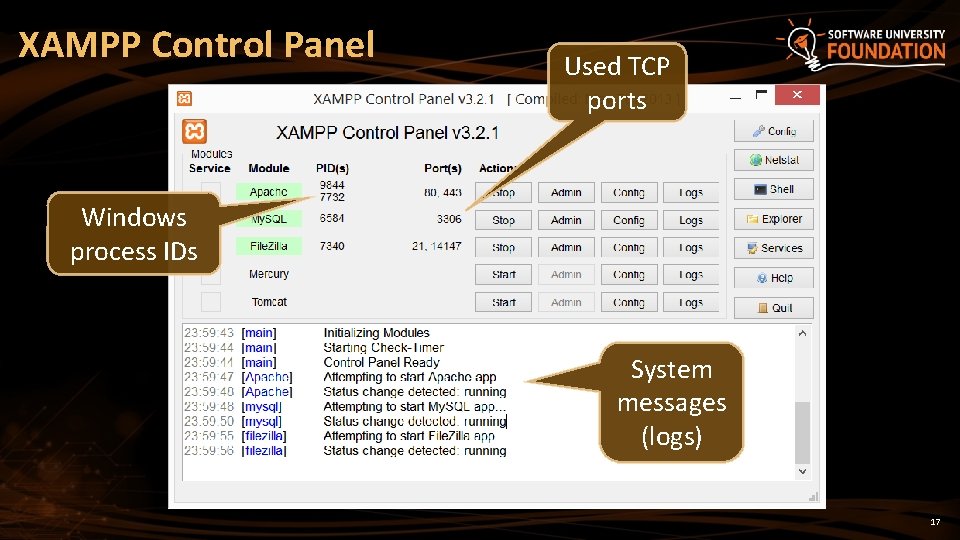
XAMPP Control Panel Used TCP ports Windows process IDs System messages (logs) 17
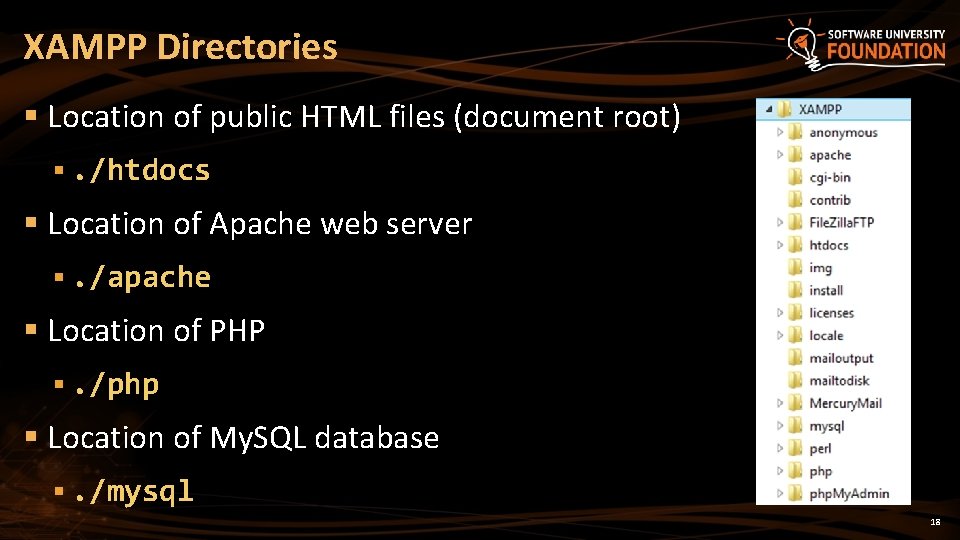
XAMPP Directories § Location of public HTML files (document root) §. /htdocs § Location of Apache web server §. /apache § Location of PHP §. /php § Location of My. SQL database §. /mysql 18
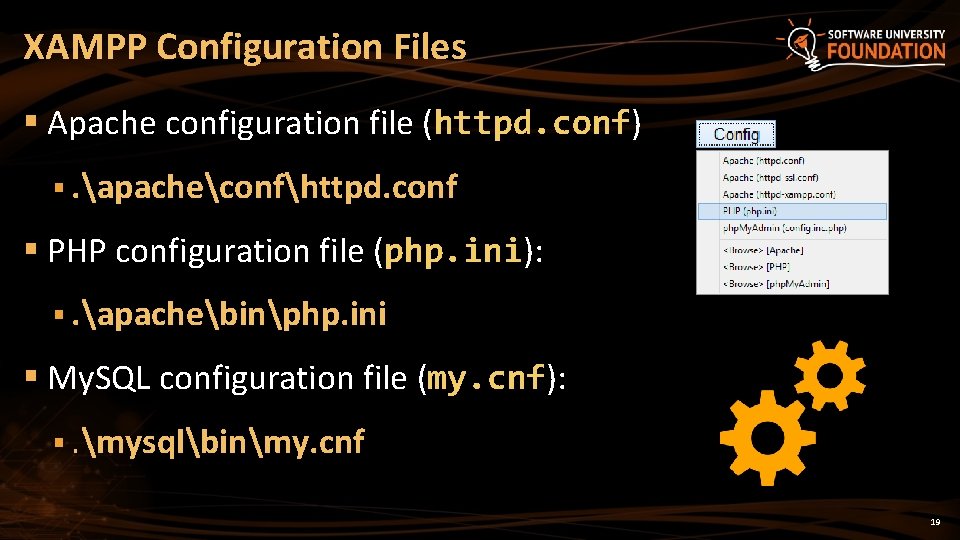
XAMPP Configuration Files § Apache configuration file (httpd. conf) §. apacheconfhttpd. conf § PHP configuration file (php. ini): §. apachebinphp. ini § My. SQL configuration file (my. cnf): §. mysqlbinmy. cnf 19
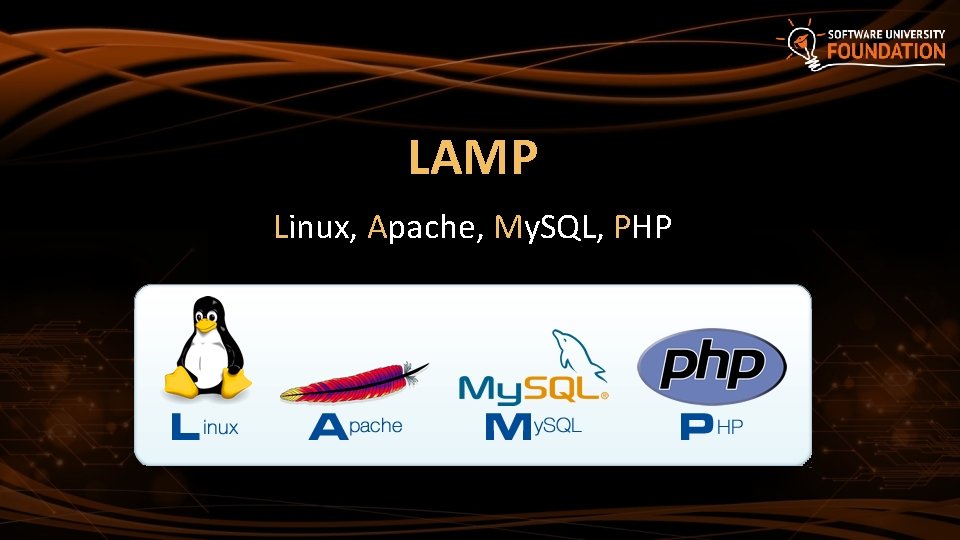
LAMP Linux, Apache, My. SQL, PHP
What is LAMP? § LAMP stands for Linux, Apache, My. SQL, PHP § An open source Web development platform § Linux – server operating system § Apache – Web server § My. SQL – relational database management system § PHP – object-oriented server-side scripting language § LAMP is an application development platform § Not just a software bundle 21
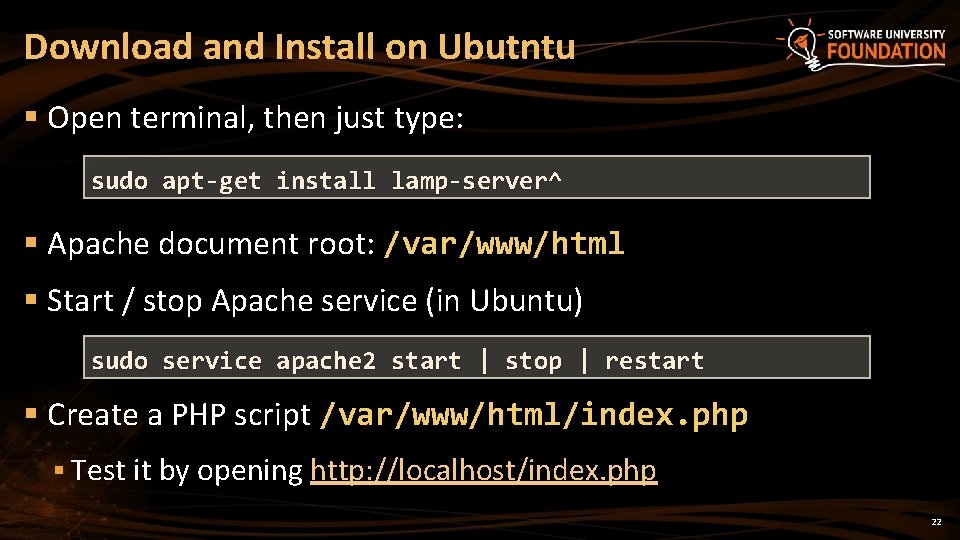
Download and Install on Ubutntu § Open terminal, then just type: sudo apt-get install lamp-server^ § Apache document root: /var/www/html § Start / stop Apache service (in Ubuntu) sudo service apache 2 start | stop | restart § Create a PHP script /var/www/html/index. php § Test it by opening http: //localhost/index. php 22
PHP Settings The php. ini File
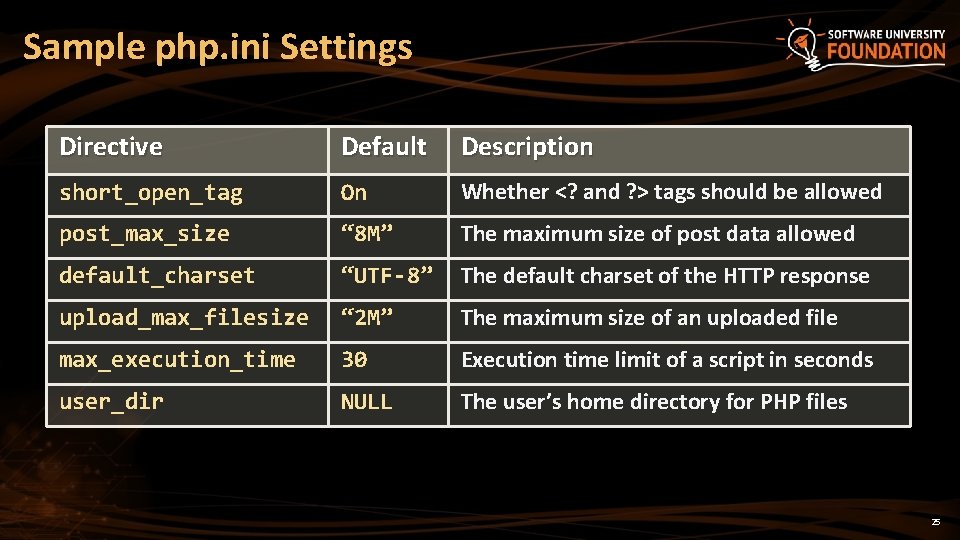
PHP Settings § PHP settings (called directives) are stored in the php. ini file § A set of name = value statements § If there is no value, the directive is left as name = § Comments start with a semicolon ; § The location of the file is different across operating systems and versions § You can check which php. ini file is loaded with phpinfo() § PHP supports add-ons § Most add-ons read their settings from the same file 24
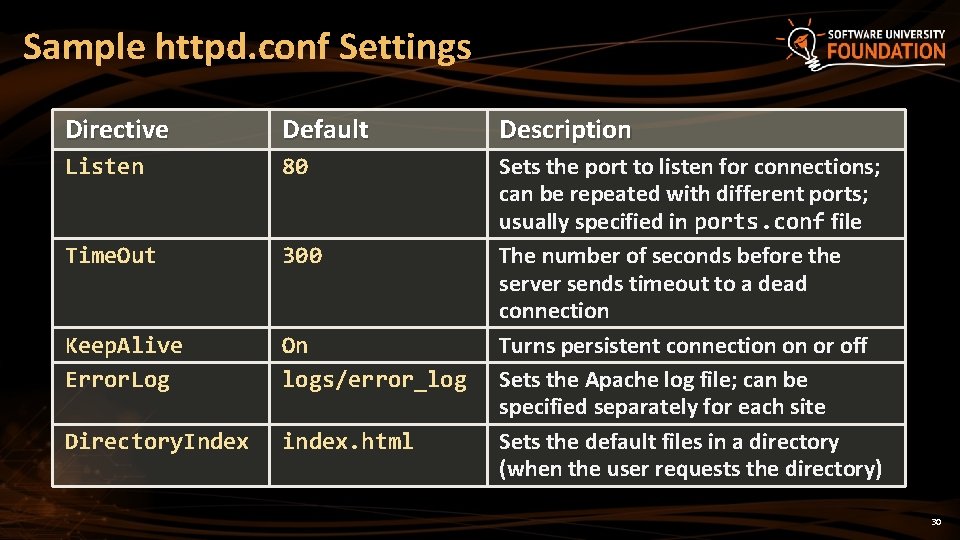
Sample php. ini Settings Directive Default Description short_open_tag On Whether <? and ? > tags should be allowed post_max_size “ 8 M” The maximum size of post data allowed default_charset “UTF-8” The default charset of the HTTP response upload_max_filesize “ 2 M” The maximum size of an uploaded file max_execution_time 30 Execution time limit of a script in seconds user_dir NULL The user’s home directory for PHP files 25
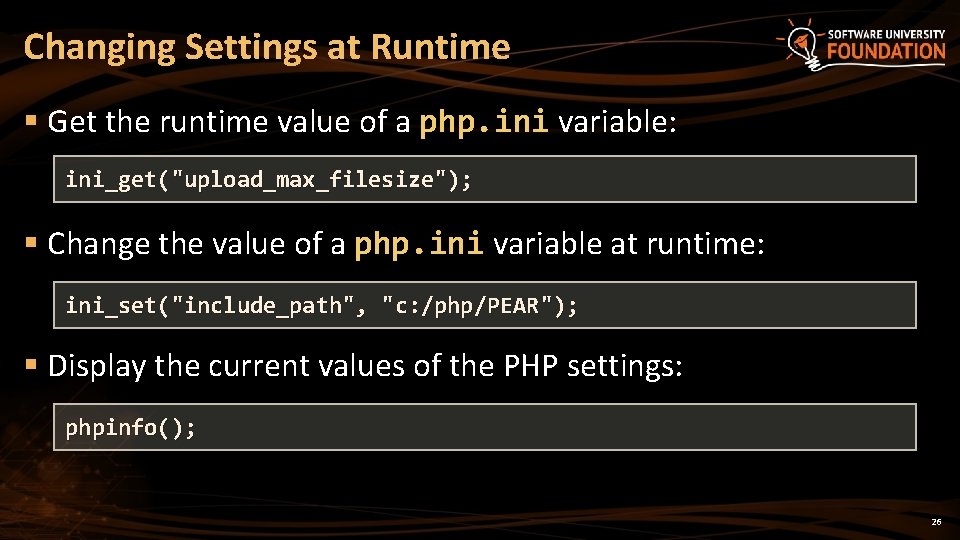
Changing Settings at Runtime § Get the runtime value of a php. ini variable: ini_get("upload_max_filesize"); § Change the value of a php. ini variable at runtime: ini_set("include_path", "c: /php/PEAR"); § Display the current values of the PHP settings: phpinfo(); 26
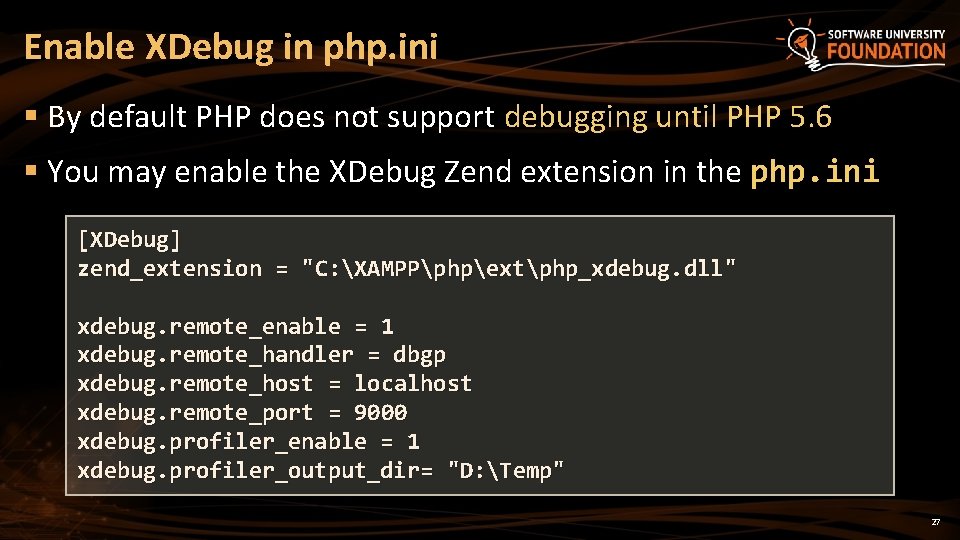
Enable XDebug in php. ini § By default PHP does not support debugging until PHP 5. 6 § You may enable the XDebug Zend extension in the php. ini [XDebug] zend_extension = "C: XAMPPphpextphp_xdebug. dll" xdebug. remote_enable = 1 xdebug. remote_handler = dbgp xdebug. remote_host = localhost xdebug. remote_port = 9000 xdebug. profiler_enable = 1 xdebug. profiler_output_dir= "D: Temp" 27
Apache Settings The httpd. conf file
Apache Settings § Apache settings are defined in the httpd. conf file § Location and name may differ across platforms and Apache versions § Older version read from multiple files § The site-specific settings and module-specific settings are in separate files § Follows a syntax close to XML § Name-value pairs sometimes in tags 29
Sample httpd. conf Settings Directive Default Description Listen 80 Time. Out 300 Keep. Alive Error. Log On logs/error_log Directory. Index index. html Sets the port to listen for connections; can be repeated with different ports; usually specified in ports. conf file The number of seconds before the server sends timeout to a dead connection Turns persistent connection on or off Sets the Apache log file; can be specified separately for each site Sets the default files in a directory (when the user requests the directory) 30
PHP IDEs Aptana, PHP Storm, Netbeans
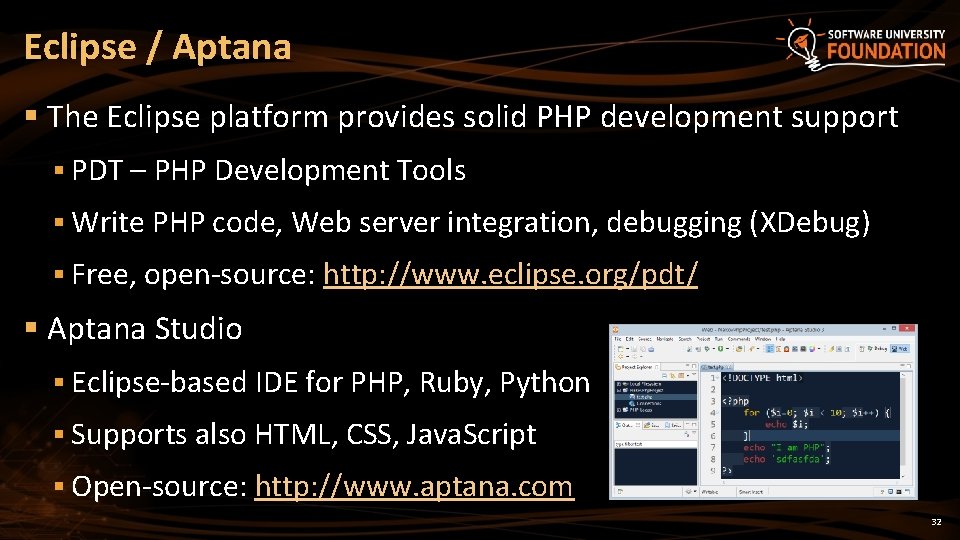
Eclipse / Aptana § The Eclipse platform provides solid PHP development support § PDT – PHP Development Tools § Write PHP code, Web server integration, debugging (XDebug) § Free, open-source: http: //www. eclipse. org/pdt/ § Aptana Studio § Eclipse-based IDE for PHP, Ruby, Python § Supports also HTML, CSS, Java. Script § Open-source: http: //www. aptana. com 32
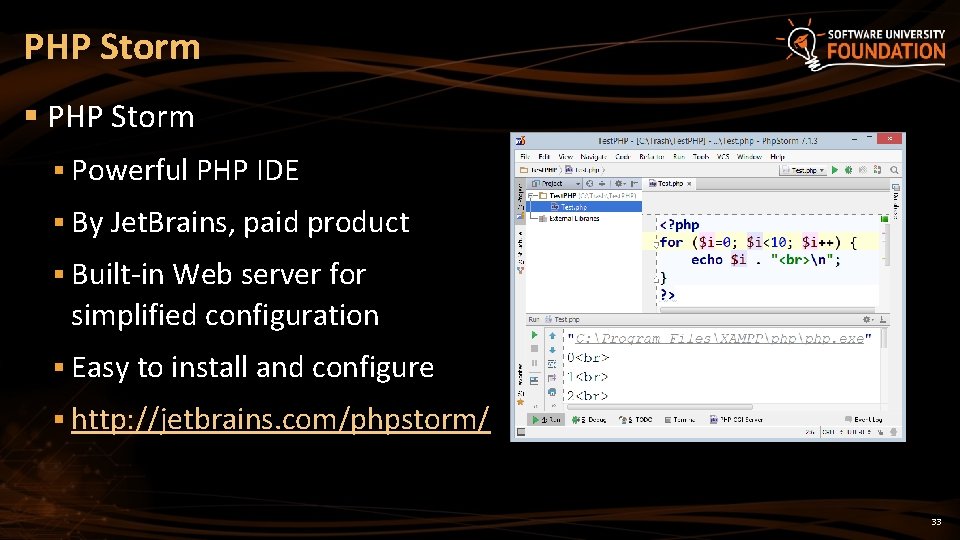
PHP Storm § Powerful PHP IDE § By Jet. Brains, paid product § Built-in Web server for simplified configuration § Easy to install and configure § http: //jetbrains. com/phpstorm/ 33
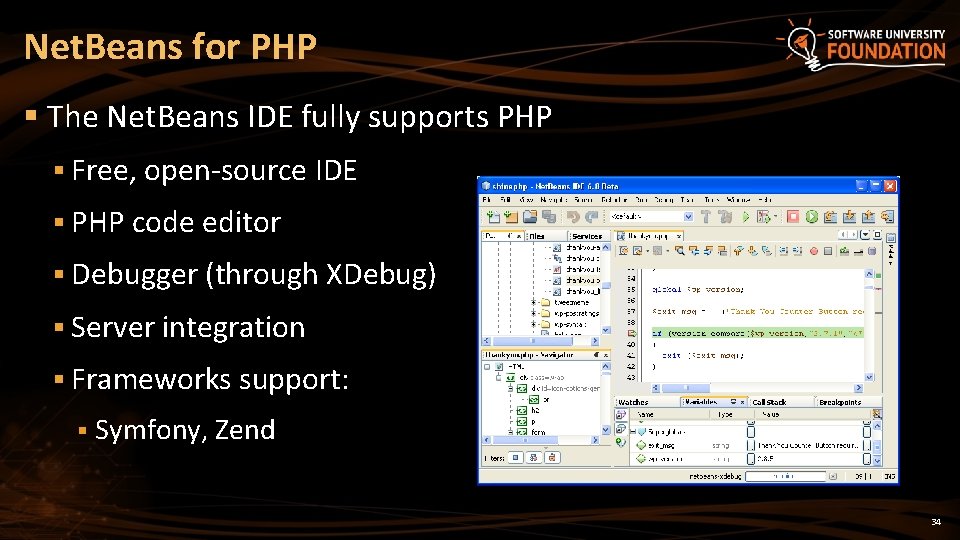
Net. Beans for PHP § The Net. Beans IDE fully supports PHP § Free, open-source IDE § PHP code editor § Debugger (through XDebug) § Server integration § Frameworks support: § Symfony, Zend 34
Resources § General information about PHP § http: //php. net/ § Partly in Bulgarian § Good practices when writing PHP code § http: //www. phptherightway. com § https: //phpbestpractices. org § http: //www. php-fig. org/ 35
Summary § PHP == server-side Web scripting language § Web Servers serve web content through HTTP § Run PHP through CGI / mod_php / ISAPI § XAMPP == Apache + PHP + My. SQL + Perl § Recommended for Windows users § LAMP == Linux + Apache + My. SQL + PHP § php. ini holds the PHP interpreter settings § PHP IDEs: Aptana, PHP Storm, Netbeans 36
Install and Configure PHP: XAMPP, LAMP, IDEs ? s n o i t s e u Q ? ? ? https: //softuni. bg/courses/php-basics/
License § This course (slides, examples, demos, videos, homework, etc. ) is licensed under the "Creative Commons Attribution. Non. Commercial-Share. Alike 4. 0 International" license 38
Free Trainings @ Software University § Software University Foundation – softuni. org § Software University – High-Quality Education, Profession and Job for Software Developers § softuni. bg § Software University @ Facebook § facebook. com/Software. University § Software University @ You. Tube § youtube. com/Software. University § Software University Forums – forum. softuni. bg