
Install a personal computer or handheld computer and
- Slides: 10
Install a personal computer or handheld computer and peripherals 14950 Lecturer: Moipone Tseuoa
Session 3 Test the installation of a single-user computer and peripherals.
Learning Outcomes The test ensures that the computer system operates according to the manufacturer's and installation specifications. The testing procedure meets the manufacturer's guidelines. The test results are recorded according to organization specifications. The test ensures that the system software and application software communicate with the hardware according to the manufacturer's specifications.
The test ensures that the computer system operates according to the manufacturer's and installation specifications As a computer technician, once you have installed system and application software, you need to test that they work properly before you let the user start working on the computer. Before you start testing the installations you need to make sure that: The computer has rebooted after the software installation The new operating system has started All the applications have been installed Once these operations and tasks have been completed you need to check the computers logo to ensure errors are not occurring. Logs are records of events that have happened recently. Located in device manager.
The testing procedure meets the manufacturer's guidelines In addition to Windows tools, you can buy a commercial system analysis tool that help you to make sure that the system is performing well. Applications also have a Users guide or Help file that usually lists the types of errors and problems that may occur when you use them Applications also often have a readme file. The readme file as the name suggest, asks you to read about the application. It often gives you information about the installation process.
The test results are recorded according to organization specifications Recording tests results could be as simple as opening up a word document, typing what you tested for and the result you found thereafter. Some organization would want the time to be included, some wont, so on your document you will have to include all that you and your organization requires on it. It is advisable to require a sign off from your manager and the organization rep or the client who required a service. This document will serve as proof that indeed you performed the test and it got confirmed that all is up and running the way it should.
The test ensures that the system software and application software communicate with the hardware according to the manufacturer's specifications Suppose you have completed the installation of the system software and application software. How do we test the communication between that hardware and software? With system software there are various ways to check, for example if you connect your mouse to the computer and the cursor moves when you move your mouse serves as an indication that the system is able to communicate with the hardware. With application software, there are many ways, depending on what the software is designed to do. In an application that requires photos/videos to be taken (Skype), it would have to communicate with the camera of you computer, and to test this, you would just have to launch the application and a take a ‘test‘ photo.
In todays session we focused on Testing the installation of a single-user computer and peripherals. We looked at how the test ensures that the computer system operates according to the manufacturer’s and installation specifications. How the testing procedure meets the manufacturer’s guidelines, how the test results are recorded according to organization specifications and lastly how the test ensures that the system software and application software communicate with the hardware according to the manufacture’s specifications. The next presentation we will look at how the manufacturer supplied operating procedures allows the user to begin operating the system, how training and support options allows the user to obtain training and support. Lastly we will look at how the installation and installation specification allows the user to judge that the installation has been completed.
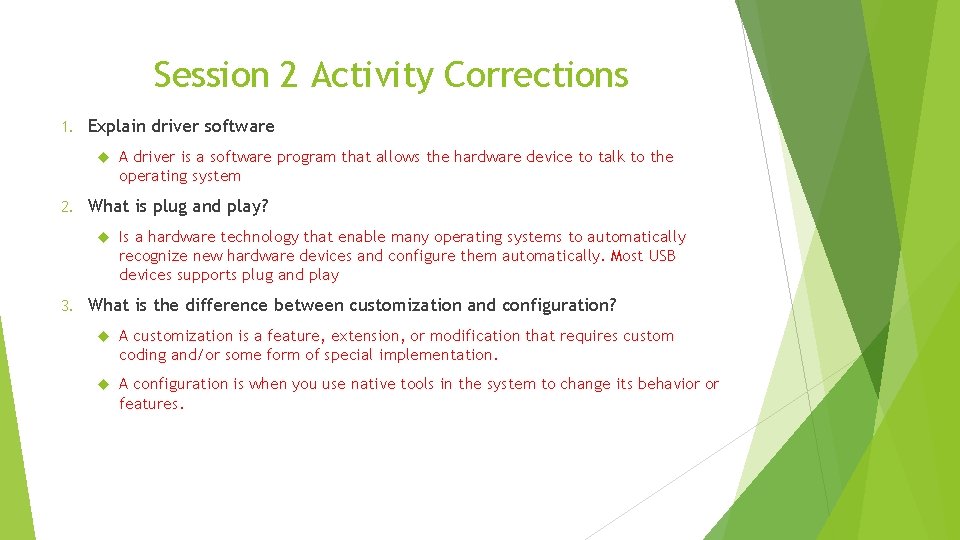
Session 2 Activity Corrections 1. Explain driver software 2. What is plug and play? 3. A driver is a software program that allows the hardware device to talk to the operating system Is a hardware technology that enable many operating systems to automatically recognize new hardware devices and configure them automatically. Most USB devices supports plug and play What is the difference between customization and configuration? A customization is a feature, extension, or modification that requires custom coding and/or some form of special implementation. A configuration is when you use native tools in the system to change its behavior or features.
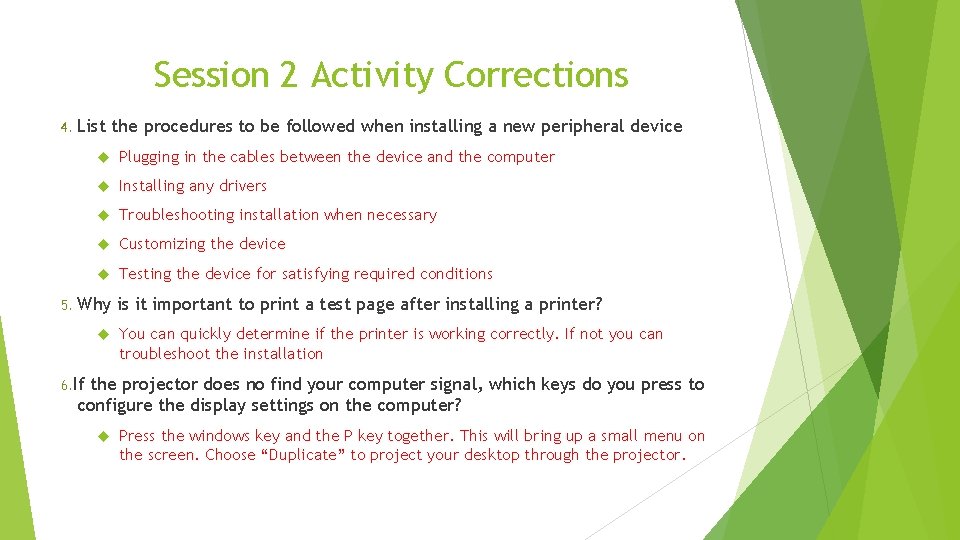
Session 2 Activity Corrections 4. 5. List the procedures to be followed when installing a new peripheral device Plugging in the cables between the device and the computer Installing any drivers Troubleshooting installation when necessary Customizing the device Testing the device for satisfying required conditions Why is it important to print a test page after installing a printer? You can quickly determine if the printer is working correctly. If not you can troubleshoot the installation 6. If the projector does no find your computer signal, which keys do you press to configure the display settings on the computer? Press the windows key and the P key together. This will bring up a small menu on the screen. Choose “Duplicate” to project your desktop through the projector.