
inst eecs berkeley educs 61 c UCB CS
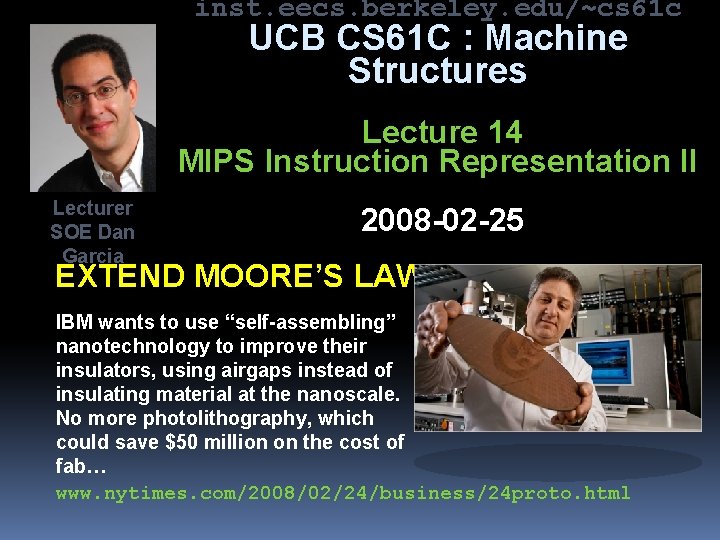
inst. eecs. berkeley. edu/~cs 61 c UCB CS 61 C : Machine Structures Lecture 14 MIPS Instruction Representation II Lecturer SOE Dan Garcia 2008 -02 -25 EXTEND MOORE’S LAW? IBM wants to use “self-assembling” nanotechnology to improve their insulators, using airgaps instead of insulating material at the nanoscale. No more photolithography, which could save $50 million on the cost of fab… www. nytimes. com/2008/02/24/business/24 proto. html
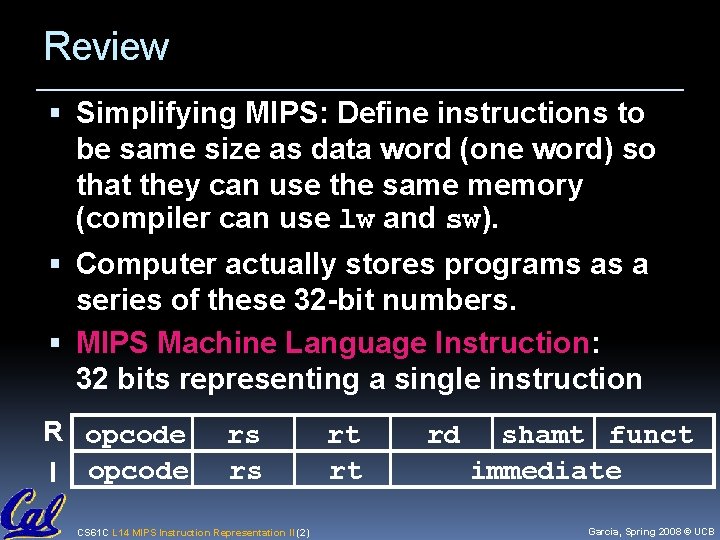
Review Simplifying MIPS: Define instructions to be same size as data word (one word) so that they can use the same memory (compiler can use lw and sw). Computer actually stores programs as a series of these 32 -bit numbers. MIPS Machine Language Instruction: 32 bits representing a single instruction R opcode I opcode rs rs CS 61 C L 14 MIPS Instruction Representation II (2) rt rt rd shamt funct immediate Garcia, Spring 2008 © UCB
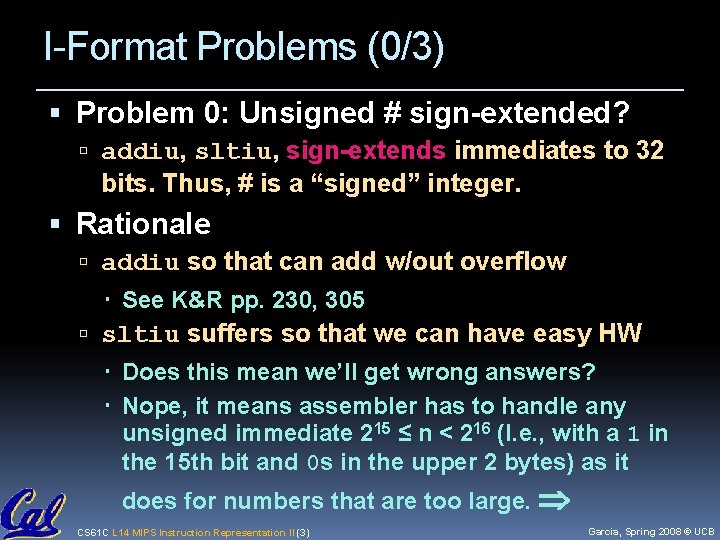
I-Format Problems (0/3) Problem 0: Unsigned # sign-extended? addiu, sltiu, sign-extends immediates to 32 bits. Thus, # is a “signed” integer. Rationale addiu so that can add w/out overflow See K&R pp. 230, 305 sltiu suffers so that we can have easy HW Does this mean we’ll get wrong answers? Nope, it means assembler has to handle any unsigned immediate 215 ≤ n < 216 (I. e. , with a 1 in the 15 th bit and 0 s in the upper 2 bytes) as it does for numbers that are too large. CS 61 C L 14 MIPS Instruction Representation II (3) Garcia, Spring 2008 © UCB
I-Format Problem (1/3) Problem: Chances are that addi, lw, sw and slti will use immediates small enough to fit in the immediate field. …but what if it’s too big? We need a way to deal with a 32 -bit immediate in any I-format instruction. CS 61 C L 14 MIPS Instruction Representation II (4) Garcia, Spring 2008 © UCB
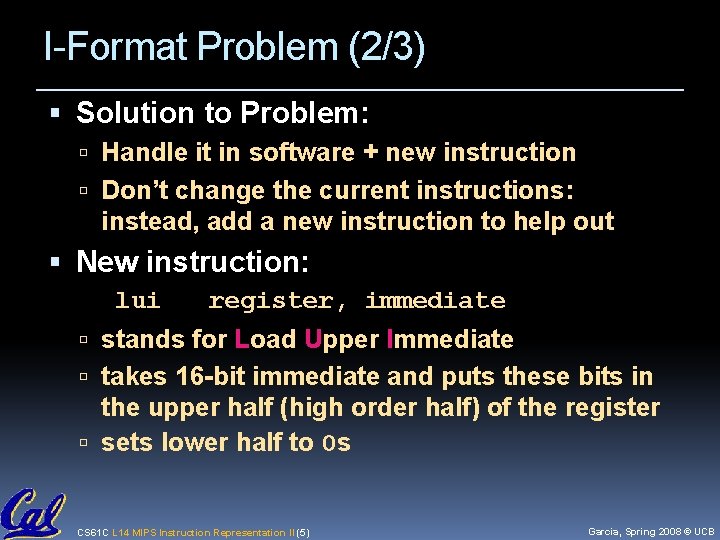
I-Format Problem (2/3) Solution to Problem: Handle it in software + new instruction Don’t change the current instructions: instead, add a new instruction to help out New instruction: lui register, immediate stands for Load Upper Immediate takes 16 -bit immediate and puts these bits in the upper half (high order half) of the register sets lower half to 0 s CS 61 C L 14 MIPS Instruction Representation II (5) Garcia, Spring 2008 © UCB

I-Format Problems (3/3) Solution to Problem (continued): So how does lui help us? Example: addiu $t 0, 0 x. ABABCDCD …becomes lui $at 0 x. ABAB ori $at, 0 x. CDCD addu $t 0, $at Now each I-format instruction has only a 16 -bit immediate. Wouldn’t it be nice if the assembler would this for us automatically? (later) CS 61 C L 14 MIPS Instruction Representation II (6) Garcia, Spring 2008 © UCB
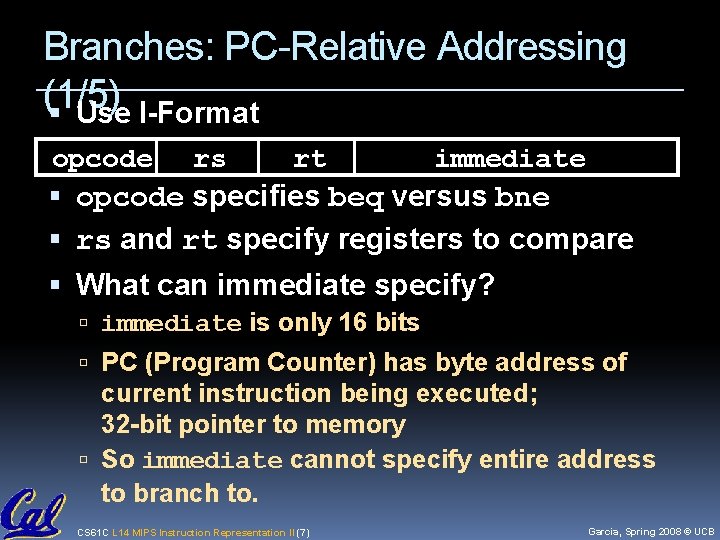
Branches: PC-Relative Addressing (1/5) Use I-Format opcode rs rt immediate opcode specifies beq versus bne rs and rt specify registers to compare What can immediate specify? immediate is only 16 bits PC (Program Counter) has byte address of current instruction being executed; 32 -bit pointer to memory So immediate cannot specify entire address to branch to. CS 61 C L 14 MIPS Instruction Representation II (7) Garcia, Spring 2008 © UCB
Branches: PC-Relative Addressing (2/5) How do we typically use branches? Answer: if-else, while, for Loops are generally small: usually up to 50 instructions Function calls and unconditional jumps are done using jump instructions (j and jal), not the branches. Conclusion: may want to branch to anywhere in memory, but a branch often changes PC by a small amount CS 61 C L 14 MIPS Instruction Representation II (8) Garcia, Spring 2008 © UCB
Branches: PC-Relative Addressing (3/5) Solution to branches in a 32 -bit instruction: PC-Relative Addressing Let the 16 -bit immediate field be a signed two’s complement integer to be added to the PC if we take the branch. Now we can branch ± 215 bytes from the PC, which should be enough to cover almost any loop. Any ideas to further optimize this? CS 61 C L 14 MIPS Instruction Representation II (9) Garcia, Spring 2008 © UCB
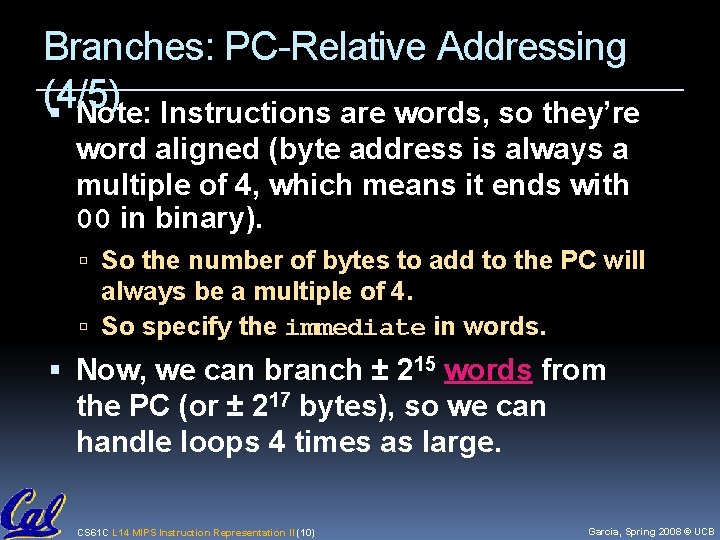
Branches: PC-Relative Addressing (4/5) Note: Instructions are words, so they’re word aligned (byte address is always a multiple of 4, which means it ends with 00 in binary). So the number of bytes to add to the PC will always be a multiple of 4. So specify the immediate in words. Now, we can branch ± 215 words from the PC (or ± 217 bytes), so we can handle loops 4 times as large. CS 61 C L 14 MIPS Instruction Representation II (10) Garcia, Spring 2008 © UCB
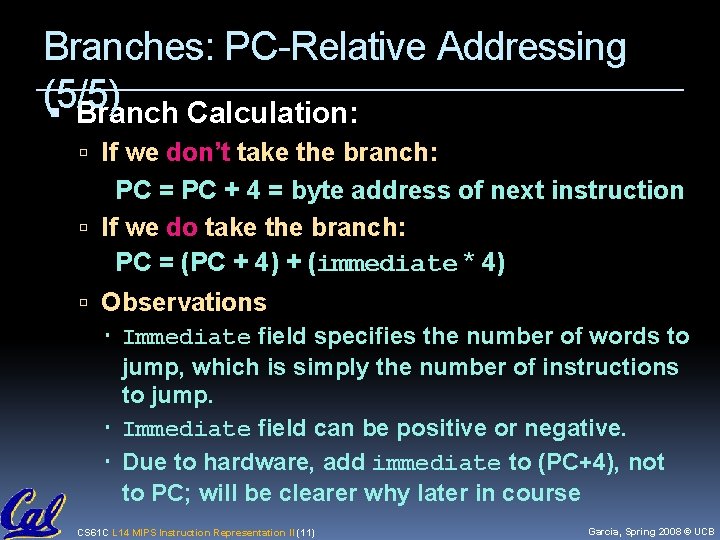
Branches: PC-Relative Addressing (5/5) Branch Calculation: If we don’t take the branch: PC = PC + 4 = byte address of next instruction If we do take the branch: PC = (PC + 4) + (immediate * 4) Observations Immediate field specifies the number of words to jump, which is simply the number of instructions to jump. Immediate field can be positive or negative. Due to hardware, add immediate to (PC+4), not to PC; will be clearer why later in course CS 61 C L 14 MIPS Instruction Representation II (11) Garcia, Spring 2008 © UCB
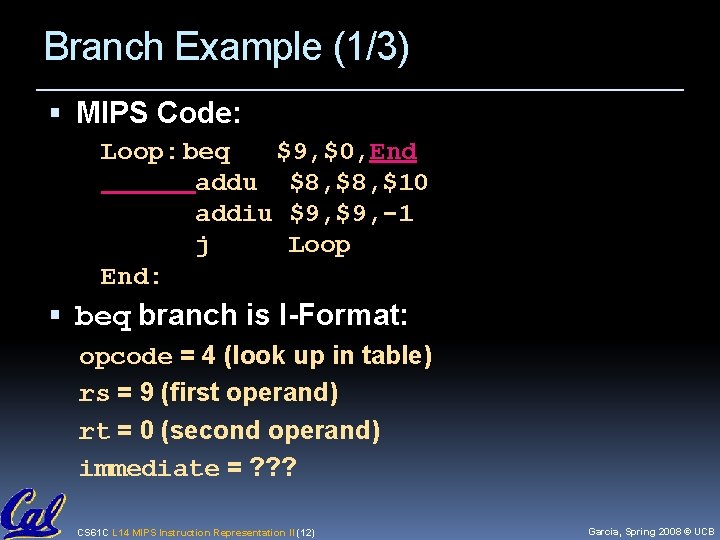
Branch Example (1/3) MIPS Code: Loop: beq $9, $0, End addu $8, $10 addiu $9, -1 j Loop End: beq branch is I-Format: opcode = 4 (look up in table) rs = 9 (first operand) rt = 0 (second operand) immediate = ? ? ? CS 61 C L 14 MIPS Instruction Representation II (12) Garcia, Spring 2008 © UCB
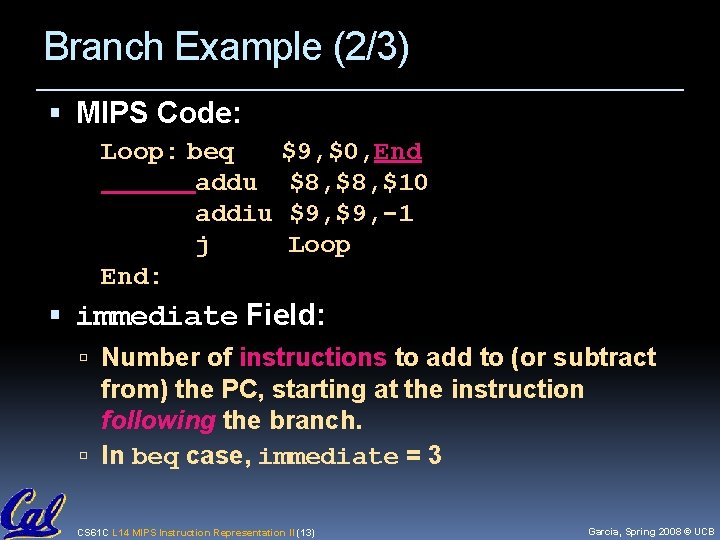
Branch Example (2/3) MIPS Code: Loop: beq $9, $0, End addu $8, $10 addiu $9, -1 j Loop End: immediate Field: Number of instructions to add to (or subtract from) the PC, starting at the instruction following the branch. In beq case, immediate = 3 CS 61 C L 14 MIPS Instruction Representation II (13) Garcia, Spring 2008 © UCB
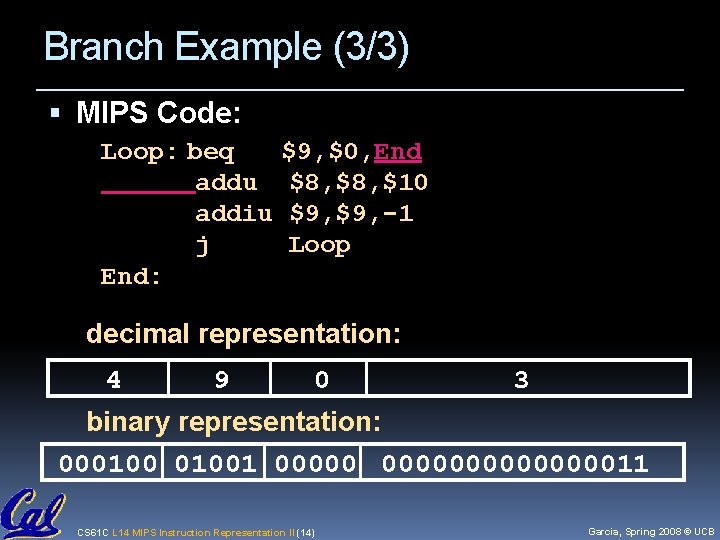
Branch Example (3/3) MIPS Code: Loop: beq $9, $0, End addu $8, $10 addiu $9, -1 j Loop End: decimal representation: 4 9 0 3 binary representation: 0001001 000000000011 CS 61 C L 14 MIPS Instruction Representation II (14) Garcia, Spring 2008 © UCB
Questions on PC-addressing Does the value in branch field change if we move the code? What do we do if destination is > 215 instructions away from branch? Why do we need different addressing modes (different ways of forming a memory address)? Why not just one? CS 61 C L 14 MIPS Instruction Representation II (15) Garcia, Spring 2008 © UCB
Administrivia HW 4 due Thu 2008 -02 -28 Project 2 out soon – due next friday CS 61 C L 14 MIPS Instruction Representation II (16) Garcia, Spring 2008 © UCB
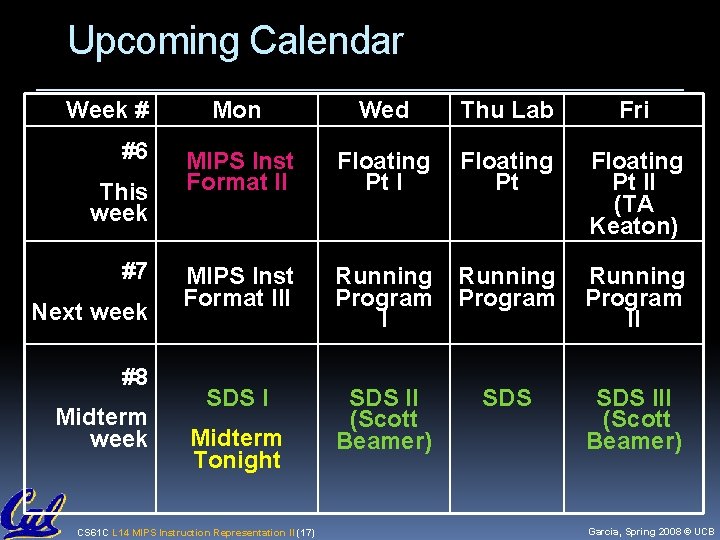
Upcoming Calendar Week # #6 This week #7 Next week #8 Midterm week Mon Wed Thu Lab Fri MIPS Inst Format II Floating Pt II (TA Keaton) MIPS Inst Format III Running Program II SDS II (Scott Beamer) SDS III (Scott Beamer) Midterm Tonight CS 61 C L 14 MIPS Instruction Representation II (17) Garcia, Spring 2008 © UCB
J-Format Instructions (1/5) For branches, we assumed that we won’t want to branch too far, so we can specify change in PC. For general jumps (j and jal), we may jump to anywhere in memory. Ideally, we could specify a 32 -bit memory address to jump to. Unfortunately, we can’t fit both a 6 -bit opcode and a 32 -bit address into a single 32 -bit word, so we compromise. CS 61 C L 14 MIPS Instruction Representation II (18) Garcia, Spring 2008 © UCB
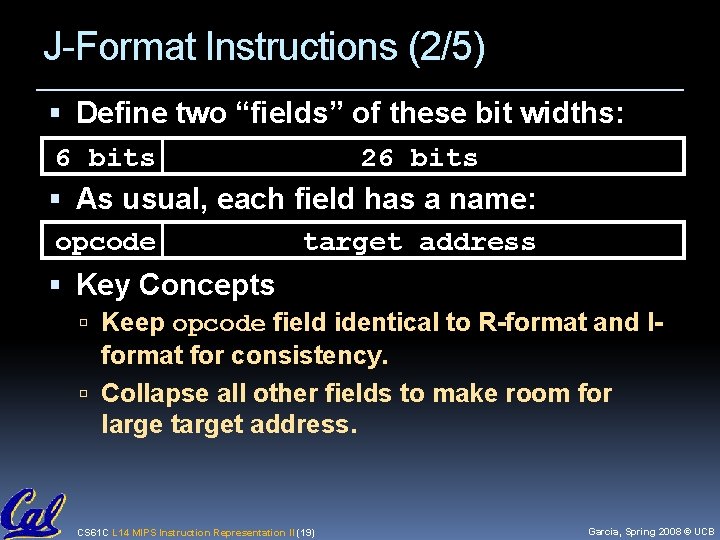
J-Format Instructions (2/5) Define two “fields” of these bit widths: 6 bits 26 bits As usual, each field has a name: opcode target address Key Concepts Keep opcode field identical to R-format and I- format for consistency. Collapse all other fields to make room for large target address. CS 61 C L 14 MIPS Instruction Representation II (19) Garcia, Spring 2008 © UCB
J-Format Instructions (3/5) For now, we can specify 26 bits of the 32 bit address. Optimization: Note that, just like with branches, jumps will only jump to word aligned addresses, so last two bits are always 00 (in binary). So let’s just take this for granted and not even specify them. CS 61 C L 14 MIPS Instruction Representation II (20) Garcia, Spring 2008 © UCB
J-Format Instructions (4/5) Now specify 28 bits of a 32 -bit address Where do we get the other 4 bits? By definition, take the 4 highest order bits from the PC. Technically, this means that we cannot jump to anywhere in memory, but it’s adequate 99. 9999…% of the time, since programs aren’t that long only if straddle a 256 MB boundary If we absolutely need to specify a 32 -bit address, we can always put it in a register and use the jr instruction. CS 61 C L 14 MIPS Instruction Representation II (21) Garcia, Spring 2008 © UCB
![J-Format Instructions (5/5) Summary: New PC = { PC[31. . 28], target address, 00](http://slidetodoc.com/presentation_image_h2/1ccae963bfbd3a36280305dd4442489d/image-22.jpg "J-Format Instructions (5/5) Summary: New PC = { PC[31. . 28], target address, 00")
J-Format Instructions (5/5) Summary: New PC = { PC[31. . 28], target address, 00 } Understand where each part came from! Note: { , , } means concatenation { 4 bits , 26 bits , 2 bits } = 32 bit address { 1010, 1111111111111, 00 } = 1010111111111111100 Note: Book uses || CS 61 C L 14 MIPS Instruction Representation II (22) Garcia, Spring 2008 © UCB
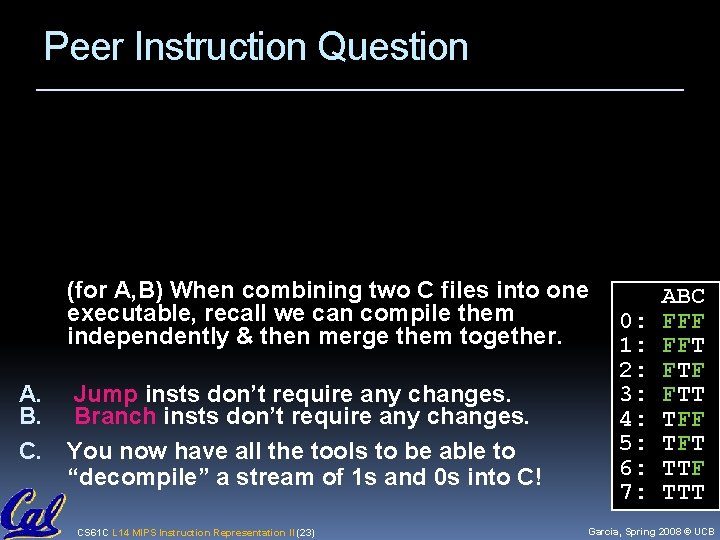
Peer Instruction Question (for A, B) When combining two C files into one executable, recall we can compile them independently & then merge them together. A. B. C. Jump insts don’t require any changes. Branch insts don’t require any changes. You now have all the tools to be able to “decompile” a stream of 1 s and 0 s into C! CS 61 C L 14 MIPS Instruction Representation II (23) 0: 1: 2: 3: 4: 5: 6: 7: ABC FFF FFT FTF FTT TFF TFT TTF TTT Garcia, Spring 2008 © UCB
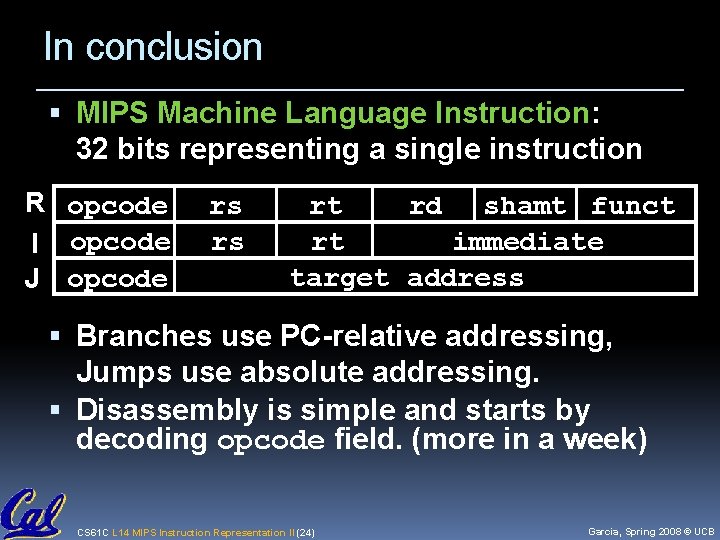
In conclusion MIPS Machine Language Instruction: 32 bits representing a single instruction R opcode I opcode J opcode rs rs rt rd shamt funct rt immediate target address Branches use PC-relative addressing, Jumps use absolute addressing. Disassembly is simple and starts by decoding opcode field. (more in a week) CS 61 C L 14 MIPS Instruction Representation II (24) Garcia, Spring 2008 © UCB
- Slides: 24