
inst eecs berkeley educs 61 c CS 61
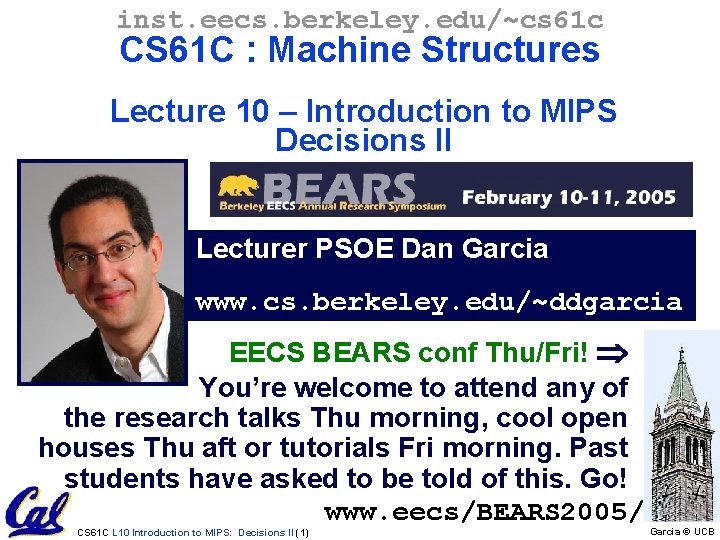
inst. eecs. berkeley. edu/~cs 61 c CS 61 C : Machine Structures Lecture 10 – Introduction to MIPS Decisions II Lecturer PSOE Dan Garcia www. cs. berkeley. edu/~ddgarcia EECS BEARS conf Thu/Fri! You’re welcome to attend any of the research talks Thu morning, cool open houses Thu aft or tutorials Fri morning. Past students have asked to be told of this. Go! www. eecs/BEARS 2005/ CS 61 C L 10 Introduction to MIPS: Decisions II (1) Garcia © UCB
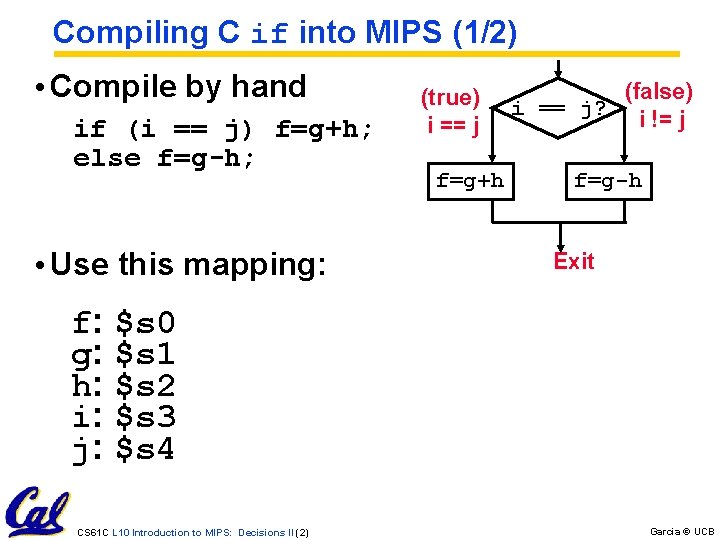
Compiling C if into MIPS (1/2) • Compile by hand if (i == j) f=g+h; else f=g-h; • Use this mapping: (true) i == j f=g+h (false) i == j? i != j f=g-h Exit f: $s 0 g: $s 1 h: $s 2 i: $s 3 j: $s 4 CS 61 C L 10 Introduction to MIPS: Decisions II (2) Garcia © UCB
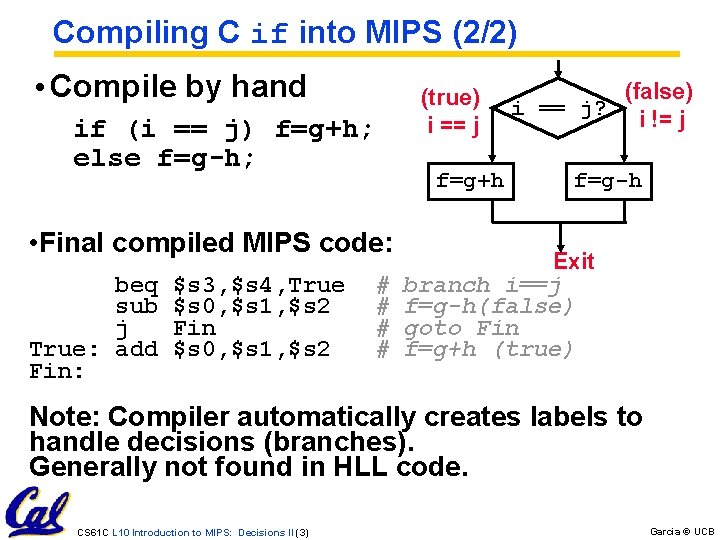
Compiling C if into MIPS (2/2) • Compile by hand if (i == j) f=g+h; else f=g-h; • Final compiled MIPS code: beq $s 3, $s 4, True # sub $s 0, $s 1, $s 2 # j Fin # True: add $s 0, $s 1, $s 2 # Fin: (true) i == j f=g+h (false) i == j? i != j f=g-h Exit branch i==j f=g-h(false) goto Fin f=g+h (true) Note: Compiler automatically creates labels to handle decisions (branches). Generally not found in HLL code. CS 61 C L 10 Introduction to MIPS: Decisions II (3) Garcia © UCB
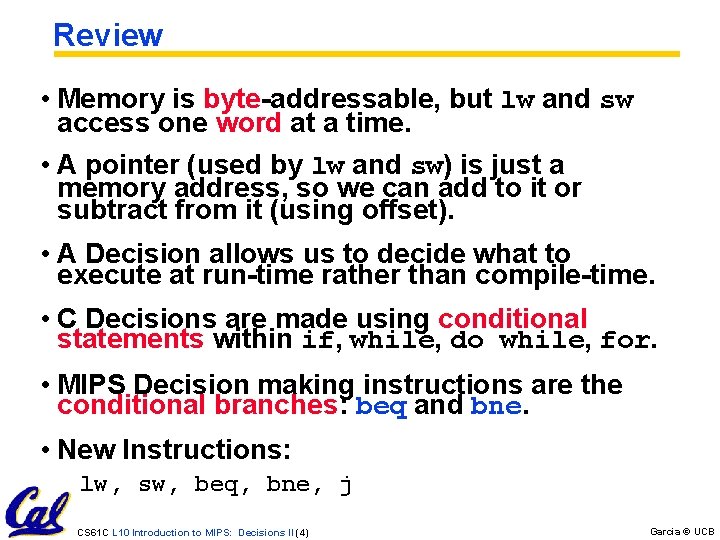
Review • Memory is byte-addressable, but lw and sw access one word at a time. • A pointer (used by lw and sw) is just a memory address, so we can add to it or subtract from it (using offset). • A Decision allows us to decide what to execute at run-time rather than compile-time. • C Decisions are made using conditional statements within if, while, do while, for. • MIPS Decision making instructions are the conditional branches: beq and bne. • New Instructions: lw, sw, beq, bne, j CS 61 C L 10 Introduction to MIPS: Decisions II (4) Garcia © UCB
From last time: Loading, Storing bytes 1/2 • In addition to word data transfers (lw, sw), MIPS has byte data transfers: • load byte: lb • store byte: sb • same format as lw, sw CS 61 C L 10 Introduction to MIPS: Decisions II (5) Garcia © UCB
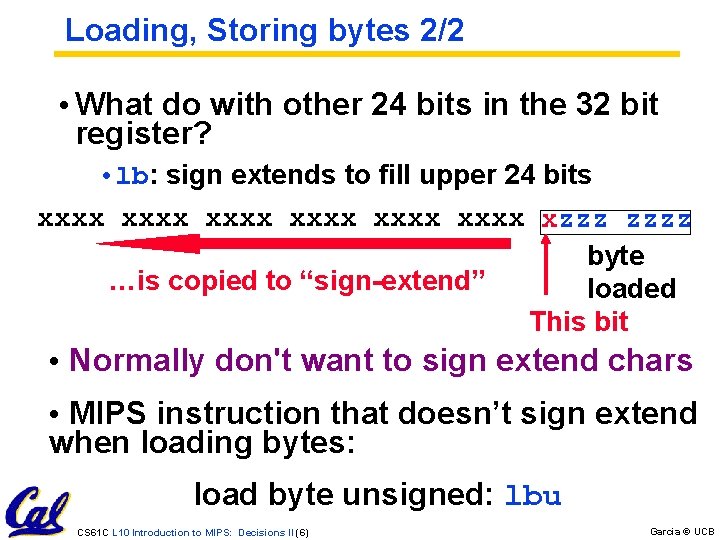
Loading, Storing bytes 2/2 • What do with other 24 bits in the 32 bit register? • lb: sign extends to fill upper 24 bits xxxx xxxx zzzz x byte …is copied to “sign-extend” loaded This bit • Normally don't want to sign extend chars • MIPS instruction that doesn’t sign extend when loading bytes: load byte unsigned: lbu CS 61 C L 10 Introduction to MIPS: Decisions II (6) Garcia © UCB
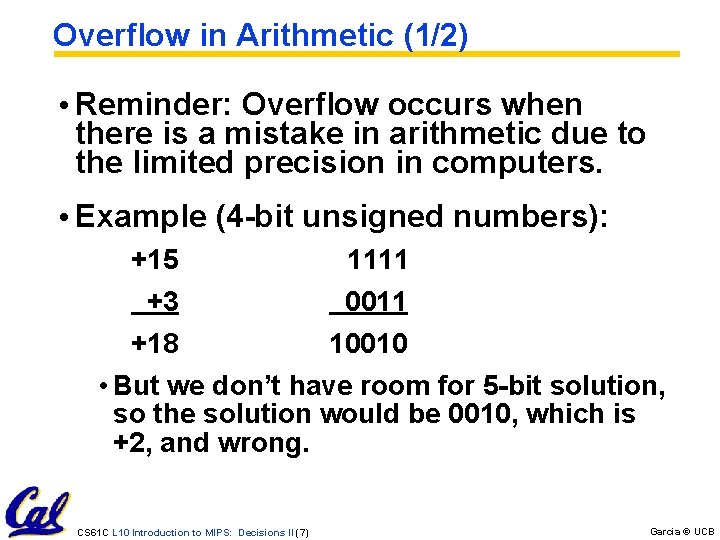
Overflow in Arithmetic (1/2) • Reminder: Overflow occurs when there is a mistake in arithmetic due to the limited precision in computers. • Example (4 -bit unsigned numbers): +15 1111 +3 0011 +18 10010 • But we don’t have room for 5 -bit solution, so the solution would be 0010, which is +2, and wrong. CS 61 C L 10 Introduction to MIPS: Decisions II (7) Garcia © UCB
Overflow in Arithmetic (2/2) • Some languages detect overflow (Ada), some don’t (C) • MIPS solution is 2 kinds of arithmetic instructions to recognize 2 choices: • add (add), add immediate (addi) and subtract (sub) cause overflow to be detected • add unsigned (addu), add immediate unsigned (addiu) and subtract unsigned (subu) do not cause overflow detection • Compiler selects appropriate arithmetic • MIPS C compilers produce addu, addiu, subu CS 61 C L 10 Introduction to MIPS: Decisions II (8) Garcia © UCB
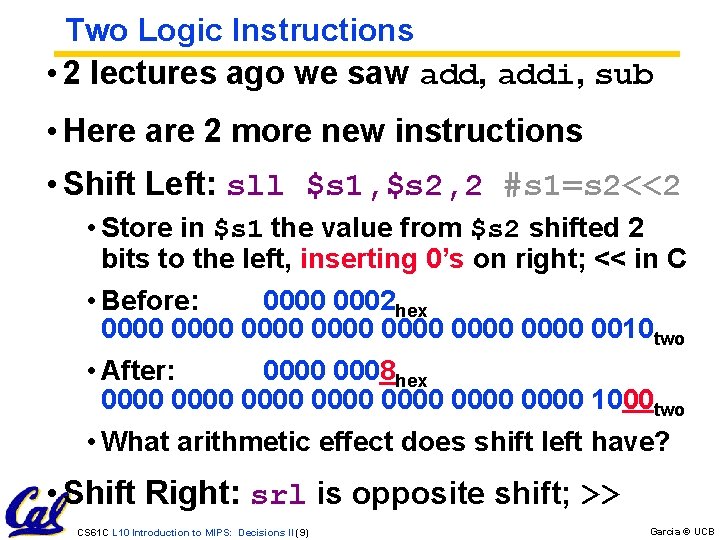
Two Logic Instructions • 2 lectures ago we saw add, addi, sub • Here are 2 more new instructions • Shift Left: sll $s 1, $s 2, 2 #s 1=s 2<<2 • Store in $s 1 the value from $s 2 shifted 2 bits to the left, inserting 0’s on right; << in C • Before: 0000 0002 hex 0000 0000 0010 two • After: 0000 0008 hex 0000 0000 1000 two • What arithmetic effect does shift left have? • Shift Right: srl is opposite shift; >> CS 61 C L 10 Introduction to MIPS: Decisions II (9) Garcia © UCB
![Loops in C/Assembly (1/3) • Simple loop in C; A[] is an array of](http://slidetodoc.com/presentation_image/42c4c500fd02c35bff6ed0205781b096/image-10.jpg "Loops in C/Assembly (1/3) • Simple loop in C; A[] is an array of")
Loops in C/Assembly (1/3) • Simple loop in C; A[] is an array of ints do { g = g + A[i]; i = i + j; } while (i != h); • Rewrite this as: Loop: g = g + A[i]; i = i + j; if (i != h) goto Loop; • Use this mapping: g, h, i, j, base of A $s 1, $s 2, $s 3, $s 4, $s 5 CS 61 C L 10 Introduction to MIPS: Decisions II (10) Garcia © UCB
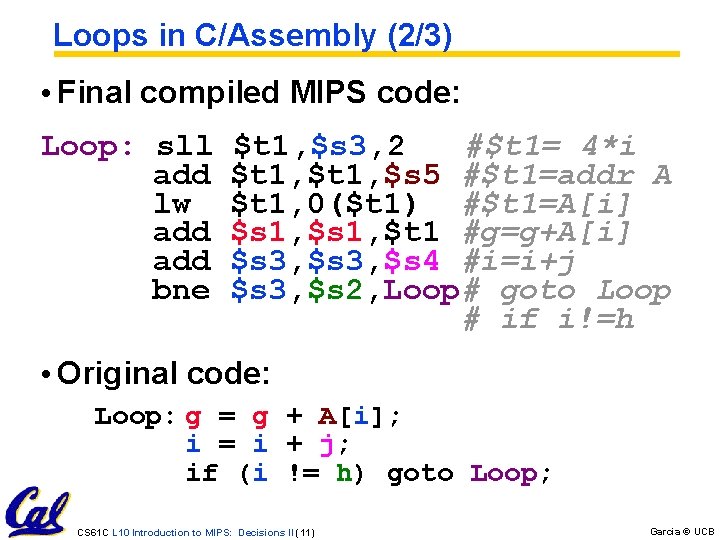
Loops in C/Assembly (2/3) • Final compiled MIPS code: Loop: sll $t 1, $s 3, 2 #$t 1= 4*i add $t 1, $s 5 #$t 1=addr A lw $t 1, 0($t 1) #$t 1=A[i] add $s 1, $t 1 #g=g+A[i] add $s 3, $s 4 #i=i+j bne $s 3, $s 2, Loop# goto Loop # if i!=h • Original code: Loop: g = g + A[i]; i = i + j; if (i != h) goto Loop; CS 61 C L 10 Introduction to MIPS: Decisions II (11) Garcia © UCB
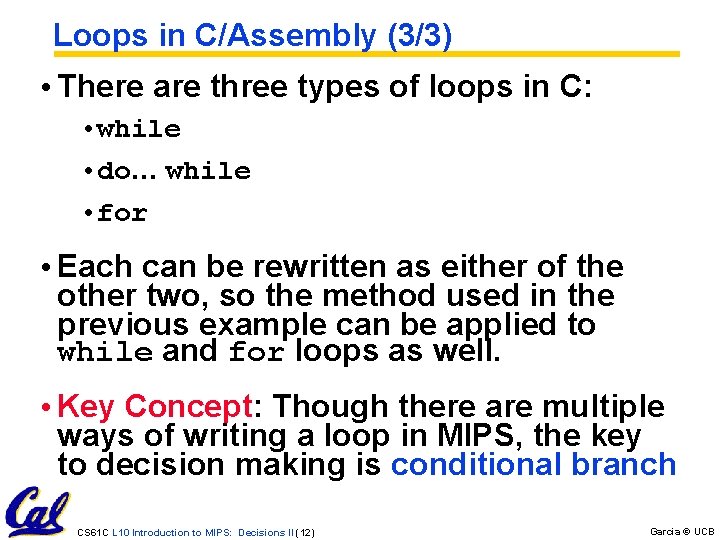
Loops in C/Assembly (3/3) • There are three types of loops in C: • while • do… while • for • Each can be rewritten as either of the other two, so the method used in the previous example can be applied to while and for loops as well. • Key Concept: Though there are multiple ways of writing a loop in MIPS, the key to decision making is conditional branch CS 61 C L 10 Introduction to MIPS: Decisions II (12) Garcia © UCB
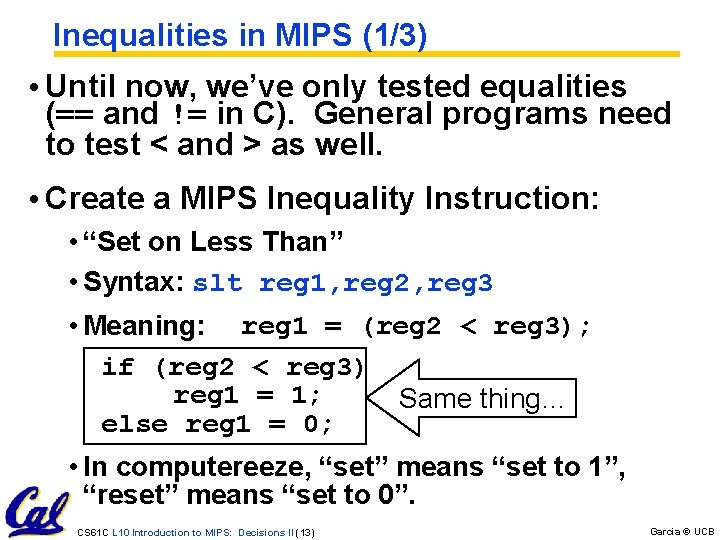
Inequalities in MIPS (1/3) • Until now, we’ve only tested equalities (== and != in C). General programs need to test < and > as well. • Create a MIPS Inequality Instruction: • “Set on Less Than” • Syntax: slt reg 1, reg 2, reg 3 • Meaning: reg 1 = (reg 2 < reg 3); if (reg 2 < reg 3) reg 1 = 1; Same thing… else reg 1 = 0; • In computereeze, “set” means “set to 1”, “reset” means “set to 0”. CS 61 C L 10 Introduction to MIPS: Decisions II (13) Garcia © UCB
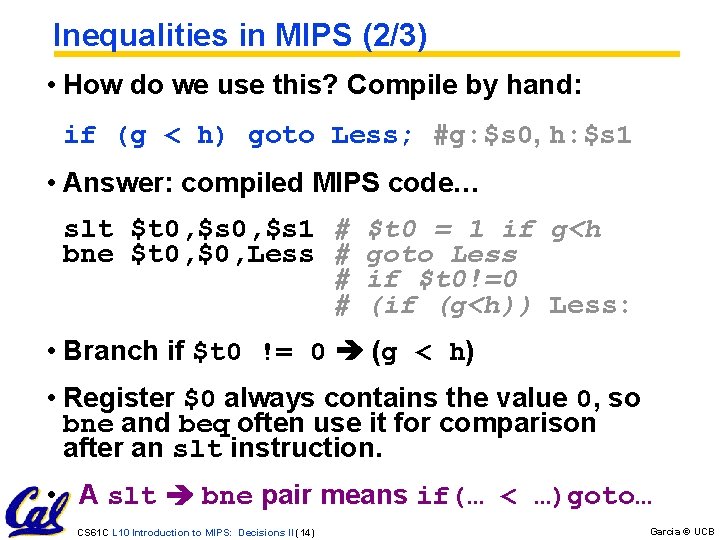
Inequalities in MIPS (2/3) • How do we use this? Compile by hand: if (g < h) goto Less; #g: $s 0, h: $s 1 • Answer: compiled MIPS code… slt $t 0, $s 1 # bne $t 0, $0, Less # # # $t 0 = 1 if g<h goto Less if $t 0!=0 (if (g<h)) Less: • Branch if $t 0 != 0 (g < h) • Register $0 always contains the value 0, so bne and beq often use it for comparison after an slt instruction. • A slt bne pair means if(… < …)goto… CS 61 C L 10 Introduction to MIPS: Decisions II (14) Garcia © UCB
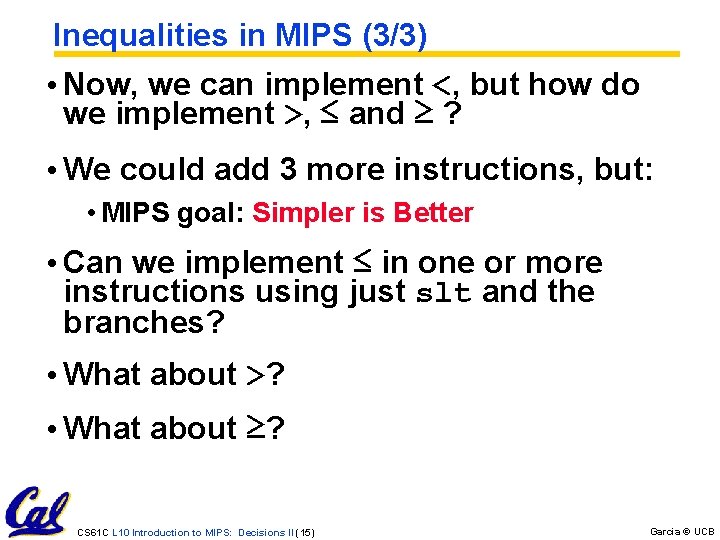
Inequalities in MIPS (3/3) • Now, we can implement <, but how do we implement >, ≤ and ≥ ? • We could add 3 more instructions, but: • MIPS goal: Simpler is Better • Can we implement ≤ in one or more instructions using just slt and the branches? • What about >? • What about ≥? CS 61 C L 10 Introduction to MIPS: Decisions II (15) Garcia © UCB
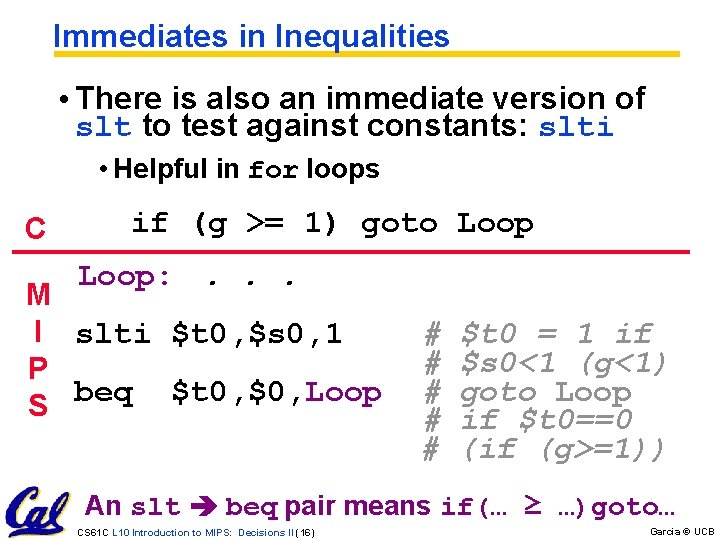
Immediates in Inequalities • There is also an immediate version of slt to test against constants: slti • Helpful in for loops C M I P S if (g >= 1) goto Loop: . . . slti $t 0, $s 0, 1 # beq $t 0, $0, Loop # # # $t 0 = 1 if $s 0<1 (g<1) goto Loop if $t 0==0 (if (g>=1)) An slt beq pair means if(… ≥ …)goto… CS 61 C L 10 Introduction to MIPS: Decisions II (16) Garcia © UCB
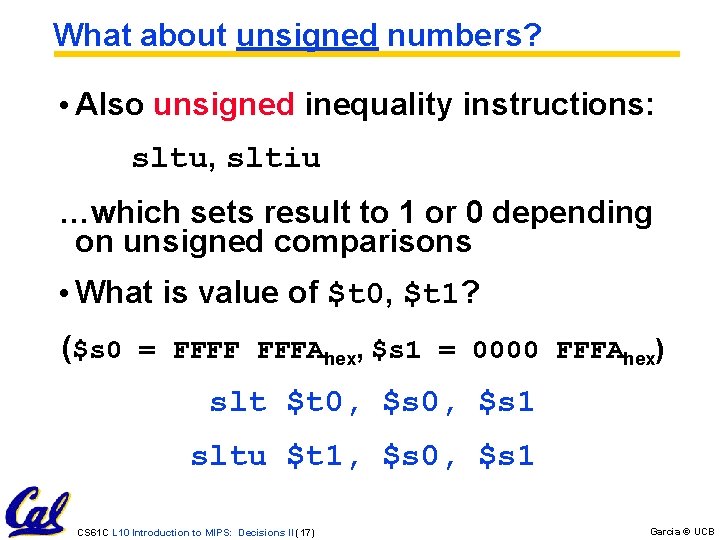
What about unsigned numbers? • Also unsigned inequality instructions: sltu, sltiu …which sets result to 1 or 0 depending on unsigned comparisons • What is value of $t 0, $t 1? ($s 0 = FFFF FFFAhex, $s 1 = 0000 FFFAhex) slt $t 0, $s 1 sltu $t 1, $s 0, $s 1 CS 61 C L 10 Introduction to MIPS: Decisions II (17) Garcia © UCB
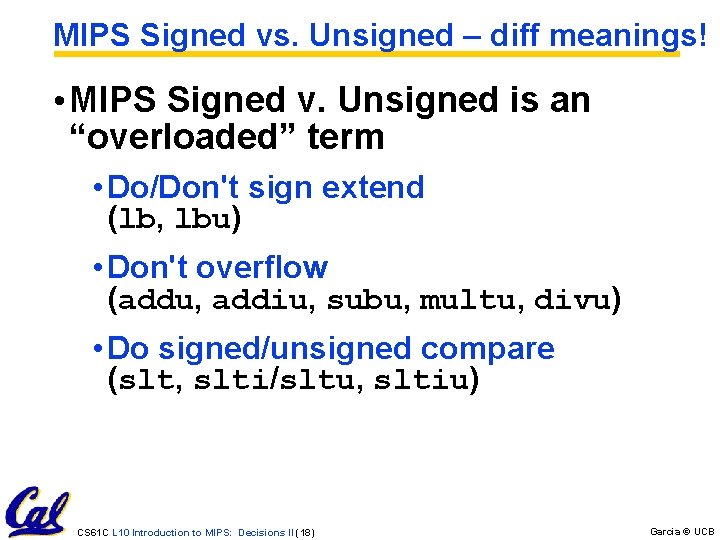
MIPS Signed vs. Unsigned – diff meanings! • MIPS Signed v. Unsigned is an “overloaded” term • Do/Don't sign extend (lb, lbu) • Don't overflow (addu, addiu, subu, multu, divu) • Do signed/unsigned compare (slt, slti/sltu, sltiu) CS 61 C L 10 Introduction to MIPS: Decisions II (18) Garcia © UCB
Administrivia • Proj 1 due in 9 days – start EARLY! • Out on Wed, due Friday [extended date] • The following hw (smaller) still due Wed • We have a midterm & review date • Review: Sun 2005 -03 -06, Loc/Time TBA • Midterm: Mon 2005 -03 -07, Loc/Time TBA • DSP or Conflicts? Email acarle@cs • Dan’s OH cancelled tomorrow • Go to the BEARS conference! CS 61 C L 10 Introduction to MIPS: Decisions II (19) Garcia © UCB
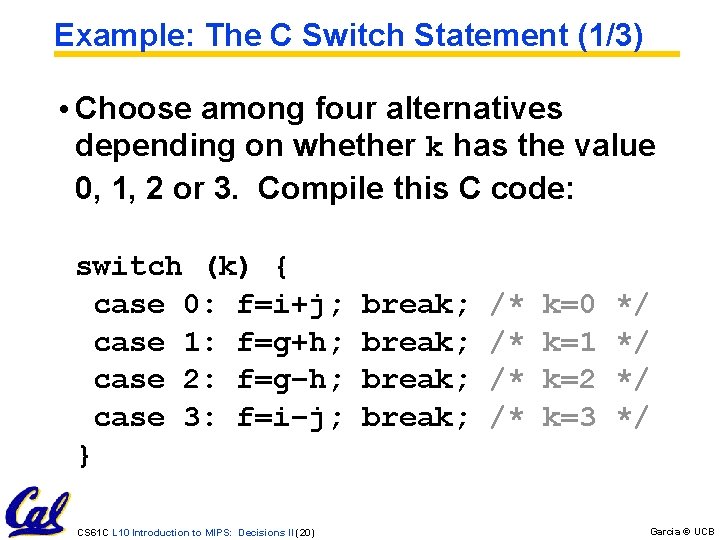
Example: The C Switch Statement (1/3) • Choose among four alternatives depending on whether k has the value 0, 1, 2 or 3. Compile this C code: switch (k) { case 0: f=i+j; break; /* k=0 */ case 1: f=g+h; break; /* k=1 */ case 2: f=g–h; break; /* k=2 */ case 3: f=i–j; break; /* k=3 */ } CS 61 C L 10 Introduction to MIPS: Decisions II (20) Garcia © UCB
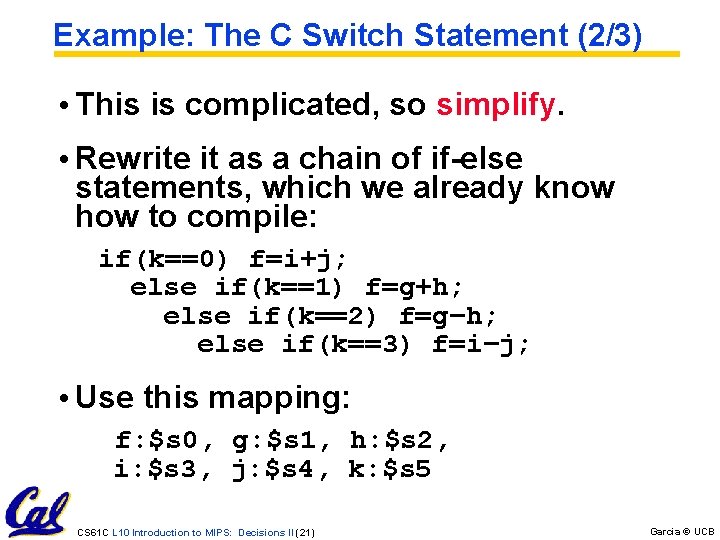
Example: The C Switch Statement (2/3) • This is complicated, so simplify. • Rewrite it as a chain of if-else statements, which we already know how to compile: if(k==0) f=i+j; else if(k==1) f=g+h; else if(k==2) f=g–h; else if(k==3) f=i–j; • Use this mapping: f: $s 0, g: $s 1, h: $s 2, i: $s 3, j: $s 4, k: $s 5 CS 61 C L 10 Introduction to MIPS: Decisions II (21) Garcia © UCB
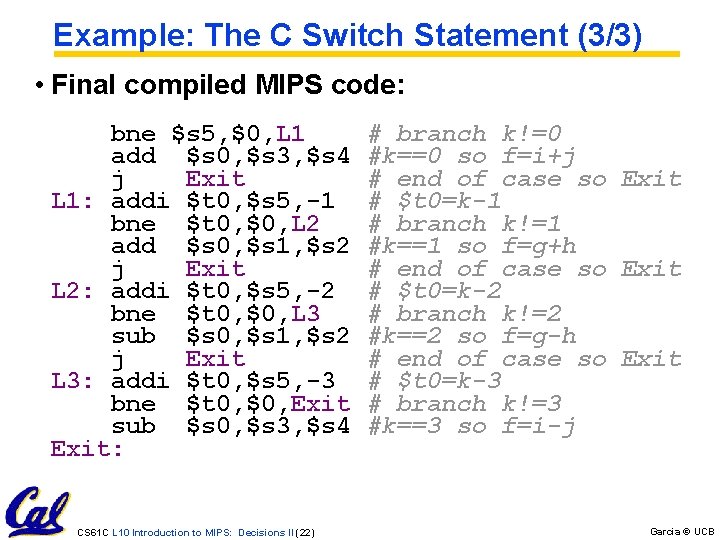
Example: The C Switch Statement (3/3) • Final compiled MIPS code: bne $s 5, $0, L 1 # branch k!=0 add $s 0, $s 3, $s 4 #k==0 so f=i+j j Exit # end of case so Exit L 1: addi $t 0, $s 5, -1 # $t 0=k-1 bne $t 0, $0, L 2 # branch k!=1 add $s 0, $s 1, $s 2 #k==1 so f=g+h j Exit # end of case so Exit L 2: addi $t 0, $s 5, -2 # $t 0=k-2 bne $t 0, $0, L 3 # branch k!=2 sub $s 0, $s 1, $s 2 #k==2 so f=g-h j Exit # end of case so Exit L 3: addi $t 0, $s 5, -3 # $t 0=k-3 bne $t 0, $0, Exit # branch k!=3 sub $s 0, $s 3, $s 4 #k==3 so f=i-j Exit: CS 61 C L 10 Introduction to MIPS: Decisions II (22) Garcia © UCB
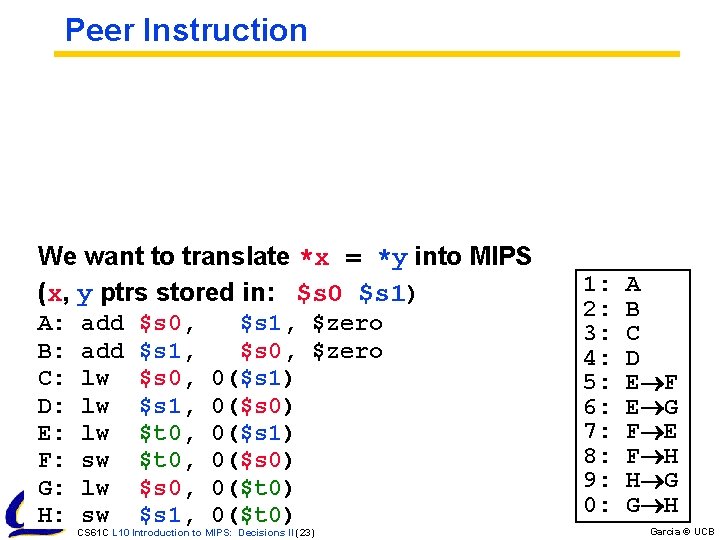
Peer Instruction We want to translate *x = *y into MIPS (x, y ptrs stored in: $s 0 $s 1) A: add $s 0, $s 1, $zero B: add $s 1, $s 0, $zero C: lw $s 0, 0($s 1) D: lw $s 1, 0($s 0) E: lw $t 0, 0($s 1) F: sw $t 0, 0($s 0) G: lw $s 0, 0($t 0) H: sw $s 1, 0($t 0) CS 61 C L 10 Introduction to MIPS: Decisions II (23) 1: A 2: B 3: C 4: D 5: E F 6: E G 7: F E 8: F H 9: H G 0: G H Garcia © UCB

Peer Instruction Loop: addi $s 0, -1 # slti $t 0, $s 1, 2 # beq $t 0, $0 , Loop # slt $t 0, $s 1, $s 0 # bne $t 0, $0 , Loop # i = i - 1 $t 0 = (j < 2) goto Loop if $t 0 == 0 $t 0 = (j < i) goto Loop if $t 0 != 0 1: j < 2 && j < i ($s 0=i, $s 1=j) 2: j ≥ 2 && j < i 3: j < 2 && j ≥ i 4: j ≥ 2 && j ≥ i 5: j > 2 && j < i 6: j < 2 || j < i 7: j ≥ 2 || j < i What C code properly fills in 8: j < 2 || j ≥ i the blank in loop below? 9: j ≥ 2 || j ≥ i do {i--; } while(__); 0: j > 2 || j < i CS 61 C L 10 Introduction to MIPS: Decisions II (24) Garcia © UCB
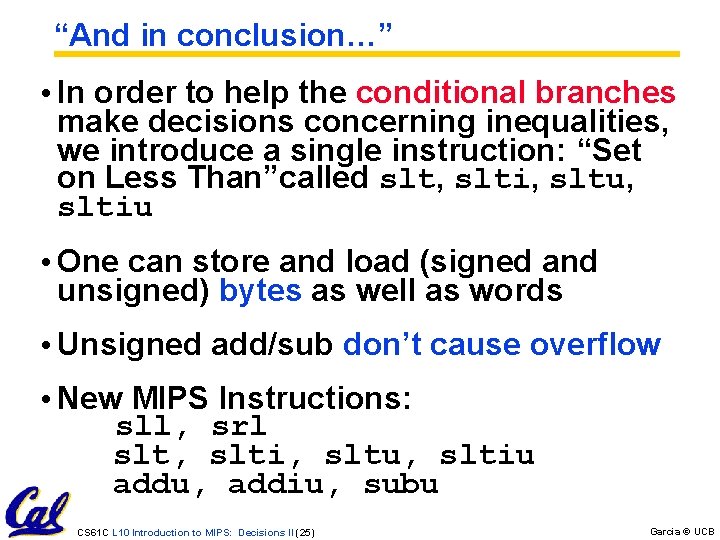
“And in conclusion…” • In order to help the conditional branches make decisions concerning inequalities, we introduce a single instruction: “Set on Less Than”called slt, slti, sltu, sltiu • One can store and load (signed and unsigned) bytes as well as words • Unsigned add/sub don’t cause overflow • New MIPS Instructions: sll, srl slt, slti, sltu, sltiu addu, addiu, subu CS 61 C L 10 Introduction to MIPS: Decisions II (25) Garcia © UCB
- Slides: 25