
inst eecs berkeley educs 61 c CS 61
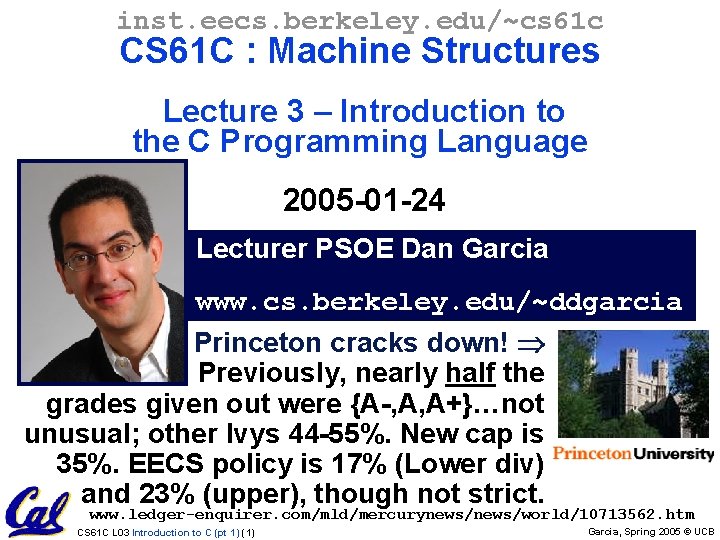
inst. eecs. berkeley. edu/~cs 61 c CS 61 C : Machine Structures Lecture 3 – Introduction to the C Programming Language 2005 -01 -24 Lecturer PSOE Dan Garcia www. cs. berkeley. edu/~ddgarcia Princeton cracks down! Previously, nearly half the grades given out were {A-, A, A+}…not unusual; other Ivys 44 -55%. New cap is 35%. EECS policy is 17% (Lower div) and 23% (upper), though not strict. www. ledger-enquirer. com/mld/mercurynews/world/10713562. htm CS 61 C L 03 Introduction to C (pt 1) (1) Garcia, Spring 2005 © UCB
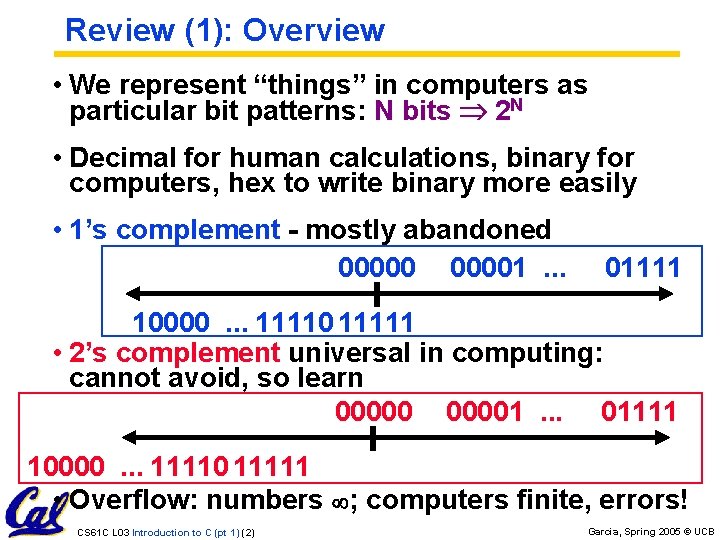
Review (1): Overview • We represent “things” in computers as particular bit patterns: N bits 2 N • Decimal for human calculations, binary for computers, hex to write binary more easily • 1’s complement - mostly abandoned 000001. . . 01111 10000. . . 11110 11111 • 2’s complement universal in computing: cannot avoid, so learn 000001. . . 01111 10000. . . 11110 11111 • Overflow: numbers ; computers finite, errors! CS 61 C L 03 Introduction to C (pt 1) (2) Garcia, Spring 2005 © UCB
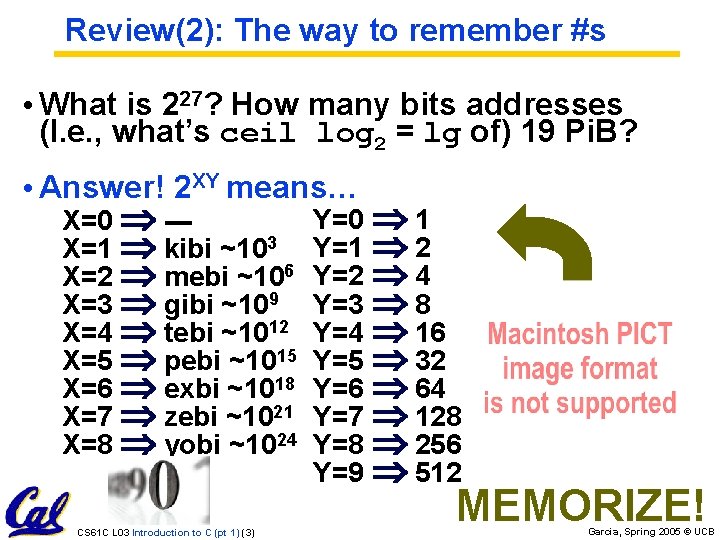
Review(2): The way to remember #s • What is 227? How many bits addresses (I. e. , what’s ceil log 2 = lg of) 19 Pi. B? • Answer! 2 XY means… X=0 --X=1 kibi ~103 X=2 mebi ~106 X=3 gibi ~109 X=4 tebi ~1012 X=5 pebi ~1015 X=6 exbi ~1018 X=7 zebi ~1021 X=8 yobi ~1024 CS 61 C L 03 Introduction to C (pt 1) (3) Y=0 1 Y=1 2 Y=2 4 Y=3 8 Y=4 16 Y=5 32 Y=6 64 Y=7 128 Y=8 256 Y=9 512 MEMORIZE! Garcia, Spring 2005 © UCB
Disclaimer • Important: You will not learn how to fully code in C in these lectures! You’ll still need your C reference for this course. • K&R is a must-have reference. - Check online for more sources. • “JAVA in a Nutshell, ” O’Reilly. - Chapter 2, “How Java Differs from C”. CS 61 C L 03 Introduction to C (pt 1) (4) Garcia, Spring 2005 © UCB

Compilation : Overview C compilers take C and convert it into an architecture specific machine code (string of 1 s and 0 s). • Unlike Java which converts to architecture independent bytecode. • Unlike most Scheme environments which interpret the code. • Generally a 2 part process of compiling. c files to. o files, then linking the. o files into executables CS 61 C L 03 Introduction to C (pt 1) (5) Garcia, Spring 2005 © UCB

Compilation : Advantages • Great run-time performance: generally much faster than Scheme or Java for comparable code (because it optimizes for a given architecture) • OK compilation time: enhancements in compilation procedure (Makefiles) allow only modified files to be recompiled CS 61 C L 03 Introduction to C (pt 1) (6) Garcia, Spring 2005 © UCB
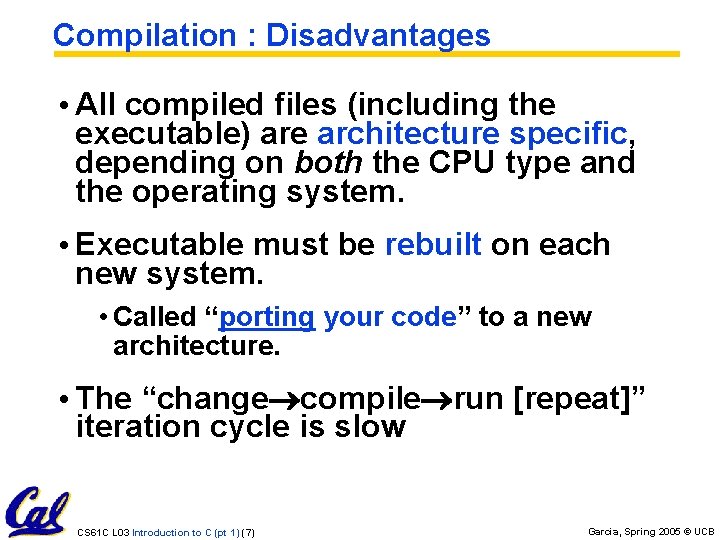
Compilation : Disadvantages • All compiled files (including the executable) are architecture specific, depending on both the CPU type and the operating system. • Executable must be rebuilt on each new system. • Called “porting your code” to a new architecture. • The “change compile run [repeat]” iteration cycle is slow CS 61 C L 03 Introduction to C (pt 1) (7) Garcia, Spring 2005 © UCB
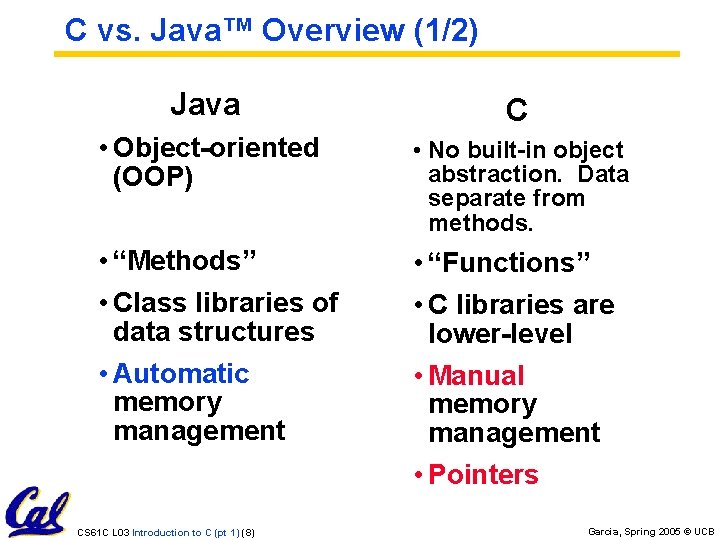
C vs. Java™ Overview (1/2) Java C • Object-oriented (OOP) • No built-in object abstraction. Data separate from methods. • “Methods” • Class libraries of data structures • Automatic memory management • “Functions” • C libraries are lower-level • Manual memory management • Pointers CS 61 C L 03 Introduction to C (pt 1) (8) Garcia, Spring 2005 © UCB
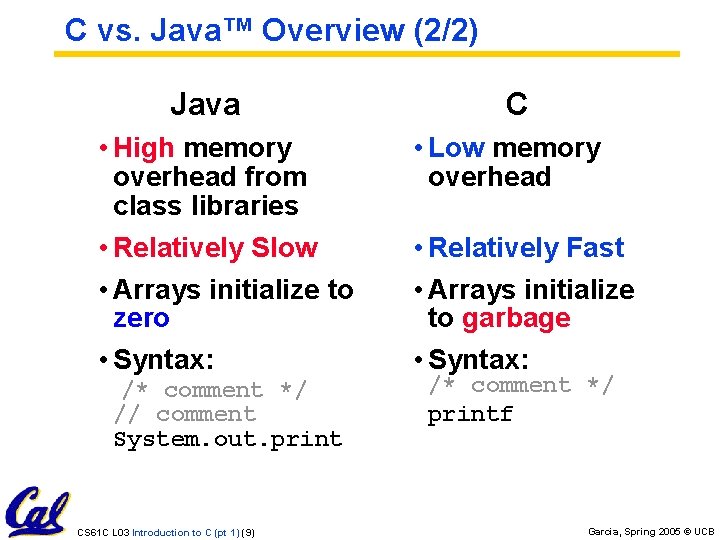
C vs. Java™ Overview (2/2) Java • High memory overhead from class libraries • Relatively Slow • Arrays initialize to zero • Syntax: /* comment */ // comment System. out. print CS 61 C L 03 Introduction to C (pt 1) (9) C • Low memory overhead • Relatively Fast • Arrays initialize to garbage • Syntax: /* comment */ printf Garcia, Spring 2005 © UCB
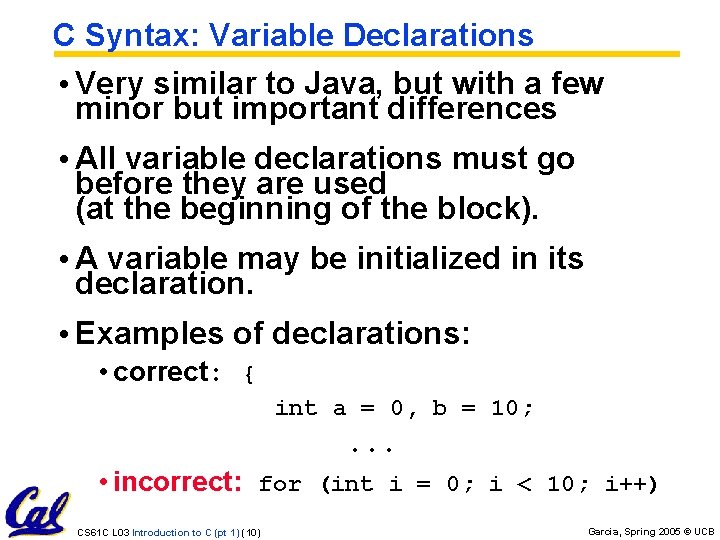
C Syntax: Variable Declarations • Very similar to Java, but with a few minor but important differences • All variable declarations must go before they are used (at the beginning of the block). • A variable may be initialized in its declaration. • Examples of declarations: • correct: { int a = 0, b = 10; . . . • incorrect: for (int i = 0; i < 10; i++) CS 61 C L 03 Introduction to C (pt 1) (10) Garcia, Spring 2005 © UCB
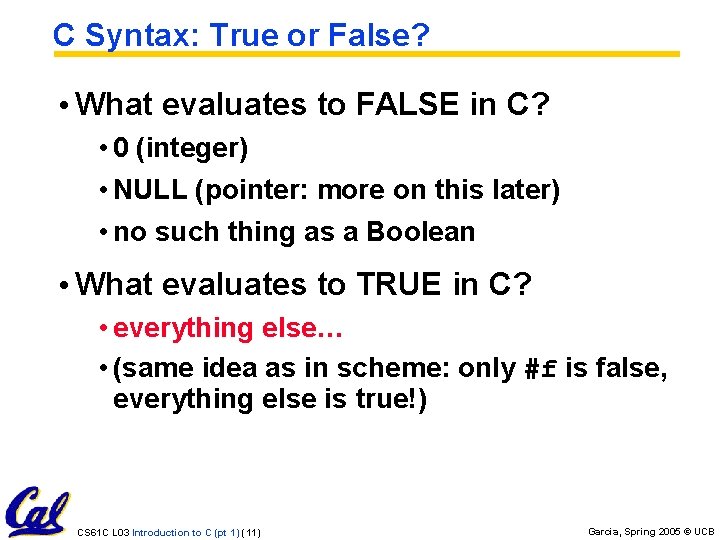
C Syntax: True or False? • What evaluates to FALSE in C? • 0 (integer) • NULL (pointer: more on this later) • no such thing as a Boolean • What evaluates to TRUE in C? • everything else… • (same idea as in scheme: only #f is false, everything else is true!) CS 61 C L 03 Introduction to C (pt 1) (11) Garcia, Spring 2005 © UCB
C syntax : flow control • Within a function, remarkably close to Java constructs in methods (shows its legacy) in terms of flow control • if-else • switch • while and for • do-while CS 61 C L 03 Introduction to C (pt 1) (12) Garcia, Spring 2005 © UCB
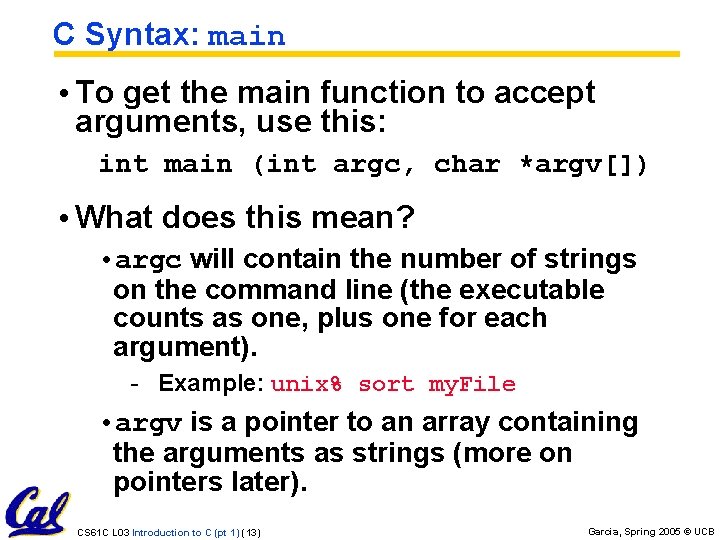
C Syntax: main • To get the main function to accept arguments, use this: int main (int argc, char *argv[]) • What does this mean? • argc will contain the number of strings on the command line (the executable counts as one, plus one for each argument). - Example: unix% sort my. File • argv is a pointer to an array containing the arguments as strings (more on pointers later). CS 61 C L 03 Introduction to C (pt 1) (13) Garcia, Spring 2005 © UCB
Administrivia : You have a question? • Do not email Dan (& expect response) • Hundreds of emails in inbox • Email doesn’t scale to classes with 200+ students! • Tips on getting an answer to your question: • Ask a classmate • Ask Dan after or before lecture • The newsgroup, ucb. class. cs 61 c - • • • Read it : Has your Q been answered already? If not, ask it and check back Ask TA in section, lab or OH Ask Dan in lecture (if relevant to lecture) Send your TA email Send one of the two Head TAs email Send Dan email CS 61 C L 03 Introduction to C (pt 1) (14) Garcia, Spring 2005 © UCB
Administrivia : Near term • Upcoming lectures • C pointers and arrays in detail • HW 0 due in discussion tomorrow • HW 1 due this Wed @ 23: 59 PST • HW 2 due next Wed @ 23: 59 PST • Reading • K&R Chapters 1 -5 (lots, get started now!) • First quiz due Friday • Get cardkeys from CS main office Soda Hall 3 rd floor if you need/want them • Soda locks doors @ 6: 30 pm & on weekends CS 61 C L 03 Introduction to C (pt 1) (15) Garcia, Spring 2005 © UCB
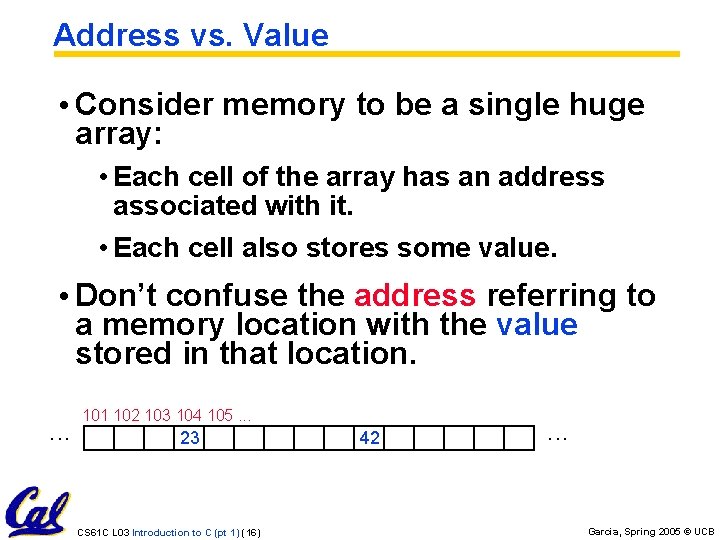
Address vs. Value • Consider memory to be a single huge array: • Each cell of the array has an address associated with it. • Each cell also stores some value. • Don’t confuse the address referring to a memory location with the value stored in that location. . 101 102 103 104 105. . . 23 CS 61 C L 03 Introduction to C (pt 1) (16) 42 . . . Garcia, Spring 2005 © UCB
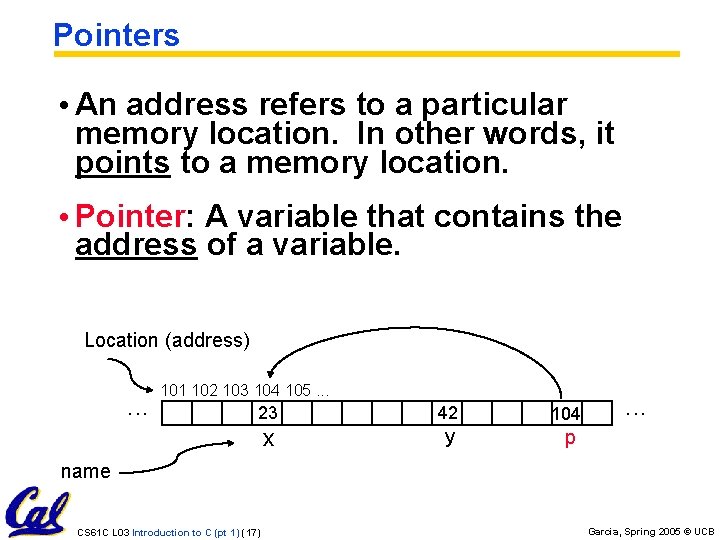
Pointers • An address refers to a particular memory location. In other words, it points to a memory location. • Pointer: A variable that contains the address of a variable. Location (address) . . . 101 102 103 104 105. . . 23 42 104 x y p . . . name CS 61 C L 03 Introduction to C (pt 1) (17) Garcia, Spring 2005 © UCB
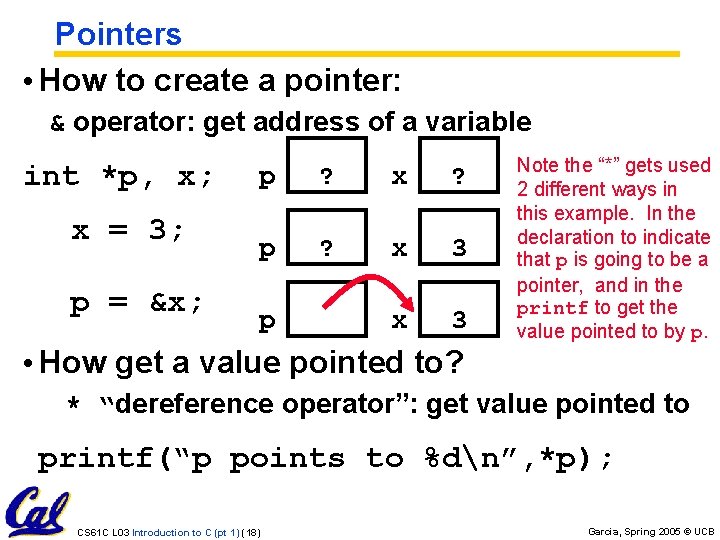
Pointers • How to create a pointer: & operator: get address of a variable int *p, x; x = 3; p = &x; p ? x ? p ? x 3 p Note the “*” gets used 2 different ways in this example. In the declaration to indicate that p is going to be a pointer, and in the printf to get the value pointed to by p. • How get a value pointed to? * “dereference operator”: get value pointed to printf(“p points to %dn”, *p); CS 61 C L 03 Introduction to C (pt 1) (18) Garcia, Spring 2005 © UCB
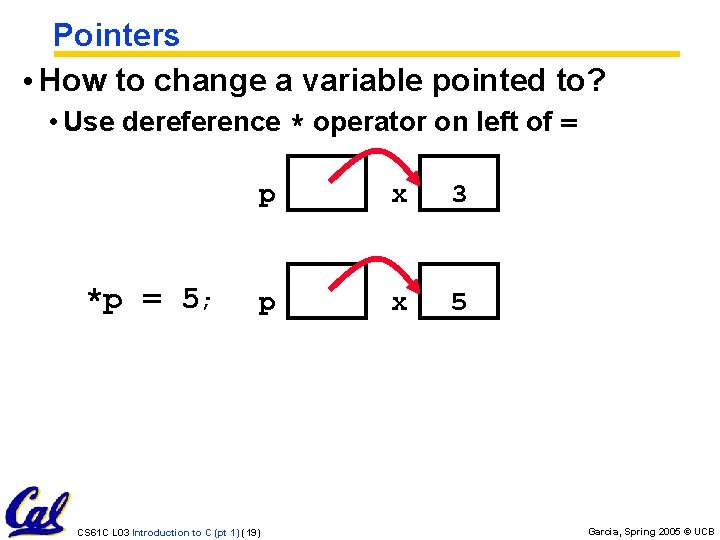
Pointers • How to change a variable pointed to? • Use dereference * operator on left of = *p = 5; p x 3 p x 5 CS 61 C L 03 Introduction to C (pt 1) (19) Garcia, Spring 2005 © UCB
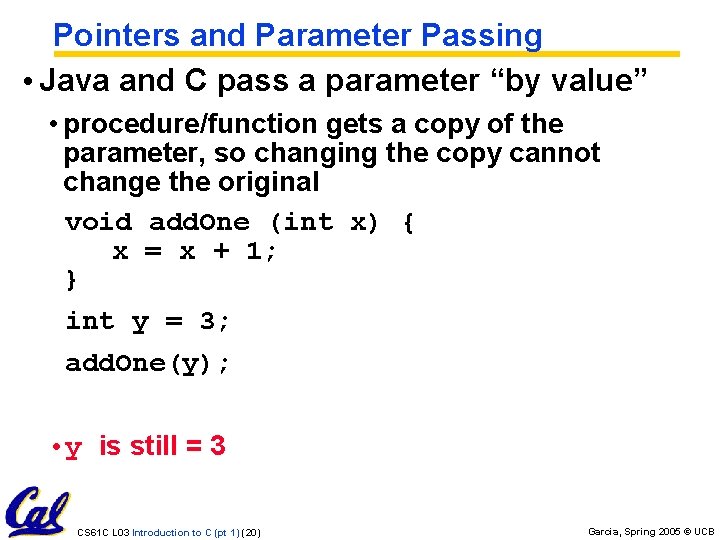
Pointers and Parameter Passing • Java and C pass a parameter “by value” • procedure/function gets a copy of the parameter, so changing the copy cannot change the original void add. One (int x) { x = x + 1; } int y = 3; add. One(y); • y is still = 3 CS 61 C L 03 Introduction to C (pt 1) (20) Garcia, Spring 2005 © UCB
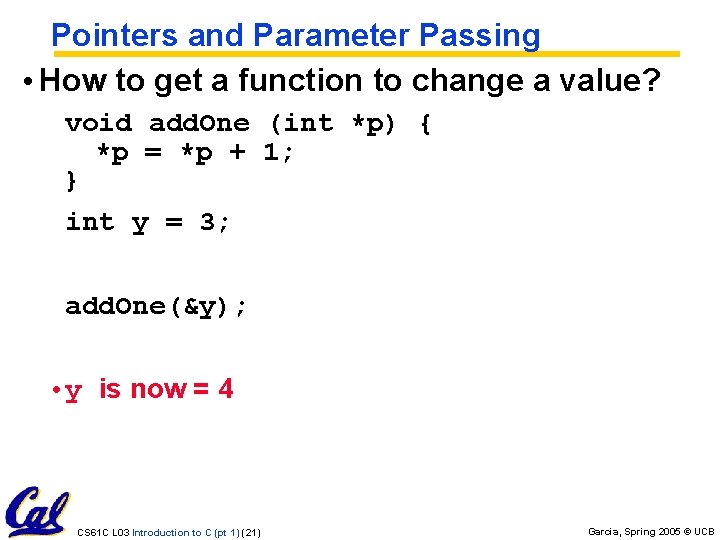
Pointers and Parameter Passing • How to get a function to change a value? void add. One (int *p) { *p = *p + 1; } int y = 3; add. One(&y); • y is now = 4 CS 61 C L 03 Introduction to C (pt 1) (21) Garcia, Spring 2005 © UCB
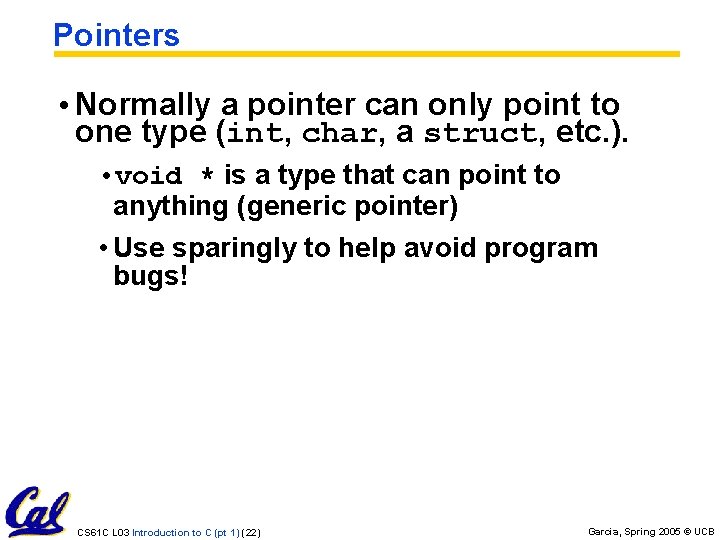
Pointers • Normally a pointer can only point to one type (int, char, a struct, etc. ). • void * is a type that can point to anything (generic pointer) • Use sparingly to help avoid program bugs! CS 61 C L 03 Introduction to C (pt 1) (22) Garcia, Spring 2005 © UCB
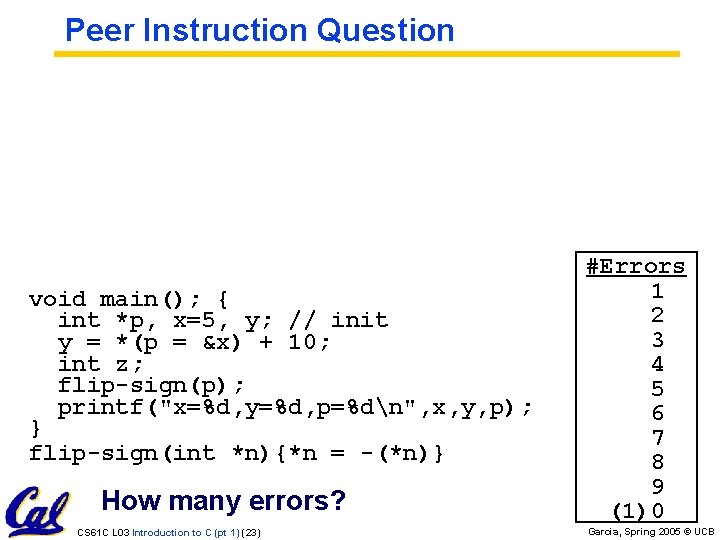
Peer Instruction Question void main(); { int *p, x=5, y; // init y = *(p = &x) + 10; int z; flip-sign(p); printf("x=%d, y=%d, p=%dn", x, y, p); } flip-sign(int *n){*n = -(*n)} How many errors? CS 61 C L 03 Introduction to C (pt 1) (23) #Errors 1 2 3 4 5 6 7 8 9 (1)0 Garcia, Spring 2005 © UCB
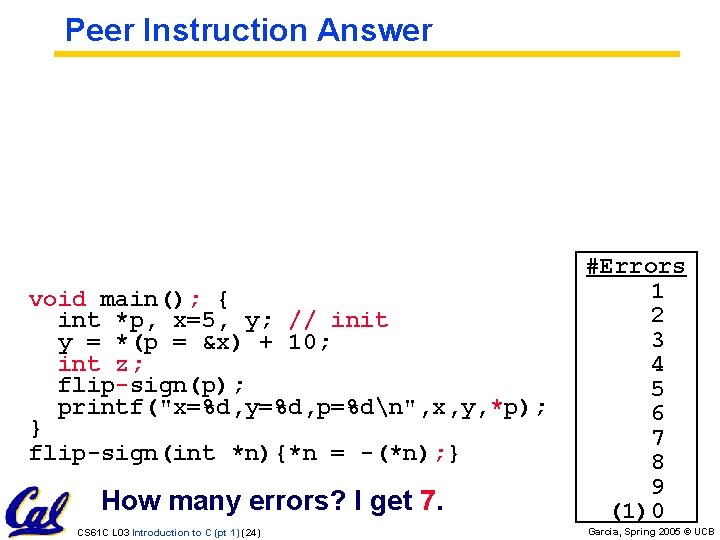
Peer Instruction Answer void main(); { int *p, x=5, y; // init y = *(p = &x) + 10; int z; flip-sign(p); printf("x=%d, y=%d, p=%dn", x, y, *p); } flip-sign(int *n){*n = -(*n); } How many errors? I get 7. CS 61 C L 03 Introduction to C (pt 1) (24) #Errors 1 2 3 4 5 6 7 8 9 (1)0 Garcia, Spring 2005 © UCB
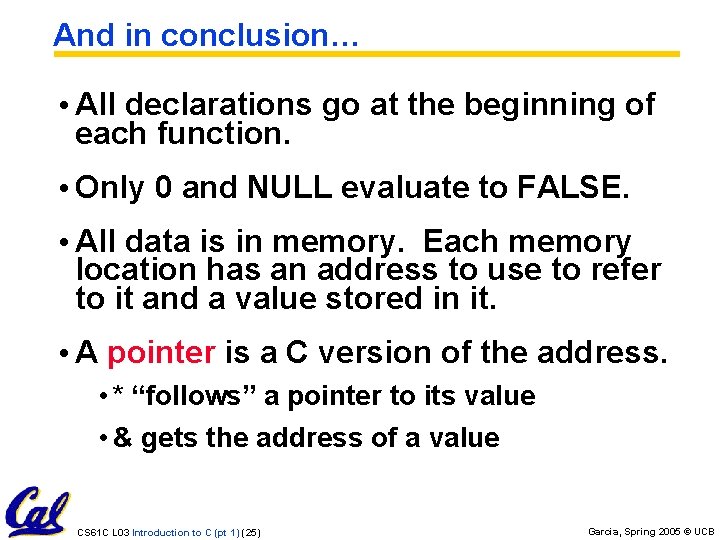
And in conclusion… • All declarations go at the beginning of each function. • Only 0 and NULL evaluate to FALSE. • All data is in memory. Each memory location has an address to use to refer to it and a value stored in it. • A pointer is a C version of the address. • * “follows” a pointer to its value • & gets the address of a value CS 61 C L 03 Introduction to C (pt 1) (25) Garcia, Spring 2005 © UCB
- Slides: 25