
Inspiration Boldness Curiosity Passion Managing HPC Allocations and
Inspiration | Boldness | Curiosity | Passion Managing HPC Allocations and Users with Perl Tom Payerle payerle@umd. edu ACIGS Division of Information Technology University of Maryland
Inspiration | Boldness | Curiosity | Passion HPC Management Challenges May have multiple clusters Many allocations and users Possibly with different schedulers Other differences? many-to-many correlation between users and allocations? Multiple “types” of allocations? Need for audit trail why was this done and when?
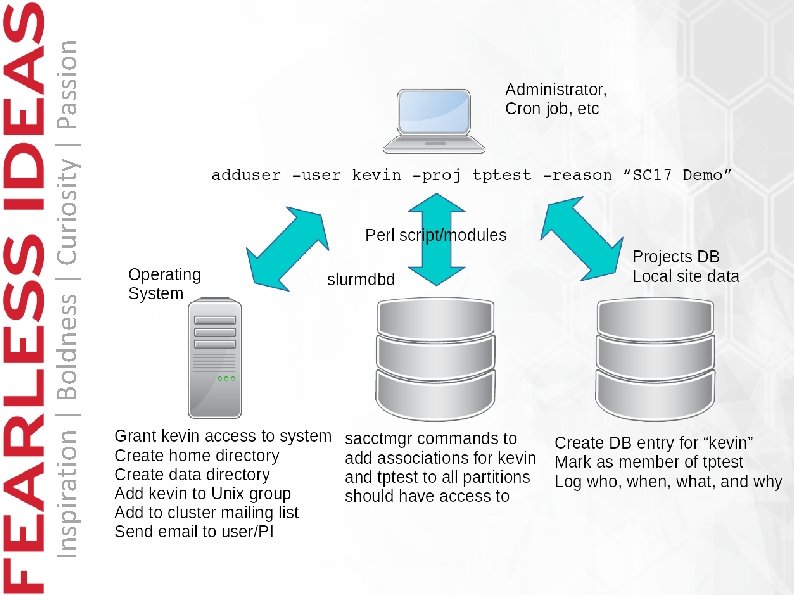
Inspiration | Boldness | Curiosity | Passion Scripting provides: Reproducibility/Consistency Easier usage Complex/multistep processes with single command Sanity checking Delegation to junior staff? Logging provides audit trail Who did what, when, and why?
Inspiration | Boldness | Curiosity | Passion UMD Project Types ‘coop’: for “paid” projects Standard and high priority allocation accounts Replenished quarterly/monthly Can access scavenger and debug partitions as well Can access longer walltime Qo. Ses ‘grants’: “unpaid” Each quarter, full quarterly SUs given to std pri account Each month, 1/3 of quarterly amount xfer std => hi Can use monthly allotment as hi pri, or borrow w/in quarter at std priority One time grant of SUs, alloc expires in 1 year Can access scavenger and debug partitions as well ‘condo’: unmetered usage of limited # of nodes No access to scavenger partition
Inspiration | Boldness | Curiosity | Passion
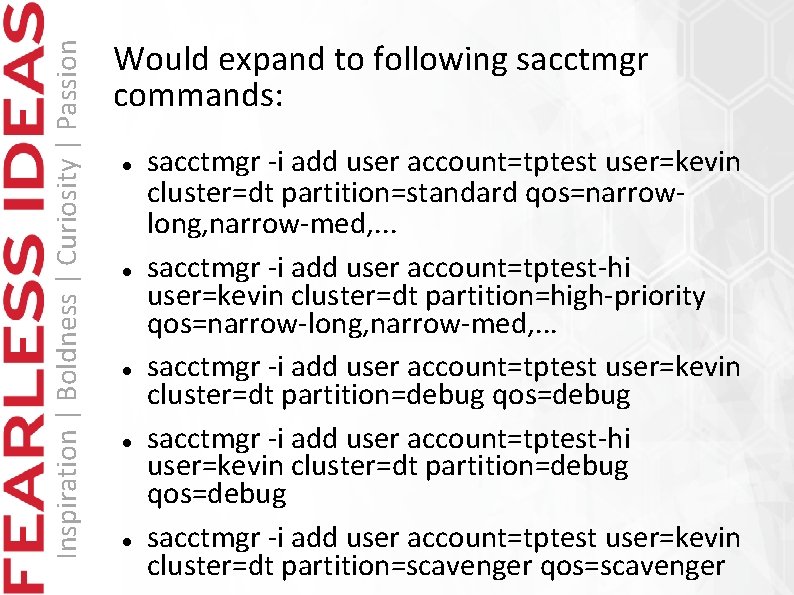
Inspiration | Boldness | Curiosity | Passion Would expand to following sacctmgr commands: sacctmgr -i add user account=tptest user=kevin cluster=dt partition=standard qos=narrowlong, narrow-med, . . . sacctmgr -i add user account=tptest-hi user=kevin cluster=dt partition=high-priority qos=narrow-long, narrow-med, . . . sacctmgr -i add user account=tptest user=kevin cluster=dt partition=debug qos=debug sacctmgr -i add user account=tptest-hi user=kevin cluster=dt partition=debug qos=debug sacctmgr -i add user account=tptest user=kevin cluster=dt partition=scavenger qos=scavenger
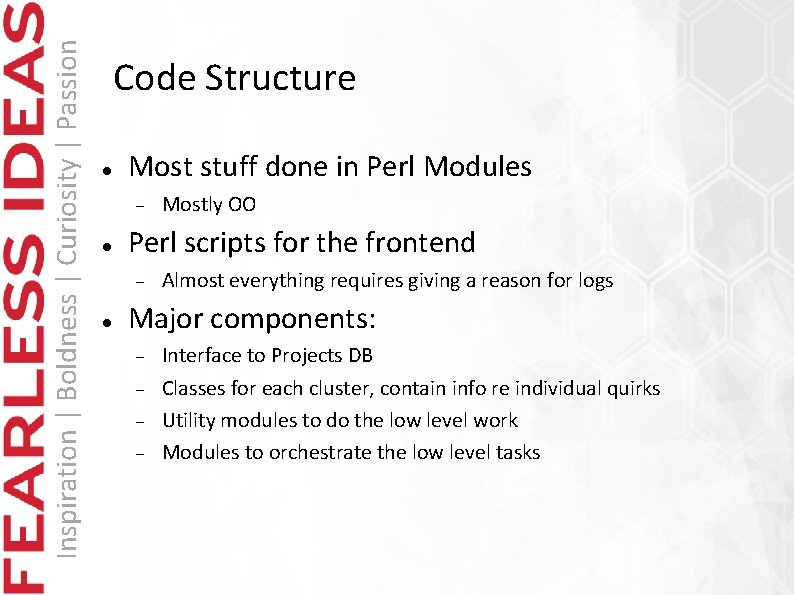
Inspiration | Boldness | Curiosity | Passion Code Structure Most stuff done in Perl Modules Perl scripts for the frontend Mostly OO Almost everything requires giving a reason for logs Major components: Interface to Projects DB Classes for each cluster, contain info re individual quirks Utility modules to do the low level work Modules to orchestrate the low level tasks
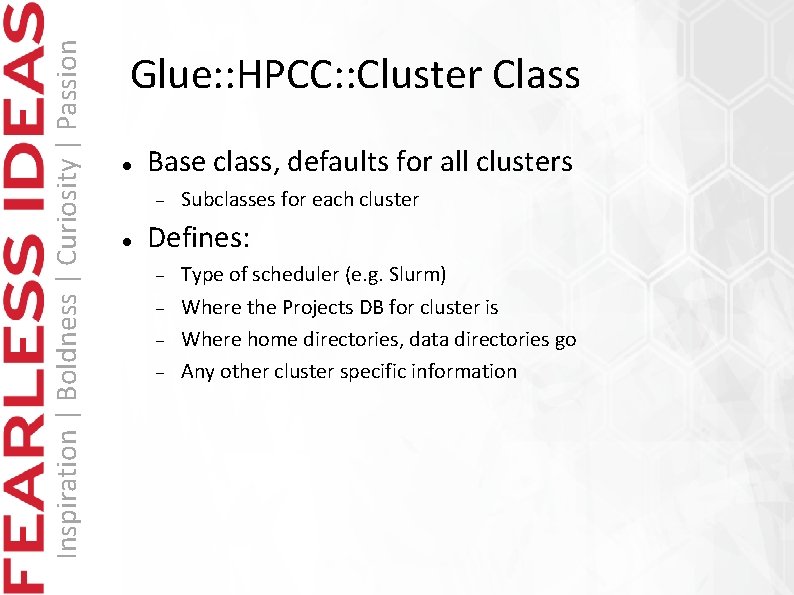
Inspiration | Boldness | Curiosity | Passion Glue: : HPCC: : Cluster Class Base class, defaults for all clusters Subclasses for each cluster Defines: Type of scheduler (e. g. Slurm) Where the Projects DB for cluster is Where home directories, data directories go Any other cluster specific information
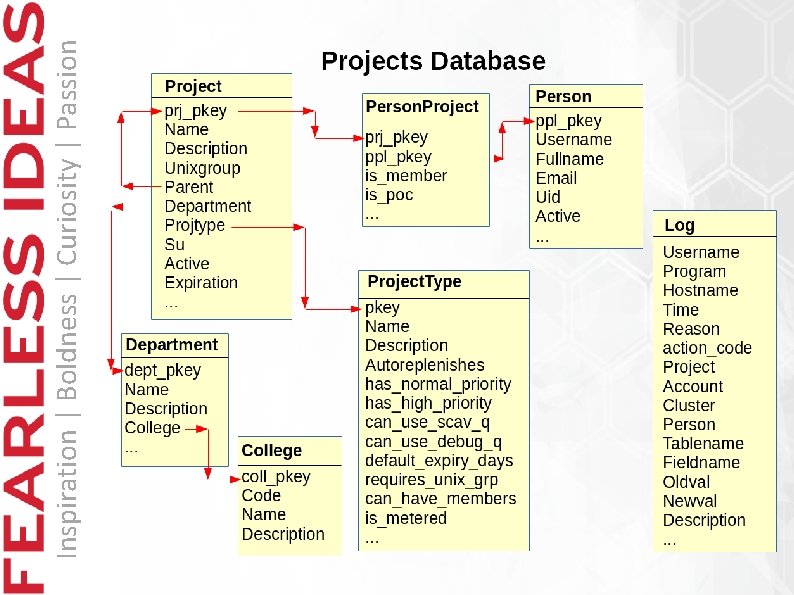
Inspiration | Boldness | Curiosity | Passion
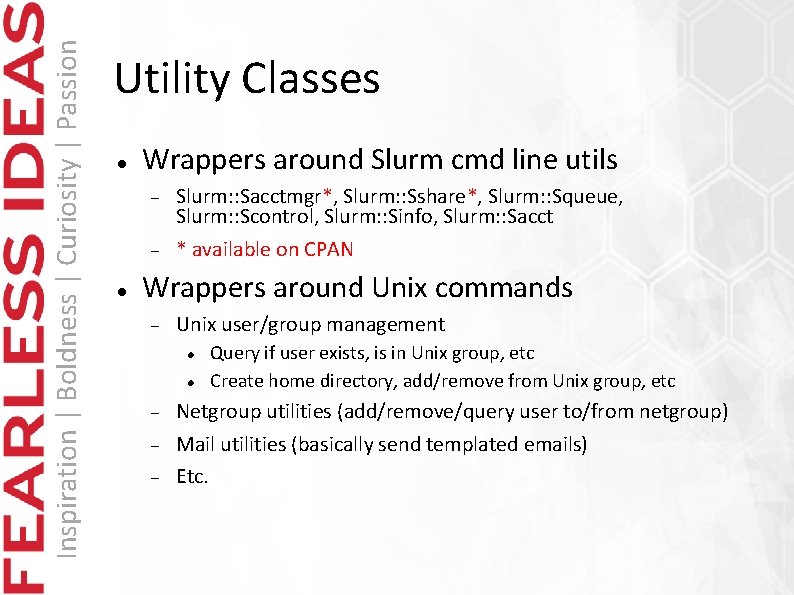
Inspiration | Boldness | Curiosity | Passion Utility Classes Wrappers around Slurm cmd line utils Slurm: : Sacctmgr*, Slurm: : Sshare*, Slurm: : Squeue, Slurm: : Scontrol, Slurm: : Sinfo, Slurm: : Sacct * available on CPAN Wrappers around Unix commands Unix user/group management Query if user exists, is in Unix group, etc Create home directory, add/remove from Unix group, etc Netgroup utilities (add/remove/query user to/from netgroup) Mail utilities (basically send templated emails) Etc.
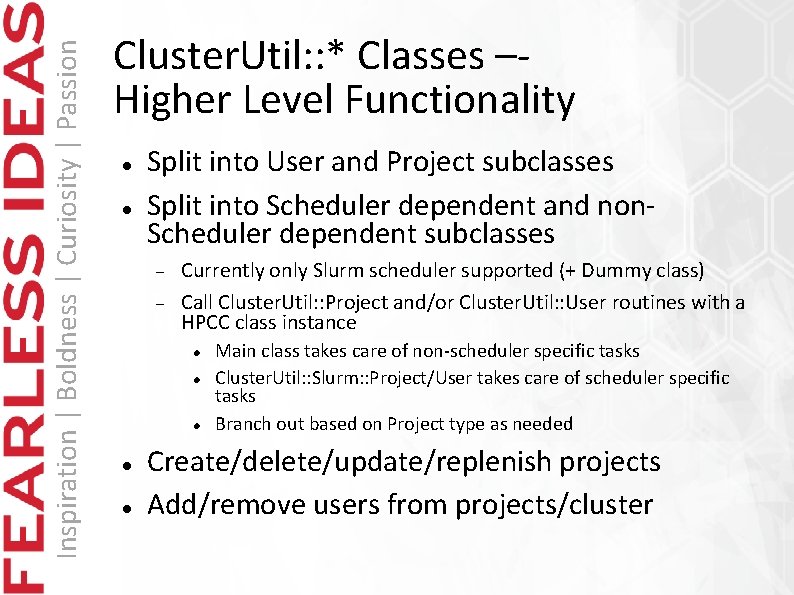
Inspiration | Boldness | Curiosity | Passion Cluster. Util: : * Classes –Higher Level Functionality Split into User and Project subclasses Split into Scheduler dependent and non. Scheduler dependent subclasses Currently only Slurm scheduler supported (+ Dummy class) Call Cluster. Util: : Project and/or Cluster. Util: : User routines with a HPCC class instance Main class takes care of non-scheduler specific tasks Cluster. Util: : Slurm: : Project/User takes care of scheduler specific tasks Branch out based on Project type as needed Create/delete/update/replenish projects Add/remove users from projects/cluster

Inspiration | Boldness | Curiosity | Passion Questions?
- Slides: 12