
Insert Poster Title continued Poster number ResearchersPresenters Names
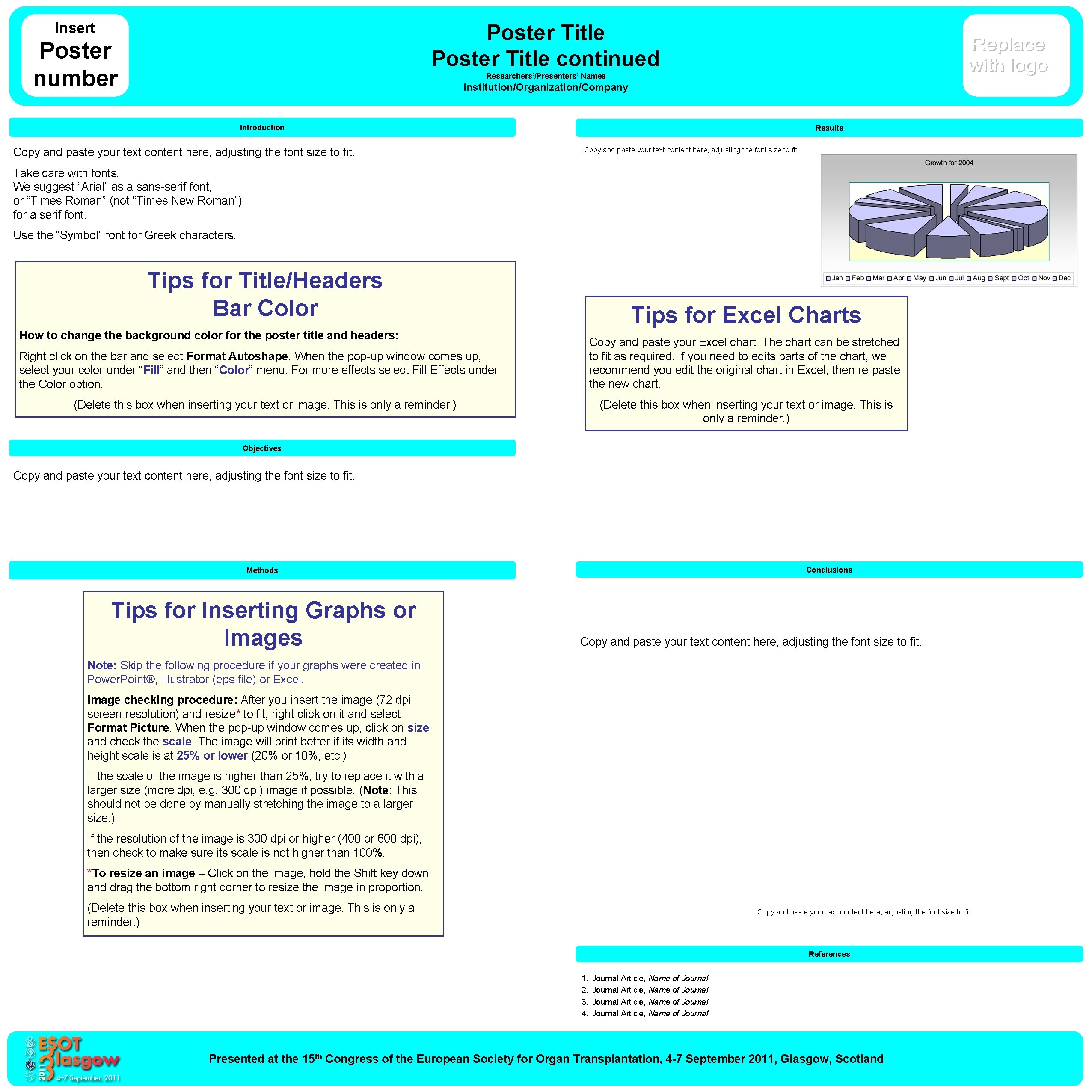
Insert Poster Title continued Poster number Researchers’/Presenters’ Names Institution/Organization/Company Introduction Copy and paste your text content here, adjusting the font size to fit. Results Copy and paste your text content here, adjusting the font size to fit. Take care with fonts. We suggest “Arial” as a sans-serif font, or “Times Roman” (not “Times New Roman”) for a serif font. Use the “Symbol” font for Greek characters. Tips for Title/Headers Bar Color Tips for Excel Charts How to change the background color for the poster title and headers: Copy and paste your Excel chart. The chart can be stretched to fit as required. If you need to edits parts of the chart, we recommend you edit the original chart in Excel, then re-paste the new chart. Right click on the bar and select Format Autoshape. When the pop-up window comes up, select your color under “Fill” and then “Color” menu. For more effects select Fill Effects under the Color option. (Delete this box when inserting your text or image. This is only a reminder. ) Objectives Copy and paste your text content here, adjusting the font size to fit. Conclusions Methods Tips for Inserting Graphs or Images Copy and paste your text content here, adjusting the font size to fit. Note: Skip the following procedure if your graphs were created in Power. Point®, Illustrator (eps file) or Excel. Image checking procedure: After you insert the image (72 dpi screen resolution) and resize* to fit, right click on it and select Format Picture. When the pop-up window comes up, click on size and check the scale. The image will print better if its width and height scale is at 25% or lower (20% or 10%, etc. ) If the scale of the image is higher than 25%, try to replace it with a larger size (more dpi, e. g. 300 dpi) image if possible. (Note: This should not be done by manually stretching the image to a larger size. ) If the resolution of the image is 300 dpi or higher (400 or 600 dpi), then check to make sure its scale is not higher than 100%. *To resize an image – Click on the image, hold the Shift key down and drag the bottom right corner to resize the image in proportion. (Delete this box when inserting your text or image. This is only a reminder. ) Copy and paste your text content here, adjusting the font size to fit. References 1. 2. 3. 4. Journal Article, Name of Journal Presented at the 15 th Congress of the European Society for Organ Transplantation, 4 -7 September 2011, Glasgow, Scotland
- Slides: 1