
Input Process Output Supplemental Lecture Notes Typical System





- Slides: 36
Input, Process, Output Supplemental Lecture Notes
Typical System Computer case Monitor Printer Speakers Modem Keyboard Mouse
Computer Components Power supply Hard drive Expansion card Expansion slot System board CD-ROM or DVD-ROM Floppy disk Drive bay Central Processing Unit (CPU) Random access memory (RAM)
Power Plays The capacity of a power supply is measured in watts Computer uses 250; light bulb uses 60 Can use Surge protector UPS
Ports are connectors at the back of a computer system that you use to plug in an external device. This allow instructions and data to flow between the computer and the device
Any Port in a Storm Parallel port – 25 holes; female connector; LPT 1; printer or storage devices Monitor port Keyboard port Serial port – 9 or 25 pins; male connector; COM 1; mouse or modem Game port Network port USB port 127 devices Printer, modem, joy stick
Growing An expansion card is a circuit board that lets you add new features to a computer Video Modem Sound Network Interface
Upgrades Upgrading refers to replacing an old or obsolete component with a newer component to improve the efficiency of the computer Upgrading also can include adding a new component like a tape drive or DVD to increase the capabilities of a computer Increasing the amount of memory in a computer is one of the most effective upgrades you can perform
Input and Output Chapter 2
Mouse Actions Click – selects Right click – displays commands Double click – opens Drop and Drag – moves items on screen
Mice Types Conventional Wheel mouse Wireless mouse Programmable mouse – e. g. three buttons Optical sensor mouse Other devices Touchpad Trackball Pointing stick
Keyboards There are 101 keys on a keyboard to help you input information Function keys let you perform specific task Can use CNTL-x shortcuts to execute commands CNTL-C – copy CNTL-X – cut CNTL-V – paste Windows key will quickly display the start menu
Printers Speed of a printer is measured in pages per minute (PPM). A higher speed represents faster output Resolution determines the quality of images A higher resolution results in sharper images Printer resolution is measured in dots per inch (dpi) 600 dpi is acceptable; 1200 is better for images Resolution expressed with two numbers represents dots per inch across and down
Types of Printers Ink-jet: has a print head that sprays ink through tiny nozzles onto a page 2 to 10 pages (ppm) 360 to 2400 dots per inch Color printers spray cyan, magenta, yellow and black to create different colors Laser-printer Works like a photo copier Speed of 4 to 16 pages Have a CPU 600 to 2400 Memory – 2 mb to 8 Mb
Other Types Dot matrix Print head contains small blunt pins that strike an inked ribbon Useful for multi-part forms LED printer Similar to lasers but cheaper Color photo printer Multifunction Printer
Print Buffer and Spoolers Printer buffer: section of memory printer stores information waiting to print Printer spooler: program on your computer that stores information waiting to print Stores more information than the buffer One spooler for each connected printer
Monitors Video cards translate instructions from the computer into a form Most computes the monitor can understand require at least 2 mb of video card memory Accelerated Graphics Port (AGP) – uses AGP bus to communicate directly with main memory 3 D Graphics Accelerator has chip called a GPU optimized for 3 -D graphics
Monitor Metrics The smaller the dot pitch, the crisper the image 0. 28 mm is acceptable Refresh rate is measured in hertz (Hz) Times per second computer redraws the image 72 Hz or more is acceptable
Resolution Amount of information a monitor can display Measured by the number of horizontal and vertical pixels Monitors switch settings based on the resolution and refresh rate of video card Video card determines number of colors a monitor can display 256 suitable for most home use 24 -bit displays more colors than eye can distinguish
Communications Modems let a computer exchange information through telephone lines Speed of a modem determines how fast it sends and receives messages 56, 000 bps (56 Kbps) V. 90 standard: receive 56 K and send 33. 6 K Speed at which information flows depend on the quality of the phone line A modem needs a communications package to manage the transmission of information Data compression – squeezes together data
High-speed Connections ISDN – Integrated Services Digital Network Digital phone line 56 Kbps to 128 Kbps Cable Modem Same cable as TV 4000 Kbps DSL – Digital subscriber line High speed digital phone line 1000 – 6000 Kbps Satellite
Sound Cards Sampling Rate: at least 44. 1 KHz Full-duplex Talk and listen at same time Musical Instrument Digital Interface (MIDI) support Wavetable synthesis Actual recordings FM synthesis Imitated sounds
TV Tuner Cards Require a video card to operate
Scanners A scanner is a device that reads images and text into a computer Most scanners come with Optical Character Recognition (OCR) software. This software places scanned text into a document that can be edited in a word processor Color dept is measured in bits and indicates the number of colors a scanner can detect 36 bit color depth is acceptable
Resolution determines the amount of detail a scanner can detect Ranges from 600 dpi to 2400 dpi You usually don’t need to scan at a higher resolution than a printer can produce or a monitor can display – Most monitors are 73 dpi – Printers vary
Cameras Resolution is measured in megapixels 1000 x 1000 pixels 1, 2 and 3 megapixel cameras are available Digital video cameras use a Charged Coupling Device (CCD) to capture video Quality depend on amount of detail a CCD can detect Most CCD’s have resolution between 250, 000 and 700, 000 pixels Web cameras – resolution and speed determine quality of image Common transfer rates 15 frames per second at 640 x 480 pixels 30 frames per second at 352 x 288 (clearer but smaller)
MP 3 Sound format used to CD-quality music over the Internet Compresses sound Commonly 64 bit memory
USB and Firewire High-speed ports that allow information to quickly transfer between a computer and an external device USB Supports up to 127 device – USB 1. 0: 12 megabits per second – USB 2. 0: 480 Mbps FIREWIRE 63 devices at 400 Mbps Can purchase Firewire expansion card
Processing Chapter 3
CPU (Central Processing Unit) Processes instructions, performs calculations, and manages the flow of information Performance: CPU speed is a major factor in determining how fast a computer operates (faster the speed, faster computer operates) Measured in megahertz (MHz) A clock cycle relates to the clock that controls the timing in the microprocessor. For example, a 900 MHz (megahertz) clocked microprocessor generates 900 million clock cycles per second. Each generation of CPU is more powerful than the one before. It's clock cycles are faster at a given speed
Processing The Central Processing Unit (CPU) is the main chip in a computer Processes instructions Performs calculations Manages the flow of information
Types of CPUs Intel Pentium Processor Speeds of 450 MHz to 1. 13 GHz Intel Celeron Needs of home machines (500 -700 MHz) AMD Athlon Processor Business and home use AMD Duron Processor Home use VIA Cyrix Processor Inexpensive CPU
Processing Random Access Memory – Temporarily stores data inside a computer Constantly overwritten Measured in megabytes (MB) 64 minimum these days 100 MHz (millions of cycles per second) Dynamic RAM is type of memory chip that makes up memory in many computer systems. Access speed measured in megabits Most system boards can support access speed of Single Inline Memory Module (SIMM) – 9 memory chips Dual Inline Module (DIMM) – 18 memory chips If you have limited memory or you have many programs open, your computer may need to use part of the hard drive to simulate more memory
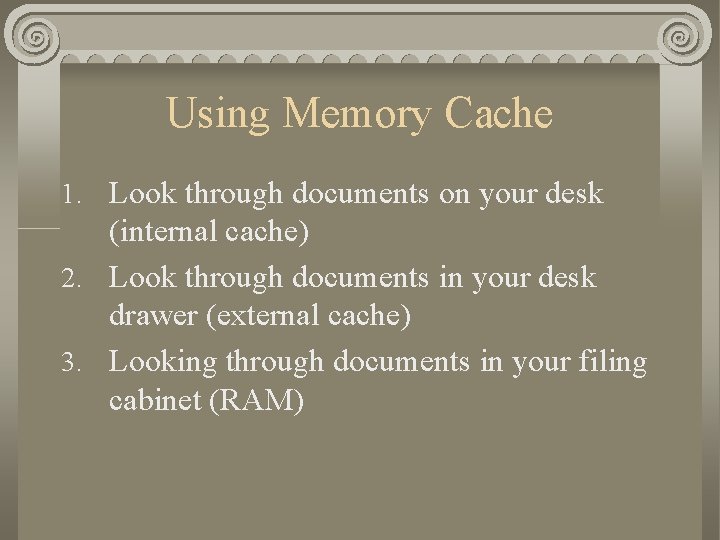
Using Memory Cache 1. Look through documents on your desk (internal cache) 2. Look through documents in your desk drawer (external cache) 3. Looking through documents in your filing cabinet (RAM)
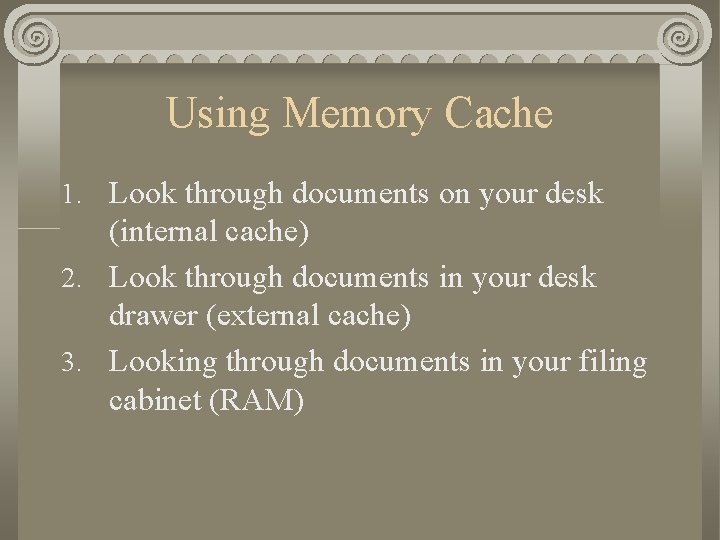
Using Memory Cache 1. Look through documents on your desk (internal cache) 2. Look through documents in your desk drawer (external cache) 3. Looking through documents in your filing cabinet (RAM)
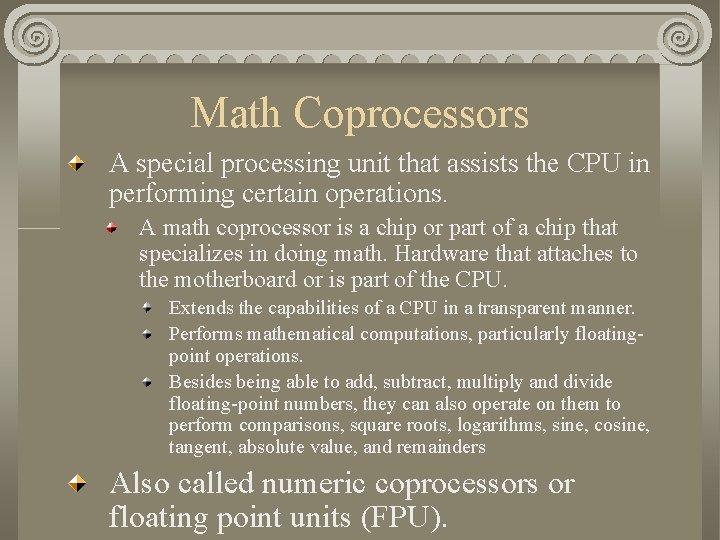
Math Coprocessors A special processing unit that assists the CPU in performing certain operations. A math coprocessor is a chip or part of a chip that specializes in doing math. Hardware that attaches to the motherboard or is part of the CPU. Extends the capabilities of a CPU in a transparent manner. Performs mathematical computations, particularly floatingpoint operations. Besides being able to add, subtract, multiply and divide floating-point numbers, they can also operate on them to perform comparisons, square roots, logarithms, sine, cosine, tangent, absolute value, and remainders Also called numeric coprocessors or floating point units (FPU).