
Input and Output Statements l FORTRAN has always
- Slides: 5
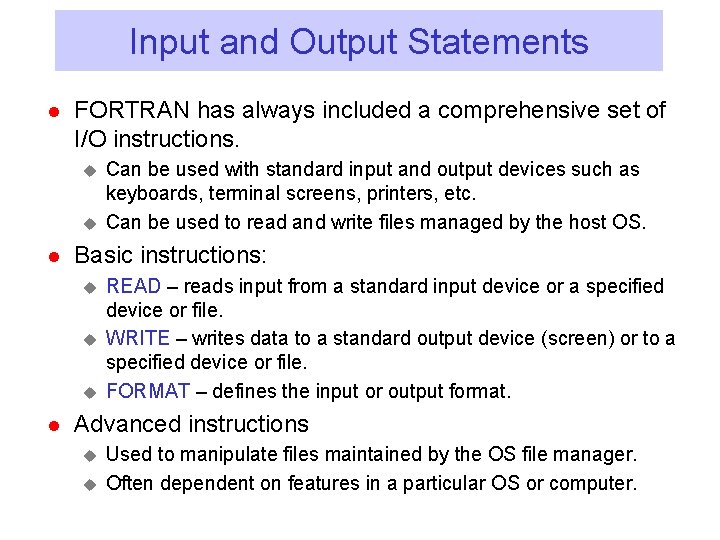
Input and Output Statements l FORTRAN has always included a comprehensive set of I/O instructions. u u l Basic instructions: u u u l Can be used with standard input and output devices such as keyboards, terminal screens, printers, etc. Can be used to read and write files managed by the host OS. READ – reads input from a standard input device or a specified device or file. WRITE – writes data to a standard output device (screen) or to a specified device or file. FORMAT – defines the input or output format. Advanced instructions u u Used to manipulate files maintained by the OS file manager. Often dependent on features in a particular OS or computer.
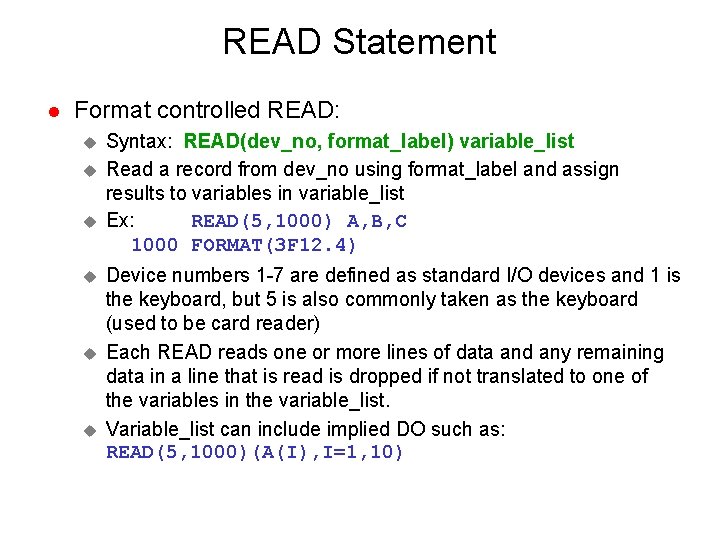
READ Statement l Format controlled READ: u u u Syntax: READ(dev_no, format_label) variable_list Read a record from dev_no using format_label and assign results to variables in variable_list Ex: READ(5, 1000) A, B, C 1000 FORMAT(3 F 12. 4) Device numbers 1 -7 are defined as standard I/O devices and 1 is the keyboard, but 5 is also commonly taken as the keyboard (used to be card reader) Each READ reads one or more lines of data and any remaining data in a line that is read is dropped if not translated to one of the variables in the variable_list. Variable_list can include implied DO such as: READ(5, 1000)(A(I), I=1, 10)
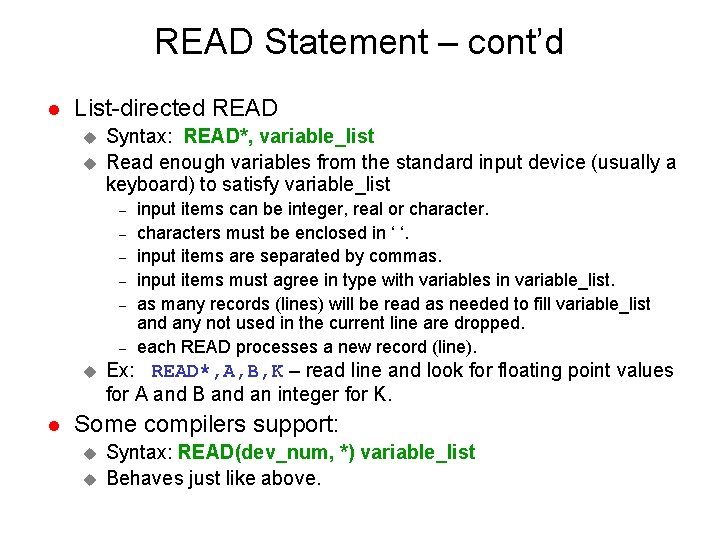
READ Statement – cont’d l List-directed READ u u Syntax: READ*, variable_list Read enough variables from the standard input device (usually a keyboard) to satisfy variable_list – – – u l input items can be integer, real or characters must be enclosed in ‘ ‘. input items are separated by commas. input items must agree in type with variables in variable_list. as many records (lines) will be read as needed to fill variable_list and any not used in the current line are dropped. each READ processes a new record (line). Ex: READ*, A, B, K – read line and look for floating point values for A and B and an integer for K. Some compilers support: u u Syntax: READ(dev_num, *) variable_list Behaves just like above.
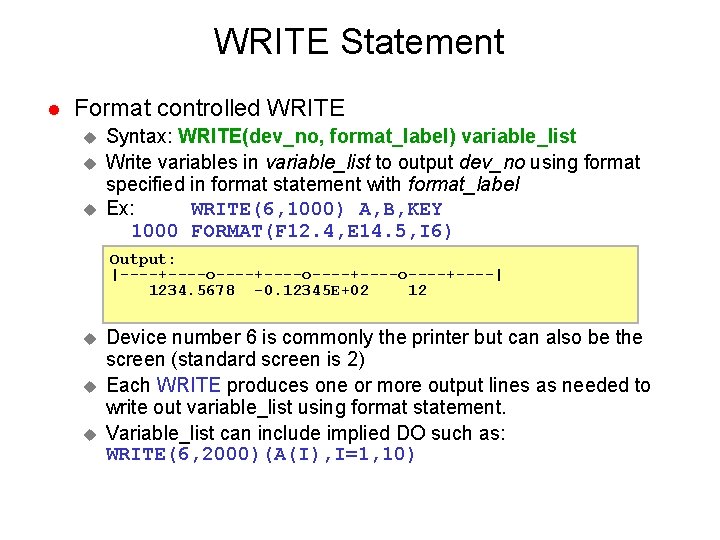
WRITE Statement l Format controlled WRITE u u u Syntax: WRITE(dev_no, format_label) variable_list Write variables in variable_list to output dev_no using format specified in format statement with format_label Ex: WRITE(6, 1000) A, B, KEY 1000 FORMAT(F 12. 4, E 14. 5, I 6) Output: |----+----o----+----o----+----| 1234. 5678 -0. 12345 E+02 12 u u u Device number 6 is commonly the printer but can also be the screen (standard screen is 2) Each WRITE produces one or more output lines as needed to write out variable_list using format statement. Variable_list can include implied DO such as: WRITE(6, 2000)(A(I), I=1, 10)
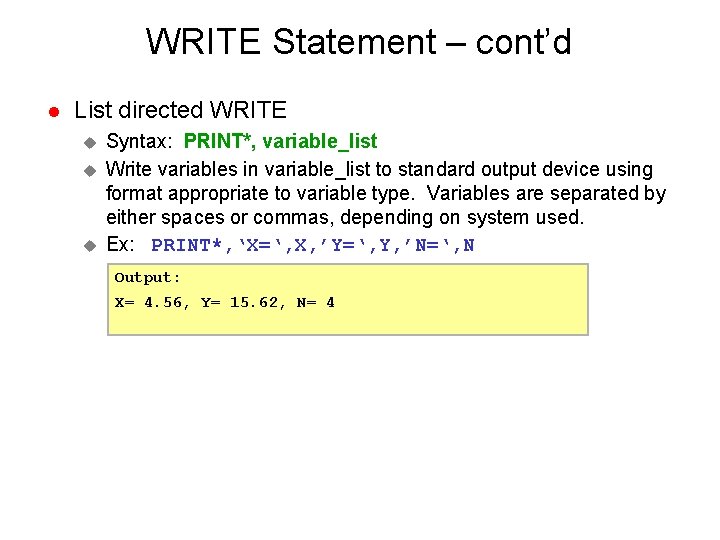
WRITE Statement – cont’d l List directed WRITE u u u Syntax: PRINT*, variable_list Write variables in variable_list to standard output device using format appropriate to variable type. Variables are separated by either spaces or commas, depending on system used. Ex: PRINT*, ‘X=‘, X, ’Y=‘, Y, ’N=‘, N Output: X= 4. 56, Y= 15. 62, N= 4