
Input and Output F Stream Classes Processing External
![Abstract Output. Stream Class F abstract void write(int b) throws IOException F void write(byte[]](https://slidetodoc.com/presentation_image_h2/a5e29b031e8a82a43d984edfdd603646/image-8.jpg "Abstract Output. Stream Class F abstract void write(int b) throws IOException F void write(byte[]")
![Abstract Writer Class F abstract void write(char b) throws IOException F void write(char[] b)](https://slidetodoc.com/presentation_image_h2/a5e29b031e8a82a43d984edfdd603646/image-9.jpg "Abstract Writer Class F abstract void write(char b) throws IOException F void write(char[] b)")
- Slides: 41
Input and Output F Stream Classes Processing External Files Data Streams Print Streams Buffered Streams Text Input and Output on the Console F Object Streams F F F
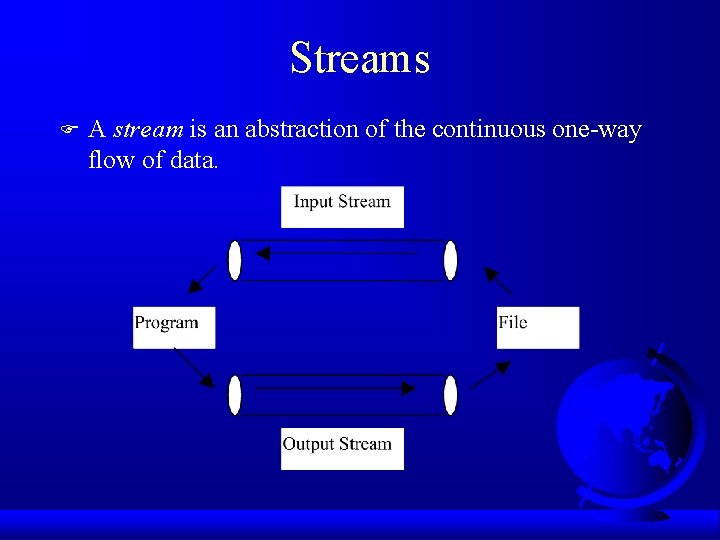
Streams F A stream is an abstraction of the continuous one-way flow of data.
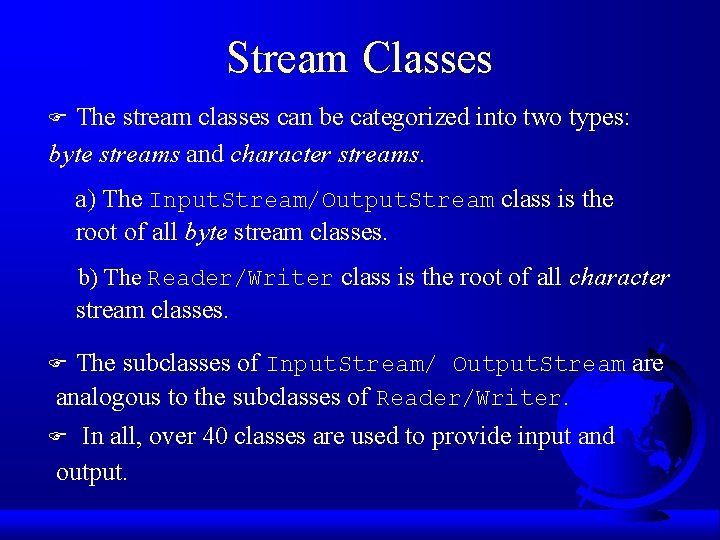
Stream Classes The stream classes can be categorized into two types: byte streams and character streams. F a) The Input. Stream/Output. Stream class is the root of all byte stream classes. b) The Reader/Writer class is the root of all character stream classes. The subclasses of Input. Stream/ Output. Stream are analogous to the subclasses of Reader/Writer. F In all, over 40 classes are used to provide input and output. F
A) Byte Stream Classes
B) Character Stream Classes
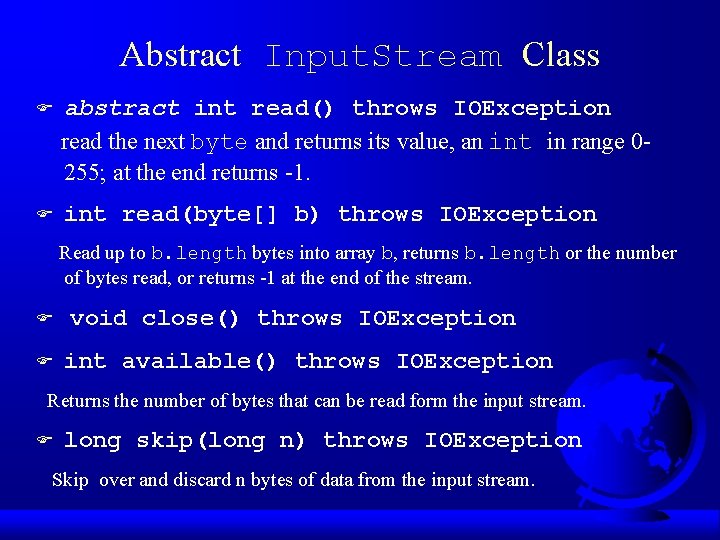
Abstract Input. Stream Class F abstract int read() throws IOException read the next byte and returns its value, an int in range 0255; at the end returns -1. F int read(byte[] b) throws IOException Read up to b. length bytes into array b, returns b. length or the number of bytes read, or returns -1 at the end of the stream. F F void close() throws IOException int available() throws IOException Returns the number of bytes that can be read form the input stream. F long skip(long n) throws IOException Skip over and discard n bytes of data from the input stream.
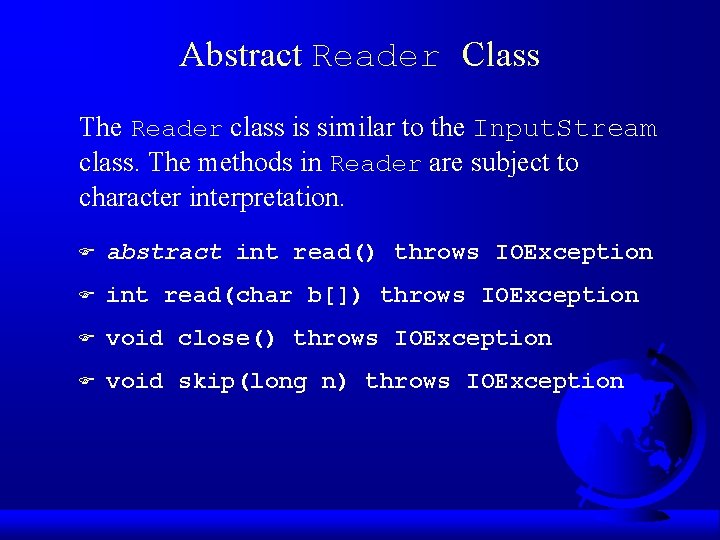
Abstract Reader Class The Reader class is similar to the Input. Stream class. The methods in Reader are subject to character interpretation. F abstract int read() throws IOException F int read(char b[]) throws IOException F void close() throws IOException F void skip(long n) throws IOException
Abstract Output. Stream Class F abstract void write(int b) throws IOException F void write(byte[] b) throws IOException F void close() throws IOException F void flush() throws IOException
Abstract Writer Class F abstract void write(char b) throws IOException F void write(char[] b) throws IOException F void close() throws IOException F void flush() throws IOException
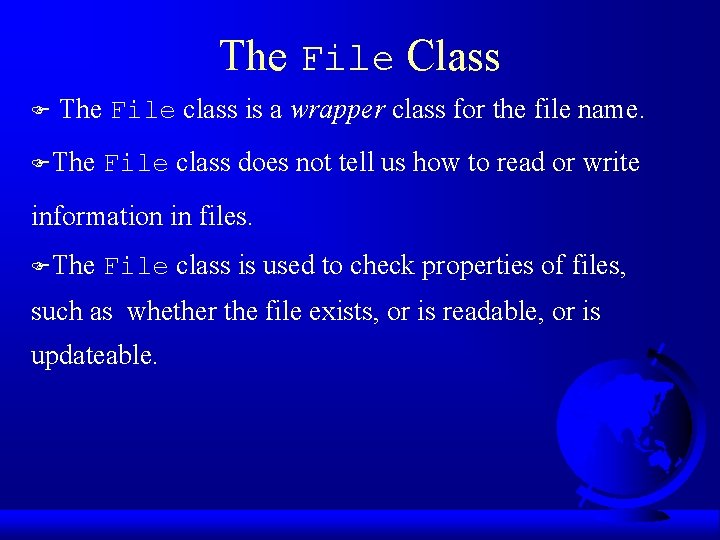
The File Class F The File class is a wrapper class for the file name. FThe File class does not tell us how to read or write information in files. FThe File class is used to check properties of files, such as whether the file exists, or is readable, or is updateable.
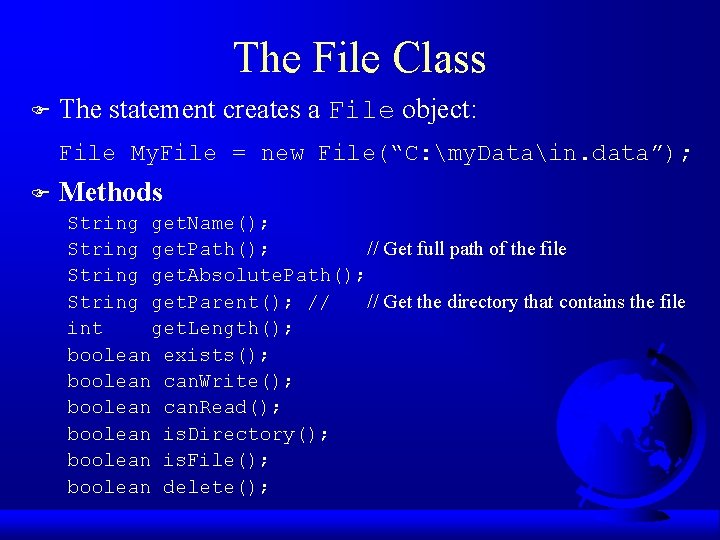
The File Class F The statement creates a File object: File My. File = new File(“C: my. Datain. data”); F Methods String get. Name(); String get. Path(); // Get full path of the file String get. Absolute. Path(); String get. Parent(); // // Get the directory that contains the file int get. Length(); boolean exists(); boolean can. Write(); boolean can. Read(); boolean is. Directory(); boolean is. File(); boolean delete();
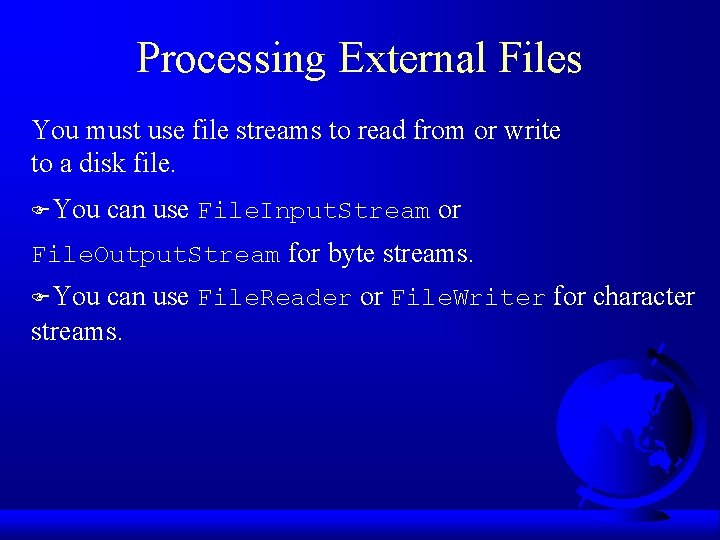
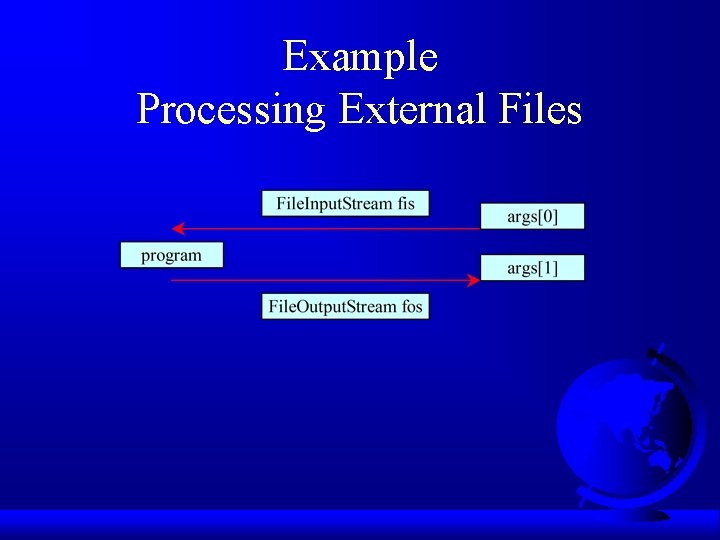
Processing External Files You must use file streams to read from or write to a disk file. FYou can use File. Input. Stream or File. Output. Stream for byte streams. FYou can use File. Reader or File. Writer for character streams.
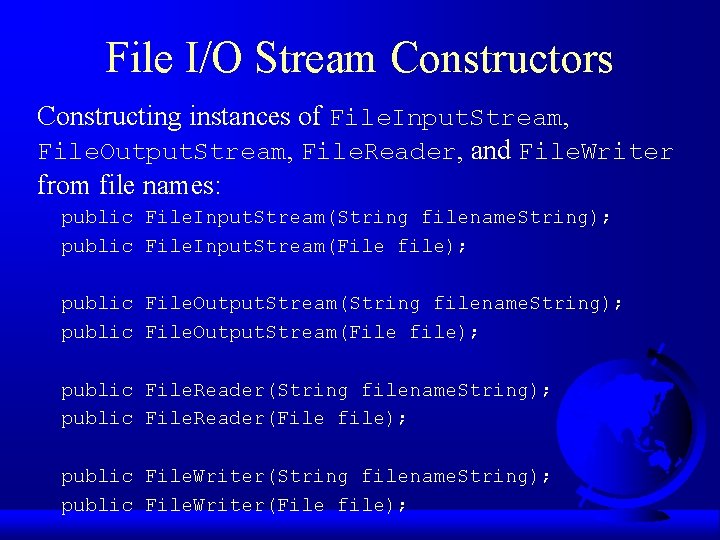
File I/O Stream Constructors Constructing instances of File. Input. Stream, File. Output. Stream, File. Reader, and File. Writer from file names: public File. Input. Stream(String filename. String); public File. Input. Stream(File file); public File. Output. Stream(String filename. String); public File. Output. Stream(File file); public File. Reader(String filename. String); public File. Reader(File file); public File. Writer(String filename. String); public File. Writer(File file);
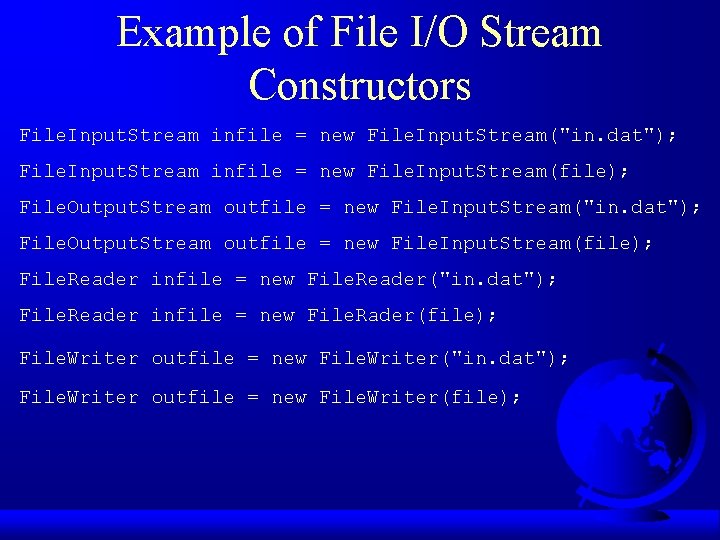
Example of File I/O Stream Constructors File. Input. Stream infile = new File. Input. Stream("in. dat"); File. Input. Stream infile = new File. Input. Stream(file); File. Output. Stream outfile = new File. Input. Stream("in. dat"); File. Output. Stream outfile = new File. Input. Stream(file); File. Reader infile = new File. Reader("in. dat"); File. Reader infile = new File. Rader(file); File. Writer outfile = new File. Writer("in. dat"); File. Writer outfile = new File. Writer(file);
Example Processing External Files
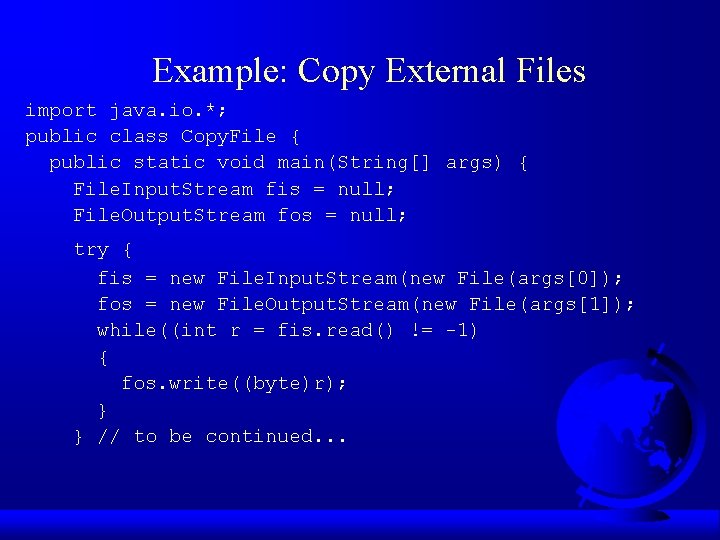
Example: Copy External Files import java. io. *; public class Copy. File { public static void main(String[] args) { File. Input. Stream fis = null; File. Output. Stream fos = null; try { fis = new File. Input. Stream(new File(args[0]); fos = new File. Output. Stream(new File(args[1]); while((int r = fis. read() != -1) { fos. write((byte)r); } } // to be continued. . .
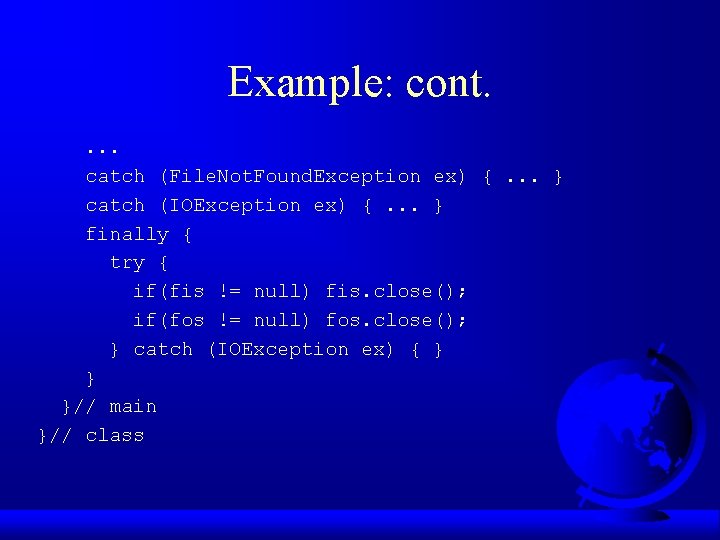
Example: cont. . catch (File. Not. Found. Exception ex) {. . . } catch (IOException ex) {. . . } finally { try { if(fis != null) fis. close(); if(fos != null) fos. close(); } catch (IOException ex) { } } }// main }// class
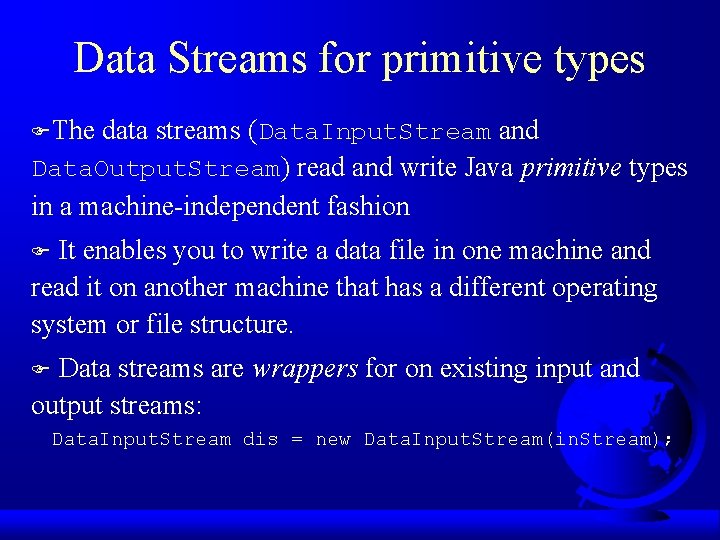
Data Streams for primitive types FThe data streams (Data. Input. Stream and Data. Output. Stream) read and write Java primitive types in a machine-independent fashion It enables you to write a data file in one machine and read it on another machine that has a different operating system or file structure. F Data streams are wrappers for on existing input and output streams: F Data. Input. Stream dis = new Data. Input. Stream(in. Stream);
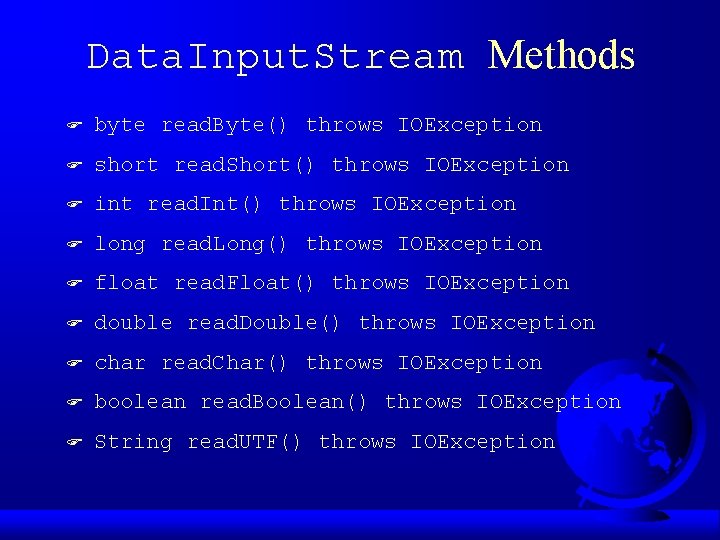
Data. Input. Stream Methods F byte read. Byte() throws IOException F short read. Short() throws IOException F int read. Int() throws IOException F long read. Long() throws IOException F float read. Float() throws IOException F double read. Double() throws IOException F char read. Char() throws IOException F boolean read. Boolean() throws IOException F String read. UTF() throws IOException
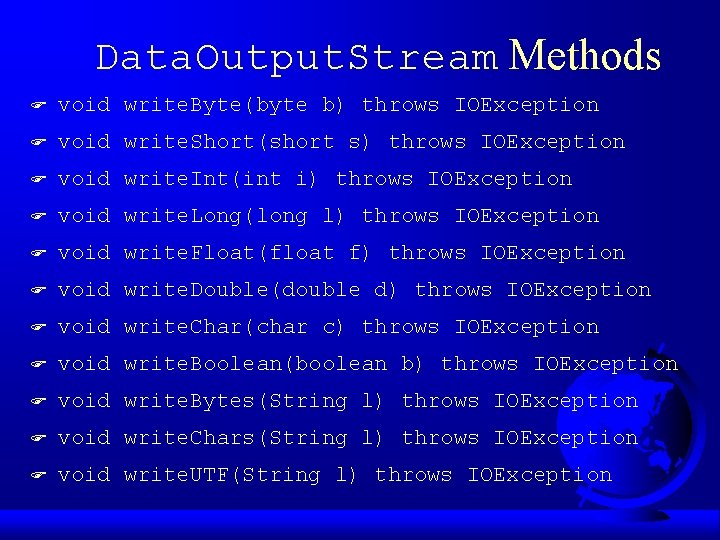
Data. Output. Stream Methods F void write. Byte(byte b) throws IOException F void write. Short(short s) throws IOException F void write. Int(int i) throws IOException F void write. Long(long l) throws IOException F void write. Float(float f) throws IOException F void write. Double(double d) throws IOException F void write. Char(char c) throws IOException F void write. Boolean(boolean b) throws IOException F void write. Bytes(String l) throws IOException F void write. Chars(String l) throws IOException F void write. UTF(String l) throws IOException
Example: Using Data Streams
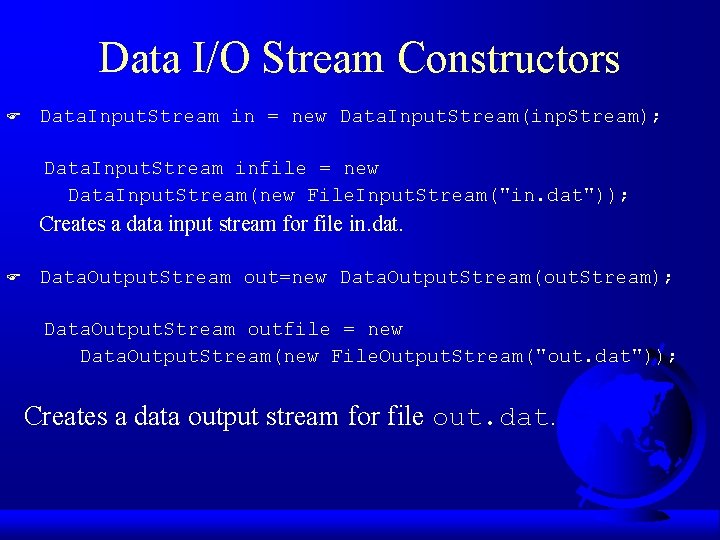
Data I/O Stream Constructors F Data. Input. Stream in = new Data. Input. Stream(inp. Stream); Data. Input. Stream infile = new Data. Input. Stream(new File. Input. Stream("in. dat")); Creates a data input stream for file in. dat. F Data. Output. Stream out=new Data. Output. Stream(out. Stream); Data. Output. Stream outfile = new Data. Output. Stream(new File. Output. Stream("out. dat")); Creates a data output stream for file out. dat.
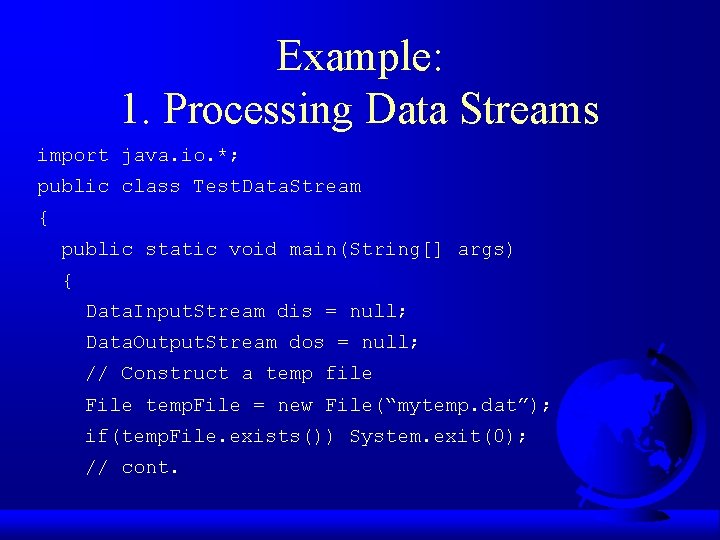
Example: 1. Processing Data Streams import java. io. *; public class Test. Data. Stream { public static void main(String[] args) { Data. Input. Stream dis = null; Data. Output. Stream dos = null; // Construct a temp file File temp. File = new File(“mytemp. dat”); if(temp. File. exists()) System. exit(0); // cont.
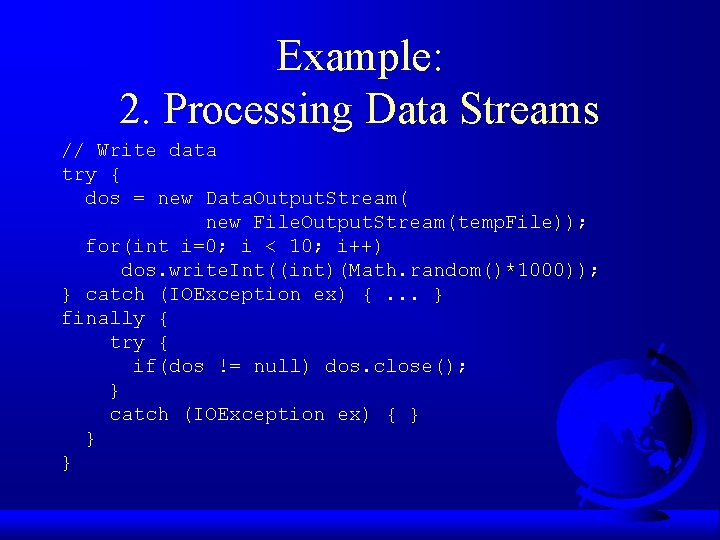
Example: 2. Processing Data Streams // Write data try { dos = new Data. Output. Stream( new File. Output. Stream(temp. File)); for(int i=0; i < 10; i++) dos. write. Int((int)(Math. random()*1000)); } catch (IOException ex) {. . . } finally { try { if(dos != null) dos. close(); } catch (IOException ex) { } } }
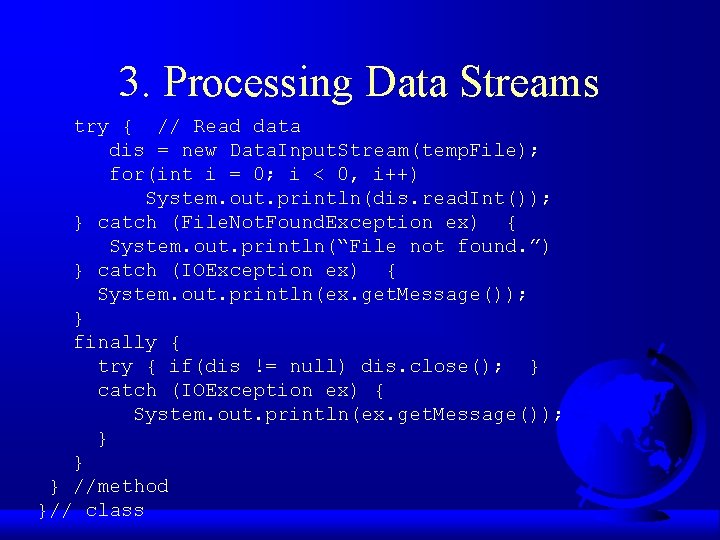
3. Processing Data Streams try { // Read data dis = new Data. Input. Stream(temp. File); for(int i = 0; i < 0, i++) System. out. println(dis. read. Int()); } catch (File. Not. Found. Exception ex) { System. out. println(“File not found. ”) } catch (IOException ex) { System. out. println(ex. get. Message()); } finally { try { if(dis != null) dis. close(); } catch (IOException ex) { System. out. println(ex. get. Message()); } } } //method }// class
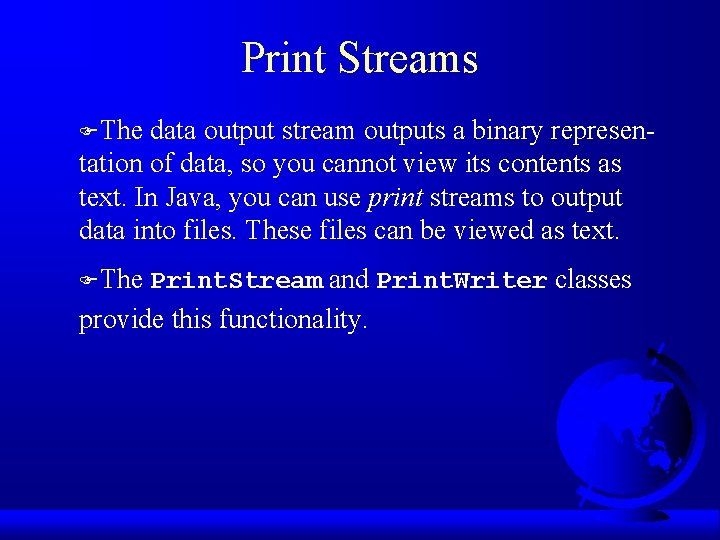
Print Streams FThe data output stream outputs a binary representation of data, so you cannot view its contents as text. In Java, you can use print streams to output data into files. These files can be viewed as text. FThe Print. Stream and Print. Writer classes provide this functionality.
Buffered Streams FJava introduces buffered streams that speed up input and output by reducing the number of reads and writes. In the case of input, a bunch of data is read all at once instead of one byte at a time. In the case of output, data are first cached into a buffer, then written all together to the file. FUsing buffered streams is highly recommended!
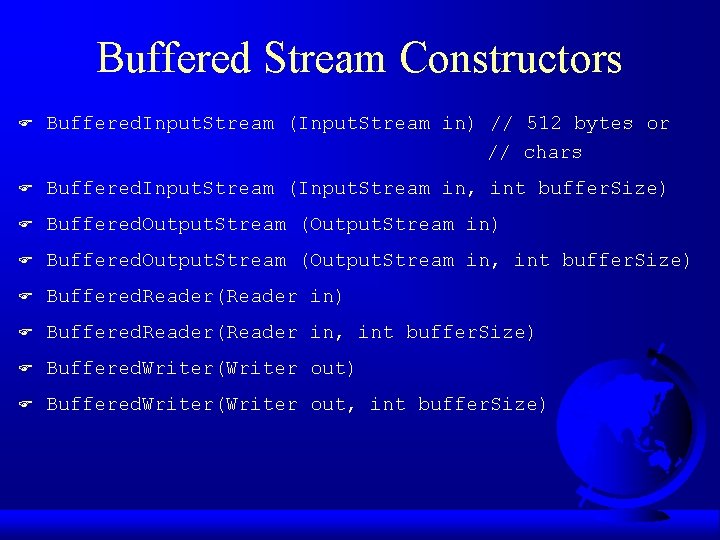
Buffered Stream Constructors F Buffered. Input. Stream (Input. Stream in) // 512 bytes or // chars F Buffered. Input. Stream (Input. Stream in, int buffer. Size) F Buffered. Output. Stream (Output. Stream in, int buffer. Size) F Buffered. Reader(Reader in, int buffer. Size) F Buffered. Writer(Writer out, int buffer. Size)
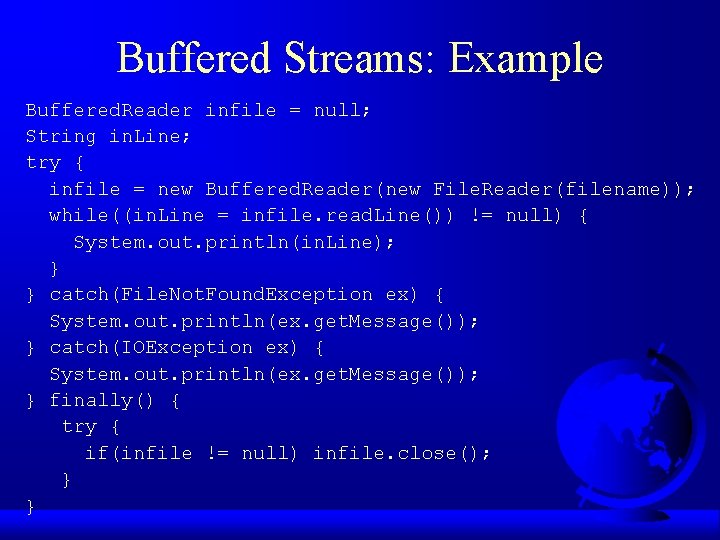
Buffered Streams: Example Buffered. Reader infile = null; String in. Line; try { infile = new Buffered. Reader(new File. Reader(filename)); while((in. Line = infile. read. Line()) != null) { System. out. println(in. Line); } } catch(File. Not. Found. Exception ex) { System. out. println(ex. get. Message()); } catch(IOException ex) { System. out. println(ex. get. Message()); } finally() { try { if(infile != null) infile. close(); } }
Text Input/Output on the Consoles There are two types of interactive I/O. F One involves simple input from the keyboard and simple output in a pure text form. F The other involves input from various input devices and output to a graphical environment on frames and applets. F The former is referred to as text interactive I/O, and the latter is known as graphical interactive I/O. F
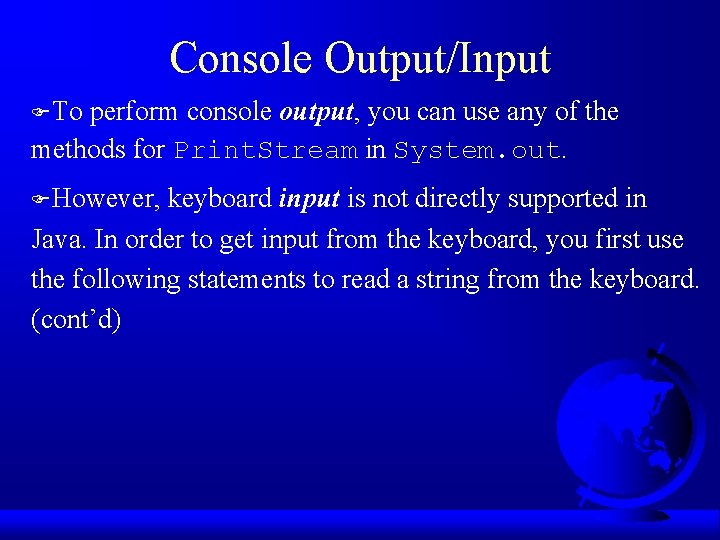
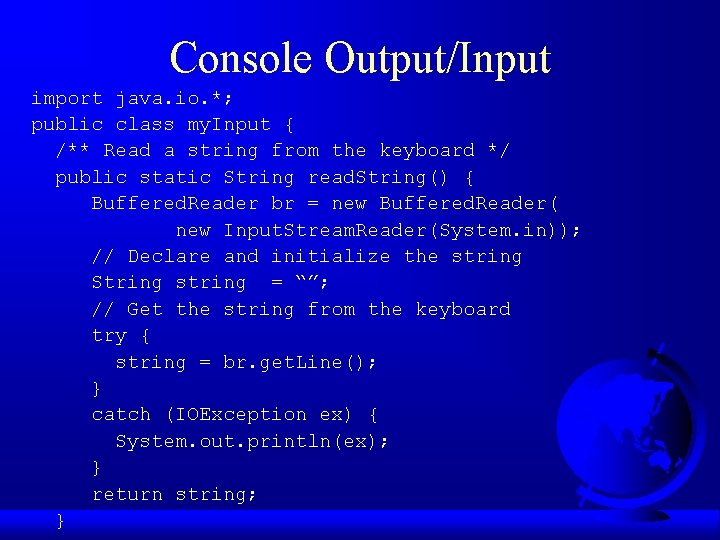
Console Output/Input FTo perform console output, you can use any of the methods for Print. Stream in System. out. FHowever, keyboard input is not directly supported in Java. In order to get input from the keyboard, you first use the following statements to read a string from the keyboard. (cont’d)
Console Output/Input import java. io. *; public class my. Input { /** Read a string from the keyboard */ public static String read. String() { Buffered. Reader br = new Buffered. Reader( new Input. Stream. Reader(System. in)); // Declare and initialize the string String string = “”; // Get the string from the keyboard try { string = br. get. Line(); } catch (IOException ex) { System. out. println(ex); } return string; }
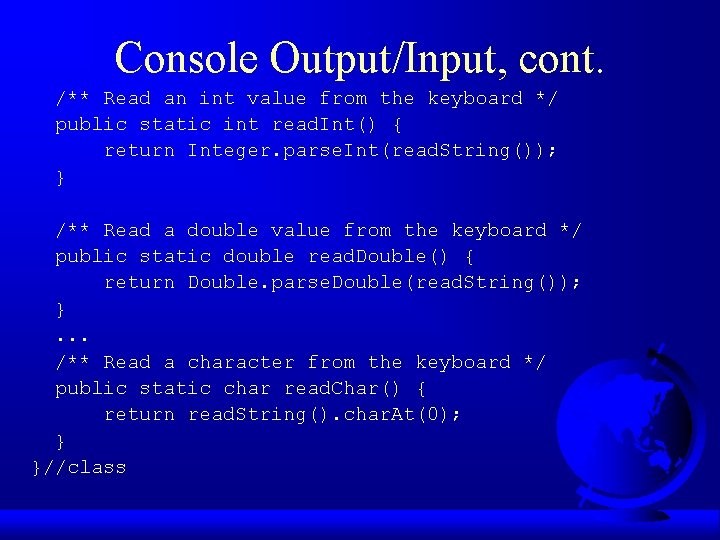
Console Output/Input, cont. /** Read an int value from the keyboard */ public static int read. Int() { return Integer. parse. Int(read. String()); } /** Read a double value from the keyboard */ public static double read. Double() { return Double. parse. Double(read. String()); }. . . /** Read a character from the keyboard */ public static char read. Char() { return read. String(). char. At(0); } }//class
Object Input and Output F Serializable interface Object Streams F Example F
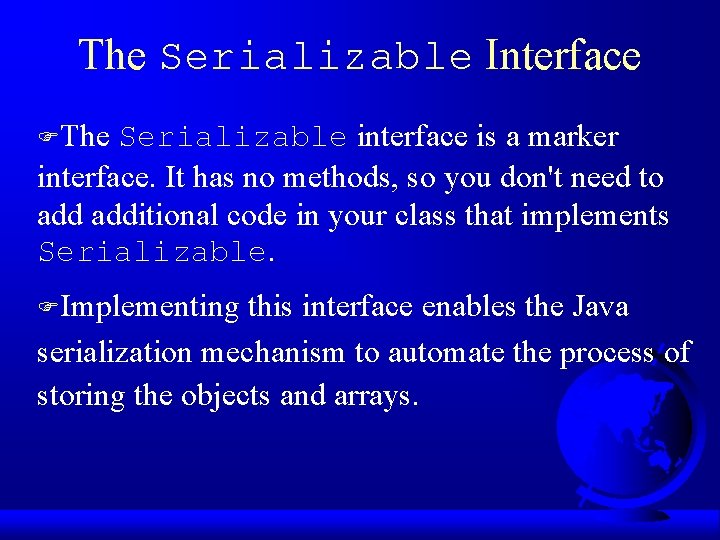
The Serializable Interface FThe Serializable interface is a marker interface. It has no methods, so you don't need to additional code in your class that implements Serializable. FImplementing this interface enables the Java serialization mechanism to automate the process of storing the objects and arrays.
The Object Streams FUse the Object. Output. Stream class for storing objects and the Object. Input. Stream class for restoring objects. FThese two classes are built upon several other classes.
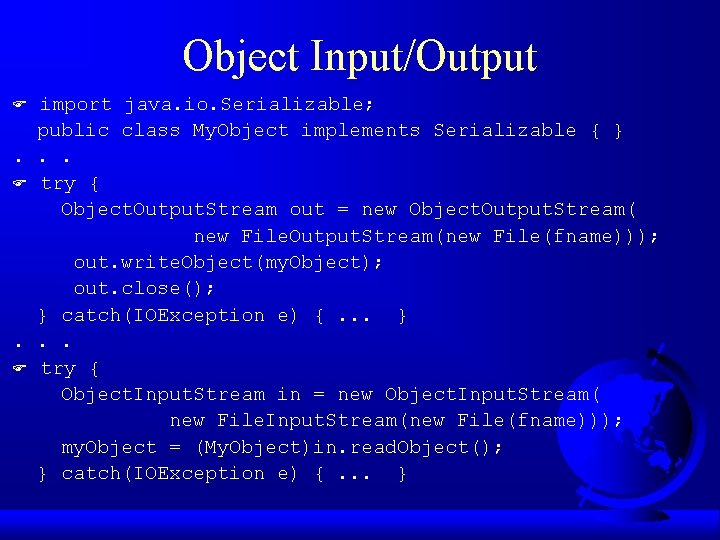
Object Input/Output import java. io. Serializable; public class My. Object implements Serializable { }. . . F try { Object. Output. Stream out = new Object. Output. Stream( new File. Output. Stream(new File(fname))); out. write. Object(my. Object); out. close(); } catch(IOException e) {. . . }. . . F try { Object. Input. Stream in = new Object. Input. Stream( new File. Input. Stream(new File(fname))); my. Object = (My. Object)in. read. Object(); } catch(IOException e) {. . . } F
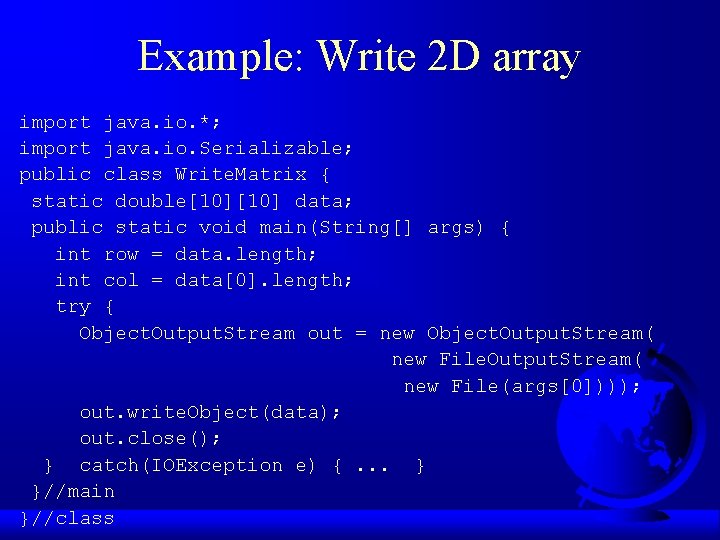
Example: Write 2 D array import java. io. *; import java. io. Serializable; public class Write. Matrix { static double[10] data; public static void main(String[] args) { int row = data. length; int col = data[0]. length; try { Object. Output. Stream out = new Object. Output. Stream( new File(args[0]))); out. write. Object(data); out. close(); } catch(IOException e) {. . . } }//main }//class
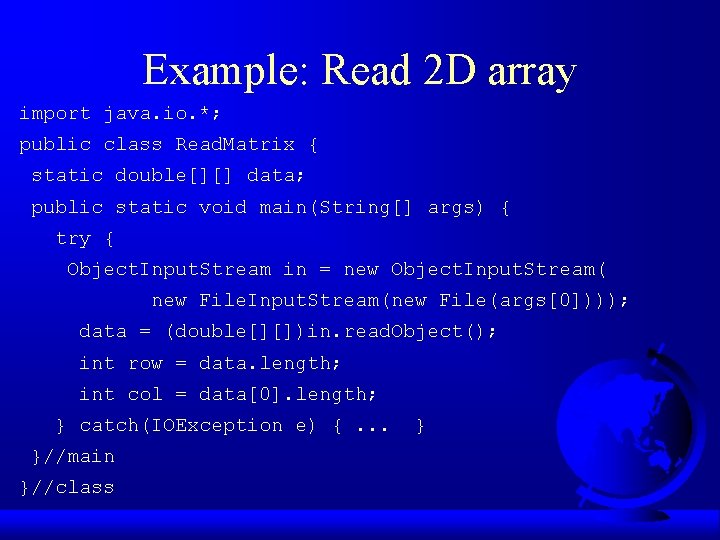
Example: Read 2 D array import java. io. *; public class Read. Matrix { static double[][] data; public static void main(String[] args) { try { Object. Input. Stream in = new Object. Input. Stream( new File. Input. Stream(new File(args[0]))); data = (double[][])in. read. Object(); int row = data. length; int col = data[0]. length; } catch(IOException e) {. . . }//main }//class }
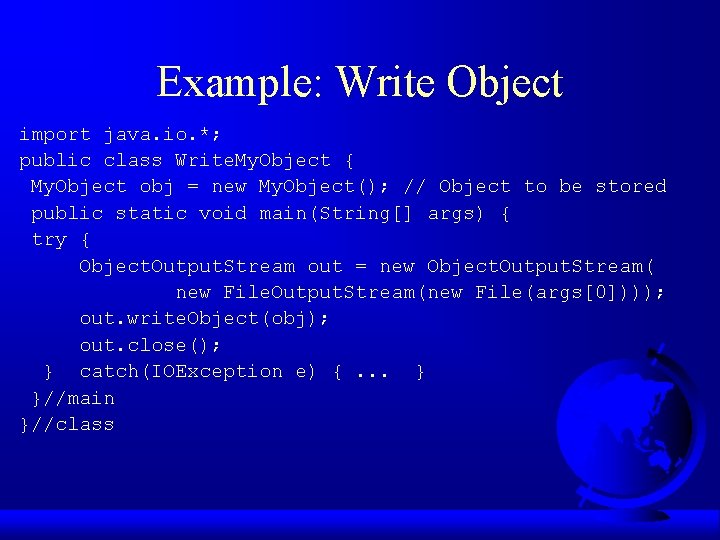
Example: Write Object import java. io. *; public class Write. My. Object { My. Object obj = new My. Object(); // Object to be stored public static void main(String[] args) { try { Object. Output. Stream out = new Object. Output. Stream( new File. Output. Stream(new File(args[0]))); out. write. Object(obj); out. close(); } catch(IOException e) {. . . } }//main }//class
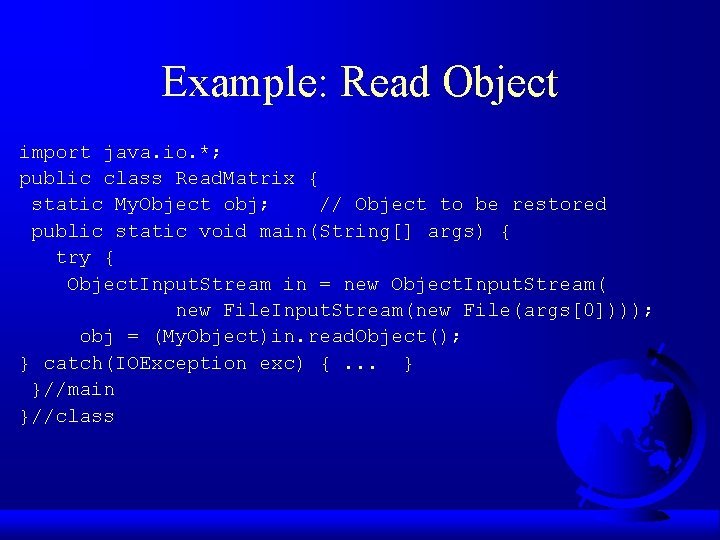
Example: Read Object import java. io. *; public class Read. Matrix { static My. Object obj; // Object to be restored public static void main(String[] args) { try { Object. Input. Stream in = new Object. Input. Stream( new File. Input. Stream(new File(args[0]))); obj = (My. Object)in. read. Object(); } catch(IOException exc) {. . . } }//main }//class