
Innovative Teacher Motivated Student Collaborative Problem Solving 20

Innovative Teacher – Motivated Student: Collaborative Problem Solving 20 February 2018 Sesimbra, Portugal Eglė Vaivadienė, Lithuania, eglevaivadiene@gmail. com
Lietuva Education Development Centre (EDC) is the biggest institution affiliate to the Ministry of Education and Science of the Republic of Lithuania providing educational support in the field of pre-school, primary and general education. EDC staff consists of more than 100 professionals in education. OUR COMMITMENT. We actively aim: • to form general education curriculum, which corresponds to the needs of society; • to initiate, create and implement innovations in education; • to implement education content quality assurance; • to improve school performance; • to implement necessary quality assurance activities in in-service teacher training and initiate and implement in-service teacher training programmes. OUR EXPERTISE. Over the years we have accumulated experience in these fields of expertise: • education content: development and implementation of general education content; • analysis of educational processes and initiation of education innovations; • coordination of education content adaptation to learners with various needs; coordination, initiation of methodological materials’ preparation for curriculum implementation and dissemination; • educational support: information support and consulting in education for education providers; • in-service teacher training: • preparation and implementation of in-service teacher and school head training programmes; • expert evaluation and accreditation of teacher and school head training programmes; • quality assurance: organization and coordination of expert evaluation of textbooks and other teaching/learning tools and methodological publications for general education.
Digital environment to saving, grouping, publication and sharing of different types of information Lino, Padlet, Tes. Teach, Wikispaces
Create lessons in 5 minutes • http: //en. linoit. com/ • https: //www. blendspace. com/ Example • https: //www. edmodo. com • http: //www. classdojo. com/share • http: //socrative. com
Lino http: //en. linoit. com / Tes. Teach https: //www. tes. com/lessons/ Wikispace http: //wikispaces. com How to easily use Wikispaces for education Padlet http: //padlet. com How to use Padlet Google drive Google for Education Introduction to G Suite for Education
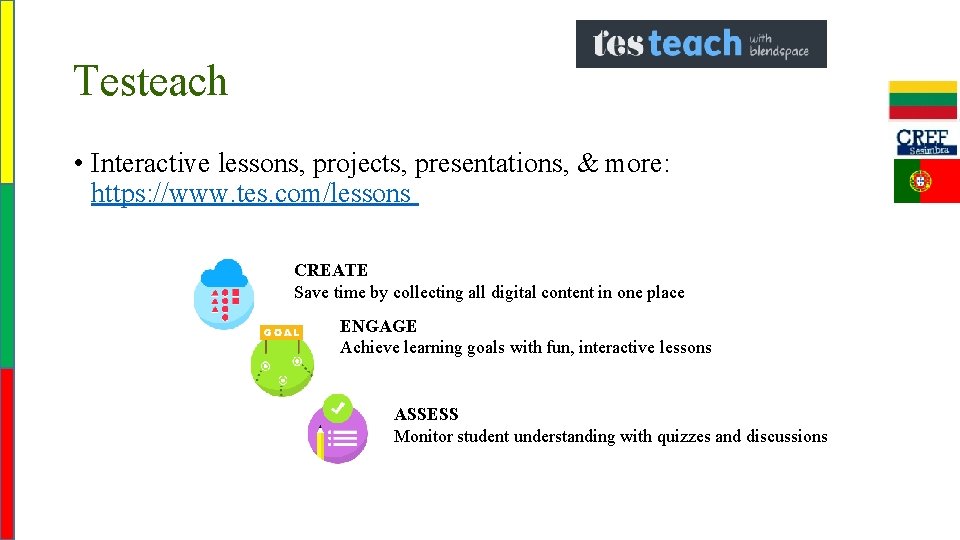
Testeach • Interactive lessons, projects, presentations, & more: https: //www. tes. com/lessons CREATE Save time by collecting all digital content in one place ENGAGE Achieve learning goals with fun, interactive lessons ASSESS Monitor student understanding with quizzes and discussions
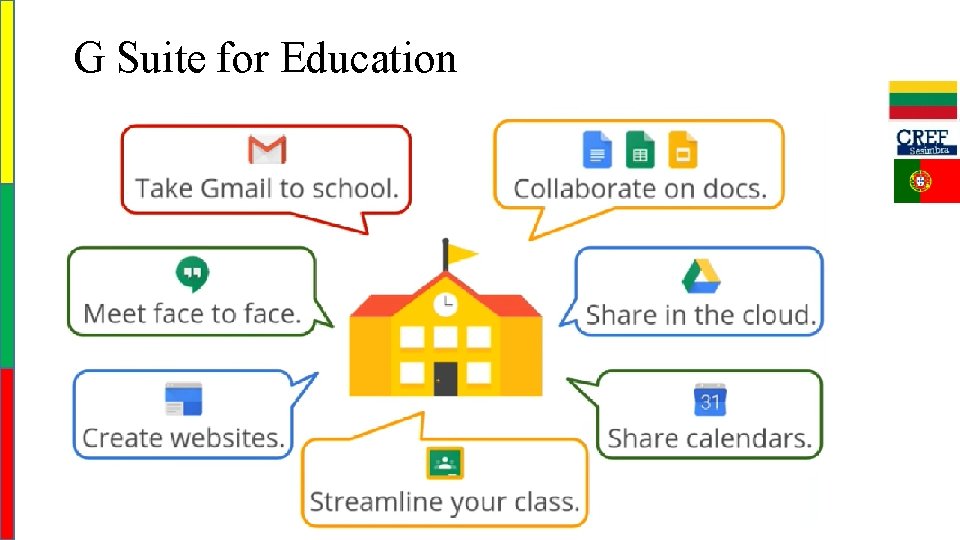
G Suite for Education
Online tools and sites for creative and collaborative problem solving
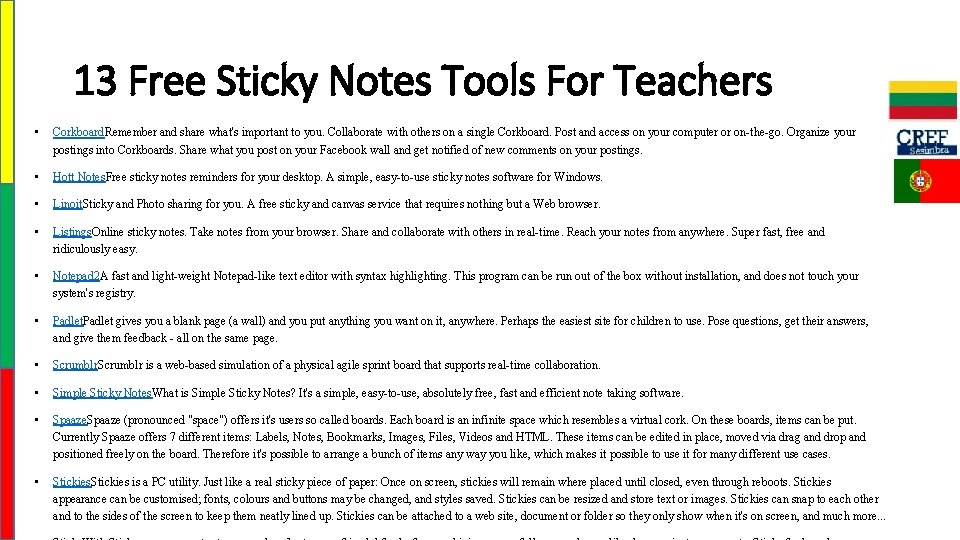
13 Free Sticky Notes Tools For Teachers • Corkboard. Remember and share what's important to you. Collaborate with others on a single Corkboard. Post and access on your computer or on-the-go. Organize your postings into Corkboards. Share what you post on your Facebook wall and get notified of new comments on your postings. • Hott Notes. Free sticky notes reminders for your desktop. A simple, easy-to-use sticky notes software for Windows. • Linoit. Sticky and Photo sharing for you. A free sticky and canvas service that requires nothing but a Web browser. • Listings. Online sticky notes. Take notes from your browser. Share and collaborate with others in real-time. Reach your notes from anywhere. Super fast, free and ridiculously easy. • Notepad 2 A fast and light-weight Notepad-like text editor with syntax highlighting. This program can be run out of the box without installation, and does not touch your system's registry. • Padlet gives you a blank page (a wall) and you put anything you want on it, anywhere. Perhaps the easiest site for children to use. Pose questions, get their answers, and give them feedback - all on the same page. • Scrumblr is a web-based simulation of a physical agile sprint board that supports real-time collaboration. • Simple Sticky Notes. What is Simple Sticky Notes? It's a simple, easy-to-use, absolutely free, fast and efficient note taking software. • Spaaze (pronounced "space") offers it's users so called boards. Each board is an infinite space which resembles a virtual cork. On these boards, items can be put. Currently Spaaze offers 7 different items: Labels, Notes, Bookmarks, Images, Files, Videos and HTML. These items can be edited in place, moved via drag and drop and positioned freely on the board. Therefore it's possible to arrange a bunch of items any way you like, which makes it possible to use it for many different use cases. • Stickies is a PC utility. Just like a real sticky piece of paper: Once on screen, stickies will remain where placed until closed, even through reboots. Stickies appearance can be customised; fonts, colours and buttons may be changed, and styles saved. Stickies can be resized and store text or images. Stickies can snap to each other and to the sides of the screen to keep them neatly lined up. Stickies can be attached to a web site, document or folder so they only show when it's on screen, and much more. . .
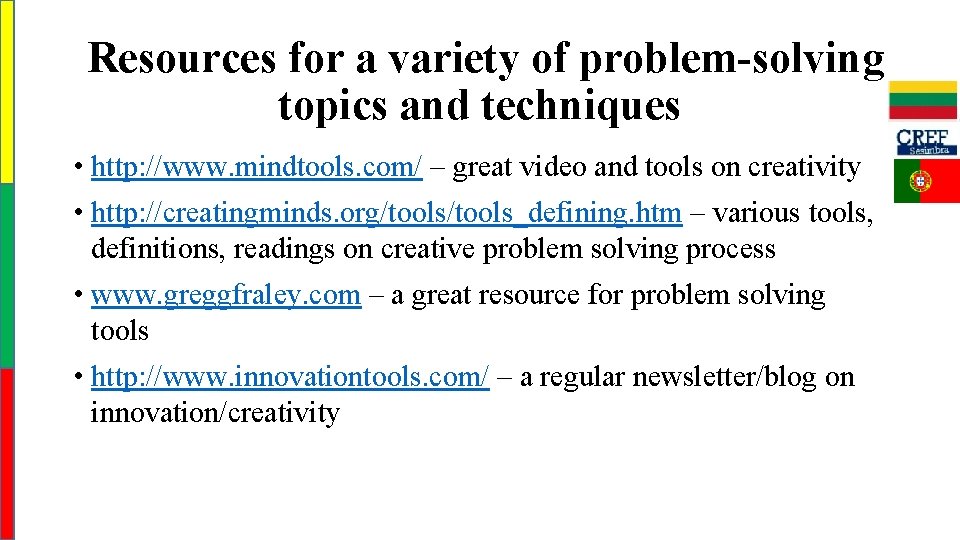
Resources for a variety of problem-solving topics and techniques • http: //www. mindtools. com/ – great video and tools on creativity • http: //creatingminds. org/tools_defining. htm – various tools, definitions, readings on creative problem solving process • www. greggfraley. com – a great resource for problem solving tools • http: //www. innovationtools. com/ – a regular newsletter/blog on innovation/creativity
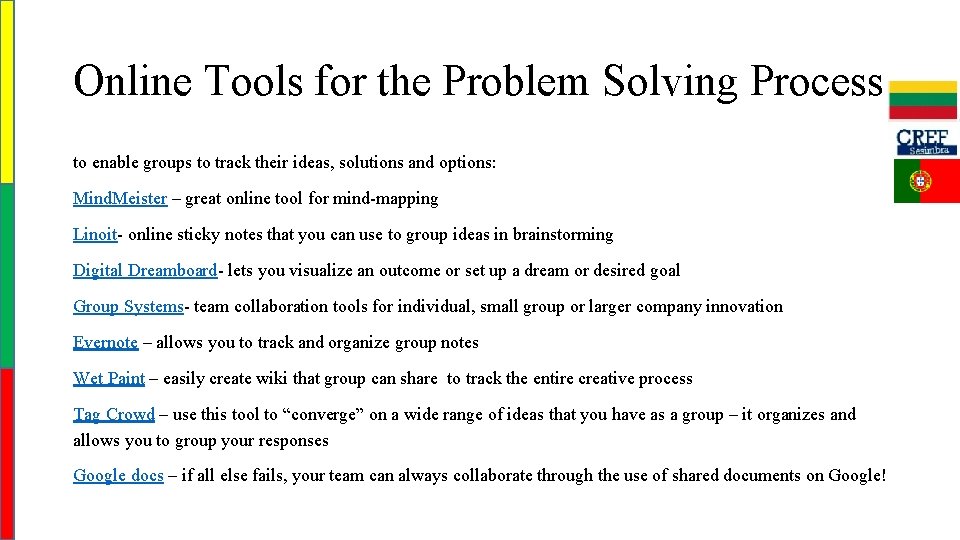
Online Tools for the Problem Solving Process to enable groups to track their ideas, solutions and options: Mind. Meister – great online tool for mind-mapping Linoit- online sticky notes that you can use to group ideas in brainstorming Digital Dreamboard- lets you visualize an outcome or set up a dream or desired goal Group Systems- team collaboration tools for individual, small group or larger company innovation Evernote – allows you to track and organize group notes Wet Paint – easily create wiki that group can share to track the entire creative process Tag Crowd – use this tool to “converge” on a wide range of ideas that you have as a group – it organizes and allows you to group your responses Google docs – if all else fails, your team can always collaborate through the use of shared documents on Google!
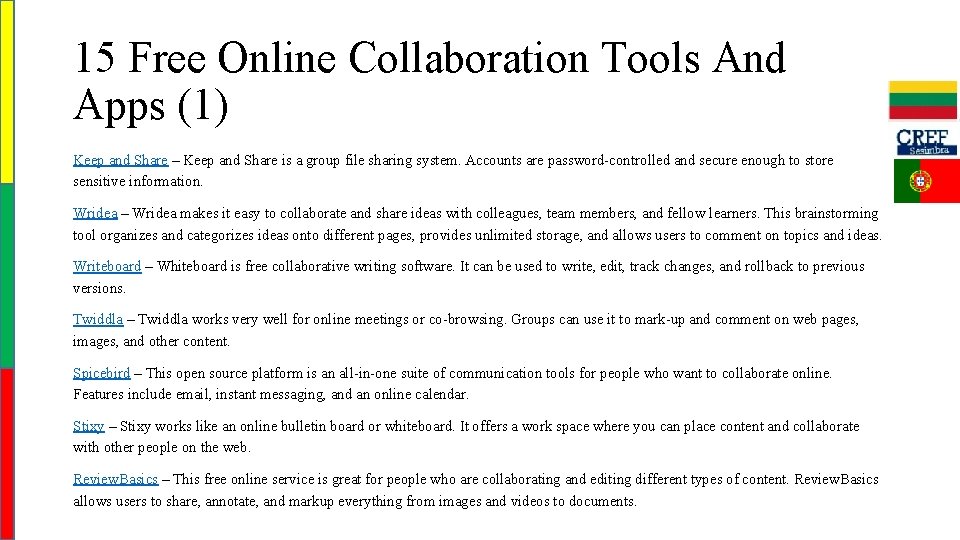
15 Free Online Collaboration Tools And Apps (1) Keep and Share – Keep and Share is a group file sharing system. Accounts are password-controlled and secure enough to store sensitive information. Wridea – Wridea makes it easy to collaborate and share ideas with colleagues, team members, and fellow learners. This brainstorming tool organizes and categorizes ideas onto different pages, provides unlimited storage, and allows users to comment on topics and ideas. Writeboard – Whiteboard is free collaborative writing software. It can be used to write, edit, track changes, and rollback to previous versions. Twiddla – Twiddla works very well for online meetings or co-browsing. Groups can use it to mark-up and comment on web pages, images, and other content. Spicebird – This open source platform is an all-in-one suite of communication tools for people who want to collaborate online. Features include email, instant messaging, and an online calendar. Stixy – Stixy works like an online bulletin board or whiteboard. It offers a work space where you can place content and collaborate with other people on the web. Review. Basics – This free online service is great for people who are collaborating and editing different types of content. Review. Basics allows users to share, annotate, and markup everything from images and videos to documents.
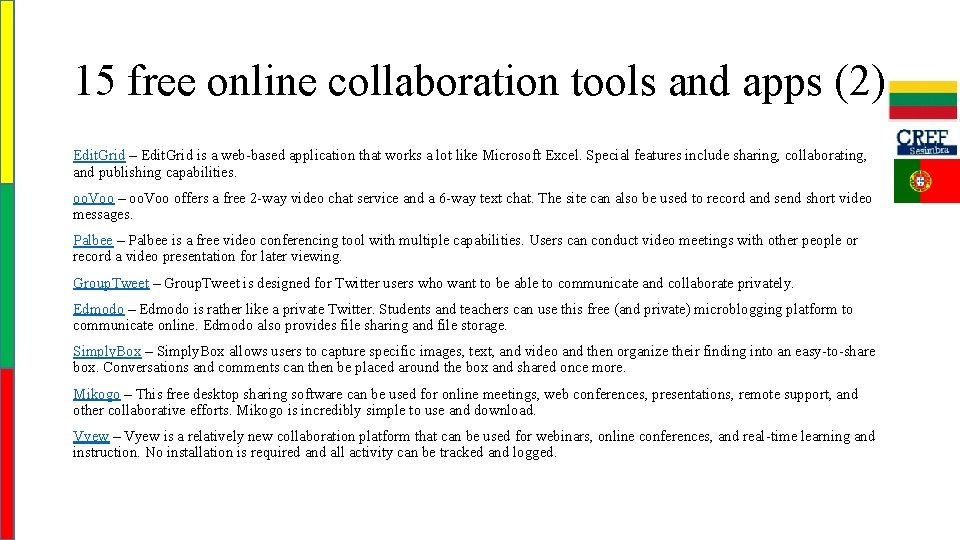
15 free online collaboration tools and apps (2) Edit. Grid – Edit. Grid is a web-based application that works a lot like Microsoft Excel. Special features include sharing, collaborating, and publishing capabilities. oo. Voo – oo. Voo offers a free 2 -way video chat service and a 6 -way text chat. The site can also be used to record and send short video messages. Palbee – Palbee is a free video conferencing tool with multiple capabilities. Users can conduct video meetings with other people or record a video presentation for later viewing. Group. Tweet – Group. Tweet is designed for Twitter users who want to be able to communicate and collaborate privately. Edmodo – Edmodo is rather like a private Twitter. Students and teachers can use this free (and private) microblogging platform to communicate online. Edmodo also provides file sharing and file storage. Simply. Box – Simply. Box allows users to capture specific images, text, and video and then organize their finding into an easy-to-share box. Conversations and comments can then be placed around the box and shared once more. Mikogo – This free desktop sharing software can be used for online meetings, web conferences, presentations, remote support, and other collaborative efforts. Mikogo is incredibly simple to use and download. Vyew – Vyew is a relatively new collaboration platform that can be used for webinars, online conferences, and real-time learning and instruction. No installation is required and all activity can be tracked and logged.
Palbee is a free online service that allows you to set up online video meetings with your friends or colleagues. A whiteboard lets you draw, write texts, highlight or erase using different tools. Wetoku is similar to Palbee though you can set video meeting with one person, you can consider Wetoku as an easy interview tool.
Springnote is a web notebook service based on a wiki. You can: • create your own personal notebook • collaborate with others using group notebooks. • create pages, • share links and your bookmarks or share your files. • Webnote and Writeboard are similar tools to take notes on net and share and make changes together.
Wallwisher is an online and collaborative notice board maker. You can: • make announcements, lists, • share your bookmarks with others or create together • add pictures, videos or give links. • write anything you want to write on post-its and you can do more than that. collaboration example: Nik Peachey’s Wallwisher Stixy is a similar tool.
Co. Sketch • lets you visualize and share your ideas as images using a whiteboard with others. You can upload pictures and draw on it, add shapes, you can draw at the same time with others and you can save your sketch as an image to embed it to your blog. • Dabble. Board can be considered as a similar site. It’s another collaboration tool based on a whiteboard.
Wiggio • is an online toolkit that lets you work in groups easily. You can send emails, text messages, voice mails. It makes it easy to share files and polls. You can set video conferences and also keep shared calendar, keep track of group’s tasks and resources.
Mindmeister • is an online collaborative mind mapping tool that you can brainstorm with others real-time. You can create your own mind map on a award winning interface or share your mind maps with your friends or collaborate with others to create a collaborative one. • Here is a good example with many other collaborative tools that you can use.
Aggregation & Collaboration • Alltop – one of the leading blog aggregators out there; check out the Journalism section as a good example • Basecamp – an oldie, but a goody – online project management made easy (37 Signals, the company behind Basecamp, makes several online apps that you’ll want to check out) • Digsby – get your IM, Email and Social Networks all in one place, that’s what Digsby is all about • Tinychat – create chatrooms on-the-fly; Back. Noise is another good one for this • Gist – one of my favorite apps of the day, Gist helps you learn more about the contacts you’ve made – all in one place • Google Apps – by far the most popular toolset with this crowd, Gmail, Google Calendar, Google Talk, Google Docs all get the nod for making your life easier. Of course, I have to mention Google Reader or Google Wave in this category either • Spring. Pad – one of the latest online notebooks, this one is worth a test drive • Mind. Mesiter – collaborative, online mind mapping; I’ve yet to catch on to the whole mind-mapping craze, but those that use it love it – maybe it’s for you? • Instapaper – a fast, easy, and free tool to save Web pages for reading later • Utterli – another online chat tool you can use to start discussions via the Web or your mobile device • Skribit – let your readers suggest topics for you to blog about, and put an end to writer’s block
Monitoring & Analytics • Convo. Track – a bookmarklet that enables you to see the entire conversation surrounding a post (see comments from Twitter, Friend. Feed, Digg, Reddit, etc. ) • Tweet. Beep – you’ve probably heard of this one, but Tweet. Beep is the “Google Alerts” for Twitter – monitor keywords in Twitter and receive email summaries for free • Google Analytics and Google Alerts – I know you’ve heard of these, but they are among the most valuable tools for monitoring and analytics today • Social. Mention – a free, real-time social media search and analysis tool • Monitter – real-time, live Twitter monitor – lets you monitor Twitter for keywords, similar to features in some Twitter clients • Tweet. Grid – another free Twitter monitoring tool, but this one lets you decide how many windows (or active searches) you want in your “grid” • Tweet. Chat -allows you to create chats around Twitter hashtags – a popular tool for following #journchat discussions • Twitterfall – my tool-of-choice for following #journchat, though it’s really a more powerful Twitter monitoring tool that displays tweets in a “waterfall” window
File Utilities • You. Send. It – easy way to share large files online • Twitpic – easy way to share photos via Twitter
Multimedia • UStream – Free live video streaming • Qik – record and stream video from your mobile device
Online Research • Zotero – easy-to-use Firefox extension to help you collect, manage and cite your research sources. • Addict-o-matic – if I had a “super cool” category, this one would be in it – instantly create a custom page with the latest buzz on any topic
Online Journalism • Publish 2 – this one’s on my “ones to watch” list now – Publish 2 bills itself as the Web’s largest newsroom, where journalists collaborate to curate the news • Slinkset – this wasn’t mentioned in the chat, but it’s a cool tool for creating your own online news site
Digital Calendar • http: //teacherrebootcamp. com/2016/11/25/digitaladventcalendar/
Free Teacher Technology Tools • Animated Educational Arcade • Classroom Calculators • Educational Games • Free Email Accounts • Hand Writing Simulator • Online Calendar Maker • Take Our Teacher Poll! • Teacher Message Board • Teacher Motivator • Teacher Software • Web Site Maker • Weekly Teacher Tips Newsletter
Useful links • Online web tools for creative educators & trainers • 15 Free Tools for Web-based Collaboration: • Virtual Classroom Software • Tools for educators – Free tools for teaching - printable worksheets, board games, Crossword, Maze, Domino, Bingo, Puzzle Maker, classroom printables and on-line worksheet templates with images. • 31 Free Social Bookmarking Tools For Educators • What’s APPening in Microsoft Education • Top free apps
- Slides: 29