
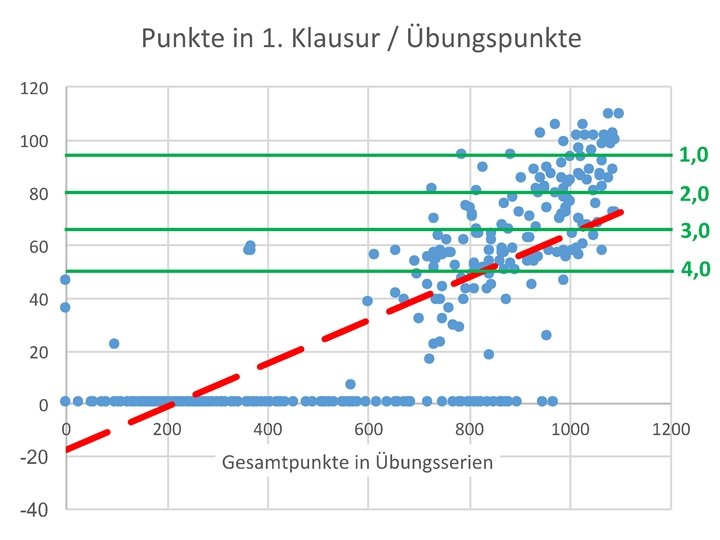
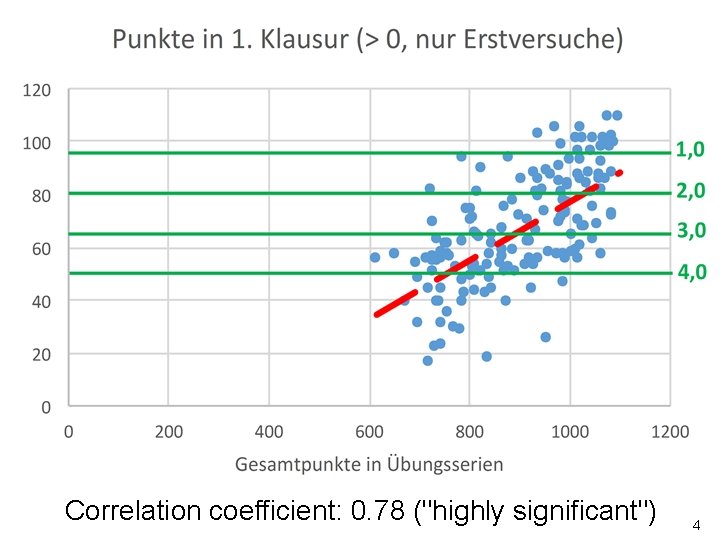
infprogoo de Wiki Termine 2 3 Correlation coefficient

- Slides: 38
infprogoo. de �Wiki �Termine 2
3
Correlation coefficient: 0. 78 ("highly significant") 4
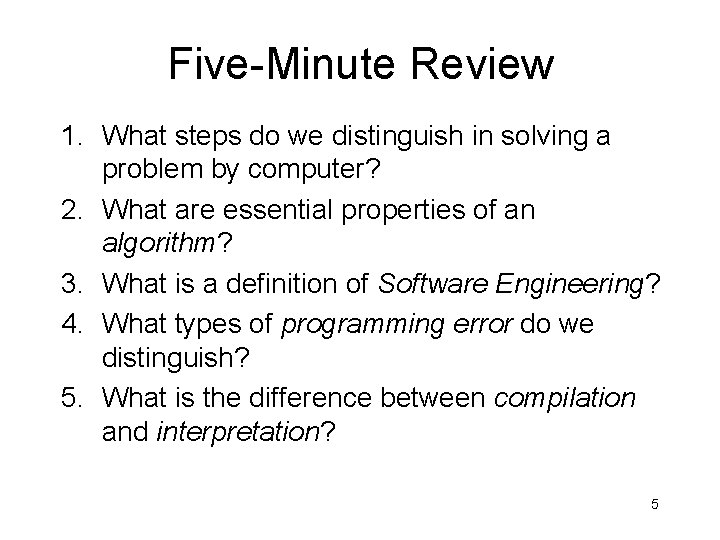
Five-Minute Review 1. What steps do we distinguish in solving a problem by computer? 2. What are essential properties of an algorithm? 3. What is a definition of Software Engineering? 4. What types of programming error do we distinguish? 5. What is the difference between compilation and interpretation? 5
Programming – Lecture 2 Programming by example (Chapter 2) • Hello world • Patterns • Classes, objects • Graphical programming 6
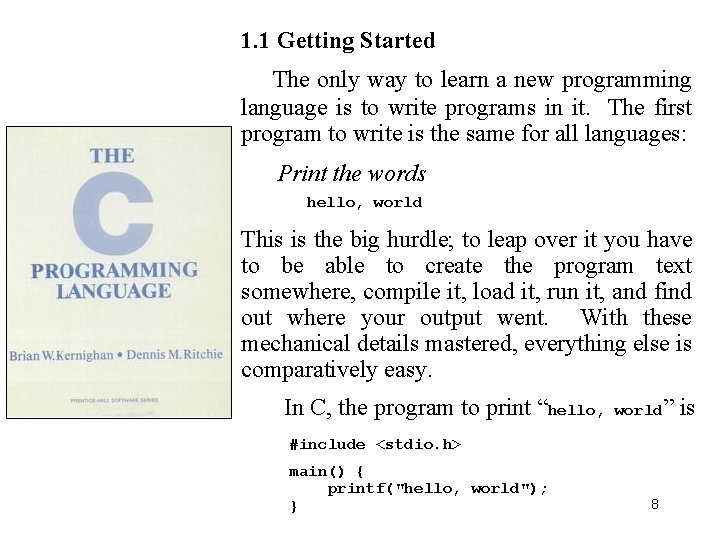
1. 1 Getting Started The only way to learn a new programming language is to write programs in it. The first program to write is the same for all languages: Print the words hello, world This is the big hurdle; to leap over it you have to be able to create the program text somewhere, compile it, load it, run it, and find out where your output went. With these mechanical details mastered, everything else is comparatively easy. In C, the program to print “hello, world” #include <stdio. h> main() { printf("hello, world"); } 8 is
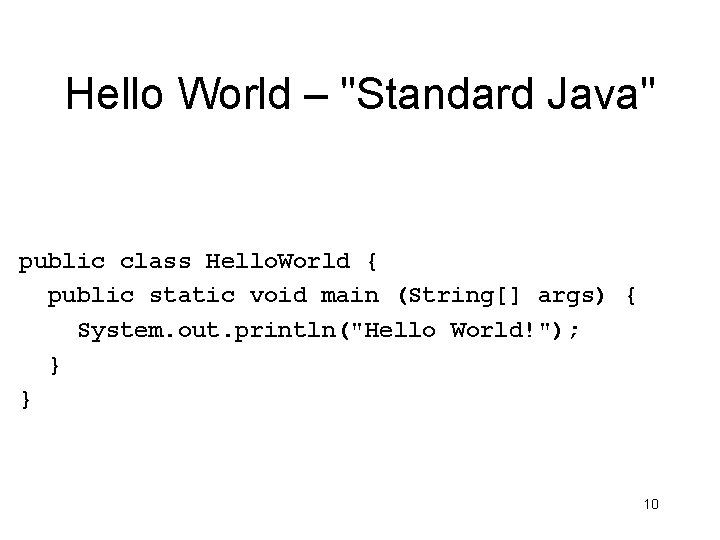
Hello World – "Standard Java" public class Hello. World { public static void main (String[] args) { System. out. println("Hello World!"); } } 10
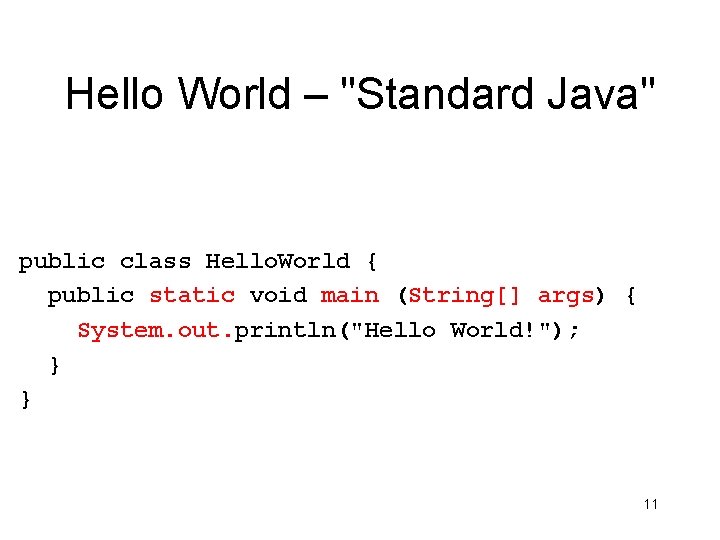
Hello World – "Standard Java" public class Hello. World { public static void main (String[] args) { System. out. println("Hello World!"); } } 11
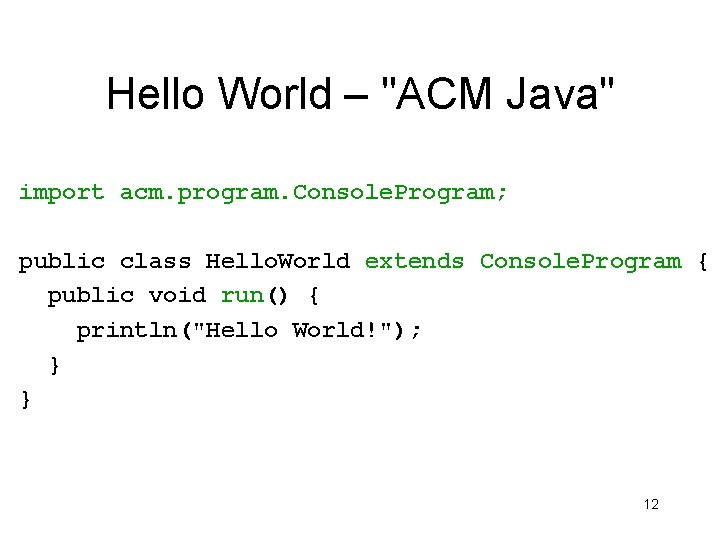
Hello World – "ACM Java" import acm. program. Console. Program; public class Hello. World extends Console. Program { public void run() { println("Hello World!"); } } 12
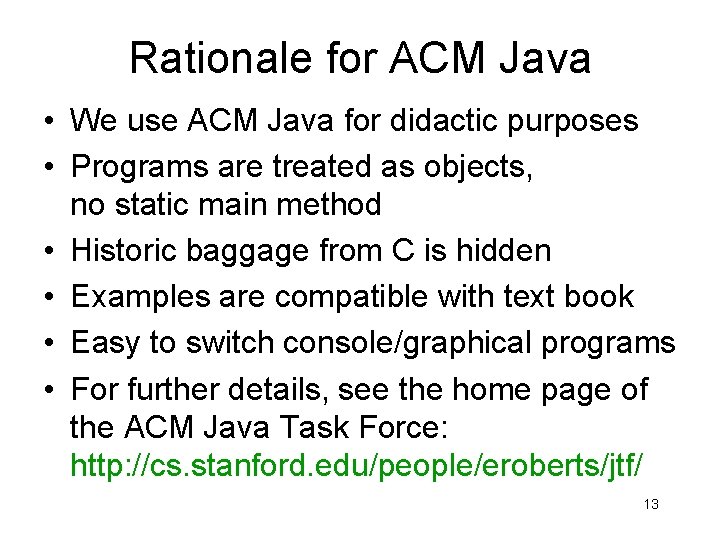
Rationale for ACM Java • We use ACM Java for didactic purposes • Programs are treated as objects, no static main method • Historic baggage from C is hidden • Examples are compatible with text book • Easy to switch console/graphical programs • For further details, see the home page of the ACM Java Task Force: http: //cs. stanford. edu/people/eroberts/jtf/ 13
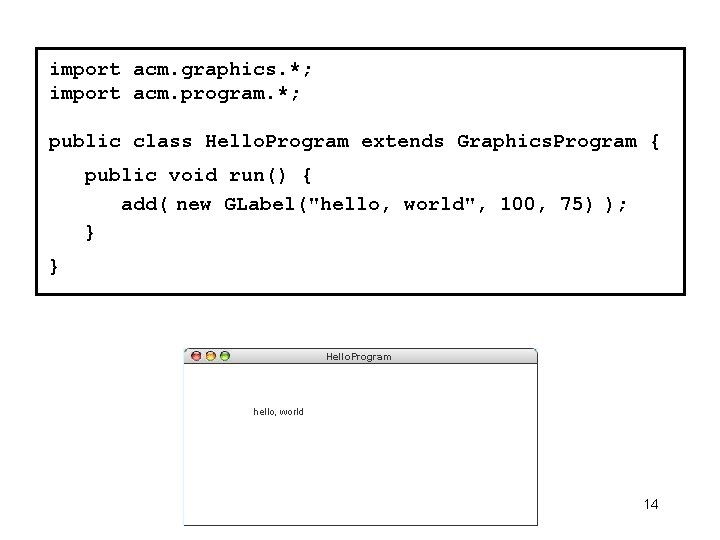
import acm. graphics. *; import acm. program. *; public class Hello. Program extends Graphics. Program { public void run() { add( new GLabel("hello, world", 100, 75) ); } } Hello. Program hello, world 14
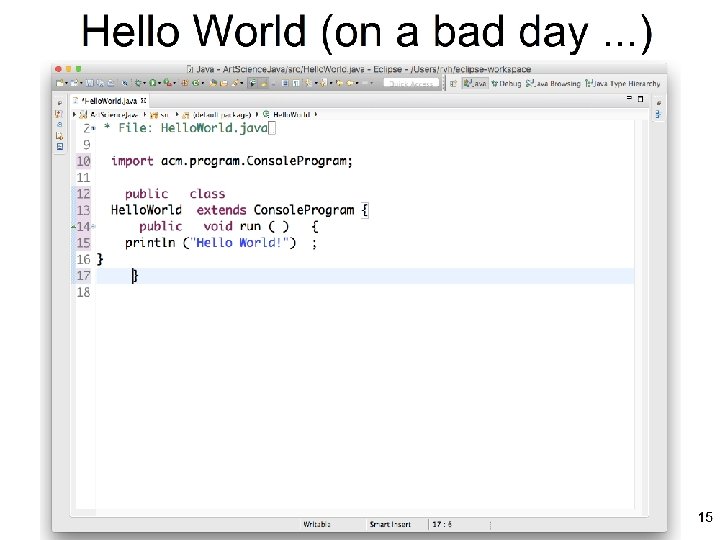
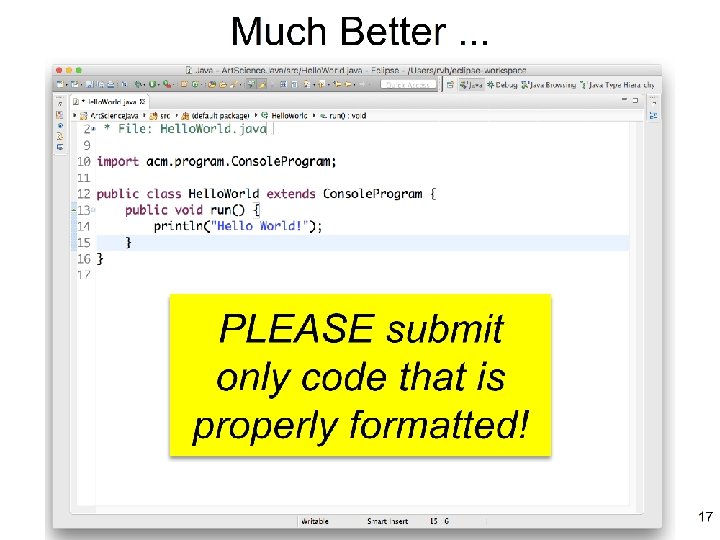
15
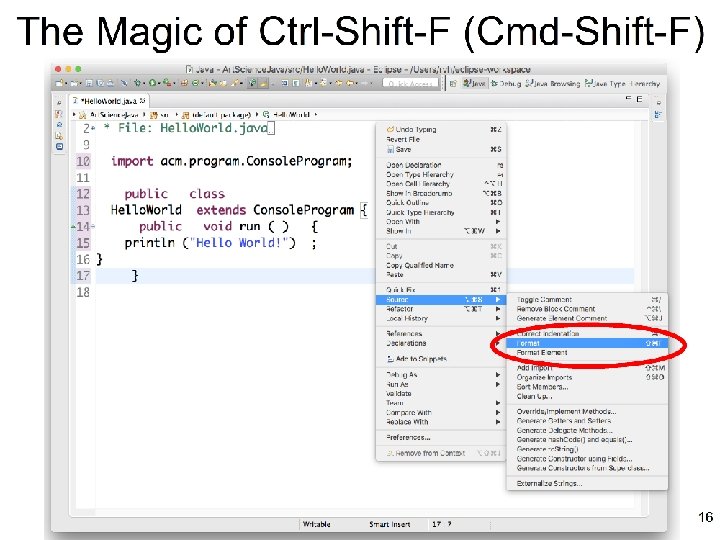
16
17
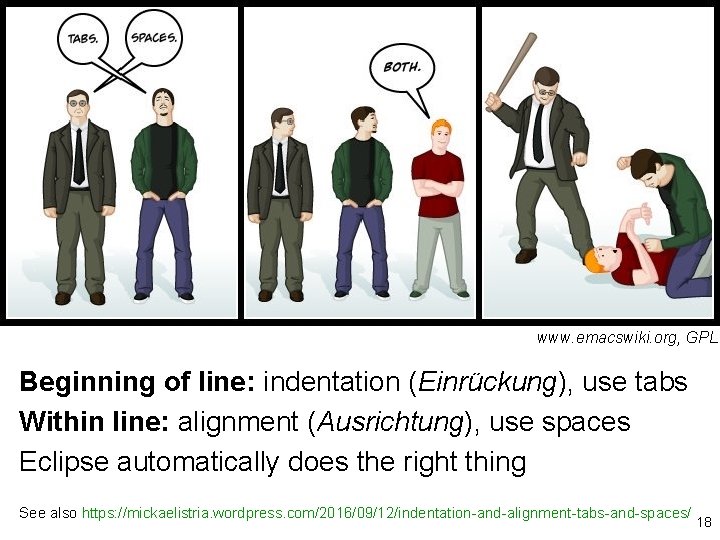
www. emacswiki. org, GPL Beginning of line: indentation (Einrückung), use tabs Within line: alignment (Ausrichtung), use spaces Eclipse automatically does the right thing See also https: //mickaelistria. wordpress. com/2016/09/12/indentation-and-alignment-tabs-and-spaces/ 18
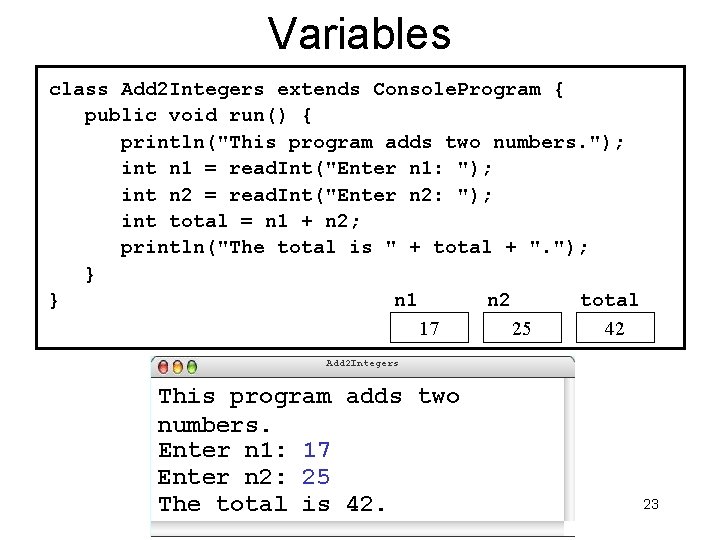
Variables Variable: placeholder for a piece of data; "a box to put something into" • Name (Identifier) • Type • Value 21
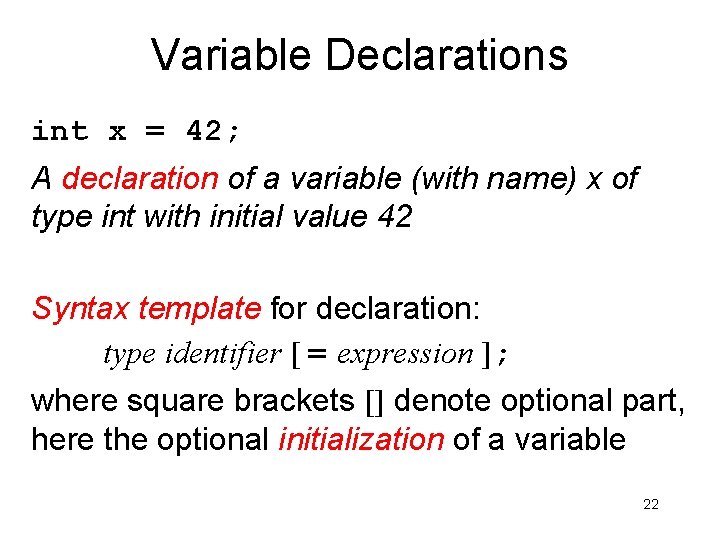
Variable Declarations int x = 42; A declaration of a variable (with name) x of type int with initial value 42 Syntax template for declaration: type identifier [ = expression ]; where square brackets [] denote optional part, here the optional initialization of a variable 22
Variables class Add 2 Integers extends Console. Program { public void run() { println("This program adds two numbers. "); int n 1 = read. Int("Enter n 1: "); int n 2 = read. Int("Enter n 2: "); int total = n 1 + n 2; println("The total is " + total + ". "); } } n 1 n 2 total 17 25 42 Add 2 Integers This program adds two numbers. Enter n 1: 17 Enter n 2: 25 The total is 42. 23
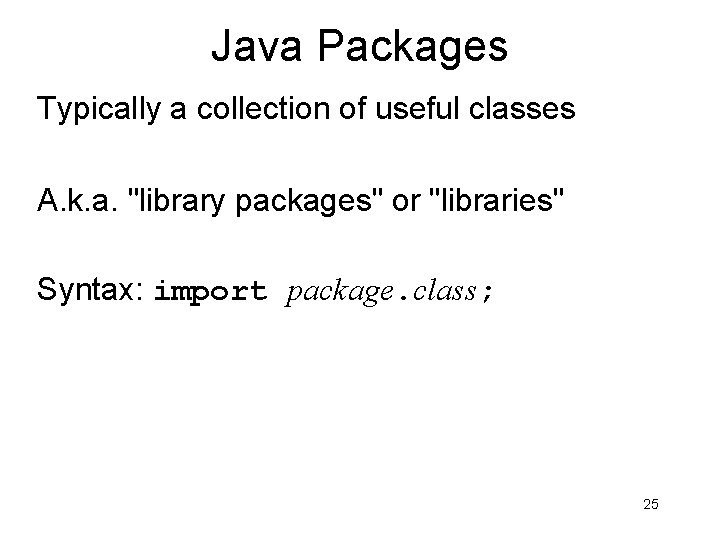
Java Packages Typically a collection of useful classes A. k. a. "library packages" or "libraries" Syntax: import package. class; 25
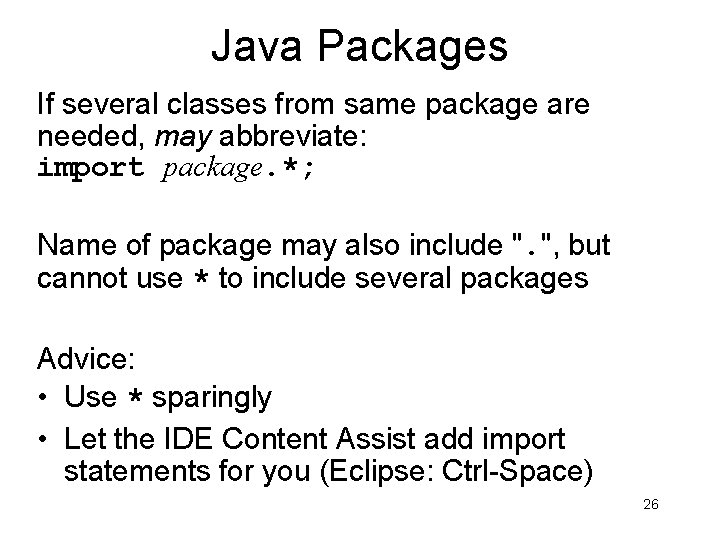
Java Packages If several classes from same package are needed, may abbreviate: import package. *; Name of package may also include ". ", but cannot use * to include several packages Advice: • Use * sparingly • Let the IDE Content Assist add import statements for you (Eclipse: Ctrl-Space) 26
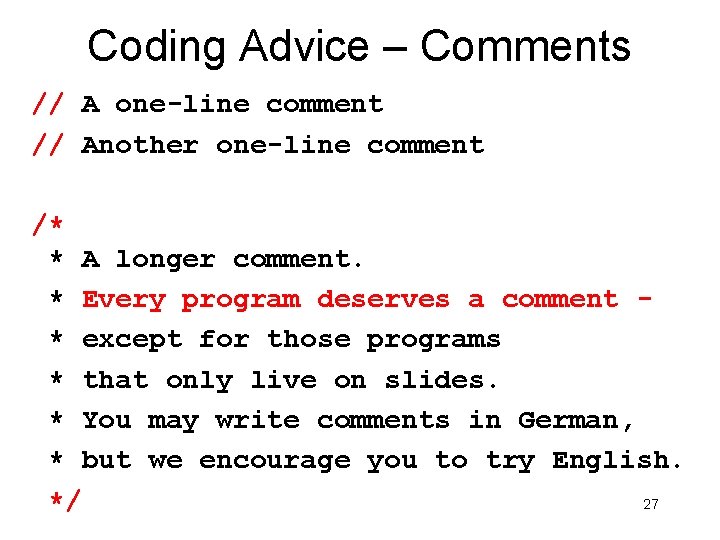
Coding Advice – Comments // A one-line comment // Another one-line comment /* * A longer comment. * Every program deserves a comment * except for those programs * that only live on slides. * You may write comments in German, * but we encourage you to try English. */ 27
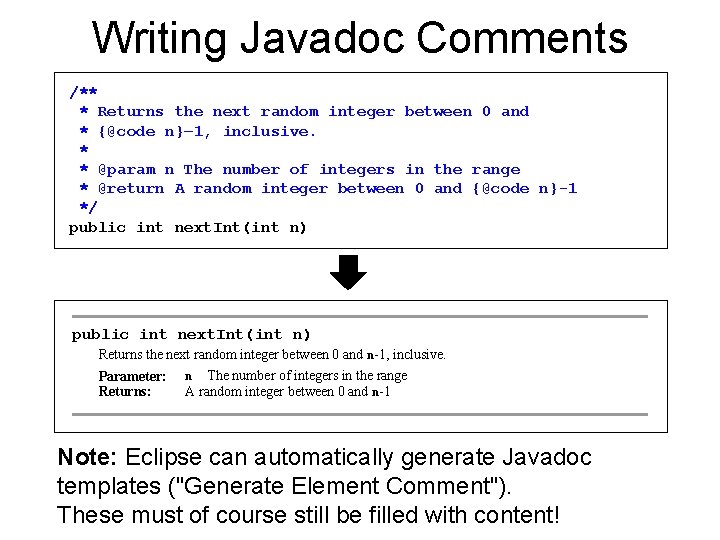
Writing Javadoc Comments /** * Returns the next random integer between 0 and * {@code n}– 1, inclusive. * * @param n The number of integers in the range * @return A random integer between 0 and {@code n}-1 */ public int next. Int(int n) Returns the next random integer between 0 and n-1, inclusive. Parameter: Returns: The number of integers in the range A random integer between 0 and n-1 n Note: Eclipse can automatically generate Javadoc templates ("Generate Element Comment"). These must of course still be filled with content!
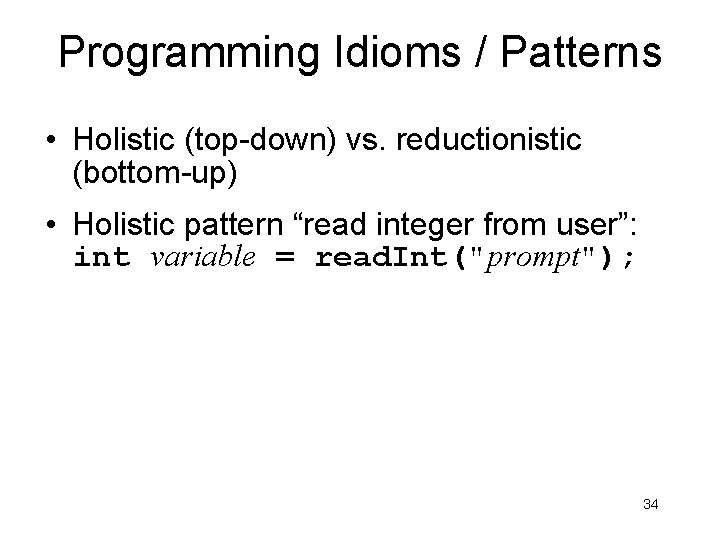
Programming Idioms / Patterns • Holistic (top-down) vs. reductionistic (bottom-up) • Holistic pattern “read integer from user”: int variable = read. Int("prompt"); 34
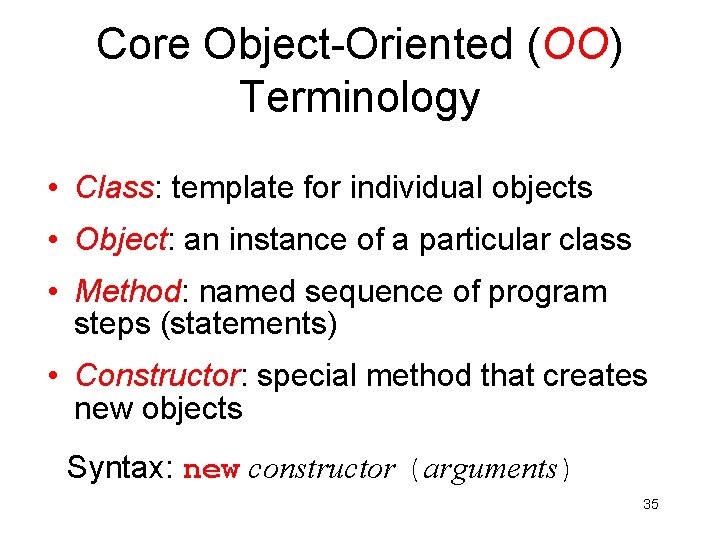
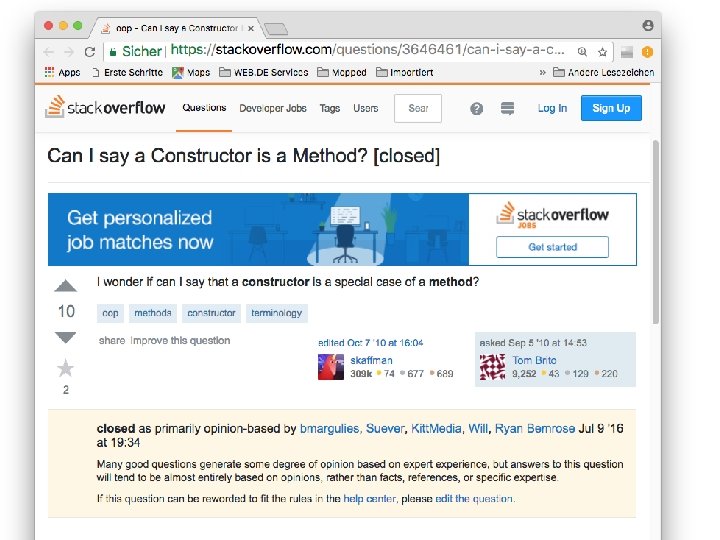
Core Object-Oriented (OO) Terminology • Class: template for individual objects • Object: an instance of a particular class • Method: named sequence of program steps (statements) • Constructor: special method that creates new objects Syntax: new constructor (arguments) 35
36
37
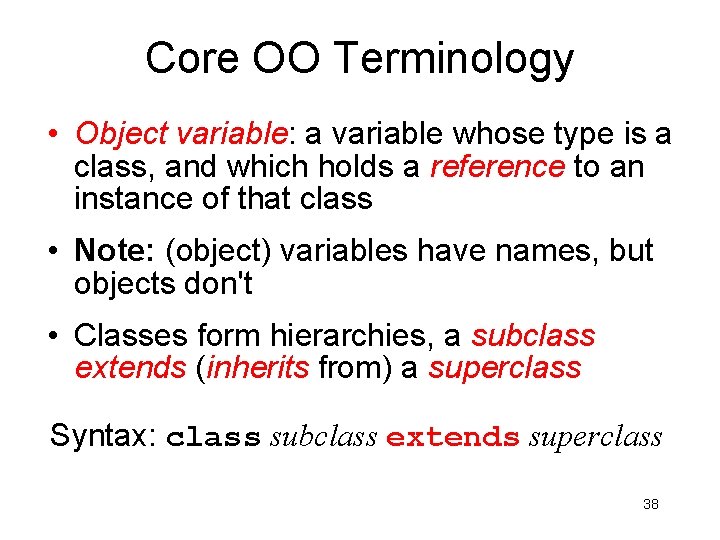
Core OO Terminology • Object variable: a variable whose type is a class, and which holds a reference to an instance of that class • Note: (object) variables have names, but objects don't • Classes form hierarchies, a subclass extends (inherits from) a superclass Syntax: class subclass extends superclass 38
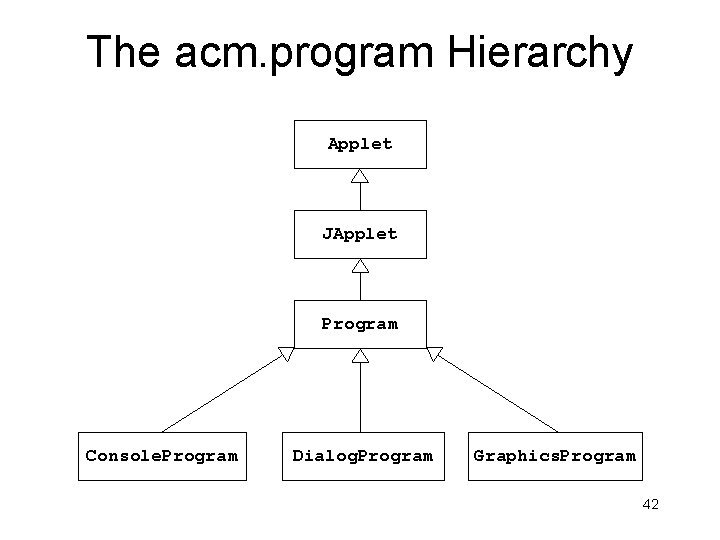
The acm. program Hierarchy Applet JApplet Program Console. Program Dialog. Program Graphics. Program 42
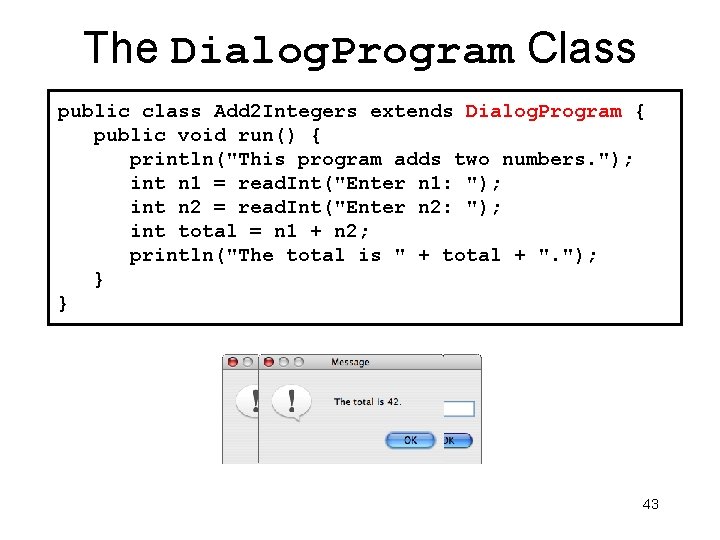
The Dialog. Program Class public class Add 2 Integers extends Dialog. Program { public void run() { println("This program adds two numbers. "); int n 1 = read. Int("Enter n 1: "); int n 2 = read. Int("Enter n 2: "); int total = n 1 + n 2; println("The total is " + total + ". "); } } 43
Please visit http: //pingo. upb. de/643250 https: //xkcd. com/2054
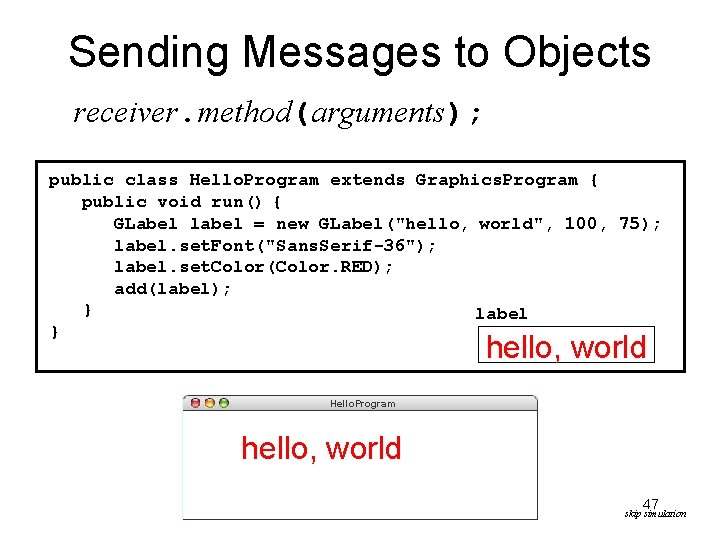
Sending Messages to Objects receiver. method(arguments); public class Hello. Program extends Graphics. Program { public void run() { GLabel label = new GLabel("hello, world", 100, 75); label. set. Font("Sans. Serif-36"); label. set. Color(Color. RED); add(label); } label } hello, world Hello. Program hello, world 47 skip simulation
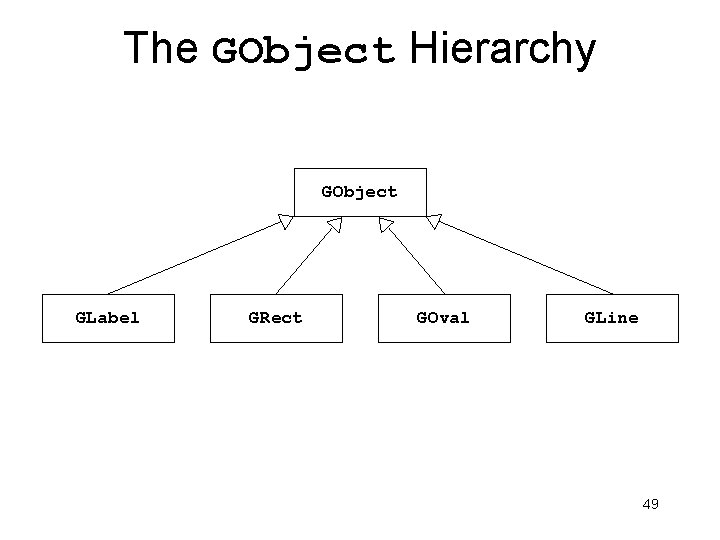
The GObject Hierarchy GObject GLabel GRect GOval GLine 49
Wikipedia / marcel 4995 / CC 50
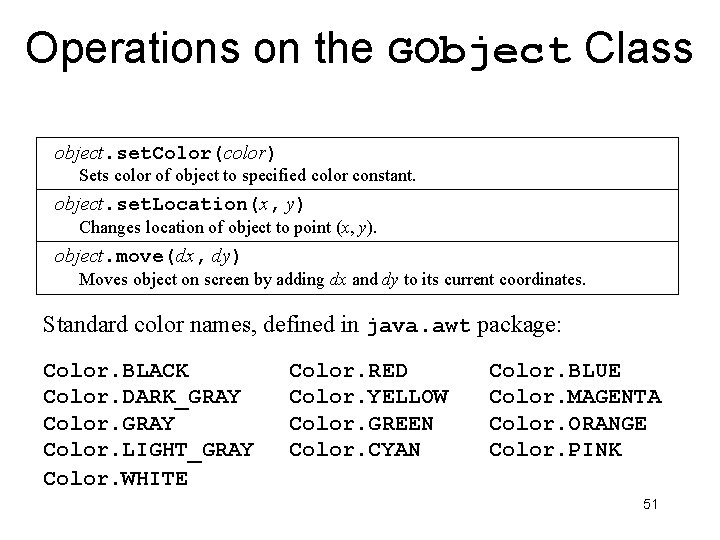
Operations on the GObject Class object. set. Color(color) Sets color of object to specified color constant. object. set. Location(x, y) Changes location of object to point (x, y). object. move(dx, dy) Moves object on screen by adding dx and dy to its current coordinates. Standard color names, defined in java. awt package: Color. BLACK Color. DARK_GRAY Color. LIGHT_GRAY Color. WHITE Color. RED Color. YELLOW Color. GREEN Color. CYAN Color. BLUE Color. MAGENTA Color. ORANGE Color. PINK 51
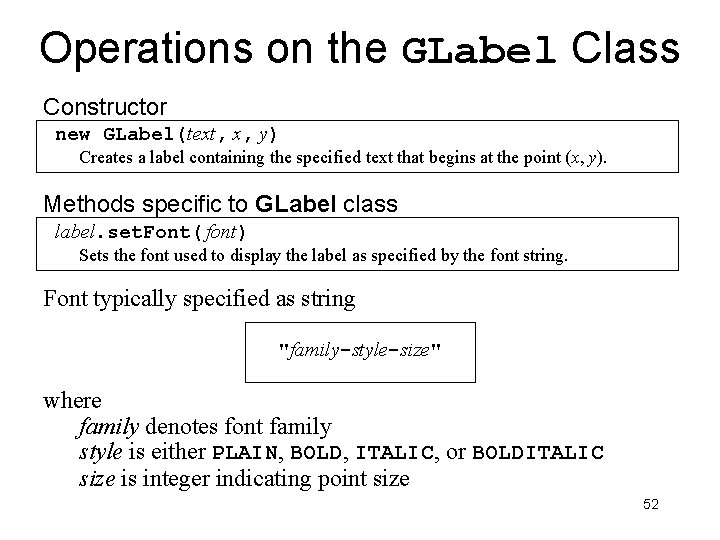
Operations on the GLabel Class Constructor new GLabel(text, x, y) Creates a label containing the specified text that begins at the point (x, y). Methods specific to GLabel class label. set. Font( font) Sets the font used to display the label as specified by the font string. Font typically specified as string "family-style-size" where family denotes font family style is either PLAIN, BOLD, ITALIC, or BOLDITALIC size is integer indicating point size 52
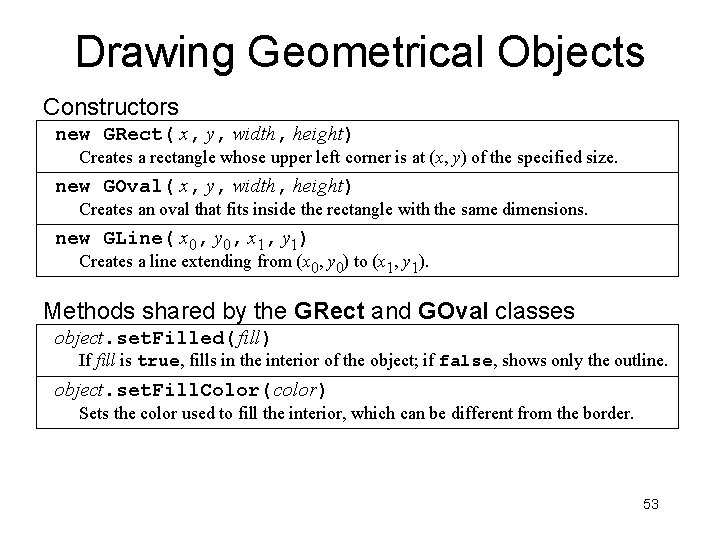
Drawing Geometrical Objects Constructors new GRect( x, y, width, height) Creates a rectangle whose upper left corner is at (x, y) of the specified size. new GOval( x, y, width, height) Creates an oval that fits inside the rectangle with the same dimensions. new GLine( x 0, y 0, x 1, y 1) Creates a line extending from (x 0, y 0) to (x 1, y 1). Methods shared by the GRect and GOval classes object. set. Filled( fill) If fill is true, fills in the interior of the object; if false, shows only the outline. object. set. Fill. Color( color) Sets the color used to fill the interior, which can be different from the border. 53
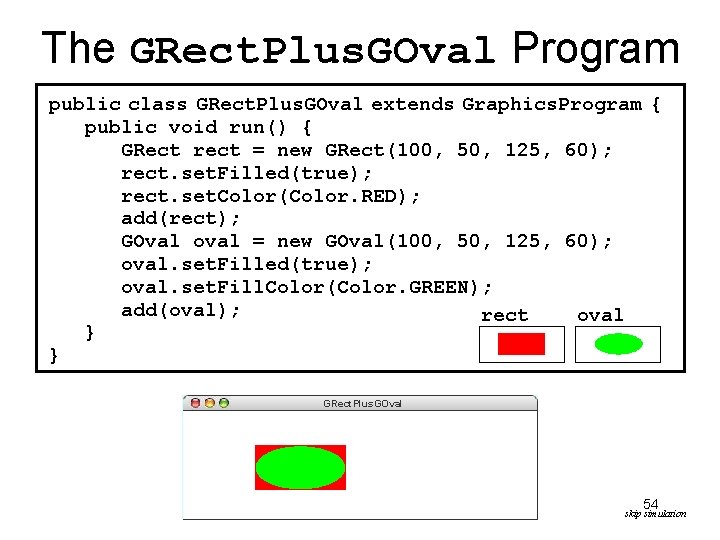
The GRect. Plus. GOval Program public class GRect. Plus. GOval extends Graphics. Program { public void run() { GRect rect = new GRect(100, 50, 125, 60); rect. set. Filled(true); rect. set. Color(Color. RED); add(rect); GOval oval = new GOval(100, 50, 125, 60); oval. set. Filled(true); oval. set. Fill. Color(Color. GREEN); add(oval); rect oval } } GRect. Plus. GOval 54 skip simulation
Summary • Got started with “hello world” • Coding advice: properly format your code • Holistic vs. reductionistic • Classes form hierarchy, subclass inherits from superclass • Objects are instances of a class • Java coordinates • GObjects 55