
Informix Performance Optimization by Kevin Fennimore Phone 1
Informix Performance Optimization by Kevin Fennimore Phone: 1 -888 -UCI FOR U 1 -888 -824 -3678 Fax: 1 -609 -654 -0957 e-mail: kfenn@uci-consulting. com
Overview: • • Discuss steps for optimizing Discuss the output of the Set Explain command Discuss Indexing Strategies Table Scans & Table Joins Optimizer Directives Discuss optimization techniques and examples XTREE command

Steps for Optimizing
Optimization Goal: Increase Performance • Reduce I/O – reduce I/O performed by the engine – reduce I/O between the back-end and the front-end • Reduce processing time
Setting up a Test Environment • • • Identify Problem Queries Simplify Queries Test on a machine with minimal system activity Use database that reflects production data Turn Set Explain on
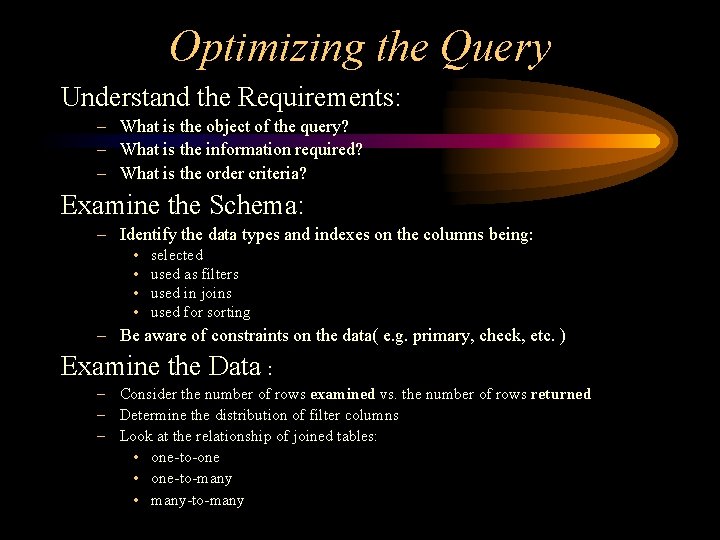
Optimizing the Query Understand the Requirements: – What is the object of the query? – What is the information required? – What is the order criteria? Examine the Schema: – Identify the data types and indexes on the columns being: • • selected used as filters used in joins used for sorting – Be aware of constraints on the data( e. g. primary, check, etc. ) Examine the Data : – Consider the number of rows examined vs. the number of rows returned – Determine the distribution of filter columns – Look at the relationship of joined tables: • one-to-one • one-to-many • many-to-many
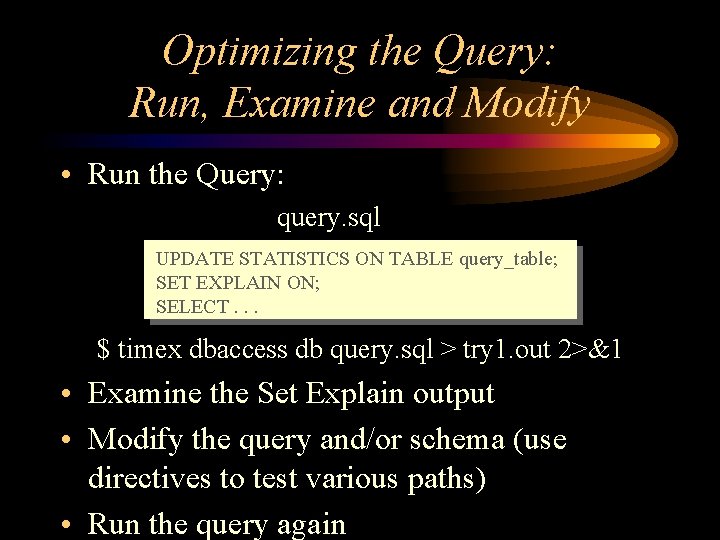
Optimizing the Query: Run, Examine and Modify • Run the Query: query. sql UPDATE STATISTICS ON TABLE query_table; SET EXPLAIN ON; SELECT. . . $ timex dbaccess db query. sql > try 1. out 2>&1 • Examine the Set Explain output • Modify the query and/or schema (use directives to test various paths) • Run the query again

Any Questions?
Set Explain Output
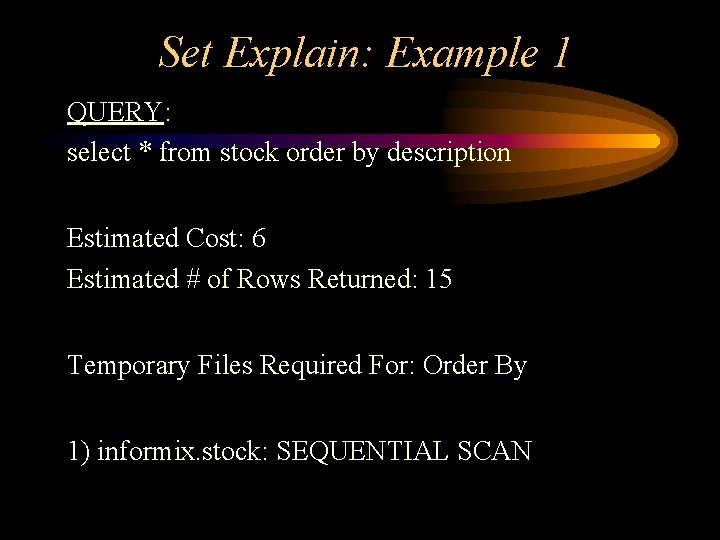
Set Explain: Example 1 QUERY: select * from stock order by description Estimated Cost: 6 Estimated # of Rows Returned: 15 Temporary Files Required For: Order By 1) informix. stock: SEQUENTIAL SCAN
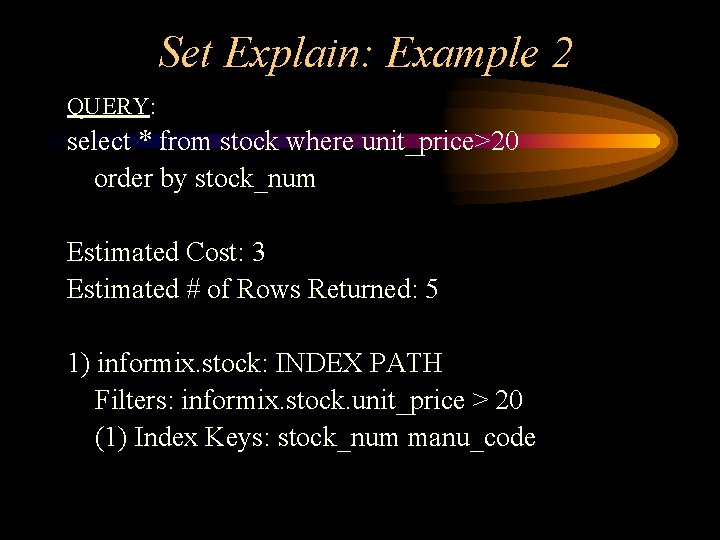
Set Explain: Example 2 QUERY: select * from stock where unit_price>20 order by stock_num Estimated Cost: 3 Estimated # of Rows Returned: 5 1) informix. stock: INDEX PATH Filters: informix. stock. unit_price > 20 (1) Index Keys: stock_num manu_code
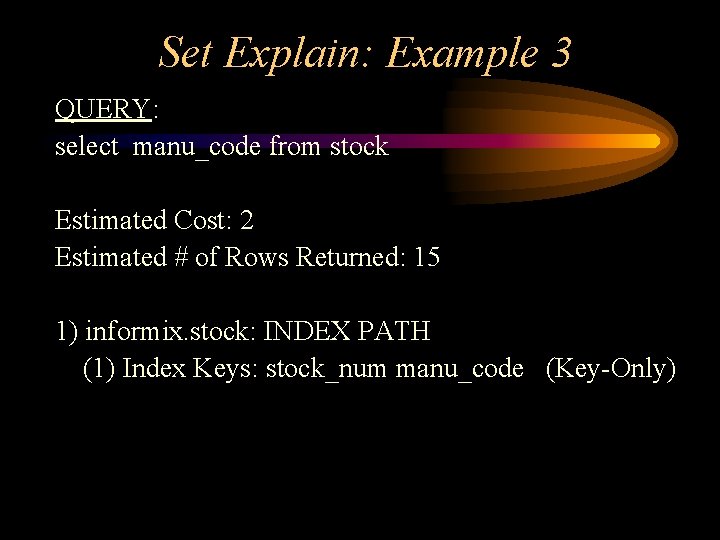
Set Explain: Example 3 QUERY: select manu_code from stock Estimated Cost: 2 Estimated # of Rows Returned: 15 1) informix. stock: INDEX PATH (1) Index Keys: stock_num manu_code (Key-Only)
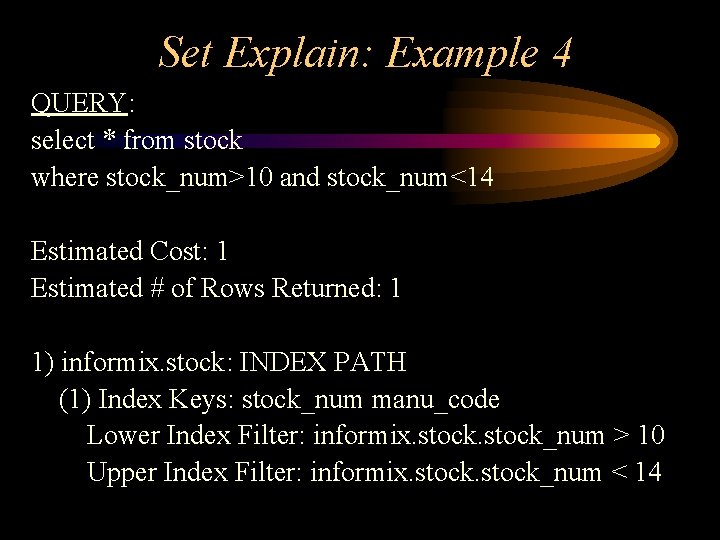
Set Explain: Example 4 QUERY: select * from stock where stock_num>10 and stock_num<14 Estimated Cost: 1 Estimated # of Rows Returned: 1 1) informix. stock: INDEX PATH (1) Index Keys: stock_num manu_code Lower Index Filter: informix. stock_num > 10 Upper Index Filter: informix. stock_num < 14
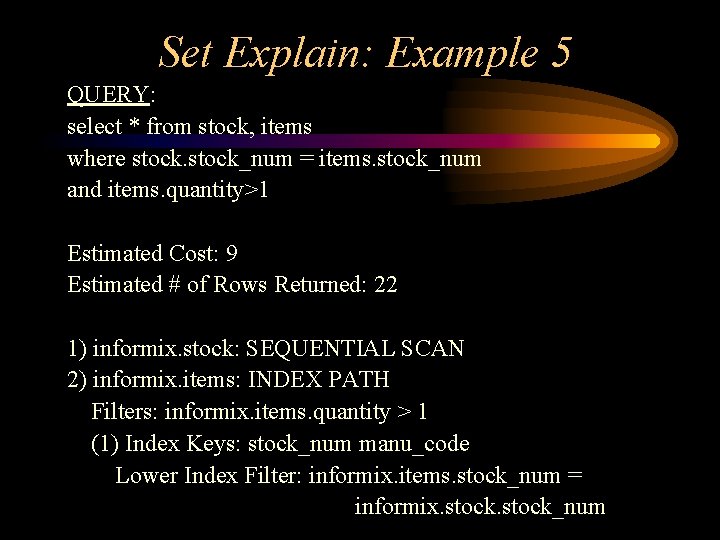
Set Explain: Example 5 QUERY: select * from stock, items where stock_num = items. stock_num and items. quantity>1 Estimated Cost: 9 Estimated # of Rows Returned: 22 1) informix. stock: SEQUENTIAL SCAN 2) informix. items: INDEX PATH Filters: informix. items. quantity > 1 (1) Index Keys: stock_num manu_code Lower Index Filter: informix. items. stock_num = informix. stock_num
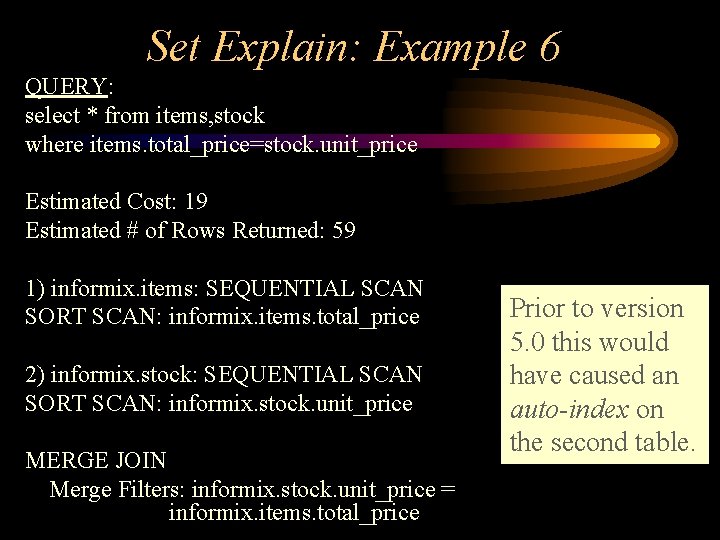
Set Explain: Example 6 QUERY: select * from items, stock where items. total_price=stock. unit_price Estimated Cost: 19 Estimated # of Rows Returned: 59 1) informix. items: SEQUENTIAL SCAN SORT SCAN: informix. items. total_price 2) informix. stock: SEQUENTIAL SCAN SORT SCAN: informix. stock. unit_price MERGE JOIN Merge Filters: informix. stock. unit_price = informix. items. total_price Prior to version 5. 0 this would have caused an auto-index on the second table.
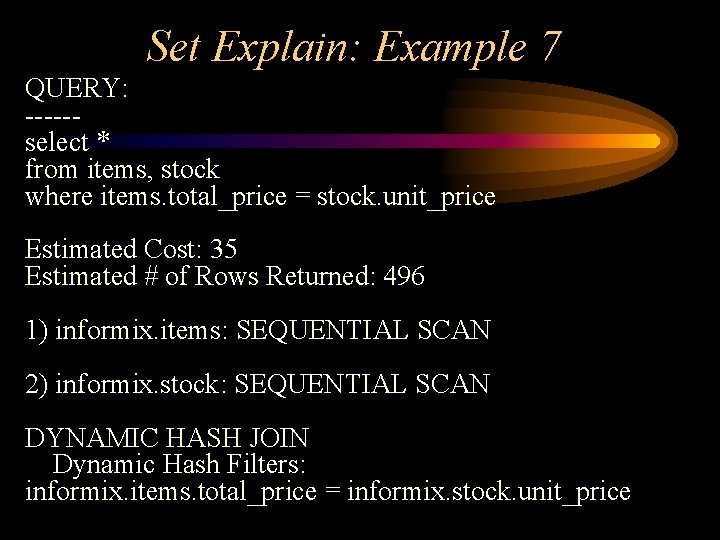
Set Explain: Example 7 QUERY: -----select * from items, stock where items. total_price = stock. unit_price Estimated Cost: 35 Estimated # of Rows Returned: 496 1) informix. items: SEQUENTIAL SCAN 2) informix. stock: SEQUENTIAL SCAN DYNAMIC HASH JOIN Dynamic Hash Filters: informix. items. total_price = informix. stock. unit_price
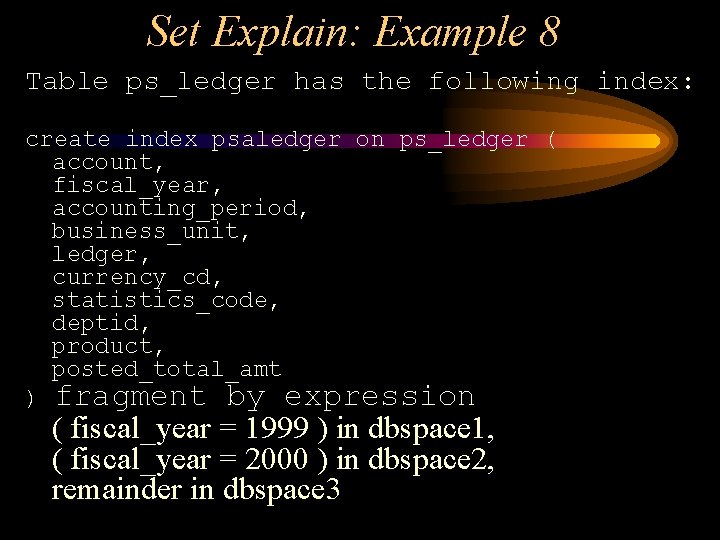
Set Explain: Example 8 Table ps_ledger has the following index: create index psaledger on ps_ledger ( account, fiscal_year, accounting_period, business_unit, ledger, currency_cd, statistics_code, deptid, product, posted_total_amt ) fragment by expression ( fiscal_year = 1999 ) in dbspace 1, ( fiscal_year = 2000 ) in dbspace 2, remainder in dbspace 3
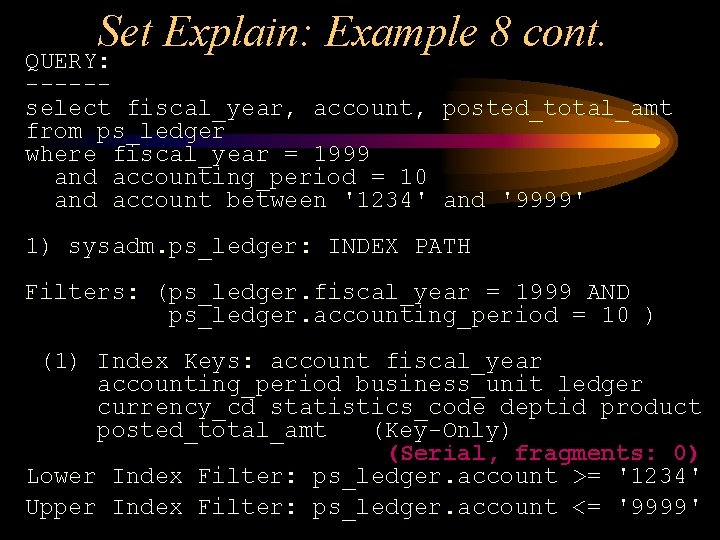
Set Explain: Example 8 cont. QUERY: -----select fiscal_year, account, posted_total_amt from ps_ledger where fiscal_year = 1999 and accounting_period = 10 and account between '1234' and '9999' 1) sysadm. ps_ledger: INDEX PATH Filters: (ps_ledger. fiscal_year = 1999 AND ps_ledger. accounting_period = 10 ) (1) Index Keys: account fiscal_year accounting_period business_unit ledger currency_cd statistics_code deptid product posted_total_amt (Key-Only) (Serial, fragments: 0) Lower Index Filter: ps_ledger. account >= '1234' Upper Index Filter: ps_ledger. account <= '9999'

Any Questions?

Indexing Strategies
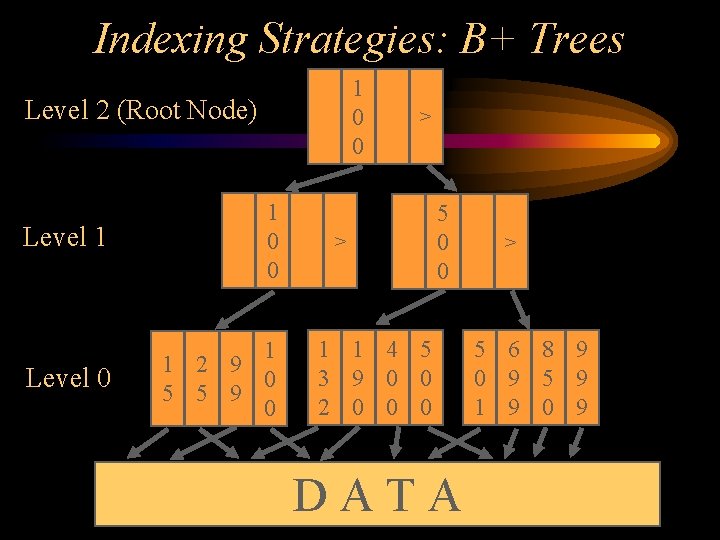
Indexing Strategies: B+ Trees 1 0 0 Level 2 (Root Node) Level 1 1 0 0 Level 0 1 1 2 9 0 5 5 9 0 > > 5 0 0 1 1 4 5 3 9 0 0 2 0 0 0 DATA > 5 6 8 9 0 9 5 9 1 9 0 9
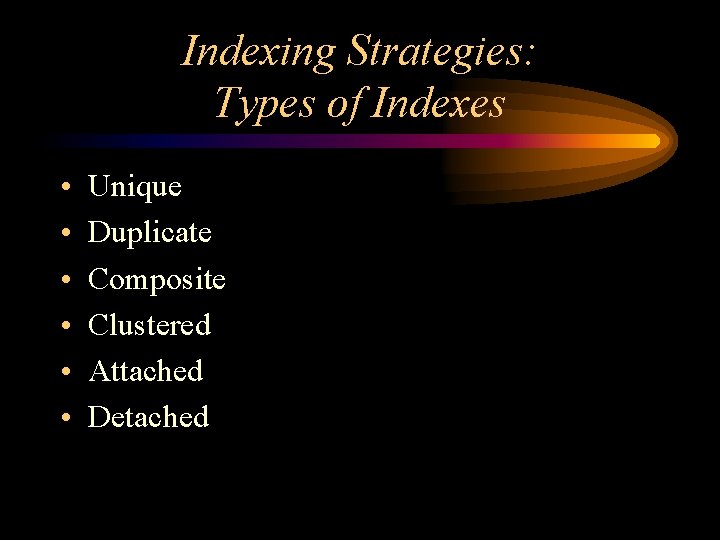
Indexing Strategies: Types of Indexes • • • Unique Duplicate Composite Clustered Attached Detached
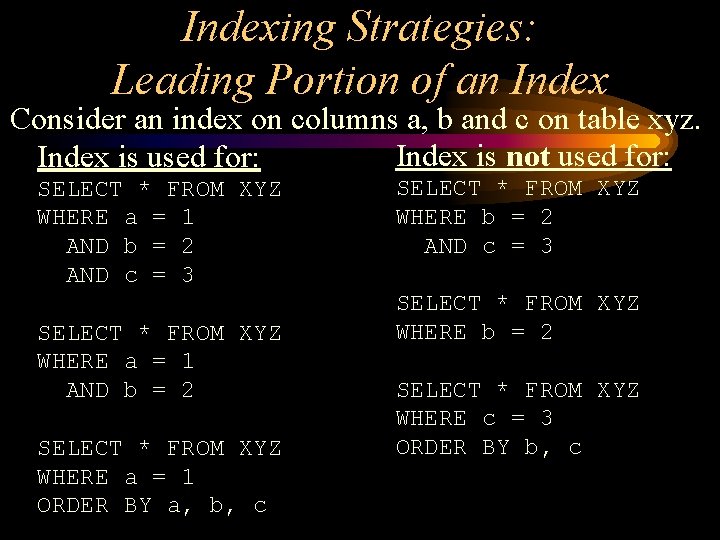
Indexing Strategies: Leading Portion of an Index Consider an index on columns a, b and c on table xyz. Index is not used for: Index is used for: SELECT * FROM XYZ WHERE a = 1 AND b = 2 AND c = 3 SELECT * FROM XYZ WHERE a = 1 AND b = 2 SELECT * FROM XYZ WHERE a = 1 ORDER BY a, b, c SELECT * FROM XYZ WHERE b = 2 AND c = 3 SELECT * FROM XYZ WHERE b = 2 SELECT * FROM XYZ WHERE c = 3 ORDER BY b, c
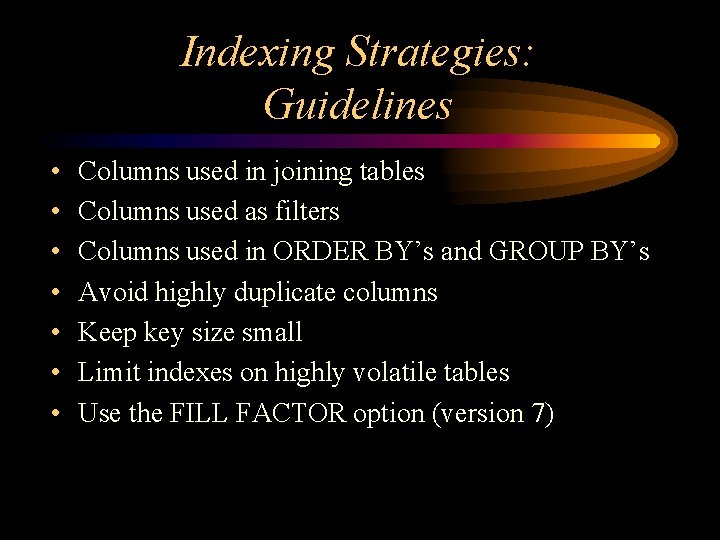
Indexing Strategies: Guidelines • • Columns used in joining tables Columns used as filters Columns used in ORDER BY’s and GROUP BY’s Avoid highly duplicate columns Keep key size small Limit indexes on highly volatile tables Use the FILL FACTOR option (version 7)
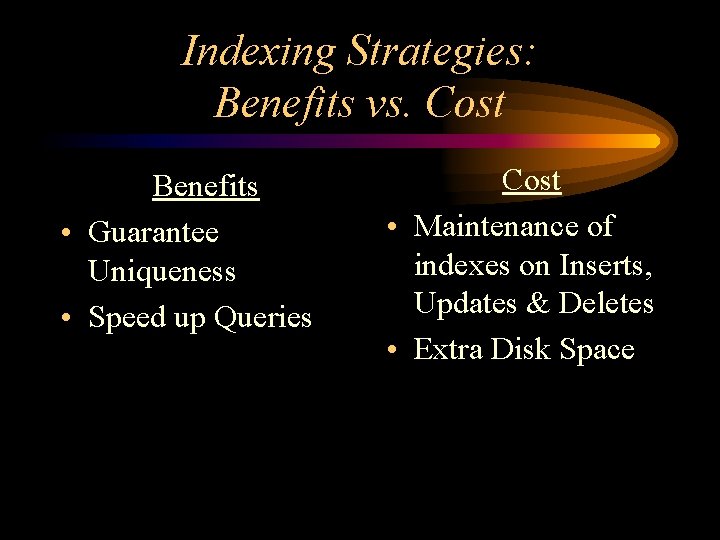
Indexing Strategies: Benefits vs. Cost Benefits • Guarantee Uniqueness • Speed up Queries Cost • Maintenance of indexes on Inserts, Updates & Deletes • Extra Disk Space

Any Questions?

Table Scans
Types of Table Scans • Sequential • Auto Index • Index
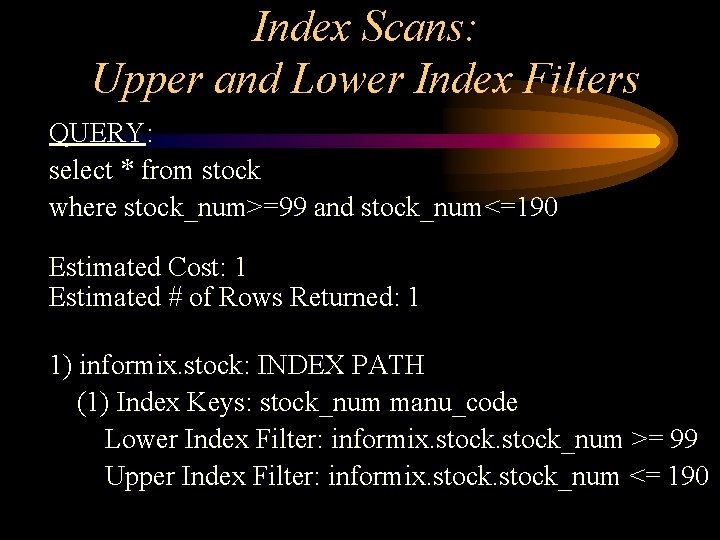
Index Scans: Upper and Lower Index Filters QUERY: select * from stock where stock_num>=99 and stock_num<=190 Estimated Cost: 1 Estimated # of Rows Returned: 1 1) informix. stock: INDEX PATH (1) Index Keys: stock_num manu_code Lower Index Filter: informix. stock_num >= 99 Upper Index Filter: informix. stock_num <= 190
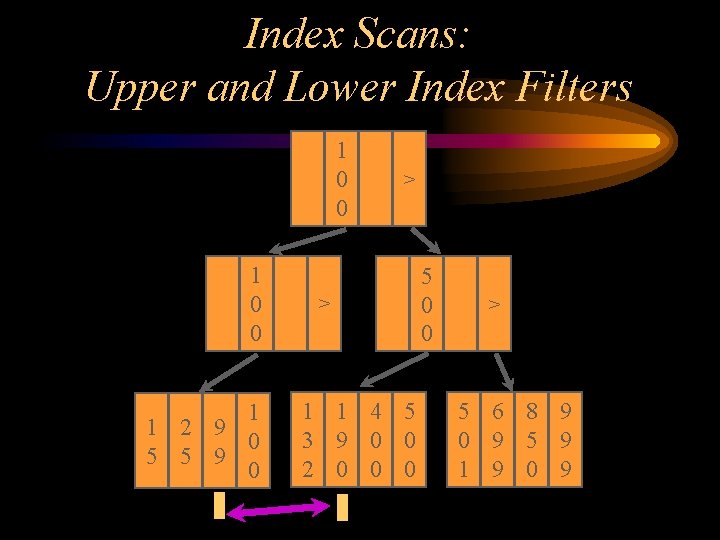
Index Scans: Upper and Lower Index Filters 1 0 0 1 1 2 9 0 5 5 9 0 > > 1 1 4 5 3 9 0 0 2 0 0 0 5 0 0 > 5 6 8 9 0 9 5 9 1 9 0 9
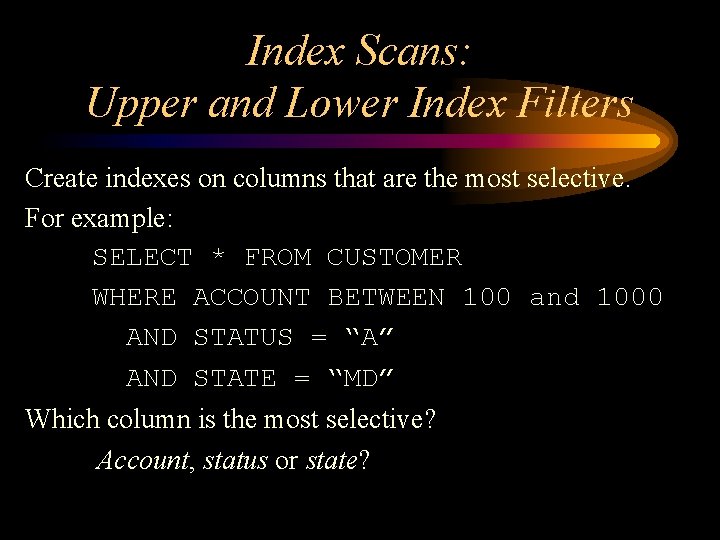
Index Scans: Upper and Lower Index Filters Create indexes on columns that are the most selective. For example: SELECT * FROM CUSTOMER WHERE ACCOUNT BETWEEN 100 and 1000 AND STATUS = “A” AND STATE = “MD” Which column is the most selective? Account, status or state?
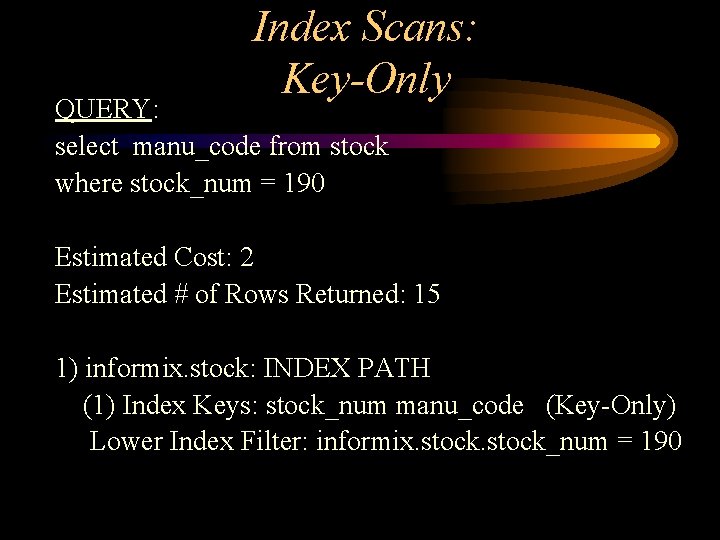
Index Scans: Key-Only QUERY: select manu_code from stock where stock_num = 190 Estimated Cost: 2 Estimated # of Rows Returned: 15 1) informix. stock: INDEX PATH (1) Index Keys: stock_num manu_code (Key-Only) Lower Index Filter: informix. stock_num = 190
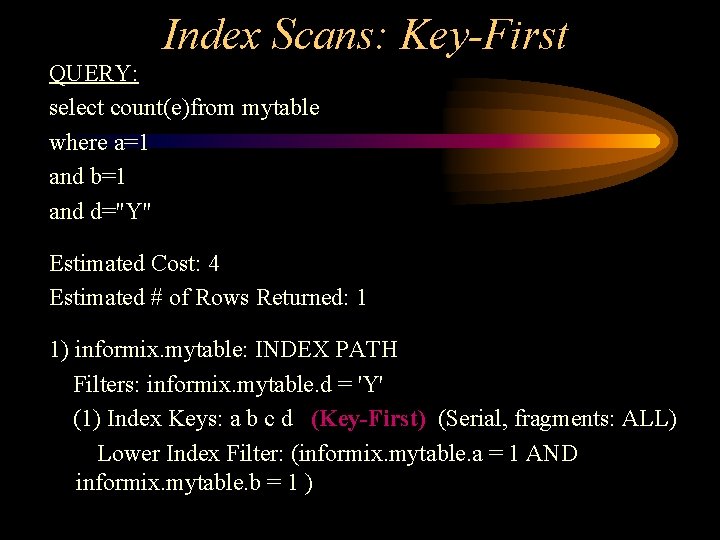
Index Scans: Key-First QUERY: select count(e)from mytable where a=1 and b=1 and d="Y" Estimated Cost: 4 Estimated # of Rows Returned: 1 1) informix. mytable: INDEX PATH Filters: informix. mytable. d = 'Y' (1) Index Keys: a b c d (Key-First) (Serial, fragments: ALL) Lower Index Filter: (informix. mytable. a = 1 AND informix. mytable. b = 1 )

Any Questions?

Table Joins
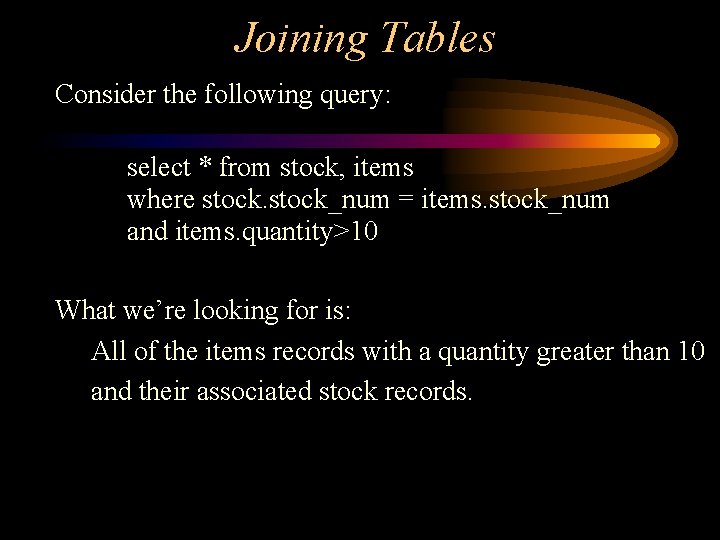
Joining Tables Consider the following query: select * from stock, items where stock_num = items. stock_num and items. quantity>10 What we’re looking for is: All of the items records with a quantity greater than 10 and their associated stock records.
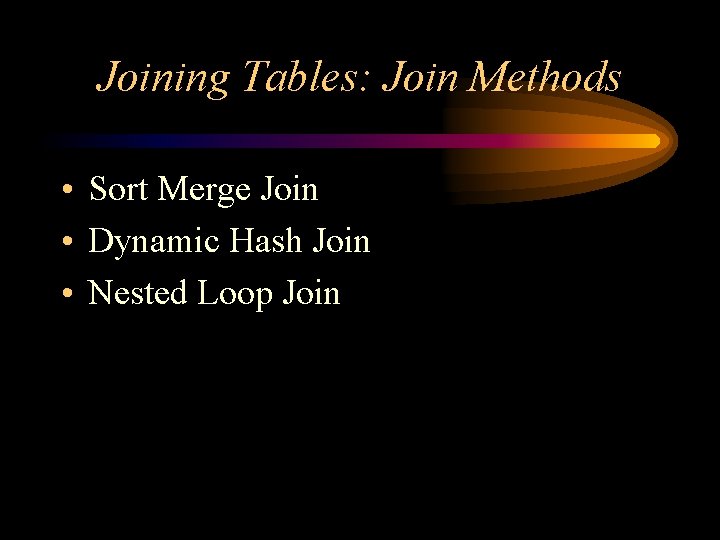
Joining Tables: Join Methods • Sort Merge Join • Dynamic Hash Join • Nested Loop Join
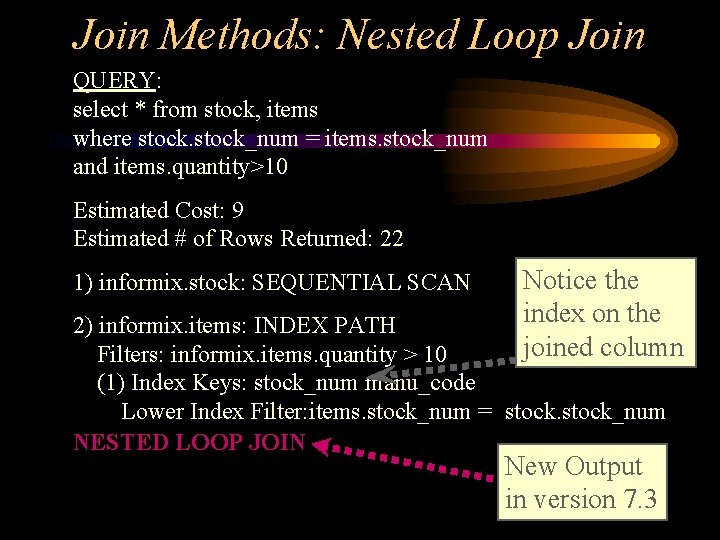
Join Methods: Nested Loop Join QUERY: select * from stock, items where stock_num = items. stock_num and items. quantity>10 Estimated Cost: 9 Estimated # of Rows Returned: 22 1) informix. stock: SEQUENTIAL SCAN Notice the index on the joined column 2) informix. items: INDEX PATH Filters: informix. items. quantity > 10 (1) Index Keys: stock_num manu_code Lower Index Filter: items. stock_num = stock_num NESTED LOOP JOIN New Output in version 7. 3
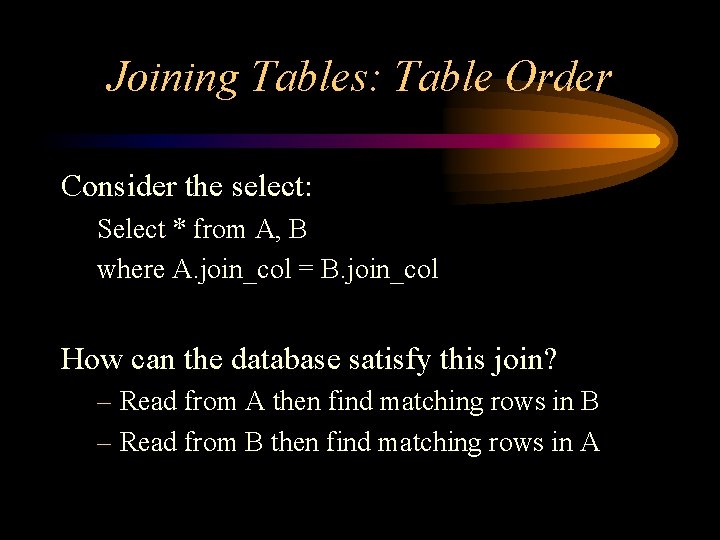
Joining Tables: Table Order Consider the select: Select * from A, B where A. join_col = B. join_col How can the database satisfy this join? – Read from A then find matching rows in B – Read from B then find matching rows in A
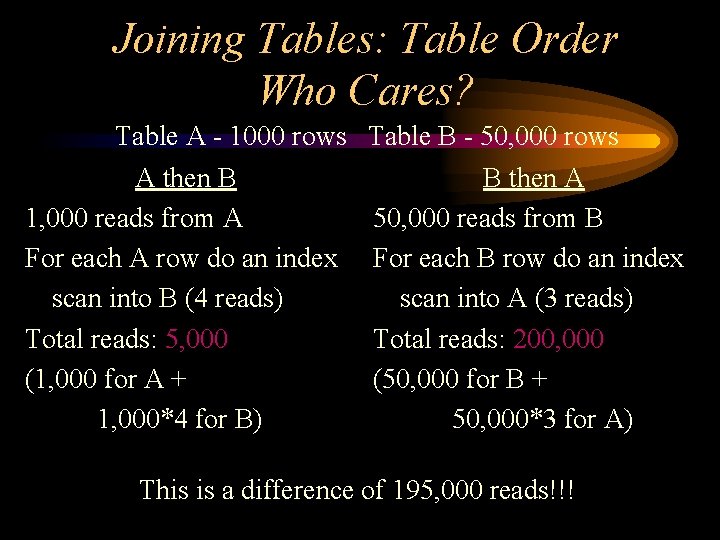
Joining Tables: Table Order Who Cares? Table A - 1000 rows A then B 1, 000 reads from A For each A row do an index scan into B (4 reads) Total reads: 5, 000 (1, 000 for A + 1, 000*4 for B) Table B - 50, 000 rows B then A 50, 000 reads from B For each B row do an index scan into A (3 reads) Total reads: 200, 000 (50, 000 for B + 50, 000*3 for A) This is a difference of 195, 000 reads!!!
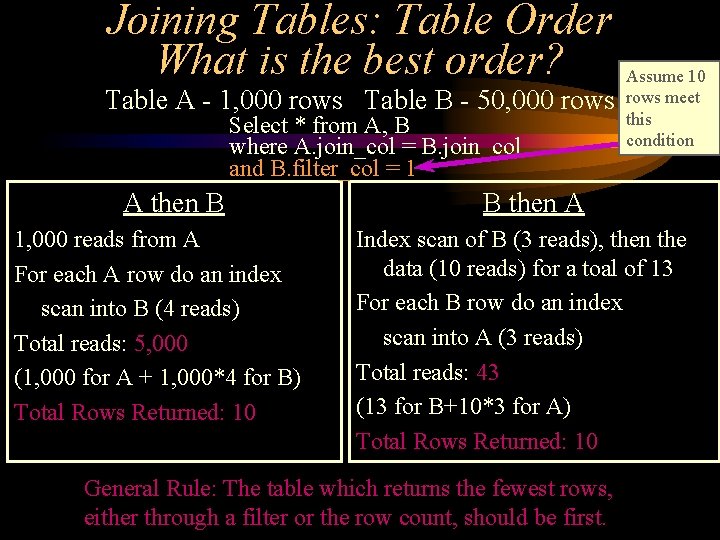
Joining Tables: Table Order What is the best order? Table A - 1, 000 rows Table B - 50, 000 rows Select * from A, B where A. join_col = B. join_col and B. filter_col = 1 A then B 1, 000 reads from A For each A row do an index scan into B (4 reads) Total reads: 5, 000 (1, 000 for A + 1, 000*4 for B) Total Rows Returned: 10 Assume 10 rows meet this condition B then A Index scan of B (3 reads), then the data (10 reads) for a toal of 13 For each B row do an index scan into A (3 reads) Total reads: 43 (13 for B+10*3 for A) Total Rows Returned: 10 General Rule: The table which returns the fewest rows, either through a filter or the row count, should be first.
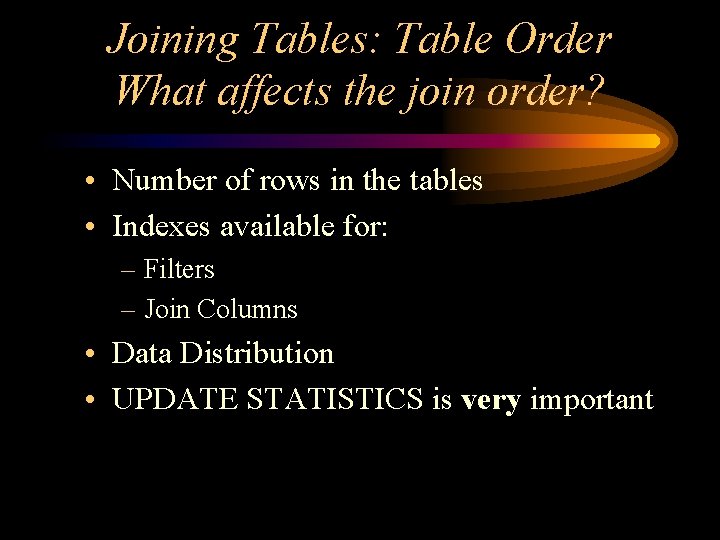
Joining Tables: Table Order What affects the join order? • Number of rows in the tables • Indexes available for: – Filters – Join Columns • Data Distribution • UPDATE STATISTICS is very important

Any Questions?

Optimizer Directives
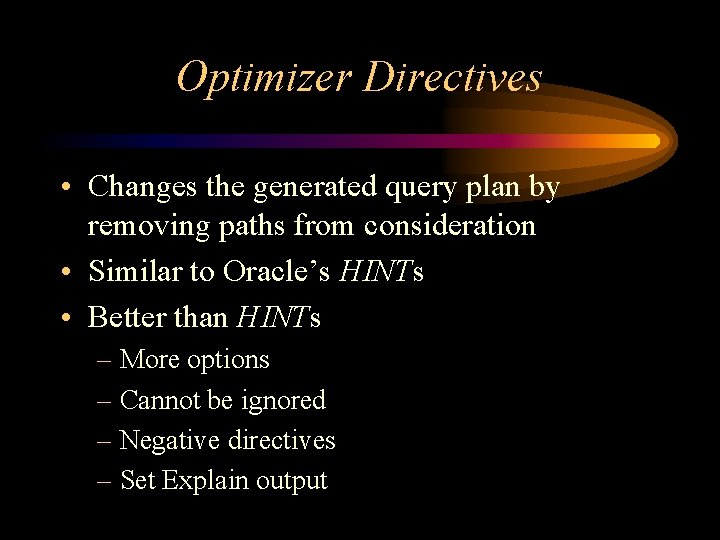
Optimizer Directives • Changes the generated query plan by removing paths from consideration • Similar to Oracle’s HINTs • Better than HINTs – More options – Cannot be ignored – Negative directives – Set Explain output
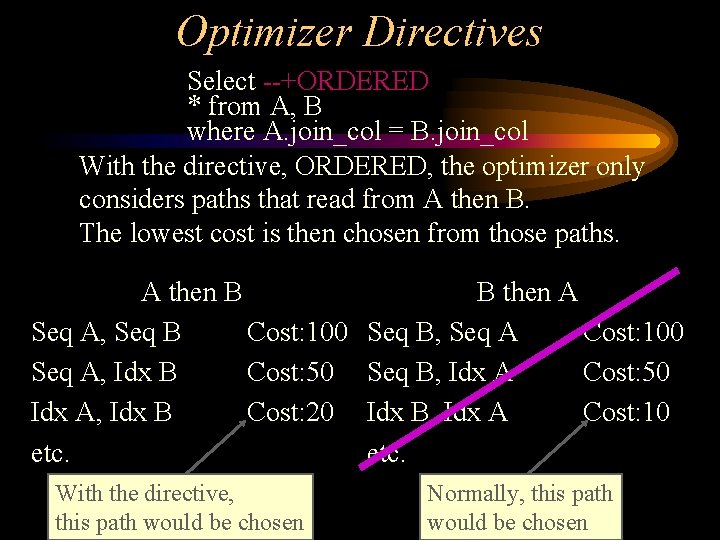
Optimizer Directives Select --+ORDERED * from A, B where A. join_col = B. join_col With the directive, ORDERED, the optimizer only considers paths that read from A then B. The lowest cost is then chosen from those paths. A then B Seq A, Seq B Cost: 100 Seq A, Idx B Cost: 50 Idx A, Idx B Cost: 20 etc. With the directive, this path would be chosen B then A Seq B, Seq A Cost: 100 Seq B, Idx A Cost: 50 Idx B, Idx A Cost: 10 etc. Normally, this path would be chosen
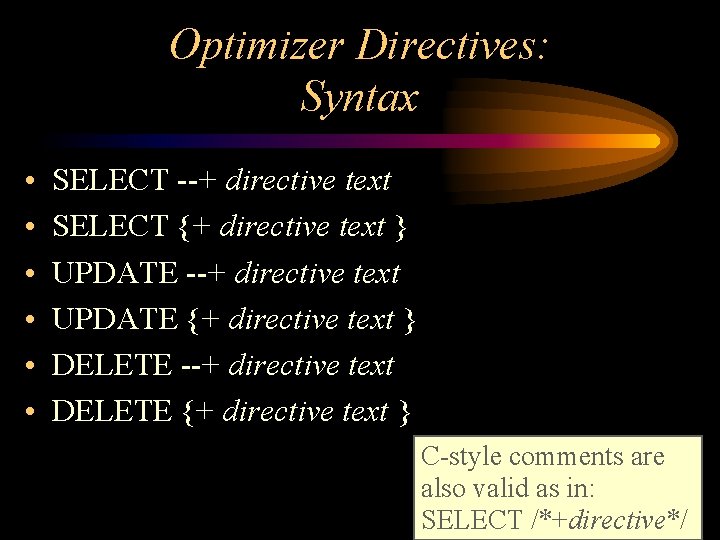
Optimizer Directives: Syntax • • • SELECT --+ directive text SELECT {+ directive text } UPDATE --+ directive text UPDATE {+ directive text } DELETE --+ directive text DELETE {+ directive text } C-style comments are also valid as in: SELECT /*+directive*/
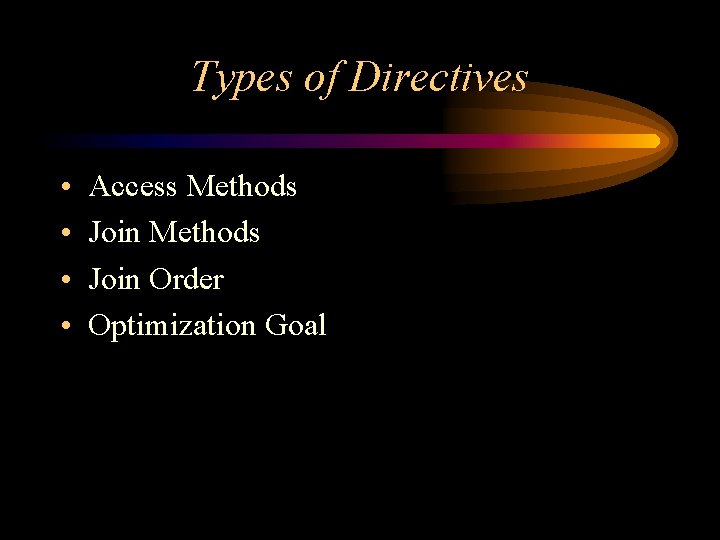
Types of Directives • • Access Methods Join Order Optimization Goal
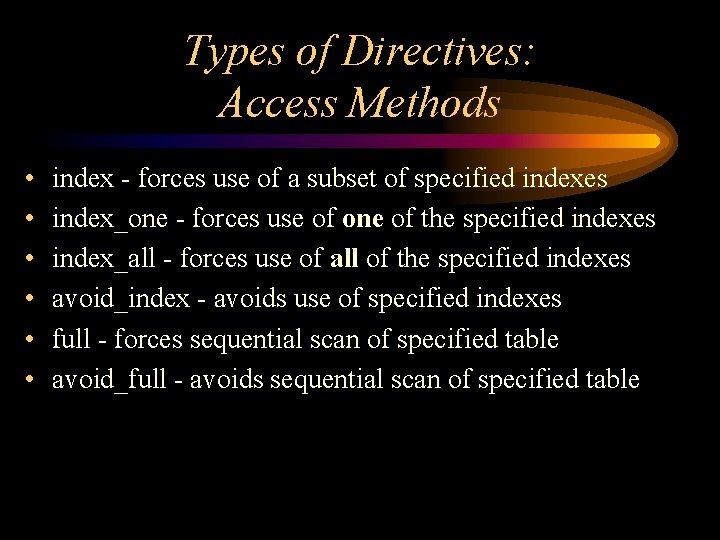
Types of Directives: Access Methods • • • index - forces use of a subset of specified indexes index_one - forces use of one of the specified indexes index_all - forces use of all of the specified indexes avoid_index - avoids use of specified indexes full - forces sequential scan of specified table avoid_full - avoids sequential scan of specified table
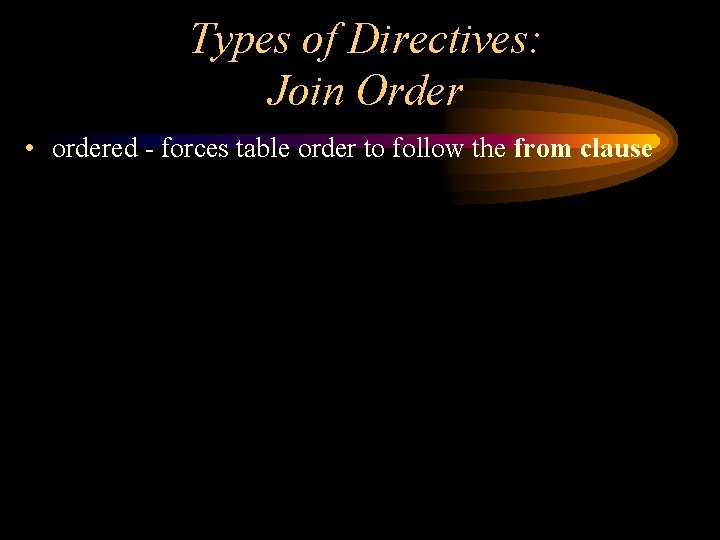
Types of Directives: Join Order • ordered - forces table order to follow the from clause
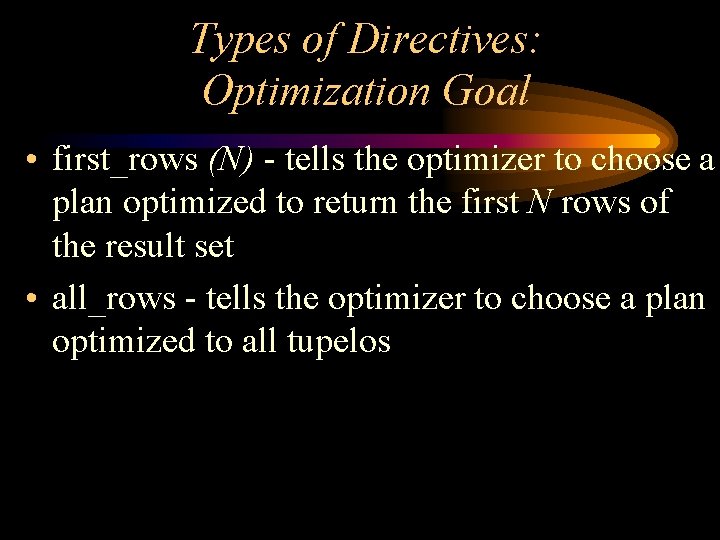
Types of Directives: Optimization Goal • first_rows (N) - tells the optimizer to choose a plan optimized to return the first N rows of the result set • all_rows - tells the optimizer to choose a plan optimized to all tupelos
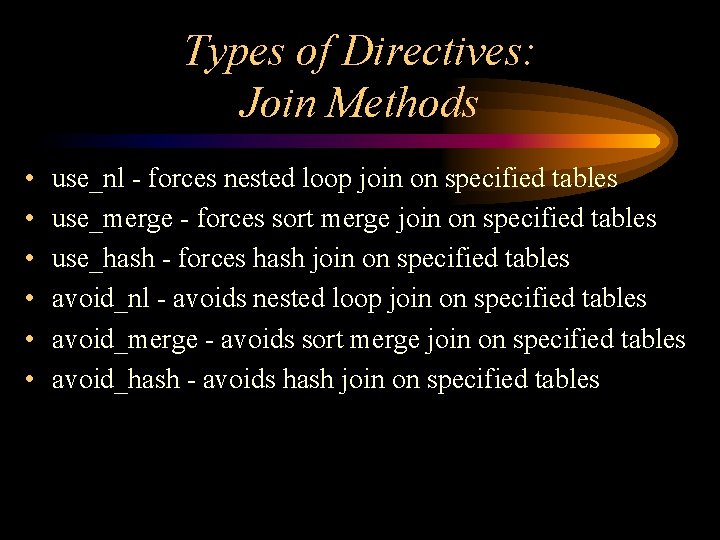
Types of Directives: Join Methods • • • use_nl - forces nested loop join on specified tables use_merge - forces sort merge join on specified tables use_hash - forces hash join on specified tables avoid_nl - avoids nested loop join on specified tables avoid_merge - avoids sort merge join on specified tables avoid_hash - avoids hash join on specified tables
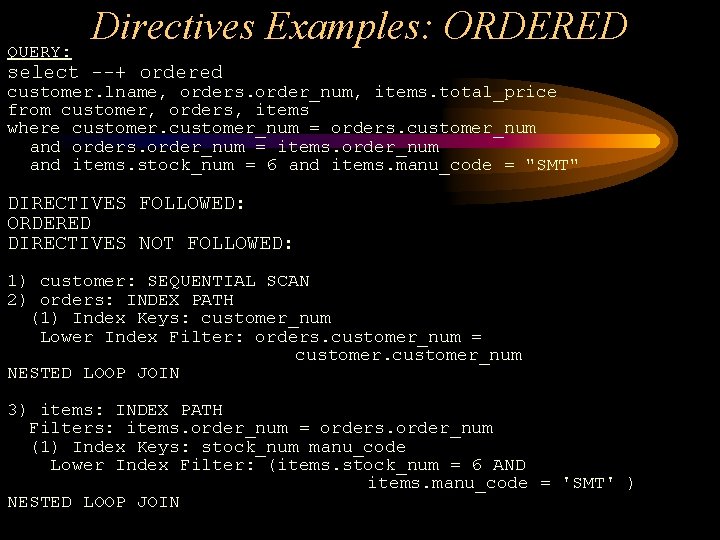
QUERY: Directives Examples: ORDERED select --+ ordered customer. lname, orders. order_num, items. total_price from customer, orders, items where customer_num = orders. customer_num and orders. order_num = items. order_num and items. stock_num = 6 and items. manu_code = "SMT" DIRECTIVES FOLLOWED: ORDERED DIRECTIVES NOT FOLLOWED: 1) customer: SEQUENTIAL SCAN 2) orders: INDEX PATH (1) Index Keys: customer_num Lower Index Filter: orders. customer_num = customer_num NESTED LOOP JOIN 3) items: INDEX PATH Filters: items. order_num = orders. order_num (1) Index Keys: stock_num manu_code Lower Index Filter: (items. stock_num = 6 AND items. manu_code = 'SMT' ) NESTED LOOP JOIN
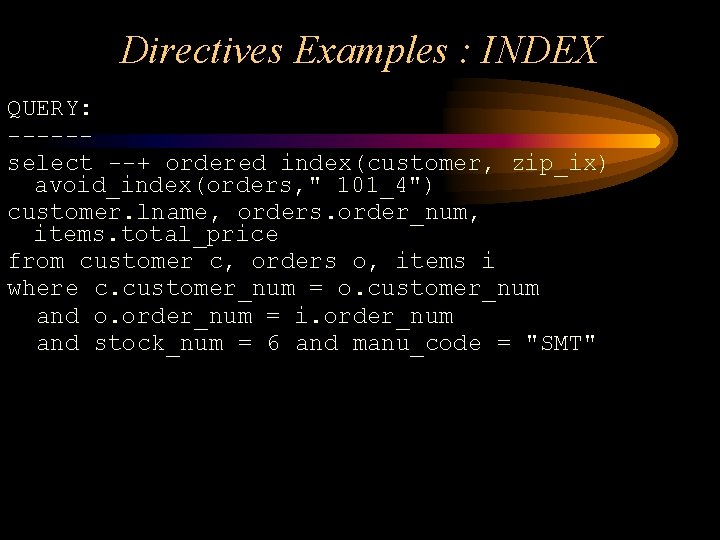
Directives Examples : INDEX QUERY: -----select --+ ordered index(customer, zip_ix) avoid_index(orders, " 101_4") customer. lname, orders. order_num, items. total_price from customer c, orders o, items i where c. customer_num = o. customer_num and o. order_num = i. order_num and stock_num = 6 and manu_code = "SMT"
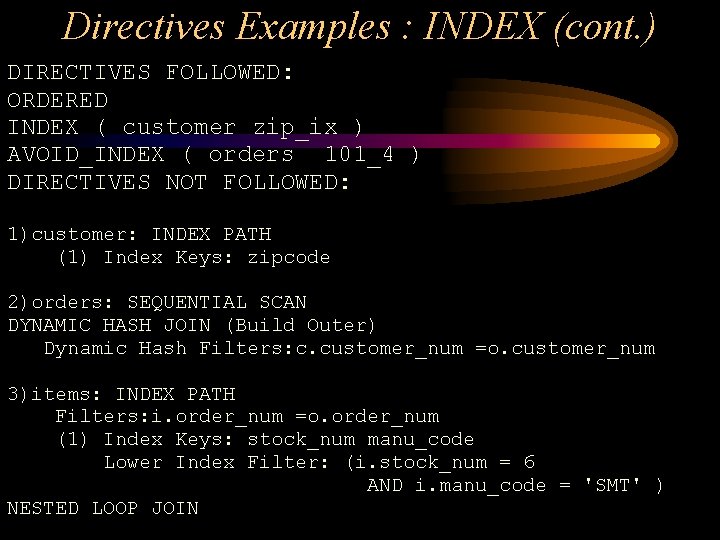
Directives Examples : INDEX (cont. ) DIRECTIVES FOLLOWED: ORDERED INDEX ( customer zip_ix ) AVOID_INDEX ( orders 101_4 ) DIRECTIVES NOT FOLLOWED: 1)customer: INDEX PATH (1) Index Keys: zipcode 2)orders: SEQUENTIAL SCAN DYNAMIC HASH JOIN (Build Outer) Dynamic Hash Filters: c. customer_num =o. customer_num 3)items: INDEX PATH Filters: i. order_num =o. order_num (1) Index Keys: stock_num manu_code Lower Index Filter: (i. stock_num = 6 AND i. manu_code = 'SMT' ) NESTED LOOP JOIN
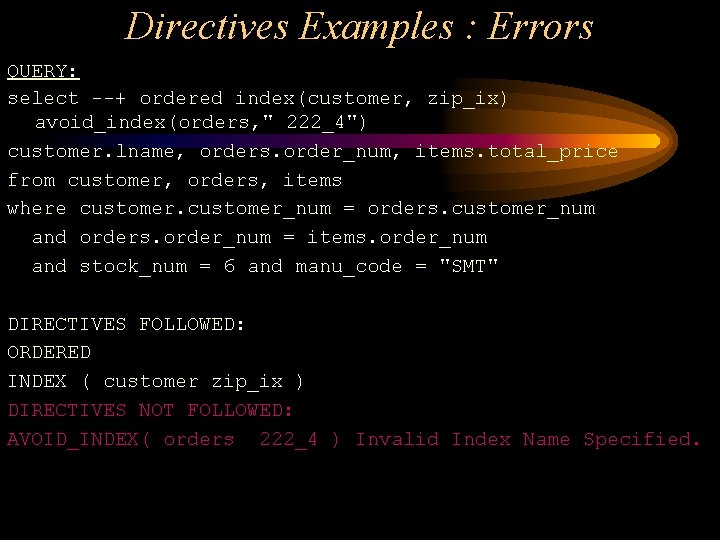
Directives Examples : Errors QUERY: select --+ ordered index(customer, zip_ix) avoid_index(orders, " 222_4") customer. lname, orders. order_num, items. total_price from customer, orders, items where customer_num = orders. customer_num and orders. order_num = items. order_num and stock_num = 6 and manu_code = "SMT" DIRECTIVES FOLLOWED: ORDERED INDEX ( customer zip_ix ) DIRECTIVES NOT FOLLOWED: AVOID_INDEX( orders 222_4 ) Invalid Index Name Specified.

Any Questions?

Optimization Techniques
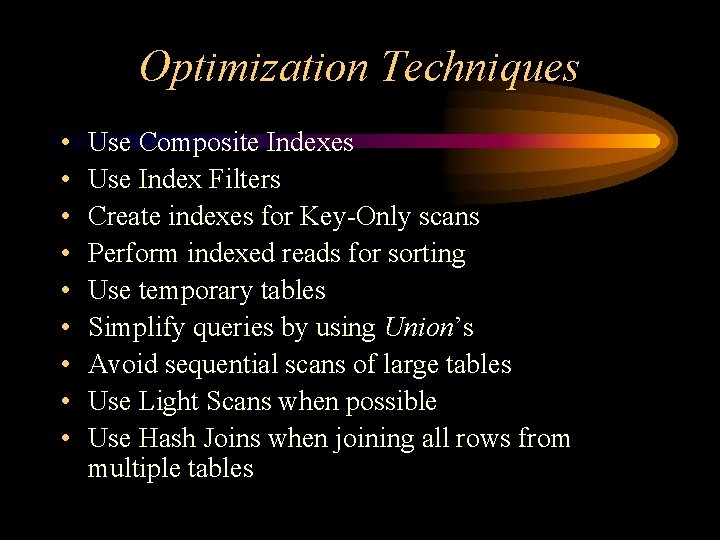
Optimization Techniques • • • Use Composite Indexes Use Index Filters Create indexes for Key-Only scans Perform indexed reads for sorting Use temporary tables Simplify queries by using Union’s Avoid sequential scans of large tables Use Light Scans when possible Use Hash Joins when joining all rows from multiple tables
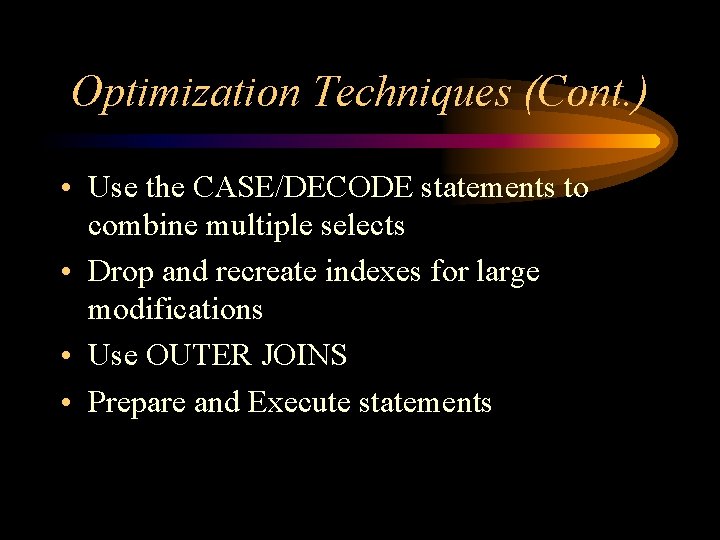
Optimization Techniques (Cont. ) • Use the CASE/DECODE statements to combine multiple selects • Drop and recreate indexes for large modifications • Use OUTER JOINS • Prepare and Execute statements
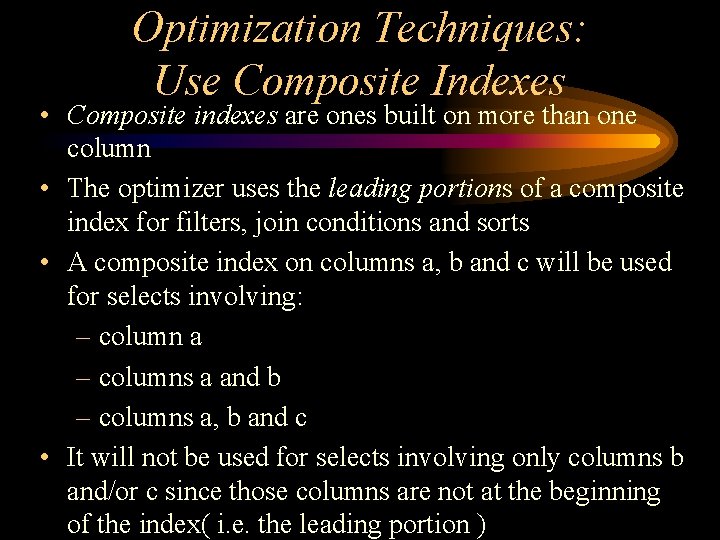
Optimization Techniques: Use Composite Indexes • Composite indexes are ones built on more than one column • The optimizer uses the leading portions of a composite index for filters, join conditions and sorts • A composite index on columns a, b and c will be used for selects involving: – column a – columns a and b – columns a, b and c • It will not be used for selects involving only columns b and/or c since those columns are not at the beginning of the index( i. e. the leading portion )
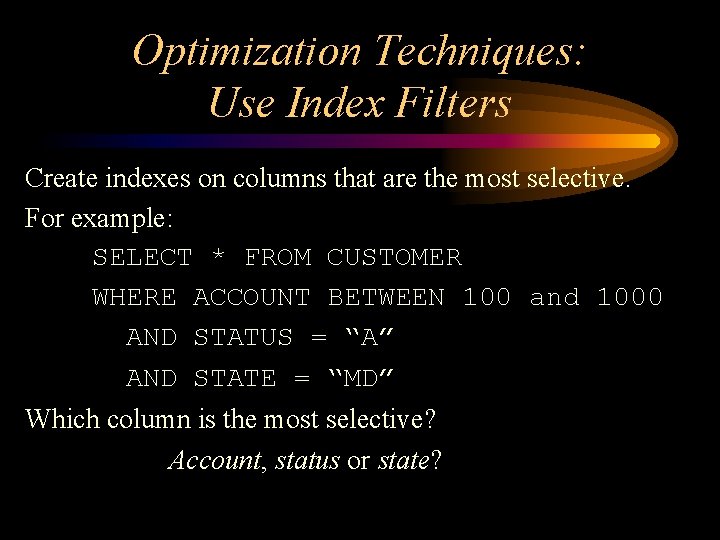
Optimization Techniques: Use Index Filters Create indexes on columns that are the most selective. For example: SELECT * FROM CUSTOMER WHERE ACCOUNT BETWEEN 100 and 1000 AND STATUS = “A” AND STATE = “MD” Which column is the most selective? Account, status or state?
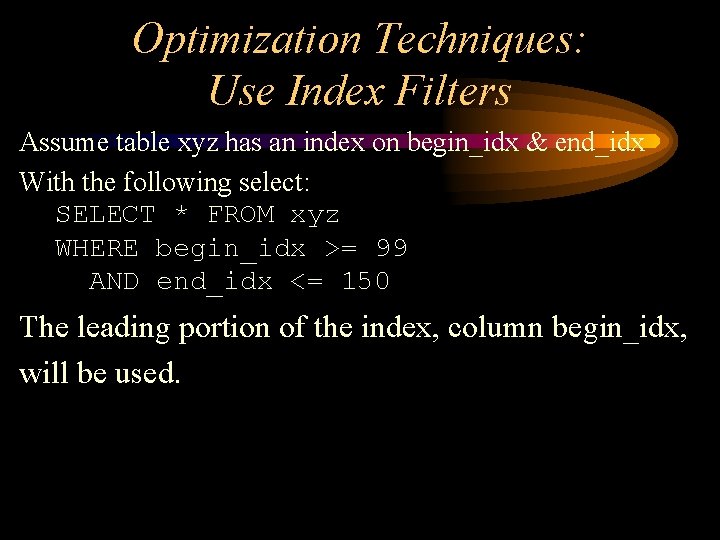
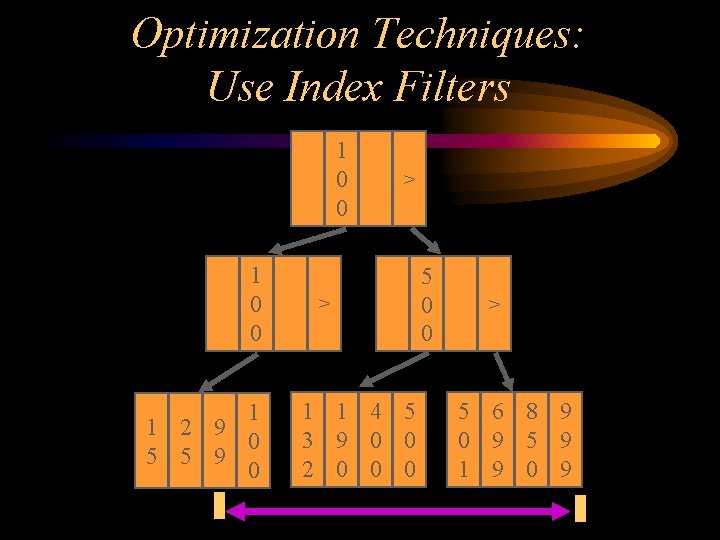
Optimization Techniques: Use Index Filters Assume table xyz has an index on begin_idx & end_idx With the following select: SELECT * FROM xyz WHERE begin_idx >= 99 AND end_idx <= 150 The leading portion of the index, column begin_idx, will be used.
Optimization Techniques: Use Index Filters 1 0 0 1 1 2 9 0 5 5 9 0 > > 1 1 4 5 3 9 0 0 2 0 0 0 5 0 0 > 5 6 8 9 0 9 5 9 1 9 0 9
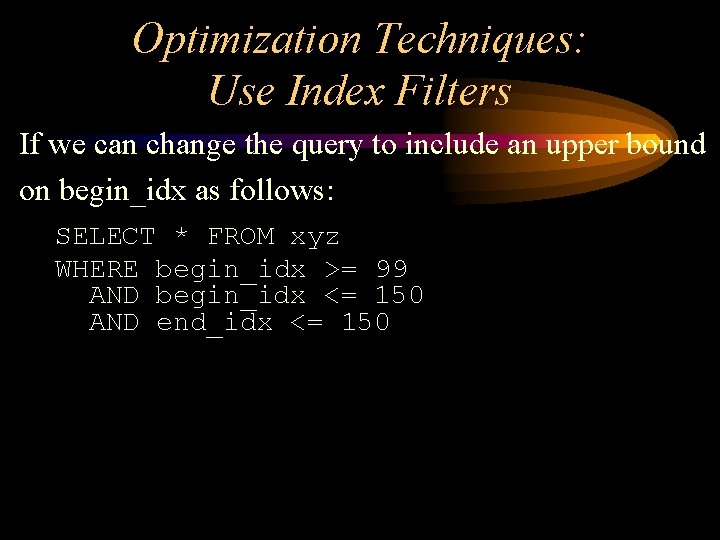
Optimization Techniques: Use Index Filters If we can change the query to include an upper bound on begin_idx as follows: SELECT * FROM xyz WHERE begin_idx >= 99 AND begin_idx <= 150 AND end_idx <= 150
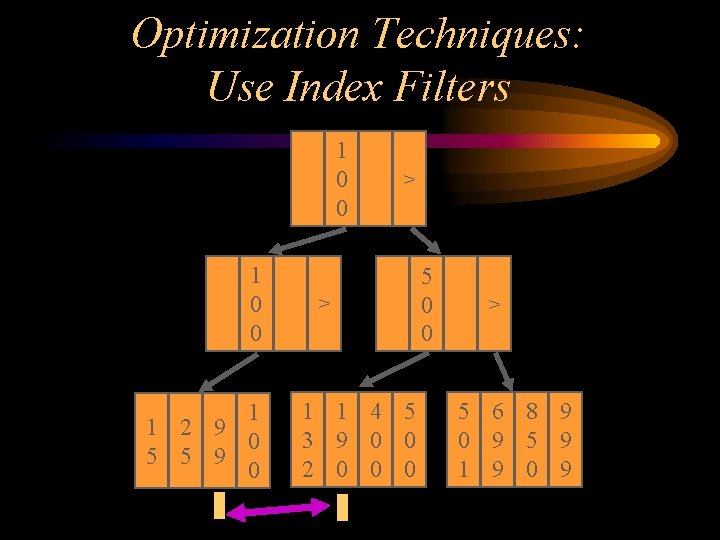
Optimization Techniques: Use Index Filters 1 0 0 1 1 2 9 0 5 5 9 0 > > 1 1 4 5 3 9 0 0 2 0 0 0 5 0 0 > 5 6 8 9 0 9 5 9 1 9 0 9
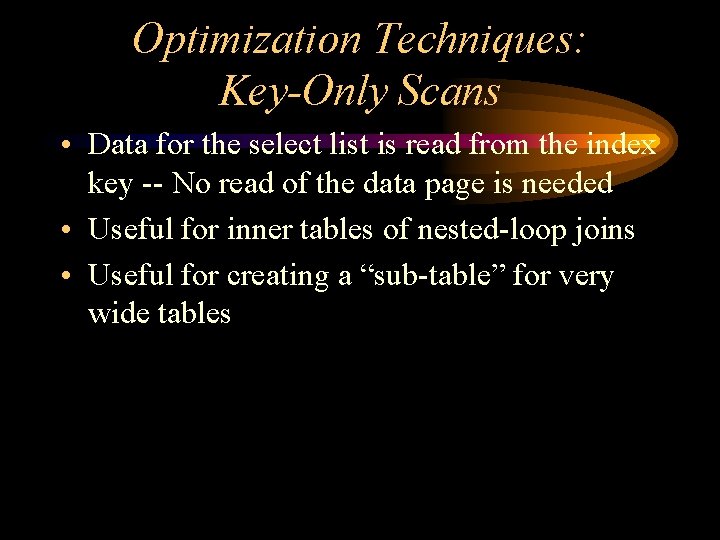
Optimization Techniques: Key-Only Scans • Data for the select list is read from the index key -- No read of the data page is needed • Useful for inner tables of nested-loop joins • Useful for creating a “sub-table” for very wide tables
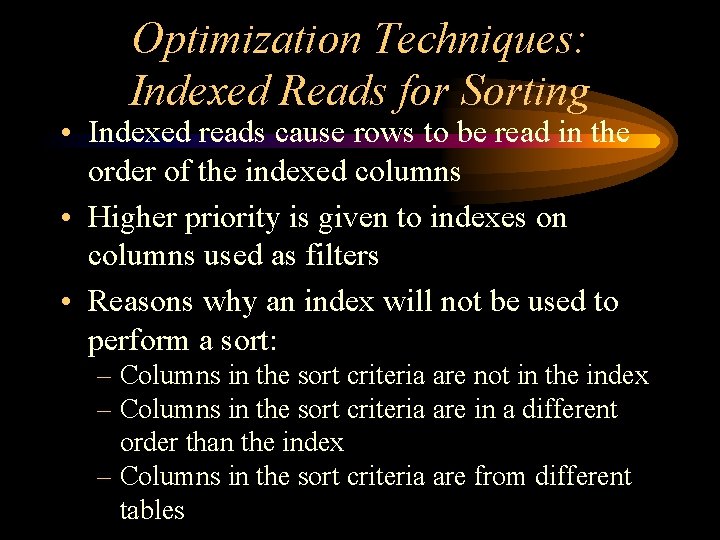
Optimization Techniques: Indexed Reads for Sorting • Indexed reads cause rows to be read in the order of the indexed columns • Higher priority is given to indexes on columns used as filters • Reasons why an index will not be used to perform a sort: – Columns in the sort criteria are not in the index – Columns in the sort criteria are in a different order than the index – Columns in the sort criteria are from different tables
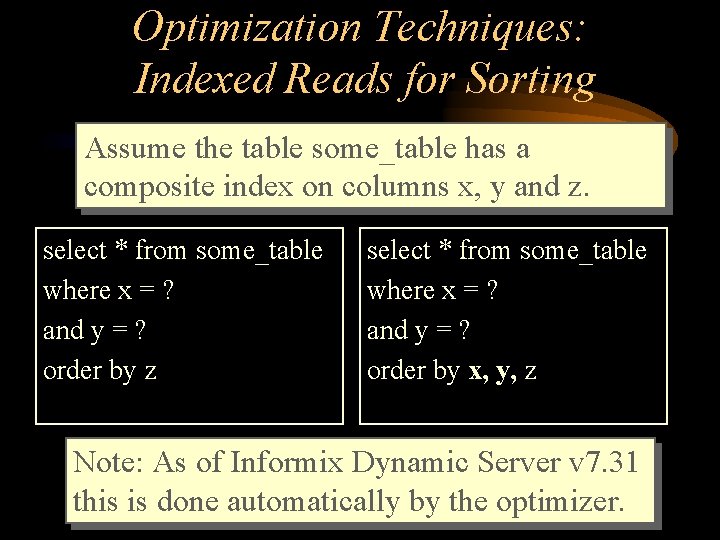
Optimization Techniques: Indexed Reads for Sorting Assume the table some_table has a composite index on columns x, y and z. select * from some_table where x = ? and y = ? order by z select * from some_table where x = ? and y = ? order by x, y, z Note: As of Informix Dynamic Server v 7. 31 this is done automatically by the optimizer.
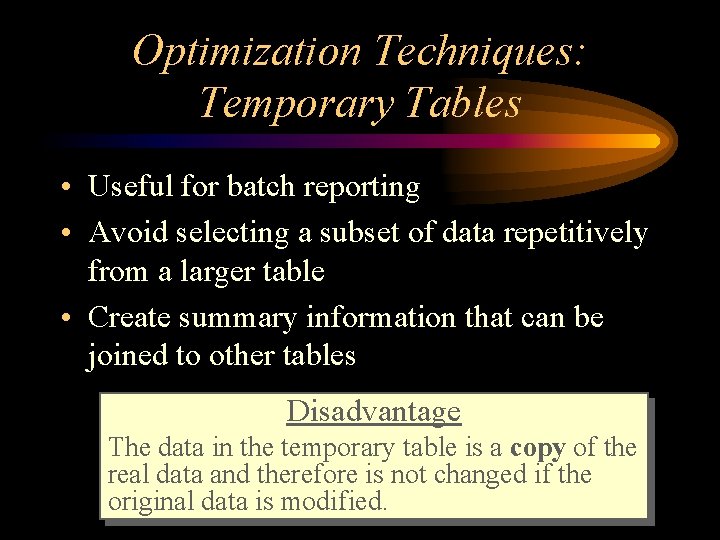
Optimization Techniques: Temporary Tables • Useful for batch reporting • Avoid selecting a subset of data repetitively from a larger table • Create summary information that can be joined to other tables Disadvantage The data in the temporary table is a copy of the real data and therefore is not changed if the original data is modified.
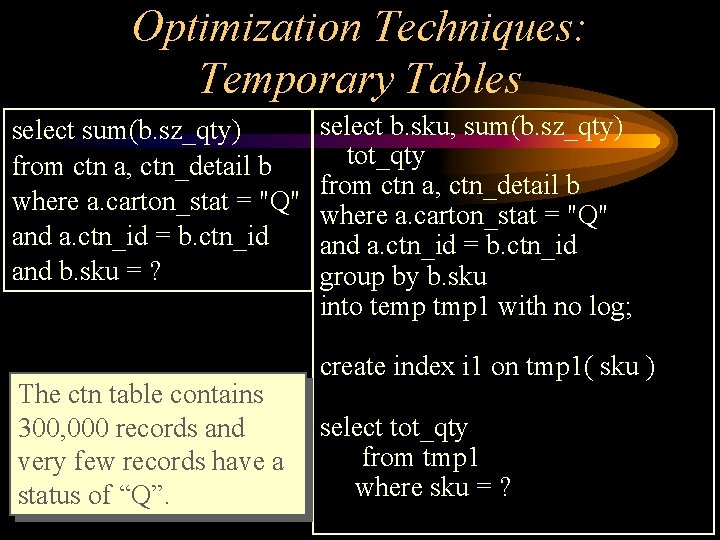
Optimization Techniques: Temporary Tables select sum(b. sz_qty) from ctn a, ctn_detail b where a. carton_stat = "Q" and a. ctn_id = b. ctn_id and b. sku = ? The ctn table contains 300, 000 records and very few records have a status of “Q”. select b. sku, sum(b. sz_qty) tot_qty from ctn a, ctn_detail b where a. carton_stat = "Q" and a. ctn_id = b. ctn_id group by b. sku into temp tmp 1 with no log; create index i 1 on tmp 1( sku ) select tot_qty from tmp 1 where sku = ?
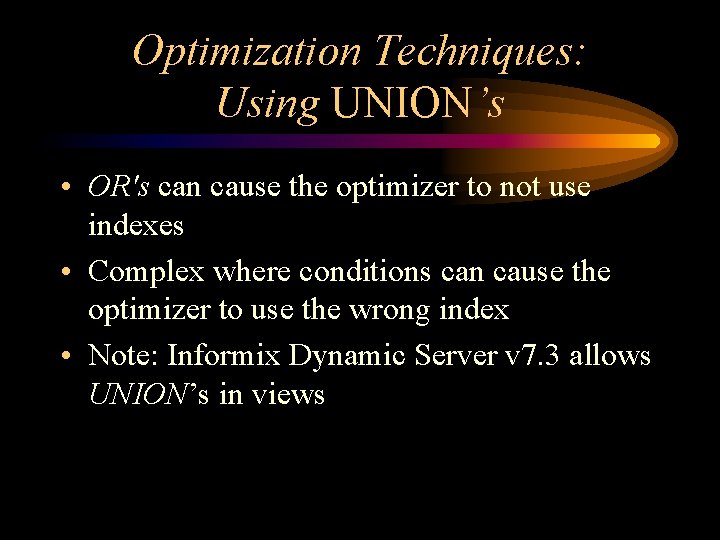
Optimization Techniques: Using UNION’s • OR's can cause the optimizer to not use indexes • Complex where conditions can cause the optimizer to use the wrong index • Note: Informix Dynamic Server v 7. 3 allows UNION’s in views
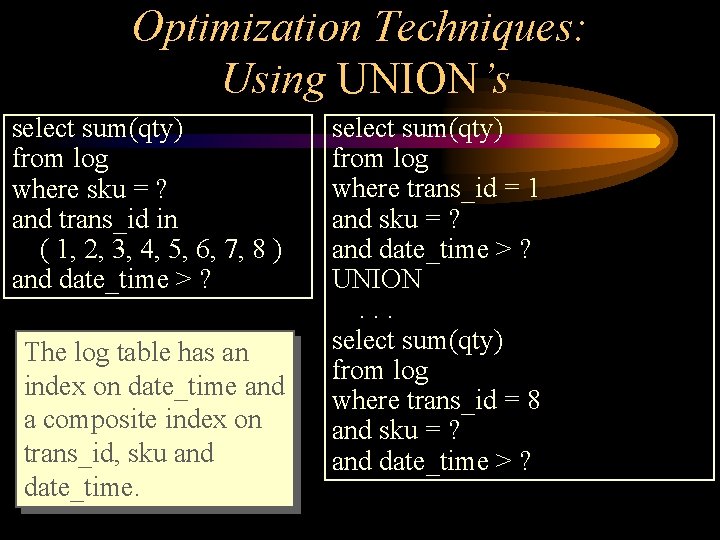
Optimization Techniques: Using UNION’s select sum(qty) from log where sku = ? and trans_id in ( 1, 2, 3, 4, 5, 6, 7, 8 ) and date_time > ? The log table has an index on date_time and a composite index on trans_id, sku and date_time. select sum(qty) from log where trans_id = 1 and sku = ? and date_time > ? UNION. . . select sum(qty) from log where trans_id = 8 and sku = ? and date_time > ?
Optimization Techniques: Avoid Sequential Scans and Auto Indexes • Sequential scans of large tables are resource intensive – use light scans if possible • Sequential scans of small tables are not harmful • Consider using permanent indexes to avoid sequential scans when possible • Create temporary indexes for batch reporting • Replace Auto Indexes with real indexes
Optimization Techniques: Use Light Scans What are they? – Very efficient way to sequentially scan a table – Go straight to disk, avoid the buffer pool How do you get them? – Only used when sequentially scanning a table – The table is bigger than the buffer pool – PDQ must be on (i. e. , SET PDQPRIORITY) – Dirty read isolation or no logging – Monitor using onstat –g lsc
Optimization Techniques: Use Hash Joins • Good to use when joining a large number of rows from multiple tables • Typical join is NESTED LOOP, costly to do index scan over and over • Builds hash table in memory for one table, scans second and hashes into memory • PDQ must be turned on • DS_TOTAL_MEMORY should be set high
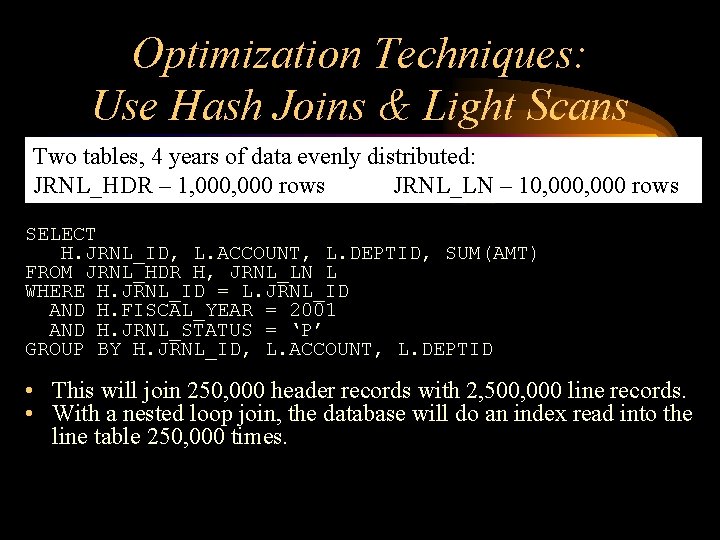
Optimization Techniques: Use Hash Joins & Light Scans Two tables, 4 years of data evenly distributed: JRNL_HDR – 1, 000 rows JRNL_LN – 10, 000 rows SELECT H. JRNL_ID, L. ACCOUNT, L. DEPTID, SUM(AMT) FROM JRNL_HDR H, JRNL_LN L WHERE H. JRNL_ID = L. JRNL_ID AND H. FISCAL_YEAR = 2001 AND H. JRNL_STATUS = ‘P’ GROUP BY H. JRNL_ID, L. ACCOUNT, L. DEPTID • This will join 250, 000 header records with 2, 500, 000 line records. • With a nested loop join, the database will do an index read into the line table 250, 000 times.
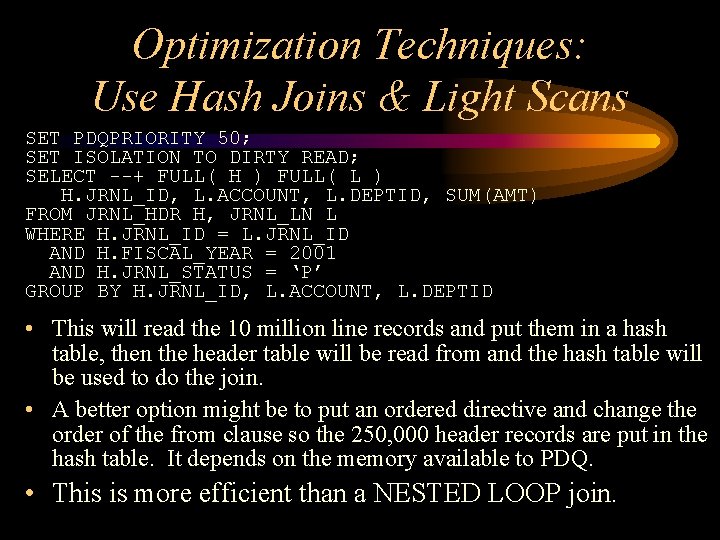
Optimization Techniques: Use Hash Joins & Light Scans SET PDQPRIORITY 50; SET ISOLATION TO DIRTY READ; SELECT --+ FULL( H ) FULL( L ) H. JRNL_ID, L. ACCOUNT, L. DEPTID, SUM(AMT) FROM JRNL_HDR H, JRNL_LN L WHERE H. JRNL_ID = L. JRNL_ID AND H. FISCAL_YEAR = 2001 AND H. JRNL_STATUS = ‘P’ GROUP BY H. JRNL_ID, L. ACCOUNT, L. DEPTID • This will read the 10 million line records and put them in a hash table, then the header table will be read from and the hash table will be used to do the join. • A better option might be to put an ordered directive and change the order of the from clause so the 250, 000 header records are put in the hash table. It depends on the memory available to PDQ. • This is more efficient than a NESTED LOOP join.
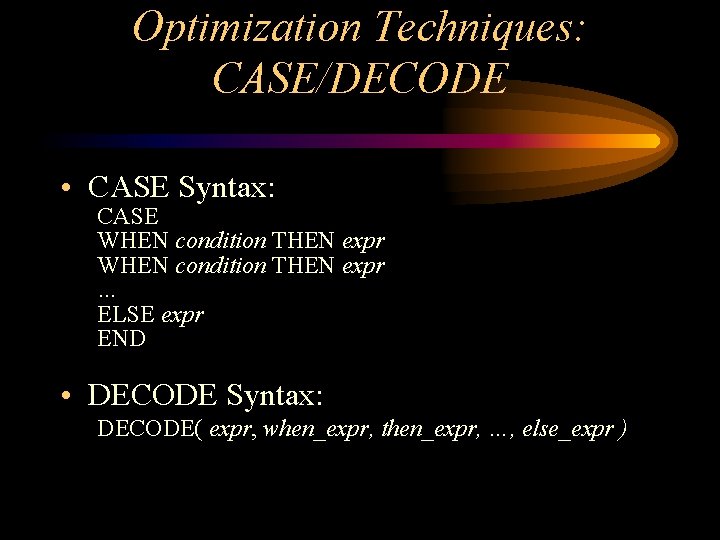
Optimization Techniques: CASE/DECODE • CASE Syntax: CASE WHEN condition THEN expr … ELSE expr END • DECODE Syntax: DECODE( expr, when_expr, then_expr, …, else_expr )
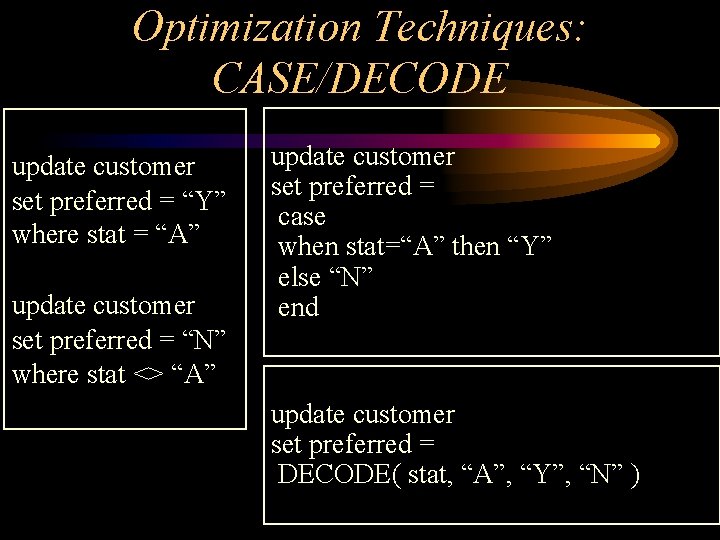
Optimization Techniques: CASE/DECODE update customer set preferred = “Y” where stat = “A” update customer set preferred = “N” where stat <> “A” update customer set preferred = case when stat=“A” then “Y” else “N” end update customer set preferred = DECODE( stat, “A”, “Y”, “N” )
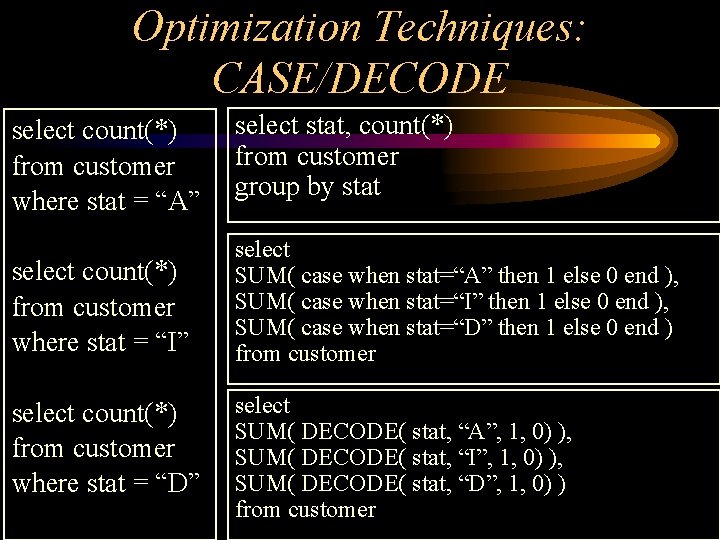
Optimization Techniques: CASE/DECODE select count(*) from customer where stat = “A” select stat, count(*) from customer group by stat select count(*) from customer where stat = “I” select SUM( case when stat=“A” then 1 else 0 end ), SUM( case when stat=“I” then 1 else 0 end ), SUM( case when stat=“D” then 1 else 0 end ) from customer select count(*) from customer where stat = “D” select SUM( DECODE( stat, “A”, 1, 0) ), SUM( DECODE( stat, “I”, 1, 0) ), SUM( DECODE( stat, “D”, 1, 0) ) from customer
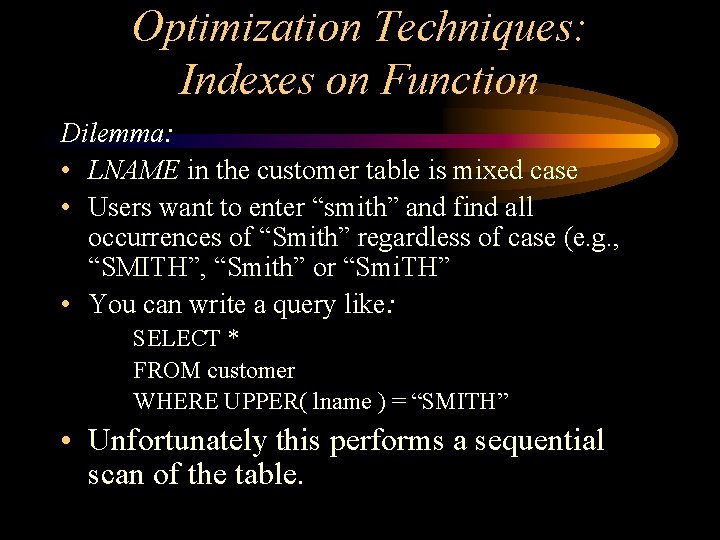
Optimization Techniques: Indexes on Function Dilemma: • LNAME in the customer table is mixed case • Users want to enter “smith” and find all occurrences of “Smith” regardless of case (e. g. , “SMITH”, “Smith” or “Smi. TH” • You can write a query like: SELECT * FROM customer WHERE UPPER( lname ) = “SMITH” • Unfortunately this performs a sequential scan of the table.
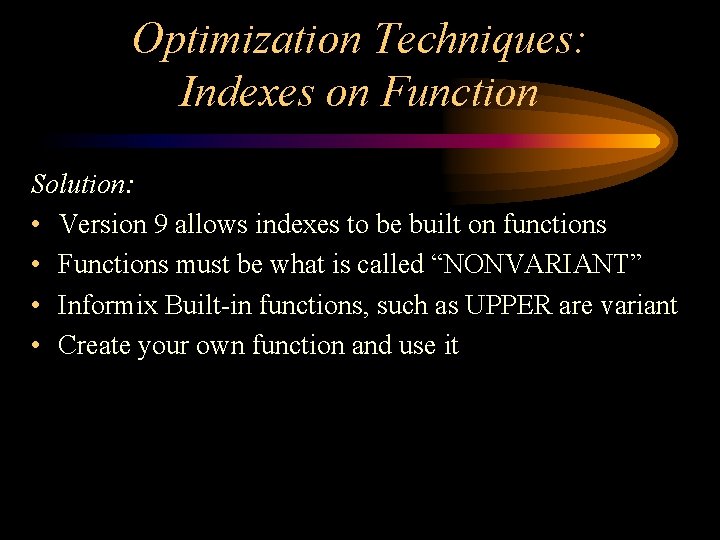
Optimization Techniques: Indexes on Function Solution: • Version 9 allows indexes to be built on functions • Functions must be what is called “NONVARIANT” • Informix Built-in functions, such as UPPER are variant • Create your own function and use it
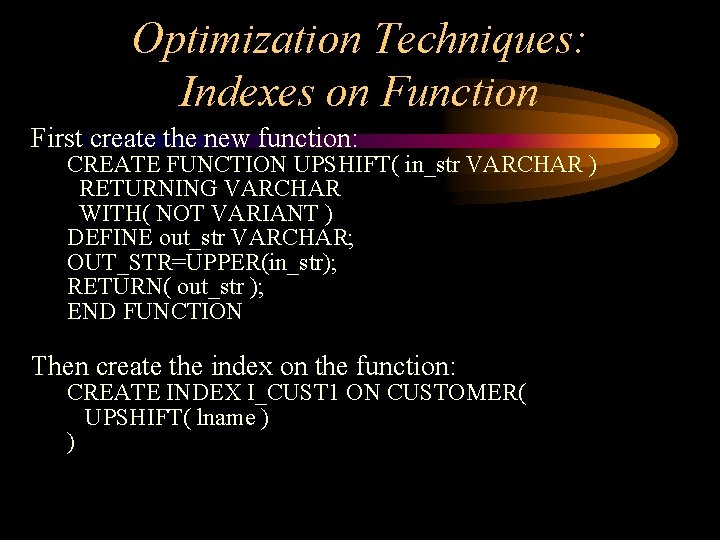
Optimization Techniques: Indexes on Function First create the new function: CREATE FUNCTION UPSHIFT( in_str VARCHAR ) RETURNING VARCHAR WITH( NOT VARIANT ) DEFINE out_str VARCHAR; OUT_STR=UPPER(in_str); RETURN( out_str ); END FUNCTION Then create the index on the function: CREATE INDEX I_CUST 1 ON CUSTOMER( UPSHIFT( lname ) )
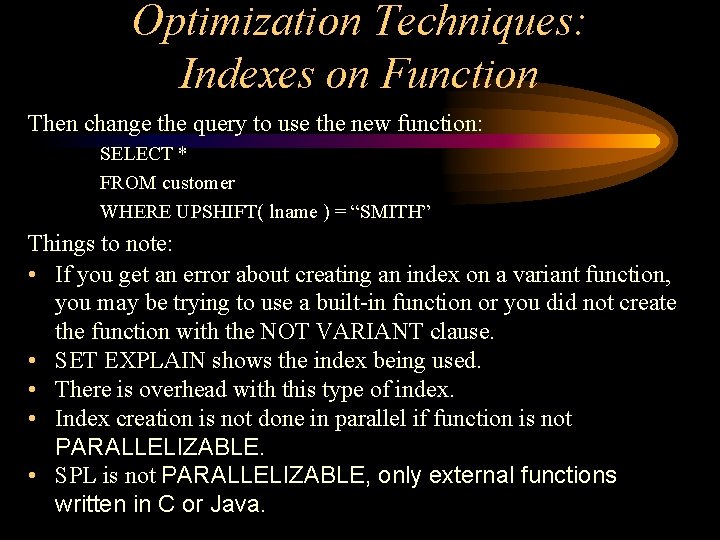
Optimization Techniques: Indexes on Function Then change the query to use the new function: SELECT * FROM customer WHERE UPSHIFT( lname ) = “SMITH” Things to note: • If you get an error about creating an index on a variant function, you may be trying to use a built-in function or you did not create the function with the NOT VARIANT clause. • SET EXPLAIN shows the index being used. • There is overhead with this type of index. • Index creation is not done in parallel if function is not PARALLELIZABLE. • SPL is not PARALLELIZABLE, only external functions written in C or Java.
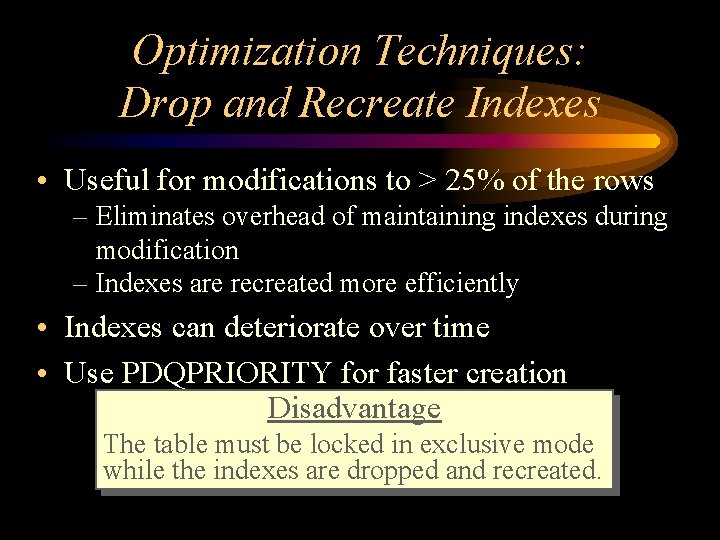
Optimization Techniques: Drop and Recreate Indexes • Useful for modifications to > 25% of the rows – Eliminates overhead of maintaining indexes during modification – Indexes are recreated more efficiently • Indexes can deteriorate over time • Use PDQPRIORITY for faster creation Disadvantage The table must be locked in exclusive mode while the indexes are dropped and recreated.
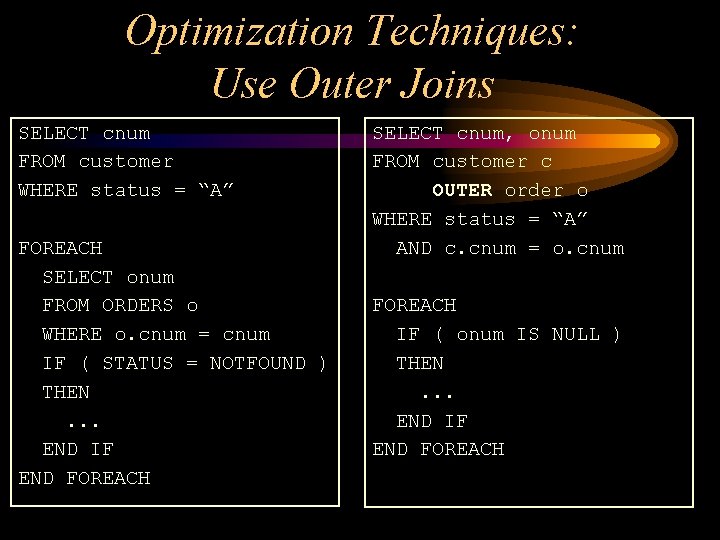
Optimization Techniques: Use Outer Joins SELECT cnum FROM customer WHERE status = “A” FOREACH SELECT onum FROM ORDERS o WHERE o. cnum = cnum IF ( STATUS = NOTFOUND ) THEN. . . END IF END FOREACH SELECT cnum, onum FROM customer c OUTER order o WHERE status = “A” AND c. cnum = o. cnum FOREACH IF ( onum IS NULL ) THEN. . . END IF END FOREACH
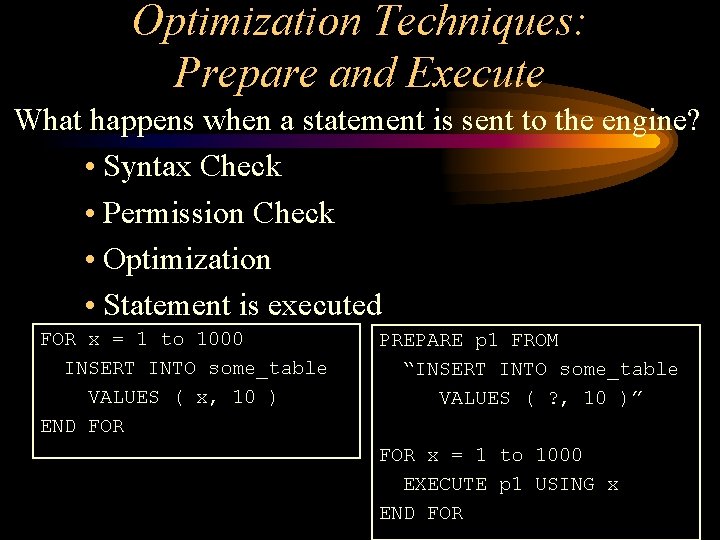
Optimization Techniques: Prepare and Execute What happens when a statement is sent to the engine? • Syntax Check • Permission Check • Optimization • Statement is executed FOR x = 1 to 1000 INSERT INTO some_table VALUES ( x, 10 ) END FOR PREPARE p 1 FROM “INSERT INTO some_table VALUES ( ? , 10 )” FOR x = 1 to 1000 EXECUTE p 1 USING x END FOR

Any Questions?
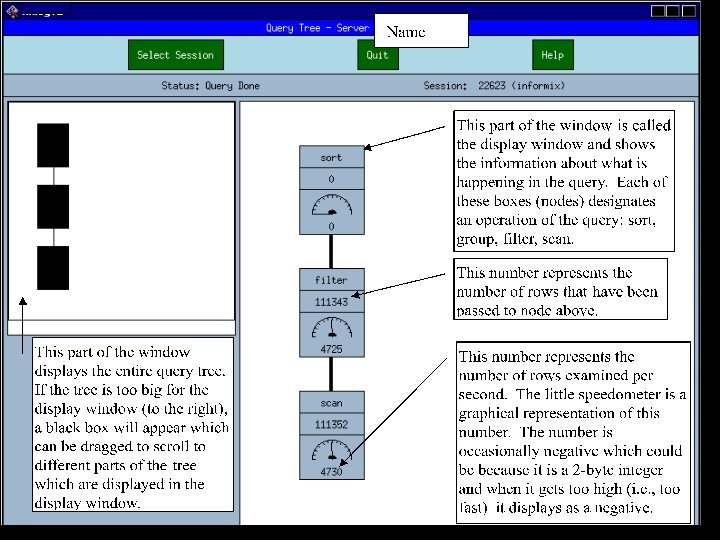
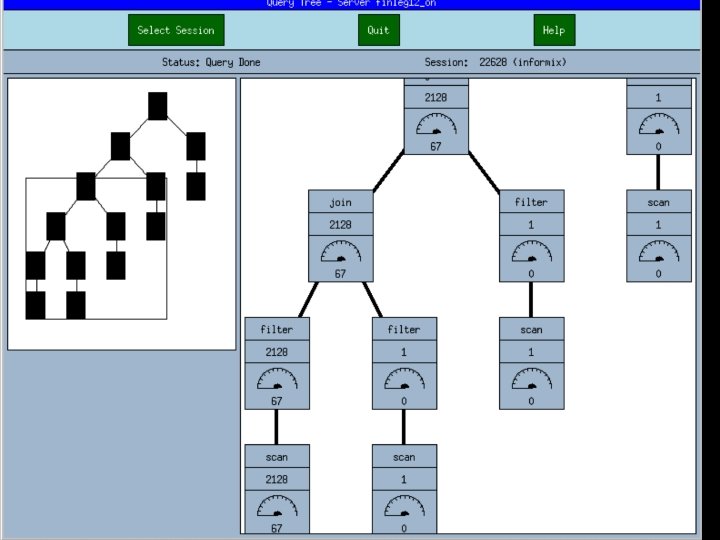
Xtree • • Xwindows interface Only works with Xwindows terminal Provides a window into an executing query Changed in Version 10 – still similar
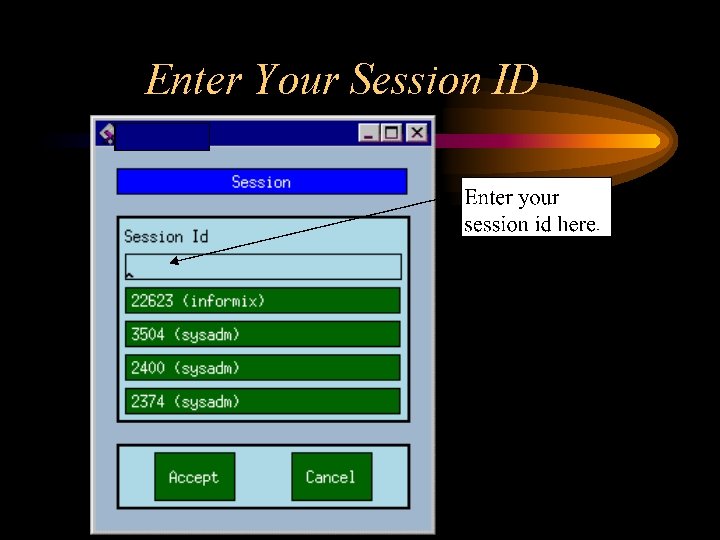
Enter Your Session ID
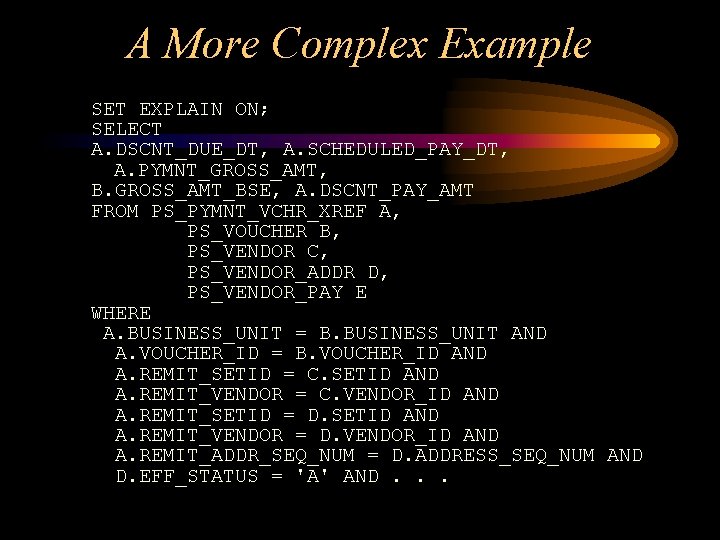
A More Complex Example SET EXPLAIN ON; SELECT A. DSCNT_DUE_DT, A. SCHEDULED_PAY_DT, A. PYMNT_GROSS_AMT, B. GROSS_AMT_BSE, A. DSCNT_PAY_AMT FROM PS_PYMNT_VCHR_XREF A, PS_VOUCHER B, PS_VENDOR C, PS_VENDOR_ADDR D, PS_VENDOR_PAY E WHERE A. BUSINESS_UNIT = B. BUSINESS_UNIT AND A. VOUCHER_ID = B. VOUCHER_ID AND A. REMIT_SETID = C. SETID AND A. REMIT_VENDOR = C. VENDOR_ID AND A. REMIT_SETID = D. SETID AND A. REMIT_VENDOR = D. VENDOR_ID AND A. REMIT_ADDR_SEQ_NUM = D. ADDRESS_SEQ_NUM AND D. EFF_STATUS = 'A' AND. . .
Want to know more? • Articles in the WAIUG newsletter & Informix Technotes: – “Indexing Strategies” – “The PREPARE Statement” – “Set Explain Command” – “Query Optimization” – “Schema Optimization” – “Informix 7. 3 Features” – “Xtree” – “Performance Tuning People. Soft’s n. Vision” • Informix Reference Manuals
- Slides: 95