
Information Technology Services and Support www ndsu eduit

- Slides: 36
Information Technology Services and Support www. ndsu. edu/it
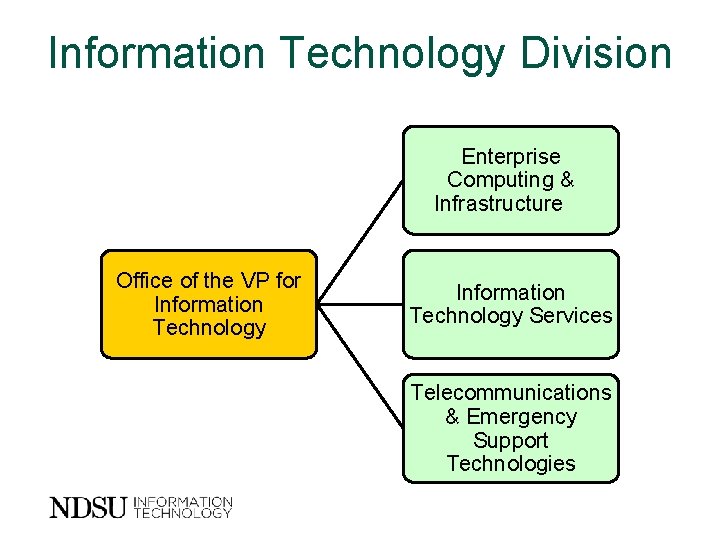
Information Technology Division Enterprise Computing & Infrastructure Office of the VP for Information Technology Services Telecommunications & Emergency Support Technologies
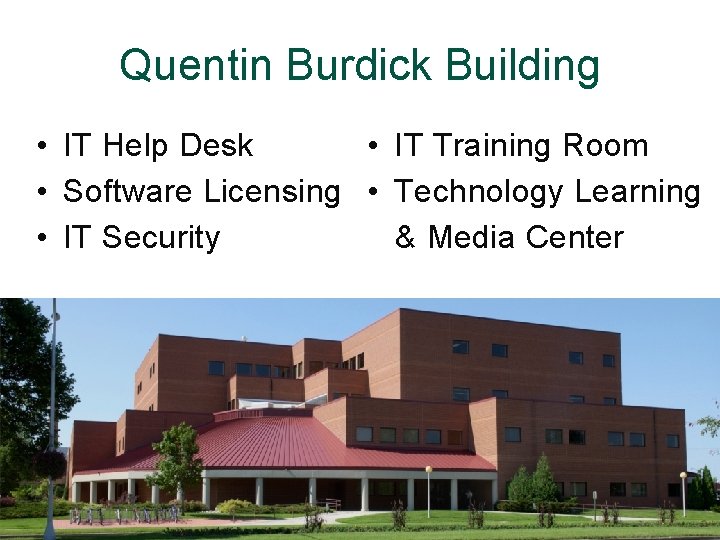
Quentin Burdick Building • IT Help Desk • IT Training Room • Software Licensing • Technology Learning • IT Security & Media Center
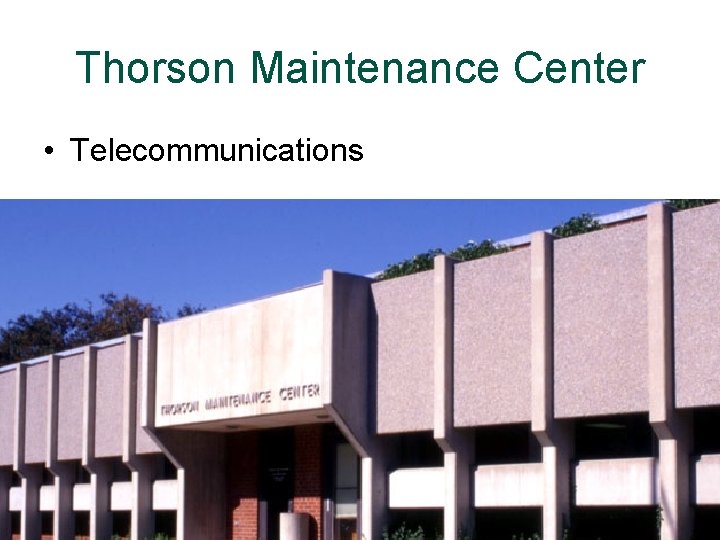
Thorson Maintenance Center • Telecommunications
• Help with accounts, email, wireless, other services • Check-out equipment – Digital video and still cameras, Go. Pro cameras – Laptop computers • Large format printing • Automated test scoring
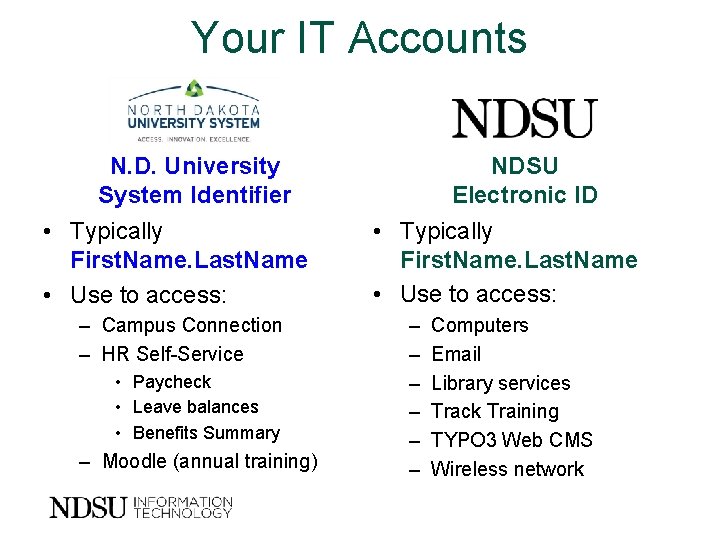
Your IT Accounts N. D. University System Identifier • Typically First. Name. Last. Name • Use to access: – Campus Connection – HR Self-Service • Paycheck • Leave balances • Benefits Summary – Moodle (annual training) NDSU Electronic ID • Typically First. Name. Last. Name • Use to access: – – – Computers Email Library services Track Training TYPO 3 Web CMS Wireless network
www. ndsu. edu/its/new-employee Activate your accounts New employee checklist
Connect to the Internet
Connect to wireless • Wireless is available campuswide • Need to complete onetime setup for each device • More information: www. ndsu. edu/wireless
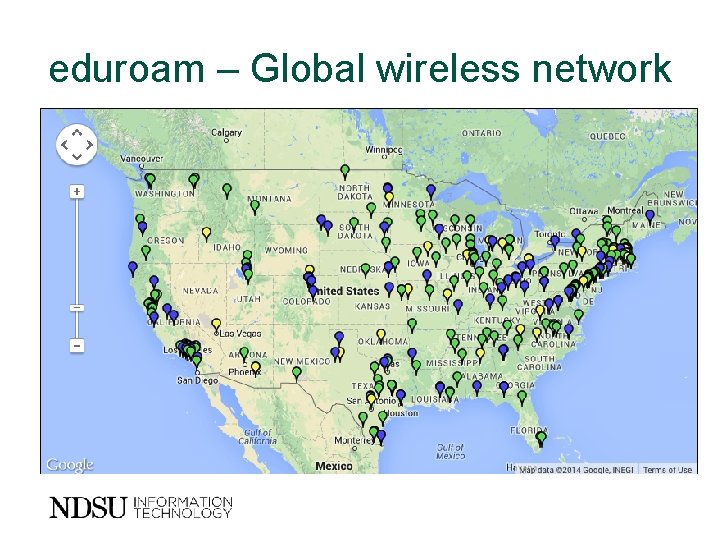
eduroam – Global wireless network
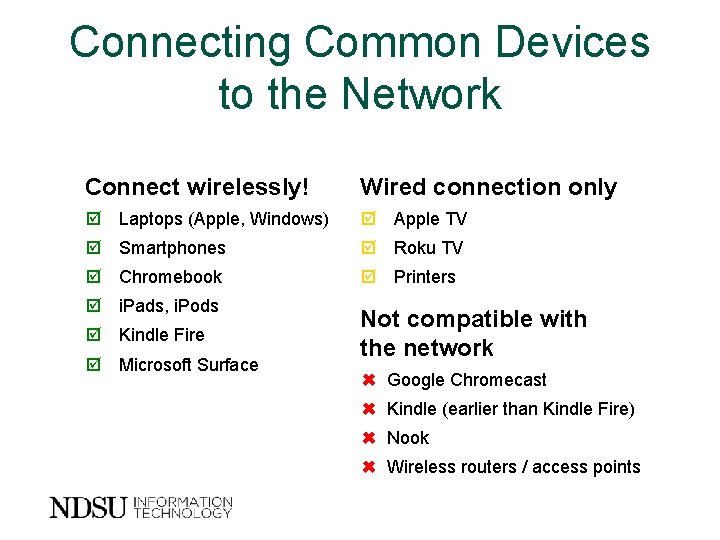
Connecting Common Devices to the Network Connect wirelessly! Wired connection only Laptops (Apple, Windows) Apple TV Smartphones Roku TV Chromebook Printers i. Pads, i. Pods Kindle Fire Microsoft Surface Not compatible with the network ✖ Google Chromecast ✖ Kindle (earlier than Kindle Fire) ✖ Nook ✖ Wireless routers / access points
Communication and Collaboration Tools
Your NDSU Email Account • Microsoft Office 365 – Email – Calendar – Lync Instant Messaging, Online Meetings – One. Drive (1 TB storage) – Share. Point
Your NDSU Email Account • Go to login. microsoftonline. com – Typically First. Name. Last. Name@ndsu. edu – Password same as NDSU electronic ID • Official communication channel – Campuswide announcements – Important dates and deadlines – Emergency notifications – Employee Email Policy 158. 1 • You are responsible to receive/read
Collaboration and Storage • NDSU Central File Services – 5 GB storage for staff – 50 GB for faculty • Google Drive – Unlimited storage – Create, store and share documents and files • One. Drive for Business – 1 TB storage – Share files and sync for offline access www. ndsu. edu/its/help-desk/collaboration-and-storage/
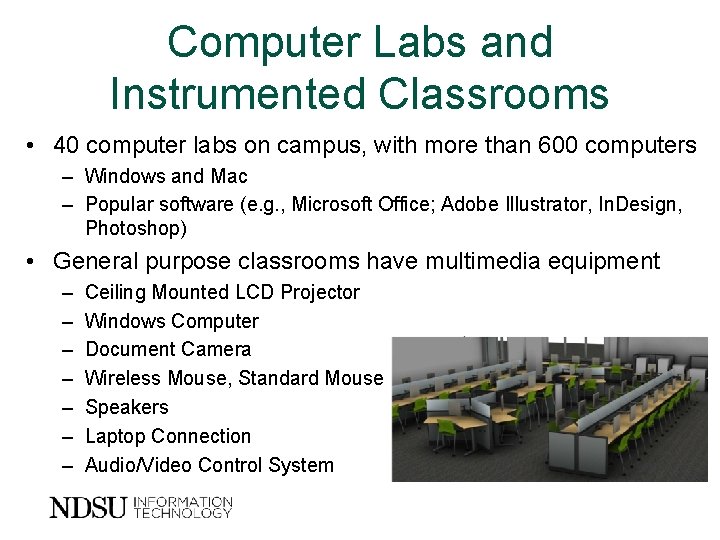
Computer Labs and Instrumented Classrooms • 40 computer labs on campus, with more than 600 computers – Windows and Mac – Popular software (e. g. , Microsoft Office; Adobe Illustrator, In. Design, Photoshop) • General purpose classrooms have multimedia equipment – – – – Ceiling Mounted LCD Projector Windows Computer Document Camera Wireless Mouse, Standard Mouse Speakers Laptop Connection Audio/Video Control System
IT Training • NDSU Web content management system (TYPO 3) • Course-related technology – Blackboard – Lecture capture – Classroom polling …and more! www. ndsu. edu/its/training
Microsoft Office Specialist Certification • NDSU employees have the opportunity to train and become certified in one or more Microsoft Office 2013 applications • Learn more! www. ndsu. edu/softwarecertification
Technology Learning & Media Center • • Assistance with projects, software Video and audio recording studios Video and audio capture, editing and conversion Free technology workshops, self-paced learning resources
Department Contacts • Software Contact – Software for NDSU-owned computers – Microsoft Home Use Program • Telephone Administrator – Workstation telephones – Voicemail – Department cell phones • IT Communication Liaison • IT Technical Professional
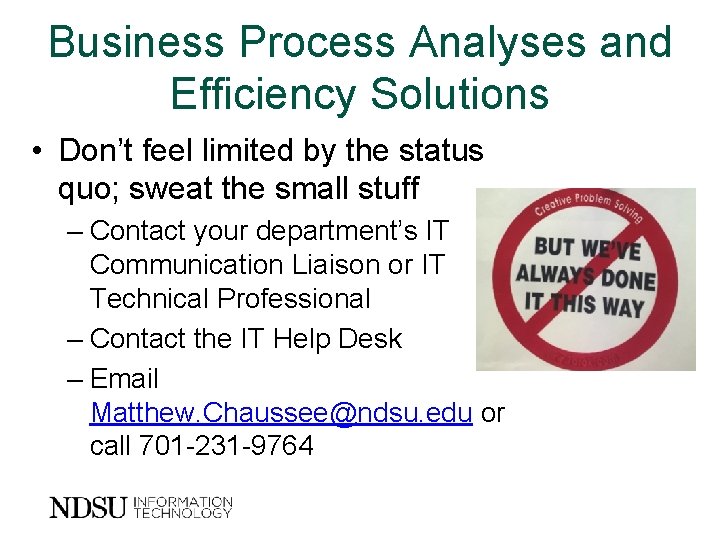
Business Process Analyses and Efficiency Solutions • Don’t feel limited by the status quo; sweat the small stuff – Contact your department’s IT Communication Liaison or IT Technical Professional – Contact the IT Help Desk – Email Matthew. Chaussee@ndsu. edu or call 701 -231 -9764
Annual Required Training
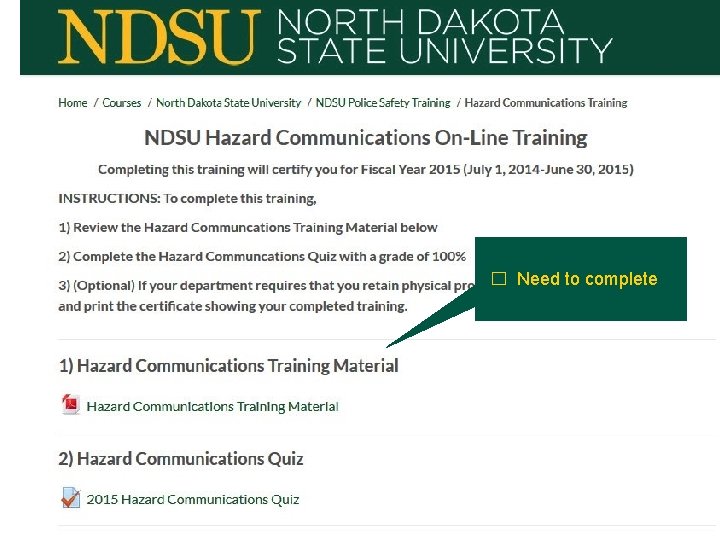
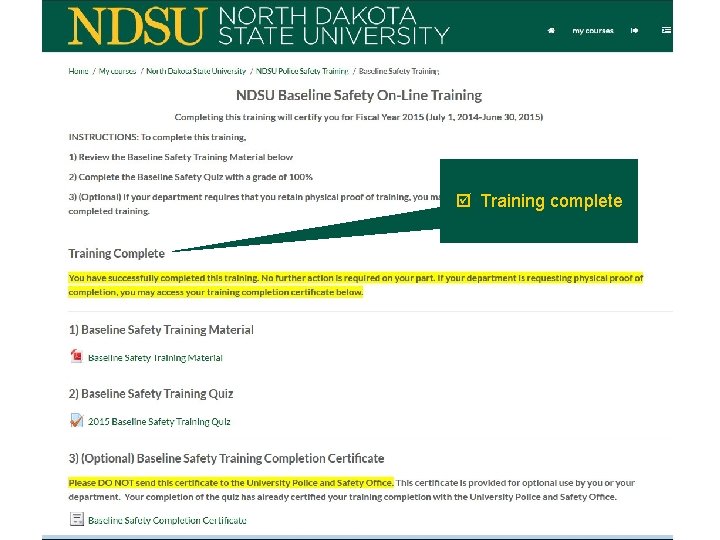
Online Training Courses • 25+ training titles available through Moodle • Option to complete annual mandatory training online – – – Baseline Safety Supervisor Safety Sexual Harassment / Title IX Fraud Training Annual Notice of Policies • Log in to Moodle with University System ID and password
☐ Need to complete
Training complete
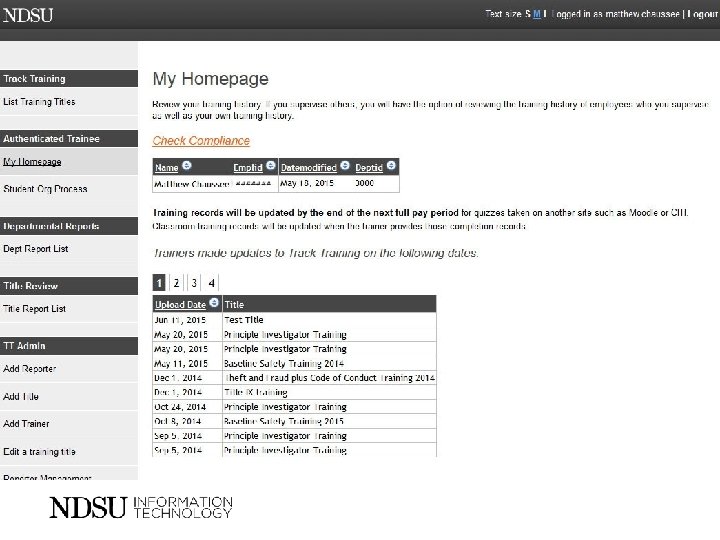
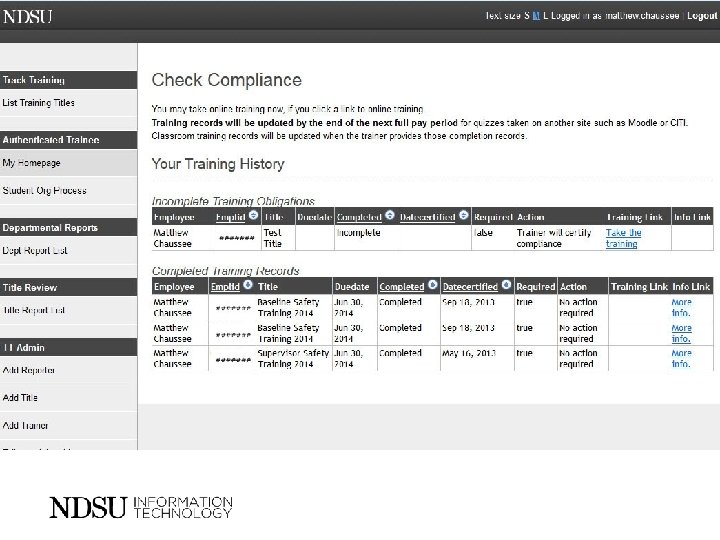
Tracking Your Training Requirements • 60+ training titles tracked in Track Training online application – View your training obligations and completions – Supervisors can review employees’ training compliance – Department administrators can review department training compliance • Log in to Track Training using your NDSU electronic ID and password
IT Security: Protect yourself and others
Protect Your Accounts • Passwords – Make passwords long and strong – Unique account, unique password – Keep passwords safe • Using public computers – Use secure sites when accessing personal info – Ensure “remember me” is unchecked – Log off when finished
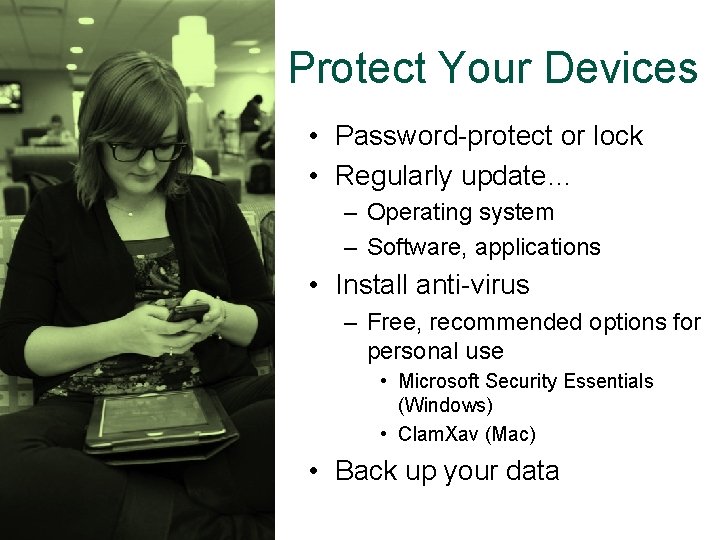
Protect Your Devices • Password-protect or lock • Regularly update… – Operating system – Software, applications • Install anti-virus – Free, recommended options for personal use • Microsoft Security Essentials (Windows) • Clam. Xav (Mac) • Back up your data
Beware of “Phishing” Scams • Cybercriminals attempt to steal money, information – Don’t reveal personal or financial information in an email. – Verify the original sender by examining the sender’s address carefully. – Check for spelling and grammar errors. – Carefully examine hyperlinks. – Check for threatening language. – Consider whether the offer is too good to be true. No one from NDSU will ever ask for your password via email
Acceptable Use Policy • Policy governs use of computers at NDSU – Copy in orientation packet • Do not use technology to… – Harass, threaten, interfere with others – Plagiarize or steal another person’s work – Send inappropriate material
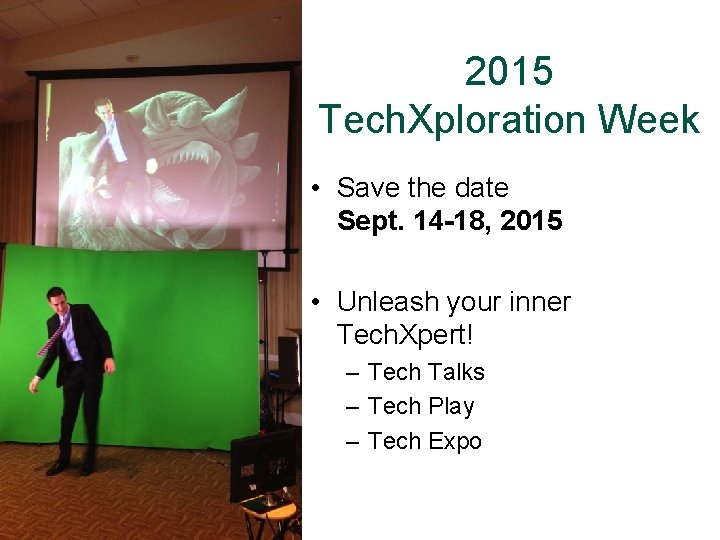
2015 Tech. Xploration Week • Save the date Sept. 14 -18, 2015 • Unleash your inner Tech. Xpert! – Tech Talks – Tech Play – Tech Expo
Questions?