
Information Technology IT Computer Technology Hardware and Software
- Slides: 19
Information Technology (IT) • Computer Technology (Hardware and Software) § Processing and Storing Information • Communication Technology § Transmitting information 1
Introduction to MIS • The MIS Concept • System Concepts • Types of Business Information Systems § Roles; Trends • Managerial Challenges of IT • Why Studying IS/MIS § What You Need to Know 2
The MIS Concept The MIS concept addresses the use of IT to improve individual and organizational performance at two levels: 1) producing “better” tangible outputs 2) developing tools and processes that allow better management decision making 3
Level 1: “Better” Tangible Outputs • IT is used to make the process in producing a tangible output more efficient and more effective • Implication Issues §whether or not to use IT §selecting the proper IT §employing correct procedures for the utilization of the IT 4
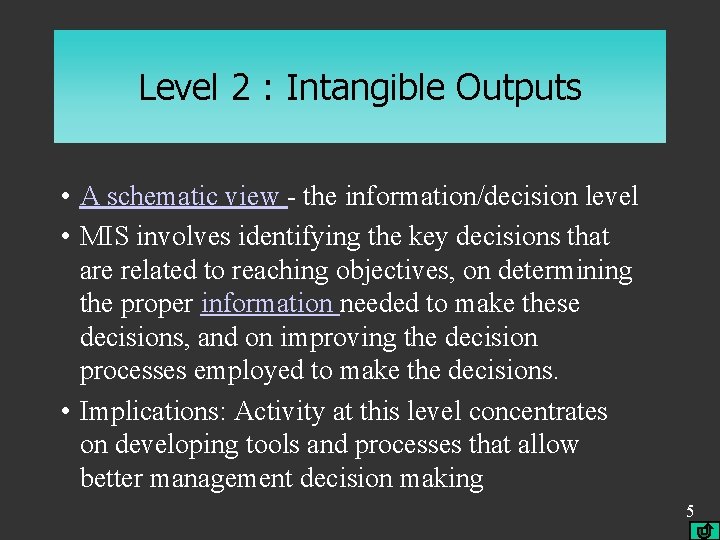
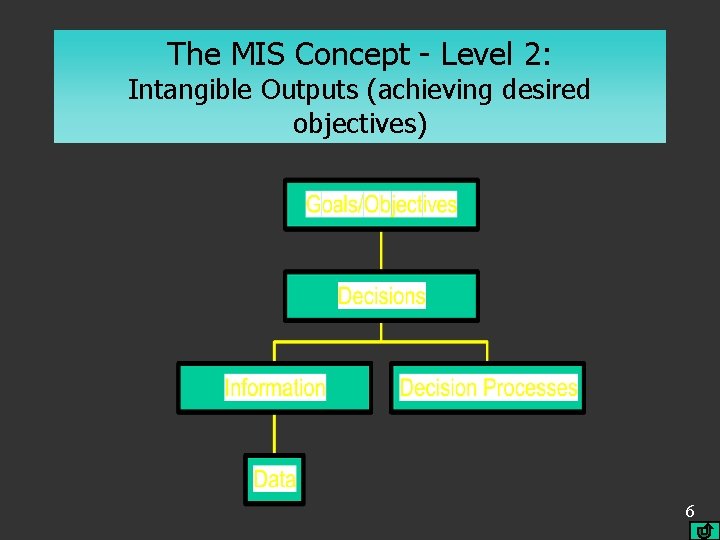
Level 2 : Intangible Outputs • A schematic view - the information/decision level • MIS involves identifying the key decisions that are related to reaching objectives, on determining the proper information needed to make these decisions, and on improving the decision processes employed to make the decisions. • Implications: Activity at this level concentrates on developing tools and processes that allow better management decision making 5
The MIS Concept - Level 2: Intangible Outputs (achieving desired objectives) 6
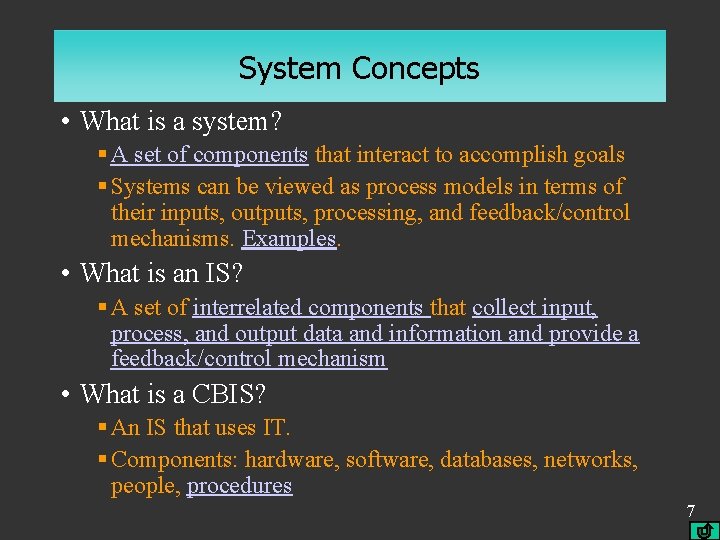
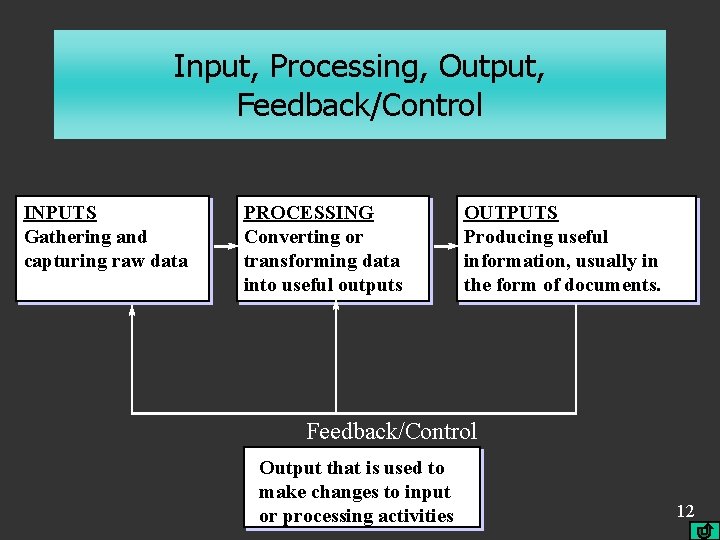
System Concepts • What is a system? § A set of components that interact to accomplish goals § Systems can be viewed as process models in terms of their inputs, outputs, processing, and feedback/control mechanisms. Examples. • What is an IS? § A set of interrelated components that collect input, process, and output data and information and provide a feedback/control mechanism • What is a CBIS? § An IS that uses IT. § Components: hardware, software, databases, networks, people, procedures 7
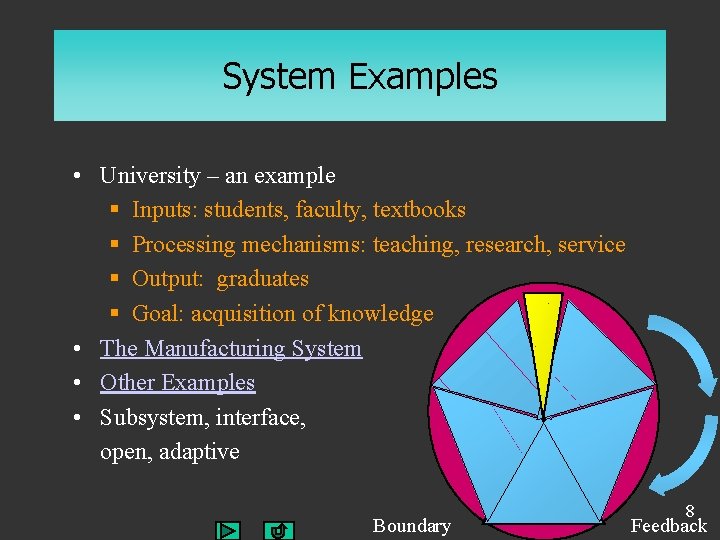
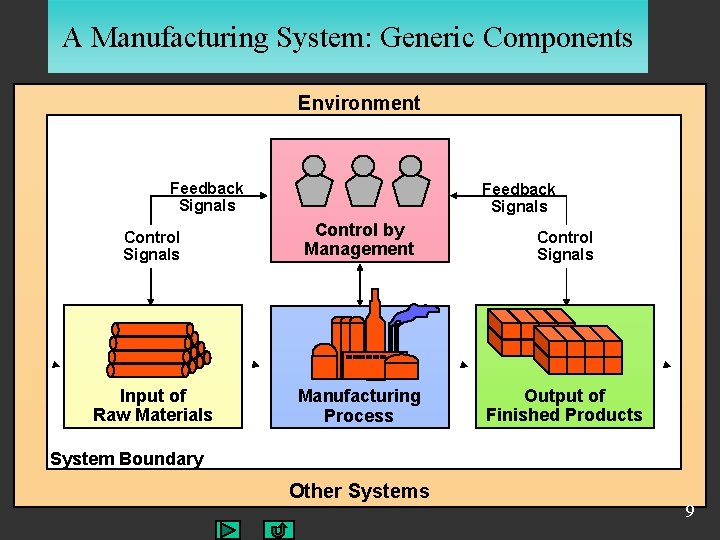
System Examples • University – an example § Inputs: students, faculty, textbooks § Processing mechanisms: teaching, research, service § Output: graduates § Goal: acquisition of knowledge • The Manufacturing System • Other Examples • Subsystem, interface, open, adaptive Boundary 8 Feedback
A Manufacturing System: Generic Components Environment Feedback Signals Control by Management Control Signals Input of Raw Materials Manufacturing Process Output of Finished Products System Boundary Other Systems 9
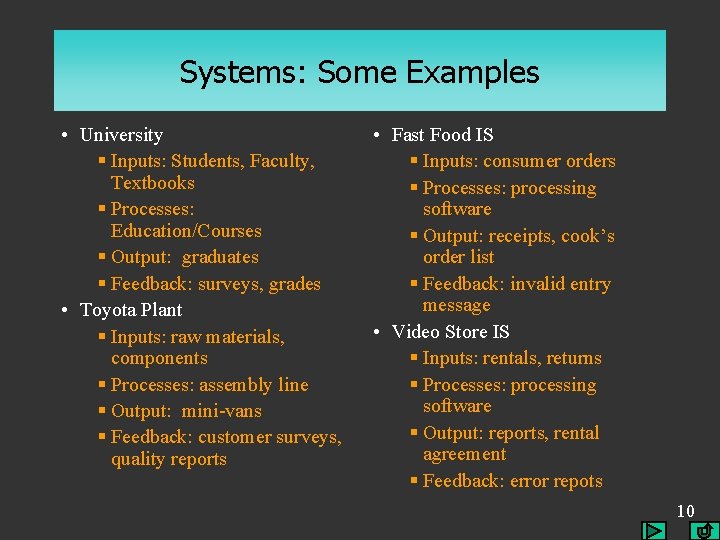
Systems: Some Examples • University § Inputs: Students, Faculty, Textbooks § Processes: Education/Courses § Output: graduates § Feedback: surveys, grades • Toyota Plant § Inputs: raw materials, components § Processes: assembly line § Output: mini-vans § Feedback: customer surveys, quality reports • Fast Food IS § Inputs: consumer orders § Processes: processing software § Output: receipts, cook’s order list § Feedback: invalid entry message • Video Store IS § Inputs: rentals, returns § Processes: processing software § Output: reports, rental agreement § Feedback: error repots 10
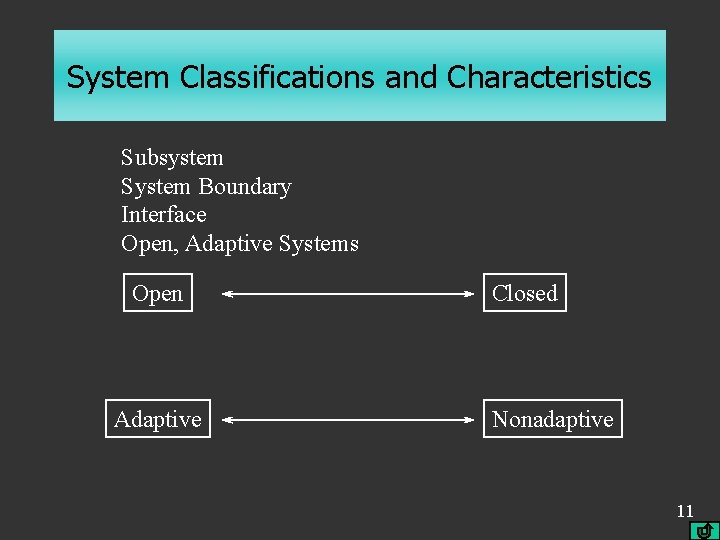
System Classifications and Characteristics Subsystem System Boundary Interface Open, Adaptive Systems Open Adaptive Closed Nonadaptive 11
Input, Processing, Output, Feedback/Control INPUTS Gathering and capturing raw data PROCESSING Converting or transforming data into useful outputs OUTPUTS Producing useful information, usually in the form of documents. Feedback/Control Output that is used to make changes to input or processing activities 12
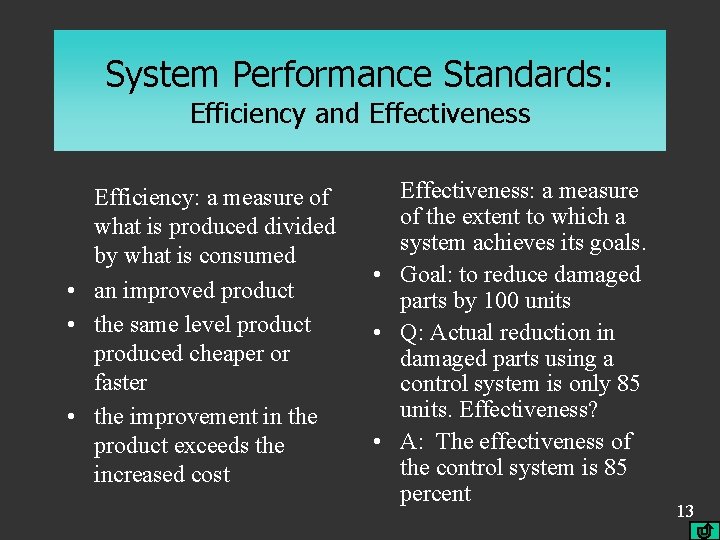
System Performance Standards: Efficiency and Effectiveness Efficiency: a measure of what is produced divided by what is consumed • an improved product • the same level product produced cheaper or faster • the improvement in the product exceeds the increased cost Effectiveness: a measure of the extent to which a system achieves its goals. • Goal: to reduce damaged parts by 100 units • Q: Actual reduction in damaged parts using a control system is only 85 units. Effectiveness? • A: The effectiveness of the control system is 85 percent 13
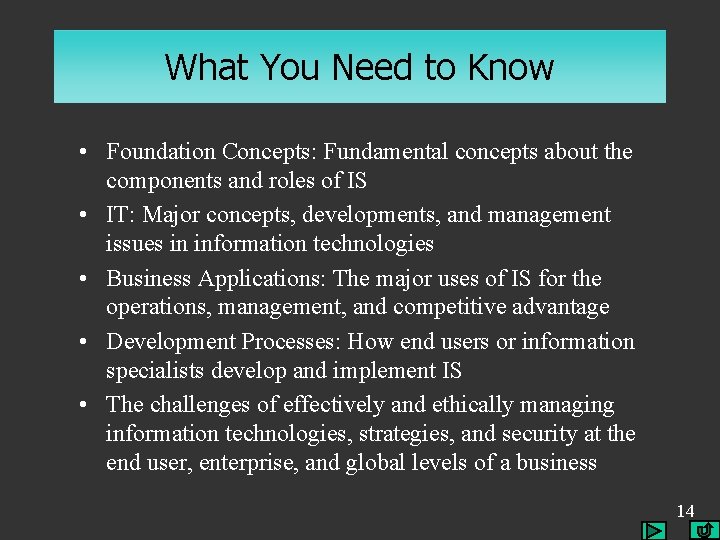
What You Need to Know • Foundation Concepts: Fundamental concepts about the components and roles of IS • IT: Major concepts, developments, and management issues in information technologies • Business Applications: The major uses of IS for the operations, management, and competitive advantage • Development Processes: How end users or information specialists develop and implement IS • The challenges of effectively and ethically managing information technologies, strategies, and security at the end user, enterprise, and global levels of a business 14
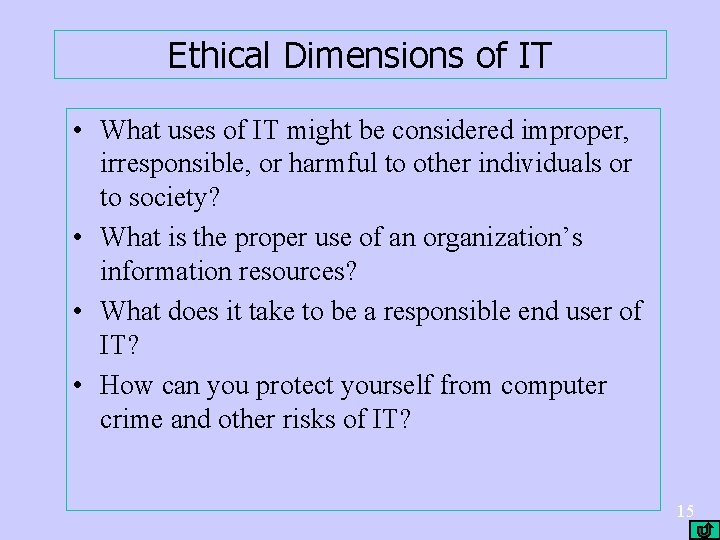
Ethical Dimensions of IT • What uses of IT might be considered improper, irresponsible, or harmful to other individuals or to society? • What is the proper use of an organization’s information resources? • What does it take to be a responsible end user of IT? • How can you protect yourself from computer crime and other risks of IT? 15
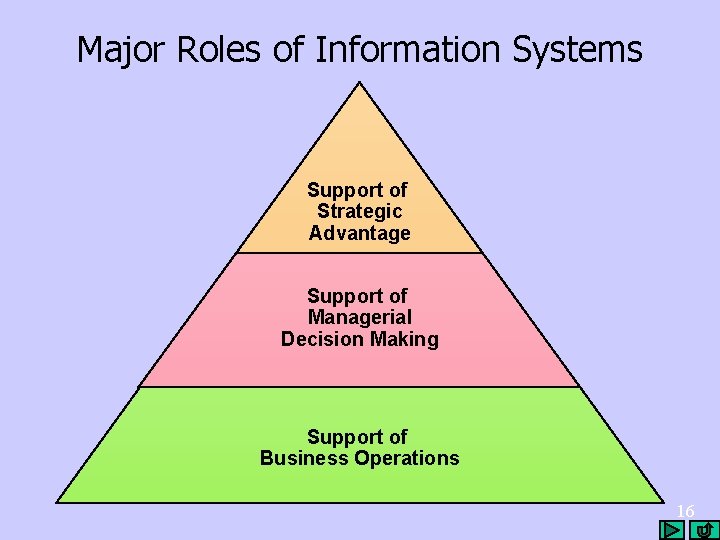
Major Roles of Information Systems Support of Strategic Advantage Support of Managerial Decision Making Support of Business Operations 16
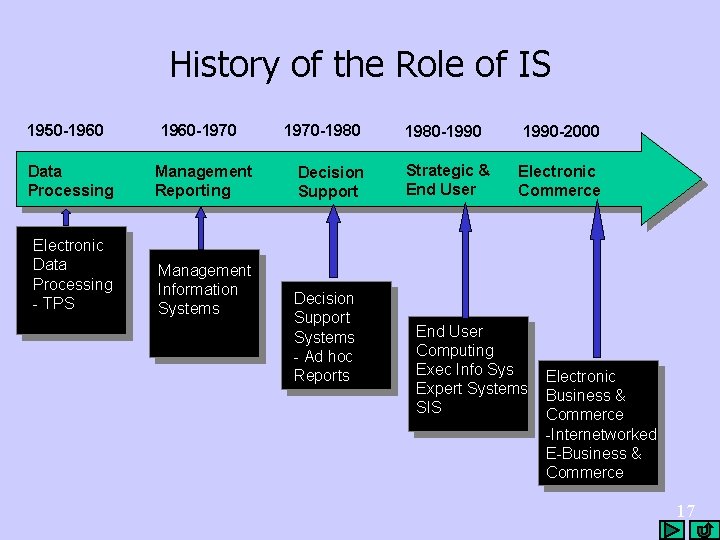
History of the Role of IS 1950 -1960 -1970 Data Processing Management Reporting Electronic Data Processing - TPS Management Information Systems 1970 -1980 Decision Support Systems - Ad hoc Reports 1980 -1990 -2000 Strategic & End User Electronic Commerce End User Computing Exec Info Sys Expert Systems SIS Electronic Business & Commerce -Internetworked E-Business & Commerce 17
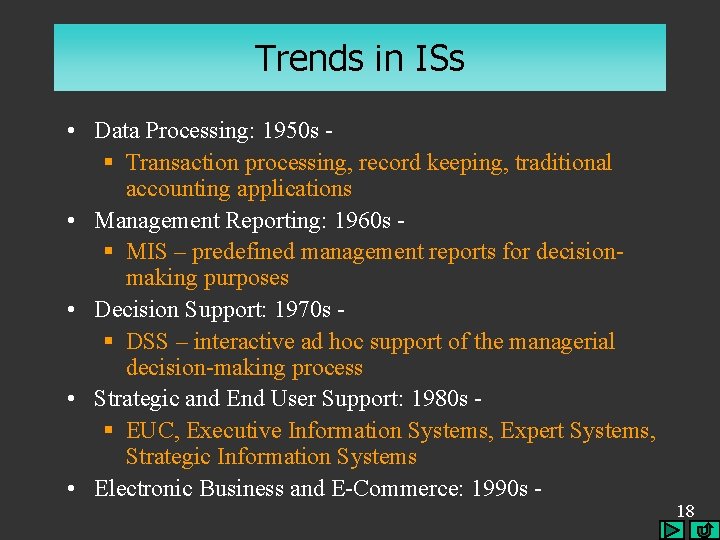
Trends in ISs • Data Processing: 1950 s § Transaction processing, record keeping, traditional accounting applications • Management Reporting: 1960 s § MIS – predefined management reports for decisionmaking purposes • Decision Support: 1970 s § DSS – interactive ad hoc support of the managerial decision-making process • Strategic and End User Support: 1980 s § EUC, Executive Information Systems, Expert Systems, Strategic Information Systems • Electronic Business and E-Commerce: 1990 s - 18
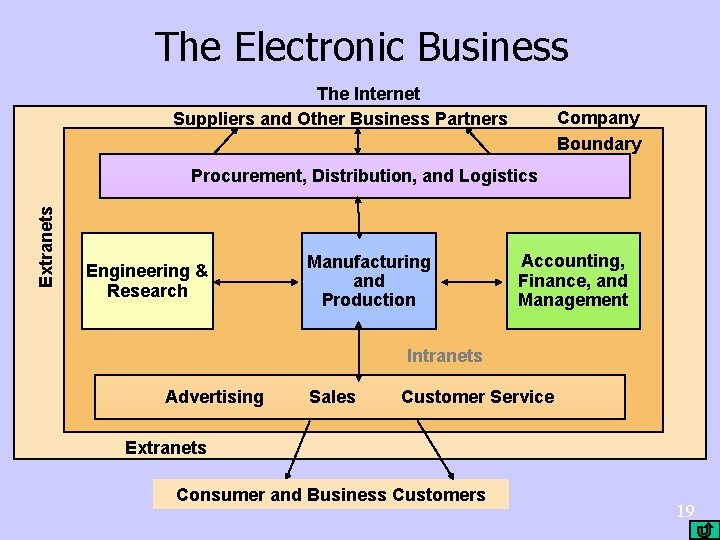
The Electronic Business The Internet Suppliers and Other Business Partners Company Boundary Extranets Procurement, Distribution, and Logistics Engineering & Research Manufacturing and Production Accounting, Finance, and Management Intranets Advertising Sales Customer Service Extranets Consumer and Business Customers 19