
INFORMATION TECHNOLOGY INPUT DEVICES Why we need input
- Slides: 15
INFORMATION TECHNOLOGY INPUT DEVICES
Why we need input devices? �Input devices are needed to enter data into the computer for processing. �An input device can be considered as a hardware interface. A hardware interface allows the user to communicate with a device. Lets explore some popular input devices and its characteristics…
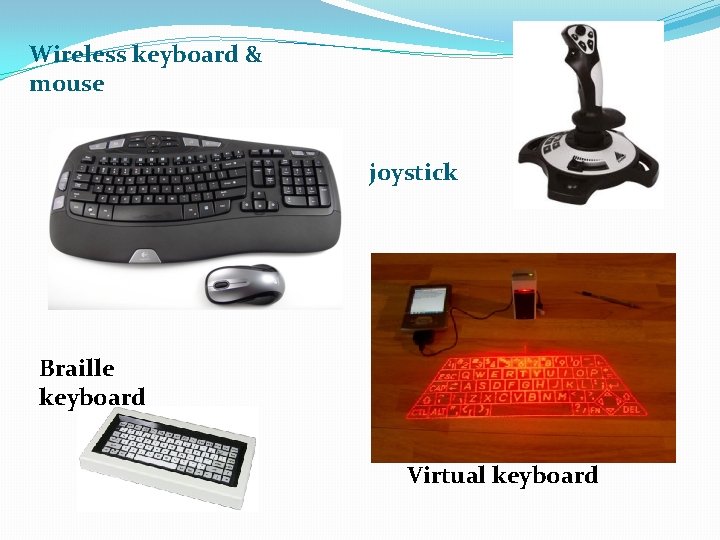
Some input devices �Keyboard – this is the most popular input device. Users can type in their commands or use the function and navigation keys to perform actions. Keyboards vary in shape and sizes. There are some innovations over the years with keyboard technology: � Wireless keyboard � Braille keyboard � Concept keyboard � Virtual keyboard. �Pointing Devices- these depend on the graphical user interface of the operating system to move the cursor about the screen to open, select, move items around. Some popular pointing devices are: Mouse , Joystick, Touch pad, Trackball, Touch-sensitive screen and Light pen.
Wireless keyboard & mouse joystick Braille keyboard Virtual keyboard
Gaming input devices: �Joystick. �Advances in gaming technology have inspired computer gaming manufacturers to come up with new input devices such as the gaming pad, gaming wheel, light gun, dance pads and motion sensing controllers.
Scanning Devices: �Scanners are used to scan text and pictures into a word processing program. �There are many scanners some of which are: �Flat bed scanner. �Hand held scanner. �Drum scanner. �Sheet-fed scanner. There are other scanning devices…
Home work 1. Name ten input devices. 2. Which input device would you consider to be most popular? Give a reason for your answer. 3. Name two input devices that can be used to play a game. 4. What does MICR stand for? 5. State where MICR is used.
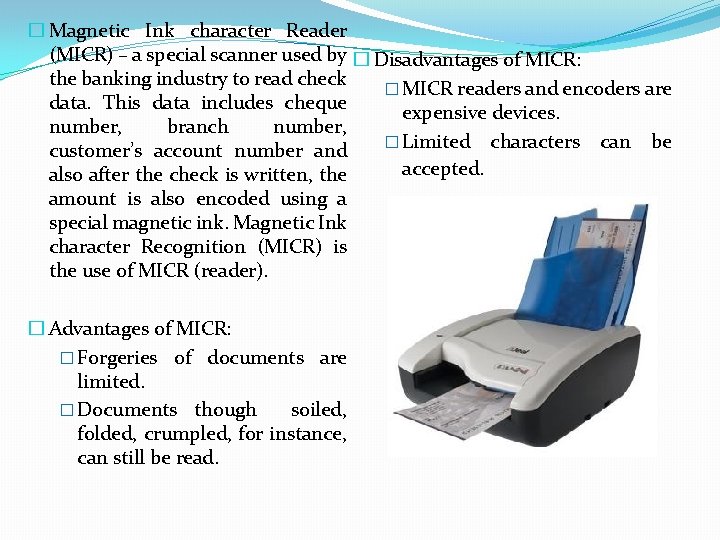
� Magnetic Ink character Reader (MICR) – a special scanner used by � Disadvantages of MICR: the banking industry to read check � MICR readers and encoders are data. This data includes cheque expensive devices. number, branch number, � Limited characters can be customer’s account number and accepted. also after the check is written, the amount is also encoded using a special magnetic ink. Magnetic Ink character Recognition (MICR) is the use of MICR (reader). � Advantages of MICR: � Forgeries of documents are limited. � Documents though soiled, folded, crumpled, for instance, can still be read.
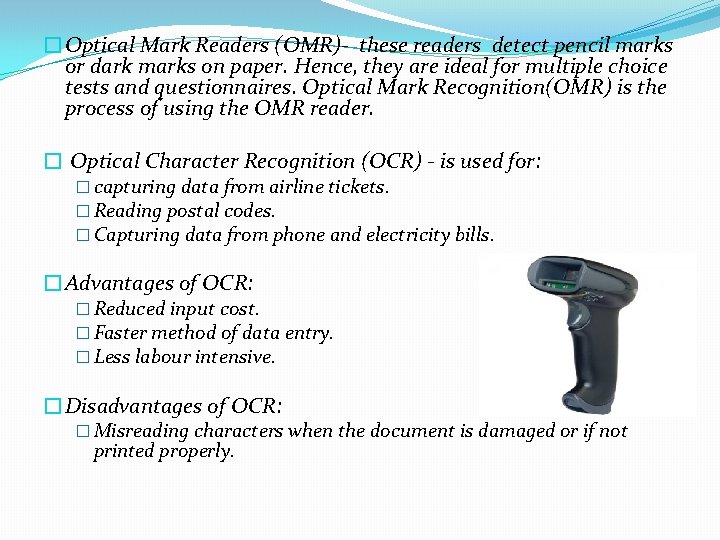
�Optical Mark Readers (OMR)- these readers detect pencil marks or dark marks on paper. Hence, they are ideal for multiple choice tests and questionnaires. Optical Mark Recognition(OMR) is the process of using the OMR reader. � Optical Character Recognition (OCR) - is used for: � capturing data from airline tickets. � Reading postal codes. � Capturing data from phone and electricity bills. �Advantages of OCR: � Reduced input cost. � Faster method of data entry. � Less labour intensive. �Disadvantages of OCR: � Misreading characters when the document is damaged or if not printed properly.
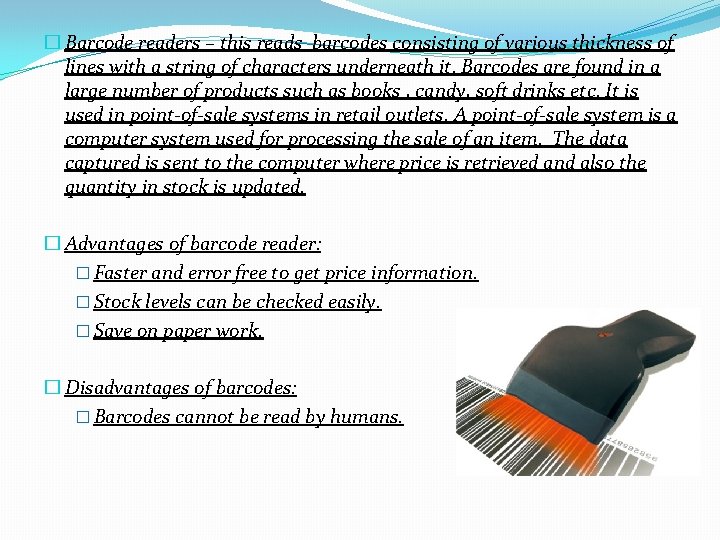
� Barcode readers – this reads barcodes consisting of various thickness of lines with a string of characters underneath it. Barcodes are found in a large number of products such as books , candy, soft drinks etc. It is used in point-of-sale systems in retail outlets. A point-of-sale system is a computer system used for processing the sale of an item. The data captured is sent to the computer where price is retrieved and also the quantity in stock is updated. � Advantages of barcode reader: � Faster and error free to get price information. � Stock levels can be checked easily. � Save on paper work. � Disadvantages of barcodes: � Barcodes cannot be read by humans.
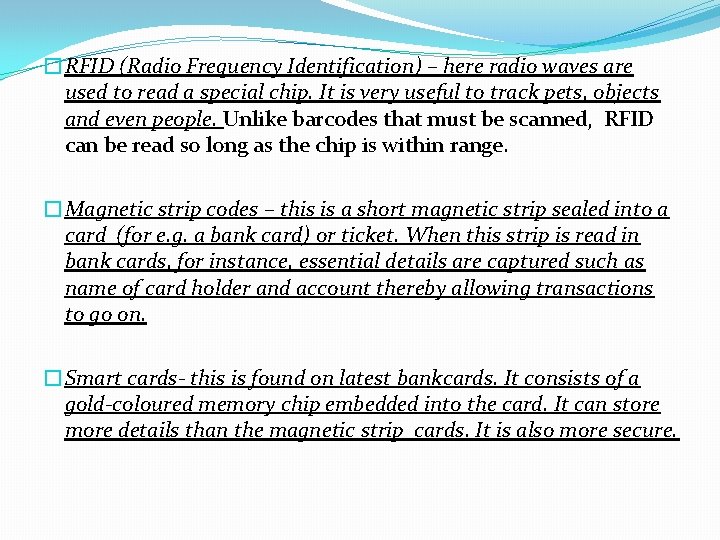
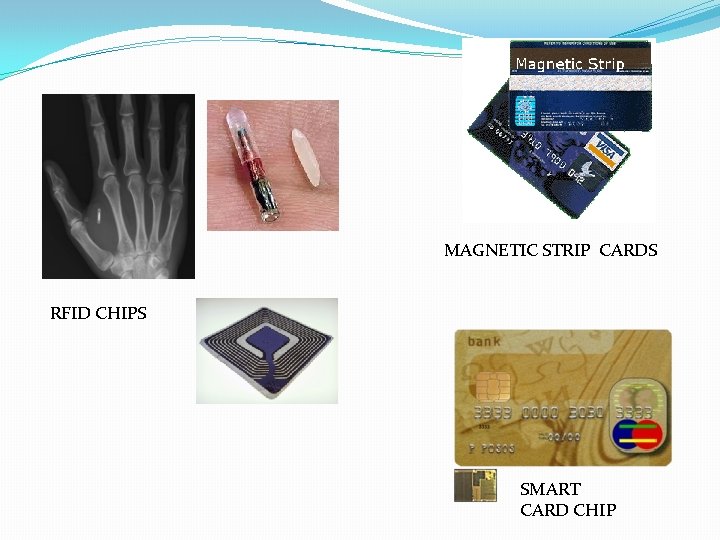
�RFID (Radio Frequency Identification) – here radio waves are used to read a special chip. It is very useful to track pets, objects and even people. Unlike barcodes that must be scanned, RFID can be read so long as the chip is within range. �Magnetic strip codes – this is a short magnetic strip sealed into a card (for e. g. a bank card) or ticket. When this strip is read in bank cards, for instance, essential details are captured such as name of card holder and account thereby allowing transactions to go on. �Smart cards- this is found on latest bankcards. It consists of a gold-coloured memory chip embedded into the card. It can store more details than the magnetic strip cards. It is also more secure.
MAGNETIC STRIP CARDS RFID CHIPS SMART CARD CHIP
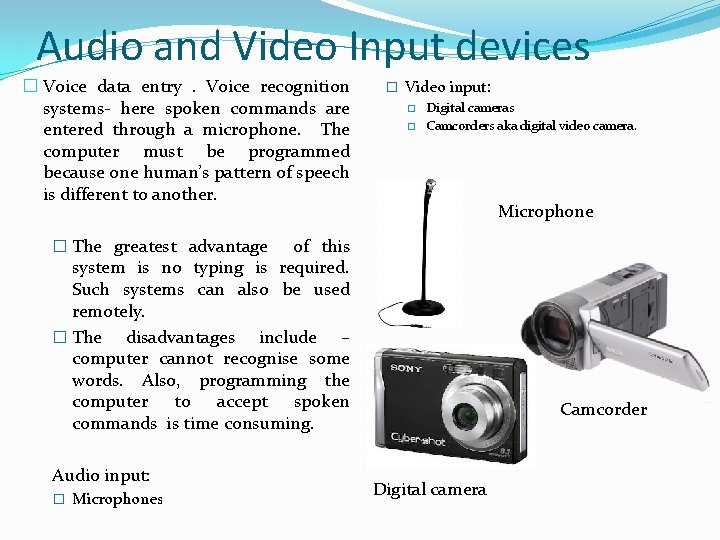
Audio and Video Input devices � Voice data entry. Voice recognition systems- here spoken commands are entered through a microphone. The computer must be programmed because one human’s pattern of speech is different to another. � Video input: � � Digital cameras Camcorders aka digital video camera. Microphone � The greatest advantage of this system is no typing is required. Such systems can also be used remotely. � The disadvantages include – computer cannot recognise some words. Also, programming the computer to accept spoken commands is time consuming. Audio input: � Microphones Camcorder Digital camera
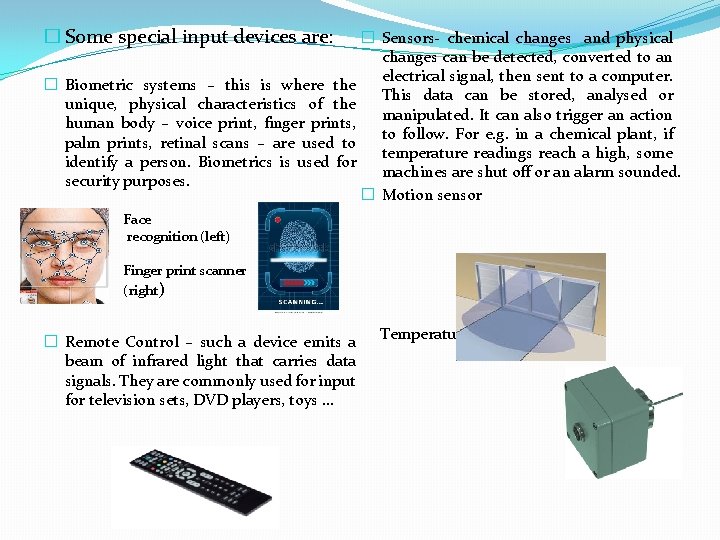
� Some special input devices are: � Sensors- chemical changes and physical changes can be detected, converted to an electrical signal, then sent to a computer. � Biometric systems – this is where the This data can be stored, analysed or unique, physical characteristics of the manipulated. It can also trigger an action human body – voice print, finger prints, to follow. For e. g. in a chemical plant, if palm prints, retinal scans – are used to temperature readings reach a high, some identify a person. Biometrics is used for machines are shut off or an alarm sounded. security purposes. � Motion sensor Face recognition (left) Finger print scanner (right) � Remote Control – such a device emits a beam of infrared light that carries data signals. They are commonly used for input for television sets, DVD players, toys … Temperature sensor
1. State the meanings of the following: 1. 2. OMR OCR 2. Briefly explain what the OMR is used for. 3. Which input device is most suitable for entering spoken commands? 4. Briefly explain : what is ‘biometrics’? 5. Where can a biometric system be found?