
Information Technology Department Orientation Technology Orientation Computer Labs
Information Technology Department Orientation
Technology Orientation Computer Labs § By the numbers… § IT has @ 2 dz general use computer labs § Open labs § http: //www. oakton. edu/resource/it/
Technology Orientation Computer Labs § Problem Reporting § Report problems immediately to the Lab Staff § Lab Staff is mainly for technical support but can advise on basic computing questions § Further Assistance for Staff and Students § Tutors § CPD
Technology Orientation Reserving Lab Time § Work with Chair/Dean before the semester for regularly scheduled lab time § Online Request Form for Occasional Lab time: § http: //www. oakton. edu/resource/infodesk/ § Seating is generally 24 stations or less. Lab Specifications: § http: //www. oakton. edu/it/labspecs. htm
Technology Orientation Computers in the Classrooms § Virtually all classrooms have network access and computers and video projectors built in (or can easily accommodate them) § For computer problems, call the number posted on the workstation.
Technology Orientation Wi-fi § Wi-fi is available on both campus in most public areas, such as: § Library, cafeteria, cybercafes, some faculty offices, etc. Full listing at: § http: //www. oakton. edu/resource/it/wirelesscoverage. htm
Technology Orientation Software on Campus § Discipline-specific software is generally grouped by type on the XP menu under All Programs > NAL Explorer § Checking the complete Excel list at http: //www. oakton. edu/facstaff/entrenous/software/All. XP Software. xls
Technology Orientation Software on Campus § IT Depends on Users to test software § Go to the lab where you’ll be teaching § Report problems in such a way that IT can try to reproduce them
Technology Orientation Specialty Software § CPD has some specialty applications not generally available elsewhere from the network. § Captivate
Technology Orientation Requesting New Software § Consult with Jim Kowols, Manager of Microcomputer Operations § Need lead time to test and check licensing § Oakton only installs software that it owns § We can’t install personal copies of programs
Technology Orientation Requesting New Software § Evaluation Software § http: //www. oakton. edu/facstaff/acadcomputing § Funding available to purchase individual licenses for initial evaluation § Install on campus only § Additional licenses should go through normal acquisition processes § Plan with your Chair/Dean in January or early February
Technology Orientation Home Use Software § Available from the IT Help Desk § Dial-up § Microsoft Office (token fee) § Mc. Afee Anti-virus § “Essential Software Kit” § Starquiz § Gradekeeper § FTP
Technology Orientation Home Use Software § Educator Discount at the Bookstore
Technology Orientation Oakton’s Network § Windows XP is primary operating system § (Vista… ? ) § Macs in Art labs plus a few in the open labs § Network delivers applications and stores personal or shared files
Technology Orientation Oakton’s Network § Network/login accounts § Automatically created for credit (and some non-credit) students § Includes email § Can be redirected to an outside account § Storage space for personal files: 250 Mb
Technology Orientation Oakton’s Network § Accessing from off-campus § FTP § F: Samples § Personal Home Directories (H: on-campus) § Application programs not available remotely– just files
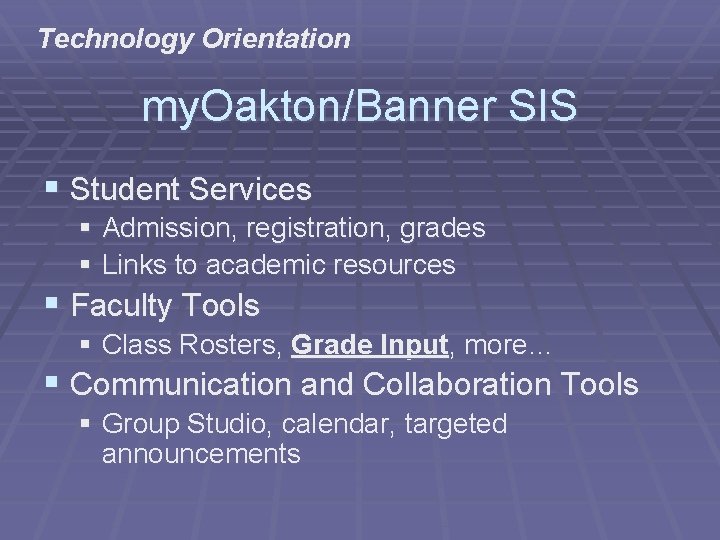
Technology Orientation my. Oakton/Banner SIS § Student Services § Admission, registration, grades § Links to academic resources § Faculty Tools § Class Rosters, Grade Input, more… § Communication and Collaboration Tools § Group Studio, calendar, targeted announcements
Technology Orientation Online/Web-enhanced courses § Web. CT (CE 4. 1) § Public folders
Technology Orientation Workshops § IT Regularly offers workshops through the CPD on § Web page development § Targeted software use § New Technology orientation § Schedule for the semester is at § http: //www. oakton. edu/cpd
Technology Orientation Help Resources § The IT Help Desk § x 1965 or helpdesk@oakton. edu § Your best first stop § (Lab problems should go directly to the Lab Supervisor in each lab. )
Technology Orientation Help Resources § RHC Technology Supervisor (Julia Gray) § X 1264 § RHC Lab Supervisor (Sam Pudi) § x 1408
- Slides: 21