
Information Security New Employee Orientation Information Security Everyone
- Slides: 26
Information Security: New Employee Orientation Information Security: Everyone is Responsible Presented by: Information Technology - Information Security Services University of Oklahoma Health Sciences Center
Information Security: Outcome Statement At the conclusion of this presentation you should be able to: 1. 2. 3. 4. Define Information Security Identify threats State safe practices Know where to report an incident
Information Security: What is it? Why? Information Security is: • Protection of information from threats Goals of Information Security: • Ensure Business Continuity • Minimize Risk • Maximize Return on Investment
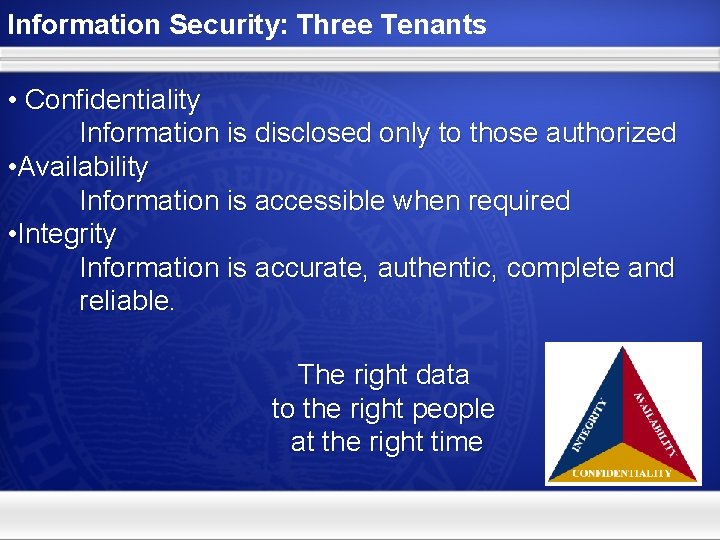
Information Security: Three Tenants • Confidentiality Information is disclosed only to those authorized • Availability Information is accessible when required • Integrity Information is accurate, authentic, complete and reliable. The right data to the right people at the right time
Information Security: What does it Protect… • Patient Information • Personal Identifiable Information • Our Identity • Our reputation
Information Security: Threats • Malware • Viruses • Worms • Spyware • Trojans • Social Engineering • Phishing • Spear Phishing • Spam
Information Security: E-mail Threat • 89% of e-mail traffic contains viruses, phishing schemes, or is SPAM • 27, 735, 000 malicious e-mails blocked from delivery to OUHSC in a month
Information Security: Safe Practices for E-mail • Do not open unsolicited email or attachments • Do not reply to SPAM • Do not use your OUHSC email address in online forms and questionnaires unless it becomes necessary for University related business • Place a confidentiality notice in your signature block
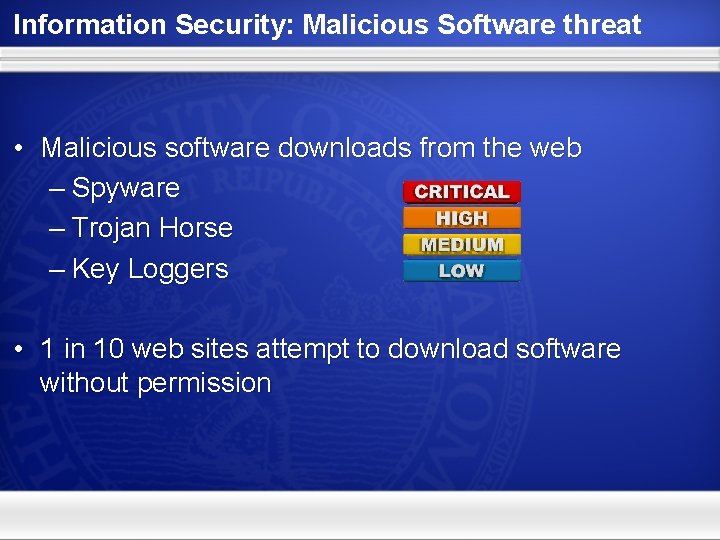
Information Security: Malicious Software threat • Malicious software downloads from the web – Spyware – Trojan Horse – Key Loggers • 1 in 10 web sites attempt to download software without permission
Information Security: Safe Practices for the Internet • Set higher security settings in your browser • Do not install add-ons to your browser (Google tool bar, Comet Curser, Gator, Hot. Bar, etc. ) • Avoid Game Sites and sites that require you to fill out online forms • Install a spyware removal tool • Always remember that your computer is a business tool
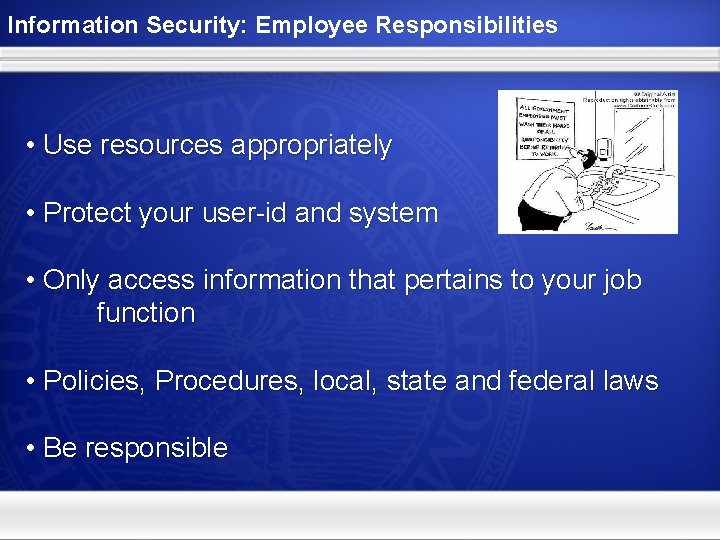
Information Security: Employee Responsibilities • Use resources appropriately • Protect your user-id and system • Only access information that pertains to your job function • Policies, Procedures, local, state and federal laws • Be responsible
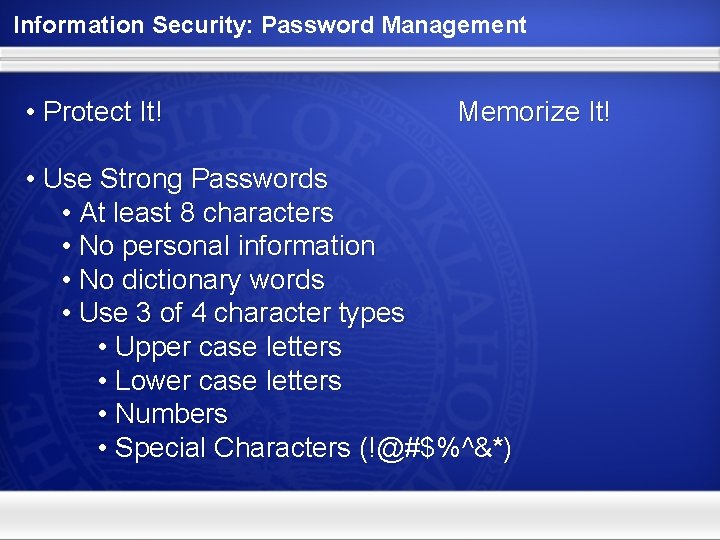
Information Security: Password Management • Protect It! Memorize It! • Use Strong Passwords • At least 8 characters • No personal information • No dictionary words • Use 3 of 4 character types • Upper case letters • Lower case letters • Numbers • Special Characters (!@#$%^&*)
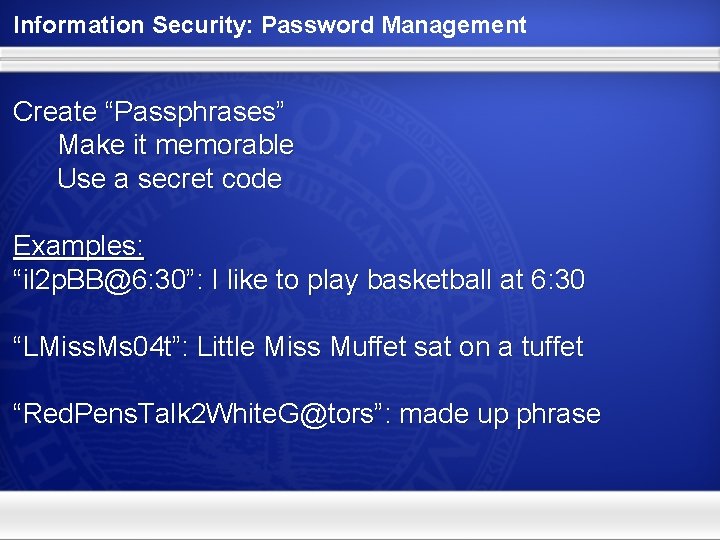
Information Security: Password Management Create “Passphrases” Make it memorable Use a secret code Examples: “il 2 p. BB@6: 30”: I like to play basketball at 6: 30 “LMiss. Ms 04 t”: Little Miss Muffet sat on a tuffet “Red. Pens. Talk 2 White. G@tors”: made up phrase
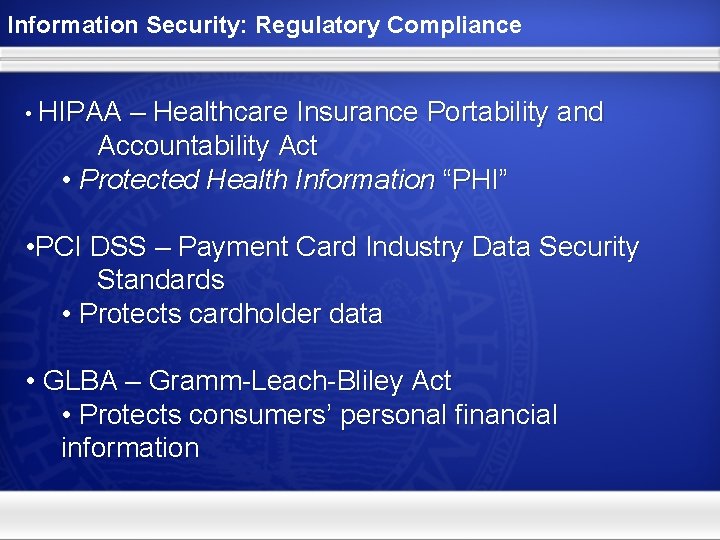
Information Security: Regulatory Compliance • HIPAA – Healthcare Insurance Portability and Accountability Act • Protected Health Information “PHI” • PCI DSS – Payment Card Industry Data Security Standards • Protects cardholder data • GLBA – Gramm-Leach-Bliley Act • Protects consumers’ personal financial information
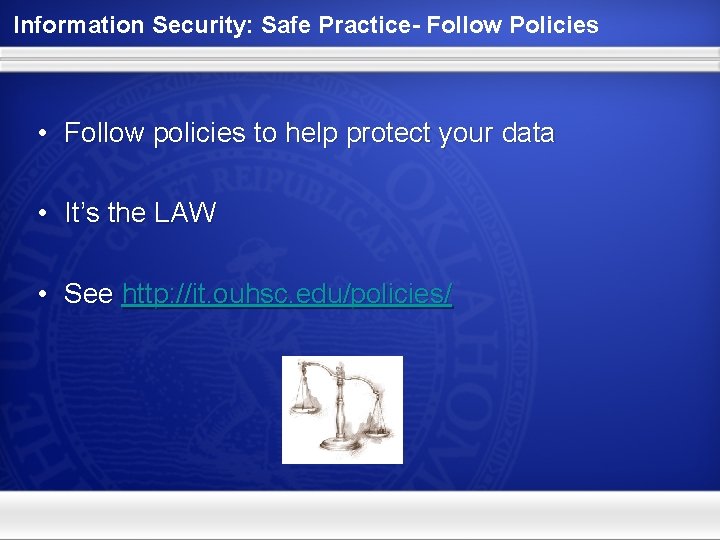
Information Security: Safe Practice- Follow Policies • Follow policies to help protect your data • It’s the LAW • See http: //it. ouhsc. edu/policies/
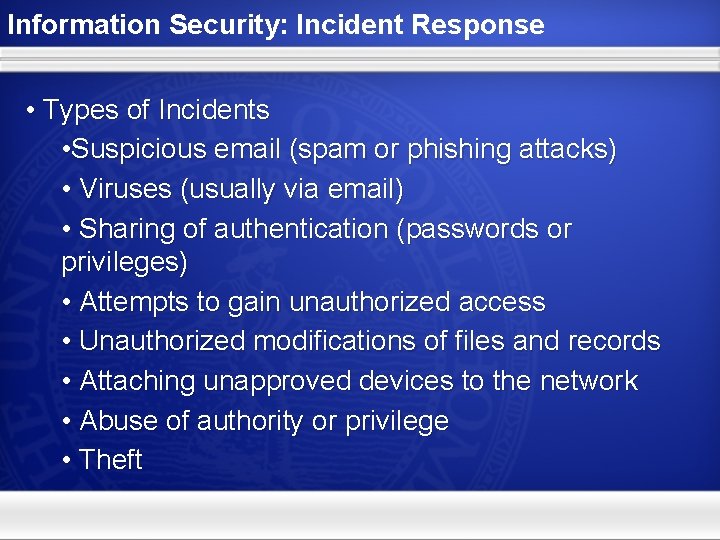
Information Security: Incident Response • Types of Incidents • Suspicious email (spam or phishing attacks) • Viruses (usually via email) • Sharing of authentication (passwords or privileges) • Attempts to gain unauthorized access • Unauthorized modifications of files and records • Attaching unapproved devices to the network • Abuse of authority or privilege • Theft
Information Security: Incident Response • How to report an Incident • Information Security Services should be notified immediately of an information security incident. • Information Security Incidents can be reported in the following methods: • Contact the Service Desk at 405. 271. 2203 • Email: servicedesk@ouhsc. edu • Contact the Information Security Services office at 405. 271. 2476 • Email: itsecurity@ouhsc. edu • Website: http: //it. ouhsc. edu/services/infosecurity/
Information Security: Safe practices summary – Antivirus updates (daily) – Security patches (monthly) – Data backups (daily) – Browser security settings – Avoid unknown software from the Internet – Personal Firewall protection installed – Email caution – Report suspicious activity
Information Security: Stay Safe Online • Information Security • http: //www. sans. org/tip_of_the_day. php • http: //www. microsoft. com/protect/yourself/password/checker. mspx • Free Anti-Virus and Anti-Spyware Tools • http: //free. grisoft. com • http: //www. comodo. com • http: //www. safer-networking. org/en/index. html • Online Safety • http: //www. staysafeonline. org • Identity Theft • http: //www. privacyrights. org • http: //www. usdoj. gov/criminal/fraud/websites/idtheft. html
Information Security: Quiz Time… 1. What is Information Security? The protection of information from threats
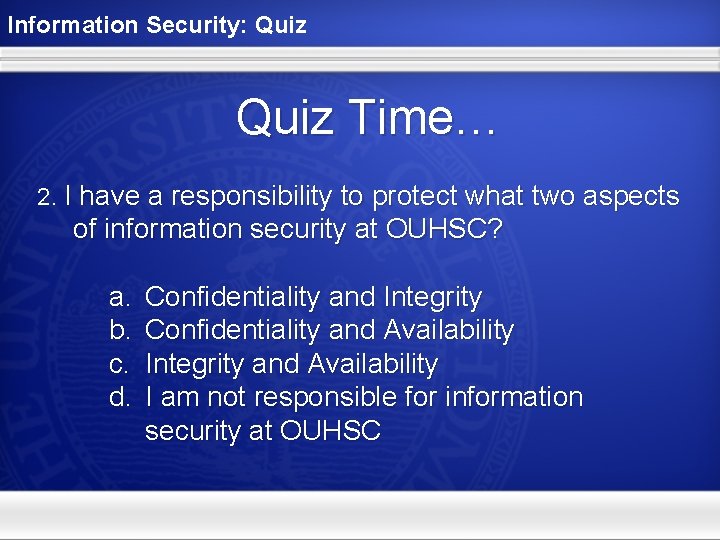
Information Security: Quiz Time… 2. I have a responsibility to protect what two aspects of information security at OUHSC? a. b. c. d. Confidentiality and Integrity Confidentiality and Availability Integrity and Availability I am not responsible for information security at OUHSC
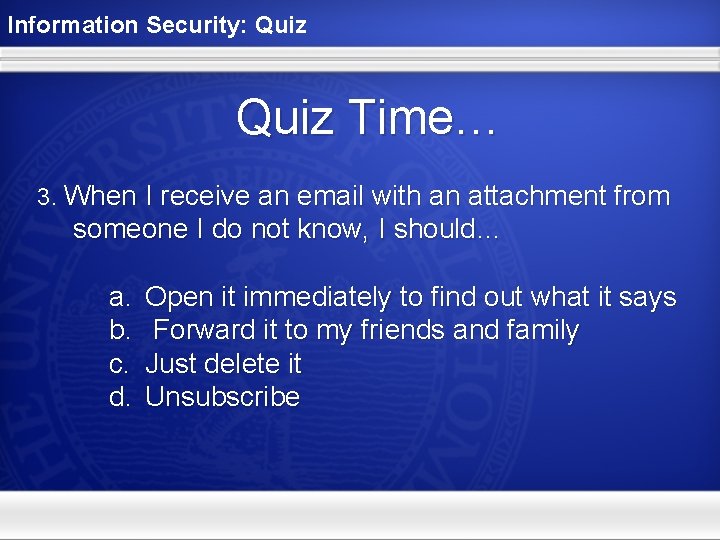
Information Security: Quiz Time… 3. When I receive an email with an attachment from someone I do not know, I should… a. b. c. d. Open it immediately to find out what it says Forward it to my friends and family Just delete it Unsubscribe
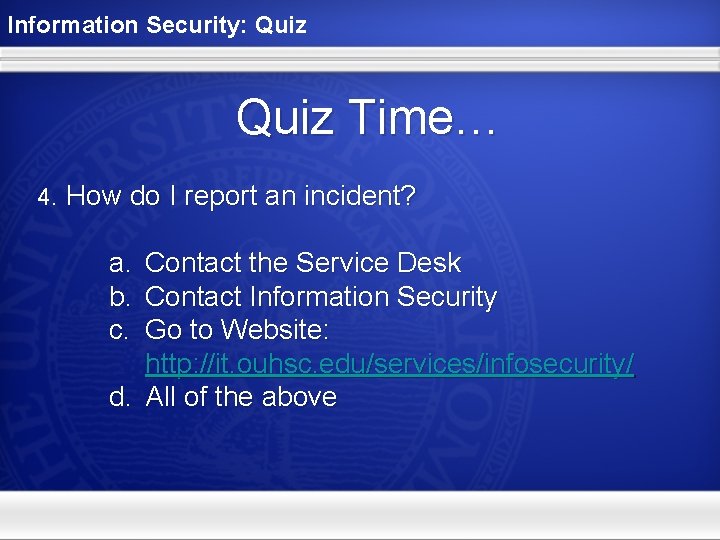
Information Security: Quiz Time… 4. How do I report an incident? a. b. c. Contact the Service Desk Contact Information Security Go to Website: http: //it. ouhsc. edu/services/infosecurity/ d. All of the above
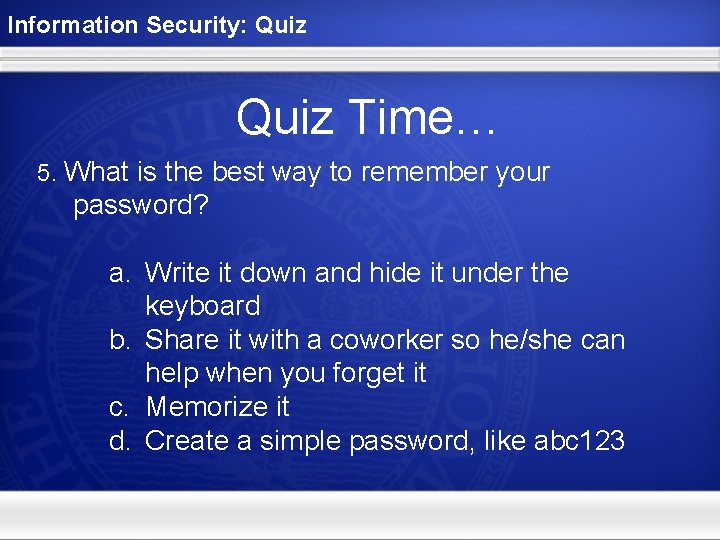
Information Security: Quiz Time… 5. What is the best way to remember your password? a. Write it down and hide it under the keyboard b. Share it with a coworker so he/she can help when you forget it c. Memorize it d. Create a simple password, like abc 123
Information Security: Quiz Time… Bonus What are the characteristics of a complex password?
Information Security: Thank You