
Information Security for Technical Staff Module 6 Cryptography
![Hash Example Hashes computed on a string of [Hello. ] SHA-1: 9 B 56](https://slidetodoc.com/presentation_image_h2/7005403c7f3f880f4b7a02e95636e2e6/image-40.jpg "Hash Example Hashes computed on a string of [Hello. ] SHA-1: 9 B 56")
- Slides: 64
Information Security for Technical Staff Module 6: Cryptography Networked Systems Survivability CERT® Coordination Center Software Engineering Institute Carnegie Mellon University Pittsburgh, PA 15213 -3890 © 2002 by Carnegie Mellon University ® CERT, CERT Coordination Center and Carnegie Mellon are registered in the U. S. Patent and Trademark Office
Objectives Define the terms associated with cryptography Identify benefits and risks associated with cryptography Describe symmetric and asymmetric cryptosystems Define steganography and describe threats © 2002 Carnegie Mellon University Module 6: Cryptography - slide 2
Overview -1 History of cryptography Basic cryptography terms General types of encryption • Symmetric, asymmetric Common symmetric encryption methods • DES, 2 DES, 3 DES, IDEA, AES © 2002 Carnegie Mellon University Module 6: Cryptography - slide 3
Overview -2 Common asymmetric encryption algorithms • RSA, El Gamal, Diffie-Hellman Key Exchange Common hash functions • MD-5, SHA-1 Digital signatures and certificates Common attacks Steganography Review and exercise © 2002 Carnegie Mellon University Module 6: Cryptography - slide 4
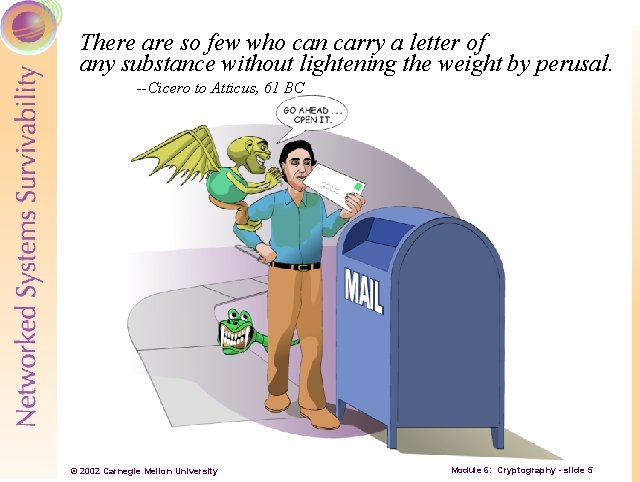
There are so few who can carry a letter of any substance without lightening the weight by perusal. --Cicero to Atticus, 61 BC © 2002 Carnegie Mellon University Module 6: Cryptography - slide 5
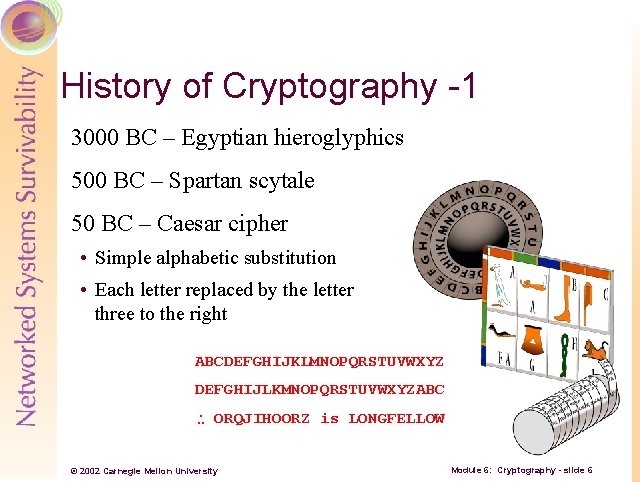
History of Cryptography -1 3000 BC – Egyptian hieroglyphics 500 BC – Spartan scytale 50 BC – Caesar cipher • Simple alphabetic substitution • Each letter replaced by the letter three to the right ABCDEFGHIJKLMNOPQRSTUVWXYZ DEFGHIJLKMNOPQRSTUVWXYZABC ORQJIHOORZ is LONGFELLOW © 2002 Carnegie Mellon University Module 6: Cryptography - slide 6
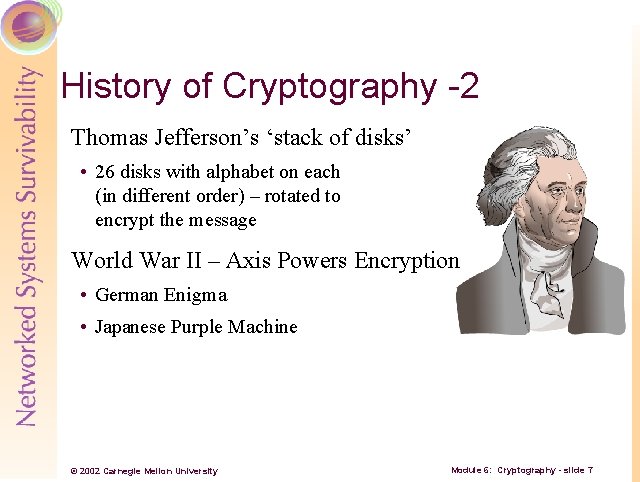
History of Cryptography -2 Thomas Jefferson’s ‘stack of disks’ • 26 disks with alphabet on each (in different order) – rotated to encrypt the message World War II – Axis Powers Encryption • German Enigma • Japanese Purple Machine © 2002 Carnegie Mellon University Module 6: Cryptography - slide 7
Basic Cryptography Terms Cryptography has a language unto itself Important to understand many terms to understand the concepts • Plaintext • Cryptosystem • Cipher • Keys • Ciphertext • Hashing • Algorithms © 2002 Carnegie Mellon University Module 6: Cryptography - slide 8
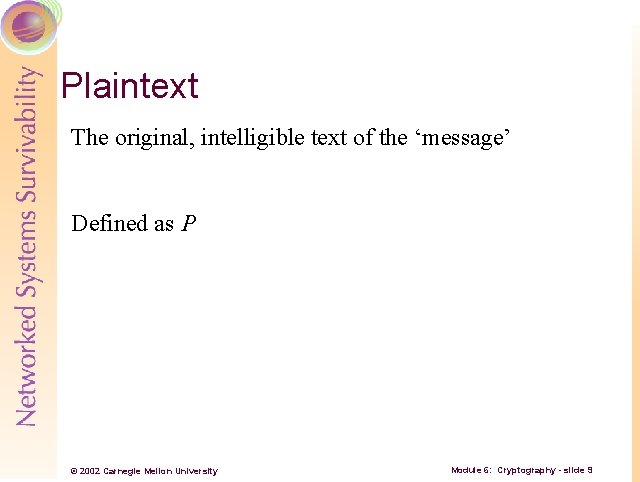
Plaintext The original, intelligible text of the ‘message’ Defined as P © 2002 Carnegie Mellon University Module 6: Cryptography - slide 9
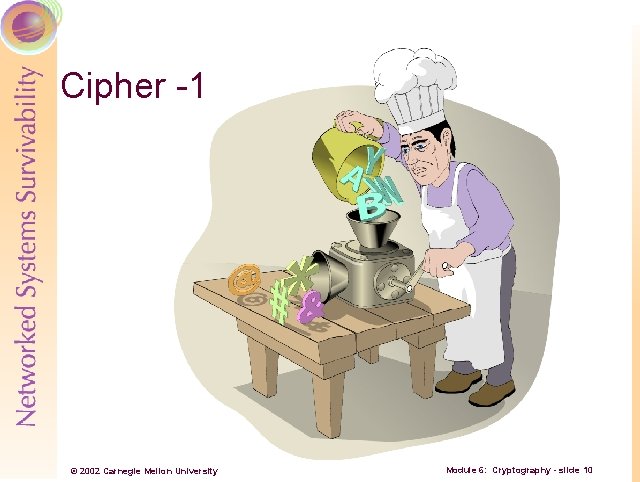
Cipher -1 © 2002 Carnegie Mellon University Module 6: Cryptography - slide 10
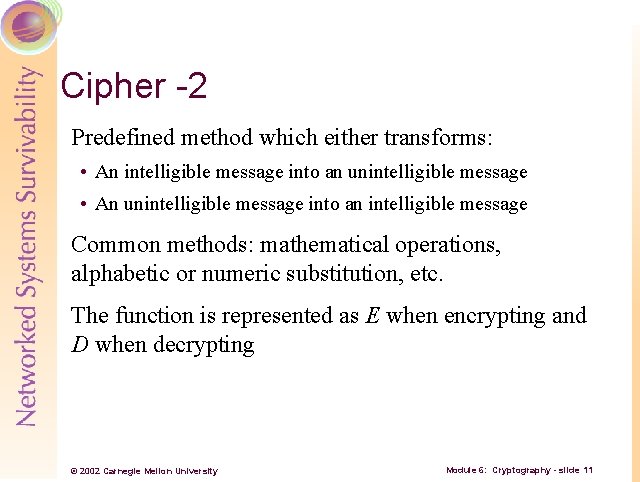
Cipher -2 Predefined method which either transforms: • An intelligible message into an unintelligible message • An unintelligible message into an intelligible message Common methods: mathematical operations, alphabetic or numeric substitution, etc. The function is represented as E when encrypting and D when decrypting © 2002 Carnegie Mellon University Module 6: Cryptography - slide 11
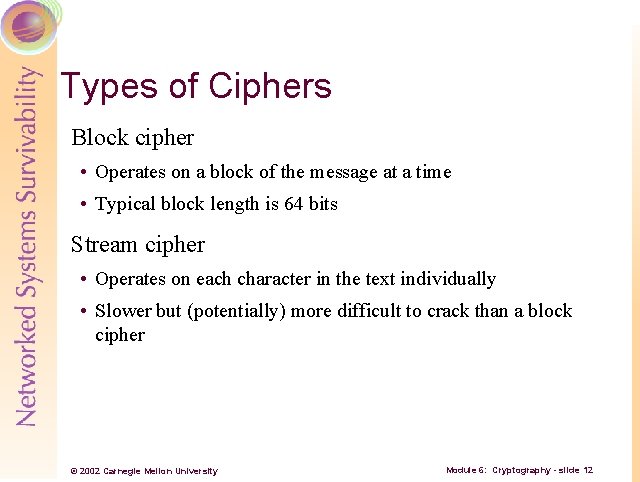
Types of Ciphers Block cipher • Operates on a block of the message at a time • Typical block length is 64 bits Stream cipher • Operates on each character in the text individually • Slower but (potentially) more difficult to crack than a block cipher © 2002 Carnegie Mellon University Module 6: Cryptography - slide 12
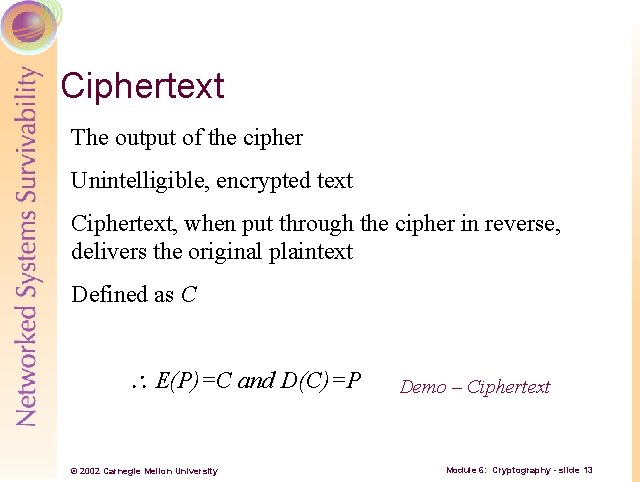
Ciphertext The output of the cipher Unintelligible, encrypted text Ciphertext, when put through the cipher in reverse, delivers the original plaintext Defined as C E(P)=C and D(C)=P © 2002 Carnegie Mellon University Demo – Ciphertext Module 6: Cryptography - slide 13
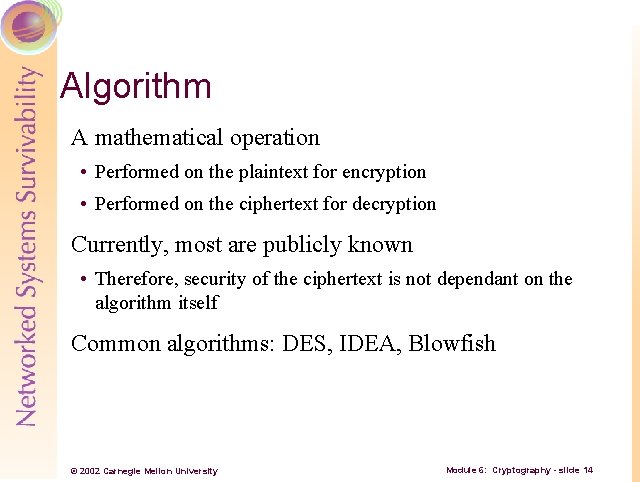
Algorithm A mathematical operation • Performed on the plaintext for encryption • Performed on the ciphertext for decryption Currently, most are publicly known • Therefore, security of the ciphertext is not dependant on the algorithm itself Common algorithms: DES, IDEA, Blowfish © 2002 Carnegie Mellon University Module 6: Cryptography - slide 14
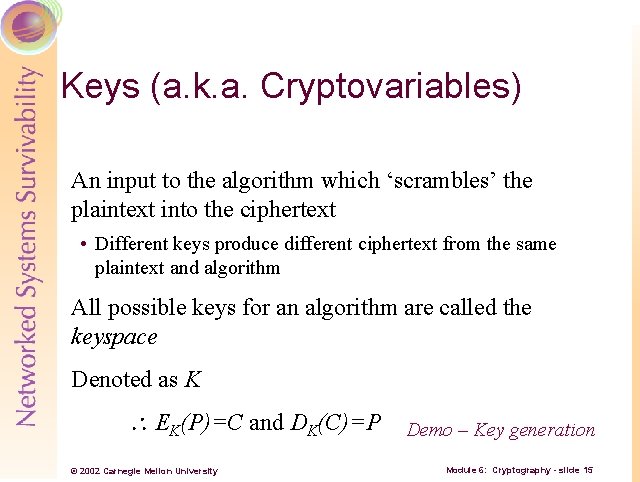
Keys (a. k. a. Cryptovariables) An input to the algorithm which ‘scrambles’ the plaintext into the ciphertext • Different keys produce different ciphertext from the same plaintext and algorithm All possible keys for an algorithm are called the keyspace Denoted as K EK(P)=C and DK(C)=P © 2002 Carnegie Mellon University Demo – Key generation Module 6: Cryptography - slide 15
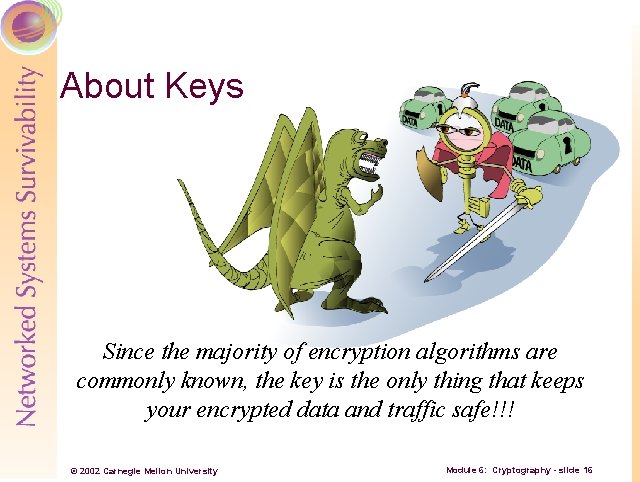
About Keys Since the majority of encryption algorithms are commonly known, the key is the only thing that keeps your encrypted data and traffic safe!!! © 2002 Carnegie Mellon University Module 6: Cryptography - slide 16
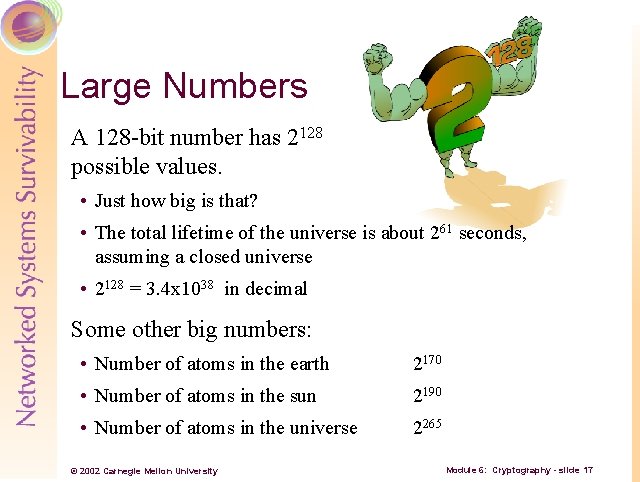
Large Numbers A 128 -bit number has 2128 possible values. • Just how big is that? • The total lifetime of the universe is about 261 seconds, assuming a closed universe • 2128 = 3. 4 x 1038 in decimal Some other big numbers: • Number of atoms in the earth 2170 • Number of atoms in the sun 2190 • Number of atoms in the universe 2265 © 2002 Carnegie Mellon University Module 6: Cryptography - slide 17
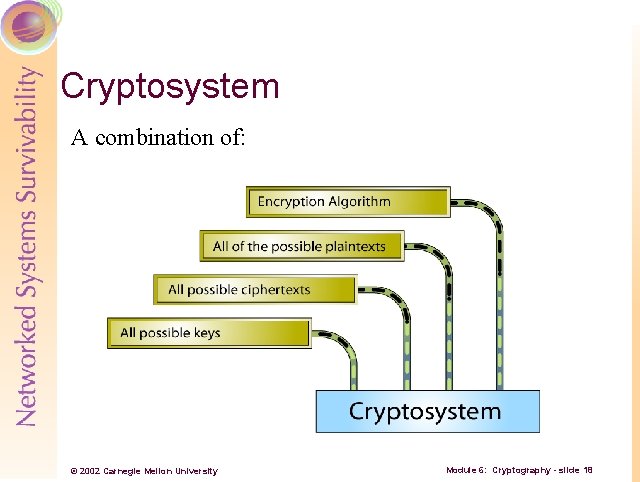
Cryptosystem A combination of: © 2002 Carnegie Mellon University Module 6: Cryptography - slide 18
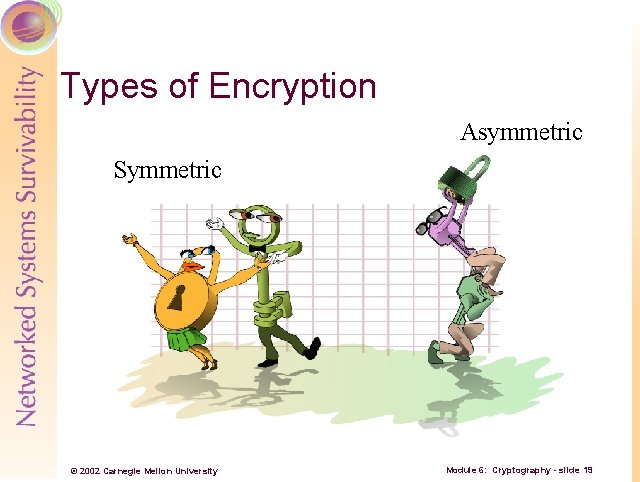
Types of Encryption Asymmetric Symmetric © 2002 Carnegie Mellon University Module 6: Cryptography - slide 19
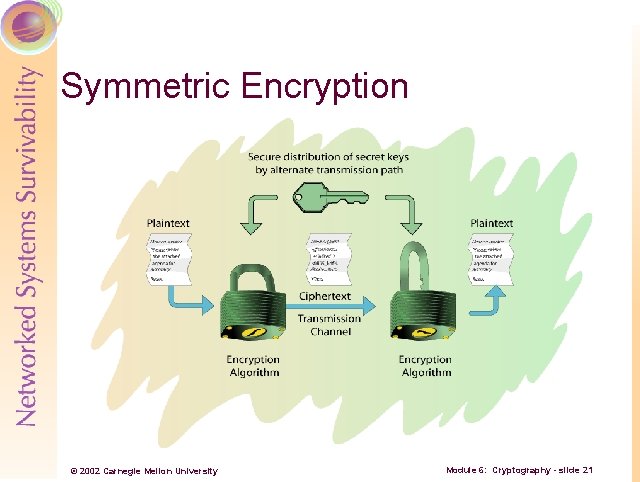
Symmetric Encryption and decryption are done using the same key Keys must be kept secret to be secure • Commonly referred to as a ‘secret key’ or shared secret © 2002 Carnegie Mellon University Module 6: Cryptography - slide 20
Symmetric Encryption © 2002 Carnegie Mellon University Module 6: Cryptography - slide 21
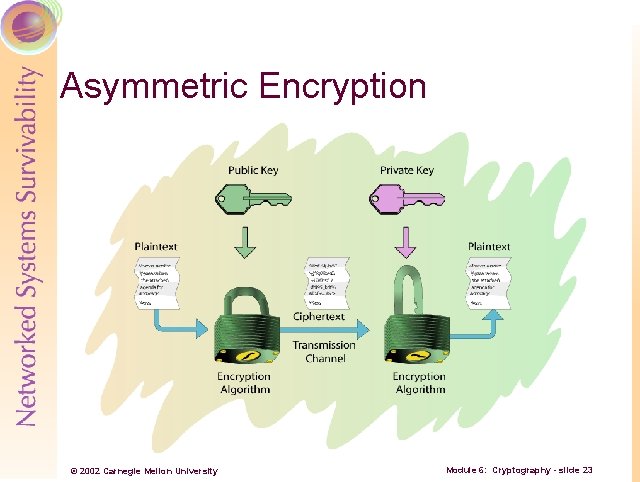
Asymmetric Encryption and decryption are done with separate keys • Encryption is usually done with a public key • Decryption done with the corresponding private key Public key is easily available; private key must be kept secret © 2002 Carnegie Mellon University Module 6: Cryptography - slide 22
Asymmetric Encryption © 2002 Carnegie Mellon University Module 6: Cryptography - slide 23
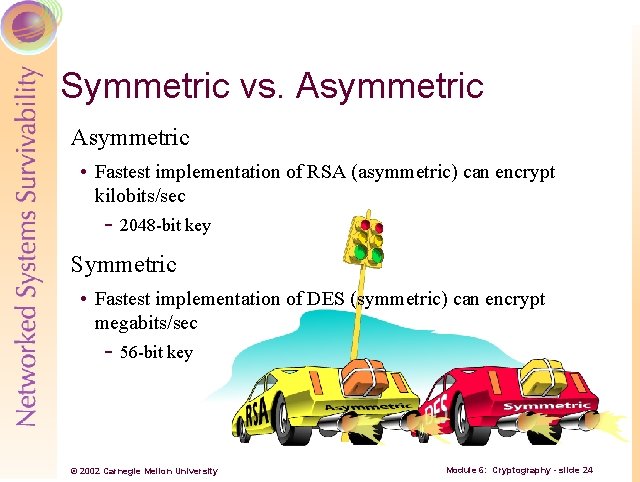
Symmetric vs. Asymmetric • Fastest implementation of RSA (asymmetric) can encrypt kilobits/sec - 2048 -bit key Symmetric • Fastest implementation of DES (symmetric) can encrypt megabits/sec - 56 -bit key © 2002 Carnegie Mellon University Module 6: Cryptography - slide 24
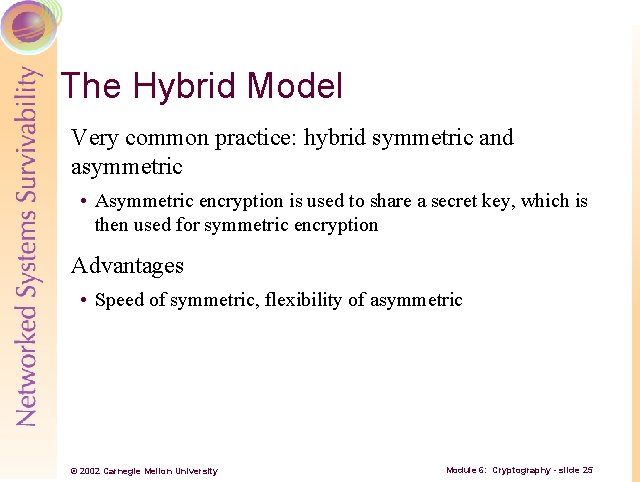
The Hybrid Model Very common practice: hybrid symmetric and asymmetric • Asymmetric encryption is used to share a secret key, which is then used for symmetric encryption Advantages • Speed of symmetric, flexibility of asymmetric © 2002 Carnegie Mellon University Module 6: Cryptography - slide 25
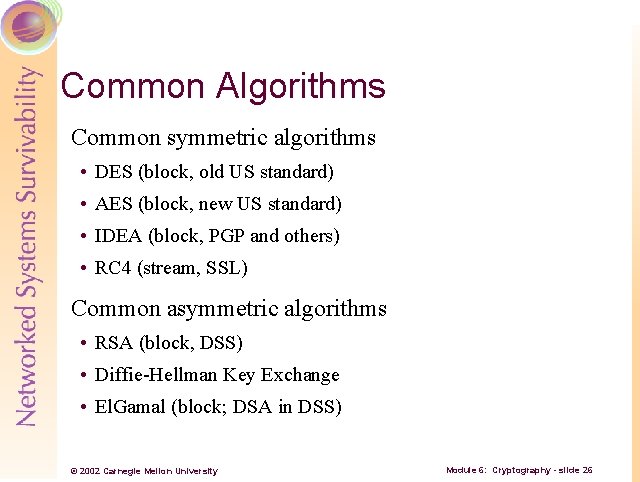
Common Algorithms Common symmetric algorithms • DES (block, old US standard) • AES (block, new US standard) • IDEA (block, PGP and others) • RC 4 (stream, SSL) Common asymmetric algorithms • RSA (block, DSS) • Diffie-Hellman Key Exchange • El. Gamal (block; DSA in DSS) © 2002 Carnegie Mellon University Module 6: Cryptography - slide 26
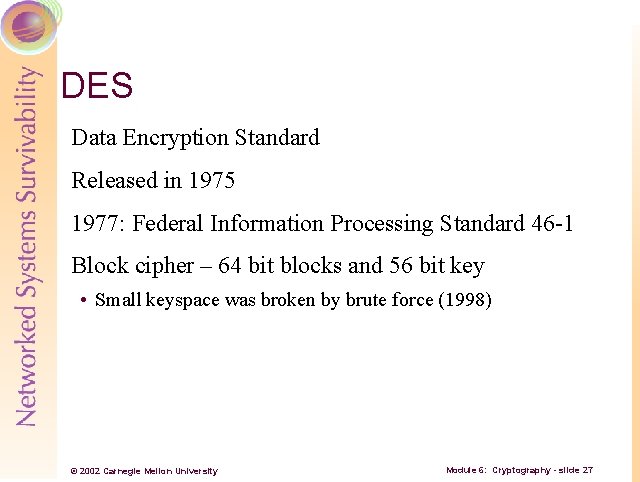
DES Data Encryption Standard Released in 1975 1977: Federal Information Processing Standard 46 -1 Block cipher – 64 bit blocks and 56 bit key • Small keyspace was broken by brute force (1998) © 2002 Carnegie Mellon University Module 6: Cryptography - slide 27
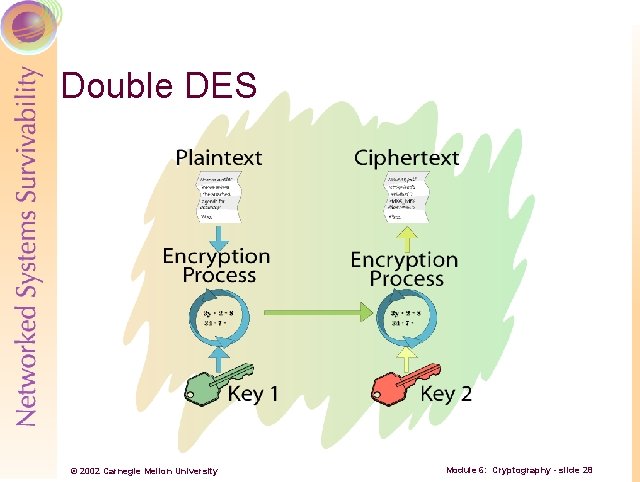
Double DES © 2002 Carnegie Mellon University Module 6: Cryptography - slide 28
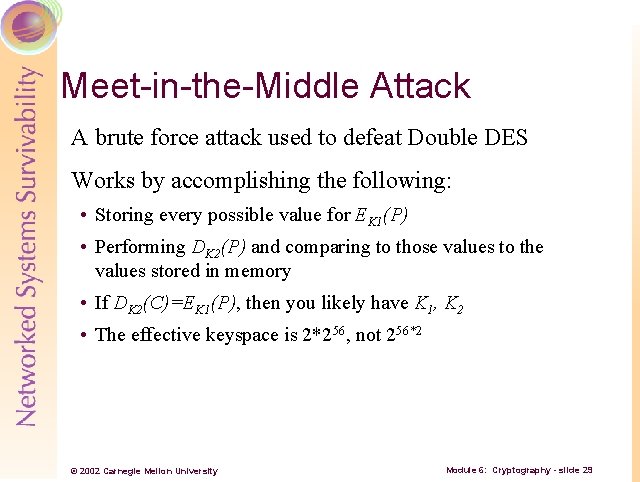
Meet-in-the-Middle Attack A brute force attack used to defeat Double DES Works by accomplishing the following: • Storing every possible value for EK 1(P) • Performing DK 2(P) and comparing to those values to the values stored in memory • If DK 2(C)=EK 1(P), then you likely have K 1, K 2 • The effective keyspace is 2*256, not 256*2 © 2002 Carnegie Mellon University Module 6: Cryptography - slide 29
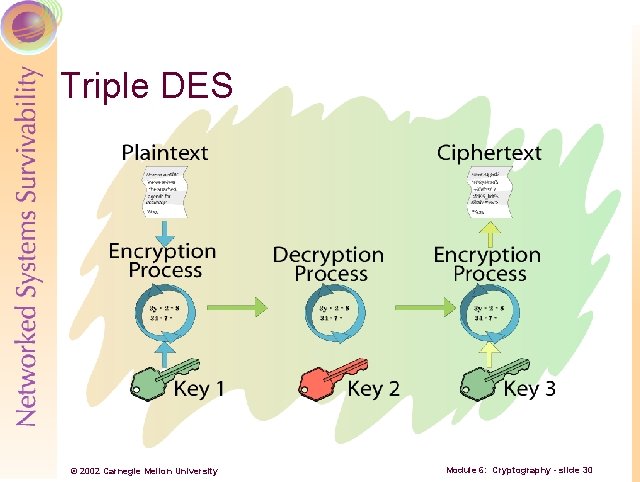
Triple DES © 2002 Carnegie Mellon University Module 6: Cryptography - slide 30
Advanced Encryption Standard (AES) -1 Lengthy process to replace DES as standard Started in Jan 97 – completed in Oct 00 • 15 total algorithms submitted Rijndael selected as preferred algorithm • Other finalists: Twofish, MARS, Serpent, RC 6 © 2002 Carnegie Mellon University Module 6: Cryptography - slide 31
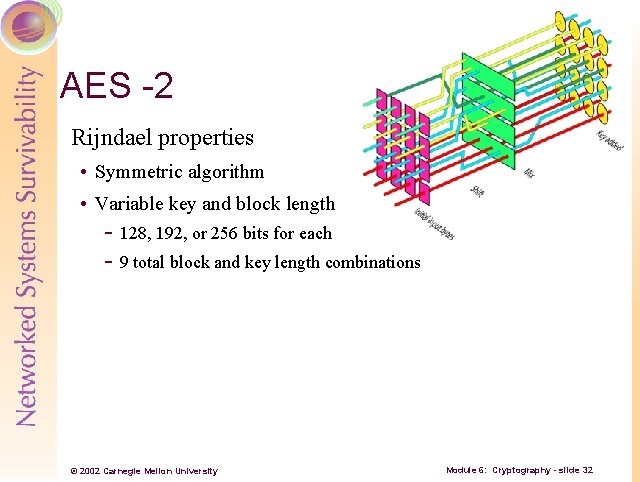
AES -2 Rijndael properties • Symmetric algorithm • Variable key and block length - 128, 192, or 256 bits for each - 9 total block and key length combinations © 2002 Carnegie Mellon University Module 6: Cryptography - slide 32
International Data Encryption Algorithm (IDEA) Swiss Federal Institute of Technology, 1990 Designed to replace DES A Block cipher using a 128 -bit key to encrypt 64 -bit data blocks Used in PGP © 2002 Carnegie Mellon University Module 6: Cryptography - slide 33
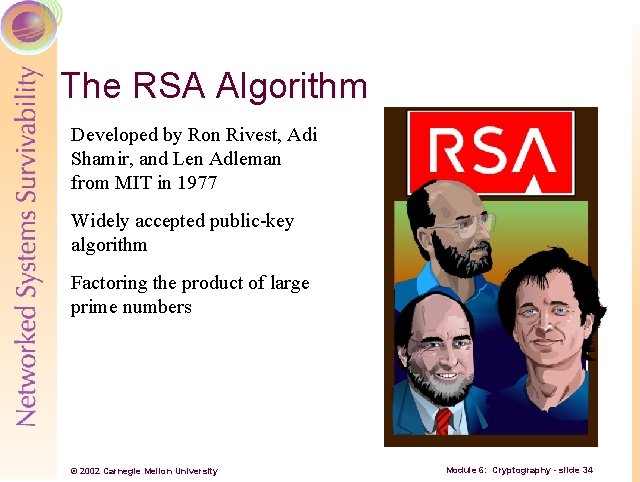
The RSA Algorithm Developed by Ron Rivest, Adi Shamir, and Len Adleman from MIT in 1977 Widely accepted public-key algorithm Factoring the product of large prime numbers © 2002 Carnegie Mellon University Module 6: Cryptography - slide 34
Diffie-Hellman Key Agreement Describes a method whereby two parties, without any prior arrangements, can agree upon a secret key that is known only to them • In particular, it is not known to an eavesdropper listening to the dialogue by which the parties agree on the key © 2002 Carnegie Mellon University Module 6: Cryptography - slide 35
El. Gamal Developed in 1985 by Dr. T. El. Gamal Used for digital signatures and encryption For encryption: • Uses basic Diffie-Hellman process for key generation • Modified version used in Digital Signature Algorithm (DSA) standard • Discrete logarithms in a finite field © 2002 Carnegie Mellon University Module 6: Cryptography - slide 36
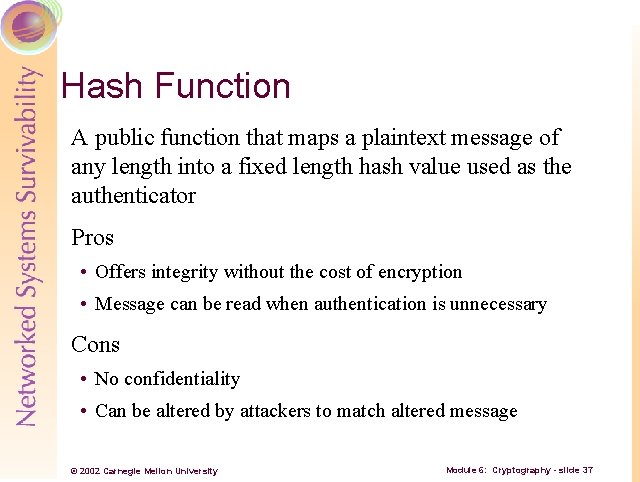
Hash Function A public function that maps a plaintext message of any length into a fixed length hash value used as the authenticator Pros • Offers integrity without the cost of encryption • Message can be read when authentication is unnecessary Cons • No confidentiality • Can be altered by attackers to match altered message © 2002 Carnegie Mellon University Module 6: Cryptography - slide 37
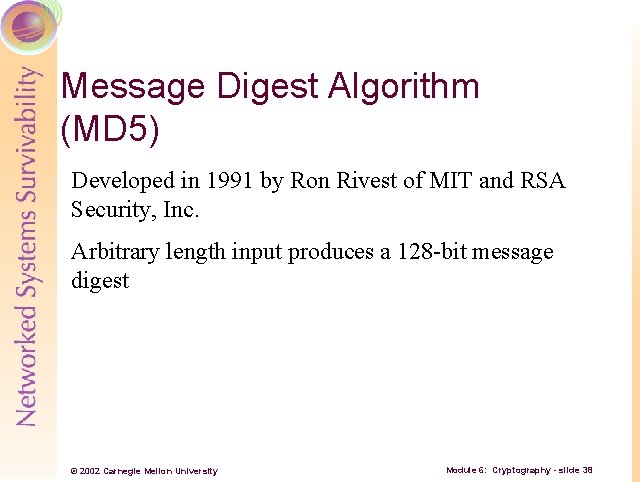
Message Digest Algorithm (MD 5) Developed in 1991 by Ron Rivest of MIT and RSA Security, Inc. Arbitrary length input produces a 128 -bit message digest © 2002 Carnegie Mellon University Module 6: Cryptography - slide 38
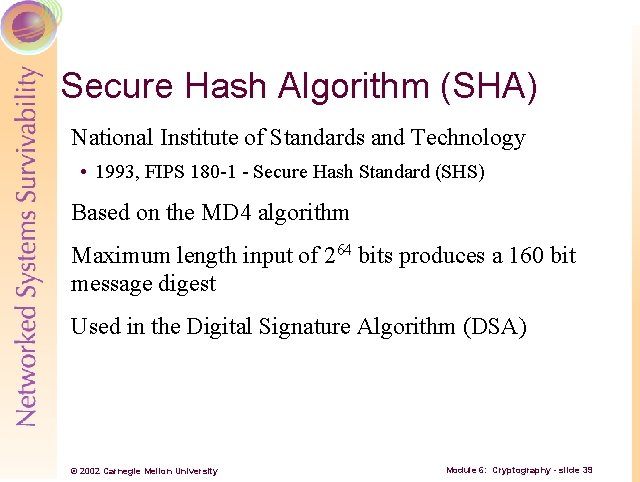
Secure Hash Algorithm (SHA) National Institute of Standards and Technology • 1993, FIPS 180 -1 - Secure Hash Standard (SHS) Based on the MD 4 algorithm Maximum length input of 264 bits produces a 160 bit message digest Used in the Digital Signature Algorithm (DSA) © 2002 Carnegie Mellon University Module 6: Cryptography - slide 39
Hash Example Hashes computed on a string of [Hello. ] SHA-1: 9 B 56 D 519 CCD 9 E 1 E 5 B 2 A 725 E 186184 CDC 68 DE 0731 MD 5: F 9776 F 93 AC 975 CD 47 B 598 E 34 D 9242 D 18 Demo – Hash Calc © 2002 Carnegie Mellon University Module 6: Cryptography - slide 40
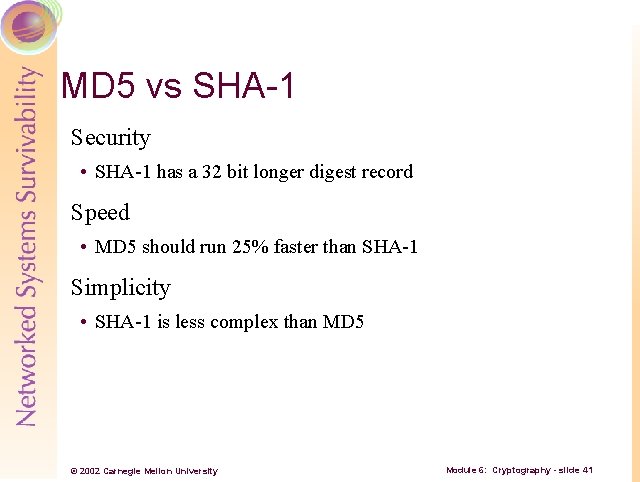
MD 5 vs SHA-1 Security • SHA-1 has a 32 bit longer digest record Speed • MD 5 should run 25% faster than SHA-1 Simplicity • SHA-1 is less complex than MD 5 © 2002 Carnegie Mellon University Module 6: Cryptography - slide 41
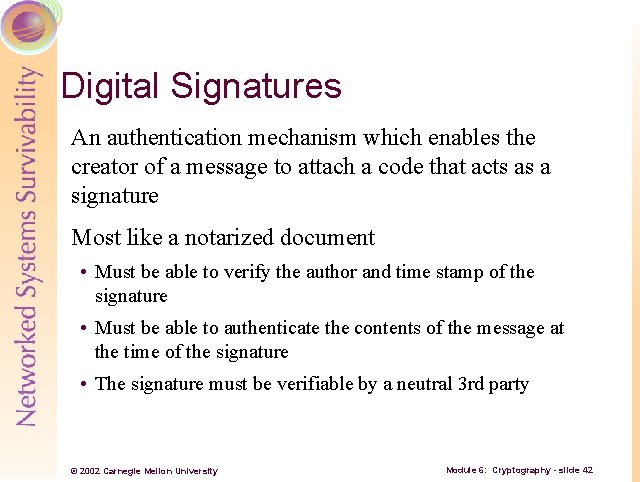
Digital Signatures An authentication mechanism which enables the creator of a message to attach a code that acts as a signature Most like a notarized document • Must be able to verify the author and time stamp of the signature • Must be able to authenticate the contents of the message at the time of the signature • The signature must be verifiable by a neutral 3 rd party © 2002 Carnegie Mellon University Module 6: Cryptography - slide 42
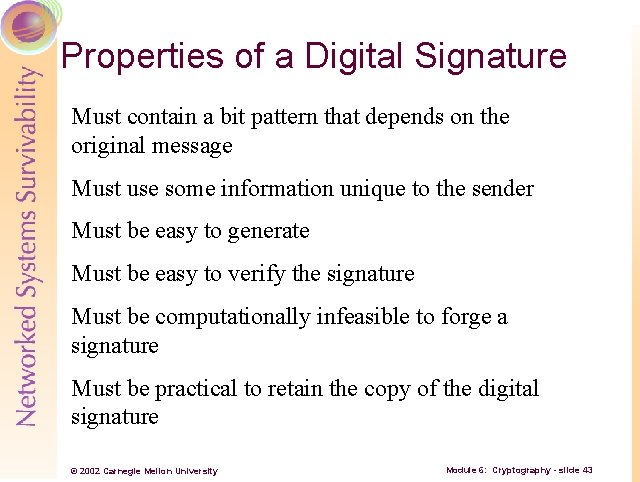
Properties of a Digital Signature Must contain a bit pattern that depends on the original message Must use some information unique to the sender Must be easy to generate Must be easy to verify the signature Must be computationally infeasible to forge a signature Must be practical to retain the copy of the digital signature © 2002 Carnegie Mellon University Module 6: Cryptography - slide 43
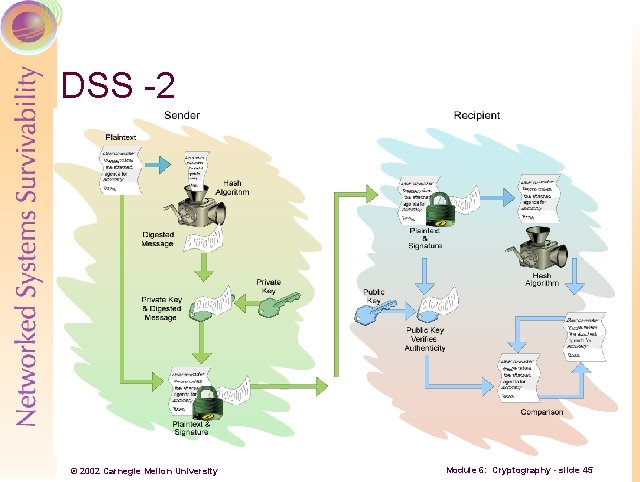
Digital Signature Standard (DSS) -1 National Institute of Standards and Technology • 1994, FIPS 186 -2 – Digital Signature Standard (DSS) Specifies algorithms appropriate for applications requiring a digital signature Uses either RSA or the Digital Signature Algorithm (DSA) © 2002 Carnegie Mellon University Module 6: Cryptography - slide 44
DSS -2 © 2002 Carnegie Mellon University Module 6: Cryptography - slide 45
Digital Certificates An answer to the Internet trust problem Trusted 3 rd parties issue certificates to people or companies who prove their ID Demo – Digital Certificate © 2002 Carnegie Mellon University Module 6: Cryptography - slide 46
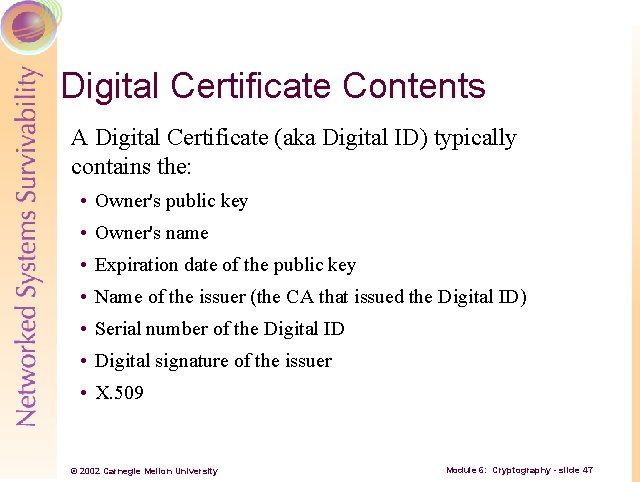
Digital Certificate Contents A Digital Certificate (aka Digital ID) typically contains the: • Owner's public key • Owner's name • Expiration date of the public key • Name of the issuer (the CA that issued the Digital ID) • Serial number of the Digital ID • Digital signature of the issuer • X. 509 © 2002 Carnegie Mellon University Module 6: Cryptography - slide 47
Cryptography Benefits In addition to keeping data ‘safe’ from disclosure, cryptography can be leveraged to provide other important benefits • Authentication • Integrity • Nonrepudiation © 2002 Carnegie Mellon University Module 6: Cryptography - slide 48
Authentication Ability of a receiver of a message to be sure of the origin • Prevents ‘masquerading’ by unscrupulous individuals Accomplished through digital signatures © 2002 Carnegie Mellon University Module 6: Cryptography - slide 49
Integrity The ability to verify that a message has not been modified between sending and receipt • Prevents intruders from changing messages in transit Accomplished through digital signatures © 2002 Carnegie Mellon University Module 6: Cryptography - slide 50
Nonrepudiation A sender should not be able to deny sending a message when he/she was in fact the sender Accomplished by digital signatures © 2002 Carnegie Mellon University Module 6: Cryptography - slide 51
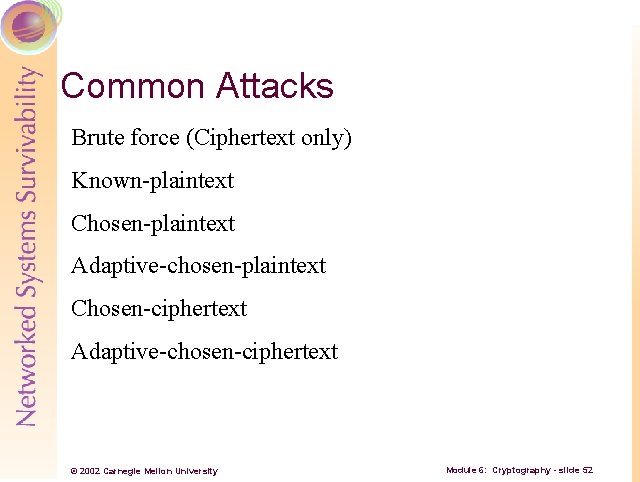
Common Attacks Brute force (Ciphertext only) Known-plaintext Chosen-plaintext Adaptive-chosen-plaintext Chosen-ciphertext Adaptive-chosen-ciphertext © 2002 Carnegie Mellon University Module 6: Cryptography - slide 52
Steganography -1 Steganography is the art of concealing information ‘in plain view’ Usually crafted such that the very existence of the message is unknown Encrypted text is easily detected • Many organizations prohibit the use of cryptography completely © 2002 Carnegie Mellon University Module 6: Cryptography - slide 53
Steganography -2 With computers, steganography has gotten ‘easier’ Easy to hide information in many common file types • . jpeg, . mp 3, . bmp, . gif, etc. • . exe, . doc, and so on © 2002 Carnegie Mellon University Module 6: Cryptography - slide 54
How Does Steganography Work? Three requirements • Host file in which to hide the information • File to be hidden • Process to encode the two © 2002 Carnegie Mellon University Module 6: Cryptography - slide 55
How is it Hidden? -1 Common way – replace the least significant bits (LSB) in graphic (or music) files LSBs are usually the last one or two bits in the octets (10010100 for an 8 bit file) • Most significant bits are to the left and have a great impact on the color of a pixel – LSBs don’t • Changing these bits minimally effects the color © 2002 Carnegie Mellon University Module 6: Cryptography - slide 56
How is it Hidden? -2 Changing all of the LSBs for a graphic file will usually not be detectable to the eye Can store the file in only those bits throughout the file © 2002 Carnegie Mellon University Module 6: Cryptography - slide 57
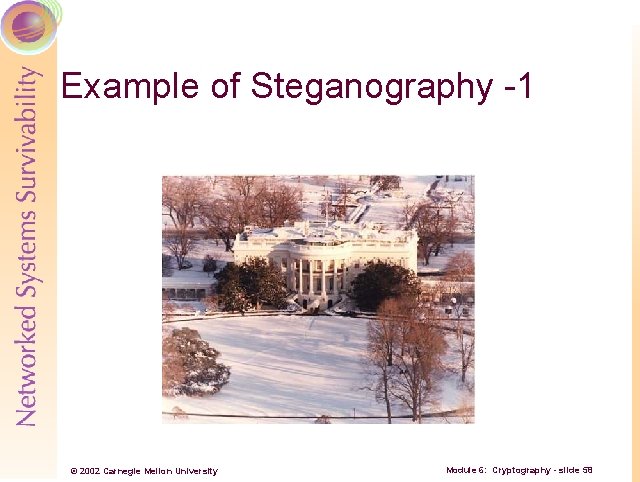
Example of Steganography -1 © 2002 Carnegie Mellon University Module 6: Cryptography - slide 58
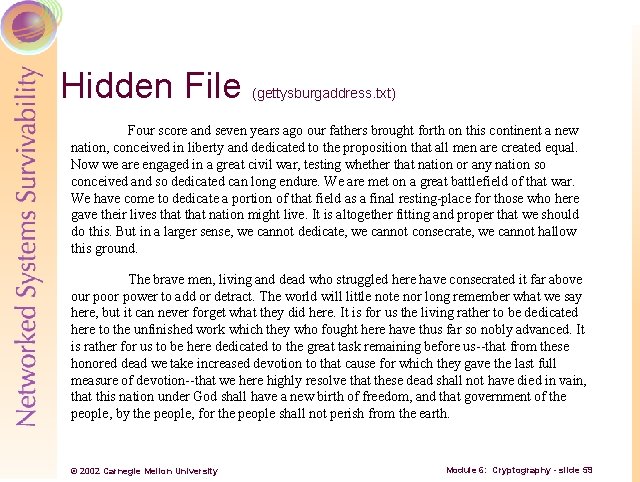
Hidden File (gettysburgaddress. txt) Four score and seven years ago our fathers brought forth on this continent a new nation, conceived in liberty and dedicated to the proposition that all men are created equal. Now we are engaged in a great civil war, testing whether that nation or any nation so conceived and so dedicated can long endure. We are met on a great battlefield of that war. We have come to dedicate a portion of that field as a final resting-place for those who here gave their lives that nation might live. It is altogether fitting and proper that we should do this. But in a larger sense, we cannot dedicate, we cannot consecrate, we cannot hallow this ground. The brave men, living and dead who struggled here have consecrated it far above our poor power to add or detract. The world will little note nor long remember what we say here, but it can never forget what they did here. It is for us the living rather to be dedicated here to the unfinished work which they who fought here have thus far so nobly advanced. It is rather for us to be here dedicated to the great task remaining before us--that from these honored dead we take increased devotion to that cause for which they gave the last full measure of devotion--that we here highly resolve that these dead shall not have died in vain, that this nation under God shall have a new birth of freedom, and that government of the people, by the people, for the people shall not perish from the earth. © 2002 Carnegie Mellon University Module 6: Cryptography - slide 59
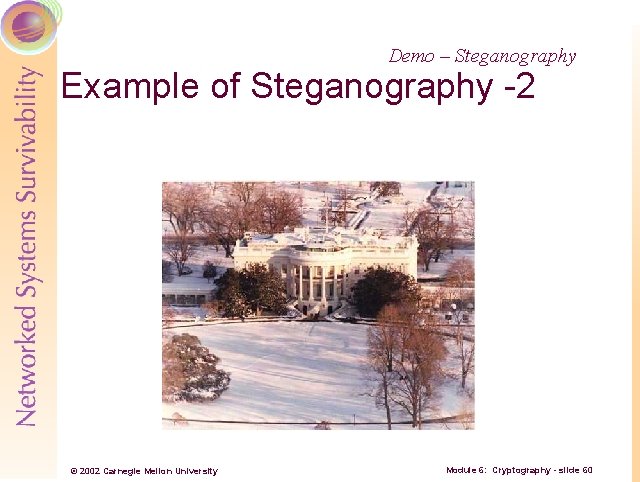
Demo – Steganography Example of Steganography -2 © 2002 Carnegie Mellon University Module 6: Cryptography - slide 60
Impact of Steganography ‘New’ threats from steganography • More difficult to track data coming in to and leaving your network • Threats to confidentiality • Potential malicious software ‘hiding’ Bottom line: awareness is a key to mitigate steganographic threats Demo – Spam Mimic © 2002 Carnegie Mellon University Module 6: Cryptography - slide 61
Review Questions -1 1. What are the two main types of ciphers? 2. What are the components of a cryptosystem? 3. What is the keyspace of 3 DES implemented with K 1, K 2, K 1? 4. Which encryption method requires two different keys? 5. Which algorithm was chosen for the AES? © 2002 Carnegie Mellon University Module 6: Cryptography - slide 62
Review Questions -2 6. How is a digital signature constructed by the DSS? 7. Which attack on a cryptosystem requires that the attacker try every possible key on some ciphertext? 8. List the three necessary components for steganographic encoding. © 2002 Carnegie Mellon University Module 6: Cryptography - slide 63
Summary History of cryptography Basic cryptography terms General types of encryption Common encryption methods Cryptography applications Steganography © 2002 Carnegie Mellon University Module 6: Cryptography - slide 64