
Information Security for Journalists Silkie Carlo silkiecarlogmail com
- Slides: 25
Information Security for Journalists Silkie Carlo silkiecarlo@gmail. com PGP key ID: 0 x 63424757 PGP fingerprint: C 8 C 8 BA 6 E BF 88 B 3 CC 0 A 8 D 93 B 8 AD 75 C 1 AA 6342 4757
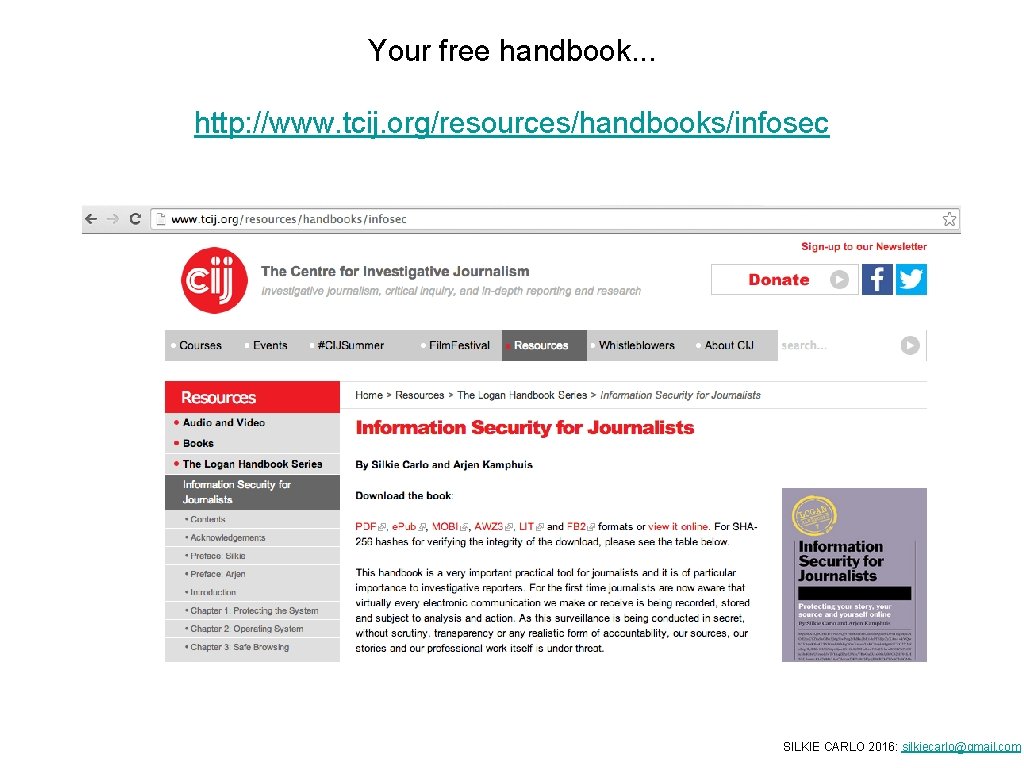
Your free handbook. . . http: //www. tcij. org/resources/handbooks/infosec SILKIE CARLO 2016: silkiecarlo@gmail. com
What is information security? the practice of defending information from unauthorised access > defending your source > defending your story > defending you SILKIE CARLO 2016: silkiecarlo@gmail. com
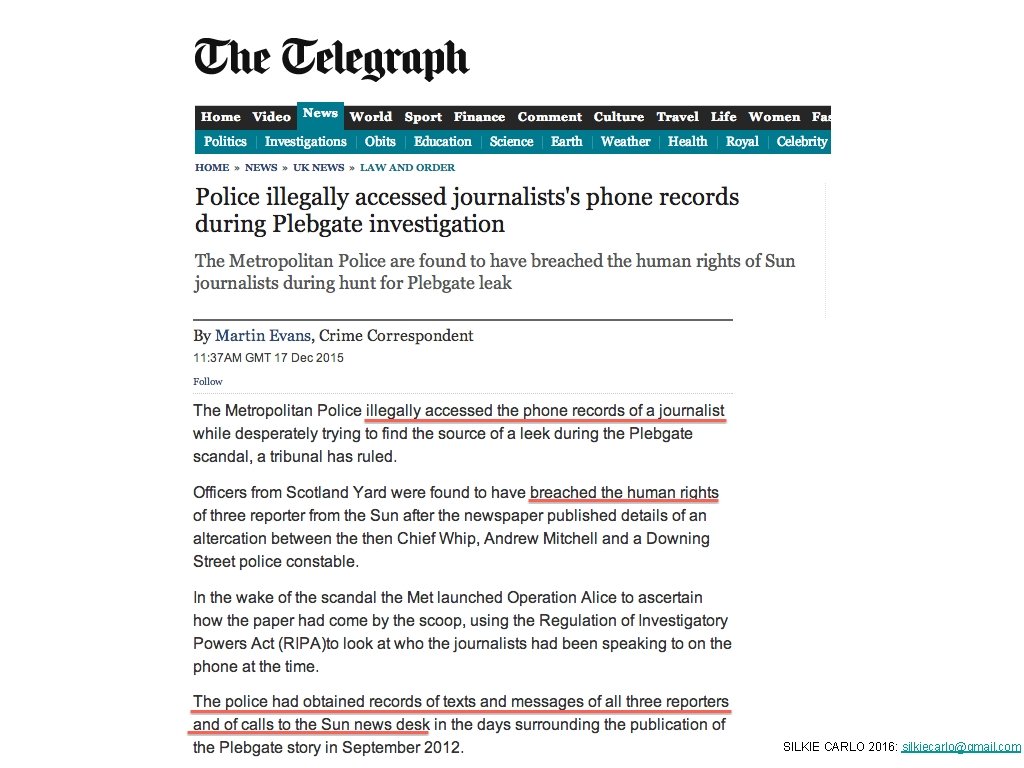
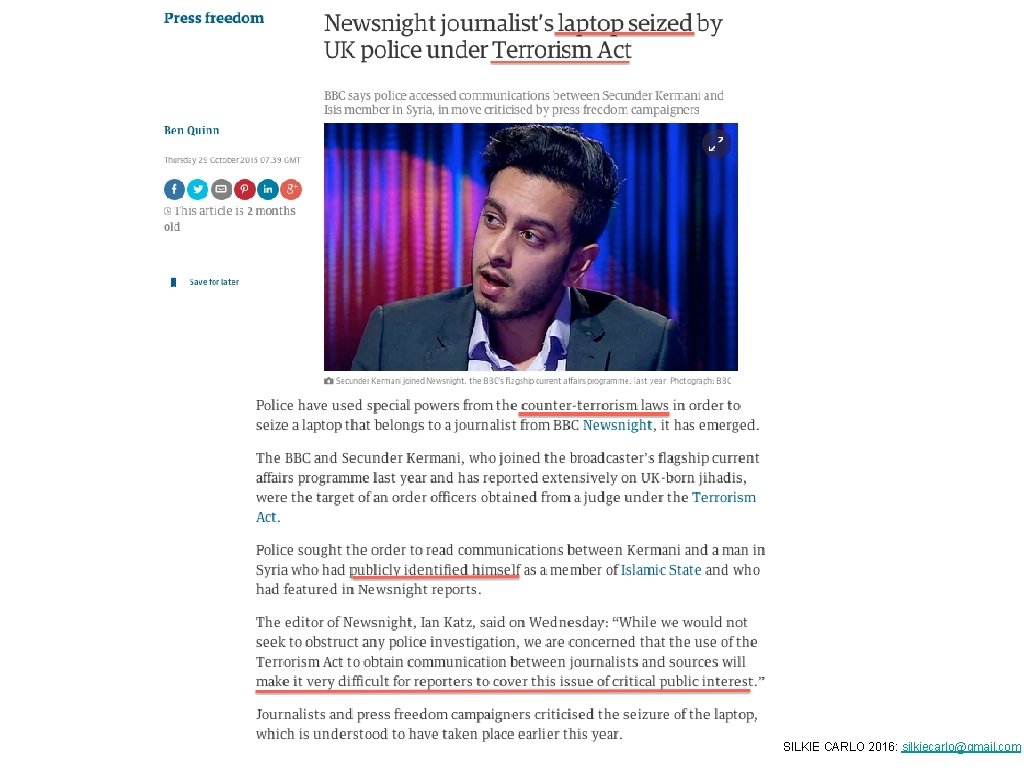
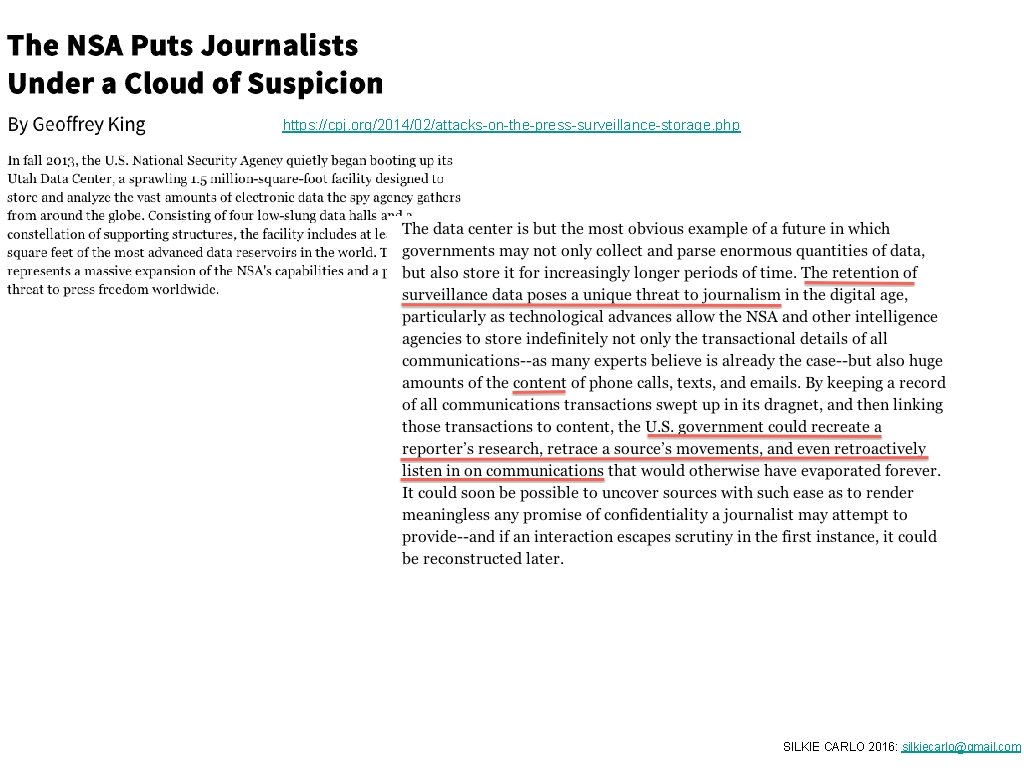
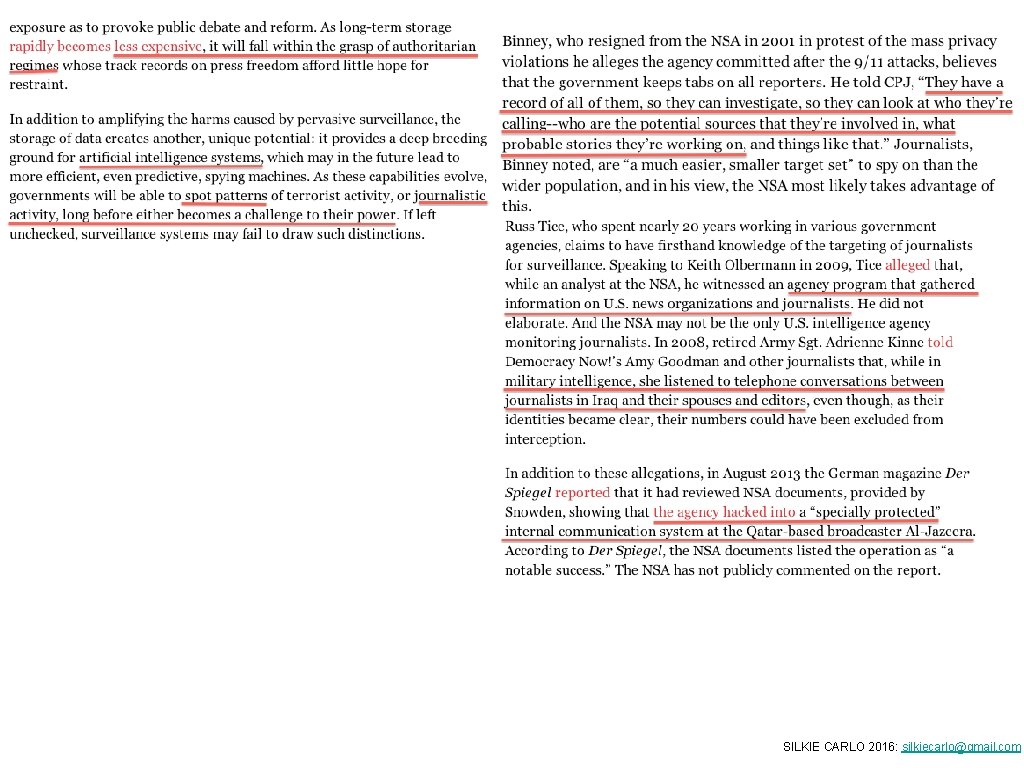
Risk Assessment Targeted threats: - subject of your investigation; - criminal organisations; - hackers; - state/intelligence (foreign or domestic) Dragnet threat: - state/intelligence (foreign or domestic) SILKIE CARLO 2016: silkiecarlo@gmail. com
SILKIE CARLO 2016: silkiecarlo@gmail. com
SILKIE CARLO 2016: silkiecarlo@gmail. com
SILKIE CARLO 2016: silkiecarlo@gmail. com
SILKIE CARLO 2016: silkiecarlo@gmail. com
SILKIE CARLO 2016: silkiecarlo@gmail. com
SILKIE CARLO 2016: silkiecarlo@gmail. com
https: //cpj. org/2014/02/attacks-on-the-press-surveillance-storage. php SILKIE CARLO 2016: silkiecarlo@gmail. com
SILKIE CARLO 2016: silkiecarlo@gmail. com
SILKIE CARLO 2016: silkiecarlo@gmail. com
SILKIE CARLO 2016: silkiecarlo@gmail. com
SILKIE CARLO 2016: silkiecarlo@gmail. com
SILKIE CARLO 2016: silkiecarlo@gmail. com
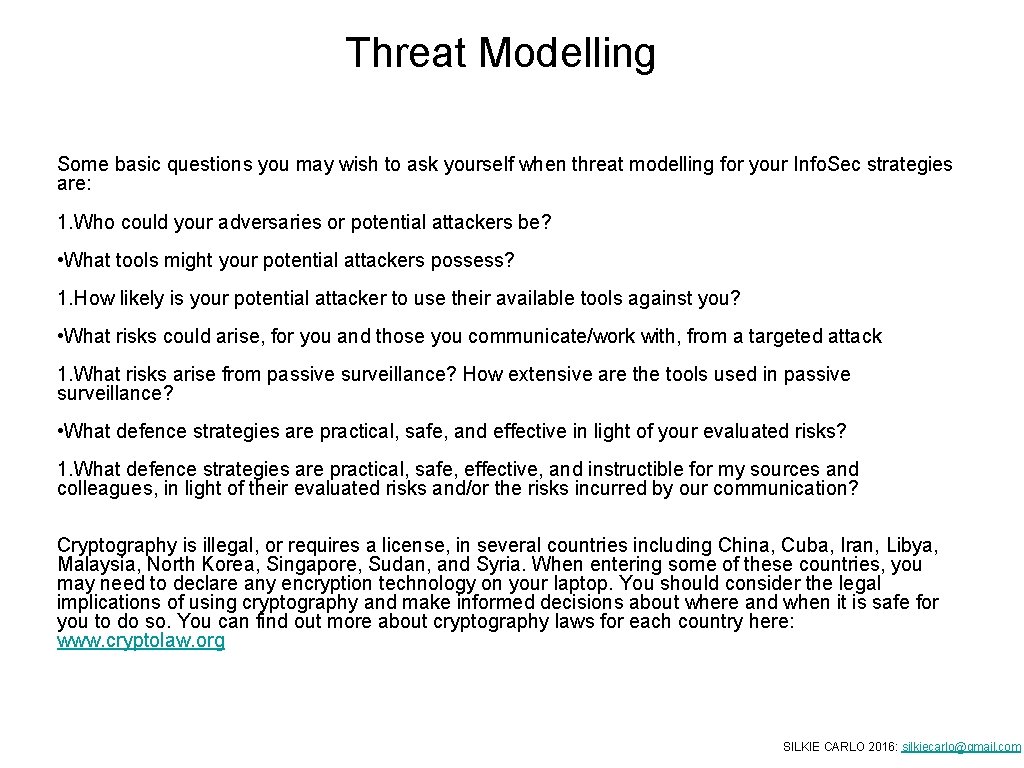
Threat Modelling Some basic questions you may wish to ask yourself when threat modelling for your Info. Sec strategies are: 1. Who could your adversaries or potential attackers be? • What tools might your potential attackers possess? 1. How likely is your potential attacker to use their available tools against you? • What risks could arise, for you and those you communicate/work with, from a targeted attack 1. What risks arise from passive surveillance? How extensive are the tools used in passive surveillance? • What defence strategies are practical, safe, and effective in light of your evaluated risks? 1. What defence strategies are practical, safe, effective, and instructible for my sources and colleagues, in light of their evaluated risks and/or the risks incurred by our communication? Cryptography is illegal, or requires a license, in several countries including China, Cuba, Iran, Libya, Malaysia, North Korea, Singapore, Sudan, and Syria. When entering some of these countries, you may need to declare any encryption technology on your laptop. You should consider the legal implications of using cryptography and make informed decisions about where and when it is safe for you to do so. You can find out more about cryptography laws for each country here: www. cryptolaw. org SILKIE CARLO 2016: silkiecarlo@gmail. com
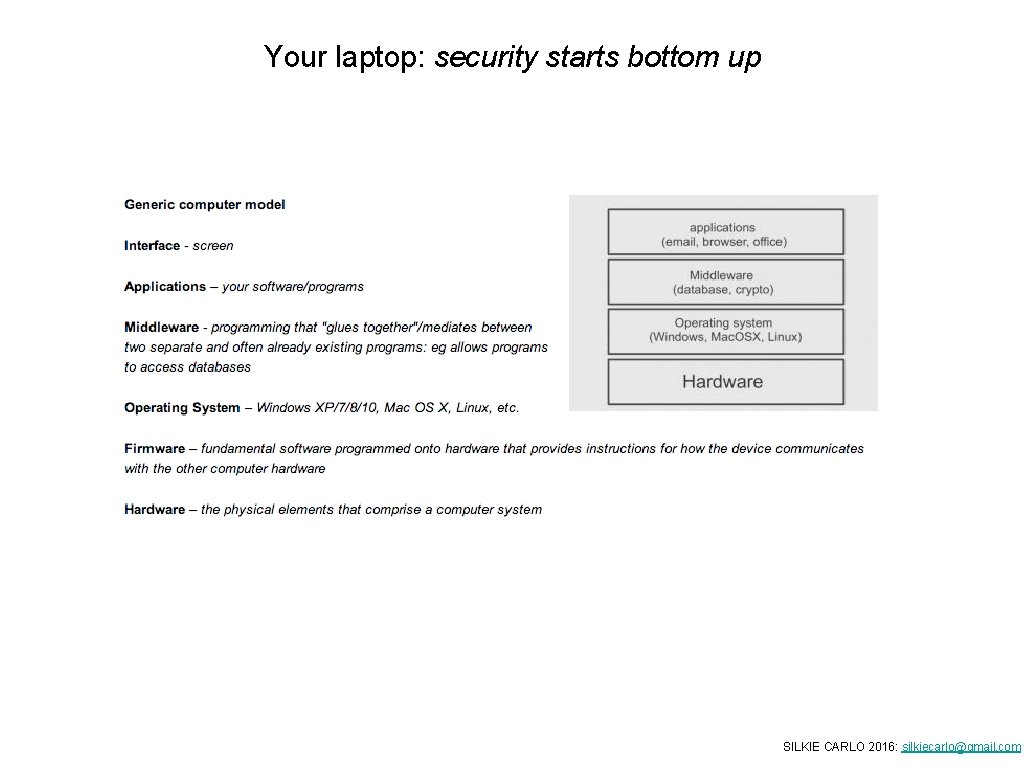
Your laptop: security starts bottom up SILKIE CARLO 2016: silkiecarlo@gmail. com
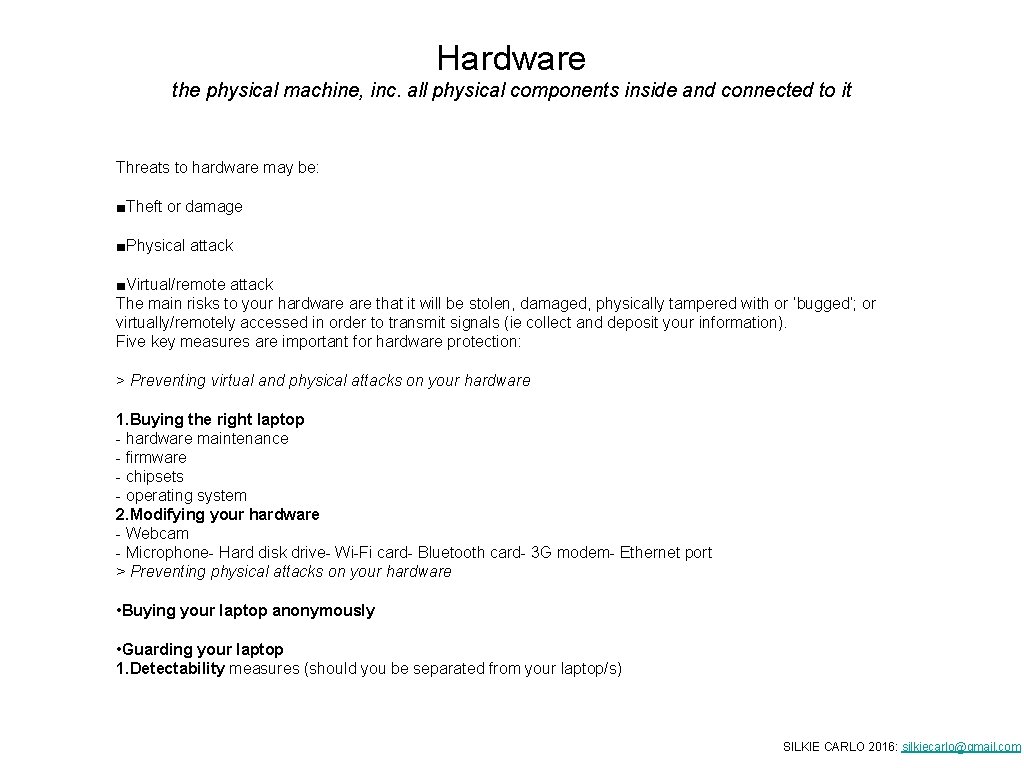
Hardware the physical machine, inc. all physical components inside and connected to it Threats to hardware may be: ■Theft or damage ■Physical attack ■Virtual/remote attack The main risks to your hardware that it will be stolen, damaged, physically tampered with or ‘bugged’; or virtually/remotely accessed in order to transmit signals (ie collect and deposit your information). Five key measures are important for hardware protection: > Preventing virtual and physical attacks on your hardware 1. Buying the right laptop - hardware maintenance - firmware - chipsets - operating system 2. Modifying your hardware - Webcam - Microphone- Hard disk drive- Wi-Fi card- Bluetooth card- 3 G modem- Ethernet port > Preventing physical attacks on your hardware • Buying your laptop anonymously • Guarding your laptop 1. Detectability measures (should you be separated from your laptop/s) SILKIE CARLO 2016: silkiecarlo@gmail. com
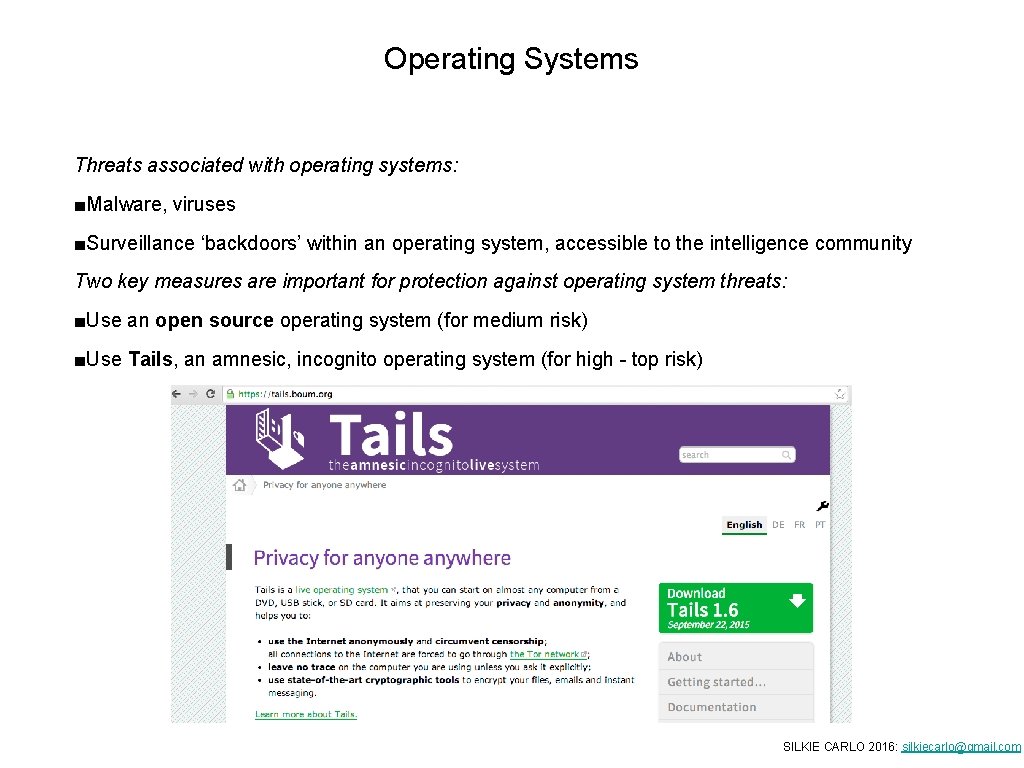
Operating Systems Threats associated with operating systems: ■Malware, viruses ■Surveillance ‘backdoors’ within an operating system, accessible to the intelligence community Two key measures are important for protection against operating system threats: ■Use an open source operating system (for medium risk) ■Use Tails, an amnesic, incognito operating system (for high - top risk) SILKIE CARLO 2016: silkiecarlo@gmail. com
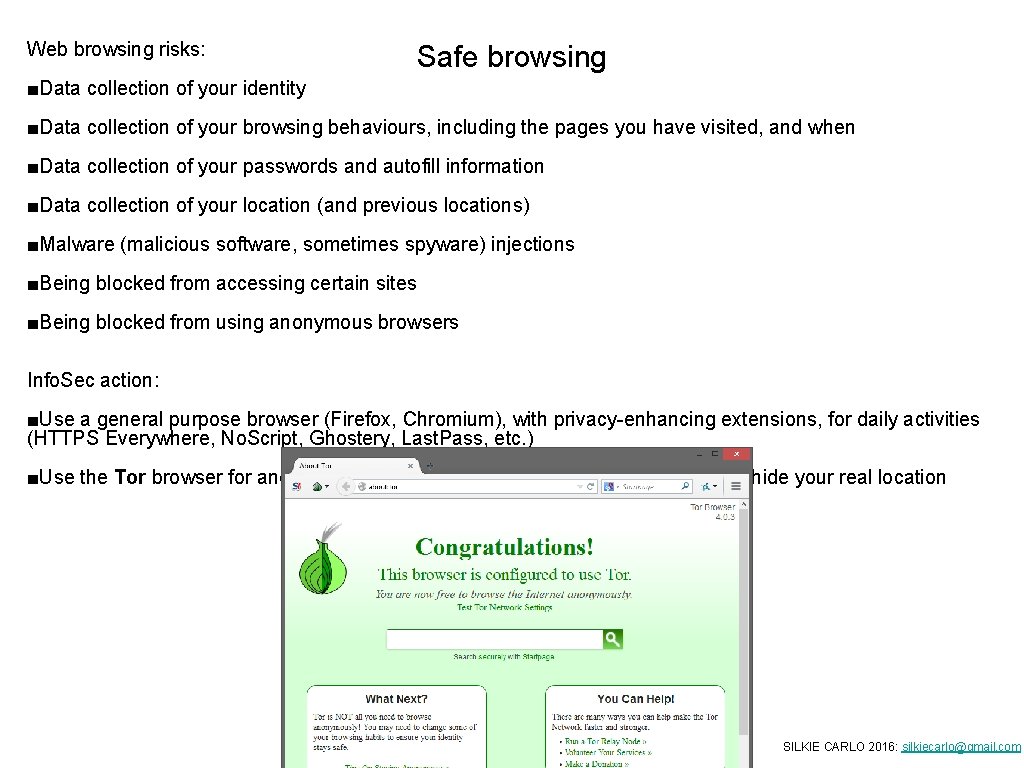
Web browsing risks: Safe browsing ■Data collection of your identity ■Data collection of your browsing behaviours, including the pages you have visited, and when ■Data collection of your passwords and autofill information ■Data collection of your location (and previous locations) ■Malware (malicious software, sometimes spyware) injections ■Being blocked from accessing certain sites ■Being blocked from using anonymous browsers Info. Sec action: ■Use a general purpose browser (Firefox, Chromium), with privacy-enhancing extensions, for daily activities (HTTPS Everywhere, No. Script, Ghostery, Last. Pass, etc. ) ■Use the Tor browser for anonymous browsing, for censorship resistance, and to hide your real location SILKIE CARLO 2016: silkiecarlo@gmail. com
Risks: ■Loss Data ■Corruption ■Interception ■Theft ■‘Deleted’ data recoverability ■De-anonymising/compromising metadata Sharing Data Securely Info. Sec actions: ■Back up data ■Encrypt data (True. Crypt/Vera. Crypt) ■Securely share files ■Securely delete data (Bleachbit for Win/Lin) ■Delete metadata Risks: ■Interception ■Intervention ■Destruction of source documents ■Identification of source ■Identification of journalist Info. Sec action: ■Exchange encrypted USB drives or hard drives (if you can meet in person) ■Exchange small volumes of data via encrypted attachments with encrypted emails ■Exchange large volumes of encrypted data via a file-sharing service (Secure. Drop, Onion. Share, Mega) SILKIE CARLO 2016: silkiecarlo@gmail. com
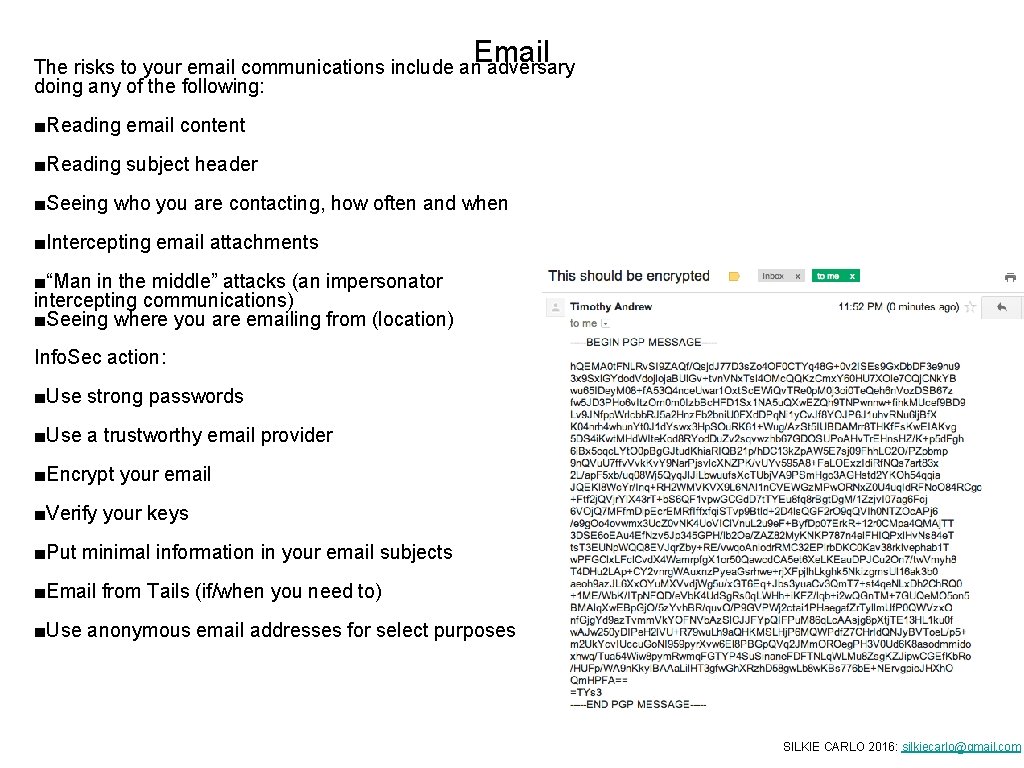
Email The risks to your email communications include an adversary doing any of the following: ■Reading email content ■Reading subject header ■Seeing who you are contacting, how often and when ■Intercepting email attachments ■“Man in the middle” attacks (an impersonator intercepting communications) ■Seeing where you are emailing from (location) Info. Sec action: ■Use strong passwords ■Use a trustworthy email provider ■Encrypt your email ■Verify your keys ■Put minimal information in your email subjects ■Email from Tails (if/when you need to) ■Use anonymous email addresses for select purposes SILKIE CARLO 2016: silkiecarlo@gmail. com
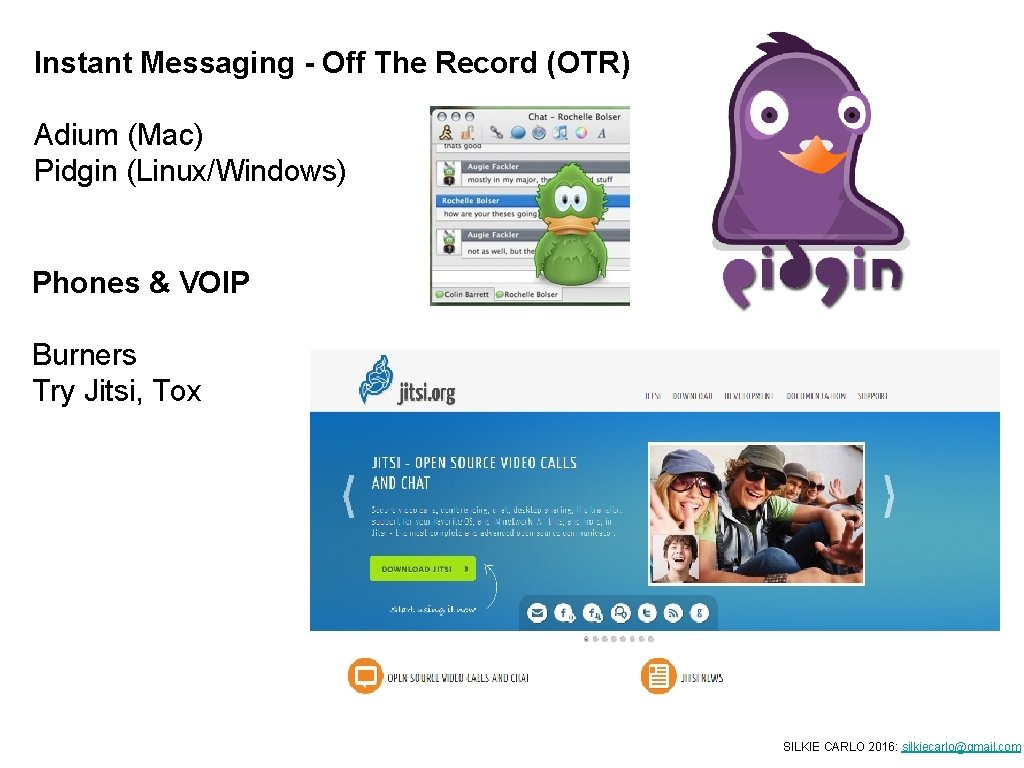
Instant Messaging - Off The Record (OTR) Adium (Mac) Pidgin (Linux/Windows) Phones & VOIP Burners Try Jitsi, Tox SILKIE CARLO 2016: silkiecarlo@gmail. com
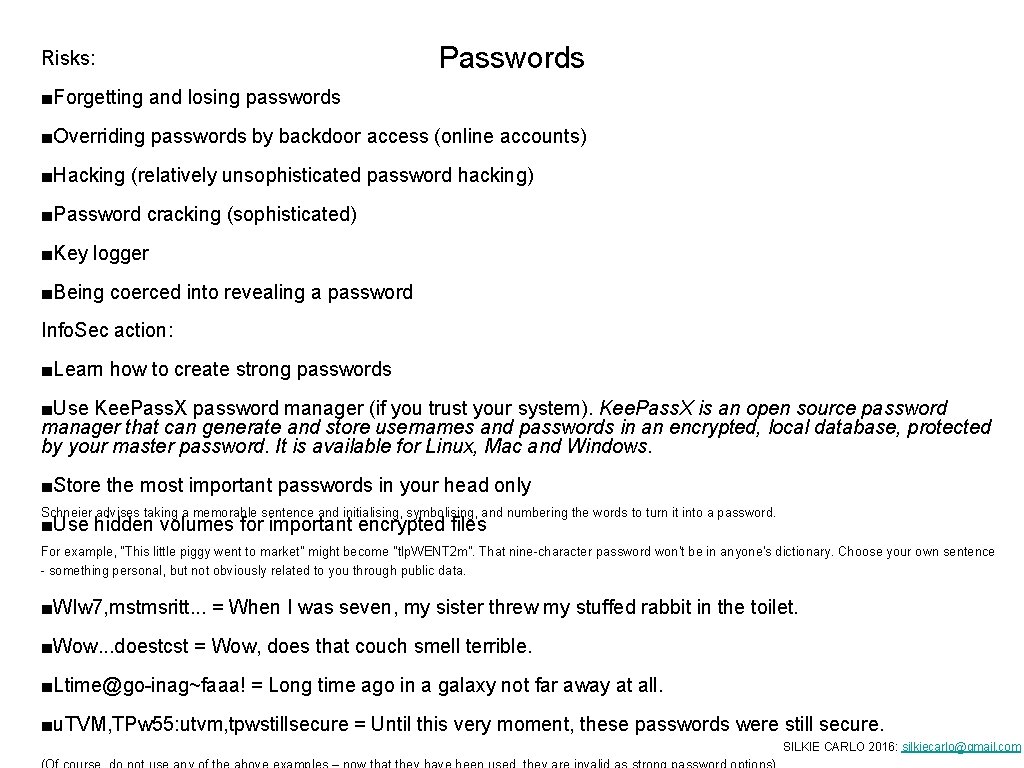
Risks: Passwords ■Forgetting and losing passwords ■Overriding passwords by backdoor access (online accounts) ■Hacking (relatively unsophisticated password hacking) ■Password cracking (sophisticated) ■Key logger ■Being coerced into revealing a password Info. Sec action: ■Learn how to create strong passwords ■Use Kee. Pass. X password manager (if you trust your system). Kee. Pass. X is an open source password manager that can generate and store usernames and passwords in an encrypted, local database, protected by your master password. It is available for Linux, Mac and Windows. ■Store the most important passwords in your head only Schneier advises taking a memorable sentence and initialising, symbolising, and numbering the words to turn it into a password. ■Use hidden volumes for important encrypted files For example, "This little piggy went to market" might become "tlp. WENT 2 m". That nine-character password won't be in anyone's dictionary. Choose your own sentence - something personal, but not obviously related to you through public data. ■WIw 7, mstmsritt. . . = When I was seven, my sister threw my stuffed rabbit in the toilet. ■Wow. . . doestcst = Wow, does that couch smell terrible. ■Ltime@go-inag~faaa! = Long time ago in a galaxy not far away at all. ■u. TVM, TPw 55: utvm, tpwstillsecure = Until this very moment, these passwords were still secure. SILKIE CARLO 2016: silkiecarlo@gmail. com