
Information Management Learning Objectives At the end of

Information Management
Learning Objectives At the end of this activity, you will be able to: n n n Describe important elements of an information management system. Explain things to consider when developing a manual, paper-based information system. Describe the advantages and disadvantages of a computerized information management system. Information Management-Module 17 2
Scenario “You manage a laboratory for a 300 bed hospital and the administrator has just notified you that funds are available for the purchase of a computerized laboratory information system. ” § How do you assess the relevancy of such a system for your laboratory? Information Management-Module 17 3
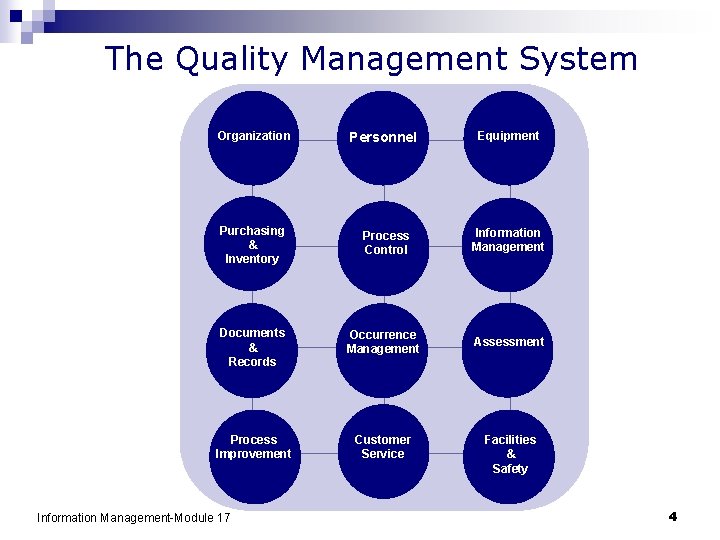
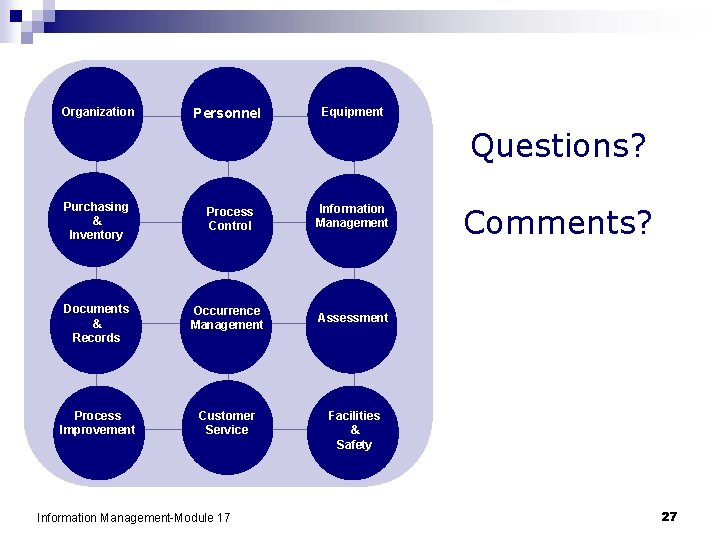
The Quality Management System Organization Personnel Equipment Purchasing & Inventory Process Control Information Management Documents & Records Occurrence Management Assessment Process Improvement Customer Service Information Management-Module 17 Facilities & Safety 4
Role in Quality Management System n The test result is the final product of the laboratory. Quality Lab Report Information Management-Module 17 5

Information Management Establish processes for managing data Paperbased Quality Lab Report ID 0905120047 Patient information Electronic Information Management-Module 17 § § § accessible accurate timely secure confidential private 6
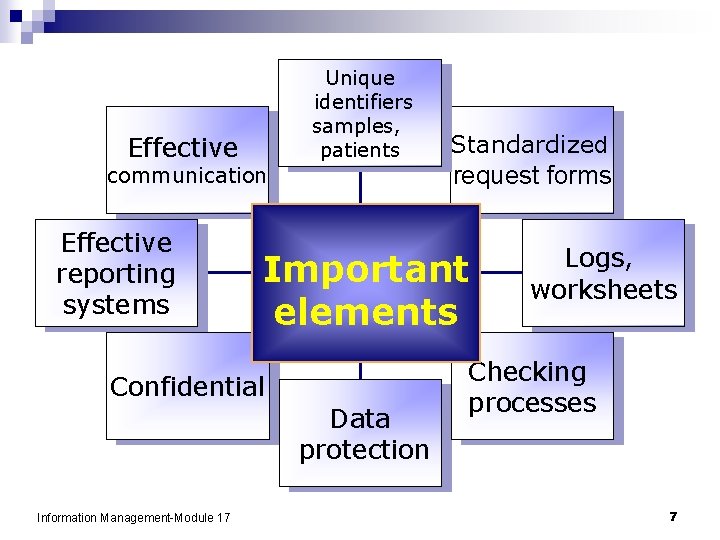
Unique identifiers samples, patients Effective communication Effective reporting systems request forms Important elements Confidential Information Management-Module 17 Standardized Data protection Logs, worksheets Checking processes 7
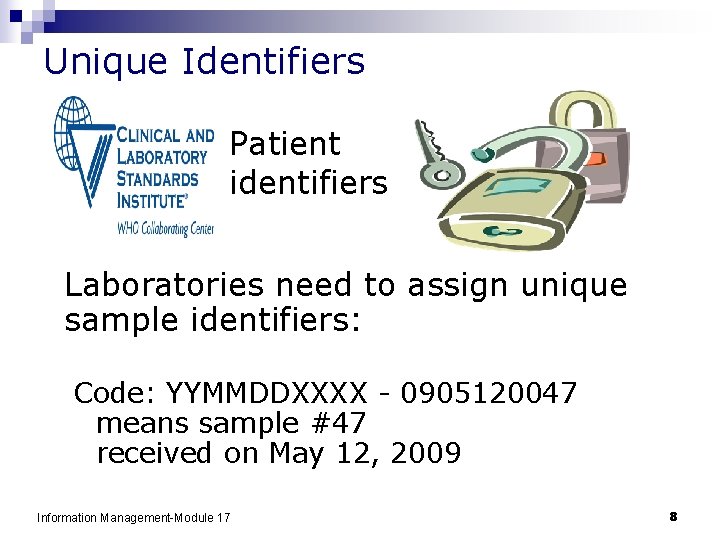
Unique Identifiers Patient identifiers Laboratories need to assign unique sample identifiers: Code: YYMMDDXXXX - 0905120047 means sample #47 received on May 12, 2009 Information Management-Module 17 8
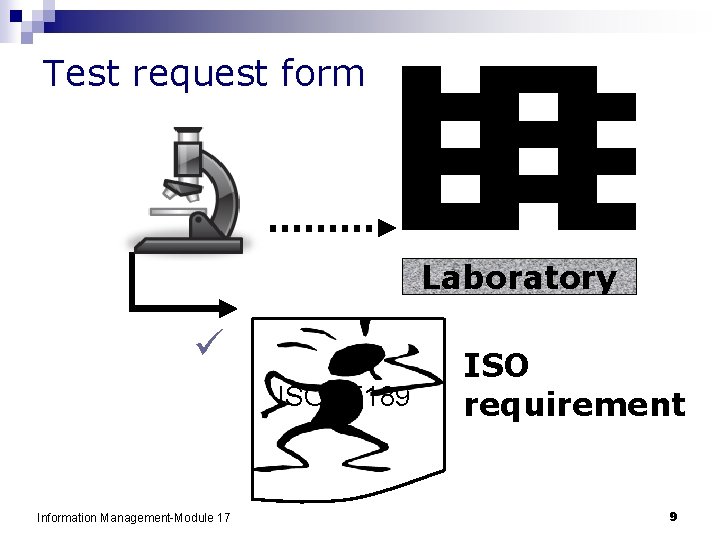
Test request form Laboratory ü ISO 15189 Information Management-Module 17 ISO requirement 9
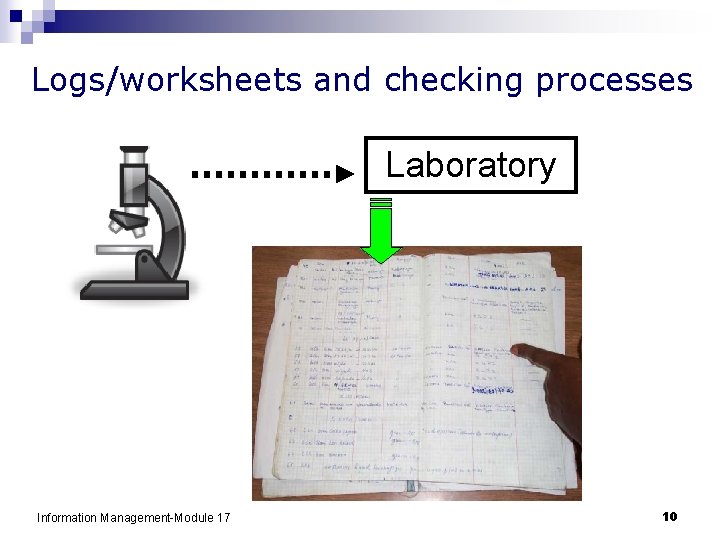
Logs/worksheets and checking processes Laboratory Information Management-Module 17 10
Data Protection Paper-based systems §use durable materials for recording §store records properly Computerized systems §schedule regular backup of data Information Management-Module 17 11
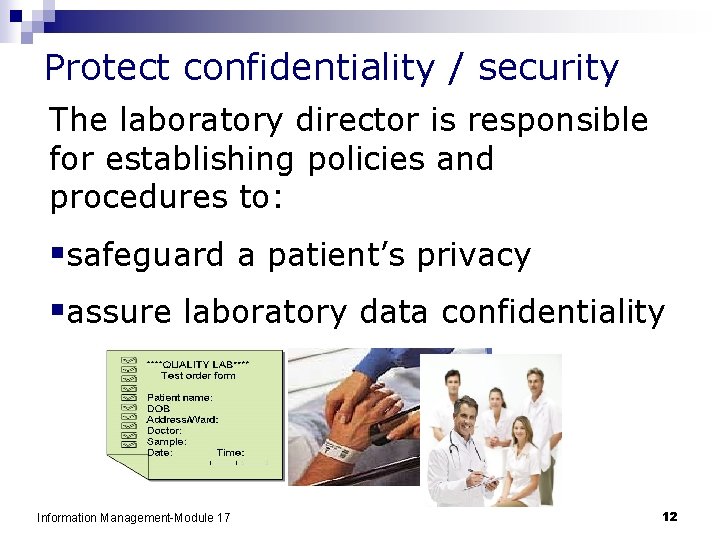
Protect confidentiality / security The laboratory director is responsible for establishing policies and procedures to: §safeguard a patient’s privacy §assure laboratory data confidentiality Information Management-Module 17 12
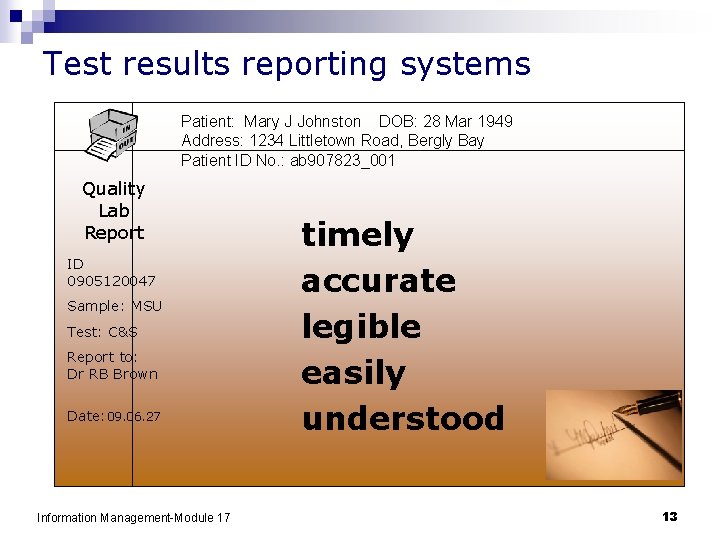
Test results reporting systems Patient: Mary J Johnston DOB: 28 Mar 1949 Address: 1234 Littletown Road, Bergly Bay Patient ID No. : ab 907823_001 Quality Lab Report ID 0905120047 Sample: MSU Test: C&S Report to: Dr RB Brown Date: 09. 06. 27 Information Management-Module 17 timely accurate legible easily understood 13
Communication Develop a good system for communication: § within the laboratory § with clients § other health care providers § reference laboratories § with official agencies Information Management-Module 17 Different shifts 14
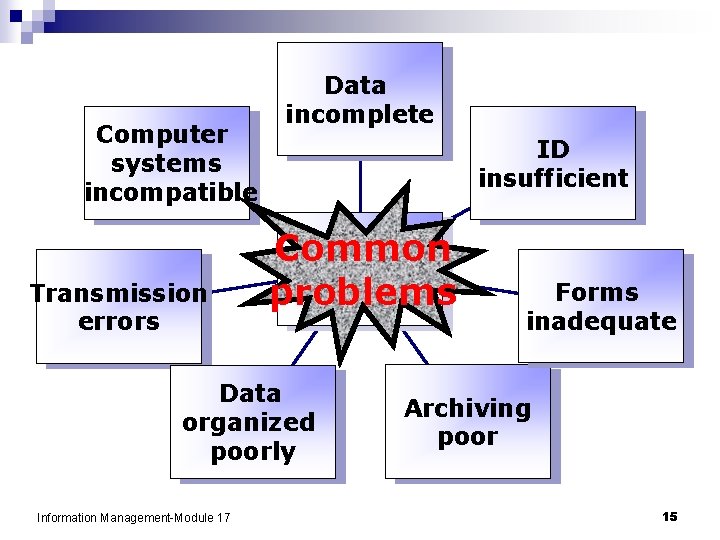
Computer systems incompatible Transmission errors Data incomplete ID insufficient Common problems Data organized poorly Information Management-Module 17 Forms inadequate Archiving poor 15
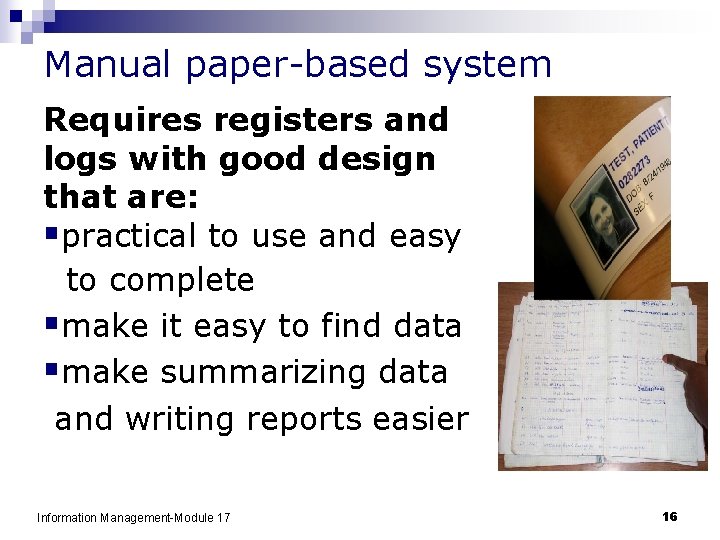
Manual paper-based system Requires registers and logs with good design that are: §practical to use and easy to complete §make it easy to find data §make summarizing data and writing reports easier Information Management-Module 17 16
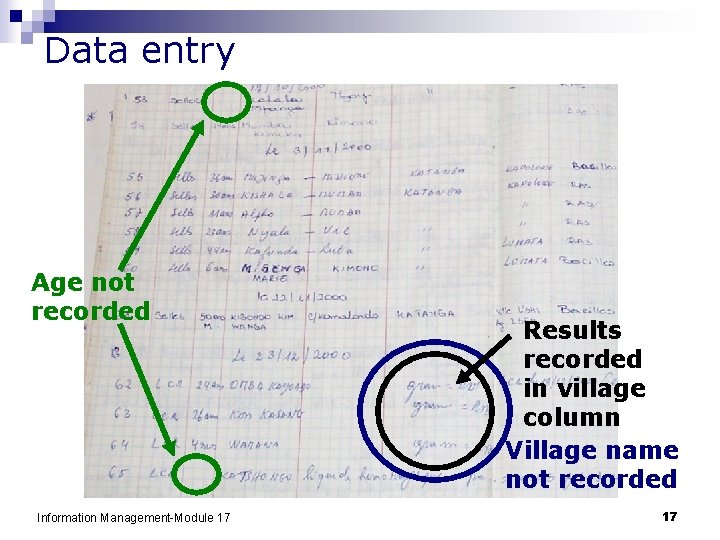
Data entry Age not recorded Information Management-Module 17 Results recorded in village column Village name not recorded 17
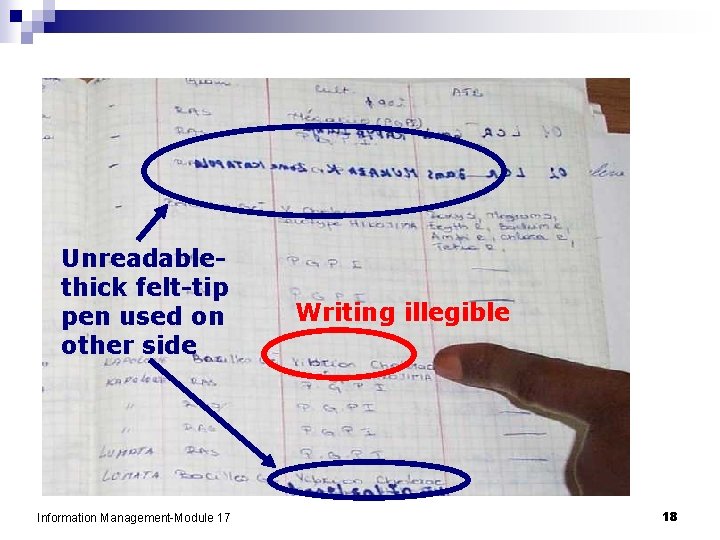
Unreadablethick felt-tip pen used on other side Information Management-Module 17 Writing illegible 18
Manual paper-based system final report is primary product – make it professional n need a system for obtaining duplicates or copies of reports for archiving n assure safe storage of paper records n Information Management-Module 17 19
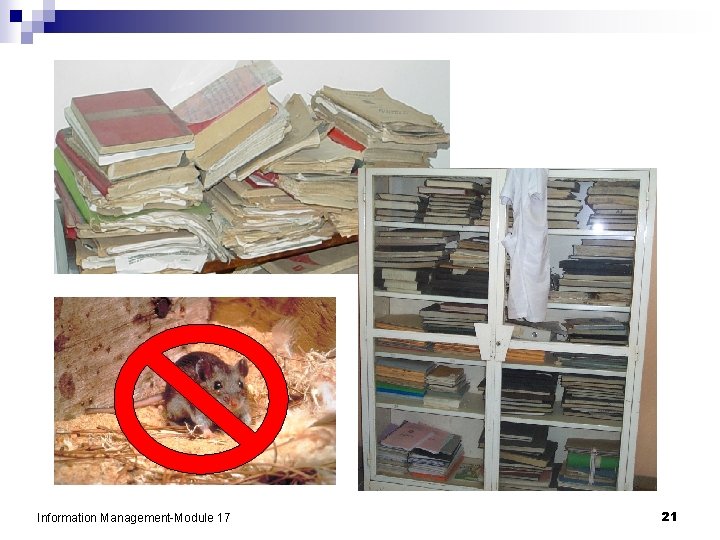
Manual paper-based system-storage Goals: n find results n trace samples n evaluate occurrences 01 -0 30 -0 4 -2009 4 -20 09 Useful rules: n keep everything for a designated time n ensure easy access n use a logical system for filing n number in chronological order Information Management-Module 17 20
Information Management-Module 17 21
Computerized LIMS Software options n in-house developed systems using commercial database software n fully developed commercial systems Look for: n permanence ¨ computer system maintenance, backups n security ¨ access ¨ confidentiality n traceability n system speed, flexibility Information Management-Module 17 22
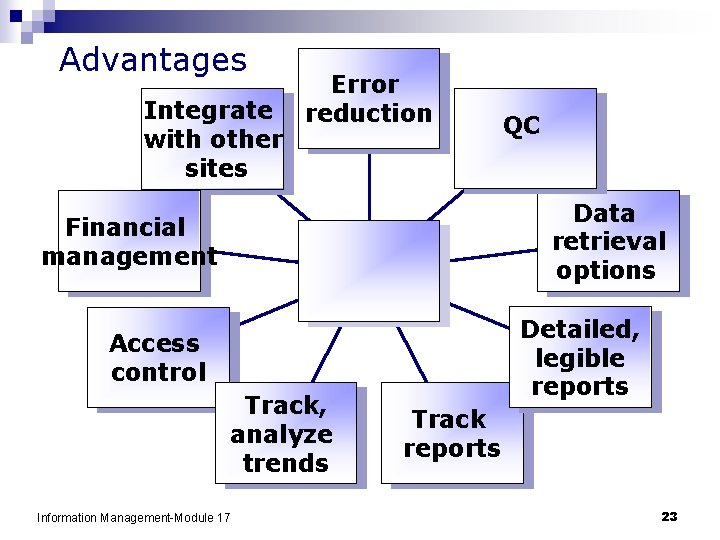
Advantages Integrate with other sites Error reduction QC Data retrieval options Financial management Detailed, legible reports Access control Track, analyze trends Information Management-Module 17 Track reports 23
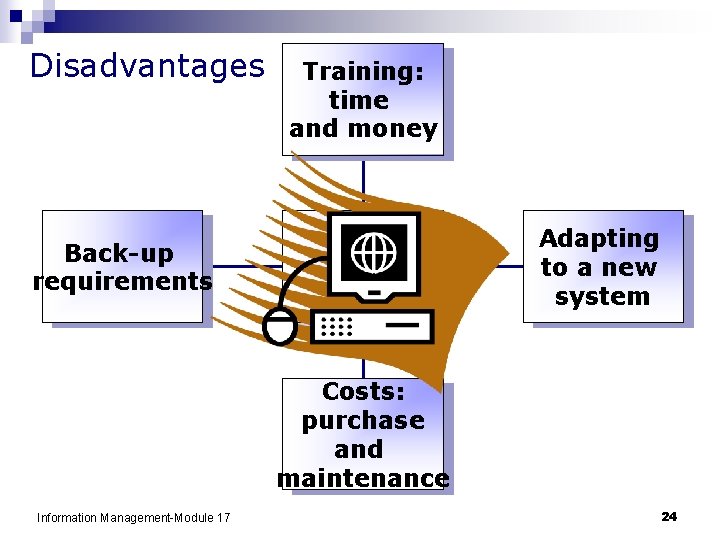
Disadvantages Training: time and money Adapting to a new system Back-up requirements Costs: purchase and maintenance Information Management-Module 17 24
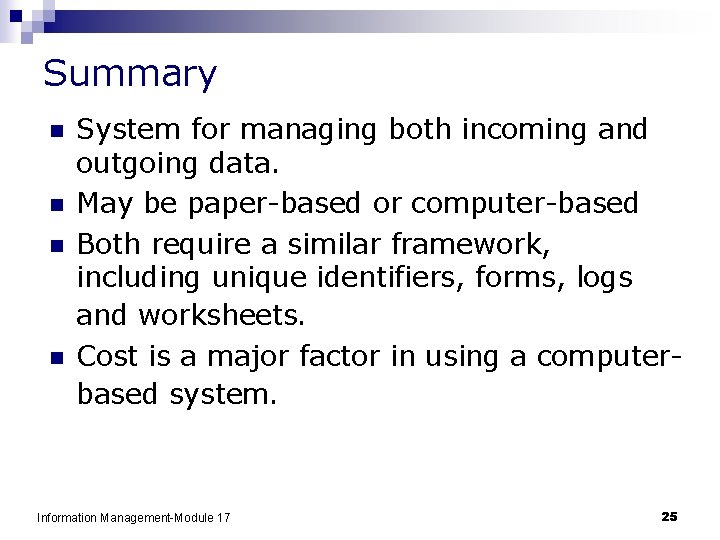
Summary n n System for managing both incoming and outgoing data. May be paper-based or computer-based Both require a similar framework, including unique identifiers, forms, logs and worksheets. Cost is a major factor in using a computerbased system. Information Management-Module 17 25
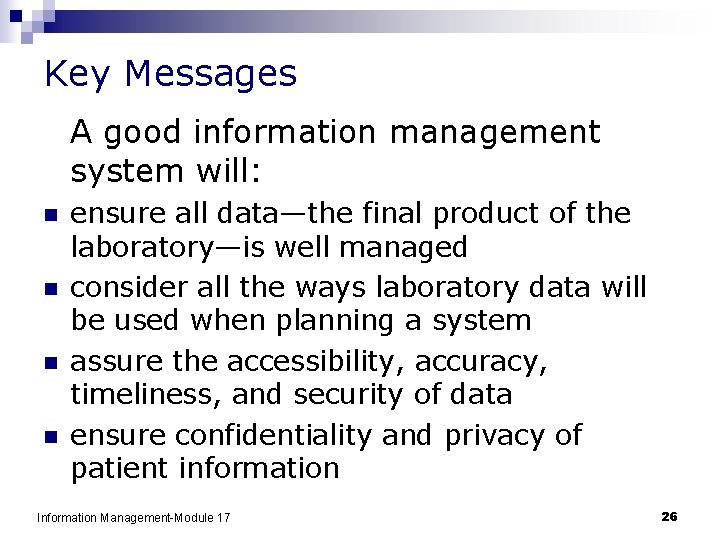
Key Messages A good information management system will: n n ensure all data—the final product of the laboratory—is well managed consider all the ways laboratory data will be used when planning a system assure the accessibility, accuracy, timeliness, and security of data ensure confidentiality and privacy of patient information Information Management-Module 17 26
Organization Personnel Equipment Questions? Purchasing & Inventory Process Control Information Management Documents & Records Occurrence Management Assessment Process Improvement Customer Service Information Management-Module 17 Comments? Facilities & Safety 27
- Slides: 27