
INFORMATION MANAGEMENT DETERMINING TREE STRUCTURE AND NAMING CONVENTIONS

- Slides: 13
INFORMATION MANAGEMENT DETERMINING TREE STRUCTURE AND NAMING CONVENTIONS
COLLECTING INFORMATION: 1. 2. 3. Meet with each Department, School and/or Individual involved Get to know the existing filing system in each area Determine where you will be starting the process • Never decide that records “just need to be stored” At any given time, you will have to retrieve it.
RESEARCH TO IMPLEMENTATION? Plan your Content Map or “tree” on paper first • Put thought into permissions when doing this – if your permissions are limited for certain documents, you don’t want to put them in the same collection as other documents that totally different departments need to access • Are the documents or collections public or private? • • Don’t mix the two… what if permissions get changed inadvertently? ? ? Retention Schedule • • • Per document or per collection Preset or determined with uploading documents Know the legal obligations to retaining and disposing!
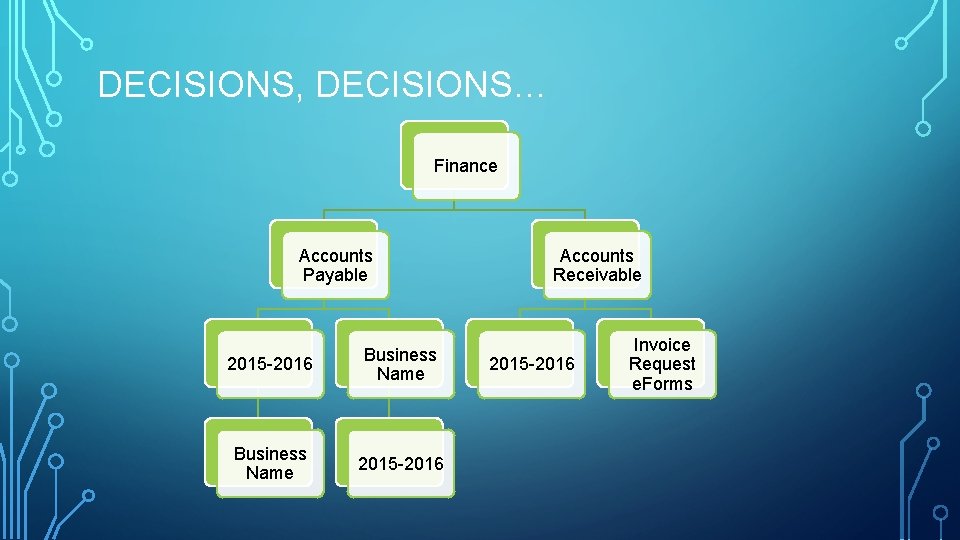
DECISIONS, DECISIONS… Finance Accounts Payable 2015 -2016 Business Name 2015 -2016 Accounts Receivable 2015 -2016 Invoice Request e. Forms
WHY IS NAMING SO IMPORTANT? Implementing good document/collection names can support the following objectives: • Facilitate better access to and retrieval of electronic documents. • Allow sorting of documents in logical sequence (e. g. name, date). • Help users to identify the items they are looking for more easily and support the ability to recognize the content of a document from a list.
NAMING CONVENTION CONSIDERATIONS • Search Function • Order of title details • Dates • Abbreviations • Acronyms • File path and document name – keep them short but comprehensible
SEARCH FUNCTIONS • Really what is the document about? Does everyone see it the same? • How can you find it the fastest? • Be Accurate and precise • Use Summary and Metadata, when necessary • Use advanced search – contains, does not contain, where it contains it, type of document
ORDER OF TITLE DETAILS • Who • What • • Student or employee name Location • • Is it from us to someone else or vice versa? Date • Suspension Absence Report • Where? • When • Is the document about something specific Specific day or general year? • • Location happened Location to file • Why?
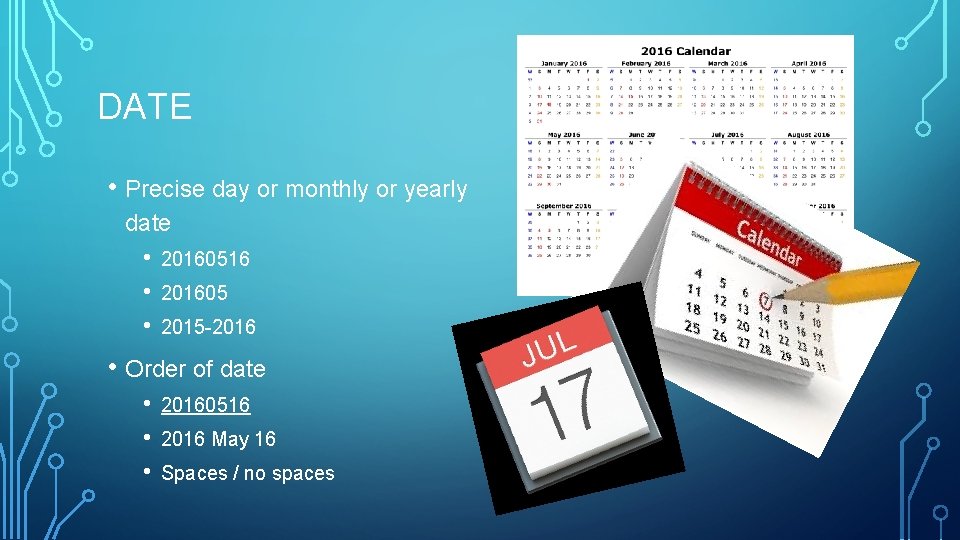
DATE • Precise day or monthly or yearly date • • • 20160516 201605 2015 -2016 • Order of date • • • 20160516 2016 May 16 Spaces / no spaces
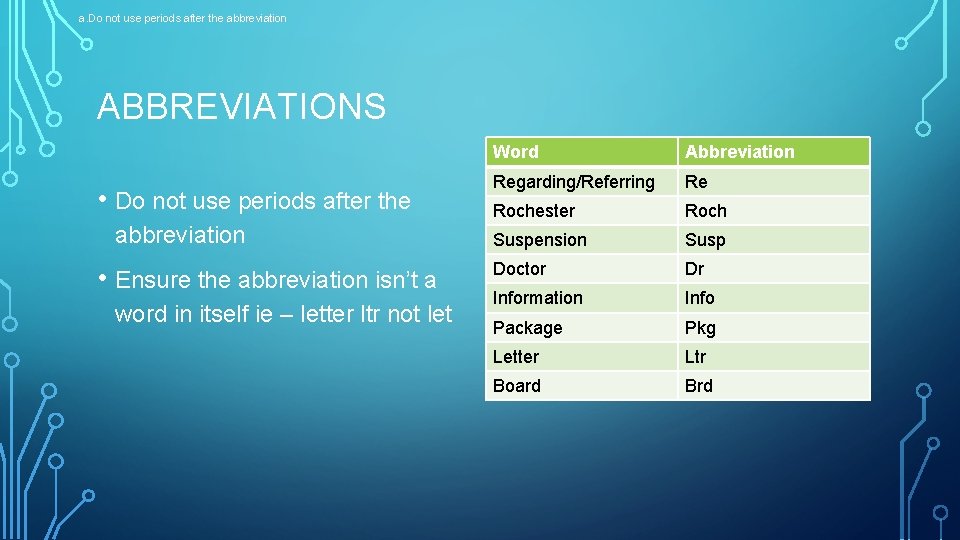
a. Do not use periods after the abbreviation ABBREVIATIONS • Do not use periods after the abbreviation • Ensure the abbreviation isn’t a word in itself ie – letter ltr not let Word Abbreviation Regarding/Referring Re Rochester Roch Suspension Susp Doctor Dr Information Info Package Pkg Letter Ltr Board Brd
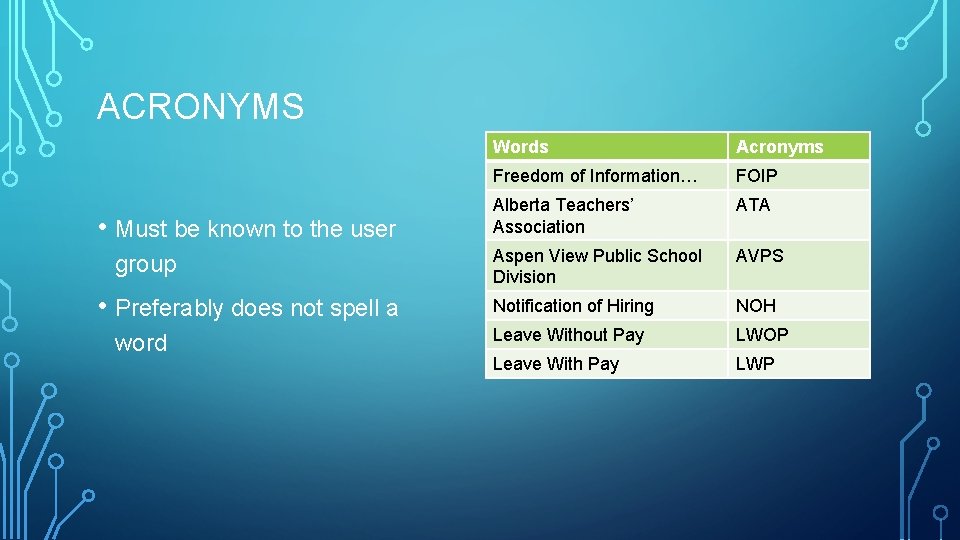
ACRONYMS • Must be known to the user group • Preferably does not spell a word Words Acronyms Freedom of Information… FOIP Alberta Teachers’ Association ATA Aspen View Public School Division AVPS Notification of Hiring NOH Leave Without Pay LWOP Leave With Pay LWP
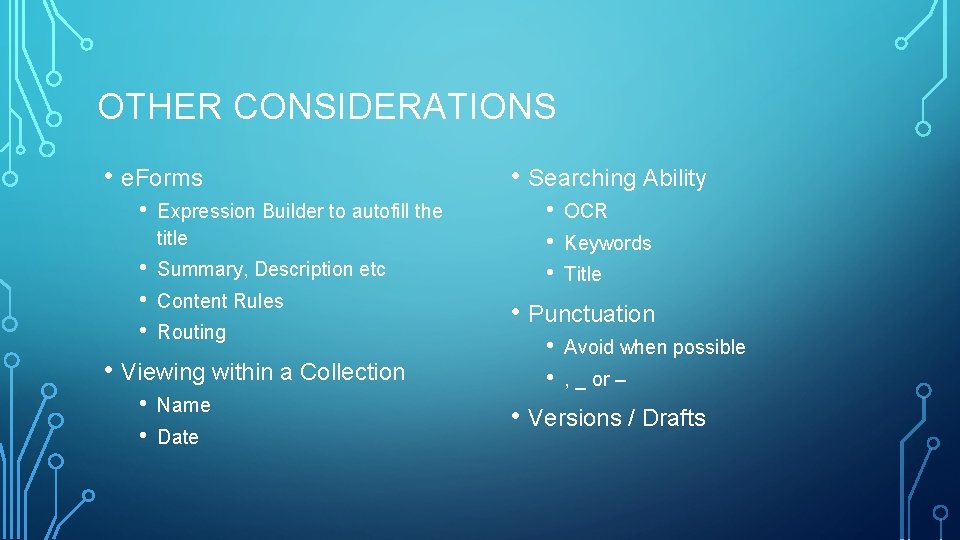
OTHER CONSIDERATIONS • e. Forms • • Expression Builder to autofill the title Summary, Description etc Content Rules Routing • Viewing within a Collection • • Name Date • Searching Ability • • • OCR Keywords Title • Punctuation • • Avoid when possible , _ or – • Versions / Drafts
Finally… • User Guide • Implementation Questions ? Aspen View Public Schools darcy. marks@aspenview. org