
Inform the electronic data capture system e DC
- Slides: 26
Inform (the electronic data capture system (e. DC)) SAS Interface Danny Quinn August 26, 2020
What is EDC? • Electonic Data Capture – web based system to collect Case Report Form (CRF) data • DFCI licensed “Inform” EDC beginning in 2004 from Phase Forward Incorporated, which was acquired by Oracle Corporation in 2010. • Inform is used for all DF/HCC Clinical trials where CRF data is required.
Where is EDC data stored? • Oracle databases maintained by DFCI/Partners IS • Data Flow: Data entry -> Transactional Database -> EDC Repository Database • The Transactional Database is populated immediately upon Data Entry, but is not used for the SAS interface • The EDC Repository Database is refreshed nightly from the Transactional Database. This is the database used for the SAS interface which means data that is entered is not available until the next day. I can do a manual refresh per trial. If ever needed, contact inform@jimmy. harvard. edu
Who to Contact • For anything related to the SAS interface, contact Danny Quinn at inform@jimmy. harvard. edu • For the following issues contact the Office of Data Quality (ODQ) at ODQData. Management@dfci. harvard. edu – Questions about data cleaning or data requests – Assistance with issuing queries to the study team – Missing Forms Reports • For access to the Inform front-end and other query tools, contact the Inform team by either: – Sending an email to dfciinform@dfci. harvard. edu or – Opening a DFCI Service Ticket and have it assigned to “inform edc – dfci”
A note about the old SAS interface (pfgetdata) • Due to infrastructure issues the %pfgetdata macro and associated shell scripts: pfcprots, pfctables, pfxatts, etc. were deprecated in 2009 but continued to run for some protocols until 2019. • Due to resource constraints this system was decommissioned in 2019. • Please use the new SAS interface, which is the topic of this training.
System for data extraction • All of the tools run on the Biostatistics Linux servers and use the EDC Repository Database.
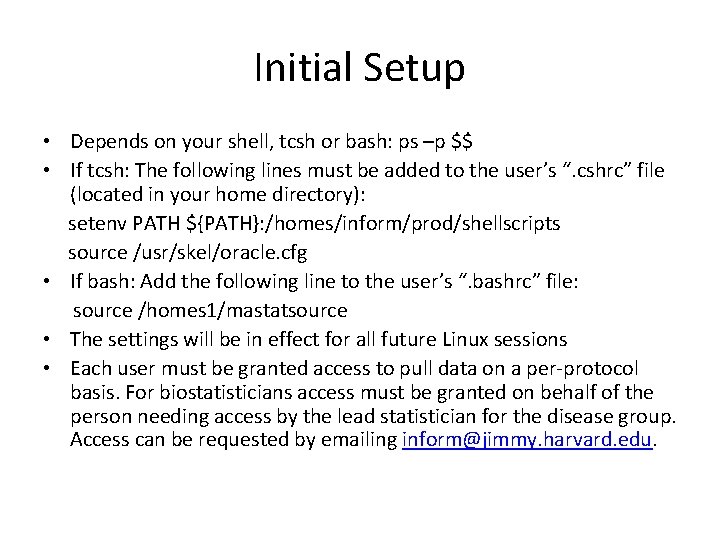
Initial Setup • Depends on your shell, tcsh or bash: ps –p $$ • If tcsh: The following lines must be added to the user’s “. cshrc” file (located in your home directory): setenv PATH ${PATH}: /homes/inform/prod/shellscripts source /usr/skel/oracle. cfg • If bash: Add the following line to the user’s “. bashrc” file: source /homes 1/mastatsource • The settings will be in effect for all future Linux sessions • Each user must be granted access to pull data on a per-protocol basis. For biostatisticians access must be granted on behalf of the person needing access by the lead statistician for the disease group. Access can be requested by emailing inform@jimmy. harvard. edu.
pfprotdata • DESCRIPTION: A Linux shell script that lists the directories holding the SAS files for a trial • USAGE: pfprotdata <protocol number> • DEMO
pfprotdata NOTES • You may see subdirectories of a trial’s SAS library named v 9 and v 9/linux. These are only for historical purposes and have the exact same data sets as the main directory. • These data sets are VIEWS, which means they do not contain any data, only the instructions SAS needs to get the data from Oracle. • You cannot archive these data sets with the Linux “cp” command. Later I will discuss how to archive. • The datestamps associated with these views are not the date the view was last refreshed, it is the date the view was created. The data is always pulled from Oracle on demand.
Database and Server migrations Every few years Inform trials are migrated to new databases and servers. Since the path of the SAS library for a trial has the form: /homes/inform/protdata/<trial name>/<database>, the paths to the data also change. However, any time this happens the old path will still work correctly because a symbolic link is created to make sure the old path points to the new path. For example, protocol 05001 has the current path of /homes/inform/protdata/A 05001 UID/PRD 8. It used to have the path /homes/inform/protdata/H 05001 UID/PRD 1, which still exists and points to the current path. You can see this with “ls –l /homes/inform/H 05001 UID”: PRD 1 -> /homes/inform/protdata/A 05001 UID/PRD 8 Note that the pfprotdata command will only give you the current path.
pftranstables • DESCRIPTION: A Linux shell script that lists data sets within a trial’s SAS library. • USAGE: pftranstables [protocol number | directory path] • This means that you can supply one parameter (which is optional). It can be either a protocol number or a directory path. If you supply no parameter, the tool will try to list all data sets in the Current Working Directory. If you supply the protocol number it will list all data sets in the trial’s PRODUCTION SAS library, which is given by the pfprotdata tool. If you supply a path it will list the data sets there. • NOTE that the same information is available in file “tables. txt” in the trial’s SAS library. • DEMO
pftranstables NOTES • Master-detail relationships are indicated by the names: – if data set Q_WHATEVER is the master, then Q_WHATEVER_DETAIL is the detail. – Master data sets represent non-repeating sections on a CRF – Detail data sets represent repeating sections on a CRF – If more than one detail, the names will be Q_WHATEVER_DETAIL_2, Q_WHATEVER_DETAIL_3, etc. – It is usually appropriate to merge a master with a detail but not two details. • NOTE the Form Mnemonic that is in parentheses in the DESCRIPTION. This is how you can tell which data set represents which CRF in Inform since it is a unique form identifier.
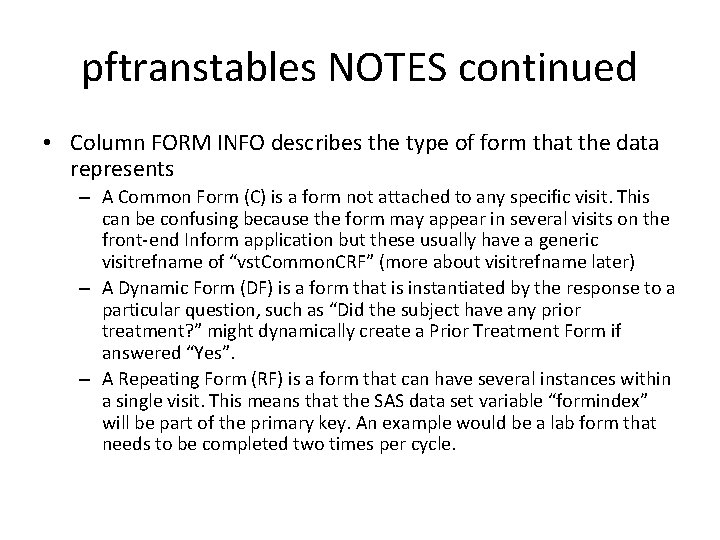
pftranstables NOTES continued • Column FORM INFO describes the type of form that the data represents – A Common Form (C) is a form not attached to any specific visit. This can be confusing because the form may appear in several visits on the front-end Inform application but these usually have a generic visitrefname of “vst. Common. CRF” (more about visitrefname later) – A Dynamic Form (DF) is a form that is instantiated by the response to a particular question, such as “Did the subject have any prior treatment? ” might dynamically create a Prior Treatment Form if answered “Yes”. – A Repeating Form (RF) is a form that can have several instances within a single visit. This means that the SAS data set variable “formindex” will be part of the primary key. An example would be a lab form that needs to be completed two times per cycle.
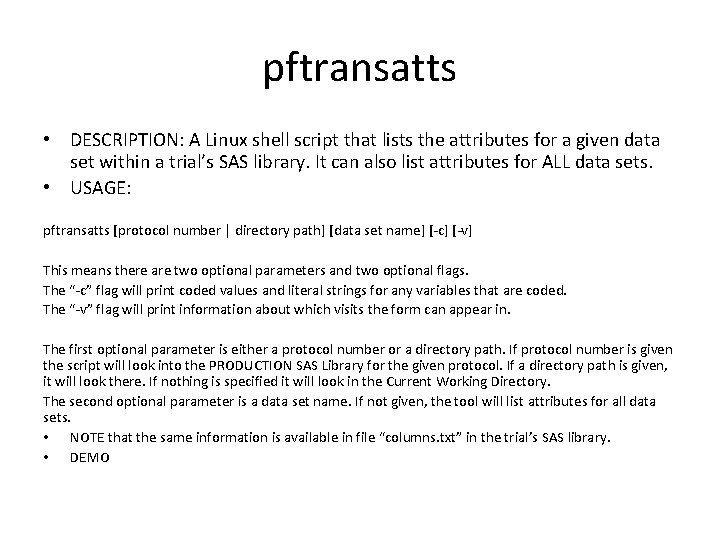
pftransatts • DESCRIPTION: A Linux shell script that lists the attributes for a given data set within a trial’s SAS library. It can also list attributes for ALL data sets. • USAGE: pftransatts [protocol number | directory path] [data set name] [-c] [-v] This means there are two optional parameters and two optional flags. The “-c” flag will print coded values and literal strings for any variables that are coded. The “-v” flag will print information about which visits the form can appear in. The first optional parameter is either a protocol number or a directory path. If protocol number is given the script will look into the PRODUCTION SAS Library for the given protocol. If a directory path is given, it will look there. If nothing is specified it will look in the Current Working Directory. The second optional parameter is a data set name. If not given, the tool will list attributes for all data sets. • NOTE that the same information is available in file “columns. txt” in the trial’s SAS library. • DEMO
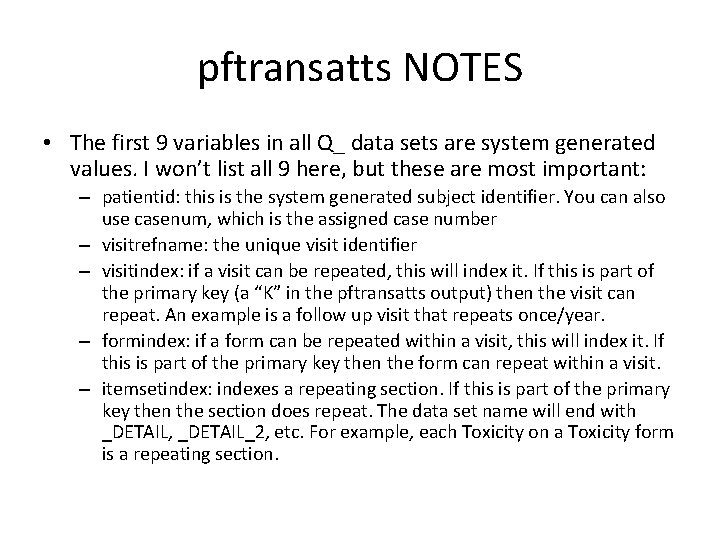
pftransatts NOTES • The first 9 variables in all Q_ data sets are system generated values. I won’t list all 9 here, but these are most important: – patientid: this is the system generated subject identifier. You can also use casenum, which is the assigned case number – visitrefname: the unique visit identifier – visitindex: if a visit can be repeated, this will index it. If this is part of the primary key (a “K” in the pftransatts output) then the visit can repeat. An example is a follow up visit that repeats once/year. – formindex: if a form can be repeated within a visit, this will index it. If this is part of the primary key then the form can repeat within a visit. – itemsetindex: indexes a repeating section. If this is part of the primary key then the section does repeat. The data set name will end with _DETAIL, _DETAIL_2, etc. For example, each Toxicity on a Toxicity form is a repeating section.
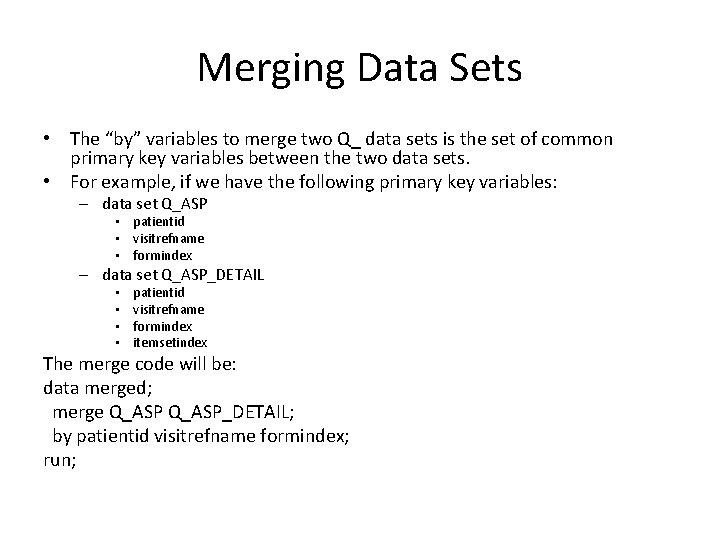
Merging Data Sets • The “by” variables to merge two Q_ data sets is the set of common primary key variables between the two data sets. • For example, if we have the following primary key variables: – data set Q_ASP • patientid • visitrefname • formindex – data set Q_ASP_DETAIL • • patientid visitrefname formindex itemsetindex The merge code will be: data merged; merge Q_ASP_DETAIL; by patientid visitrefname formindex; run;
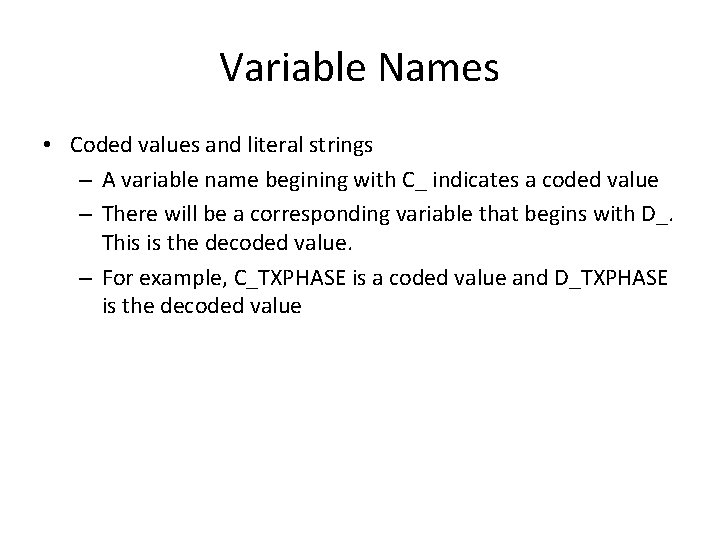
Variable Names • Coded values and literal strings – A variable name begining with C_ indicates a coded value – There will be a corresponding variable that begins with D_. This is the decoded value. – For example, C_TXPHASE is a coded value and D_TXPHASE is the decoded value
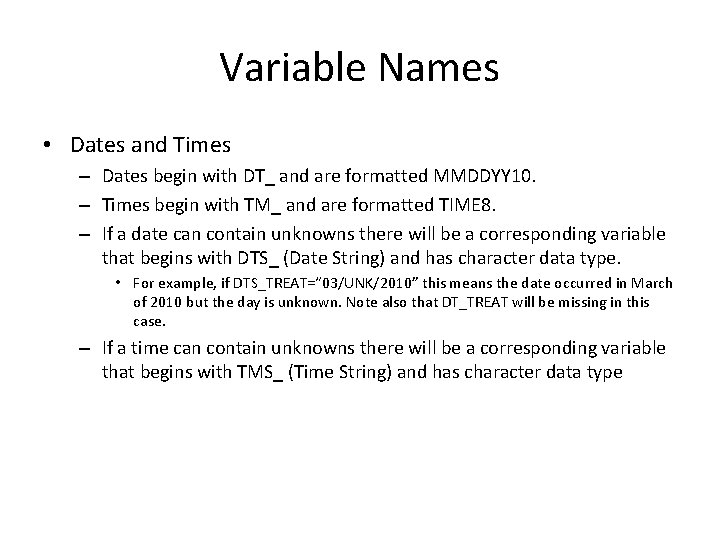
Variable Names • Dates and Times – Dates begin with DT_ and are formatted MMDDYY 10. – Times begin with TM_ and are formatted TIME 8. – If a date can contain unknowns there will be a corresponding variable that begins with DTS_ (Date String) and has character data type. • For example, if DTS_TREAT=“ 03/UNK/2010” this means the date occurred in March of 2010 but the day is unknown. Note also that DT_TREAT will be missing in this case. – If a time can contain unknowns there will be a corresponding variable that begins with TMS_ (Time String) and has character data type
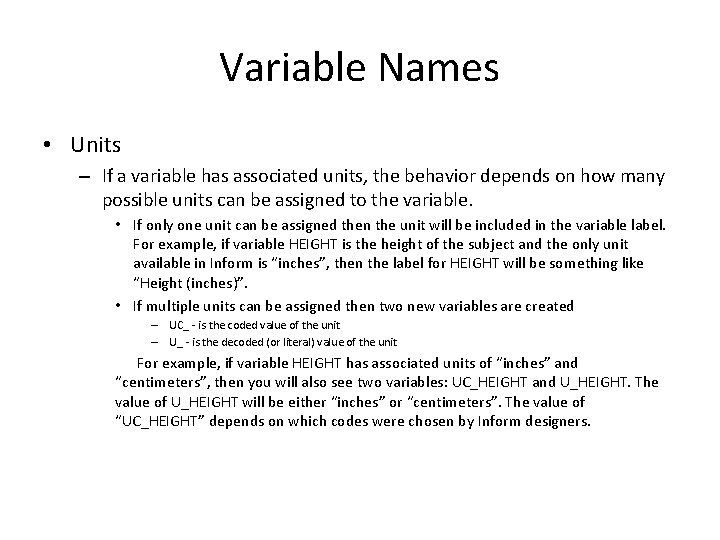
Variable Names • Units – If a variable has associated units, the behavior depends on how many possible units can be assigned to the variable. • If only one unit can be assigned then the unit will be included in the variable label. For example, if variable HEIGHT is the height of the subject and the only unit available in Inform is “inches”, then the label for HEIGHT will be something like “Height (inches)”. • If multiple units can be assigned then two new variables are created – UC_ - is the coded value of the unit – U_ - is the decoded (or literal) value of the unit For example, if variable HEIGHT has associated units of “inches” and “centimeters”, then you will also see two variables: UC_HEIGHT and U_HEIGHT. The value of U_HEIGHT will be either “inches” or “centimeters”. The value of “UC_HEIGHT” depends on which codes were chosen by Inform designers.
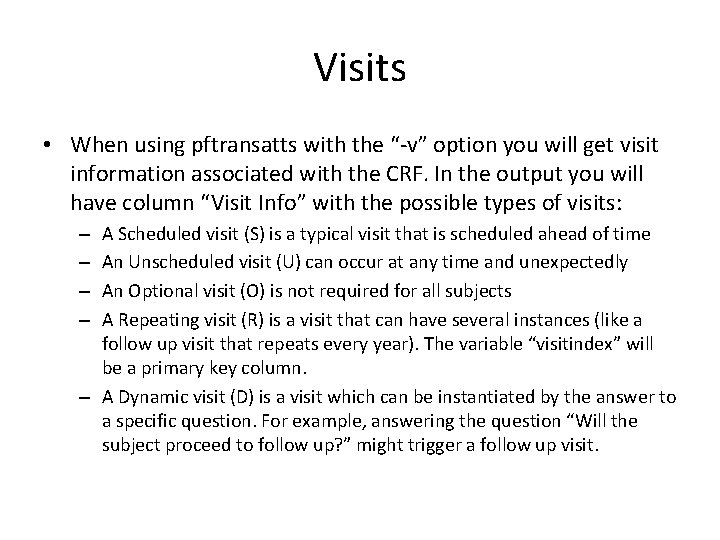
Visits • When using pftransatts with the “-v” option you will get visit information associated with the CRF. In the output you will have column “Visit Info” with the possible types of visits: A Scheduled visit (S) is a typical visit that is scheduled ahead of time An Unscheduled visit (U) can occur at any time and unexpectedly An Optional visit (O) is not required for all subjects A Repeating visit (R) is a visit that can have several instances (like a follow up visit that repeats every year). The variable “visitindex” will be a primary key column. – A Dynamic visit (D) is a visit which can be instantiated by the answer to a specific question. For example, answering the question “Will the subject proceed to follow up? ” might trigger a follow up visit. – –
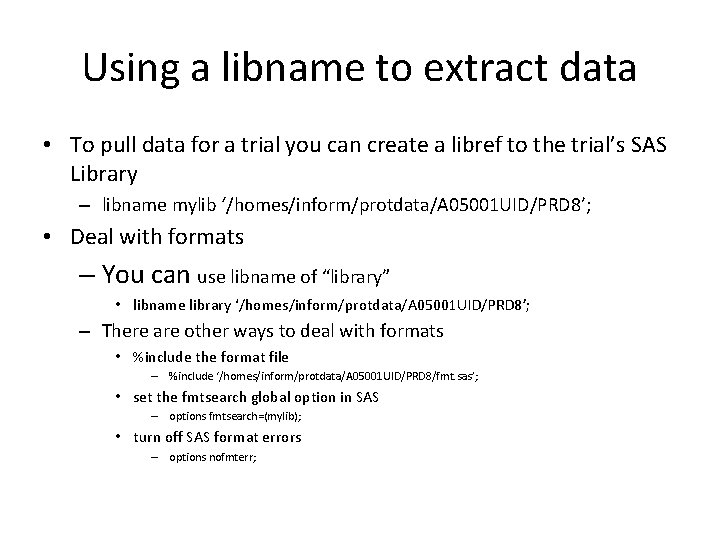
Using a libname to extract data • To pull data for a trial you can create a libref to the trial’s SAS Library – libname mylib ‘/homes/inform/protdata/A 05001 UID/PRD 8’; • Deal with formats – You can use libname of “library” • libname library ‘/homes/inform/protdata/A 05001 UID/PRD 8’; – There are other ways to deal with formats • %include the format file – %include ‘/homes/inform/protdata/A 05001 UID/PRD 8/fmt. sas’; • set the fmtsearch global option in SAS – options fmtsearch=(mylib); • turn off SAS format errors – options nofmterr;
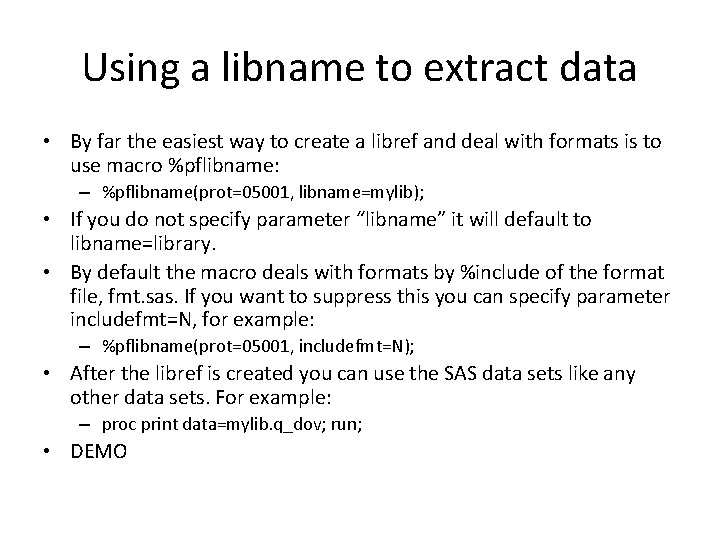
Using a libname to extract data • By far the easiest way to create a libref and deal with formats is to use macro %pflibname: – %pflibname(prot=05001, libname=mylib); • If you do not specify parameter “libname” it will default to libname=library. • By default the macro deals with formats by %include of the format file, fmt. sas. If you want to suppress this you can specify parameter includefmt=N, for example: – %pflibname(prot=05001, includefmt=N); • After the libref is created you can use the SAS data sets like any other data sets. For example: – proc print data=mylib. q_dov; run; • DEMO
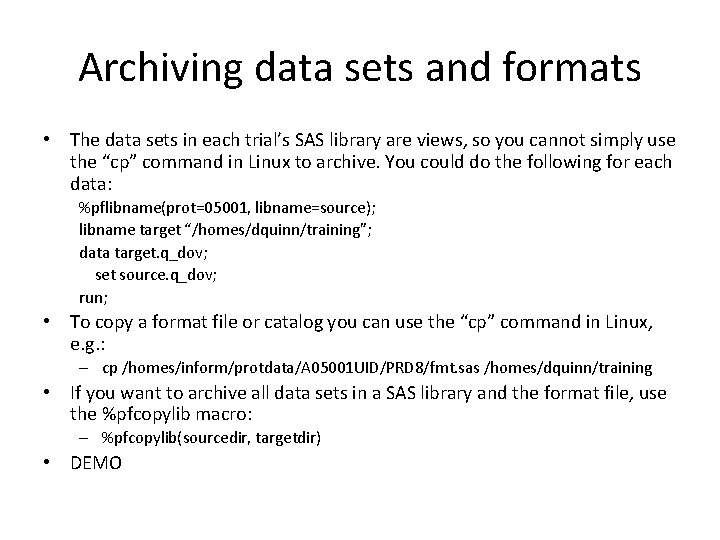
Archiving data sets and formats • The data sets in each trial’s SAS library are views, so you cannot simply use the “cp” command in Linux to archive. You could do the following for each data: %pflibname(prot=05001, libname=source); libname target “/homes/dquinn/training”; data target. q_dov; set source. q_dov; run; • To copy a format file or catalog you can use the “cp” command in Linux, e. g. : – cp /homes/inform/protdata/A 05001 UID/PRD 8/fmt. sas /homes/dquinn/training • If you want to archive all data sets in a SAS library and the format file, use the %pfcopylib macro: – %pfcopylib(sourcedir, targetdir) • DEMO
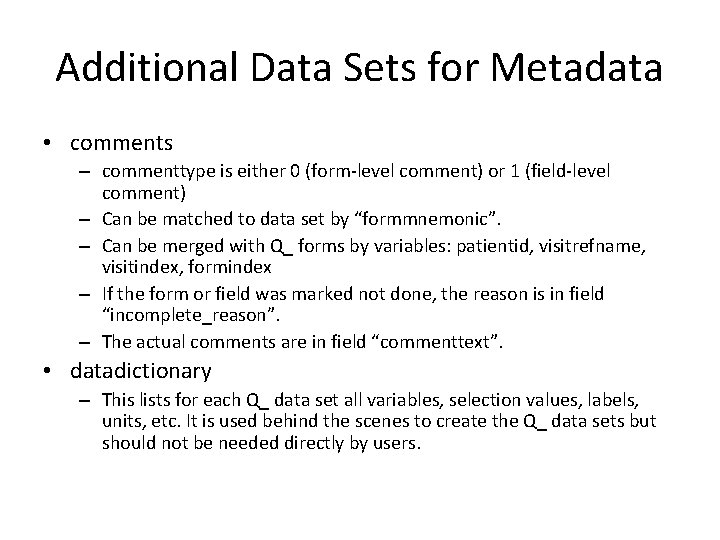
Additional Data Sets for Metadata • comments – commenttype is either 0 (form-level comment) or 1 (field-level comment) – Can be matched to data set by “formmnemonic”. – Can be merged with Q_ forms by variables: patientid, visitrefname, visitindex, formindex – If the form or field was marked not done, the reason is in field “incomplete_reason”. – The actual comments are in field “commenttext”. • datadictionary – This lists for each Q_ data set all variables, selection values, labels, units, etc. It is used behind the scenes to create the Q_ data sets but should not be needed directly by users.
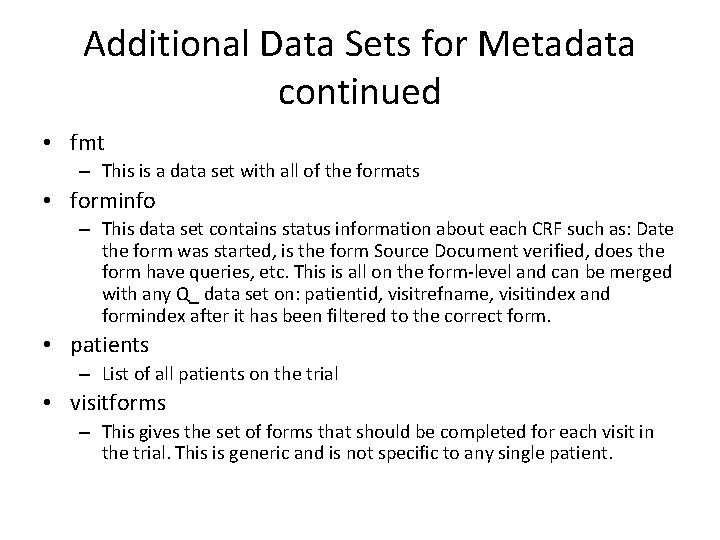
Additional Data Sets for Metadata continued • fmt – This is a data set with all of the formats • forminfo – This data set contains status information about each CRF such as: Date the form was started, is the form Source Document verified, does the form have queries, etc. This is all on the form-level and can be merged with any Q_ data set on: patientid, visitrefname, visitindex and formindex after it has been filtered to the correct form. • patients – List of all patients on the trial • visitforms – This gives the set of forms that should be completed for each visit in the trial. This is generic and is not specific to any single patient.
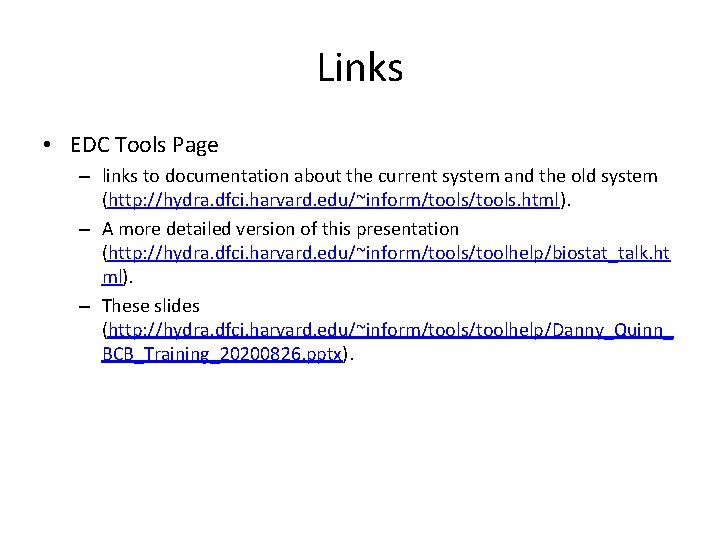
Links • EDC Tools Page – links to documentation about the current system and the old system (http: //hydra. dfci. harvard. edu/~inform/tools. html). – A more detailed version of this presentation (http: //hydra. dfci. harvard. edu/~inform/tools/toolhelp/biostat_talk. ht ml). – These slides (http: //hydra. dfci. harvard. edu/~inform/tools/toolhelp/Danny_Quinn_ BCB_Training_20200826. pptx).