
Infor XA R 6 Browser to Infor ERP
Infor XA R 6 Browser to Infor ERP XA Power-Link R 7. 8 Brenda Butler Senior Business Consultant
Agenda 1. Review of XA R 6 Browser & R 7. 7 Power-Link 2. R 7. 8 Power-Link enhancements 3. R 7. 8 Process added functionality 4. Demo
R 6 Browser Functionality – Let’s Review • Inquiry capability and data visibility with: – Views and subsets to see any field in the file. In most cases, create your own reports without queries or special programming. – Sorting capability by any field in the file. – Templates for creation of new records to default in information that is always the same. – User fields including code fields, Yes/No switches, date fields, quantity or text fields. – Customized cards and card files to streamline record entry.
R 7. 7 Improvements for Easy Information Access • Quick change • User definition favorites • Graph cards • Express customization • Compound cards • Logical field tip text • Presentation schemes • Change AND copy templates • Subset tip text • Code file maintenance • Cascading subsets • Auto logoff • Power expand • Auto key generation • URL & e-Mail buttons • Open action • Attachment count • Workspaces • Column statistics • Improved workbenches • Application settings
Agenda 1. Review of XA R 6 & R 7. 7 Browser 2. R 7. 8 Power-Link enhancements 3. R 7. 8 Process added functionality 4. Demo
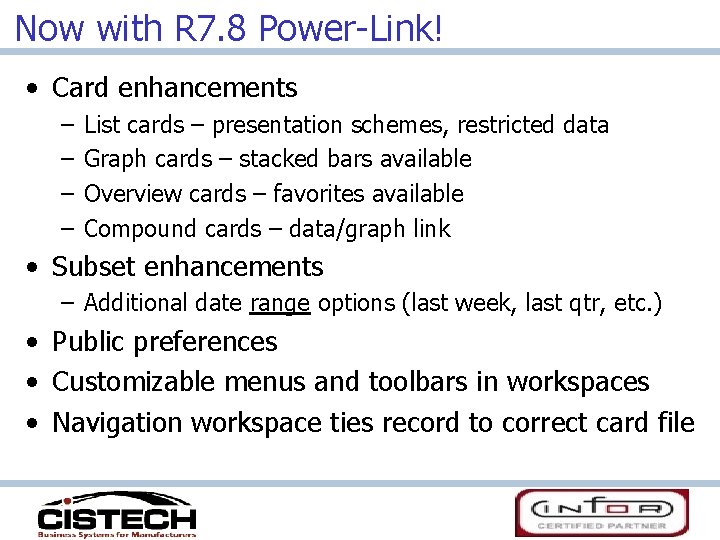
Now with R 7. 8 Power-Link! • Card enhancements – – List cards – presentation schemes, restricted data Graph cards – stacked bars available Overview cards – favorites available Compound cards – data/graph link • Subset enhancements – Additional date range options (last week, last qtr, etc. ) • Public preferences • Customizable menus and toolbars in workspaces • Navigation workspace ties record to correct card file
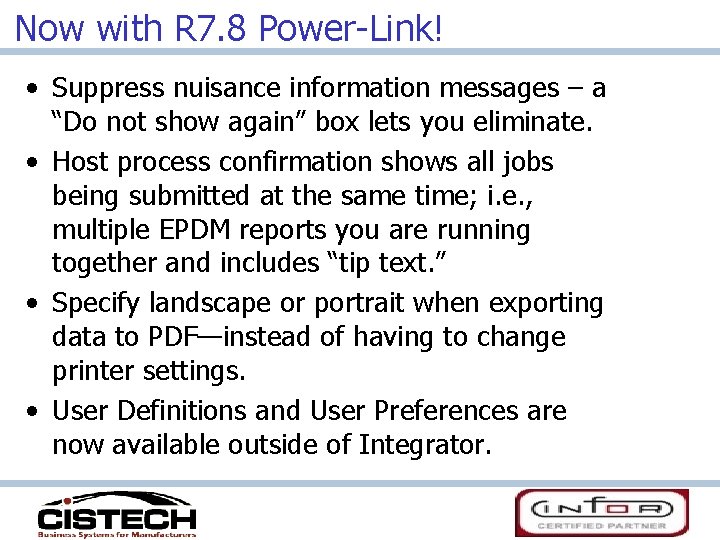
Now with R 7. 8 Power-Link! • Suppress nuisance information messages – a “Do not show again” box lets you eliminate. • Host process confirmation shows all jobs being submitted at the same time; i. e. , multiple EPDM reports you are running together and includes “tip text. ” • Specify landscape or portrait when exporting data to PDF—instead of having to change printer settings. • User Definitions and User Preferences are now available outside of Integrator.
Now with R 7. 8 Power-Link! • “Auto-content security” has moved from Integrator to base Power-Link. • Users can now see transactions for other users instead of being restricted to their own Power-Link actions.
Agenda 1. Review of XA R 6 & R 7. 7 Browser 2. R 7. 8 Power-Link enhancements 3. R 7. 8 process added functionality 4. Demo
R 7. 8 Expanded Process Functionality • Customer Service Management – – – – – End order enhancement Split commissions Price books Reports Invoicing from orders or shipments Holds – list view gives visibility Comments maintenance Customer/industry item maintenance Contracts/promotions maintenance IFM customer maintenance
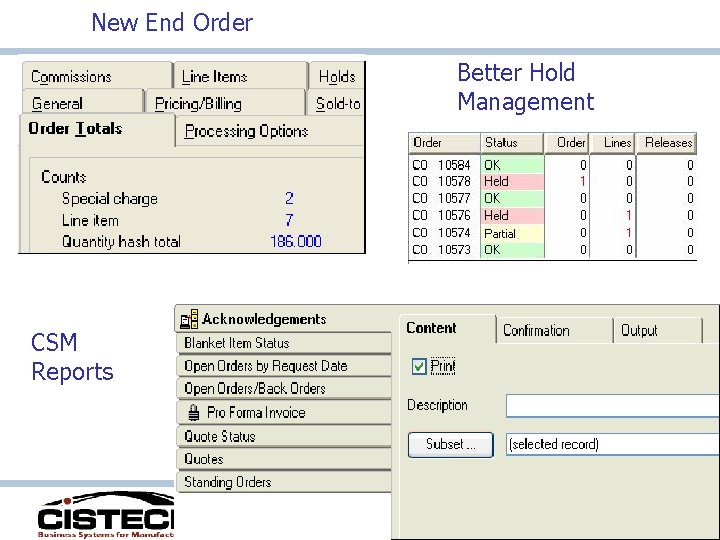
New End Order Better Hold Management CSM Reports
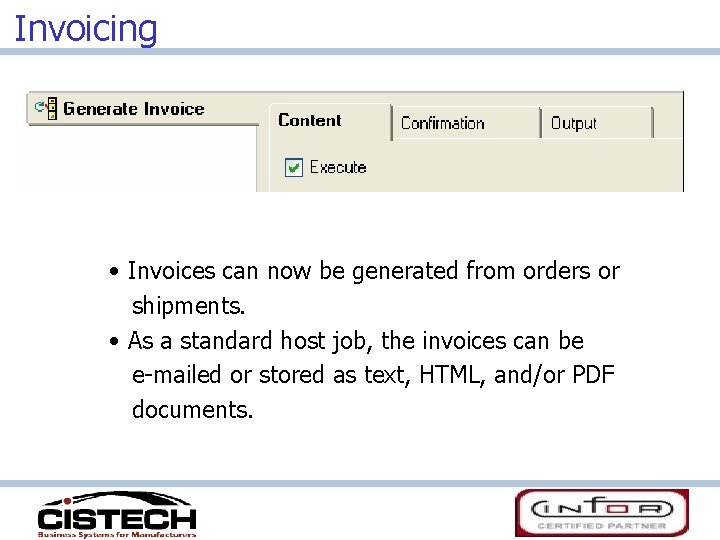
Invoicing • Invoices can now be generated from orders or shipments. • As a standard host job, the invoices can be e-mailed or stored as text, HTML, and/or PDF documents.
R 7. 8 Expanded Process Functionality • Enterprise Product Data Management (non-EPDM environments still the same) – Maintain kits and kit components • Procurement Management – Integration with SRM Supply. WEB for electronic communication with vendors. – Enhanced security for SOX requirements (federal tax ID/Social Security # has it’s own security and pre-set security for separation of duties) • Cameleon – De-couples engineering data from line-item entry, speeding up data entry process. – Configured item descriptions are saved in both CSM and EPDM. – MO’s can be generated automatically from configured customer orders.
R 7. 8 Expanded Process Functionality • Materials Management – New inventory transactions (IS, RC, TW, SA) – Receiving now has receipt by shipping notice, shipment containers and shipped items (SRM Supply. WEB) – Visibility and receipt functionality for “in-transit” stock being transferred to another XA warehouse – Inventory Status and Non-netting Locations • New field, Inventory Status, added to the Warehouse Location object to classify items to be withheld from certain activities. – Customer order pick lists – regular & stock pick combined – Customer order shipments (complete only for now) – Invoicing
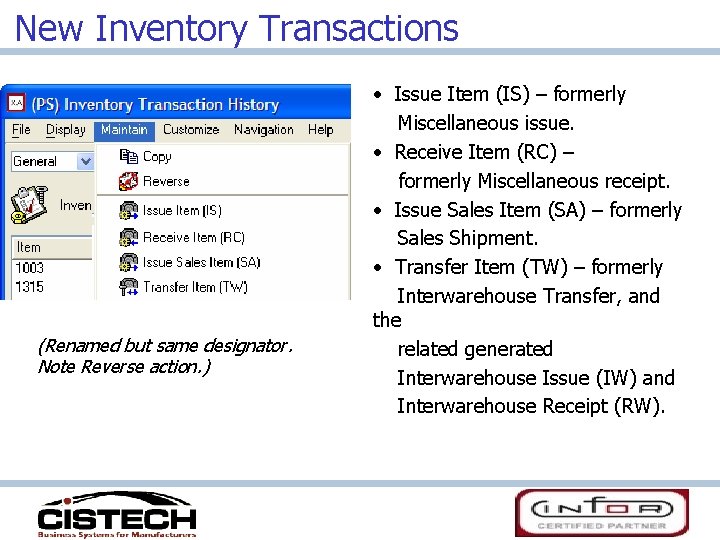
New Inventory Transactions (Renamed but same designator. Note Reverse action. ) • Issue Item (IS) – formerly Miscellaneous issue. • Receive Item (RC) – formerly Miscellaneous receipt. • Issue Sales Item (SA) – formerly Sales Shipment. • Transfer Item (TW) – formerly Interwarehouse Transfer, and the related generated Interwarehouse Issue (IW) and Interwarehouse Receipt (RW).
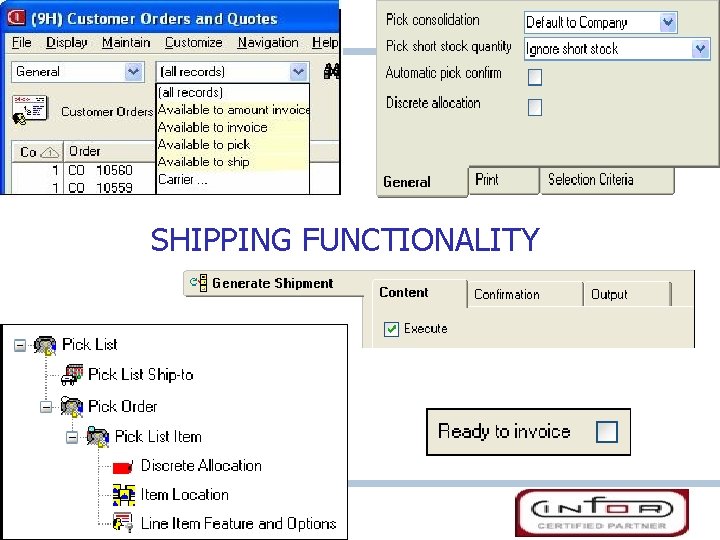
SHIPPING FUNCTIONALITY
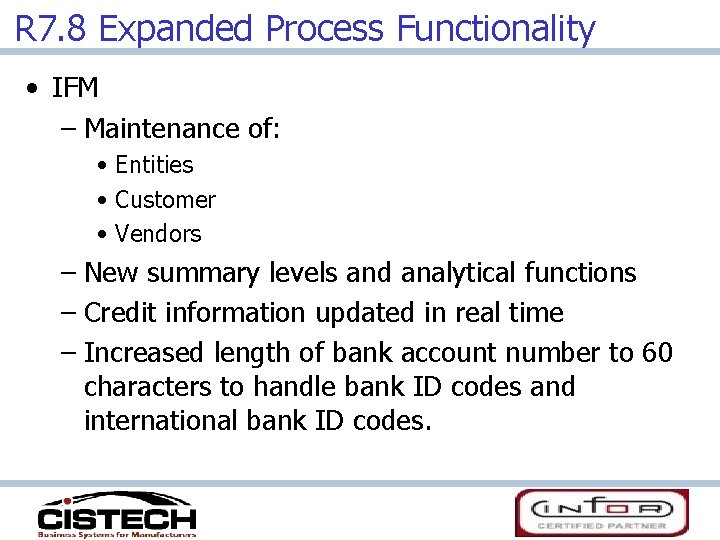
R 7. 8 Expanded Process Functionality • IFM – Maintenance of: • Entities • Customer • Vendors – New summary levels and analytical functions – Credit information updated in real time – Increased length of bank account number to 60 characters to handle bank ID codes and international bank ID codes.
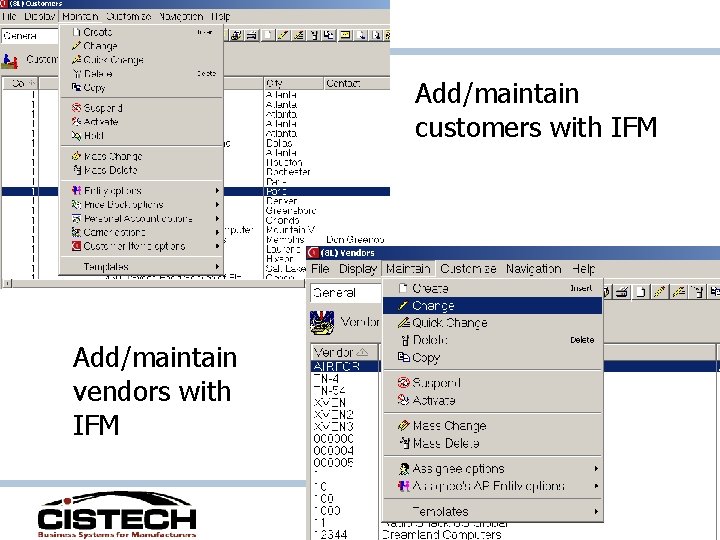
Add/maintain customers with IFM Add/maintain vendors with IFM
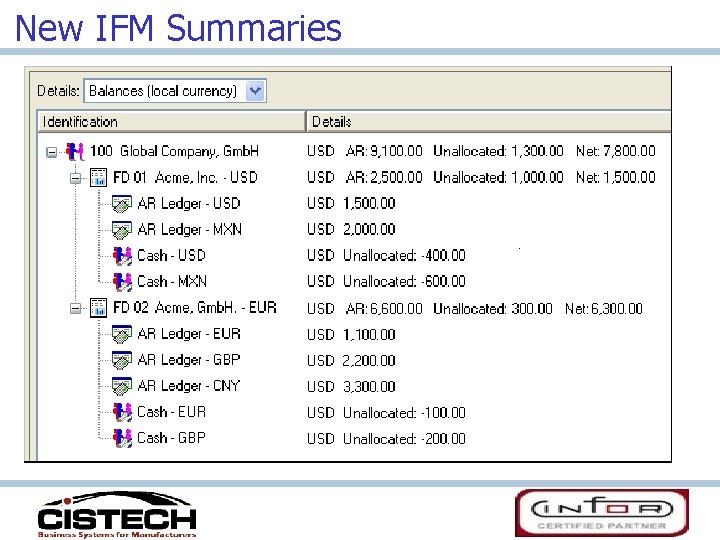
New IFM Summaries
R 7. 8 Expanded Process Functionality • Order-Based Production Management – Application setting controls how users are notified when changing MO quantities with discrete allocations. • Net-Link – Supports multiple internet browsers • Environment Management – Includes Product Update feature to analyze and apply PTF’s, PCM’s and migrations from R 6 to R 7.
R 7. 8 Expanded Process Functionality • Integrator – Imports and exports user code within user exits. – Publish and subscribe supports notification subsets, including all fields on regular subsets. – The User Definition and User Preference Administration functions have moved from Integrator to base Power. Link product. • Translation enhancements – Add language to user profile and eliminate need for multiple MMLIST records and multiple database copies. – Install new applications and apply code fixes once without regard to individual languages.
R 7. 8 Expanded Process Functionality • Link Manager – Provides enhancements for managing machines, processes and environments. • System-Link – Calls to host jobs and reports – Define transactions groups – Supports conditional blocks in System-Link requests • Performance – Extra caching of customization data – Use of System i SQL query engine
Let’s see the R 7. 8 new stuff!
Thank you for attending!
- Slides: 24