
Industrial Hi Vision Network Management Software Version 7
- Slides: 22
Industrial Hi. Vision Network Management Software Version 7. 0 Mark Cooksley Product Manager November 2016 © 2016 Belden Inc. | belden. com | @Belden. Inc
Table of Contents 1. Product Overview • Differentiators 2. Target Markets • Verticals and Applications • Customer Profiles 4. Customer Benefits 5. Functionality • Installation • Operation • Licensing © 2016 Belden Inc. | belden. com | @Belden. Inc 2
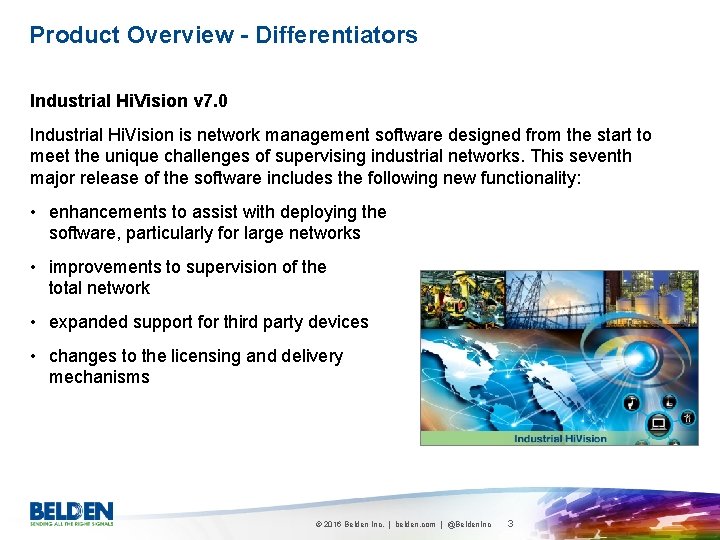
Product Overview - Differentiators Industrial Hi. Vision v 7. 0 Industrial Hi. Vision is network management software designed from the start to meet the unique challenges of supervising industrial networks. This seventh major release of the software includes the following new functionality: • enhancements to assist with deploying the software, particularly for large networks • improvements to supervision of the total network • expanded support for third party devices • changes to the licensing and delivery mechanisms © 2016 Belden Inc. | belden. com | @Belden. Inc 3
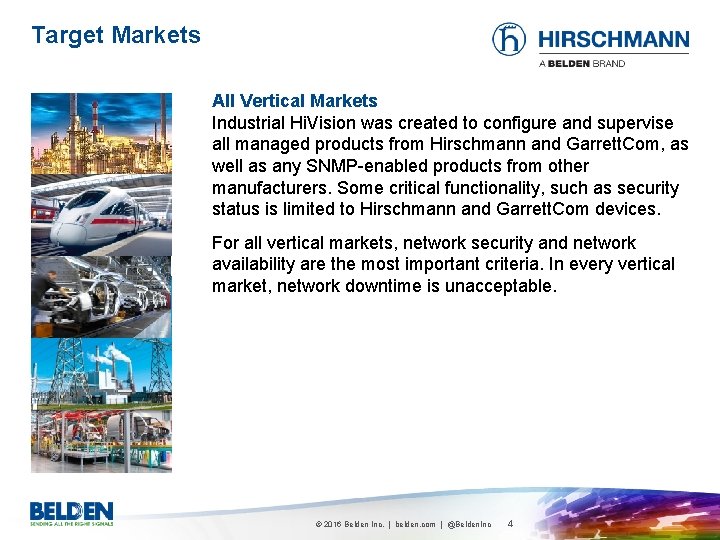
Target Markets All Vertical Markets Industrial Hi. Vision was created to configure and supervise all managed products from Hirschmann and Garrett. Com, as well as any SNMP-enabled products from other manufacturers. Some critical functionality, such as security status is limited to Hirschmann and Garrett. Com devices. For all vertical markets, network security and network availability are the most important criteria. In every vertical market, network downtime is unacceptable. © 2016 Belden Inc. | belden. com | @Belden. Inc 4
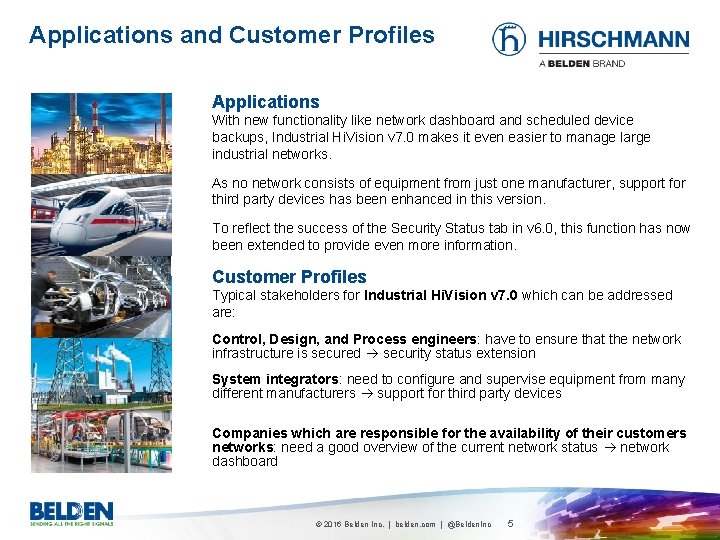
Applications and Customer Profiles Applications With new functionality like network dashboard and scheduled device backups, Industrial Hi. Vision v 7. 0 makes it even easier to manage large industrial networks. As no network consists of equipment from just one manufacturer, support for third party devices has been enhanced in this version. To reflect the success of the Security Status tab in v 6. 0, this function has now been extended to provide even more information. Customer Profiles Typical stakeholders for Industrial Hi. Vision v 7. 0 which can be addressed are: Control, Design, and Process engineers: have to ensure that the network infrastructure is secured security status extension System integrators: need to configure and supervise equipment from many different manufacturers support for third party devices Companies which are responsible for the availability of their customers networks: need a good overview of the current network status network dashboard © 2016 Belden Inc. | belden. com | @Belden. Inc 5
Customer Benefits Best integration. Network management software from the same manufacturer as the network infrastructure devices ensures the most in-depth integration. Features such as Network Infrastructure Status and Hi. Mobile are valuable tools for network administrators, and are unique to Hirschmann. Generic software manufacturers could not achieve this level of integration. Industrial Hi. Vision v 7. 0 facilitates the deployment and supervision of large networks, while providing enhanced support for third party products. © 2016 Belden Inc. | belden. com | @Belden. Inc 6
Contents q Installation q Operation q Licensing © 2016 Hirschmann Automation and Control Gmb. H
Contents q Installation q Operation q Licensing © 2016 Hirschmann Automation and Control Gmb. H
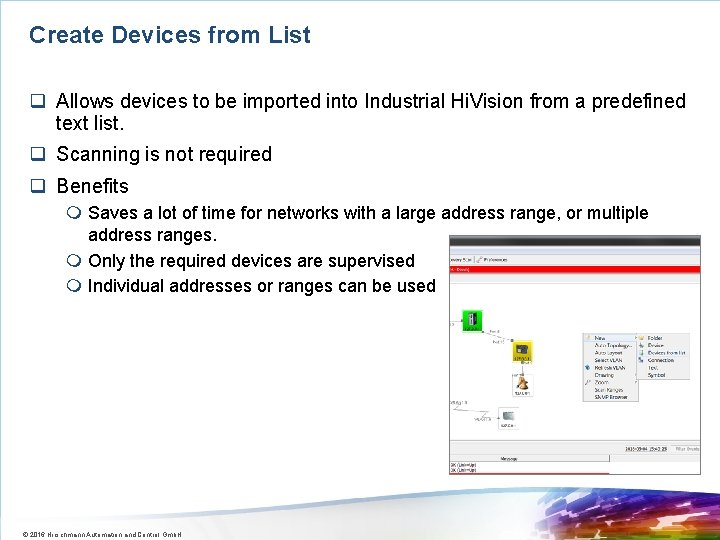
Create Devices from List q Allows devices to be imported into Industrial Hi. Vision from a predefined text list. q Scanning is not required q Benefits m Saves a lot of time for networks with a large address range, or multiple address ranges. m Only the required devices are supervised m Individual addresses or ranges can be used © 2016 Hirschmann Automation and Control Gmb. H
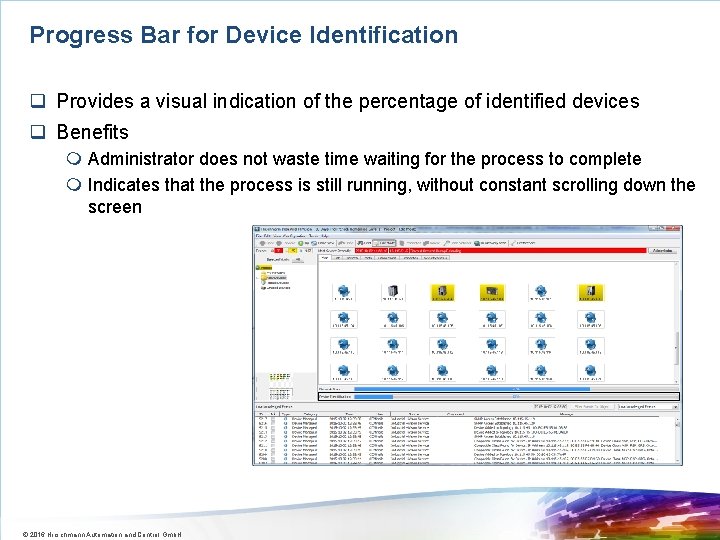
Progress Bar for Device Identification q Provides a visual indication of the percentage of identified devices q Benefits m Administrator does not waste time waiting for the process to complete m Indicates that the process is still running, without constant scrolling down the screen © 2016 Hirschmann Automation and Control Gmb. H
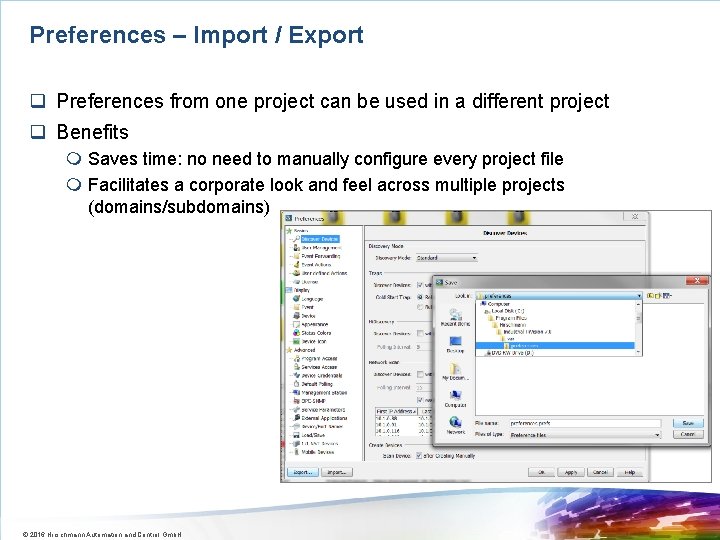
Preferences – Import / Export q Preferences from one project can be used in a different project q Benefits m Saves time: no need to manually configure every project file m Facilitates a corporate look and feel across multiple projects (domains/subdomains) © 2016 Hirschmann Automation and Control Gmb. H
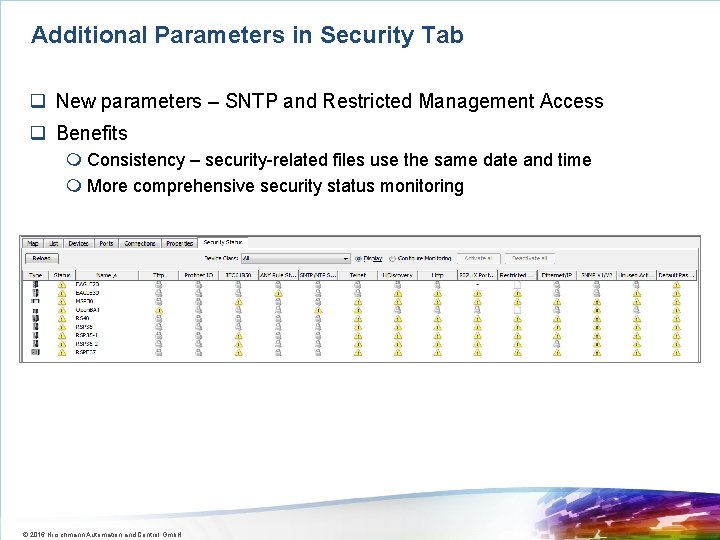
Additional Parameters in Security Tab q New parameters – SNTP and Restricted Management Access q Benefits m Consistency – security-related files use the same date and time m More comprehensive security status monitoring © 2016 Hirschmann Automation and Control Gmb. H
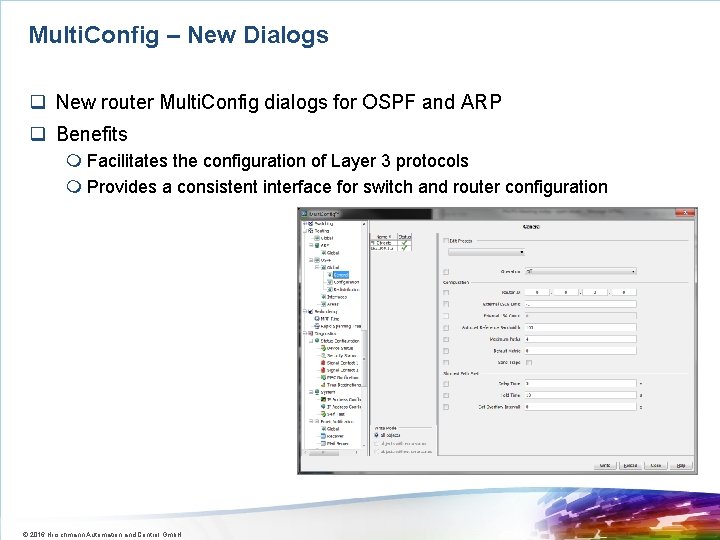
Multi. Config – New Dialogs q New router Multi. Config dialogs for OSPF and ARP q Benefits m Facilitates the configuration of Layer 3 protocols m Provides a consistent interface for switch and router configuration © 2016 Hirschmann Automation and Control Gmb. H
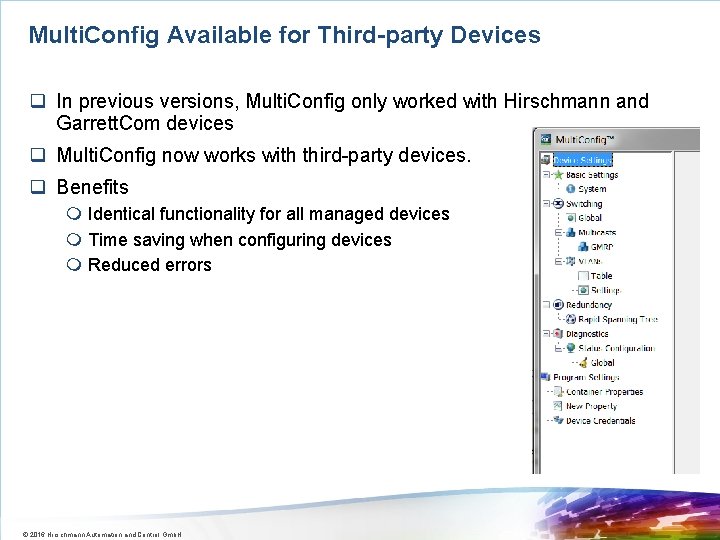
Multi. Config Available for Third-party Devices q In previous versions, Multi. Config only worked with Hirschmann and Garrett. Com devices q Multi. Config now works with third-party devices. q Benefits m Identical functionality for all managed devices m Time saving when configuring devices m Reduced errors © 2016 Hirschmann Automation and Control Gmb. H
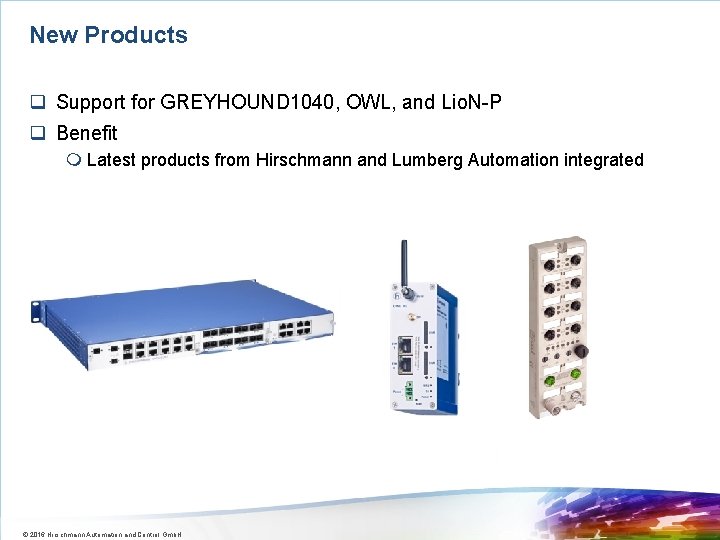
New Products q Support for GREYHOUND 1040, OWL, and Lio. N-P q Benefit m Latest products from Hirschmann and Lumberg Automation integrated © 2016 Hirschmann Automation and Control Gmb. H
Contents q PInstallation q Operation q Licensing © 2016 Hirschmann Automation and Control Gmb. H
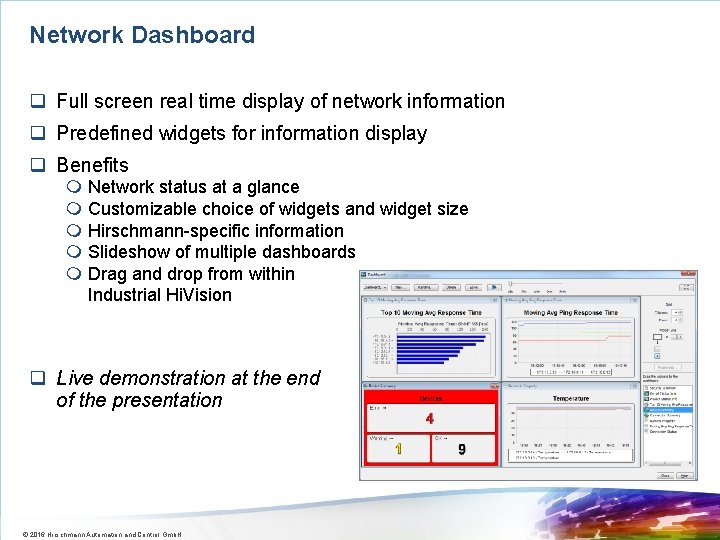
Network Dashboard q Full screen real time display of network information q Predefined widgets for information display q Benefits m Network status at a glance m Customizable choice of widgets and widget size m Hirschmann-specific information m Slideshow of multiple dashboards m Drag and drop from within Industrial Hi. Vision q Live demonstration at the end of the presentation © 2016 Hirschmann Automation and Control Gmb. H
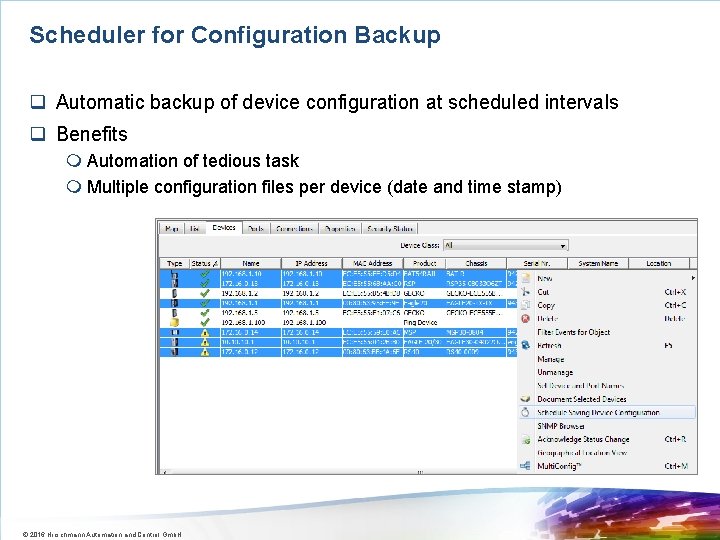
Scheduler for Configuration Backup q Automatic backup of device configuration at scheduled intervals q Benefits m Automation of tedious task m Multiple configuration files per device (date and time stamp) © 2016 Hirschmann Automation and Control Gmb. H
Contents q PInstallation P q Operation q Licensing © 2016 Hirschmann Automation and Control Gmb. H
Free of Charge License q 16 nodes free license (promotion license) q Benefits m It never expires. m It supports all functions offered by the paid version, except sub-domains. m It can manage a maximum of 16 nodes (IP addresses). m Only one free of charge license can be used per installation. m The license cannot be combined with other licenses. So if an Industrial Hi. Vision installation has a 16 node free of charge license, and a 32 node paid license, the system will support 32 nodes. © 2016 Hirschmann Automation and Control Gmb. H
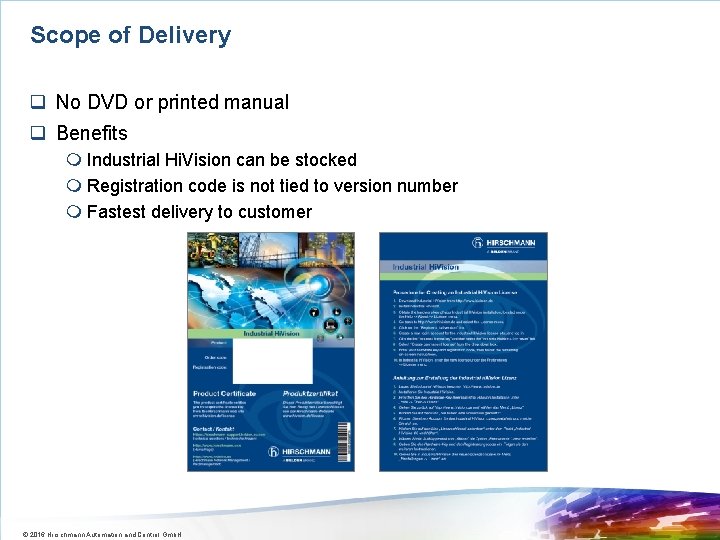
Scope of Delivery q No DVD or printed manual q Benefits m Industrial Hi. Vision can be stocked m Registration code is not tied to version number m Fastest delivery to customer © 2016 Hirschmann Automation and Control Gmb. H
Contents q PInstallation P q Operation q Licensing P © 2016 Hirschmann Automation and Control Gmb. H