
Index Event Handling Events Event Source Event Listener
- Slides: 29
Index • • • Event Handling Events Event Source Event Listener Event Classes Action Event Class Adjustment event Class Event Source Event Listener Interface Using Delegate Event Model Adapter Classes
Event Handling • Event handling is at the core of successful applet programming. • Events are supported by the java. awt. event package. • The user generates most events to which your applet will respond. • These events are passed to your applet in a variety of ways, With the specific method depending upon the actual event. • There are several types of events. The most commonly handled events are those generated by the mouse, the keyboard, and various controls, such as a push button. Events are supported by the java. awt. event package.
Event Handling Mechanism • The modern approach to handling events is based on the delegation event model, which defines standard and consistent mechanisms to generate and process events. • A source generates an event and sends it to one or more listeners. • The listener simply waits until it receives an event. Once received, the listener processes the event and then returns. • The application logic that processes events is cleanly separated from the user interface logic that generates those events. • A user interface element is able to "delegate" the processing of an event to a separate piece of code.
• In the delegation event model, listeners must register with a source in order to receive an event notification. • This provides an important benefit: notifications are sent only to listeners that want to receive them. • Three components in the event delegation model are Event, Listener and Source
Events • In the delegation model, an event is an object that describes a state change in a source. • Event be generated as a consequence of a person interacting with the elements in a graphical user interface. • Some of the activities that cause events to be generated are pressing a button, entering a character via the keyboard, selecting an item in a list, and clicking the mouse. • Events may also occur that are not directly caused by interactions with a user interface like an event may be generated when a timer expires, a counter exceeds a value, a software or hardware failure occurs, or an operation is completed.
Event Source • • A source is an object that generates an event. This occurs when the internal state of that object changes in some way. Sources may generate more than one type of event. A source must register listeners in order for the listeners to receive notifications about a specific type of event. Each type of event has its own registration method. public void add. Type. Listener(Type. Listener el) Type is the name of the event and el is a reference to the event listener. The method that registers a keyboard event listener is called add. Key. Listener(). The method that registers a mouse motion listener is called add. Mouse. Motion. Listener().
• When an event occurs, all registered listeners are notified and receive a copy of the event object know as multicasting the event • In all cases, notifications are sent only to listeners that register to receive them. • Some sources may allow only one listener to register. General Form: public void add. Type. Listener(Type. Listener el) throws java. util. Too. Many. Listeners. Exception • Type is the name of the event and el is a reference to the event listener. When such an event occurs, the registered listener is notified. This is known as unicasting the event. • A source must also provide a method that allows a listener to unregister an interest in a specific type of event. The general form of such a method is this: public void remove. Type. Listener(Type. Listener el)
Event Listener • A listener is an object that is notified when an event occurs. • Listener has two major requirements. 1. It must have been registered with one or more sources to receive notifications about specific types of events. 2. It must implement methods to receive and process these notifications. • The methods that receive and process events are defined in a set of interfaces found in java. awt. event. • For example, the Mouse. Motion. Listener interface defines two methods to receive notifications when the mouse is dragged or moved. • Any object may receive and process one or both of these events if it provides an implementation of this interface.
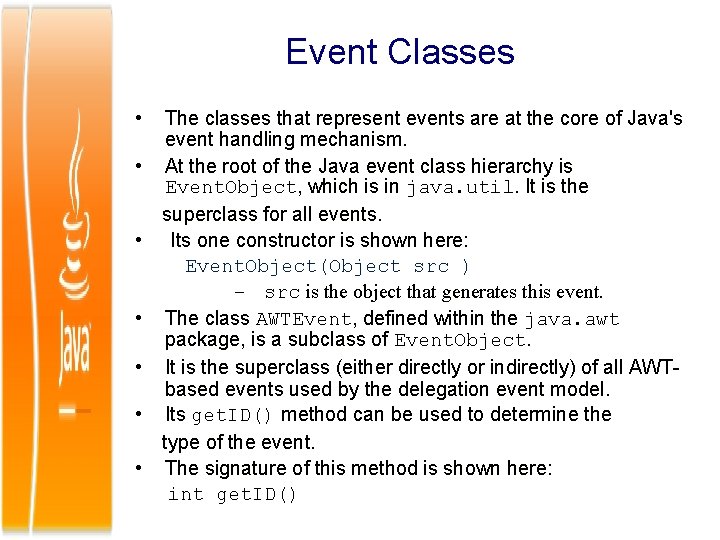
Event Classes • • The classes that represent events are at the core of Java's event handling mechanism. At the root of the Java event class hierarchy is Event. Object, which is in java. util. It is the superclass for all events. Its one constructor is shown here: Event. Object(Object src ) – src is the object that generates this event. The class AWTEvent, defined within the java. awt package, is a subclass of Event. Object. It is the superclass (either directly or indirectly) of all AWTbased events used by the delegation event model. Its get. ID() method can be used to determine the type of the event. The signature of this method is shown here: int get. ID()
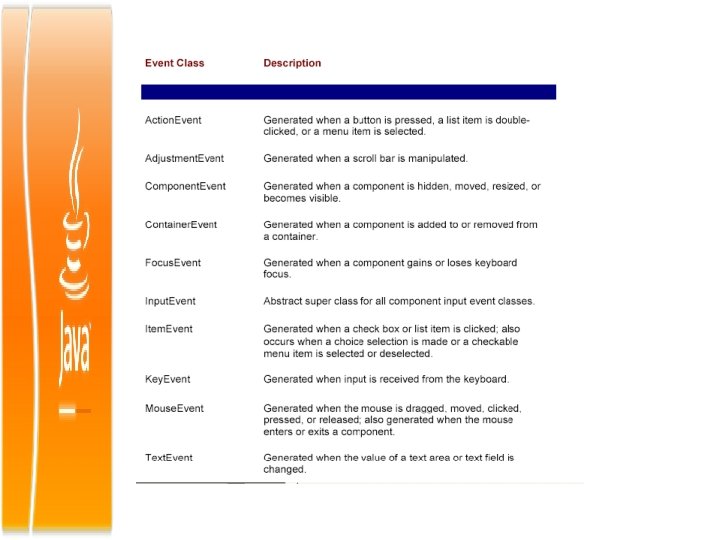
• Event. Object is a superclass of all events. • AWTEvent is a superclass of all AWT events that are handled by the delegation event model. • The package java. awt. event defines several types of events that are generated by various user interface elements.
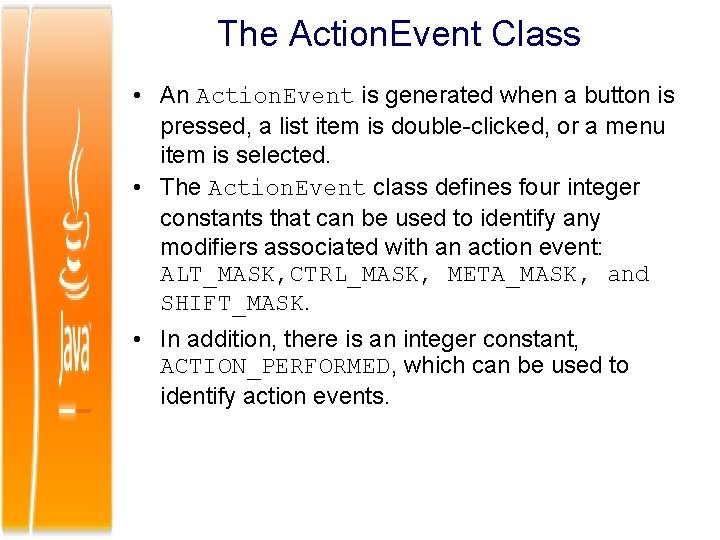
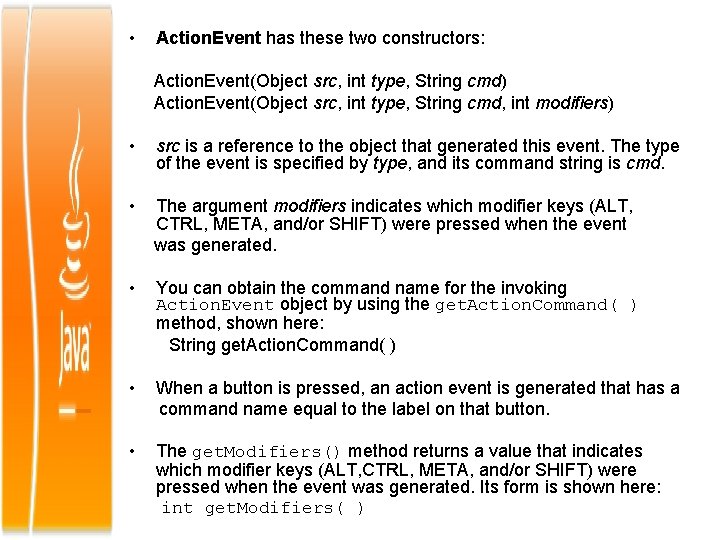
The Action. Event Class • An Action. Event is generated when a button is pressed, a list item is double-clicked, or a menu item is selected. • The Action. Event class defines four integer constants that can be used to identify any modifiers associated with an action event: ALT_MASK, CTRL_MASK, META_MASK, and SHIFT_MASK. • In addition, there is an integer constant, ACTION_PERFORMED, which can be used to identify action events.
• Action. Event has these two constructors: Action. Event(Object src, int type, String cmd) Action. Event(Object src, int type, String cmd, int modifiers) • src is a reference to the object that generated this event. The type of the event is specified by type, and its command string is cmd. • The argument modifiers indicates which modifier keys (ALT, CTRL, META, and/or SHIFT) were pressed when the event was generated. • You can obtain the command name for the invoking Action. Event object by using the get. Action. Command( ) method, shown here: String get. Action. Command( ) • When a button is pressed, an action event is generated that has a command name equal to the label on that button. • The get. Modifiers() method returns a value that indicates which modifier keys (ALT, CTRL, META, and/or SHIFT) were pressed when the event was generated. Its form is shown here: int get. Modifiers( )
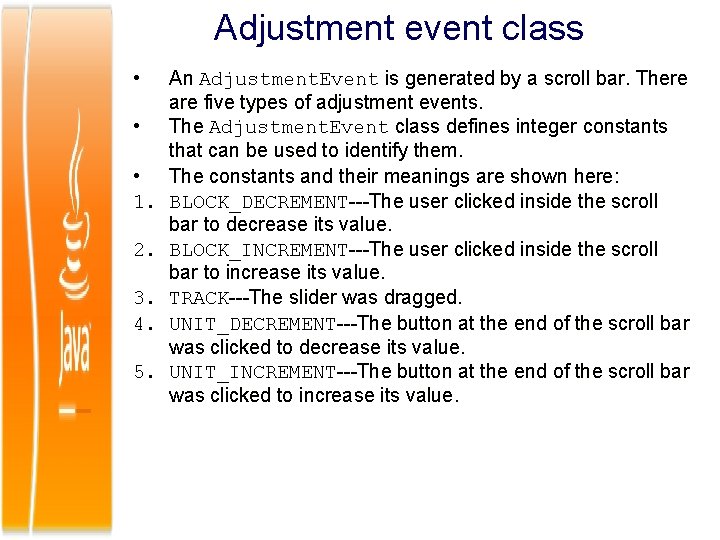
Adjustment event class • • • 1. 2. 3. 4. 5. An Adjustment. Event is generated by a scroll bar. There are five types of adjustment events. The Adjustment. Event class defines integer constants that can be used to identify them. The constants and their meanings are shown here: BLOCK_DECREMENT---The user clicked inside the scroll bar to decrease its value. BLOCK_INCREMENT---The user clicked inside the scroll bar to increase its value. TRACK---The slider was dragged. UNIT_DECREMENT---The button at the end of the scroll bar was clicked to decrease its value. UNIT_INCREMENT---The button at the end of the scroll bar was clicked to increase its value.
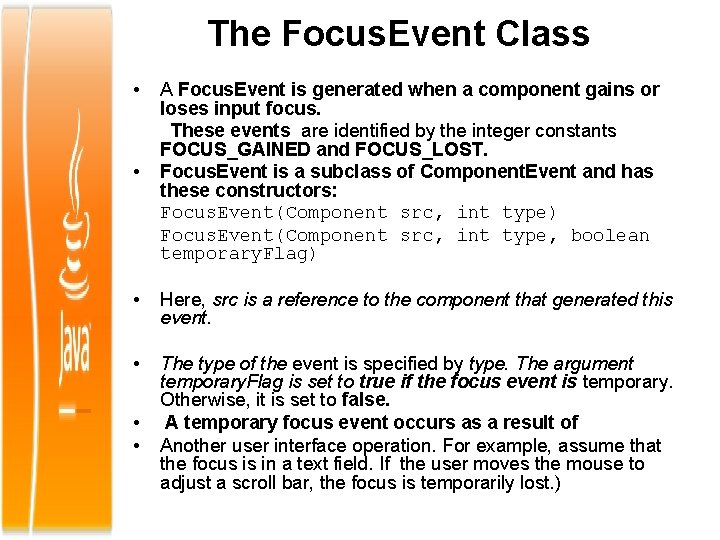
The Focus. Event Class • • A Focus. Event is generated when a component gains or loses input focus. These events are identified by the integer constants FOCUS_GAINED and FOCUS_LOST. Focus. Event is a subclass of Component. Event and has these constructors: Focus. Event(Component src, int type) Focus. Event(Component src, int type, boolean temporary. Flag) • Here, src is a reference to the component that generated this event. • The type of the event is specified by type. The argument temporary. Flag is set to true if the focus event is temporary. Otherwise, it is set to false. A temporary focus event occurs as a result of Another user interface operation. For example, assume that the focus is in a text field. If the user moves the mouse to adjust a scroll bar, the focus is temporarily lost. ) • •
• The is. Temporary() method indicates if this focus change is temporary. boolean is. Temporary( ) • The method returns true if the change is temporary. Otherwise, it returns false.
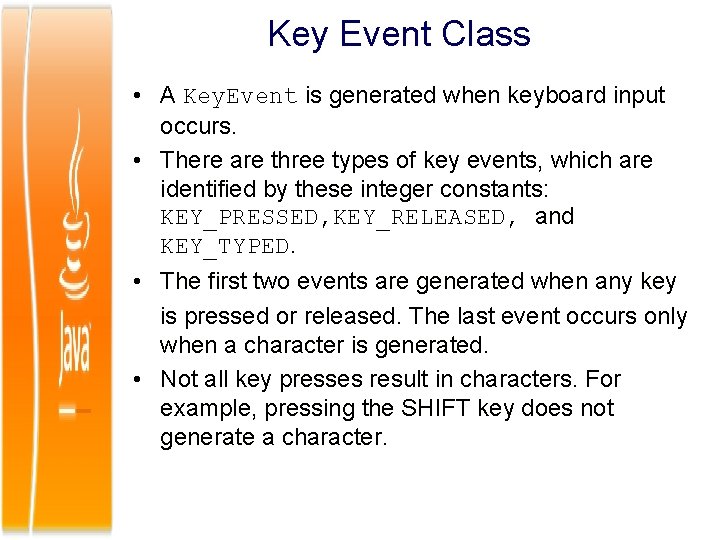
Key Event Class • A Key. Event is generated when keyboard input occurs. • There are three types of key events, which are identified by these integer constants: KEY_PRESSED, KEY_RELEASED, and KEY_TYPED. • The first two events are generated when any key is pressed or released. The last event occurs only when a character is generated. • Not all key presses result in characters. For example, pressing the SHIFT key does not generate a character.
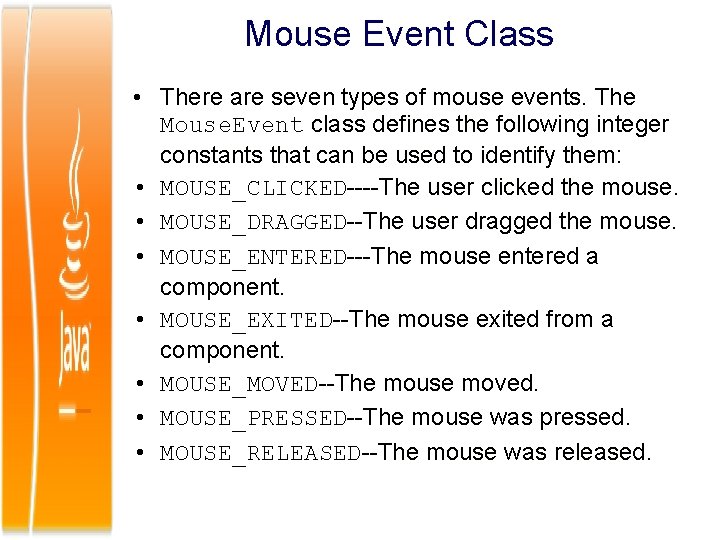
Mouse Event Class • There are seven types of mouse events. The Mouse. Event class defines the following integer constants that can be used to identify them: • MOUSE_CLICKED----The user clicked the mouse. • MOUSE_DRAGGED--The user dragged the mouse. • MOUSE_ENTERED---The mouse entered a component. • MOUSE_EXITED--The mouse exited from a component. • MOUSE_MOVED--The mouse moved. • MOUSE_PRESSED--The mouse was pressed. • MOUSE_RELEASED--The mouse was released.
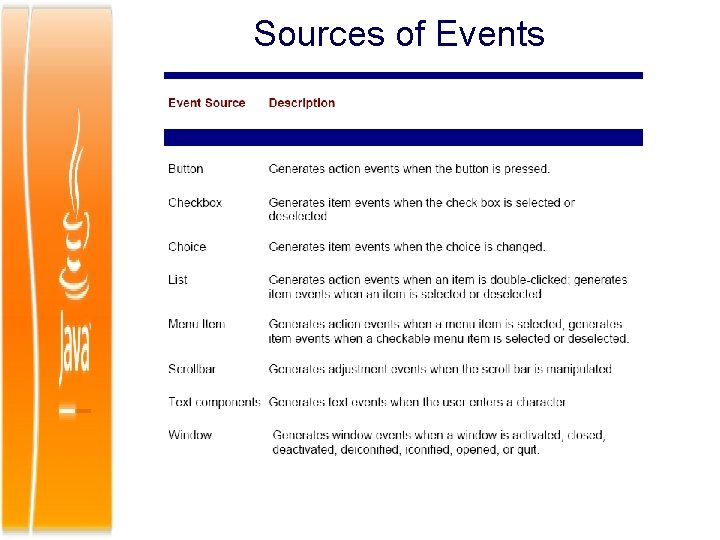
Sources of Events
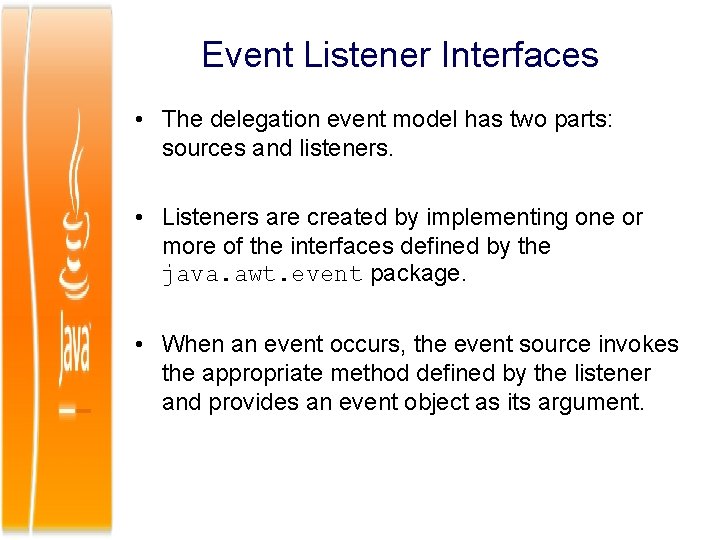
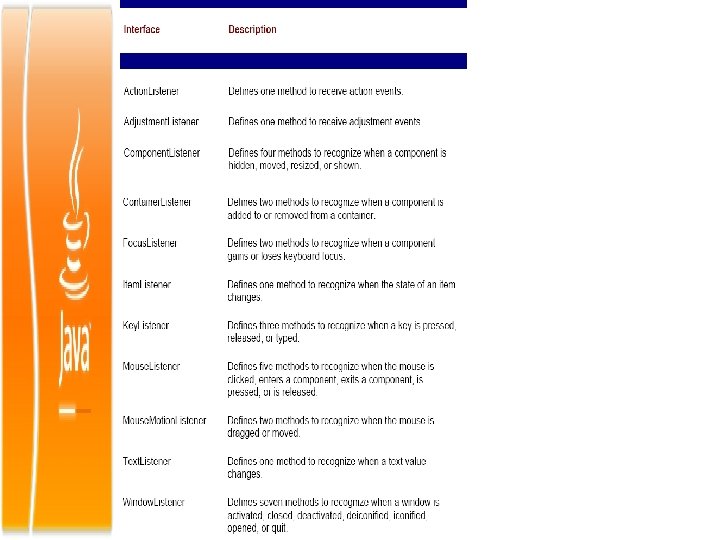
Event Listener Interfaces • The delegation event model has two parts: sources and listeners. • Listeners are created by implementing one or more of the interfaces defined by the java. awt. event package. • When an event occurs, the event source invokes the appropriate method defined by the listener and provides an event object as its argument.
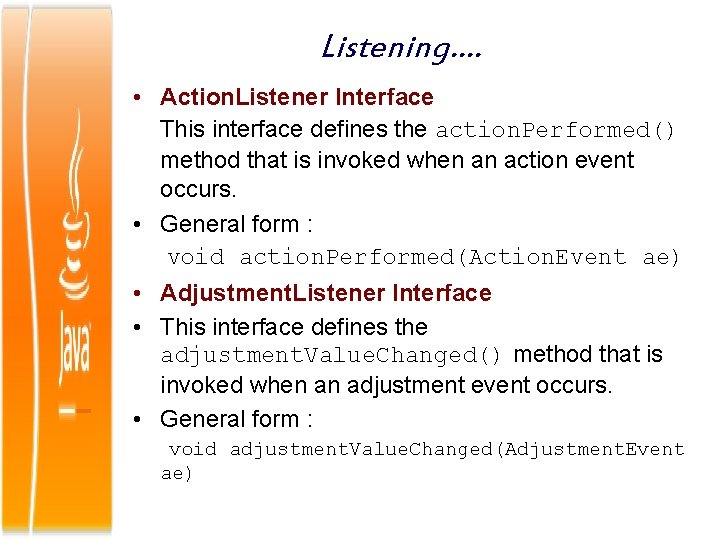
Listening…. • Action. Listener Interface This interface defines the action. Performed() method that is invoked when an action event occurs. • General form : void action. Performed(Action. Event ae) • Adjustment. Listener Interface • This interface defines the adjustment. Value. Changed() method that is invoked when an adjustment event occurs. • General form : void adjustment. Value. Changed(Adjustment. Event ae)
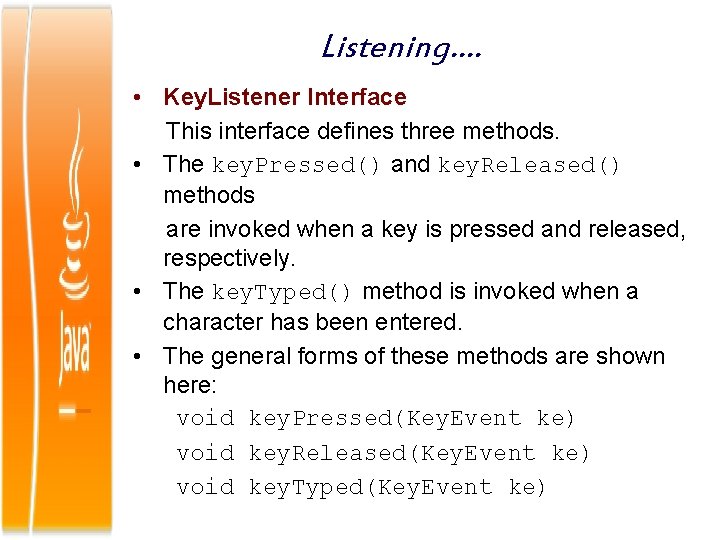
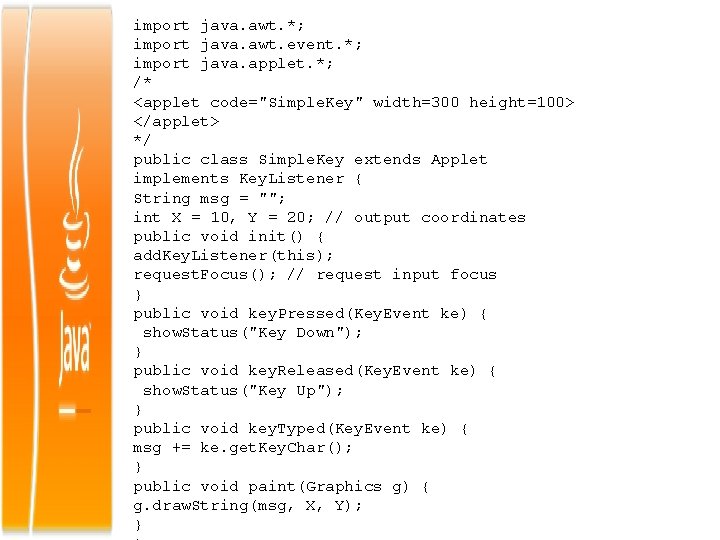
Listening…. • Key. Listener Interface This interface defines three methods. • The key. Pressed() and key. Released() methods are invoked when a key is pressed and released, respectively. • The key. Typed() method is invoked when a character has been entered. • The general forms of these methods are shown here: void key. Pressed(Key. Event ke) void key. Released(Key. Event ke) void key. Typed(Key. Event ke)
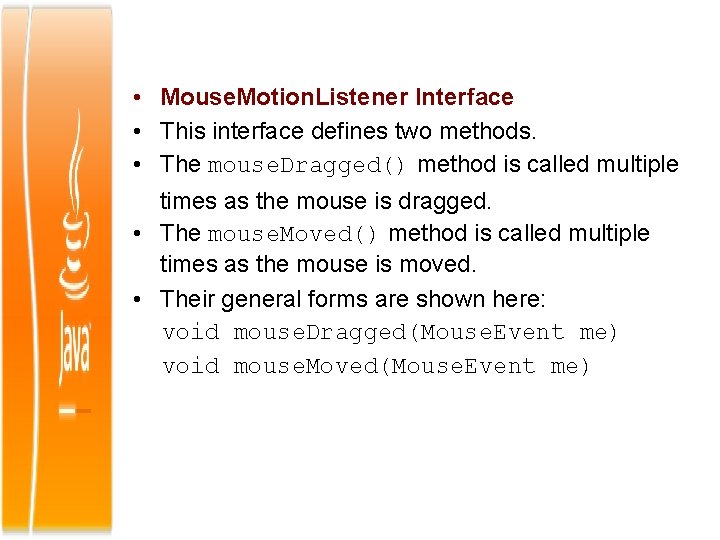
• Mouse. Motion. Listener Interface • This interface defines two methods. • The mouse. Dragged() method is called multiple times as the mouse is dragged. • The mouse. Moved() method is called multiple times as the mouse is moved. • Their general forms are shown here: void mouse. Dragged(Mouse. Event me) void mouse. Moved(Mouse. Event me)
Using the Delegation Event Model • 1. 2. 3. 4. To create an Applet Program using event handling follow the below steps Implement the appropriate interface in the listener so that it will receive the type of event desired. Implement code to register and unregister (if necessary) the listener as a recipient for the event notifications. Remember that a source may generate several types of events. Each event must be registered separately. Also, an object may register to receive several types of events, but it must implement all of the interfaces that are required to receive these events. Ref : Mouse. Events. java
import java. awt. *; import java. awt. event. *; import java. applet. *; /* <applet code="Simple. Key" width=300 height=100> </applet> */ public class Simple. Key extends Applet implements Key. Listener { String msg = ""; int X = 10, Y = 20; // output coordinates public void init() { add. Key. Listener(this); request. Focus(); // request input focus } public void key. Pressed(Key. Event ke) { show. Status("Key Down"); } public void key. Released(Key. Event ke) { show. Status("Key Up"); } public void key. Typed(Key. Event ke) { msg += ke. get. Key. Char(); } public void paint(Graphics g) { g. draw. String(msg, X, Y); }
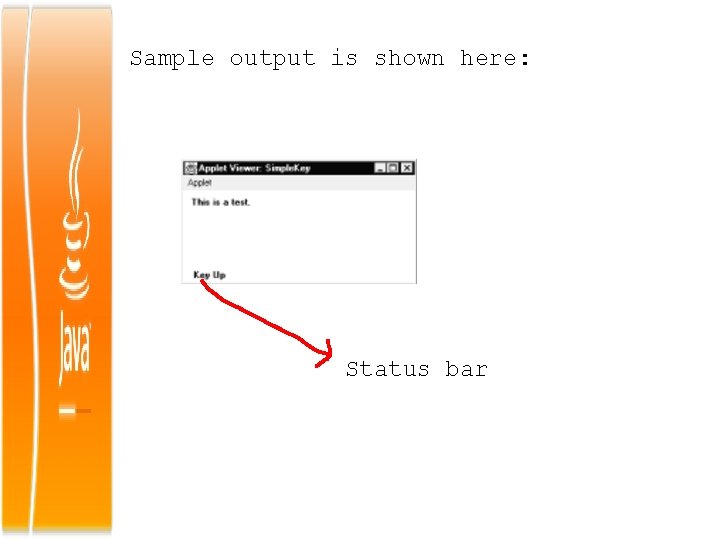
Sample output is shown here: Status bar
Adapter Classes • Java provides a special feature, called an adapter class, that can simplify the creation of event handlers in certain situations. An adapter class provides an empty implementation of all methods in an event listener interface. • Adapter classes are useful when you want to receive and process only some of the events that are handled by a particular event listener interface. • You can define a new class to act as an event listener by extending one of the adapter classes and implementing only those events in which you are interested. • For example, the Mouse. Motion. Adapter class has two methods, mouse. Dragged() and mouse. Moved(). • The signatures of these empty methods are exactly as defined in the Mouse. Motion. Listener interface. • If you were interested in only mouse drag events, then you could simply extend Mouse. Motion. Adapter and implement mouse. Dragged( ). The empty implementation of mouse. Moved( ) would handle the mouse motion events for you.
Adapter Class……… • It is also a class in Java that implements an interface with a set of dummy methods. It lets you rapidly implement an interface. It also lets your class continue to work ever if the underlying interface acquires new methods. You can then subclass the adapter class and override just the methods you need. • If you implemented the interface directly, you would have to write all the dummy methods yourself. Most commonly an adapter is used to help you rapidly construct your own Listener class to field events. • By extending an adapter class, with Key. Adapter, Focus. Adapter, Window. Adapter etc. you don’t have to write methods for events you are not interested in handling.