
Incoming Senior Course Scheduling Class of 2018 October

Incoming Senior Course Scheduling Class of 2018 October 24, 2016
Goals • Students will know how to use the Course Planning Guide. • Students will know the difference between high school and college requirements. • Students will know where to find help for making next year’s course requests. • Students will know the timeline and method for making course requests. • Annotate your course planning guide throughout this presentation.
Graduation Requirements & College Admission Recommendations • Refer to the Course Planning Guide page 1 for Geneseo High School Graduation Requirements • Refer to page 2 for course offerings • Refer to Page 4 for college admission requirements • Consumer Education requirement
Required Classes for Senior Year • 2 semesters of English • 2 semesters of PE (replace with another class if you request a waiver) • Consumer Ed (1 semester) if you have not fulfilled this requirement
Selecting Electives • Classes with terms “S 1” meet first semester • Classes with terms “S 2” meet second semester • Make sure you select both semesters of a year long course (i. e. English, math, science, etc. ). • Your course planning guide indicates whether a course meets for a semester or is year long. Do not select a course with asterisks and 9 as the second number without teacher permission. • Reminder –Study Hall can replace an elective for one semester or two semesters and must be requested.

Blended Learning • Non-traditional, computer based learning outside the traditional classroom. • Student ownership of learning • Request 1 st semester 22001 and 2 nd semester 22002 • French, Mandarin Chinese, German, Latin, Geography & World Cultures • High School credit earned, but no GPA impact • Cost: $175 per course per semester • Having an open period for blended learning is not required during the traditional school day
PE Waivers • • • (see instructions on waiver form) Participation in Interscholastic Athletics and Activities (Juniors and Seniors only) including Maplettes, Cheerleaders, Gymnastics, and Swimming. Waivers do not include Managers and Trainers. Participation in marching band (grades 10 -12) For additional information, students should see their guidance counselor. An athlete who does not make a team or fails to try out for a team must contact a high school counselor and immediately return to physical education class by the following school day. An athlete who quits the team after practice has started will be required to repeat the entire semester of physical education regardless of the waiver status in the following semester. Students are solely responsible for requesting a schedule change if they are no longer eligible for the PE waiver. Failure to follow these directions may compromise the student’s graduation status. A physical education waiver may impact a student's grade point average and class rank.
PE Waiver • You will find a copy of the PE waiver on the counseling webpage • Request PE Waiver (50341 for 1 st semester, 50342 for second semester) • Return your completed PE waiver form to the counseling office on Monday, November 7. • Students cannot have 2 study halls in the same semester • Your form must have a parent and student signature.
Scheduling forms and other information found on the Counseling Webpage – Early Bird application (sign up begins at 6: 45 am on Wednesday, October 26 in the main hallway) – Directions for requesting classes – PE/Marching Band Waiver form – COOP application – Course Planning Guide (use CPG to check GPA prerequisites. i. e. Humanities and Certified Nursing Assistant). – Power point presentations (www. dist 228. org) • • • Go to high school website Left hand tab, open “counseling” open “High School Course Planning”
Directions for requesting courses in Skyward To begin the process, you will log onto the Family Access page using either the parent or student access (found on high school tab). • • • 1. Choose “Schedule” (left side tool bar) 2. Click “Courses for 2017 -18 high school” (upper right) 3. Find the classes you want to request using the worksheets you were given 4. “Highlight” each request and click “add course” 5. After 14 requests (can include SH) have been selected, log out (course requests will automatically be saved) Skyward opens on November 1 and closes on November 6.
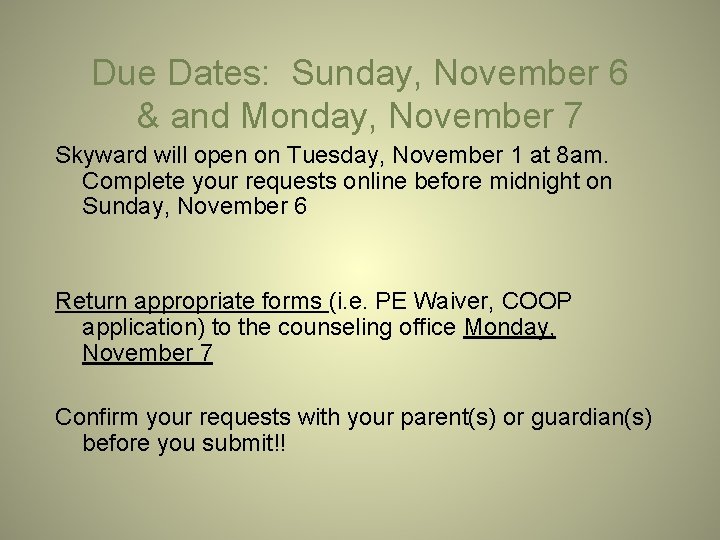
Due Dates: Sunday, November 6 & and Monday, November 7 Skyward will open on Tuesday, November 1 at 8 am. Complete your requests online before midnight on Sunday, November 6 Return appropriate forms (i. e. PE Waiver, COOP application) to the counseling office Monday, November 7 Confirm your requests with your parent(s) or guardian(s) before you submit!!
- Slides: 11