
Inclusive practice joining the dots Digital inclusion Model
- Slides: 16
Inclusive practice: joining the dots… Digital inclusion
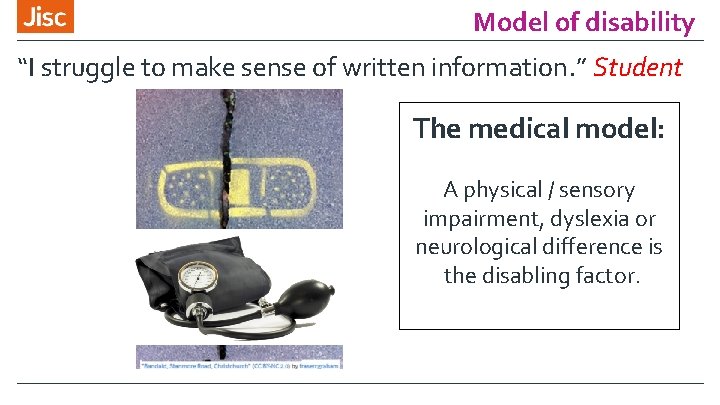
Model of disability “I struggle to make sense of written information. ” Student The medical model: A physical / sensory impairment, dyslexia or neurological difference is the disabling factor.
Expectations for institutions to » Equality impact assess, » Embed and mainstream, » Clear evidence base, » Devolve responsibility, » Investment in technology, » Develop digital capability. 29/11/2020 3
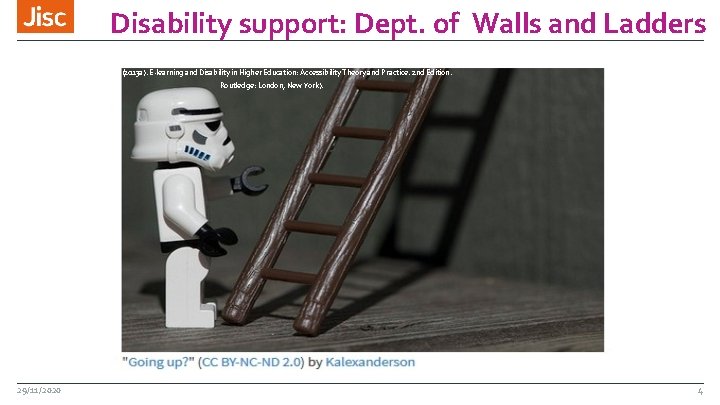
Disability support: Dept. of Walls and Ladders (Seale, J. (2013 a). E-learning and Disability in Higher Education: Accessibility Theory and Practice. 2 nd Edition. Routledge: London, New York). 29/11/2020 4
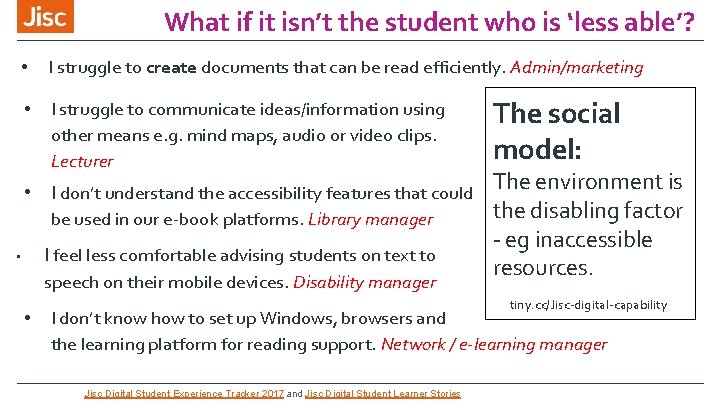
What if it isn’t the student who is ‘less able’? • I struggle to create documents that can be read efficiently. Admin/marketing • I struggle to communicate ideas/information using other means e. g. mind maps, audio or video clips. Lecturer The social model: • I don’t understand the accessibility features that could The environment is be used in our e-book platforms. Library manager I feel less comfortable advising students on text to • speech on their mobile devices. Disability manager • the disabling factor - eg inaccessible resources. tiny. cc/Jisc-digital-capability I don’t know how to set up Windows, browsers and the learning platform for reading support. Network / e-learning manager Jisc Digital Student Experience Tracker 2017 and Jisc Digital Student Learner Stories
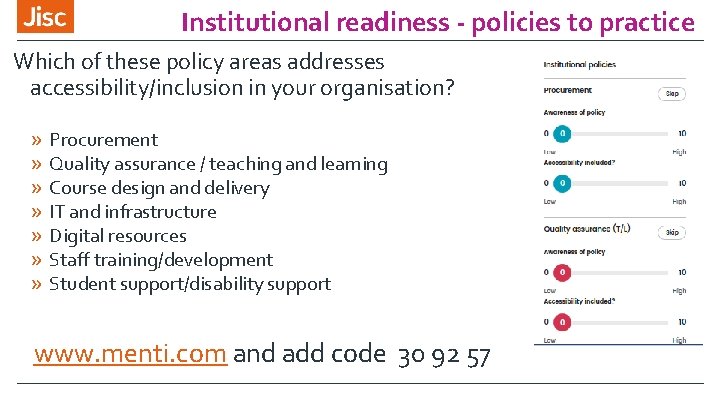
Institutional readiness - policies to practice Which of these policy areas addresses accessibility/inclusion in your organisation? » Procurement » Quality assurance / teaching and learning » Course design and delivery » IT and infrastructure » Digital resources » Staff training/development » Student support/disability support www. menti. com and add code 30 92 57
Policies and practice What did you say?
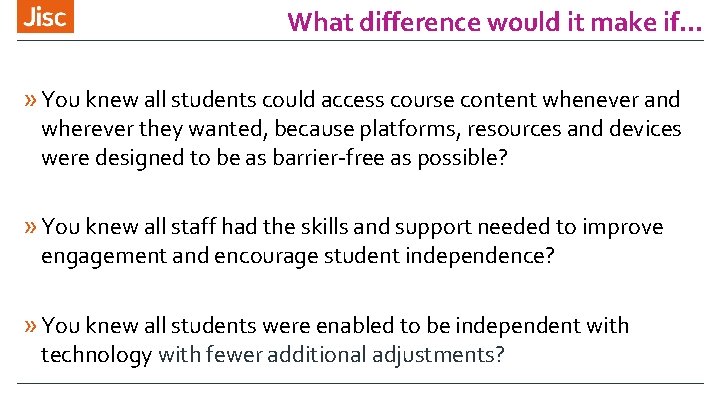
What difference would it make if. . . » You knew all students could access course content whenever and wherever they wanted, because platforms, resources and devices were designed to be as barrier-free as possible? » You knew all staff had the skills and support needed to improve engagement and encourage student independence? » You knew all students were enabled to be independent with technology with fewer additional adjustments?
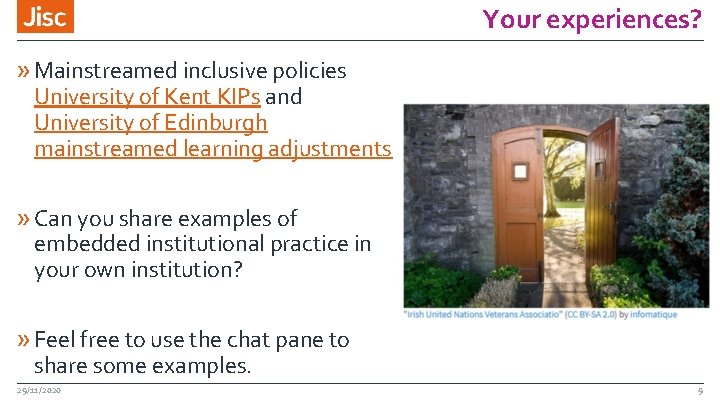
Your experiences? » Mainstreamed inclusive policies University of Kent KIPs and University of Edinburgh mainstreamed learning adjustments » Can you share examples of embedded institutional practice in your own institution? » Feel free to use the chat pane to share some examples. 29/11/2020 9
Staff digital capability: what if…. » Accessible content, » Mainstreaming the use of assistive technologies and promoted to all, » Accessible procurement & platforms, » Embedded into institutional systems, » Mobile productivity/accessibility. 29/11/2020 tiny. cc/student-expectation 10
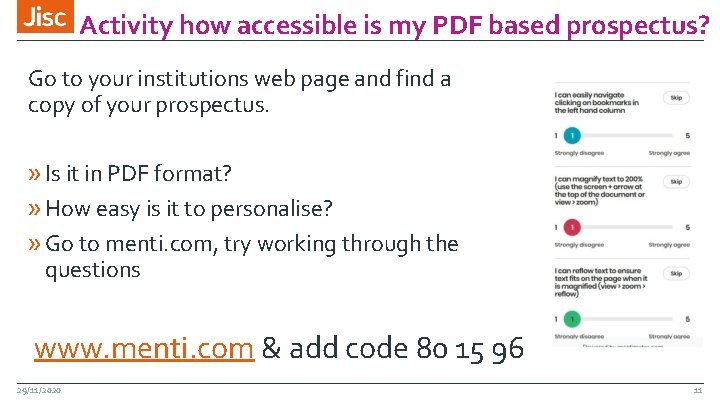
Activity how accessible is my PDF based prospectus? Go to your institutions web page and find a copy of your prospectus. » Is it in PDF format? » How easy is it to personalise? » Go to menti. com, try working through the questions www. menti. com & add code 80 15 96 29/11/2020 11
Jisc support: accessibility health check We can work with you to help provide your institution with an accessibility health check. What would the experience of a tech savvy student accessing your platforms and information for the first time be like? » website, » prospectus, » learning platform, » library platform » assistive technologies availability. What is your student experience? https: //tiny. cc/jisc. AI 12
Autumn online courses - Inclusive policies: Audience - Senior managers. Session 1: data and evidence. Session 2 - joined up thinking. Session 3 - defining entitlements. Session 4 - prioritise, promote, embed.
Future online courses - Inclusive delivery Audience - Quality managers, academic leads, CPD trainers). Session 1: Hidden solutions. Session 2 - Digital - spectrum of inclusion. Session 3 - Supporting engagement. Session 4 - Inclusive assessments.
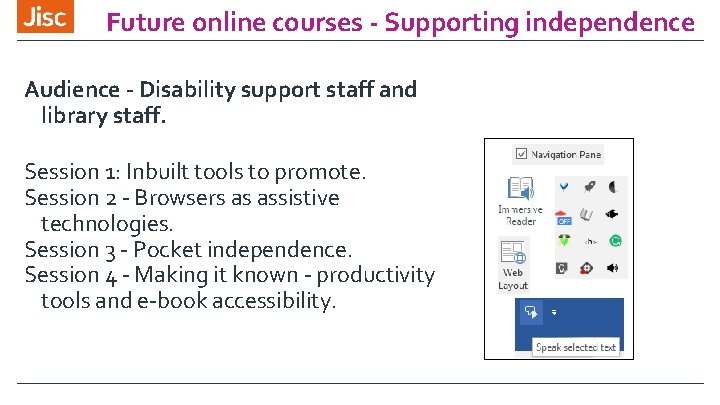
Future online courses - Supporting independence Audience - Disability support staff and library staff. Session 1: Inbuilt tools to promote. Session 2 - Browsers as assistive technologies. Session 3 - Pocket independence. Session 4 - Making it known - productivity tools and e-book accessibility.
Contacts and follow up Ø Accessibility health check process https: //tiny. cc/jisc. AI Ø Contact your account manager re setting up a health check https: //www. jisc. ac. uk/contact/your-account-manager Ø Online inclusion courses soon to be advertised https: //www. jisc. ac. uk/training Ø Jisc Accessible organisation blog tiny. cc/accessible-orgs ØQuestions or clarification? margaret. mckay@jisc. ac. uk