
Including Files Applets in JSP Documents Core Servlets

- Slides: 24
Including Files & Applets in JSP Documents Core Servlets & JSP book: www. coreservlets. com More Servlets & JSP book: www. moreservlets. com Servlet and JSP Training Courses: courses. coreservlets. com 1 Slides © Marty Hall, http: //www. coreservlets. com, book © Sun Microsystems Press
Agenda • Including the output of JSP, HTML or plain text pages at the time the client requests the page • Including JSP files at the time the main page is translated into a servlet • Including applets that use the Java Plug-In 2 Including Files and Applets www. coreservlets. com
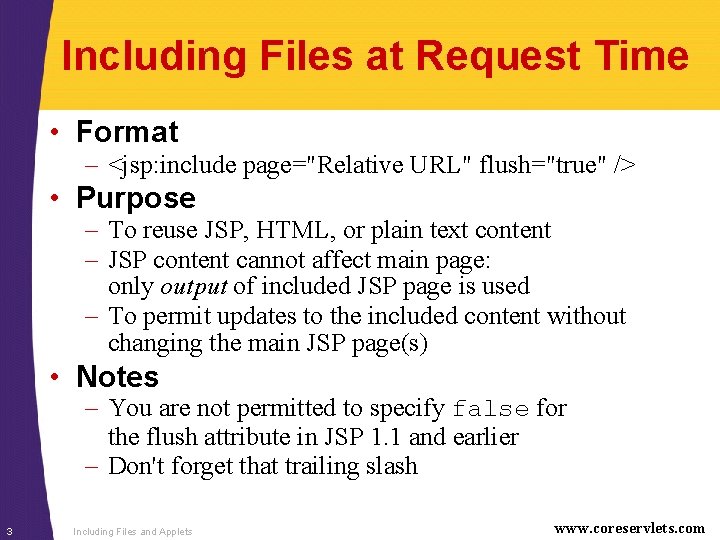
Including Files at Request Time • Format – <jsp: include page="Relative URL" flush="true" /> • Purpose – To reuse JSP, HTML, or plain text content – JSP content cannot affect main page: only output of included JSP page is used – To permit updates to the included content without changing the main JSP page(s) • Notes – You are not permitted to specify false for the flush attribute in JSP 1. 1 and earlier – Don't forget that trailing slash 3 Including Files and Applets www. coreservlets. com
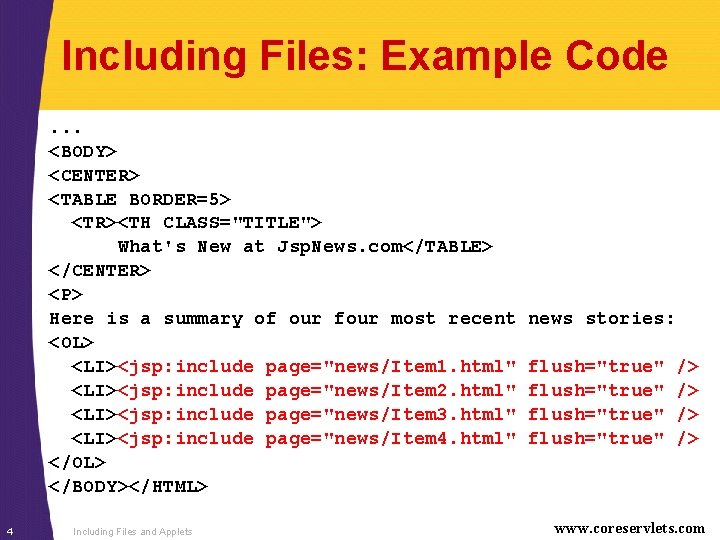
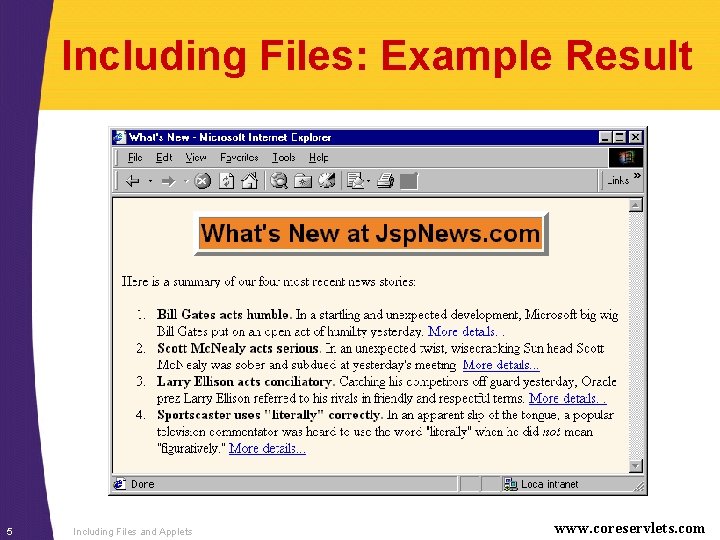
Including Files: Example Code. . . <BODY> <CENTER> <TABLE BORDER=5> <TR><TH CLASS="TITLE"> What's New at Jsp. News. com</TABLE> </CENTER> <P> Here is a summary of our four most recent <OL> <LI><jsp: include page="news/Item 1. html" <LI><jsp: include page="news/Item 2. html" <LI><jsp: include page="news/Item 3. html" <LI><jsp: include page="news/Item 4. html" </OL> </BODY></HTML> 4 Including Files and Applets news stories: flush="true" /> /> www. coreservlets. com
Including Files: Example Result 5 Including Files and Applets www. coreservlets. com
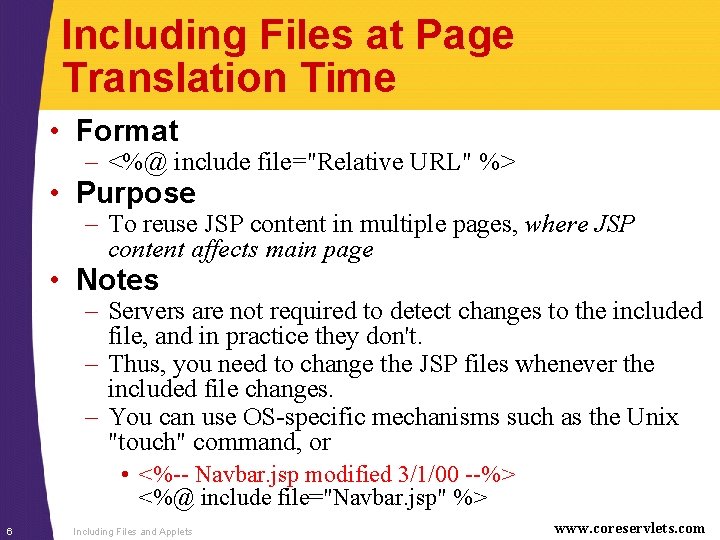
Including Files at Page Translation Time • Format – <%@ include file="Relative URL" %> • Purpose – To reuse JSP content in multiple pages, where JSP content affects main page • Notes – Servers are not required to detect changes to the included file, and in practice they don't. – Thus, you need to change the JSP files whenever the included file changes. – You can use OS-specific mechanisms such as the Unix "touch" command, or • <%-- Navbar. jsp modified 3/1/00 --%> <%@ include file="Navbar. jsp" %> 6 Including Files and Applets www. coreservlets. com
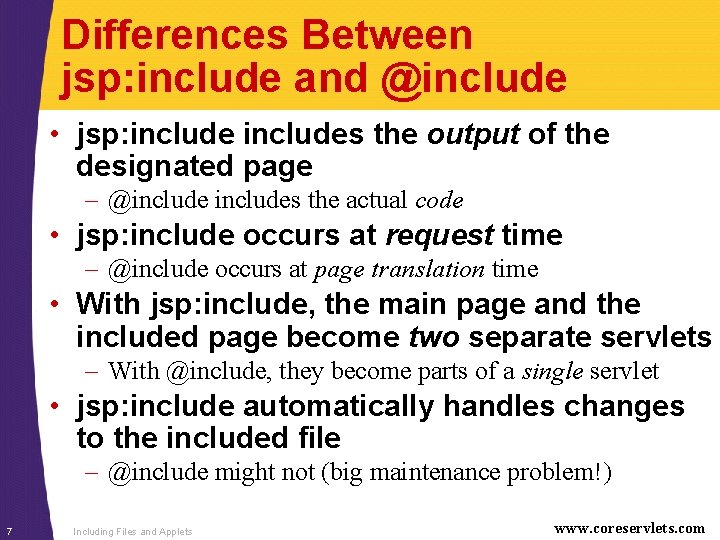
Differences Between jsp: include and @include • jsp: includes the output of the designated page – @includes the actual code • jsp: include occurs at request time – @include occurs at page translation time • With jsp: include, the main page and the included page become two separate servlets – With @include, they become parts of a single servlet • jsp: include automatically handles changes to the included file – @include might not (big maintenance problem!) 7 Including Files and Applets www. coreservlets. com
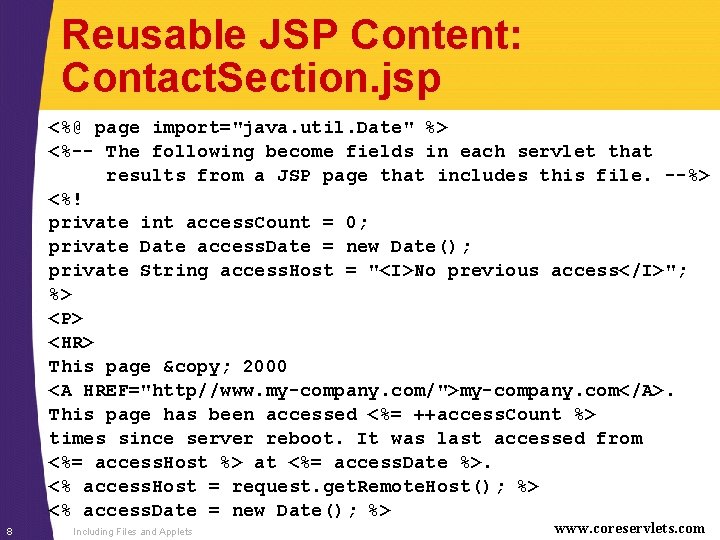
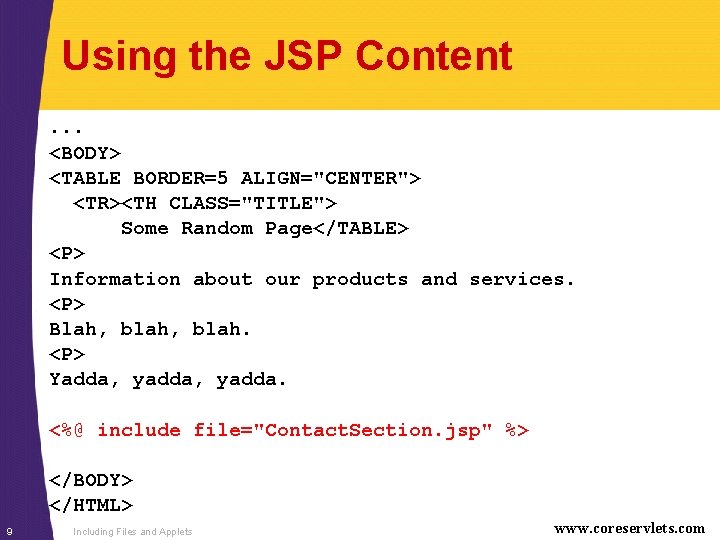
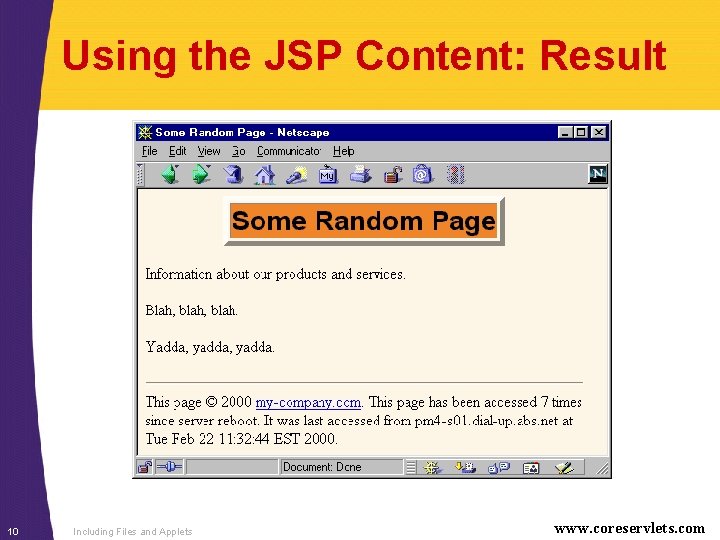
Reusable JSP Content: Contact. Section. jsp <%@ page import="java. util. Date" %> <%-- The following become fields in each servlet that results from a JSP page that includes this file. --%> <%! private int access. Count = 0; private Date access. Date = new Date(); private String access. Host = "<I>No previous access</I>"; %> <P> <HR> This page © 2000 <A HREF="http//www. my-company. com/">my-company. com</A>. This page has been accessed <%= ++access. Count %> times since server reboot. It was last accessed from <%= access. Host %> at <%= access. Date %>. <% access. Host = request. get. Remote. Host(); %> <% access. Date = new Date(); %> 8 Including Files and Applets www. coreservlets. com
Using the JSP Content. . . <BODY> <TABLE BORDER=5 ALIGN="CENTER"> <TR><TH CLASS="TITLE"> Some Random Page</TABLE> <P> Information about our products and services. <P> Blah, blah. <P> Yadda, yadda. <%@ include file="Contact. Section. jsp" %> </BODY> </HTML> 9 Including Files and Applets www. coreservlets. com
Using the JSP Content: Result 10 Including Files and Applets www. coreservlets. com
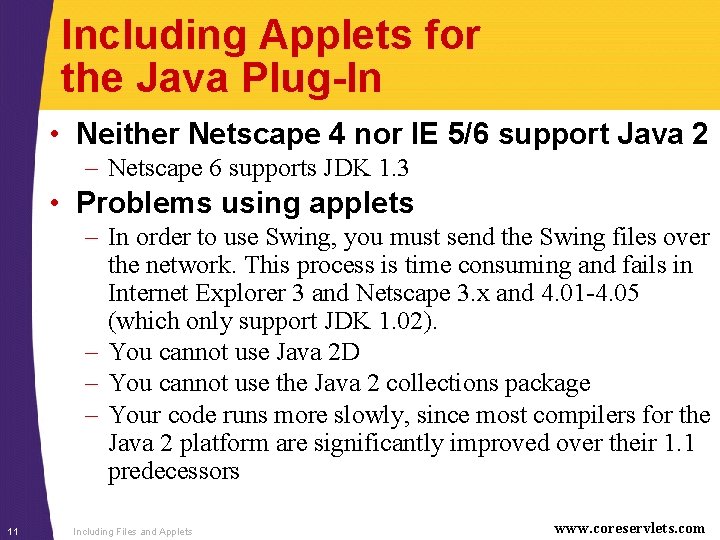
Including Applets for the Java Plug-In • Neither Netscape 4 nor IE 5/6 support Java 2 – Netscape 6 supports JDK 1. 3 • Problems using applets – In order to use Swing, you must send the Swing files over the network. This process is time consuming and fails in Internet Explorer 3 and Netscape 3. x and 4. 01 -4. 05 (which only support JDK 1. 02). – You cannot use Java 2 D – You cannot use the Java 2 collections package – Your code runs more slowly, since most compilers for the Java 2 platform are significantly improved over their 1. 1 predecessors 11 Including Files and Applets www. coreservlets. com
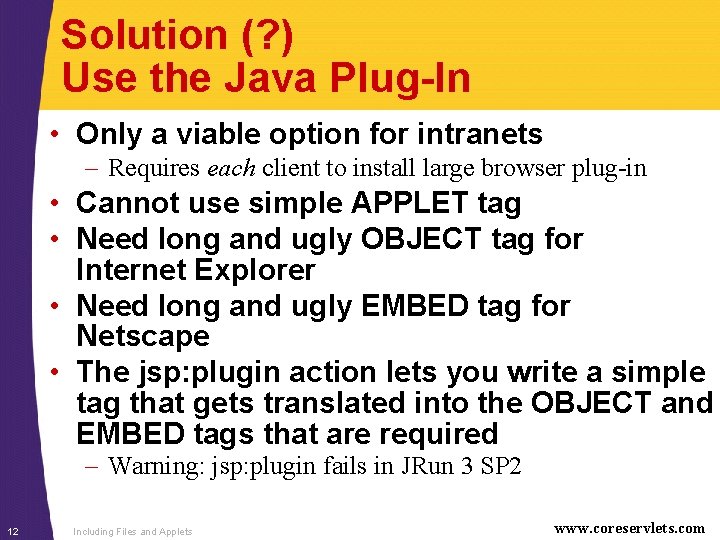
Solution (? ) Use the Java Plug-In • Only a viable option for intranets – Requires each client to install large browser plug-in • Cannot use simple APPLET tag • Need long and ugly OBJECT tag for Internet Explorer • Need long and ugly EMBED tag for Netscape • The jsp: plugin action lets you write a simple tag that gets translated into the OBJECT and EMBED tags that are required – Warning: jsp: plugin fails in JRun 3 SP 2 12 Including Files and Applets www. coreservlets. com
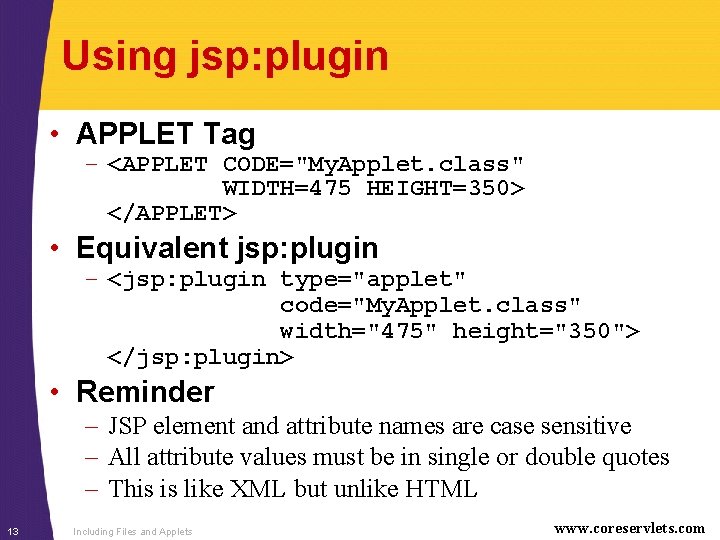
Using jsp: plugin • APPLET Tag – <APPLET CODE="My. Applet. class" WIDTH=475 HEIGHT=350> </APPLET> • Equivalent jsp: plugin – <jsp: plugin type="applet" code="My. Applet. class" width="475" height="350"> </jsp: plugin> • Reminder – JSP element and attribute names are case sensitive – All attribute values must be in single or double quotes – This is like XML but unlike HTML 13 Including Files and Applets www. coreservlets. com
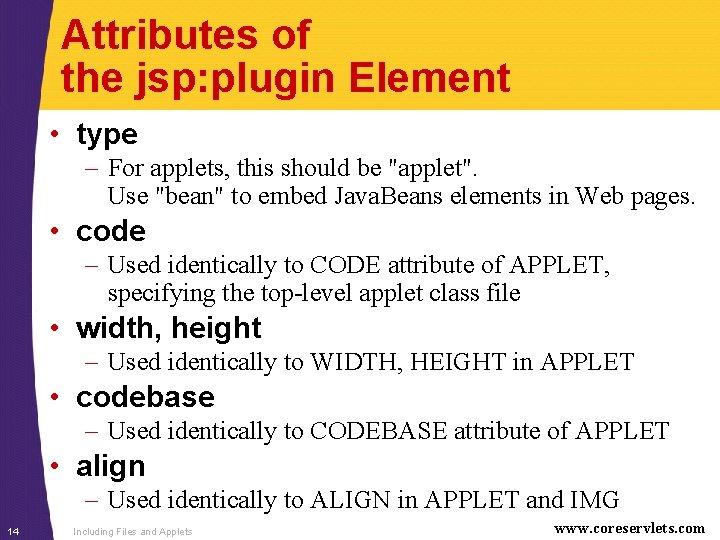
Attributes of the jsp: plugin Element • type – For applets, this should be "applet". Use "bean" to embed Java. Beans elements in Web pages. • code – Used identically to CODE attribute of APPLET, specifying the top-level applet class file • width, height – Used identically to WIDTH, HEIGHT in APPLET • codebase – Used identically to CODEBASE attribute of APPLET • align – Used identically to ALIGN in APPLET and IMG 14 Including Files and Applets www. coreservlets. com
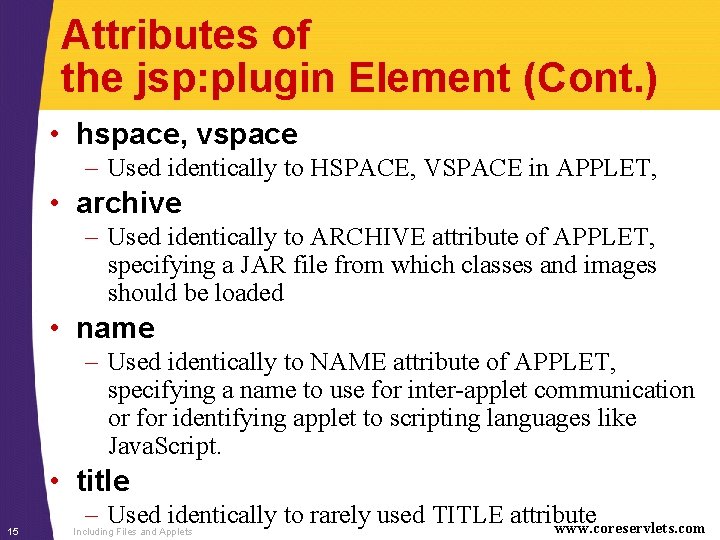
Attributes of the jsp: plugin Element (Cont. ) • hspace, vspace – Used identically to HSPACE, VSPACE in APPLET, • archive – Used identically to ARCHIVE attribute of APPLET, specifying a JAR file from which classes and images should be loaded • name – Used identically to NAME attribute of APPLET, specifying a name to use for inter-applet communication or for identifying applet to scripting languages like Java. Script. • title 15 – Used identically to rarely used TITLE attribute www. coreservlets. com Including Files and Applets
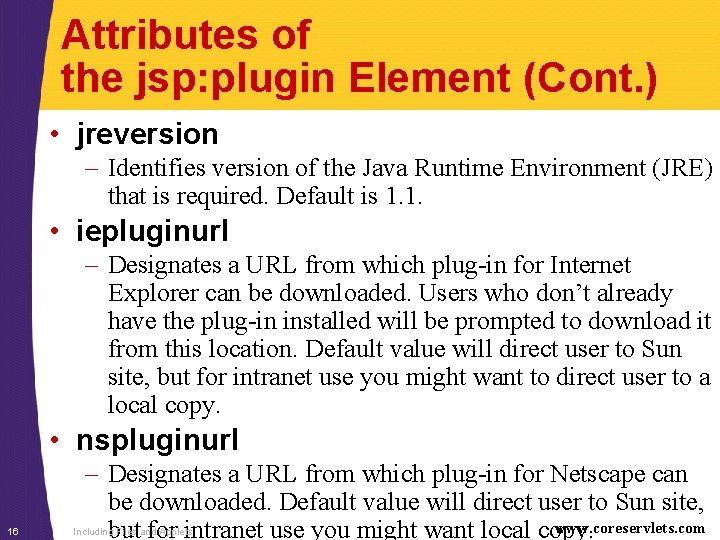
Attributes of the jsp: plugin Element (Cont. ) • jreversion – Identifies version of the Java Runtime Environment (JRE) that is required. Default is 1. 1. • iepluginurl – Designates a URL from which plug-in for Internet Explorer can be downloaded. Users who don’t already have the plug-in installed will be prompted to download it from this location. Default value will direct user to Sun site, but for intranet use you might want to direct user to a local copy. • nspluginurl 16 – Designates a URL from which plug-in for Netscape can be downloaded. Default value will direct user to Sun site, www. coreservlets. com but for intranet use you might want local copy. Including Files and Applets
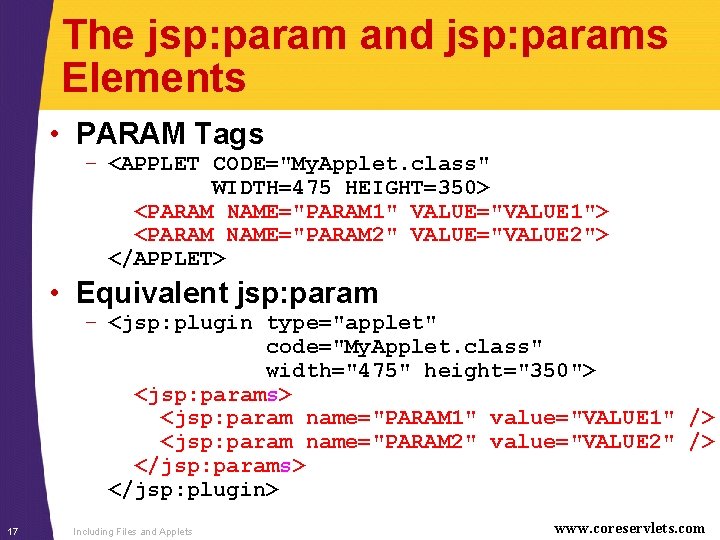
The jsp: param and jsp: params Elements • PARAM Tags – <APPLET CODE="My. Applet. class" WIDTH=475 HEIGHT=350> <PARAM NAME="PARAM 1" VALUE="VALUE 1"> <PARAM NAME="PARAM 2" VALUE="VALUE 2"> </APPLET> • Equivalent jsp: param – <jsp: plugin type="applet" code="My. Applet. class" width="475" height="350"> <jsp: params> <jsp: param name="PARAM 1" value="VALUE 1" /> <jsp: param name="PARAM 2" value="VALUE 2" /> </jsp: params> </jsp: plugin> 17 Including Files and Applets www. coreservlets. com
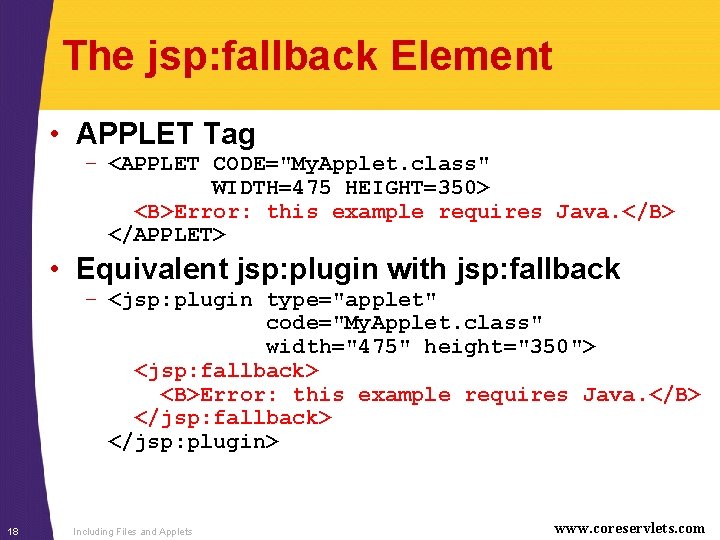
The jsp: fallback Element • APPLET Tag – <APPLET CODE="My. Applet. class" WIDTH=475 HEIGHT=350> <B>Error: this example requires Java. </B> </APPLET> • Equivalent jsp: plugin with jsp: fallback – <jsp: plugin type="applet" code="My. Applet. class" width="475" height="350"> <jsp: fallback> <B>Error: this example requires Java. </B> </jsp: fallback> </jsp: plugin> 18 Including Files and Applets www. coreservlets. com
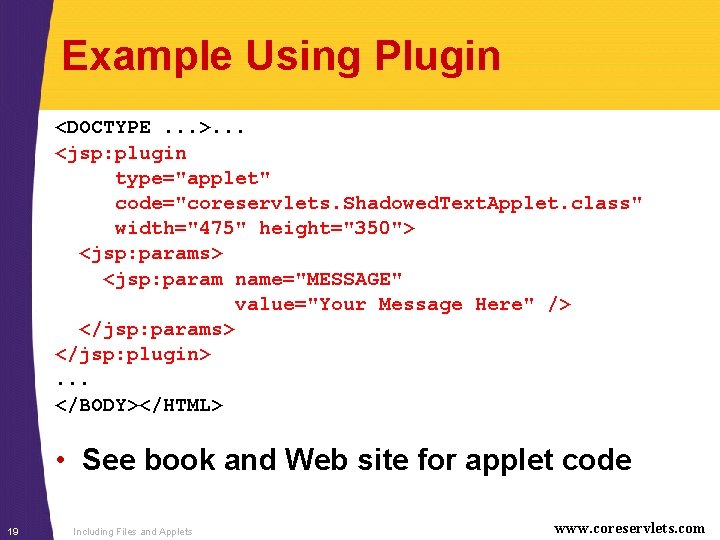
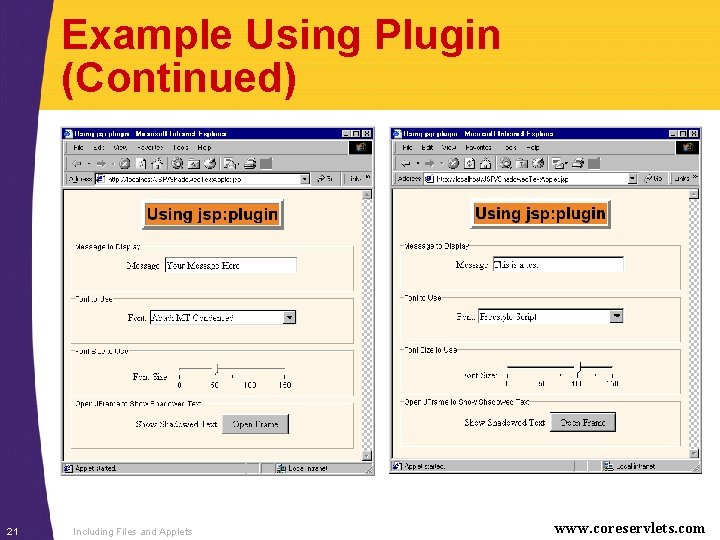
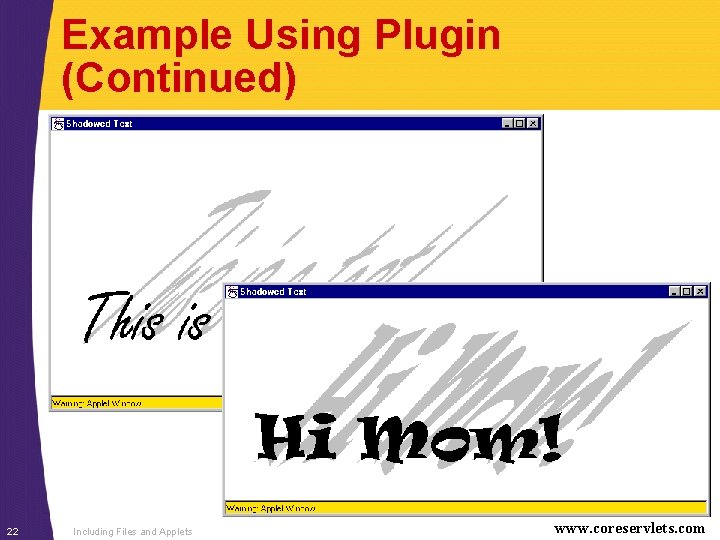
Example Using Plugin <DOCTYPE. . . >. . . <jsp: plugin type="applet" code="coreservlets. Shadowed. Text. Applet. class" width="475" height="350"> <jsp: params> <jsp: param name="MESSAGE" value="Your Message Here" /> </jsp: params> </jsp: plugin>. . . </BODY></HTML> • See book and Web site for applet code 19 Including Files and Applets www. coreservlets. com
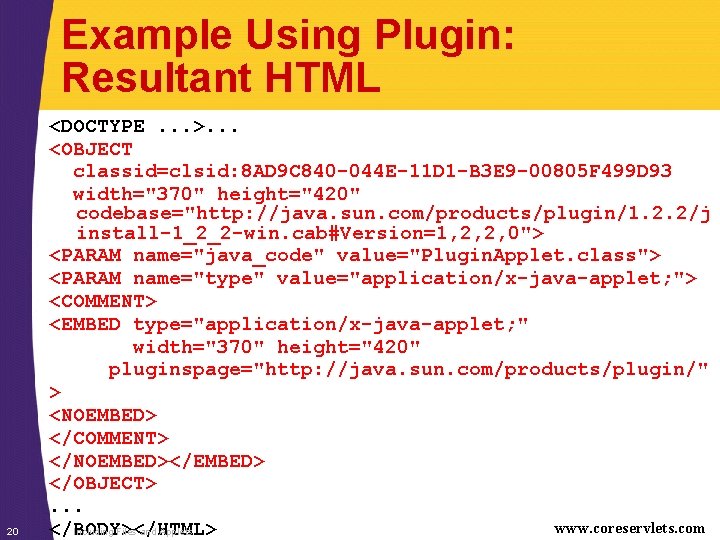
Example Using Plugin: Resultant HTML 20 <DOCTYPE. . . >. . . <OBJECT classid=clsid: 8 AD 9 C 840 -044 E-11 D 1 -B 3 E 9 -00805 F 499 D 93 width="370" height="420" codebase="http: //java. sun. com/products/plugin/1. 2. 2/j install-1_2_2 -win. cab#Version=1, 2, 2, 0"> <PARAM name="java_code" value="Plugin. Applet. class"> <PARAM name="type" value="application/x-java-applet; "> <COMMENT> <EMBED type="application/x-java-applet; " width="370" height="420" pluginspage="http: //java. sun. com/products/plugin/" > <NOEMBED> </COMMENT> </NOEMBED></EMBED> </OBJECT>. . . www. coreservlets. com </BODY></HTML> Including Files and Applets
Example Using Plugin (Continued) 21 Including Files and Applets www. coreservlets. com
Example Using Plugin (Continued) 22 Including Files and Applets www. coreservlets. com
Summary • <jsp: include page="Relative URL" flush="true" /> – Output of URL inserted into JSP page at request time – Cannot contain JSP content that affects entire page – Changes to included file do not necessitate changes to pages that use it • <%@ include file="Relative URL" %> – File gets inserted into JSP page prior to page translation – Thus, file can contain JSP content that affects entire page (e. g. , import statements, declarations) – Changes to included file require you to manually update pages that use it 23 • <jsp: plugin. . . > simplifies applets www. coreservlets. com for plugin Including Files and Applets
Questions? Core Servlets & JSP book: www. coreservlets. com More Servlets & JSP book: www. moreservlets. com Servlet and JSP Training Courses: courses. coreservlets. com 24 Slides © Marty Hall, http: //www. coreservlets. com, book © Sun Microsystems Press