
INC 161 Computer Programming for INC Lecturer Assistant


- Slides: 31
INC 161 Computer Programming for INC Lecturer Assistant Prof. Dr. Poj Tangamchit
About the Instructor Office: CB 40603 (CB 4 6 th floor) Control System and Instrumentation Eng. (INC) Tel: x-9094 E-mail: poj. tan@kmutt. ac. th Research Interest: Robotics, Artificial Intelligence (AI)
Freshmen’s Requirements • Computer INC 161 • Software INC 151 • Circuit INC 112
Course Details • 4 Credits 2 credits Lecture + 2 credits Practice • Class time 4 hours / week • Review + Homework 6 -12 hours/week • Teaching Style = Self Lecture + Practice
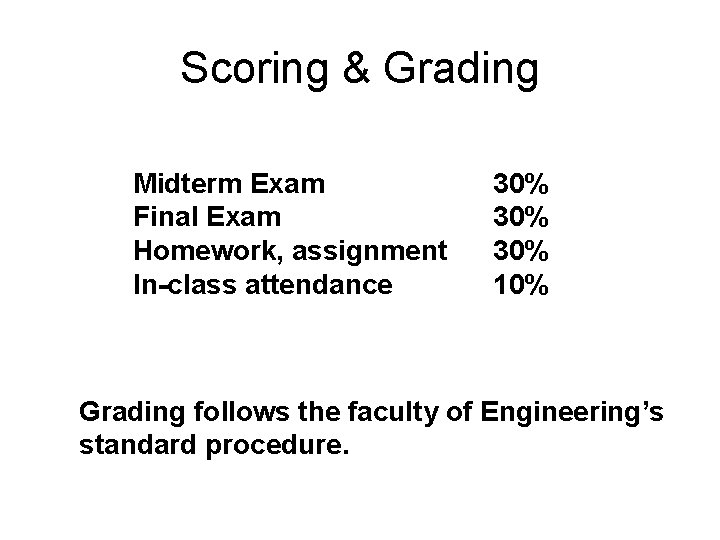
Scoring & Grading Midterm Exam Final Exam Homework, assignment In-class attendance 30% 30% 10% Grading follows the faculty of Engineering’s standard procedure.
Homework & Assignment Homework takes time. Allocate 6 -12 hours each week for it. Students need self-practice outside class time.
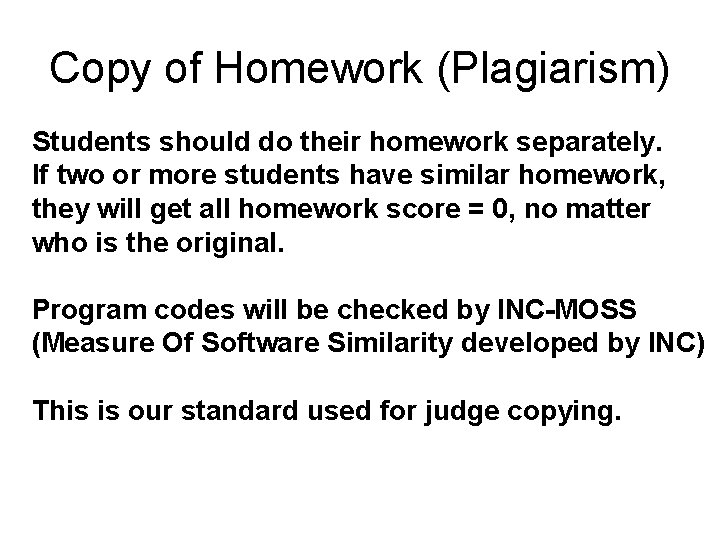
Copy of Homework (Plagiarism) Students should do their homework separately. If two or more students have similar homework, they will get all homework score = 0, no matter who is the original. Program codes will be checked by INC-MOSS (Measure Of Software Similarity developed by INC) This is our standard used for judge copying.
Textbooks Schaum's Outline of Programming with C, 2 nd Edition By Byron S. Gottfried ISBN 139780070240353
Class Webpage http: //www. inc. eng. kmutt. ac. th/inc 160 • Announcement • Lecture Slides
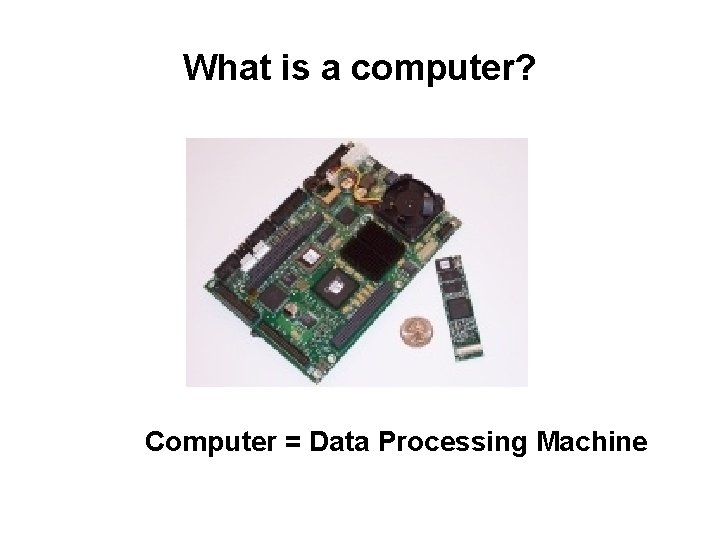
What is a computer? Computer = Data Processing Machine
Why computers are important? • Document Processing • High-Tech Machine Control • Mobile Embedded Devices
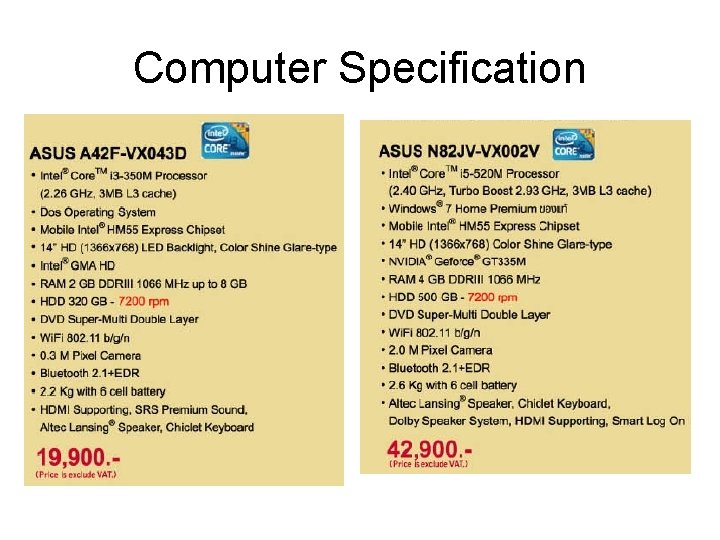
Computer Specification
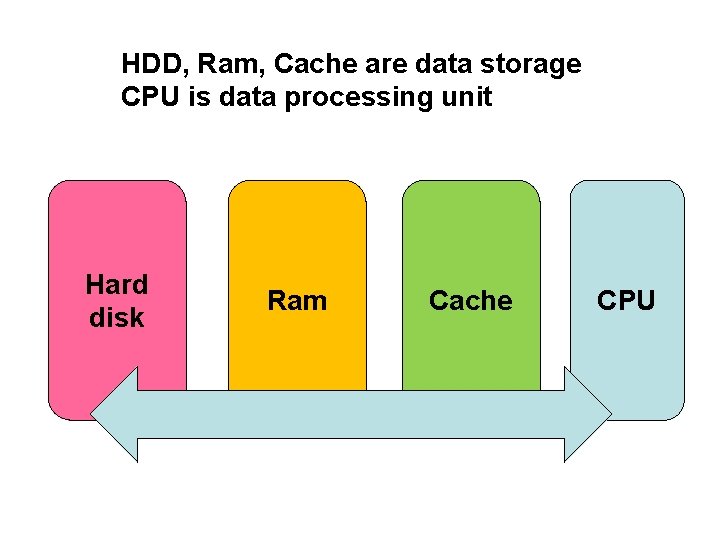
HDD, Ram, Cache are data storage CPU is data processing unit Hard disk Ram Cache CPU
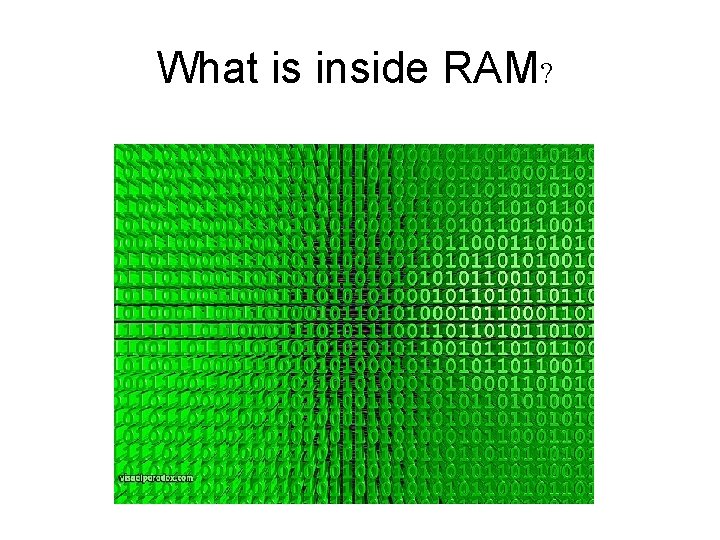
What is inside RAM?
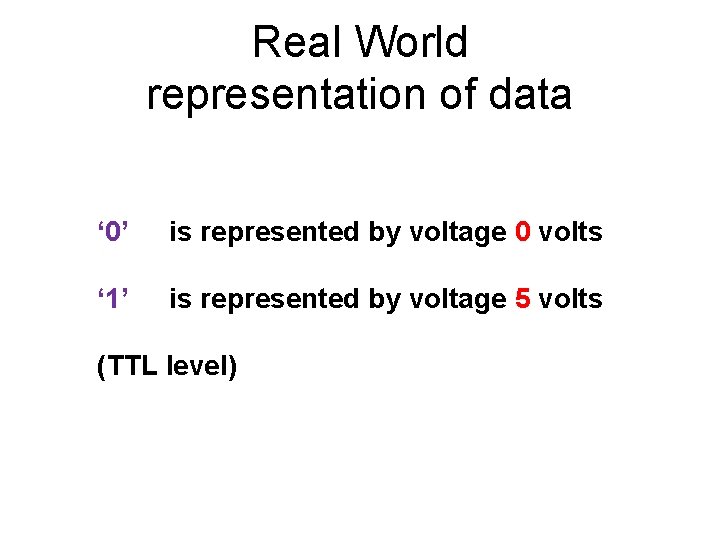
Real World representation of data ‘ 0’ is represented by voltage 0 volts ‘ 1’ is represented by voltage 5 volts (TTL level)
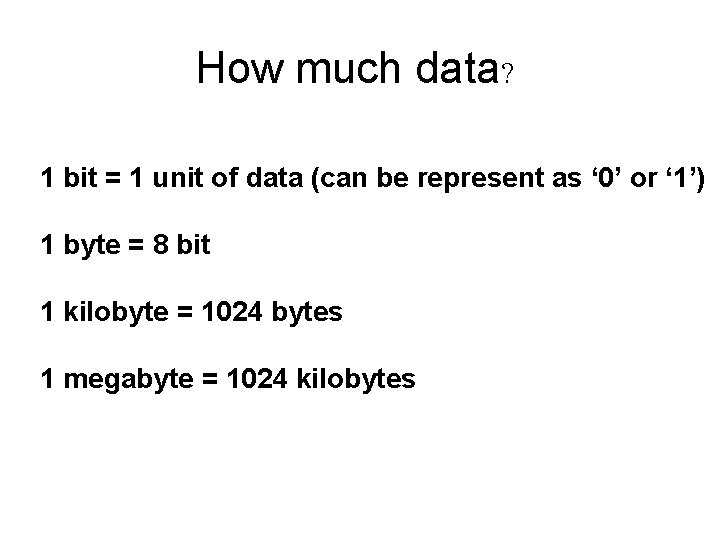
How much data? 1 bit = 1 unit of data (can be represent as ‘ 0’ or ‘ 1’) 1 byte = 8 bit 1 kilobyte = 1024 bytes 1 megabyte = 1024 kilobytes
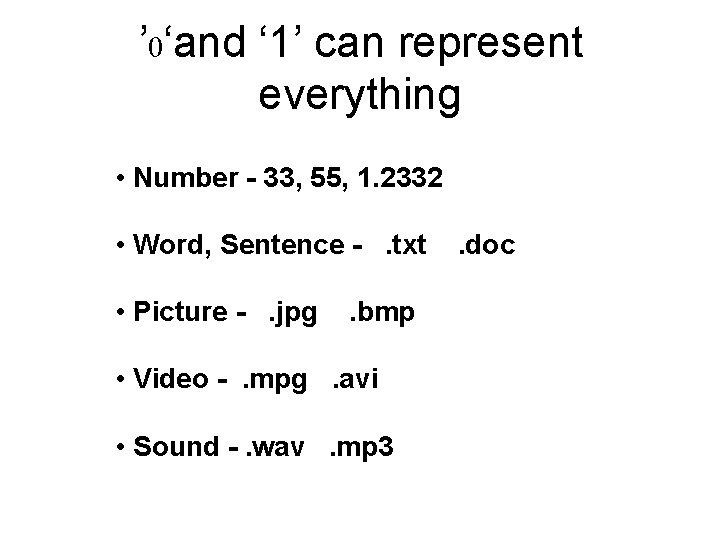
’ 0‘and ‘ 1’ can represent everything • Number - 33, 55, 1. 2332 • Word, Sentence - . txt . doc • Picture - . jpg . bmp • Video - . mpg . avi • Sound -. wav . mp 3
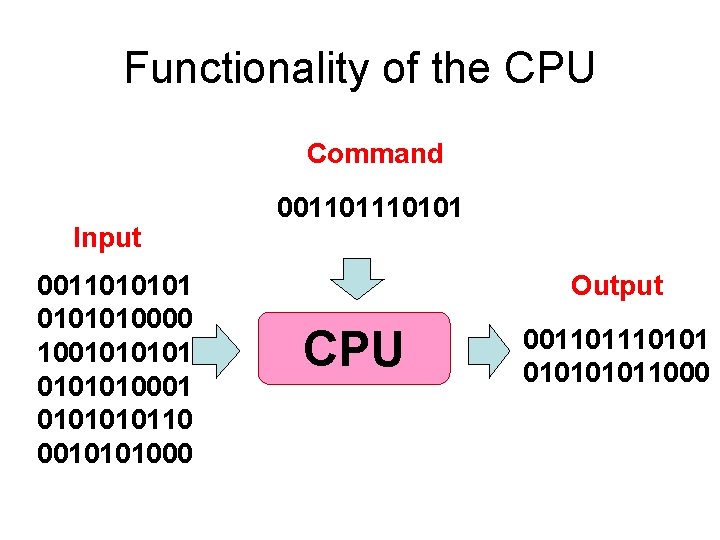
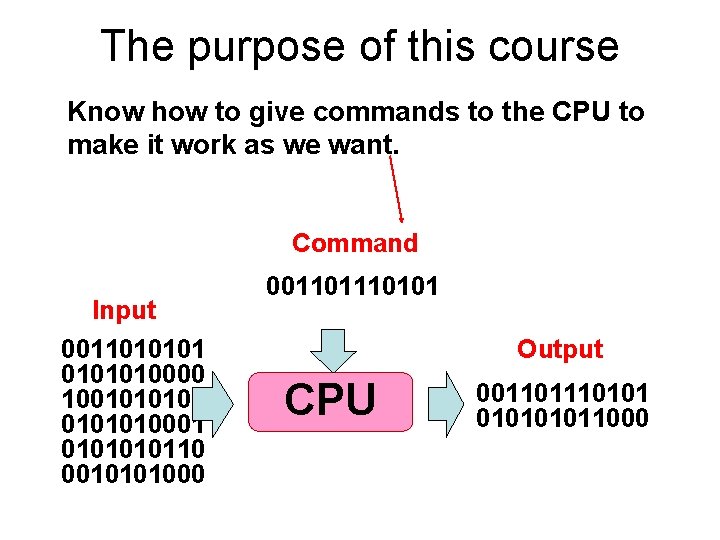
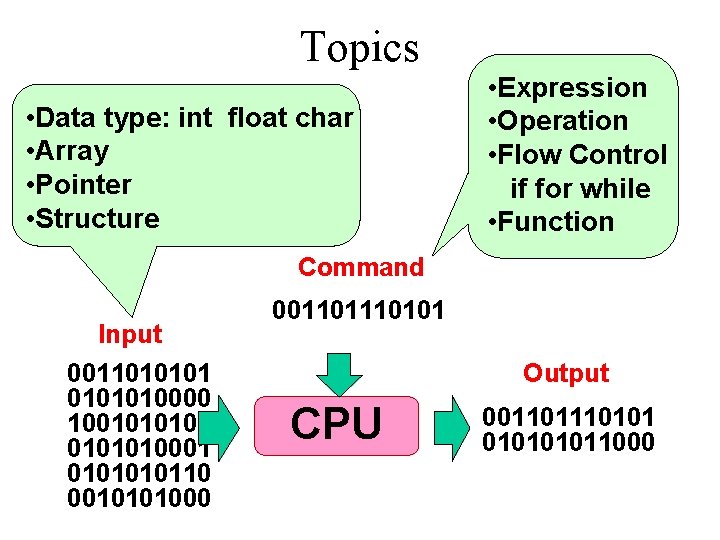
Functionality of the CPU Command Input 00110101010000 100101010001 010110 0010101000 00110101 Output CPU 001101011000
The purpose of this course Know how to give commands to the CPU to make it work as we want. Command Input 00110101010000 100101010001 010110 0010101000 00110101 Output CPU 001101011000
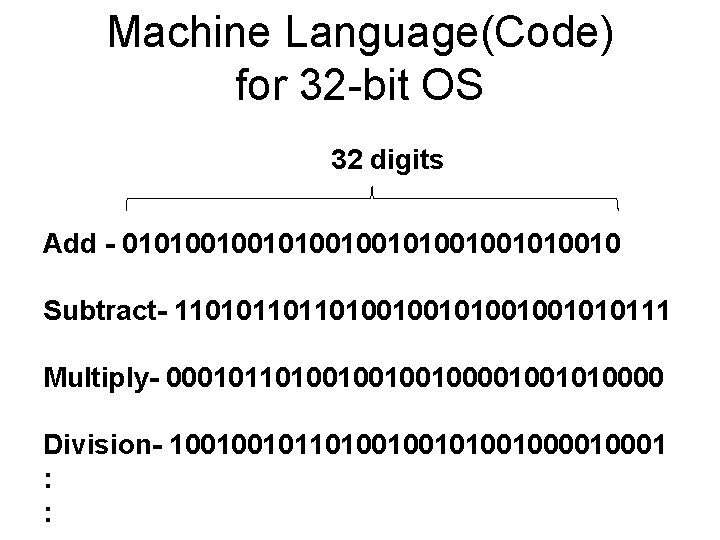
Machine Language(Code) for 32 -bit OS 32 digits Add - 0101001001010010 Subtract- 110101101101001001010111 Multiply- 00010110100100001001010000 Division- 100100101101001000010001 : :
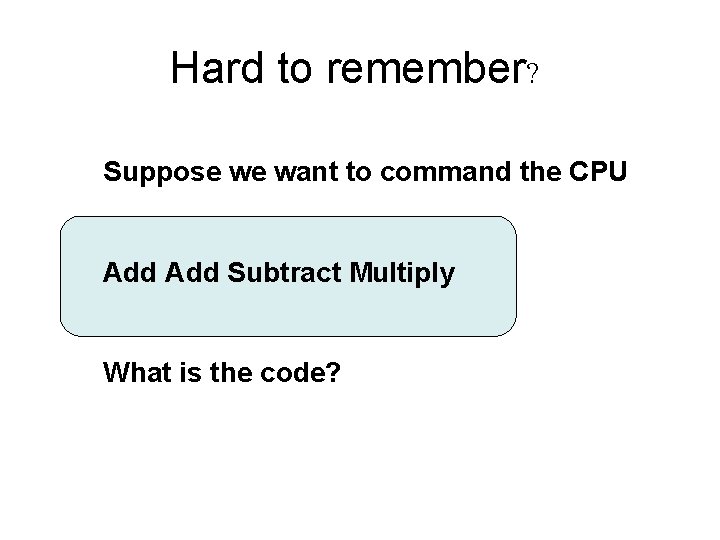
Hard to remember? Suppose we want to command the CPU Add Subtract Multiply What is the code?
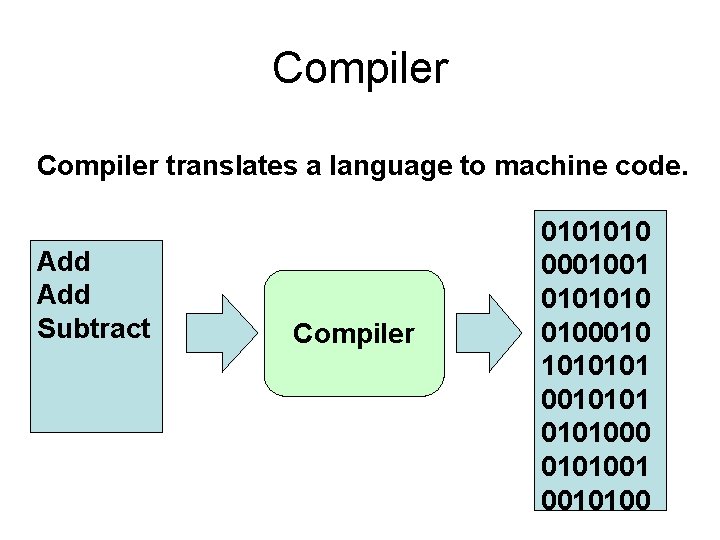
Compiler translates a language to machine code. Add Subtract Compiler 0101010 0001001 0101010 0100010 1010101000 0101001 0010100
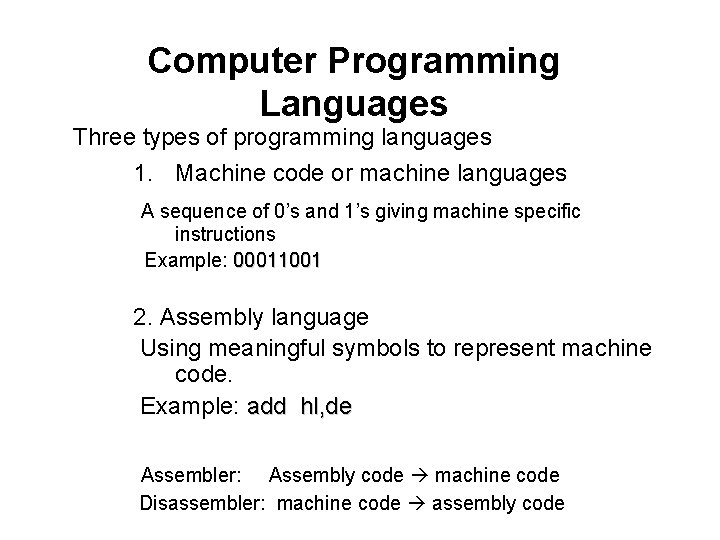
Computer Programming Languages Three types of programming languages 1. Machine code or machine languages A sequence of 0’s and 1’s giving machine specific instructions Example: 00011001 2. Assembly language Using meaningful symbols to represent machine code. Example: add hl, de Assembler: Assembly code machine code Disassembler: machine code assembly code
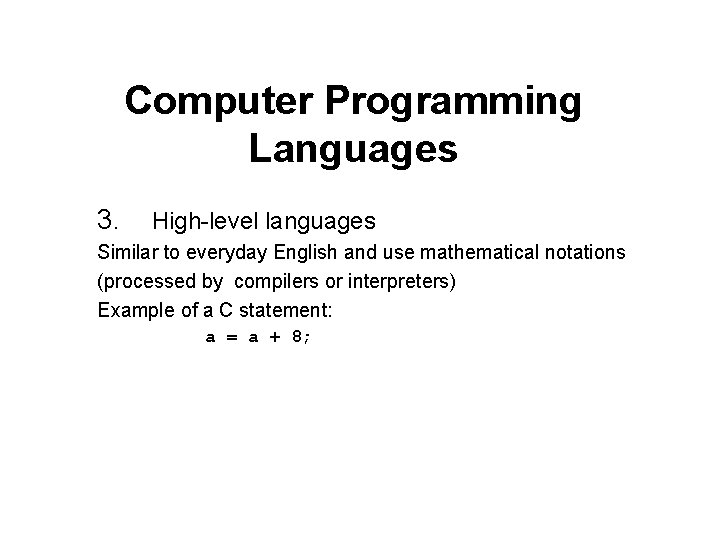
Computer Programming Languages 3. High-level languages Similar to everyday English and use mathematical notations (processed by compilers or interpreters) Example of a C statement: a = a + 8;
Computer Programming Languages 3. High-level languages Similar to everyday English and use mathematical notations (processed by compilers or interpreters) Example of a C statement: a = a + 8;
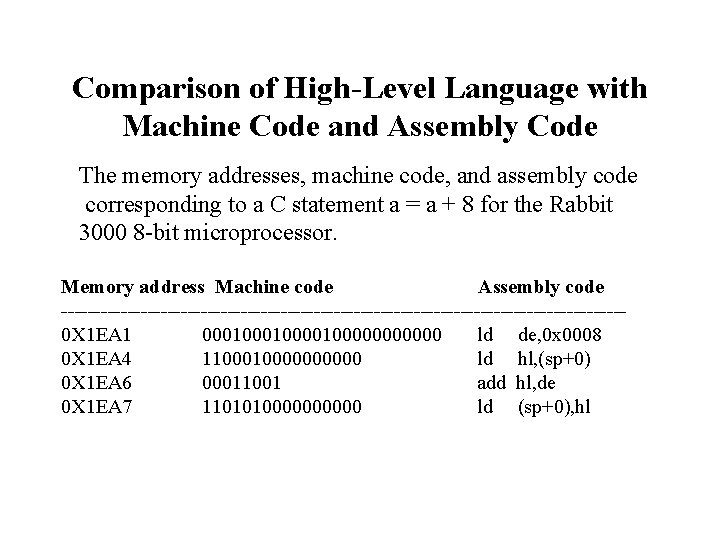
Comparison of High-Level Language with Machine Code and Assembly Code The memory addresses, machine code, and assembly code corresponding to a C statement a = a + 8 for the Rabbit 3000 8 -bit microprocessor. Memory address Machine code Assembly code ------------------------------------------0 X 1 EA 1 000100001000000 ld de, 0 x 0008 0 X 1 EA 4 110000000000 ld hl, (sp+0) 0 X 1 EA 6 00011001 add hl, de 0 X 1 EA 7 11010100000 ld (sp+0), hl
Topics • Data type: int float char • Array • Pointer • Structure • Expression • Operation • Flow Control if for while • Function Command Input 00110101010000 100101010001 010110 0010101000 00110101 Output CPU 001101011000
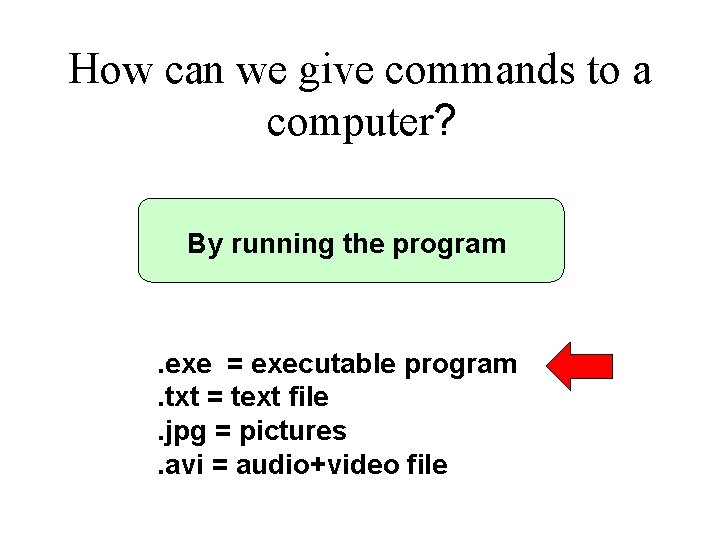
How can we give commands to a computer? By running the program . exe = executable program. txt = text file. jpg = pictures. avi = audio+video file
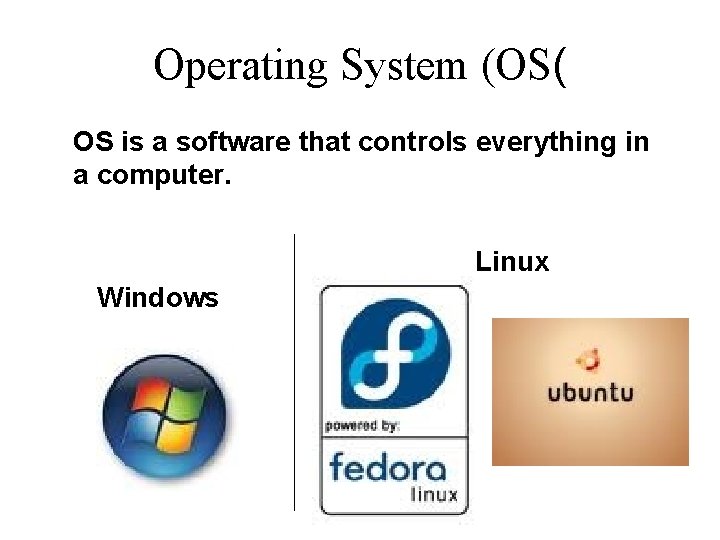
Operating System (OS( OS is a software that controls everything in a computer. Linux Windows
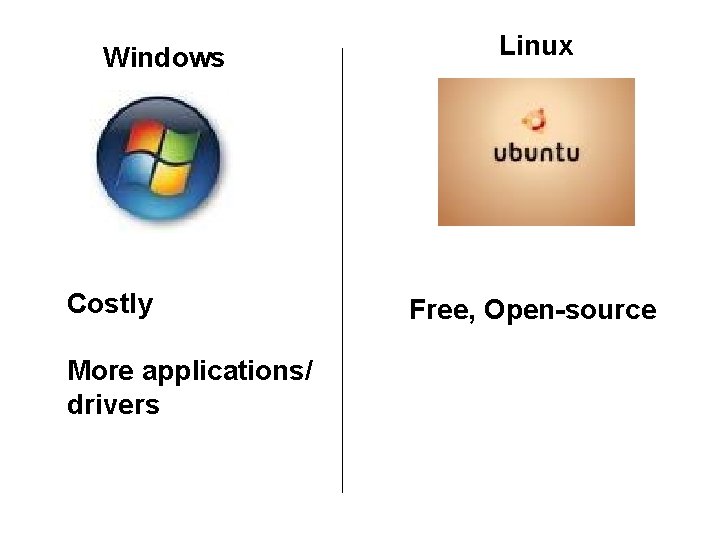
Windows Costly More applications/ drivers Linux Free, Open-source
with OS You do not need to know where is the data. You do not need to know the format of data. You do not need to know where the input/output is. You can input several commands at the same time. OS manages these things for you.