
In The Name Of Allah Spyware Antispyware Spyware

- Slides: 67
In The Name Of Allah
Spyware & Antispyware
Spyware & Antispyware
Spyware & Antispyware What is Spyware? • Spyware refers to programs that use our Internet connection to send information from our personal computer to some other computer, normally without our knowledge or permission.
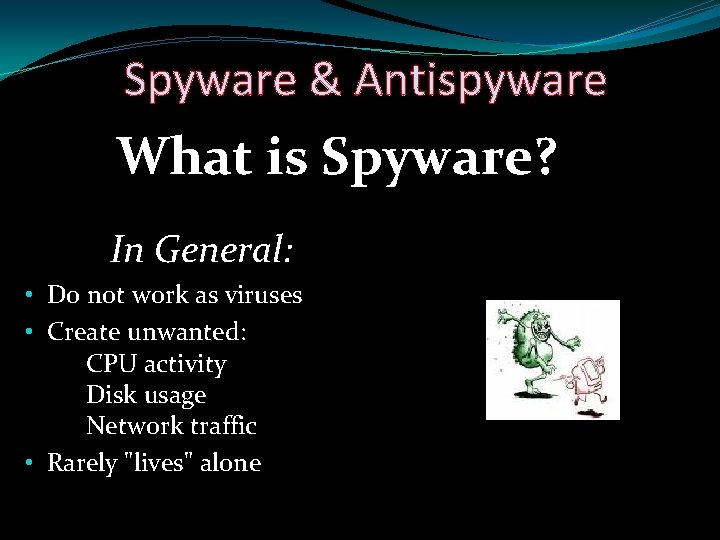
Spyware & Antispyware What is Spyware? In General: • Do not work as viruses • Create unwanted: CPU activity Disk usage Network traffic • Rarely "lives" alone
Spyware & Antispyware First Spyware • These first viruses weren't dangerous only meant as a bit of fun. • People have always been looking for a way to use the internet to make money. • In the 1990's people started advertising on the internet as a way to promote their businesses. • Internet marketing was initially used to promote all sorts of things. • Banner adverts and text links were common types of advertising campaigns. • The first known use of the expression "spyware" occurred on October 17 th, 1994 in a post that joked about Microsoft's business model.
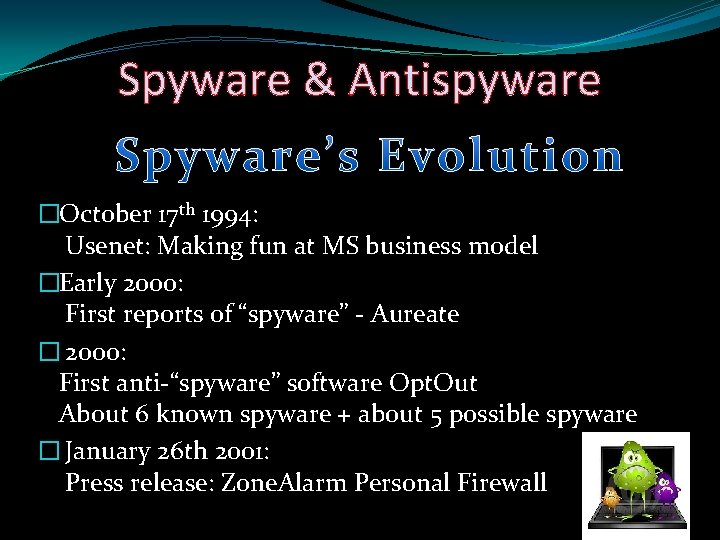
Spyware & Antispyware �October 17 th 1994: Usenet: Making fun at MS business model �Early 2000: First reports of “spyware” - Aureate � 2000: First anti-“spyware” software Opt. Out About 6 known spyware + about 5 possible spyware � January 26 th 2001: Press release: Zone. Alarm Personal Firewall
Spyware & Antispyware st Spyware in 21 century �Saturday, 25 Jan 2003 — A New Worm is Loose The worm is known by the names "SQL Sapphire”. �In 2005, spywares came in the form of Active-X controls, with ads, as a browser-hijacks. �Since then, the computer-community has used the term in its current definition.
Spyware & Antispyware How Spyware Infects? • It will only be installed onto computers if someone runs the install program of an infected program. • It is commonly bundled with illegal software and freeware.
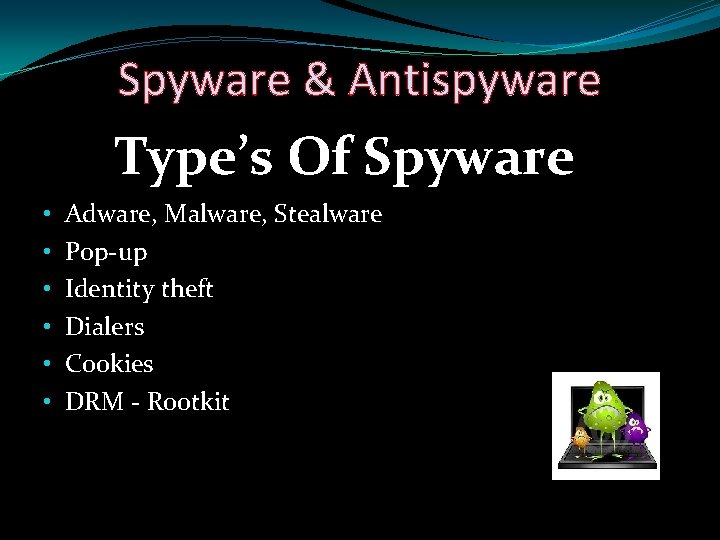
Spyware & Antispyware Type’s Of Spyware • • • Adware, Malware, Stealware Pop-up Identity theft Dialers Cookies DRM - Rootkit
Spyware & Antispyware
Spyware & Antispyware How Spyware comes? • Spyware can be downloaded from Web sites, email messages, instant messages • Spyware often comes from direct file-sharing connections like KAZAA, UTORRENT, RAPIDSHARE. • Spyware often comes wrapped-in with shareware or other software, and with music CDs.
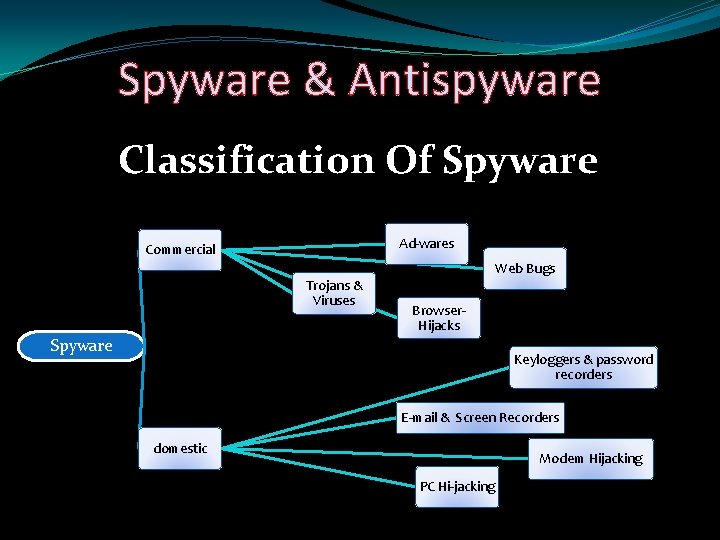
Spyware & Antispyware Classification Of Spyware Ad-wares Commercial Web Bugs Trojans & Viruses Browser. Hijacks Spyware Keyloggers & password recorders E-mail & Screen Recorders domestic Modem Hijacking PC Hi-jacking
Spyware & Antispyware
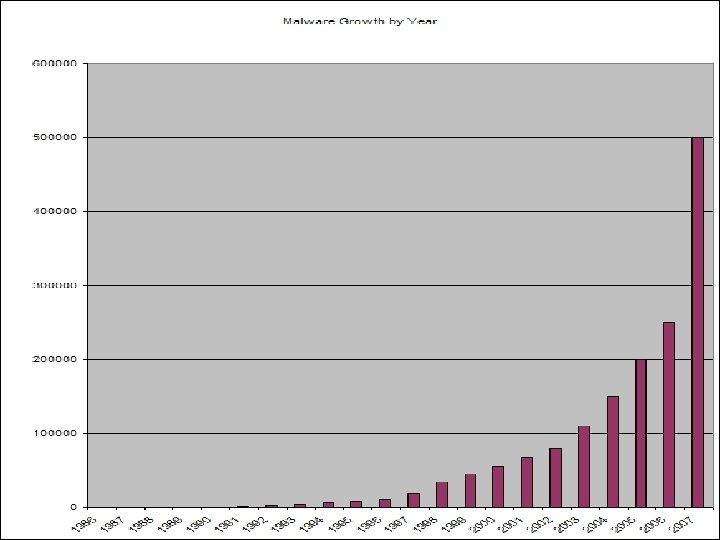
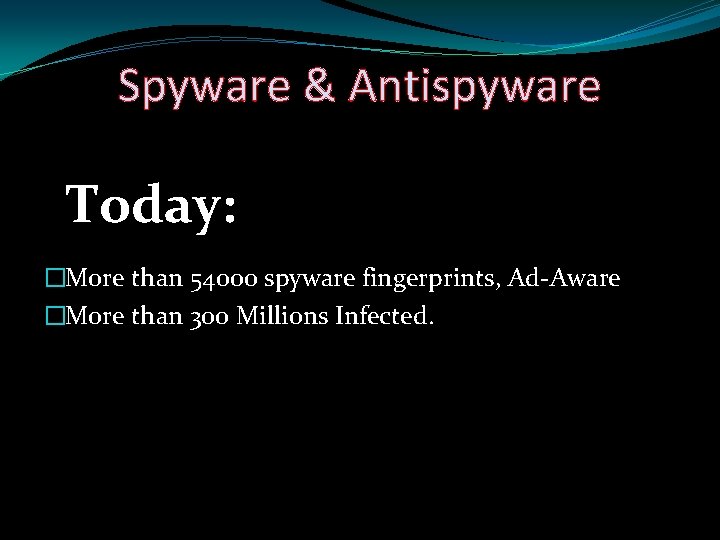
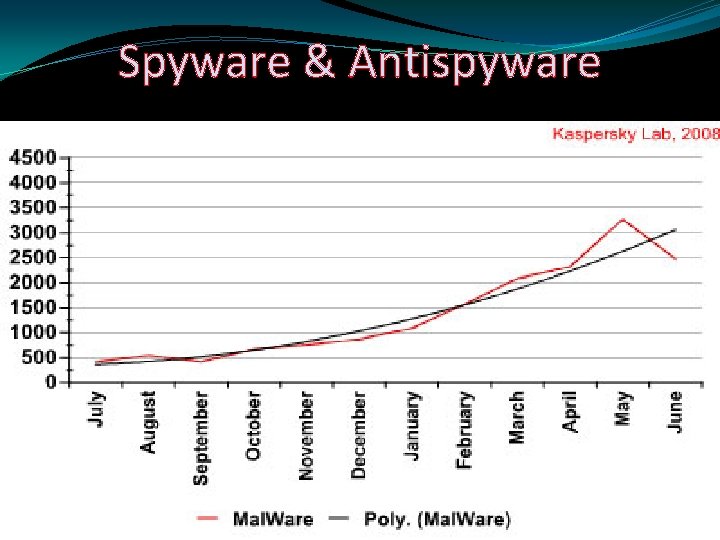
Spyware & Antispyware Today: �More than 54000 spyware fingerprints, Ad-Aware �More than 300 Millions Infected.
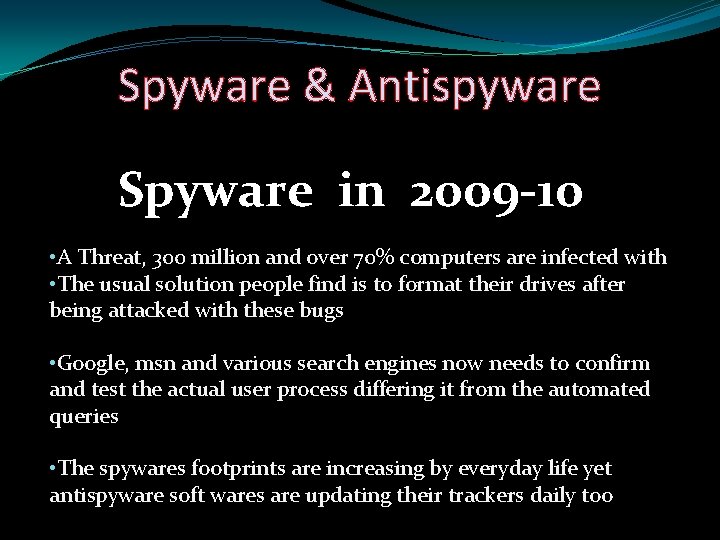
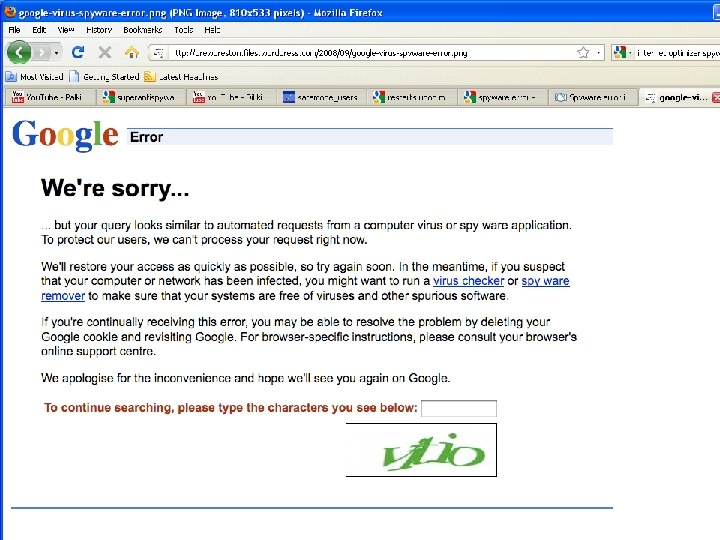
Spyware & Antispyware Spyware in 2009 -10 • A Threat, 300 million and over 70% computers are infected with • The usual solution people find is to format their drives after being attacked with these bugs • Google, msn and various search engines now needs to confirm and test the actual user process differing it from the automated queries • The spywares footprints are increasing by everyday life yet antispyware soft wares are updating their trackers daily too
Spyware & Antispyware Let Us Have a Quick Review On Top 10 Spywares Of 21 st century
Spyware & Antispyware Following are the top Spywares � Cool. Web. Search � Gator � 180 search Assistant � Internet. Optimizer � Hot as Hell � Advanced Keylogger � TIBs dialer
Spyware & Antispyware
Spyware & Antispyware Cool. Web. Search �Pop-up, rewrite search, change host file �Recent variants of Cool. Web. Search install using malicious HTML applications or security flaws Such as exploits in the HTML Help format and Microsoft Java virtual machines.
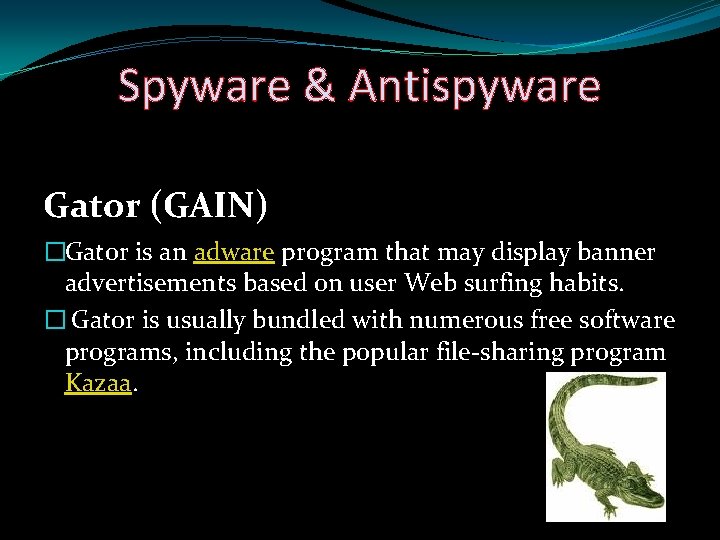
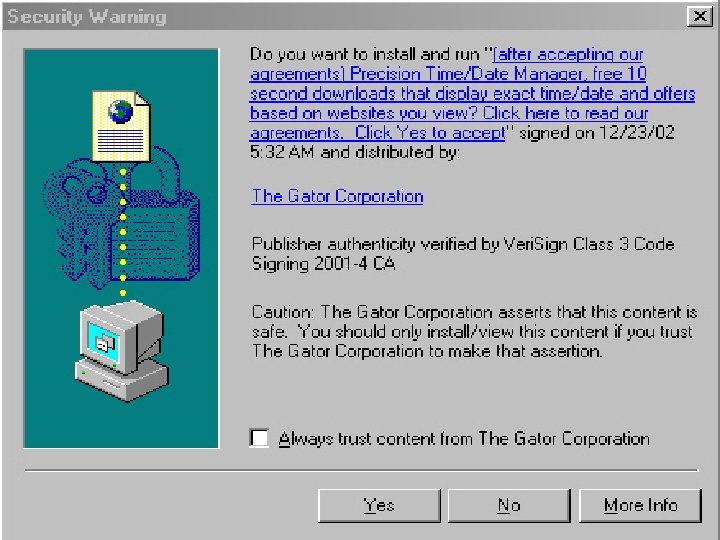
Spyware & Antispyware Gator (GAIN) �Gator is an adware program that may display banner advertisements based on user Web surfing habits. � Gator is usually bundled with numerous free software programs, including the popular file-sharing program Kazaa.
Spyware & Antispyware Internet Optimizer �Redirect IE error pages to ads
Spyware & Antispyware
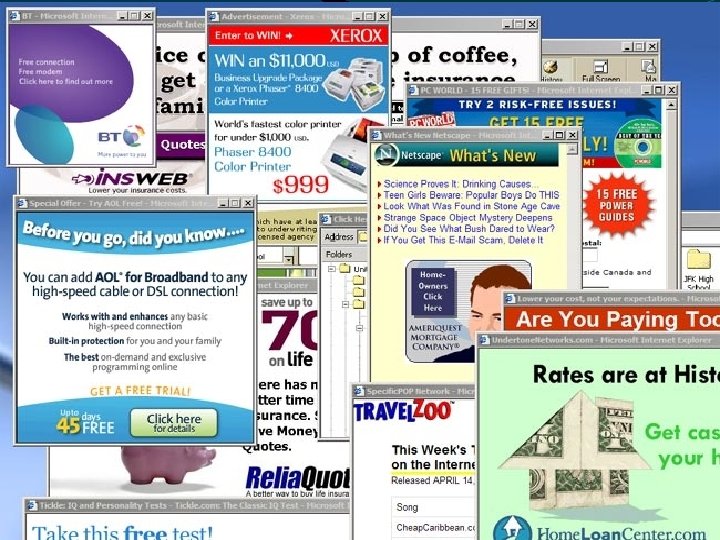
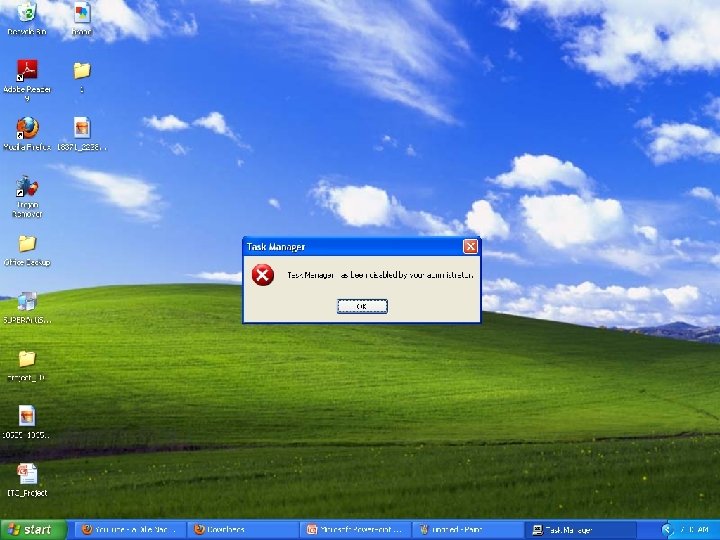
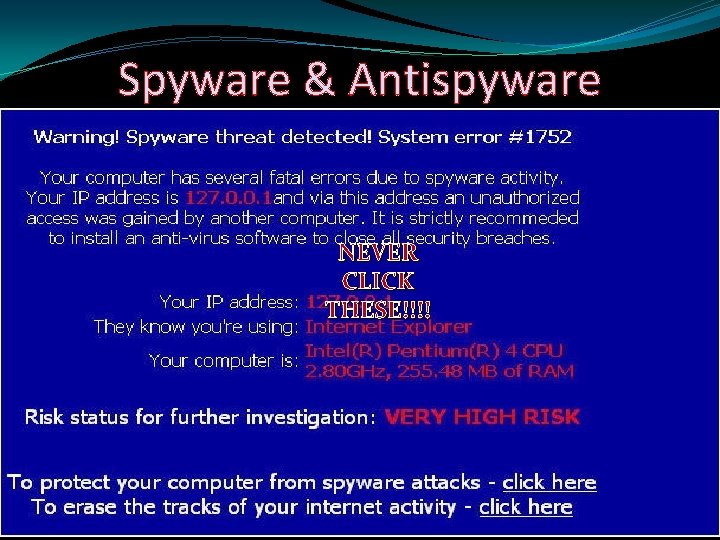
Spyware & Antispyware �A few typical examples of spyware
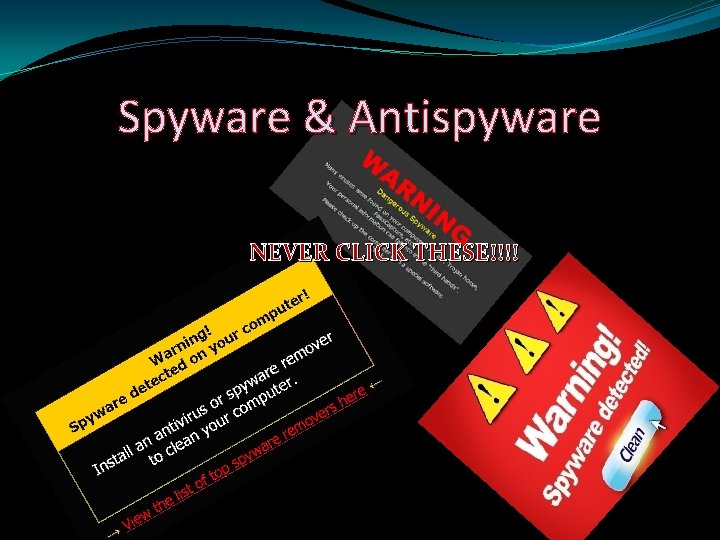
Spyware & Antispyware NEVER CLICK THESE!!!!
Spyware & Antispyware NEVER CLICK THESE!!!!
Spyware & Antispyware
Spyware & Antispyware �Designed or intended to combat or eliminate spyware on a computer system
Spyware & Antispyware Good practices on the internet �Change browser (e. g. Mozilla, opera, chrome) � Do not download executables � Only download from vendors or well-checked sites � Watch out for cookies � Avoid HTML e-mails – Use plaintext � Read EULA � Avoid drive-by download – Change security level
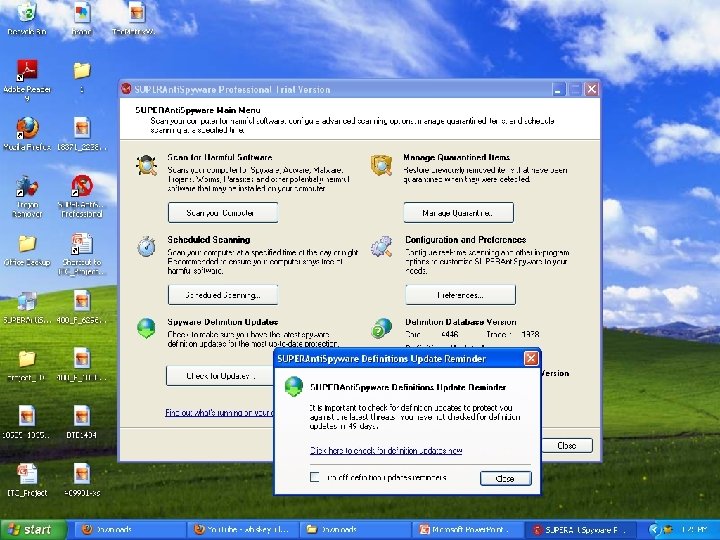
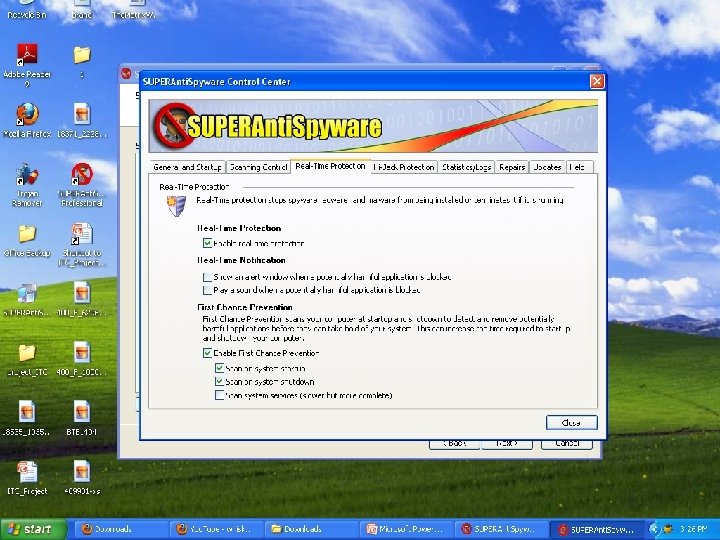
Spyware & Antispyware Best antispywares around the globe � Superantispyware � Spy Sweeper � Ad-Aware � Windows Defender � Spyware Eliminator � Counter Spy � **Spy Deleter – Installs spyware
Spyware & Antispyware How antispyware works �A spyware remover actively scans your computer for spyware by analyzing the codes comparing these to its database of known spyware definitions �The key to effective spyware detection is the cleaner's definitions database that's provided by the software publisher. �The larger the database, the more spyware the cleaner can identify and remove.
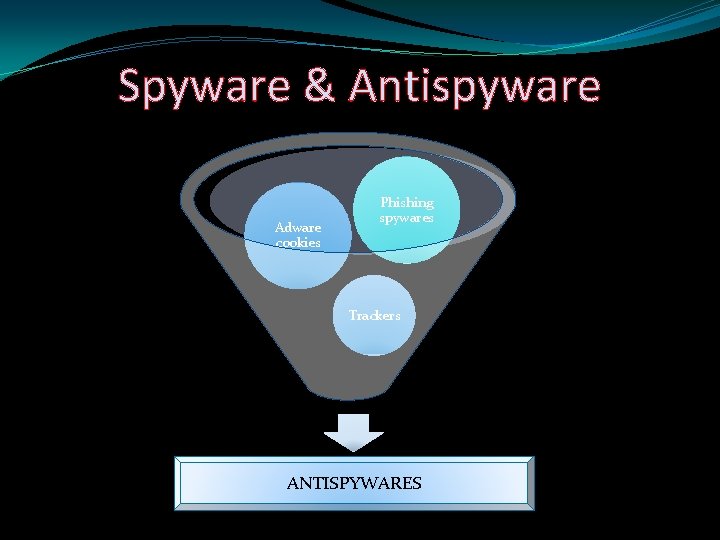
Spyware & Antispyware Adware cookies Phishing spywares Trackers ANTISPYWARES
Spyware & Antispyware A short tutorial to
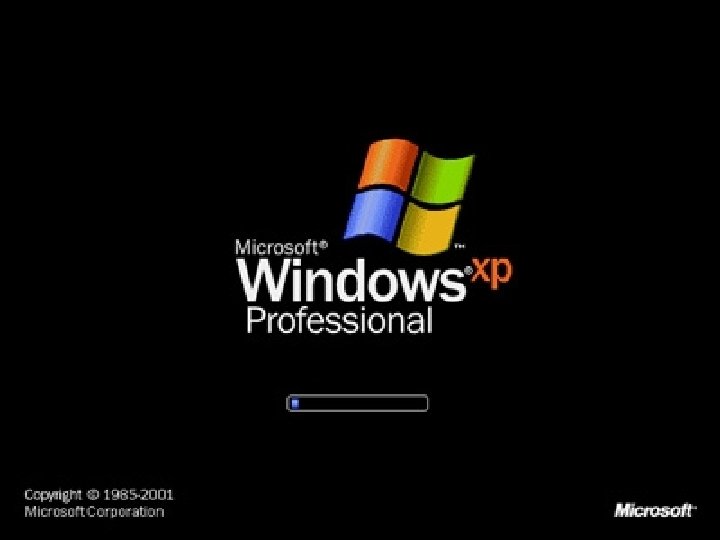
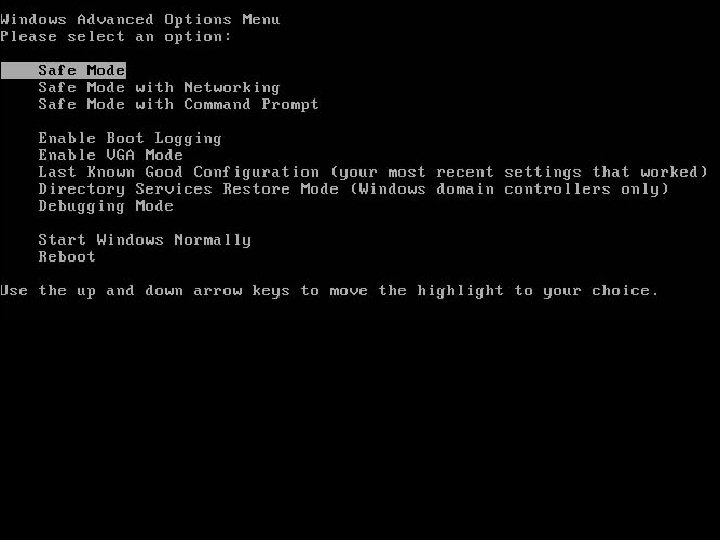
Spyware & Antispyware Safemode Scan �The best scan that we can have on our PC is turning the Safe-Mode on and have a scan �Safe-mode enables a user to work with the least enabled devices and utilities �Even most of the drivers are disabled in a safe-mode �A low resolution profile can be seen once safe-mode is turned on
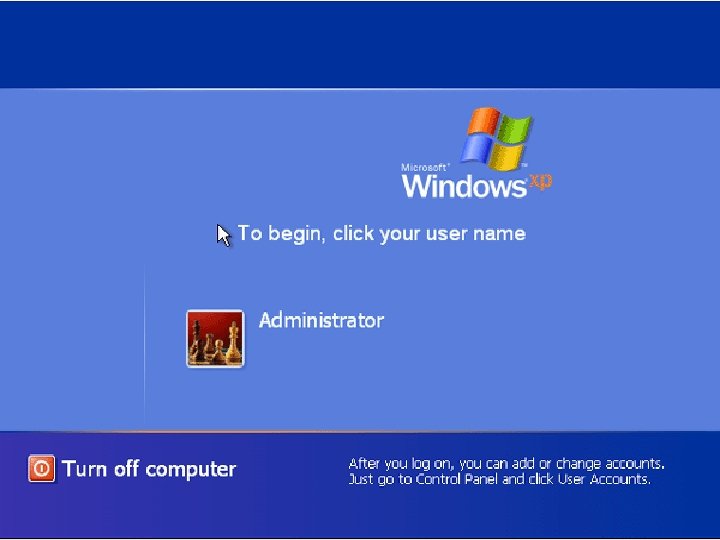
Spyware & Antispyware A short tutorial to SAFE-MODE
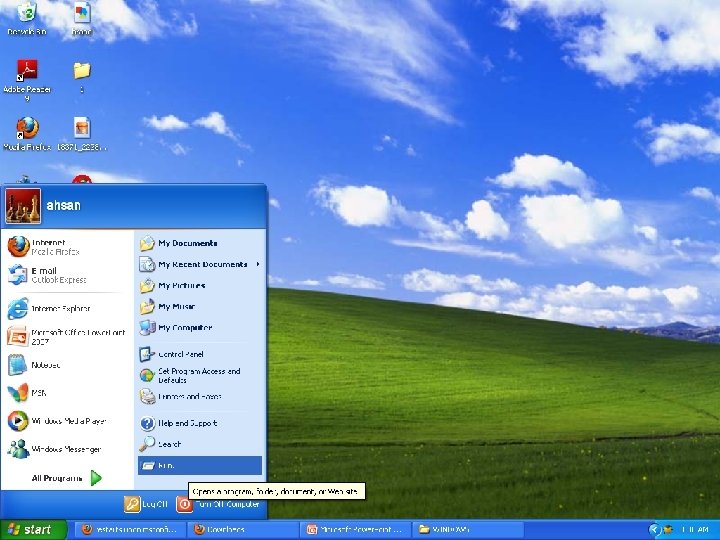
Spyware & Antispyware Scanning in Safe-mode �Now what you do is that you locally run your antispyware program from the start menu, �Running the program, you can have thorough scan of the system including the drivers and the items that occupy
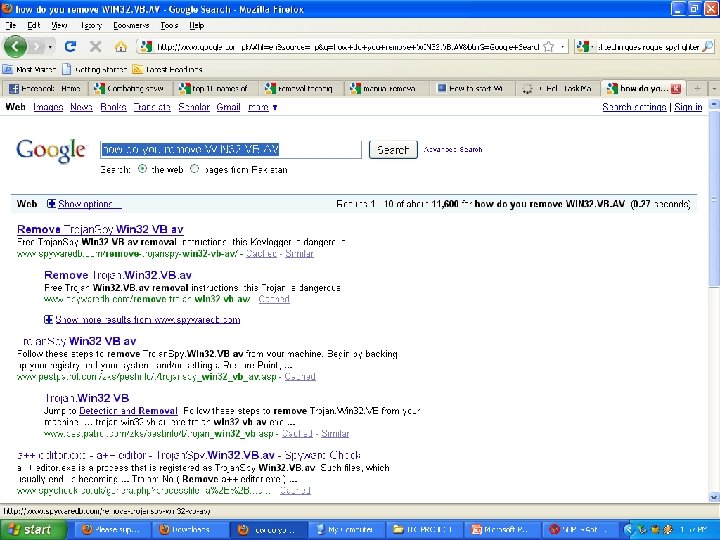
Spyware & Antispyware What google can do for us? • Google is a search engine, we all know, but this can benefit you in some more ways. • Let us see how google would help you removing a spyware manually
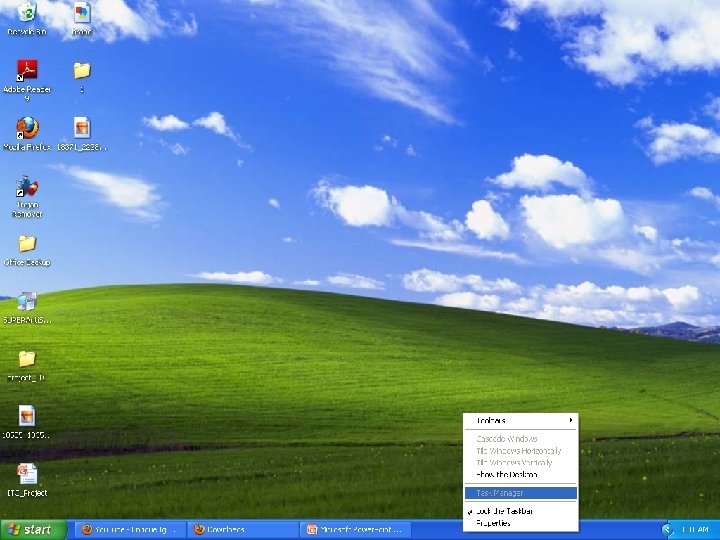
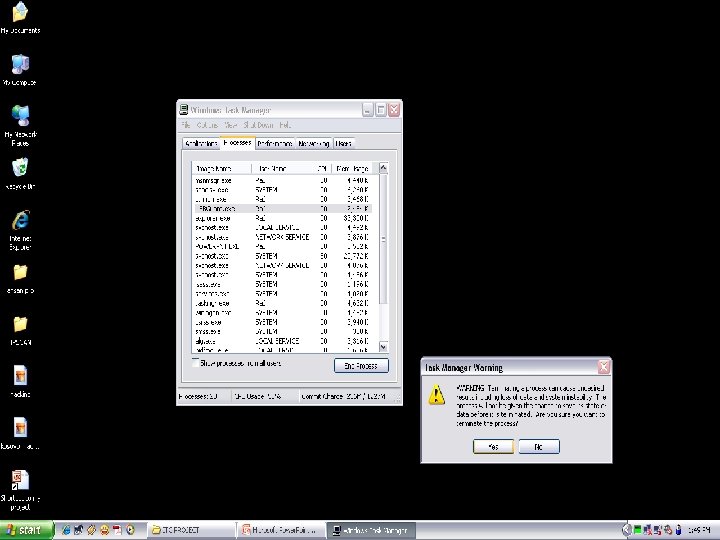
Spyware & Antispyware Overlooking the Task manager �Task-manager, ms utility to manage the processes �Helps to terminate the spywares and remove them manually. �Terminate a program, not working. �Terminate programs, not in use
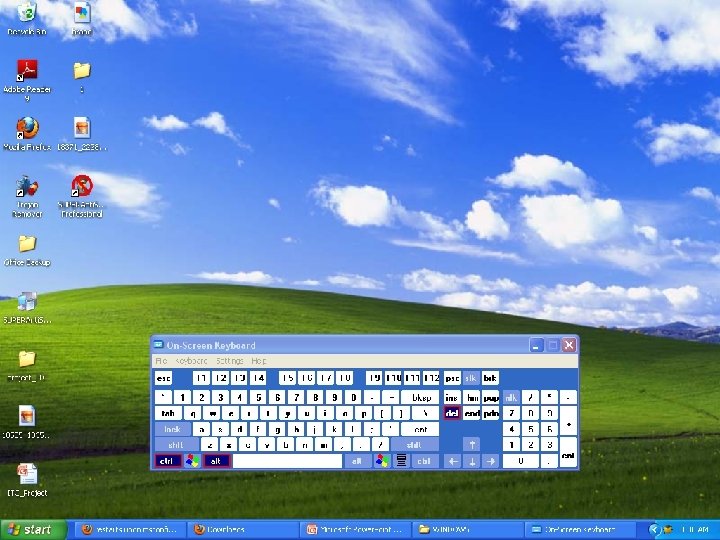
Spyware & Antispyware A short tutorial to task-manager �A Combo of the keys CTRL, ALT & DEL at any time in windows runtime mode opens a box termed as taskmanager �Once opened, go upon processes and see which process to terminate �This terminology of terminating a process helps you delete spywares from the root directory �The root directory for most spywares is C: /Windows/System 32
Spyware & Antispyware �A known spyware is generally terminated and then deleted from the registry and from the root directory after terminating it from the processes �The spywares can manually be terminated only if you’re aware of the system’s processes. �The processes include drivers, running applications and spywares as well. �Spywares and spywares usually show up under the user section
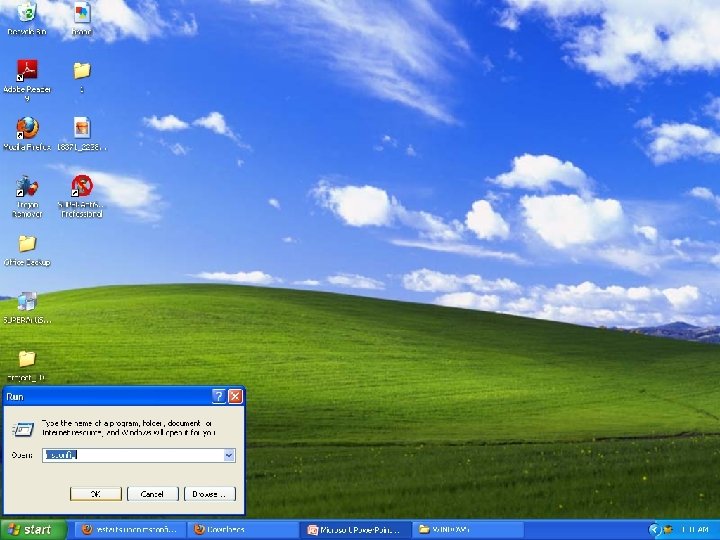
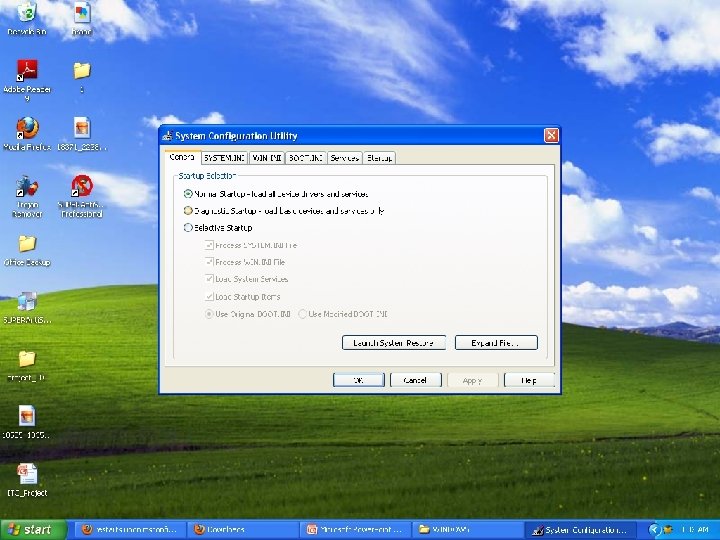
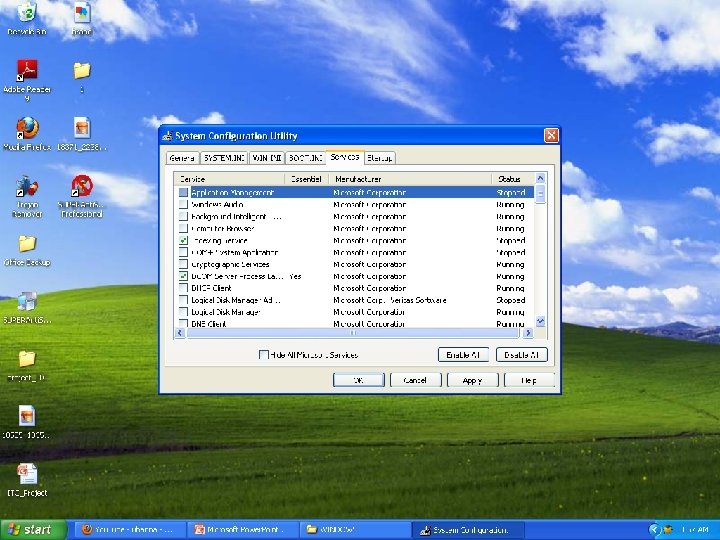
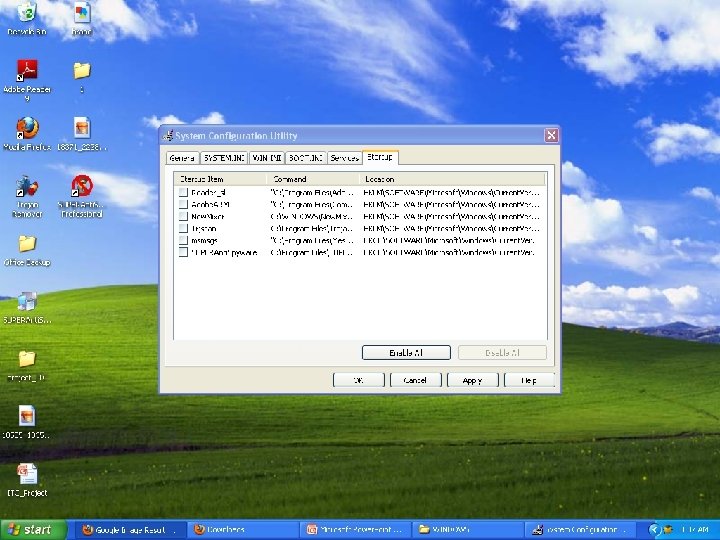
Spyware & Antispyware Msconfig �Another ms-utility that enables ms. Windows users to edit the start-up processes configurations �With this utility you can stop spywares to run at the start-up.
Spyware & Antispyware A short tutorial to Msconfig
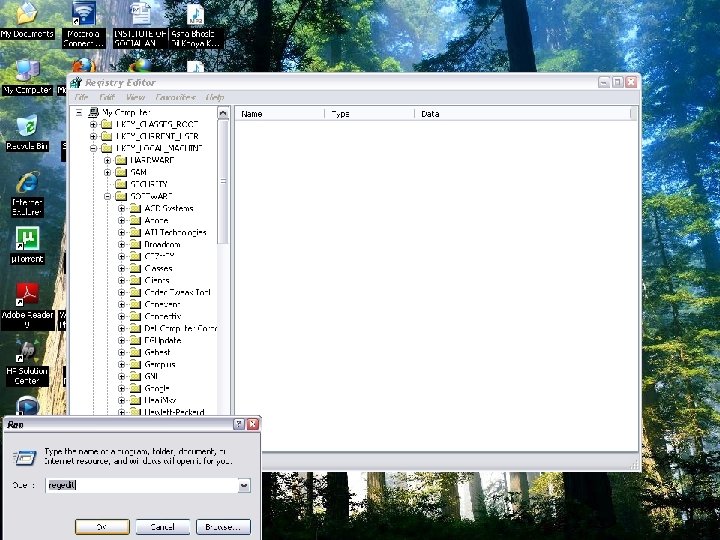
Spyware & Antispyware Regedit • Lets you play with the registry of softwares and hardwares • Now see the Tutorial.
Spyware & Antispyware References � http: //www. wikipedia. org/ � http: //www. microsoft. com/ � http: //www. grc. com/ � http: //www. spywarewarrior. com/ � http: //www. winsupersite. com/
Spyware & Antispyware These tutorials and presentation was giving to you in hope that you can have a professional approach towards cleanin’ your system rather than formatting it.
Spyware & Antispyware