
In Tech Professional Development Program What is the
- Slides: 26
In. Tech Professional Development Program
What is the In. Tech Program?
INtegrating TECHology In. Tech is a professional development program designed to instruct teachers in using technology as a teaching tool.
Problem Statement ® Despite the huge investment in computers and related technologies, technology has had little impact on the overall teaching and learning process.
The Big Goal To improve the teaching and learning process by helping teachers acquire the knowledge and skills necessary to effectively integrate computers and related technology into the classroom
The In. Tech Program was pioneered by the DOE Technology Training Center at Kennesaw State University in 1996.
SUCCESS! In. Tech proved itself to be such an effective way for delivering technology staff development that the Georgia State Department of Education adopted the program and recommended that all schools participate.
Goals ®How to use technology to meet the state objectives for students in grades K-12
GOALS ®How to use the computer as a presentation tool in small and whole-group instruction
GOALS ®How to select software that meets your curricular objectives
GOALS ®Effective ways to use computer and video technology to increase your students’ learning
GOALS ®Ways to effectively use computers, whether you have access to just one computer or many computers. ®Ideas for incorporating multimedia Programs into your classroom program
GOALS ®How to increase student involvement and enthusiasm for research Programs by adding multimedia options to your program
GOALS ®Suggestions for more effectively integrating technology across the curriculum
GOALS ®How to enhance your existing program rather than adding something new to your already crowded schedule
GOALS ® Strategies for developing and implementing specific technology expectations for your students ® Ways to encourage students to be more responsible for their own learning as they create dynamic multimedia Programs
GOALS ®Tips on how to use technology on a daily basis
GOALS ®Ideas for developing and utilizing teacher resources that will make your job easier
GOALS The teachers who participate in In-Tech will be given time to create technology-based, curricular activities and Programs that they will use during the school year
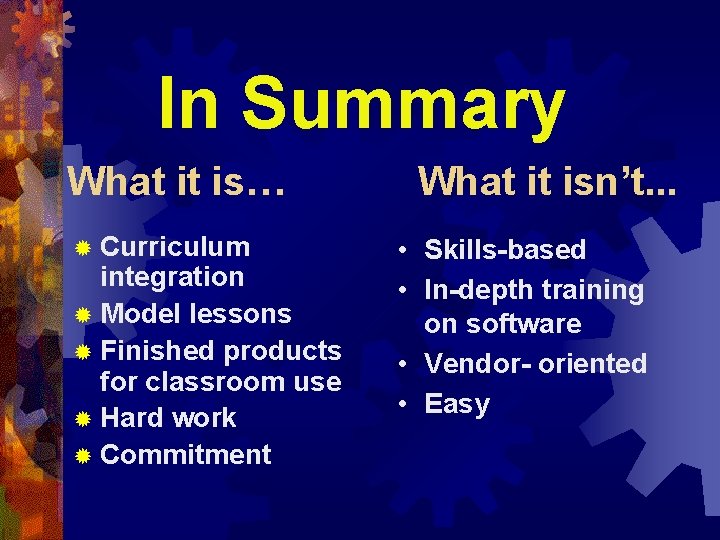
In Summary What it is… ® Curriculum integration ® Model lessons ® Finished products for classroom use ® Hard work ® Commitment What it isn’t. . . • Skills-based • In-depth training on software • Vendor- oriented • Easy
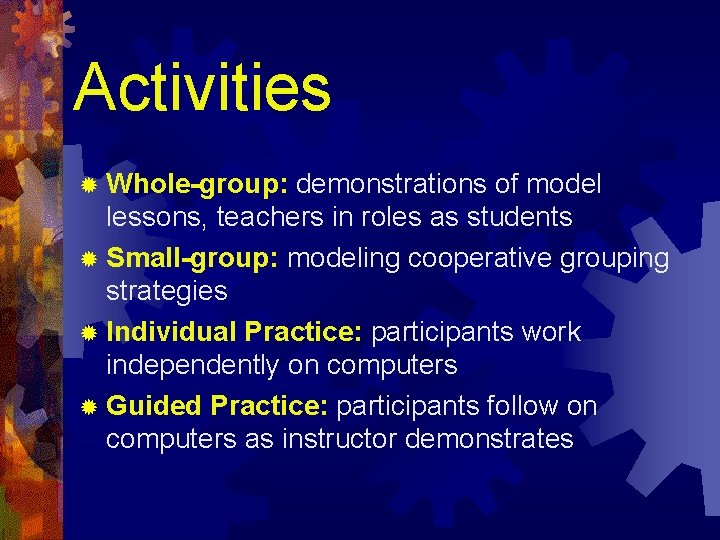
Activities ® Whole-group: demonstrations of model lessons, teachers in roles as students ® Small-group: modeling cooperative grouping strategies ® Individual Practice: participants work independently on computers ® Guided Practice: participants follow on computers as instructor demonstrates
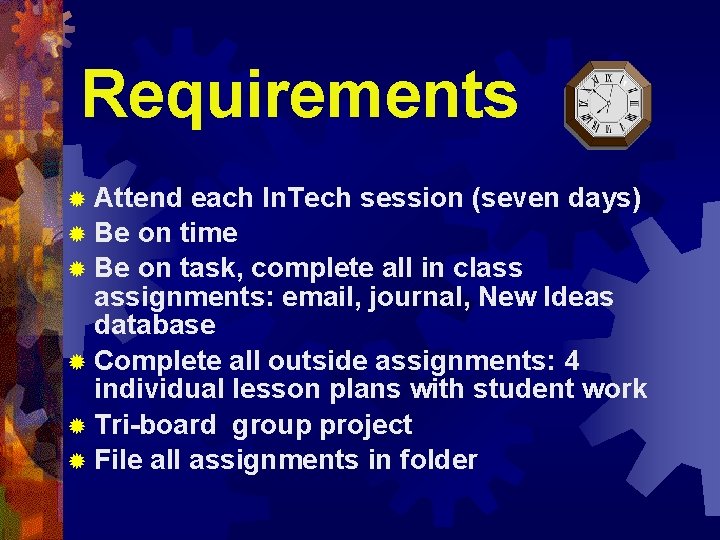
Requirements ® Attend each In. Tech session (seven days) ® Be on time ® Be on task, complete all in class assignments: email, journal, New Ideas database ® Complete all outside assignments: 4 individual lesson plans with student work ® Tri-board group project ® File all assignments in folder
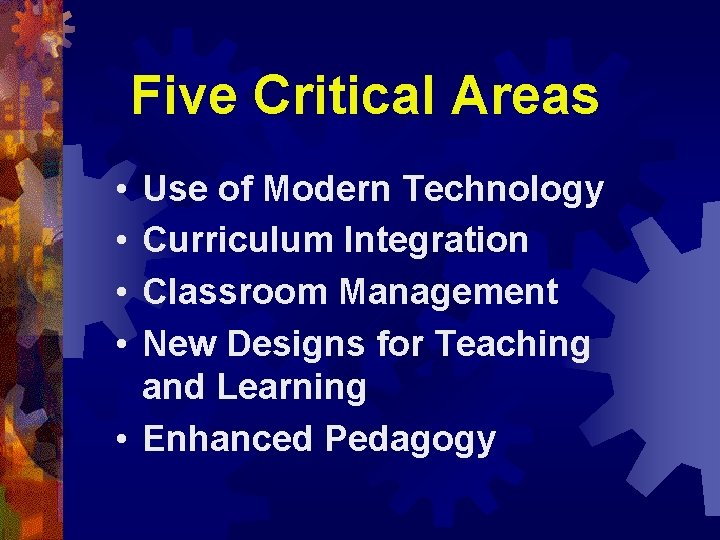
Five Critical Areas • • Use of Modern Technology Curriculum Integration Classroom Management New Designs for Teaching and Learning • Enhanced Pedagogy
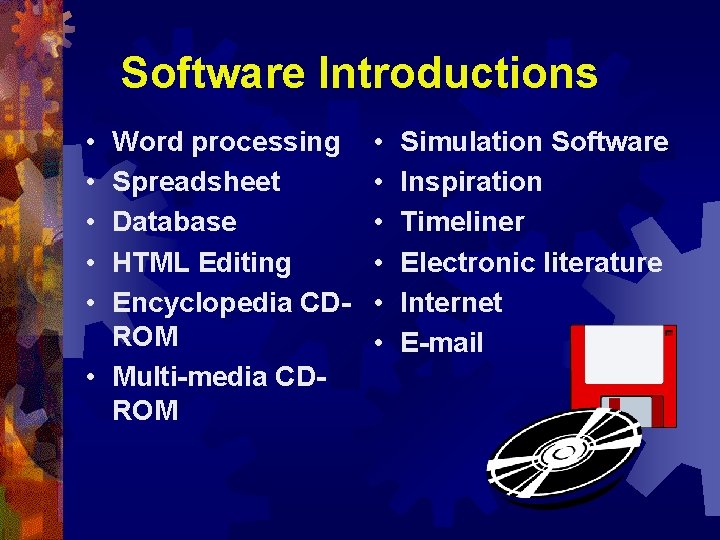
Software Introductions • • • Word processing Spreadsheet Database HTML Editing Encyclopedia CDROM • Multi-media CDROM • • • Simulation Software Inspiration Timeliner Electronic literature Internet E-mail
Housekeeping • Comfortable clothing • Bring notebooks and blank disks each day • Breaks/snacks • Lunch • Phone calls • Questions/Comments/Concerns
Paulding County Technology Department Phone: (770) 443 -8000 Instructors: Brenda Myers bmyers@paulding. k 12. ga. us or Ken Fagin kfagin@paulding. k 12. ga. us