
In Lacture CSS441 Advanced Programming using JAVA EE
- Slides: 25
In Lacture CSS-441 Advanced Programming using JAVA EE Topic : JSF Kaster Nurmukan
Agenda • • • Overview of JSF Why JSF? JSF Features often case in web app JSF Life Cycle JSP vs Struts Vs Java. Server Faces
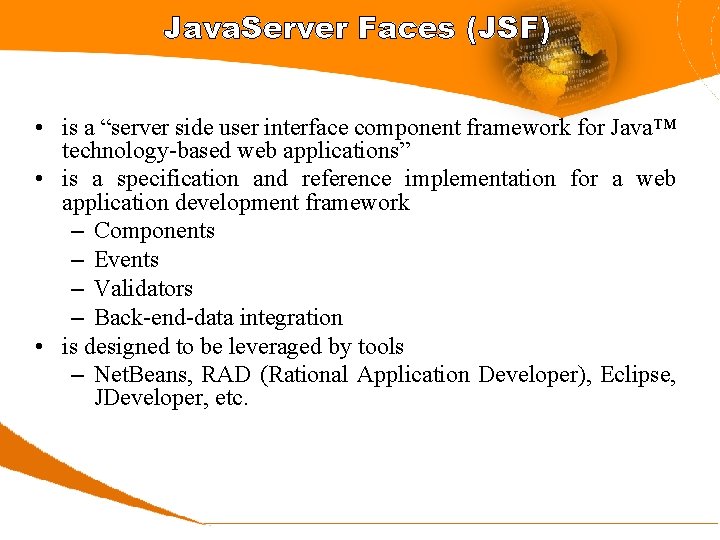
Java. Server Faces (JSF) • is a “server side user interface component framework for Java™ technology-based web applications” • is a specification and reference implementation for a web application development framework – Components – Events – Validators – Back-end-data integration • is designed to be leveraged by tools – Net. Beans, RAD (Rational Application Developer), Eclipse, JDeveloper, etc.
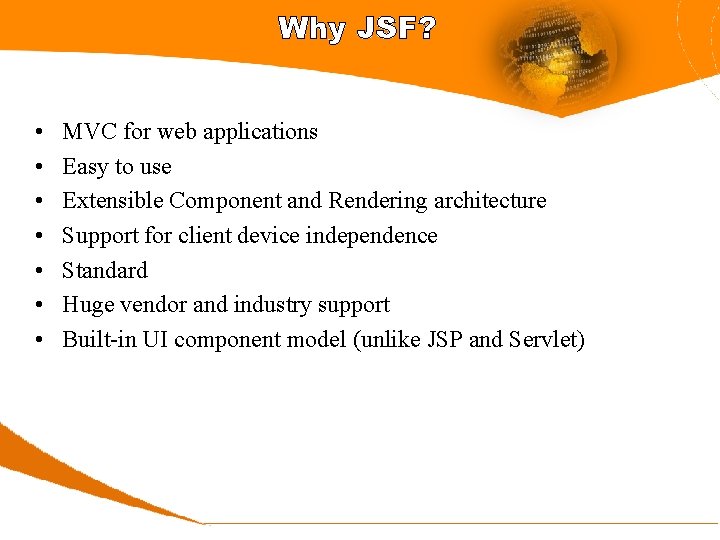
Why JSF? • • MVC for web applications Easy to use Extensible Component and Rendering architecture Support for client device independence Standard Huge vendor and industry support Built-in UI component model (unlike JSP and Servlet)
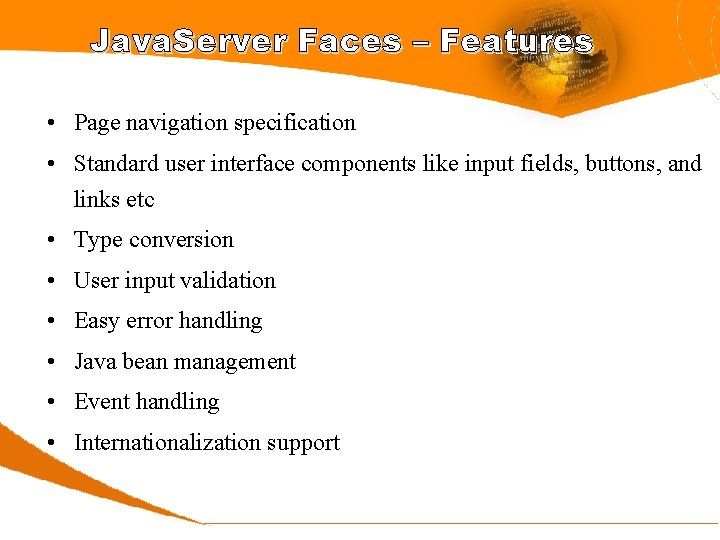
Java. Server Faces – Features • Page navigation specification • Standard user interface components like input fields, buttons, and links etc • Type conversion • User input validation • Easy error handling • Java bean management • Event handling • Internationalization support
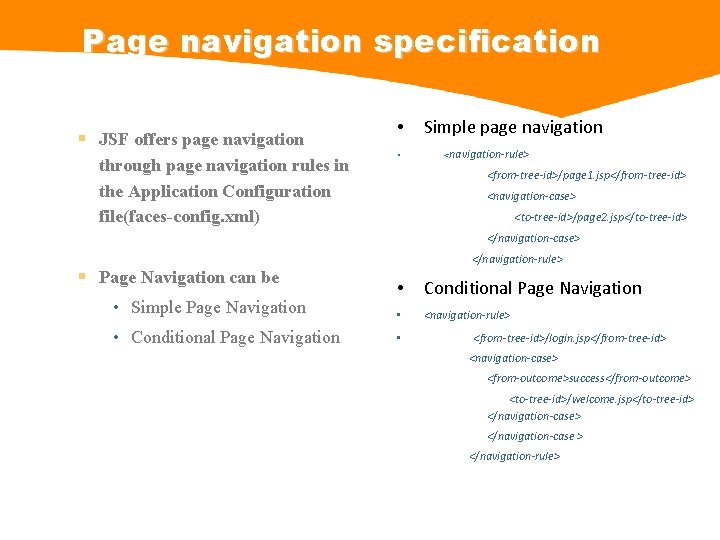
Page navigation specification JSF offers page navigation through page navigation rules in the Application Configuration file(faces-config. xml) • • Simple page navigation <navigation-rule> <from-tree-id>/page 1. jsp</from-tree-id> <navigation-case> <to-tree-id>/page 2. jsp</to-tree-id> </navigation-case> Page Navigation can be • Simple Page Navigation • Conditional Page Navigation </navigation-rule> • Conditional Page Navigation • <navigation-rule> • <from-tree-id>/login. jsp</from-tree-id> <navigation-case> <from-outcome>success</from-outcome> <to-tree-id>/welcome. jsp</to-tree-id> </navigation-case > </navigation-rule>
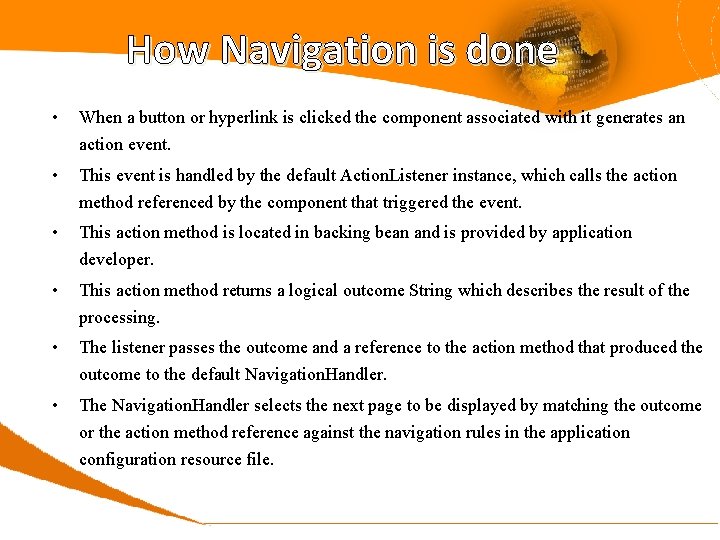
How Navigation is done • When a button or hyperlink is clicked the component associated with it generates an action event. • This event is handled by the default Action. Listener instance, which calls the action method referenced by the component that triggered the event. • This action method is located in backing bean and is provided by application developer. • This action method returns a logical outcome String which describes the result of the processing. • The listener passes the outcome and a reference to the action method that produced the outcome to the default Navigation. Handler. • The Navigation. Handler selects the next page to be displayed by matching the outcome or the action method reference against the navigation rules in the application configuration resource file.
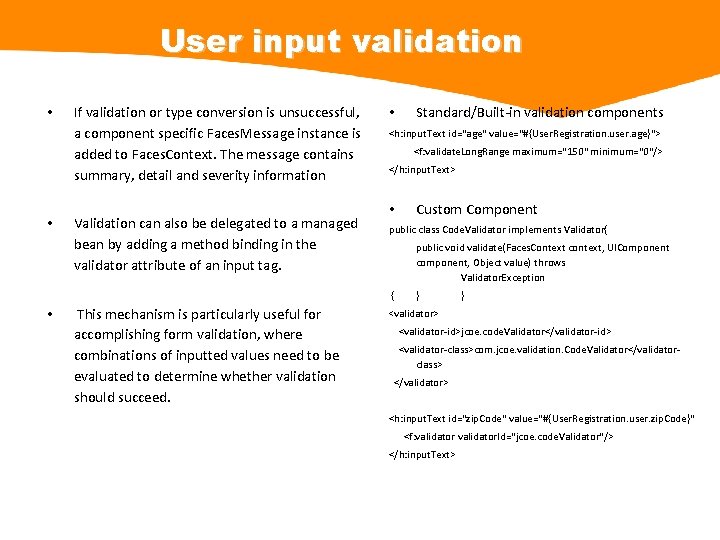
User input validation • • If validation or type conversion is unsuccessful, a component specific Faces. Message instance is added to Faces. Context. The message contains summary, detail and severity information Validation can also be delegated to a managed bean by adding a method binding in the validator attribute of an input tag. • <h: input. Text id="age" value="#{User. Registration. user. age}"> <f: validate. Long. Range maximum="150" minimum="0"/> </h: input. Text> • This mechanism is particularly useful for accomplishing form validation, where combinations of inputted values need to be evaluated to determine whether validation should succeed. Custom Component public class Code. Validator implements Validator{ public void validate(Faces. Context context, UIComponent component, Object value) throws Validator. Exception { • Standard/Built-in validation components } } <validator> <validator-id>jcoe. code. Validator</validator-id> <validator-class>com. jcoe. validation. Code. Validator</validatorclass> </validator> <h: input. Text id="zip. Code" value="#{User. Registration. user. zip. Code}" <f: validator. Id="jcoe. code. Validator"/> </h: input. Text>
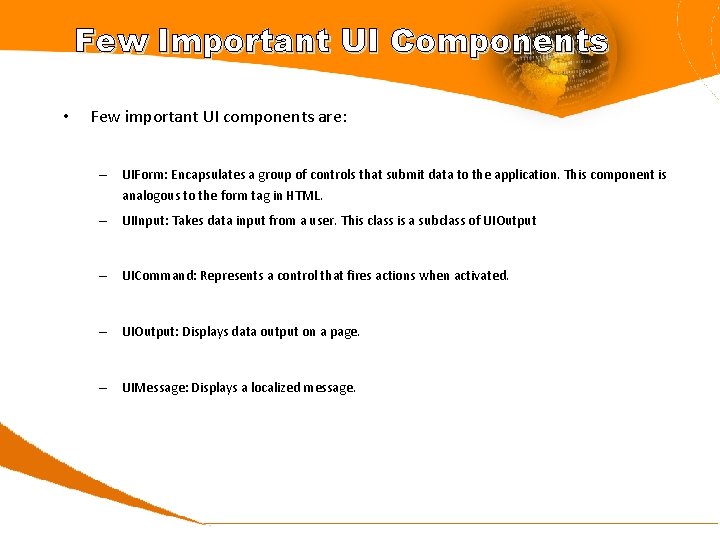
Few Important UI Components • Few important UI components are: – UIForm: Encapsulates a group of controls that submit data to the application. This component is analogous to the form tag in HTML. – UIInput: Takes data input from a user. This class is a subclass of UIOutput – UICommand: Represents a control that fires actions when activated. – UIOutput: Displays data output on a page. – UIMessage: Displays a localized message.
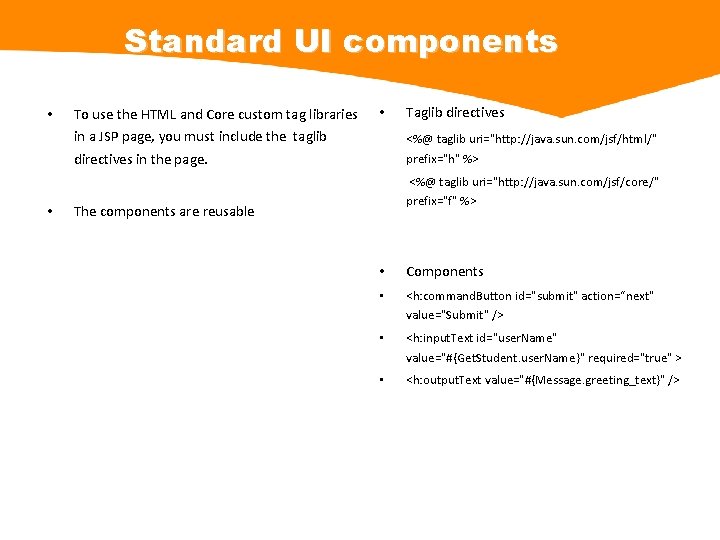
Standard UI components • • To use the HTML and Core custom tag libraries in a JSP page, you must include the taglib directives in the page. • Taglib directives <%@ taglib uri="http: //java. sun. com/jsf/html/" prefix="h" %> <%@ taglib uri="http: //java. sun. com/jsf/core/" prefix="f" %> The components are reusable • Components • <h: command. Button id="submit" action=“next" value="Submit" /> • <h: input. Text id="user. Name" value="#{Get. Student. user. Name}" required="true" > • <h: output. Text value="#{Message. greeting_text}" />
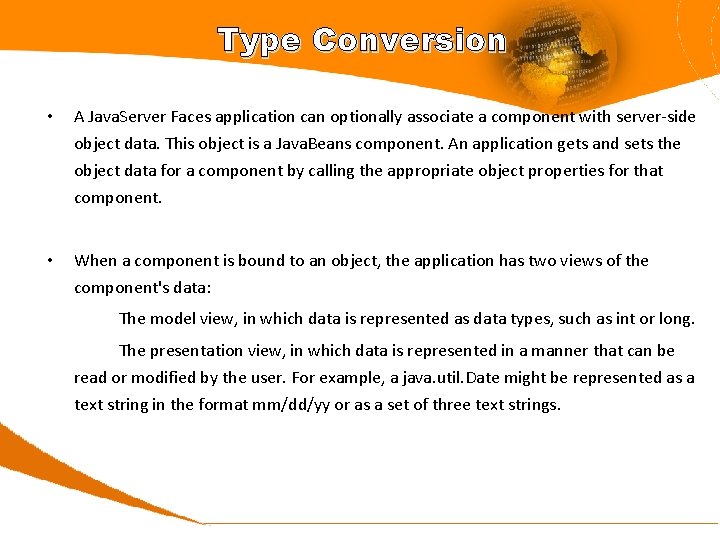
Type Conversion • A Java. Server Faces application can optionally associate a component with server-side object data. This object is a Java. Beans component. An application gets and sets the object data for a component by calling the appropriate object properties for that component. • When a component is bound to an object, the application has two views of the component's data: The model view, in which data is represented as data types, such as int or long. The presentation view, in which data is represented in a manner that can be read or modified by the user. For example, a java. util. Date might be represented as a text string in the format mm/dd/yy or as a set of three text strings.
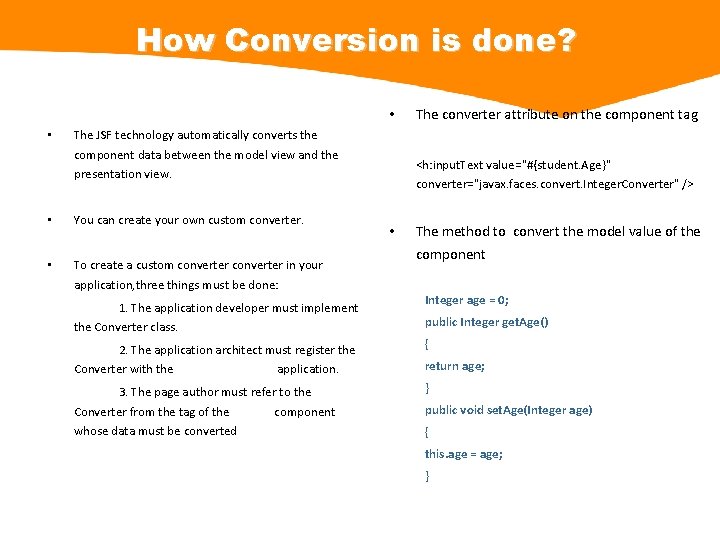
How Conversion is done? • • The JSF technology automatically converts the component data between the model view and the <h: input. Text value="#{student. Age}" converter="javax. faces. convert. Integer. Converter" /> presentation view. • You can create your own custom converter. • To create a custom converter in your application, three things must be done: 1. The application developer must implement the Converter class. The converter attribute on the component tag • The method to convert the model value of the component Integer age = 0; public Integer get. Age() 2. The application architect must register the Converter with the application. { 3. The page author must refer to the Converter from the tag of the component whose data must be converted } return age; public void set. Age(Integer age) { this. age = age; }
Error handling • The JSF core component set provide an Html. Messages component, which simply outputs the summary message from all the Faces. Message instances added to the Faces. Context during validation • Depending on the severity and type of error, the response to it may vary, but at least a sensible error message usually should be shown to the end user. • The JSF framework has several points within its page request processing lifecycle that can raise errors and display consistent error messages.
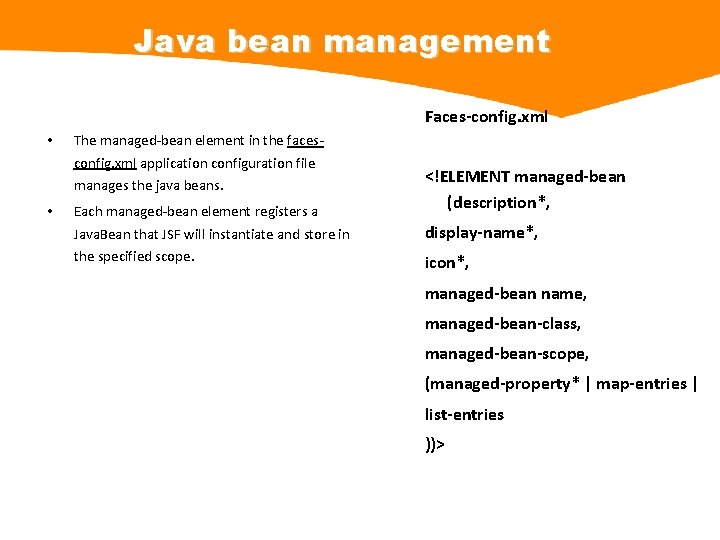
Java bean management Faces-config. xml • The managed-bean element in the facesconfig. xml application configuration file manages the java beans. • Each managed-bean element registers a Java. Bean that JSF will instantiate and store in the specified scope. <!ELEMENT managed-bean (description*, display-name*, icon*, managed-bean name, managed-bean-class, managed-bean-scope, (managed-property* | map-entries | list-entries ))>
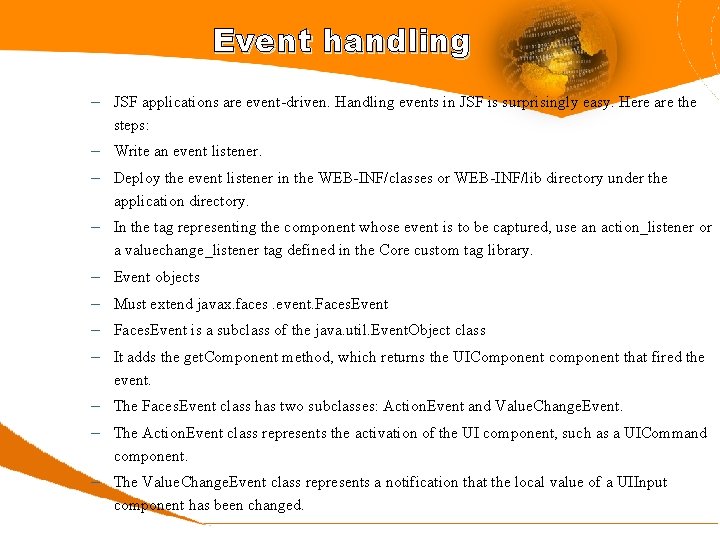
Event handling – JSF applications are event-driven. Handling events in JSF is surprisingly easy. Here are the steps: – Write an event listener. – Deploy the event listener in the WEB-INF/classes or WEB-INF/lib directory under the application directory. – In the tag representing the component whose event is to be captured, use an action_listener or a valuechange_listener tag defined in the Core custom tag library. – Event objects – Must extend javax. faces. event. Faces. Event – Faces. Event is a subclass of the java. util. Event. Object class – It adds the get. Component method, which returns the UIComponent component that fired the event. – The Faces. Event class has two subclasses: Action. Event and Value. Change. Event. – The Action. Event class represents the activation of the UI component, such as a UICommand component. – The Value. Change. Event class represents a notification that the local value of a UIInput component has been changed.
Event handling (Cont. ) – Event listeners – javax. faces. event. Faces. Listener interface – This interface extends the java. util. Event. Listener interface – The Faces. Listener interface has two subinterfaces: Action. Listener and Value. Change. Listener
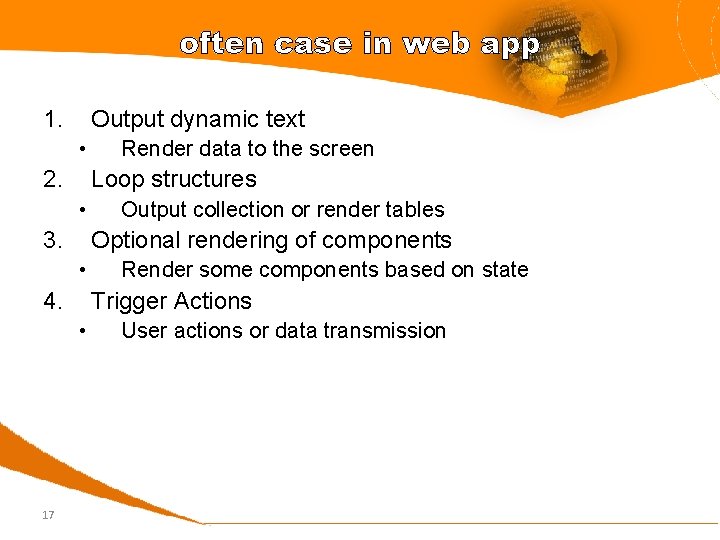
often case in web app 1. Output dynamic text • 2. Loop structures • 3. Output collection or render tables Optional rendering of components • 4. Render some components based on state Trigger Actions • 17 Render data to the screen User actions or data transmission
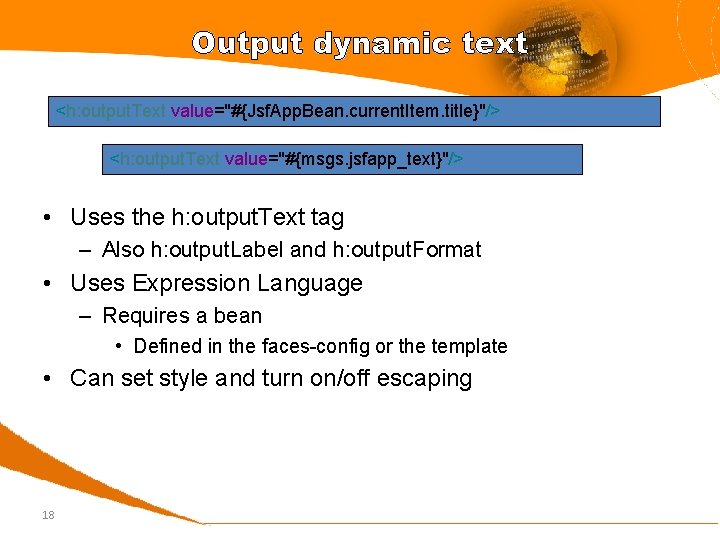
Output dynamic text <h: output. Text value="#{Jsf. App. Bean. current. Item. title}"/> <h: output. Text value="#{msgs. jsfapp_text}"/> • Uses the h: output. Text tag – Also h: output. Label and h: output. Format • Uses Expression Language – Requires a bean • Defined in the faces-config or the template • Can set style and turn on/off escaping 18
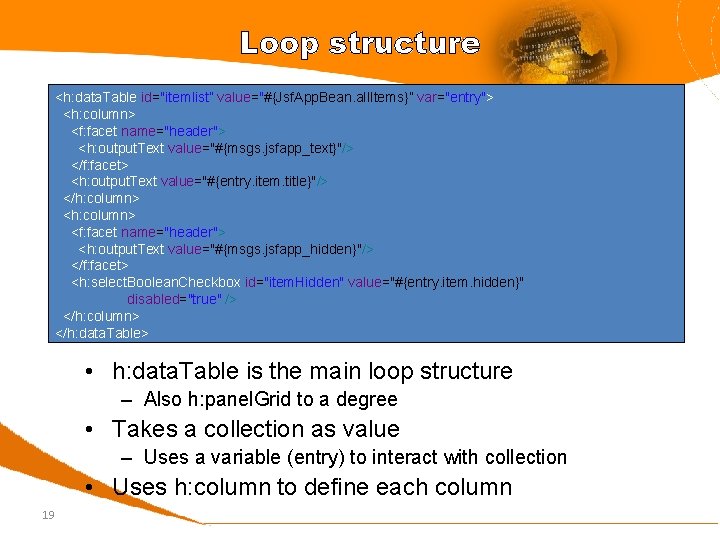
Loop structure <h: data. Table id="itemlist” value="#{Jsf. App. Bean. all. Items}” var="entry"> <h: column> <f: facet name="header"> <h: output. Text value="#{msgs. jsfapp_text}"/> </f: facet> <h: output. Text value="#{entry. item. title}"/> </h: column> <f: facet name="header"> <h: output. Text value="#{msgs. jsfapp_hidden}"/> </f: facet> <h: select. Boolean. Checkbox id="item. Hidden" value="#{entry. item. hidden}" disabled="true" /> </h: column> </h: data. Table> • h: data. Table is the main loop structure – Also h: panel. Grid to a degree • Takes a collection as value – Uses a variable (entry) to interact with collection • Uses h: column to define each column 19
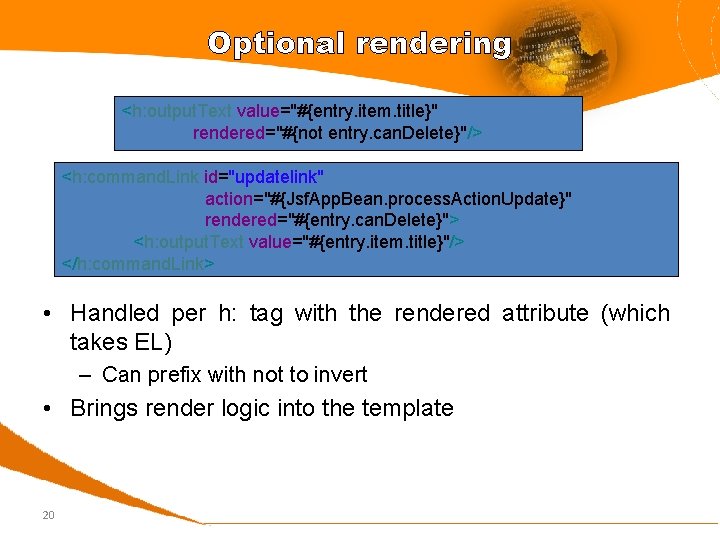
Optional rendering <h: output. Text value="#{entry. item. title}" rendered="#{not entry. can. Delete}"/> <h: command. Link id="updatelink" action="#{Jsf. App. Bean. process. Action. Update}" rendered="#{entry. can. Delete}"> <h: output. Text value="#{entry. item. title}"/> </h: command. Link> • Handled per h: tag with the rendered attribute (which takes EL) – Can prefix with not to invert • Brings render logic into the template 20
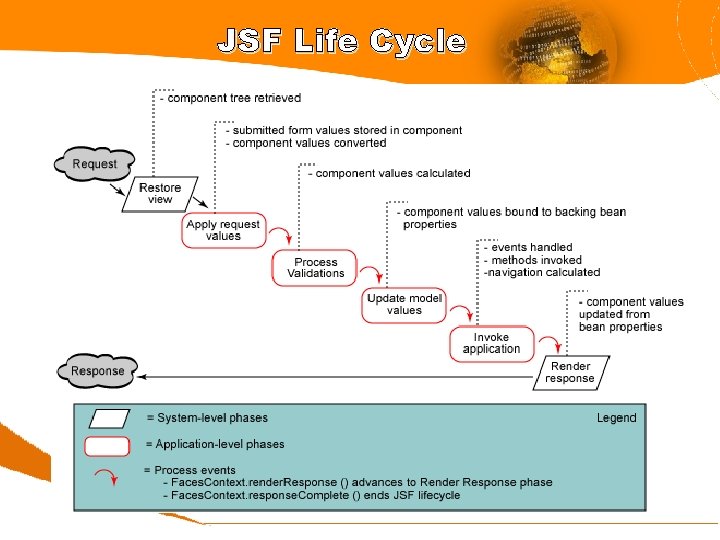
JSF Life Cycle
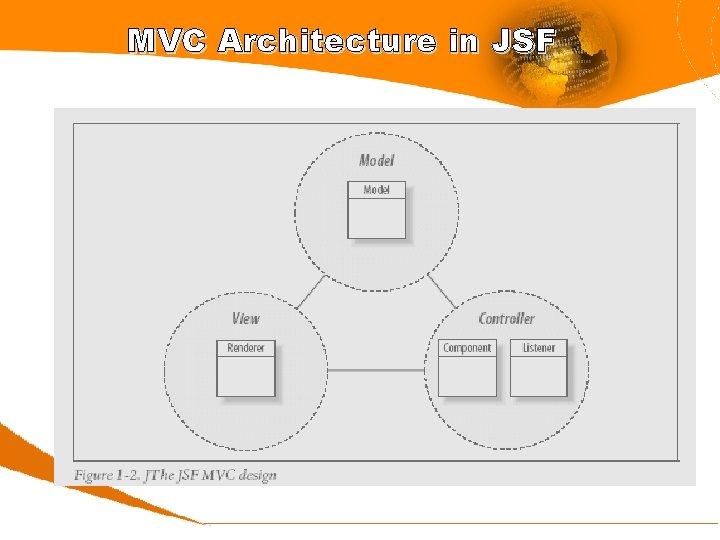
MVC Architecture in JSF
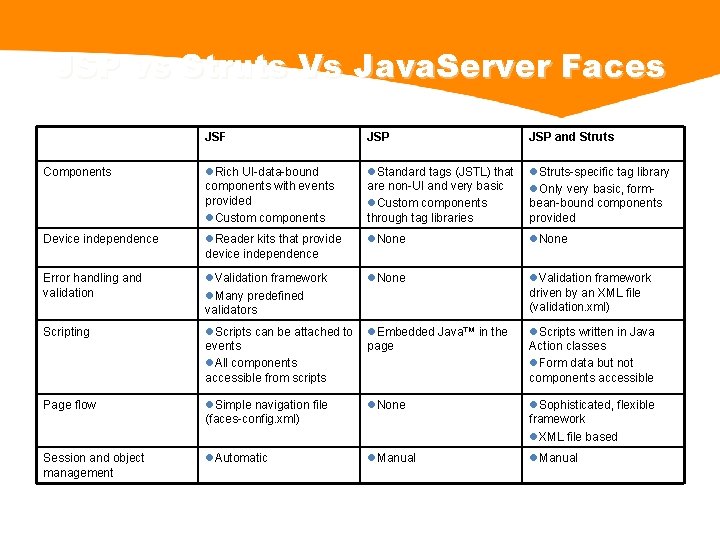
JSP vs Struts Vs Java. Server Faces JSF JSP and Struts Components l. Rich UI-data-bound components with events provided l. Custom components l. Standard tags (JSTL) that are non-UI and very basic l. Custom components through tag libraries l. Struts-specific tag library l. Only very basic, formbean-bound components provided Device independence l. Reader kits that provide device independence l. None Error handling and validation l. Validation framework l. Many predefined validators l. None l. Validation framework driven by an XML file (validation. xml) Scripting l. Scripts can be attached to events l. All components accessible from scripts l. Embedded Java™ in the page l. Scripts written in Java Action classes l. Form data but not components accessible Page flow l. Simple navigation file (faces-config. xml) l. None l. Sophisticated, flexible framework l. XML file based Session and object management l. Automatic l. Manual
Reference • http: //www. oracle. com Indic. Threads. com Java Meet June 2006
Q&A