
IMS 3253 Subroutines Topics Procedures Subroutines Parameters By
IMS 3253: Subroutines Topics • Procedures • Subroutines • Parameters – By Value and By Reference – Objects as Parameters • Functions “Unix was not designed to stop you from doing stupid things, because that would also stop you from doing clever things. ” Doug Gwyn Dr. Lawrence West, MIS Dept. , University of Central Florida lwest@bus. ucf. edu 1
IMS 3253: Subroutines Procedures • Functions and Subroutines are generically referred to as procedures – Includes the Event Procedures that we have been working with • Writing procedures is one of the most fundamentally important skills we need in application development – Reuse code – Move code that isn’t important to the application logic into a separate location – Critical to understanding object oriented coding Dr. Lawrence West, MIS Dept. , University of Central Florida lwest@bus. ucf. edu 2
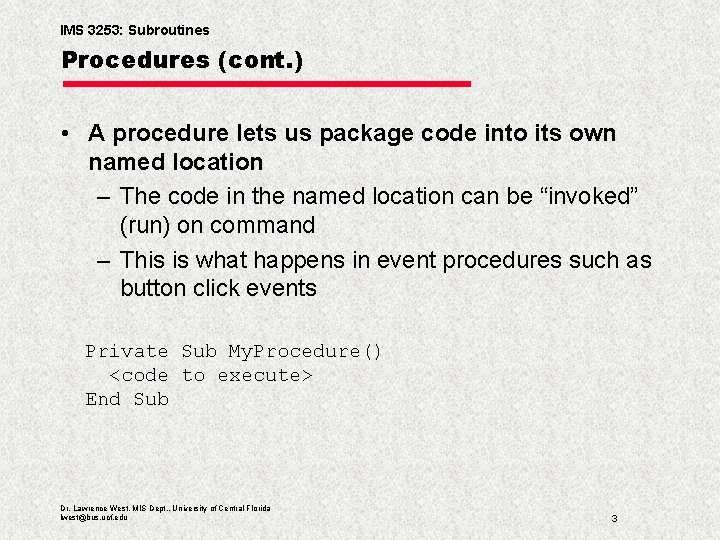
IMS 3253: Subroutines Procedures (cont. ) • A procedure lets us package code into its own named location – The code in the named location can be “invoked” (run) on command – This is what happens in event procedures such as button click events Private Sub My. Procedure() <code to execute> End Sub Dr. Lawrence West, MIS Dept. , University of Central Florida lwest@bus. ucf. edu 3
IMS 3253: Subroutines Procedures—What You Need to Know • • How to write subroutines and functions How to cause a subroutine to run How to cause a function to run Passing parameters to procedures and how they are used – By Reference – By Value • Return values of functions • Scoping procedures • Remember, “procedures” includes subroutines, functions, and class properties Dr. Lawrence West, MIS Dept. , University of Central Florida lwest@bus. ucf. edu 4
IMS 3253: Subroutines • Subroutines are packages of code that do not return a value back to the code that calls them • They execute the code they contain • Subroutines may affect values in the calling code through appropriate use of parameters (later) Dr. Lawrence West, MIS Dept. , University of Central Florida lwest@bus. ucf. edu 5
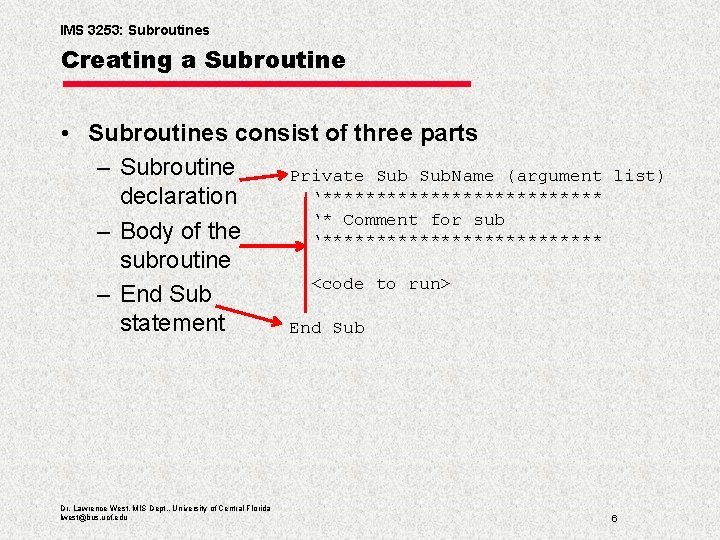
IMS 3253: Subroutines Creating a Subroutine • Subroutines consist of three parts – Subroutine Private Sub. Name (argument ‘************* declaration ‘* Comment for sub – Body of the ‘************* subroutine <code to run> – End Sub statement End Sub Dr. Lawrence West, MIS Dept. , University of Central Florida lwest@bus. ucf. edu list) 6
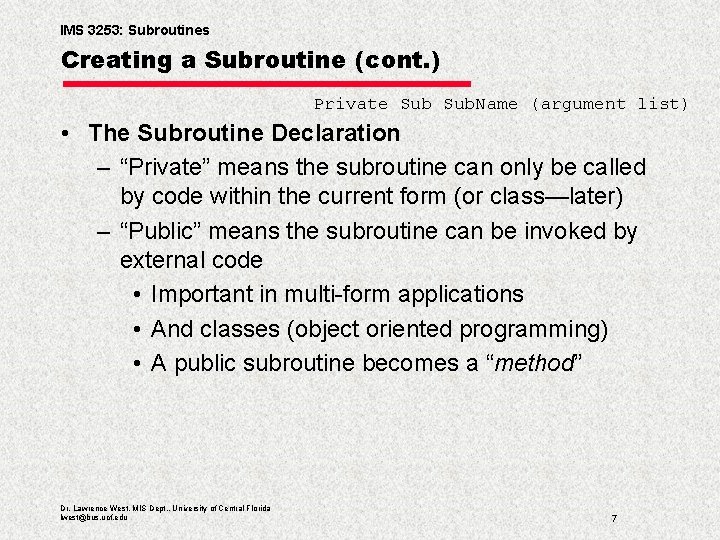
IMS 3253: Subroutines Creating a Subroutine (cont. ) Private Sub. Name (argument list) • The Subroutine Declaration – “Private” means the subroutine can only be called by code within the current form (or class—later) – “Public” means the subroutine can be invoked by external code • Important in multi-form applications • And classes (object oriented programming) • A public subroutine becomes a “method” Dr. Lawrence West, MIS Dept. , University of Central Florida lwest@bus. ucf. edu 7
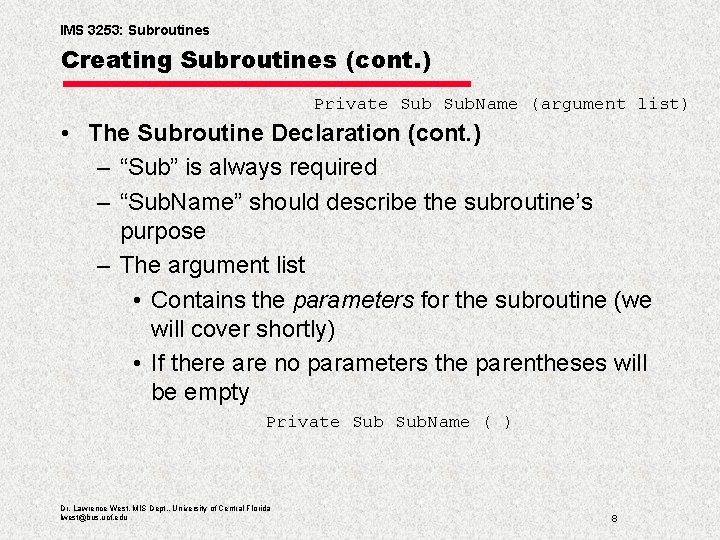
IMS 3253: Subroutines Creating Subroutines (cont. ) Private Sub. Name (argument list) • The Subroutine Declaration (cont. ) – “Sub” is always required – “Sub. Name” should describe the subroutine’s purpose – The argument list • Contains the parameters for the subroutine (we will cover shortly) • If there are no parameters the parentheses will be empty Private Sub. Name ( ) Dr. Lawrence West, MIS Dept. , University of Central Florida lwest@bus. ucf. edu 8
IMS 3253: Subroutines Creating Subroutines (cont. ) • The subroutine body contains all of the code the subroutine will execute • Any code you can write in an event procedure can be included in the subroutine • The subroutine is aware of all controls on the form and can address them • Variable scoping rules apply – The subroutine can address any module-level variables – The subroutine can have locally scoped variables – It cannot read local variables in other procedures Dr. Lawrence West, MIS Dept. , University of Central Florida lwest@bus. ucf. edu 9
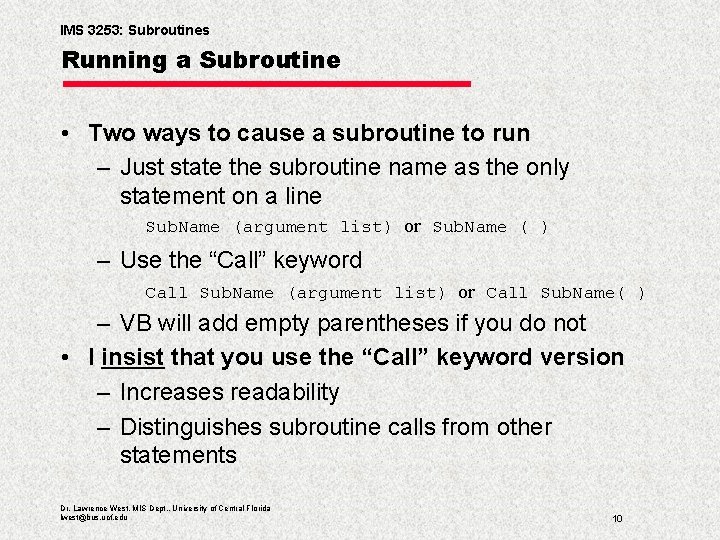
IMS 3253: Subroutines Running a Subroutine • Two ways to cause a subroutine to run – Just state the subroutine name as the only statement on a line Sub. Name (argument list) or Sub. Name ( ) – Use the “Call” keyword Call Sub. Name (argument list) or Call Sub. Name( ) – VB will add empty parentheses if you do not • I insist that you use the “Call” keyword version – Increases readability – Distinguishes subroutine calls from other statements Dr. Lawrence West, MIS Dept. , University of Central Florida lwest@bus. ucf. edu 10
IMS 3253: Subroutines How Subroutines Work • When a subroutine is called execution of the current sub is paused and execution branches to the first line of the subroutine • The subroutine executes until either End Sub or Exit Sub is encountered • Control then branches back to the line in the original (calling) code following the subroutine call • Subroutines may call other subroutines up to several levels Dr. Lawrence West, MIS Dept. , University of Central Florida lwest@bus. ucf. edu 11
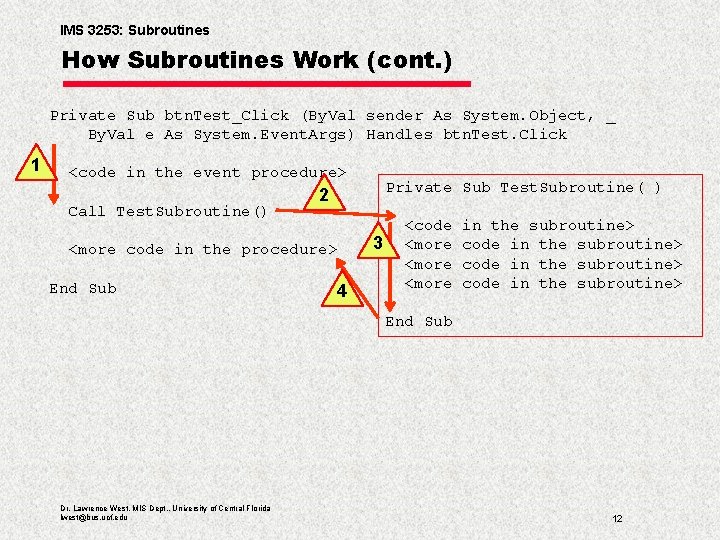
IMS 3253: Subroutines How Subroutines Work (cont. ) Private Sub btn. Test_Click (By. Val sender As System. Object, _ By. Val e As System. Event. Args) Handles btn. Test. Click 1 <code in the event procedure> Call Test. Subroutine() <more code in the procedure> End Sub Private Sub Test. Subroutine( ) 2 4 3 <code <more in the subroutine> code in the subroutine> End Sub Dr. Lawrence West, MIS Dept. , University of Central Florida lwest@bus. ucf. edu 12
IMS 3253: Subroutines and Error Handlers • Try…Catch blocks have scope that pertains to subroutines – If the subroutine has a Try…Catch block it will try to handle any error – If the subroutine call is included in a Try…Catch block • And the subroutine has no Try…Catch block – Or the subroutine doesn’t handle the error • Then the calling code’s Try…Catch block will handle an error in the subroutine Dr. Lawrence West, MIS Dept. , University of Central Florida lwest@bus. ucf. edu 13
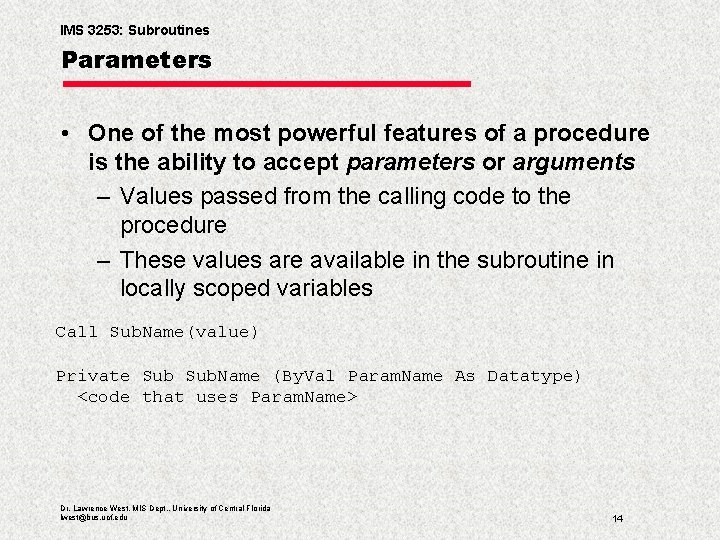
IMS 3253: Subroutines Parameters • One of the most powerful features of a procedure is the ability to accept parameters or arguments – Values passed from the calling code to the procedure – These values are available in the subroutine in locally scoped variables Call Sub. Name(value) Private Sub. Name (By. Val Param. Name As Datatype) <code that uses Param. Name> Dr. Lawrence West, MIS Dept. , University of Central Florida lwest@bus. ucf. edu 14
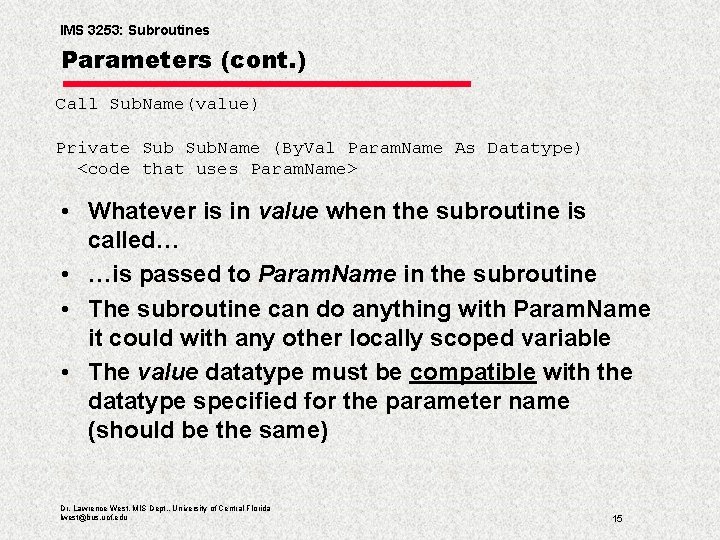
IMS 3253: Subroutines Parameters (cont. ) Call Sub. Name(value) Private Sub. Name (By. Val Param. Name As Datatype) <code that uses Param. Name> • Whatever is in value when the subroutine is called… • …is passed to Param. Name in the subroutine • The subroutine can do anything with Param. Name it could with any other locally scoped variable • The value datatype must be compatible with the datatype specified for the parameter name (should be the same) Dr. Lawrence West, MIS Dept. , University of Central Florida lwest@bus. ucf. edu 15
IMS 3253: Subroutines Parameters (cont. ) • A subroutine may have a large number of parameters • Almost any kind of value can be passed as a parameter – Including complex objects • Controls • Datasets (ISM 4212) • Classes • Arrays • Forms • Collections • There is no requirement at all that the value have the same name in the calling code and subroutine Dr. Lawrence West, MIS Dept. , University of Central Florida lwest@bus. ucf. edu 16
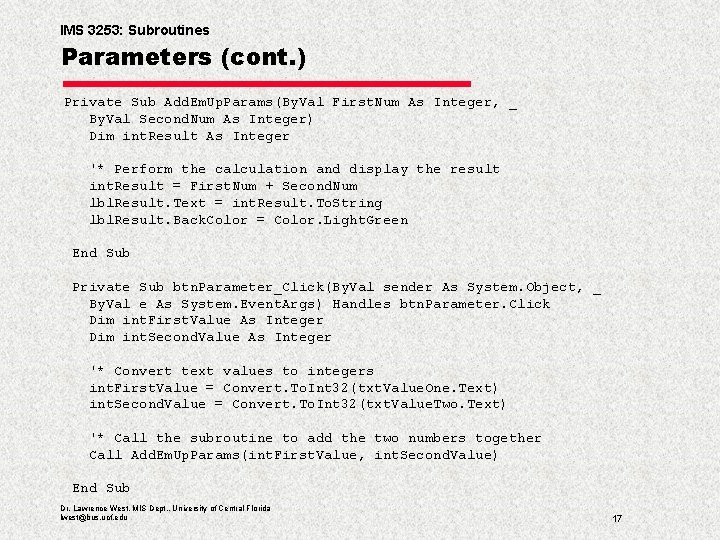
IMS 3253: Subroutines Parameters (cont. ) Private Sub Add. Em. Up. Params(By. Val First. Num As Integer, _ By. Val Second. Num As Integer) Dim int. Result As Integer '* Perform the calculation and display the result int. Result = First. Num + Second. Num lbl. Result. Text = int. Result. To. String lbl. Result. Back. Color = Color. Light. Green End Sub Private Sub btn. Parameter_Click(By. Val sender As System. Object, _ By. Val e As System. Event. Args) Handles btn. Parameter. Click Dim int. First. Value As Integer Dim int. Second. Value As Integer '* Convert text values to integers int. First. Value = Convert. To. Int 32(txt. Value. One. Text) int. Second. Value = Convert. To. Int 32(txt. Value. Two. Text) '* Call the subroutine to add the two numbers together Call Add. Em. Up. Params(int. First. Value, int. Second. Value) End Sub Dr. Lawrence West, MIS Dept. , University of Central Florida lwest@bus. ucf. edu 17
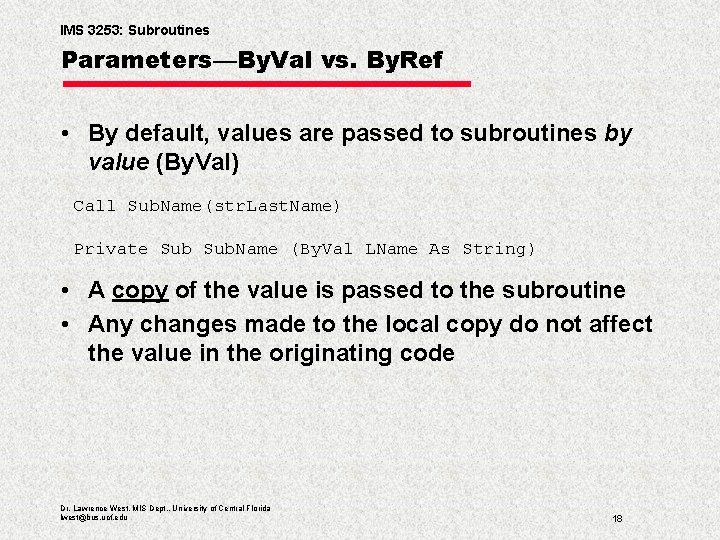
IMS 3253: Subroutines Parameters—By. Val vs. By. Ref • By default, values are passed to subroutines by value (By. Val) Call Sub. Name(str. Last. Name) Private Sub. Name (By. Val LName As String) • A copy of the value is passed to the subroutine • Any changes made to the local copy do not affect the value in the originating code Dr. Lawrence West, MIS Dept. , University of Central Florida lwest@bus. ucf. edu 18
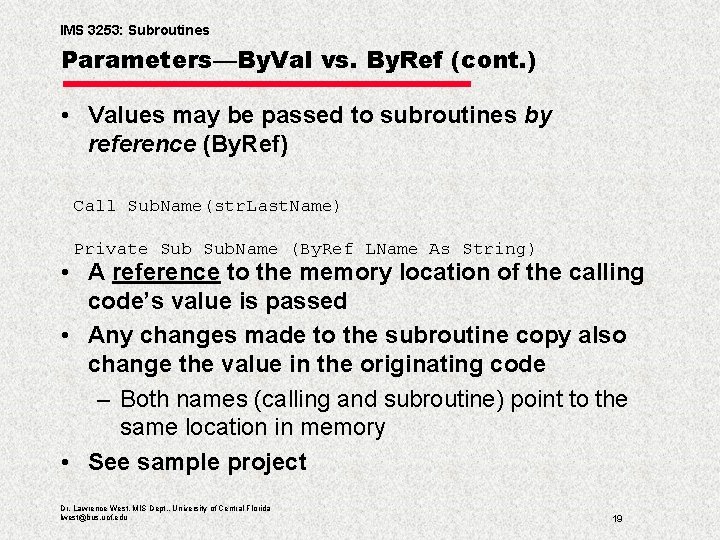
IMS 3253: Subroutines Parameters—By. Val vs. By. Ref (cont. ) • Values may be passed to subroutines by reference (By. Ref) Call Sub. Name(str. Last. Name) Private Sub. Name (By. Ref LName As String) • A reference to the memory location of the calling code’s value is passed • Any changes made to the subroutine copy also change the value in the originating code – Both names (calling and subroutine) point to the same location in memory • See sample project Dr. Lawrence West, MIS Dept. , University of Central Florida lwest@bus. ucf. edu 19
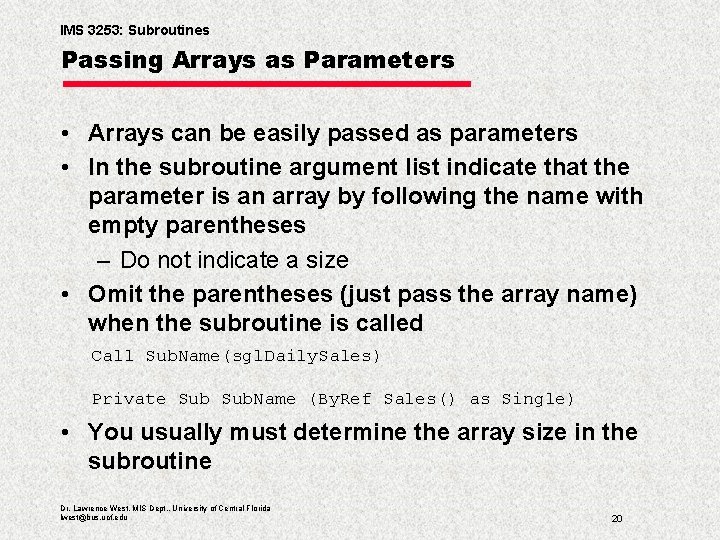
IMS 3253: Subroutines Passing Arrays as Parameters • Arrays can be easily passed as parameters • In the subroutine argument list indicate that the parameter is an array by following the name with empty parentheses – Do not indicate a size • Omit the parentheses (just pass the array name) when the subroutine is called Call Sub. Name(sgl. Daily. Sales) Private Sub. Name (By. Ref Sales() as Single) • You usually must determine the array size in the subroutine Dr. Lawrence West, MIS Dept. , University of Central Florida lwest@bus. ucf. edu 20
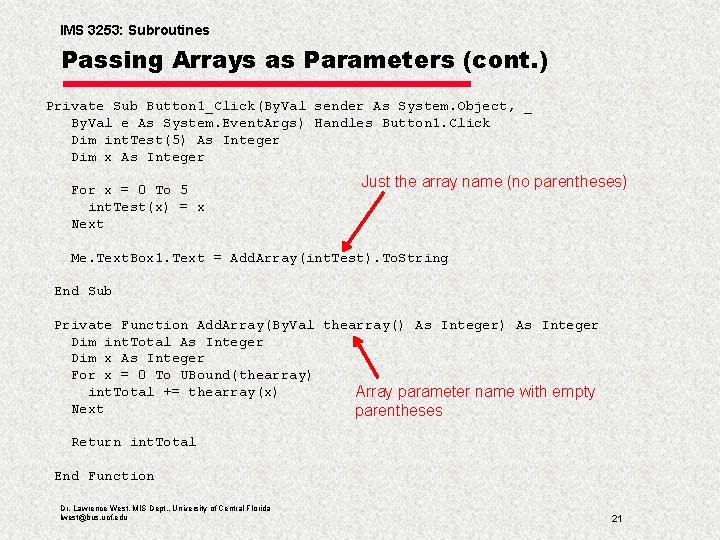
IMS 3253: Subroutines Passing Arrays as Parameters (cont. ) Private Sub Button 1_Click(By. Val sender As System. Object, _ By. Val e As System. Event. Args) Handles Button 1. Click Dim int. Test(5) As Integer Dim x As Integer For x = 0 To 5 int. Test(x) = x Next Just the array name (no parentheses) Me. Text. Box 1. Text = Add. Array(int. Test). To. String End Sub Private Function Add. Array(By. Val thearray() As Integer Dim int. Total As Integer Dim x As Integer For x = 0 To UBound(thearray) int. Total += thearray(x) Array parameter name with empty Next parentheses Return int. Total End Function Dr. Lawrence West, MIS Dept. , University of Central Florida lwest@bus. ucf. edu 21
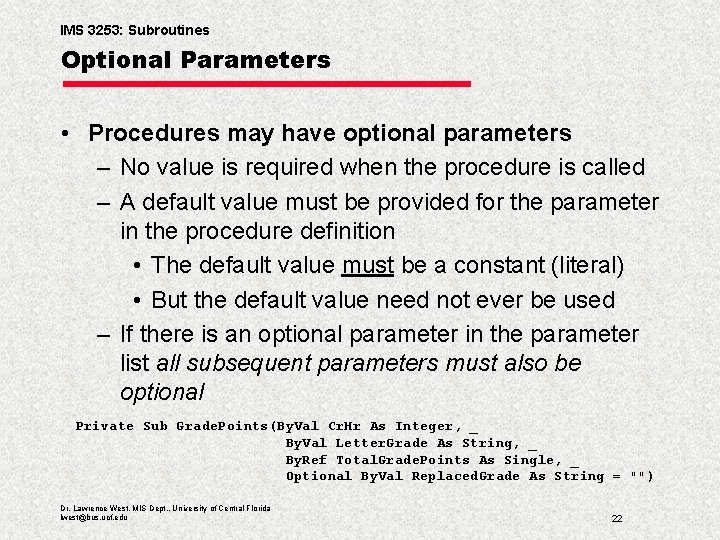
IMS 3253: Subroutines Optional Parameters • Procedures may have optional parameters – No value is required when the procedure is called – A default value must be provided for the parameter in the procedure definition • The default value must be a constant (literal) • But the default value need not ever be used – If there is an optional parameter in the parameter list all subsequent parameters must also be optional Private Sub Grade. Points(By. Val Cr. Hr As Integer, _ By. Val Letter. Grade As String, _ By. Ref Total. Grade. Points As Single, _ Optional By. Val Replaced. Grade As String = "") Dr. Lawrence West, MIS Dept. , University of Central Florida lwest@bus. ucf. edu 22
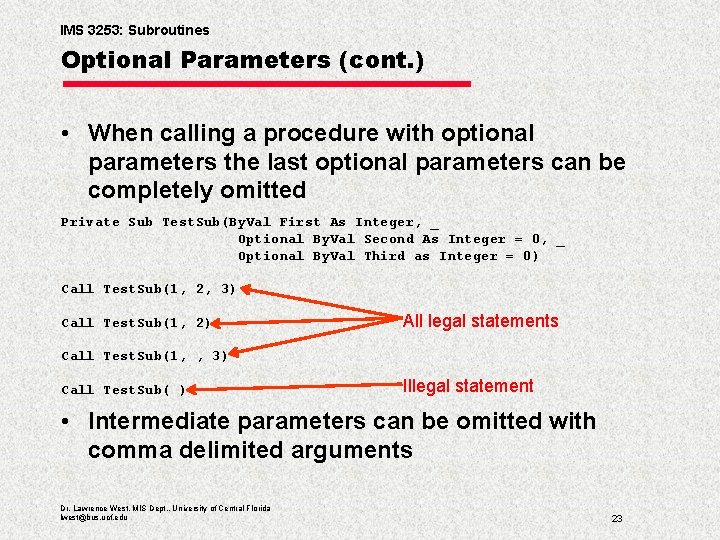
IMS 3253: Subroutines Optional Parameters (cont. ) • When calling a procedure with optional parameters the last optional parameters can be completely omitted Private Sub Test. Sub(By. Val First As Integer, _ Optional By. Val Second As Integer = 0, _ Optional By. Val Third as Integer = 0) Call Test. Sub(1, 2, 3) Call Test. Sub(1, 2) All legal statements Call Test. Sub(1, , 3) Call Test. Sub( ) Illegal statement • Intermediate parameters can be omitted with comma delimited arguments Dr. Lawrence West, MIS Dept. , University of Central Florida lwest@bus. ucf. edu 23
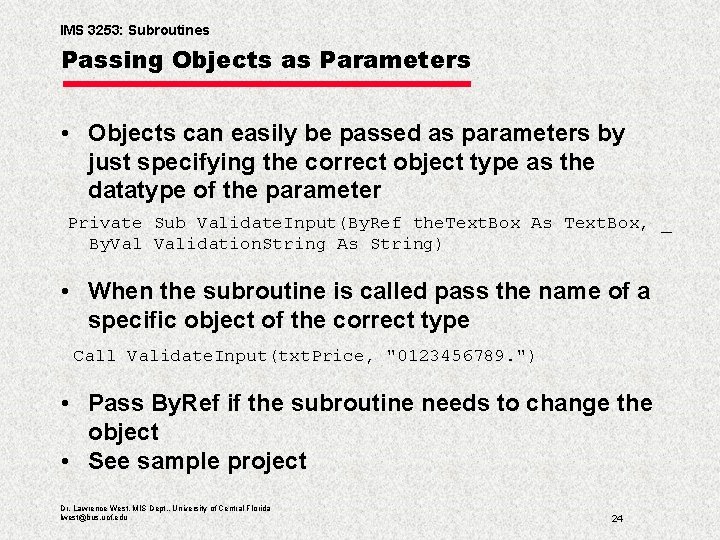
IMS 3253: Subroutines Passing Objects as Parameters • Objects can easily be passed as parameters by just specifying the correct object type as the datatype of the parameter Private Sub Validate. Input(By. Ref the. Text. Box As Text. Box, _ By. Validation. String As String) • When the subroutine is called pass the name of a specific object of the correct type Call Validate. Input(txt. Price, "0123456789. ") • Pass By. Ref if the subroutine needs to change the object • See sample project Dr. Lawrence West, MIS Dept. , University of Central Florida lwest@bus. ucf. edu 24
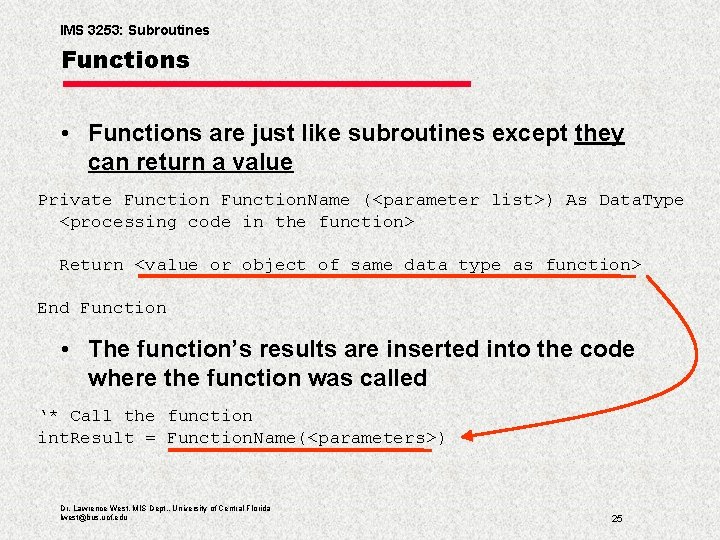
IMS 3253: Subroutines Functions • Functions are just like subroutines except they can return a value Private Function. Name (<parameter list>) As Data. Type <processing code in the function> Return <value or object of same data type as function> End Function • The function’s results are inserted into the code where the function was called ‘* Call the function int. Result = Function. Name(<parameters>) Dr. Lawrence West, MIS Dept. , University of Central Florida lwest@bus. ucf. edu 25
IMS 3253: Subroutines Functions (cont. ) Private Function. Name (<parameter list>) As Data. Type • All rules for subroutine declarations apply to functions – Private or Public – Function instead of Sub – Name must be descriptive – All parameter rules apply • No parameters, By. Val, By. Ref, Optional • The As Data. Type is new and required (by me) – As Boolean – As Integer – As String – etc. Dr. Lawrence West, MIS Dept. , University of Central Florida lwest@bus. ucf. edu 26
IMS 3253: Subroutines Functions (cont. ) Private Function. Name (<parameter list>) As Data. Type • Functions will perform whatever processing is needed • Will generate a value of the function’s datatype • “Return value” will return the value as the function’s return value (result) • Alternatively, Assigning a value to the function’s name within the body of the function also makes the value the function’s return value Dr. Lawrence West, MIS Dept. , University of Central Florida lwest@bus. ucf. edu 27
IMS 3253: Subroutines Returning Multiple Values from a Function • Functions will only return one object • You can get around the limitation of returning just one value by being creative with coding constructs: – Return an array or collection – Return a complex object such as a class (later) • Especially useful when dissimilar data types need to be returned – Return a single return value but use By. Ref parameters to let the function actually affect more than one value that the calling code can see Dr. Lawrence West, MIS Dept. , University of Central Florida lwest@bus. ucf. edu 28
- Slides: 28