
Improving performance Matlabs a pig Outline Announcements Homework
Improving performance Matlab’s a pig
Outline • Announcements: – Homework I: Solutions on web – Homework II: on web--due Wed. • Homework I • Performance Issues
Homework I • Grades & comments are waiting in your mailboxes – PASS--you passed! • try to learn from your mistakes – PROVISIONAL--you passed, but I’m watching • 2 or more provisional passes will make it difficult for me to let you pass – FAIL--you’re failing and need to see me ASAP!

Homework I • Most everyone did well on 1 -4 – check the comments I sent • 5+ somewhat harder
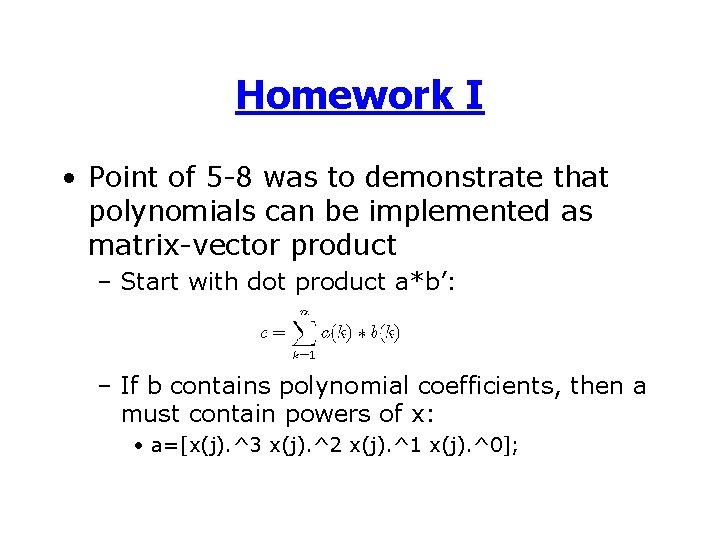
Homework I • Point of 5 -8 was to demonstrate that polynomials can be implemented as matrix-vector product – Start with dot product a*b’: – If b contains polynomial coefficients, then a must contain powers of x: • a=[x(j). ^3 x(j). ^2 x(j). ^1 x(j). ^0];
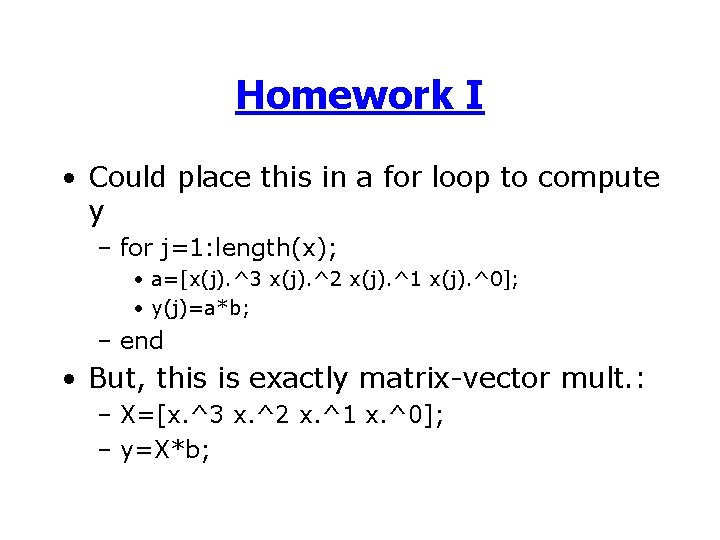
Homework I • Could place this in a for loop to compute y – for j=1: length(x); • a=[x(j). ^3 x(j). ^2 x(j). ^1 x(j). ^0]; • y(j)=a*b; – end • But, this is exactly matrix-vector mult. : – X=[x. ^3 x. ^2 x. ^1 x. ^0]; – y=X*b;
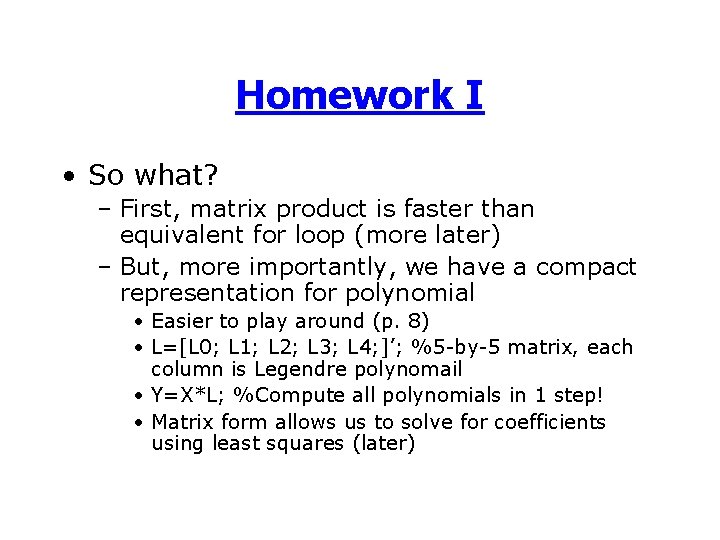
Homework I • So what? – First, matrix product is faster than equivalent for loop (more later) – But, more importantly, we have a compact representation for polynomial • Easier to play around (p. 8) • L=[L 0; L 1; L 2; L 3; L 4; ]’; %5 -by-5 matrix, each column is Legendre polynomail • Y=X*L; %Compute all polynomials in 1 step! • Matrix form allows us to solve for coefficients using least squares (later)
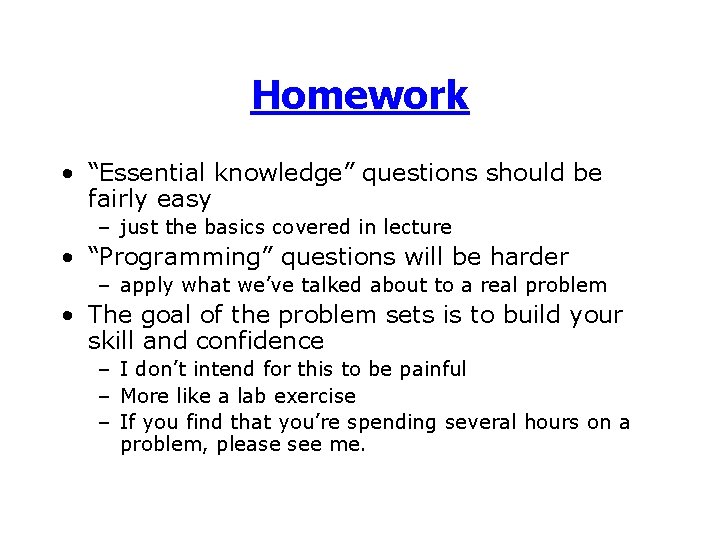
Homework • “Essential knowledge” questions should be fairly easy – just the basics covered in lecture • “Programming” questions will be harder – apply what we’ve talked about to a real problem • The goal of the problem sets is to build your skill and confidence – I don’t intend for this to be painful – More like a lab exercise – If you find that you’re spending several hours on a problem, please see me.
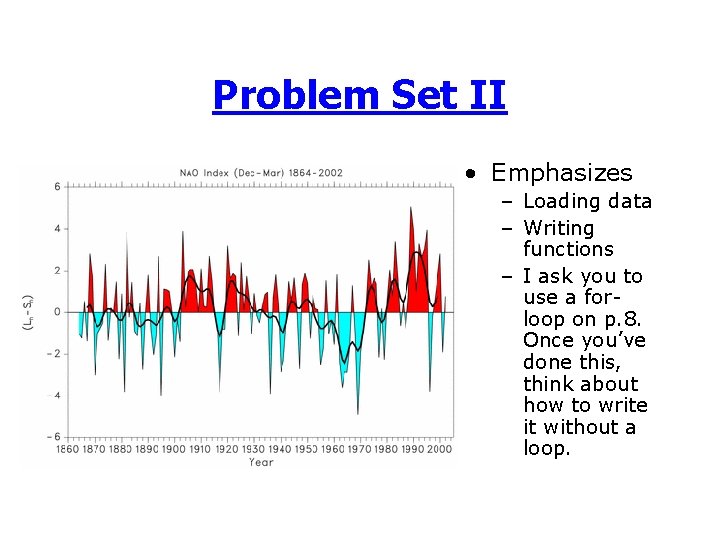
Problem Set II • Emphasizes – Loading data – Writing functions – I ask you to use a forloop on p. 8. Once you’ve done this, think about how to write it without a loop.
Performance • Factors affecting performance: – Overhead--time to find a function, check it, and start it • Error checking, polymorphism adds to overhead – Memory--time to allocate memory to variables – FLOPS--how much math do you do
Syllabus 6. Improving performance 7. Statistics and simple plots 8. Applied Scientific Computing I: Stochastic Simulations (Monte Carlo) 9. Applied Scientific Computing II: ODE/Optimizations 10. Applied Scientific Computing III: Signal processing/Linear systems 11. File I/0 12. Loose ends and where to go from here
Overhead • Matlab has inherently high overhead compared to compiled languages (C, FORTRAN) – Matlab checks each command in an m-file one-byone • only once/session unless code is changed – C-compiler checks commands once during compilation • Matlab spends time locating functions • Matlab creates a memory (work) space for each function
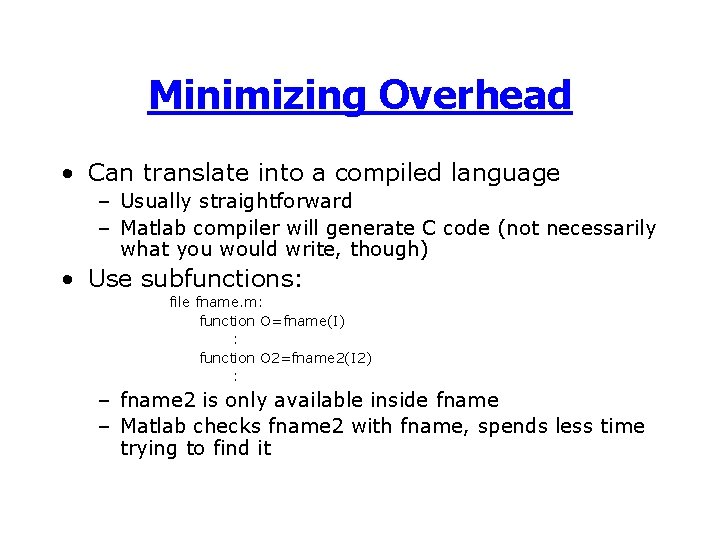
Minimizing Overhead • Can translate into a compiled language – Usually straightforward – Matlab compiler will generate C code (not necessarily what you would write, though) • Use subfunctions: file fname. m: function O=fname(I) : function O 2=fname 2(I 2) : – fname 2 is only available inside fname – Matlab checks fname 2 with fname, spends less time trying to find it
Minimizing Overhead • Can avoid memory overhead by inlining functions – rather than calling function (or subfunction) fname 2, replace calls with code for fname 2 (make sure variable names are ok) • This may increase performance, but it is BAD STYLE – Makes code harder to read, maintain, reuse
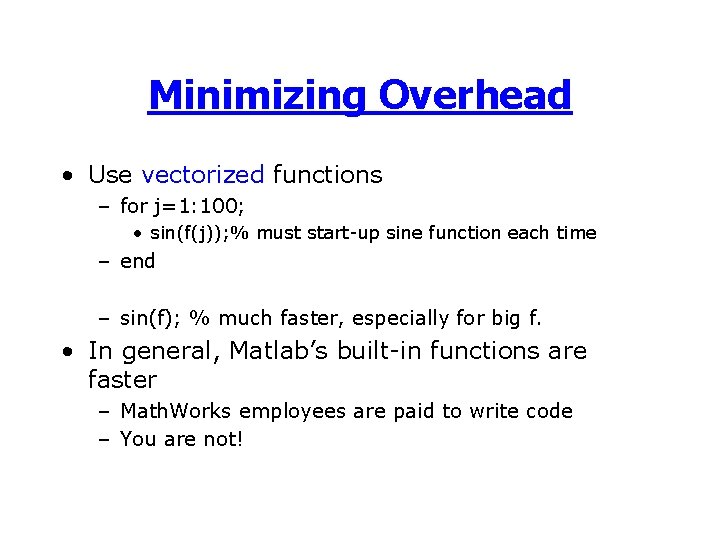
Minimizing Overhead • Use vectorized functions – for j=1: 100; • sin(f(j)); % must start-up sine function each time – end – sin(f); % much faster, especially for big f. • In general, Matlab’s built-in functions are faster – Math. Works employees are paid to write code – You are not!
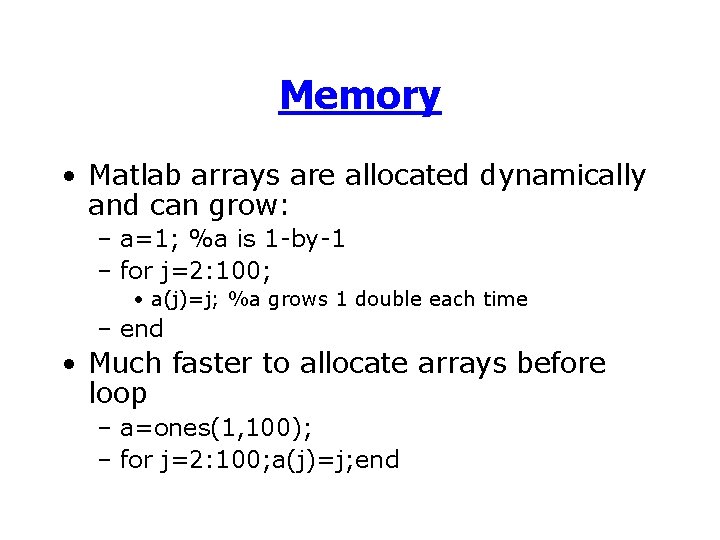
Memory • Matlab arrays are allocated dynamically and can grow: – a=1; %a is 1 -by-1 – for j=2: 100; • a(j)=j; %a grows 1 double each time – end • Much faster to allocate arrays before loop – a=ones(1, 100); – for j=2: 100; a(j)=j; end
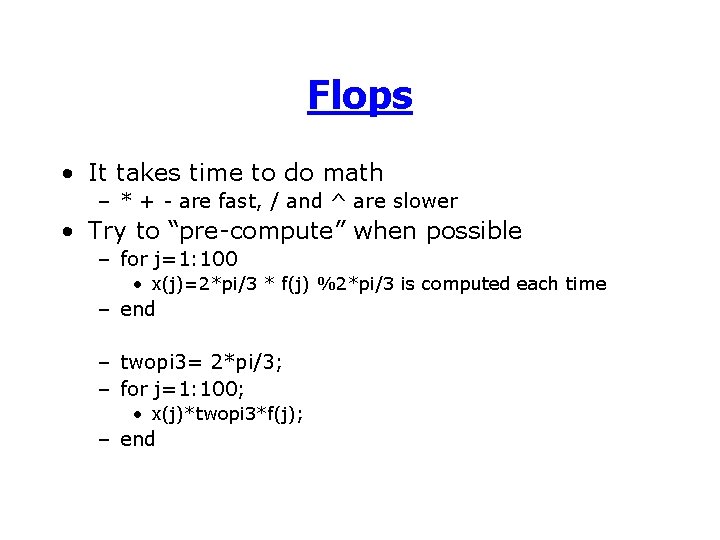
Flops • It takes time to do math – * + - are fast, / and ^ are slower • Try to “pre-compute” when possible – for j=1: 100 • x(j)=2*pi/3 * f(j) %2*pi/3 is computed each time – end – twopi 3= 2*pi/3; – for j=1: 100; • x(j)*twopi 3*f(j); – end
Example: Polynomials • Four functions – “Matrix-vector” polynomials • poly 2 loop. m--Outer loop over x, inner loop over coefficients • poly 1 loop. m--Loop to create powers of x – Horner’s Rule: y=( (c 1*x+ c 2)*x+c 3)*x +c 4 • poly 2 loop. H. m--Outer loop over x, inner loop over coefficients • poly 1 loop. H. m--Loop to perform nested products
Example: Polynomials • Results – pre-allocation very important –. * is faster than. ^ (Horner’s rule) • Advantage of Horner’s rule diminished if you want to try different polynomials over same x (e. g. P. 8) – vectorization is better than loops
Some comments on performance • The Three “E’s” – Effective--does it solve the problem? – Efficient--how quickly? – Elegant--is it simple, easy to understand? • Efficiency (speed) is only one goal. • Time spent tuning code should be factored into performance – Spending 2 hours improving runtime from 10 min to 5 min only makes sense if you will use the code a lot or on much larger problems
- Slides: 20