
Improving e Vision user interface using Bootstrap and
Improving e: Vision user interface using Bootstrap and j. Query 22. 05. 2014
What is Bootstrap? • CSS and Javascript framework used to speed up the development of websites and web applications • Open Source project available from Git. Hub • Supports HTML 5 and CSS 3 • Supported by all major browsers • Uses LESS which controls the CSS, adding features that allow greater complexity and customisation while improving maintainability
Why use Bootstrap? Fast Easy Maintainable Cross Platform
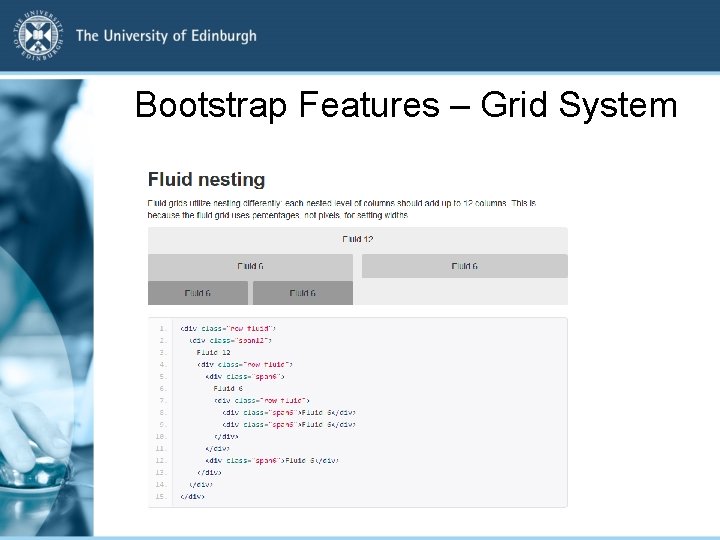
Bootstrap Features – Grid System
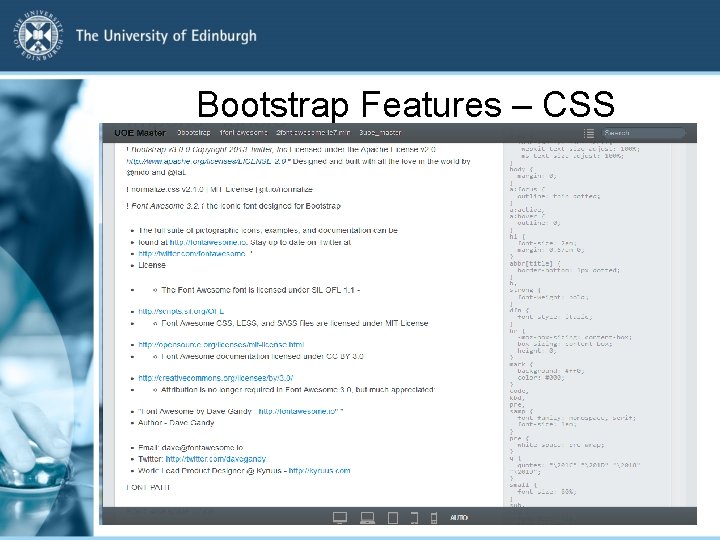
Bootstrap Features – CSS
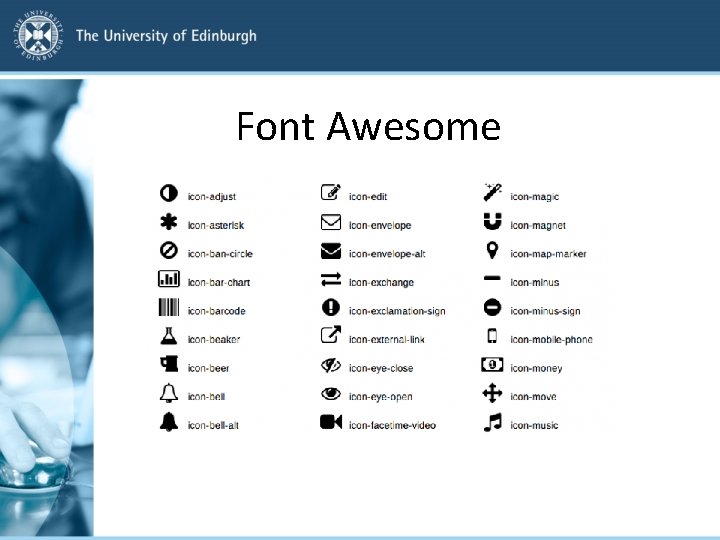
Font Awesome
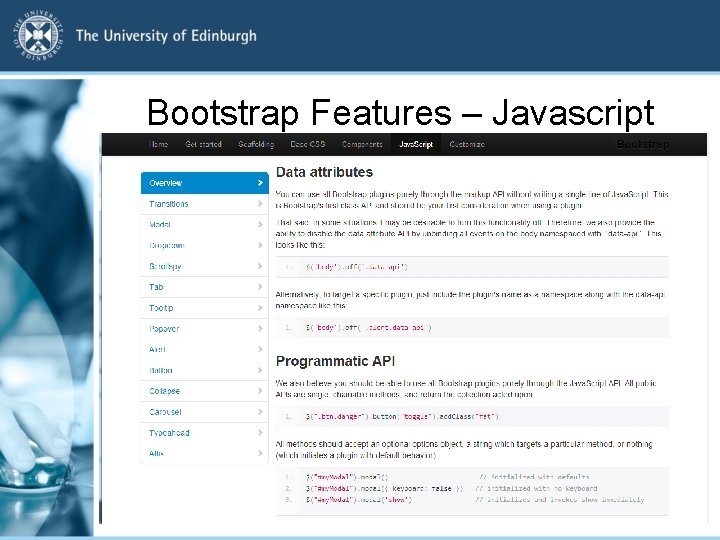
Bootstrap Features – Javascript
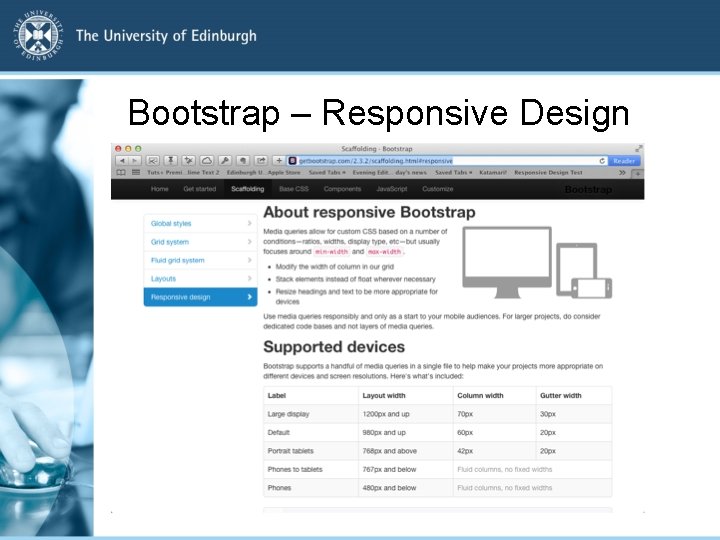
Bootstrap – Responsive Design

Bootstrap and E: Vision
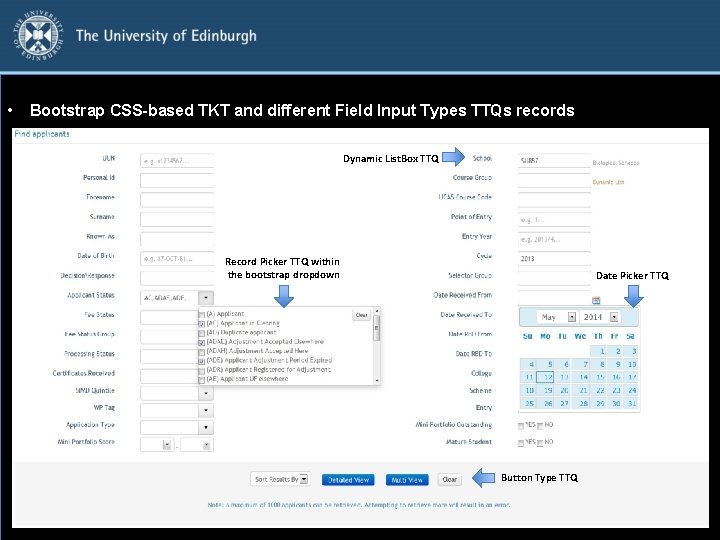
• Bootstrap CSS-based TKT and different Field Input Types TTQs records Dynamic List. Box TTQ Record Picker TTQ within the bootstrap dropdown Date Picker TTQ Button Type TTQ
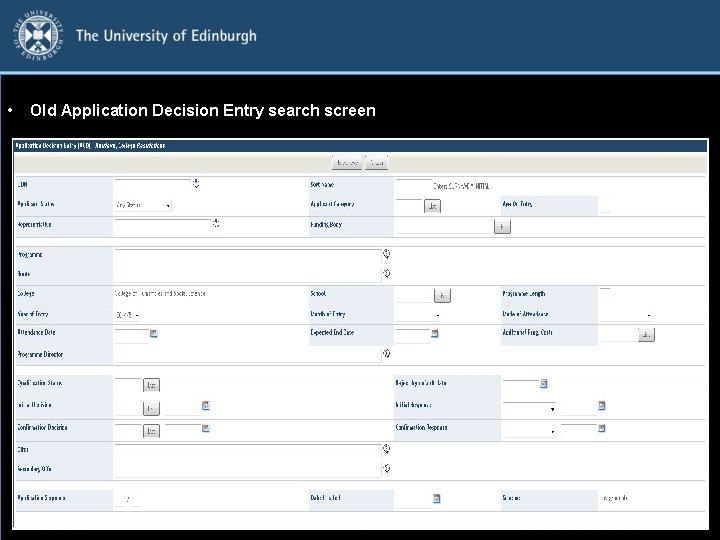
• Old Application Decision Entry search screen
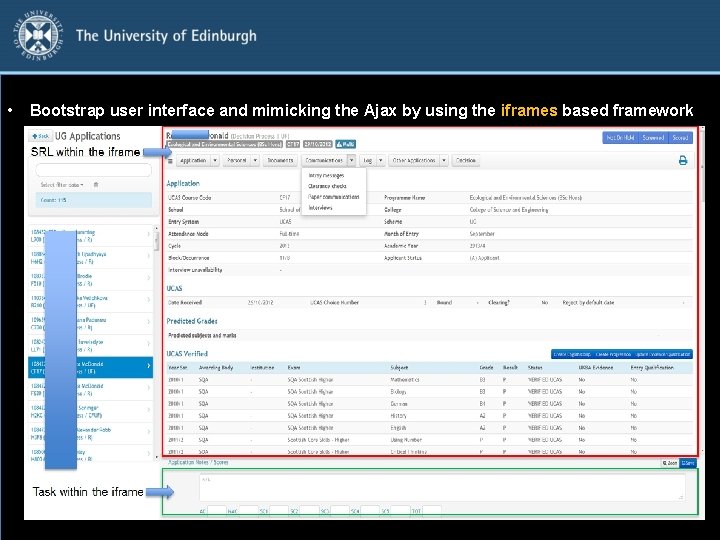
• Bootstrap user interface and mimicking the Ajax by using the iframes based framework SRL within the iframe
Bootstrap Modals
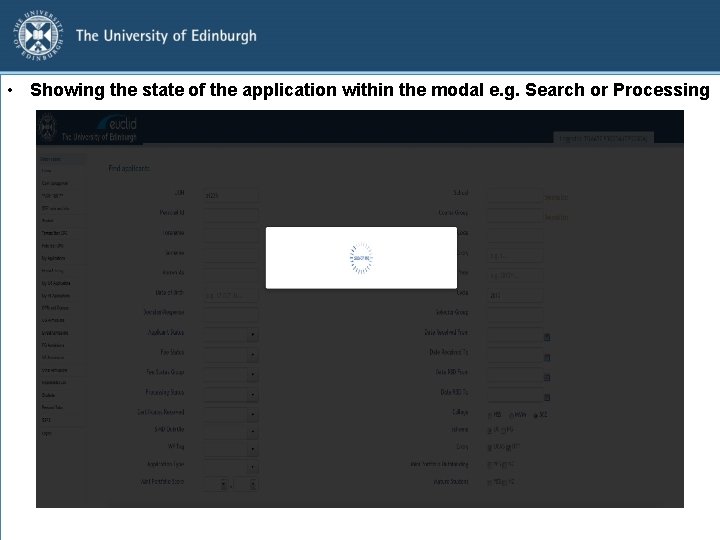
• Showing the state of the application within the modal e. g. Search or Processing
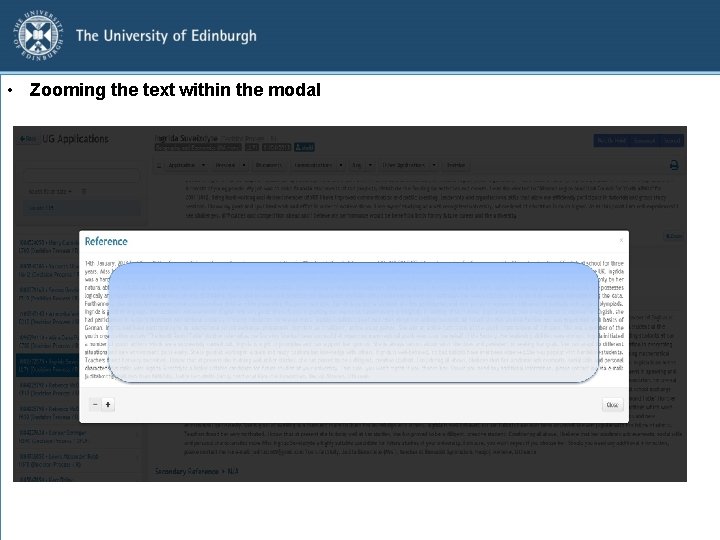
• Zooming the text within the modal
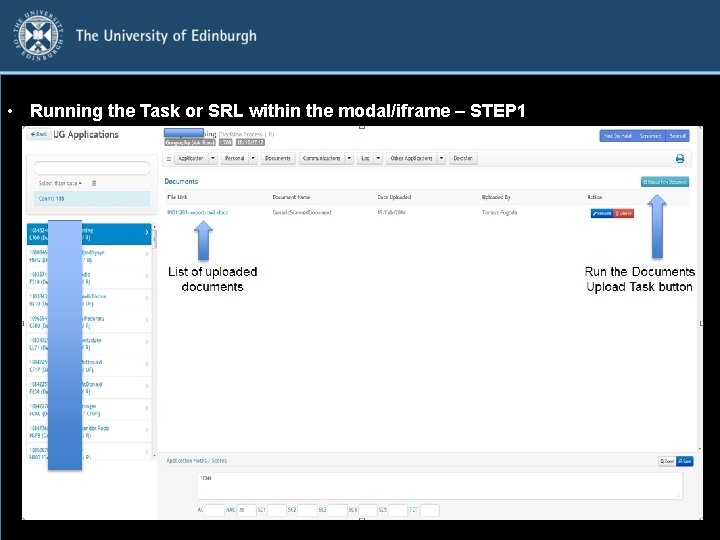
• Running the Task or SRL within the modal/iframe – STEP 1
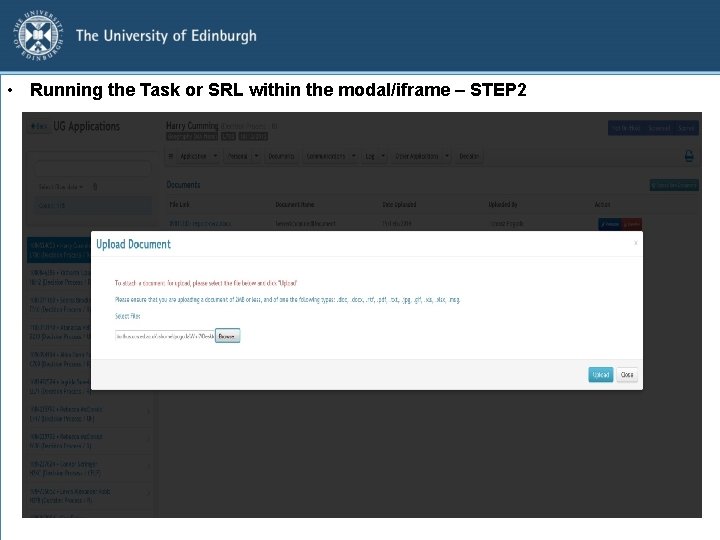
• Running the Task or SRL within the modal/iframe – STEP 2
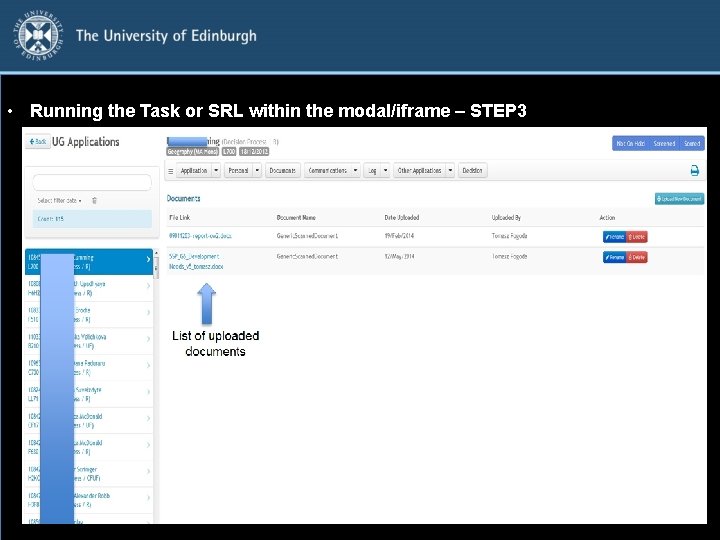
• Running the Task or SRL within the modal/iframe – STEP 3
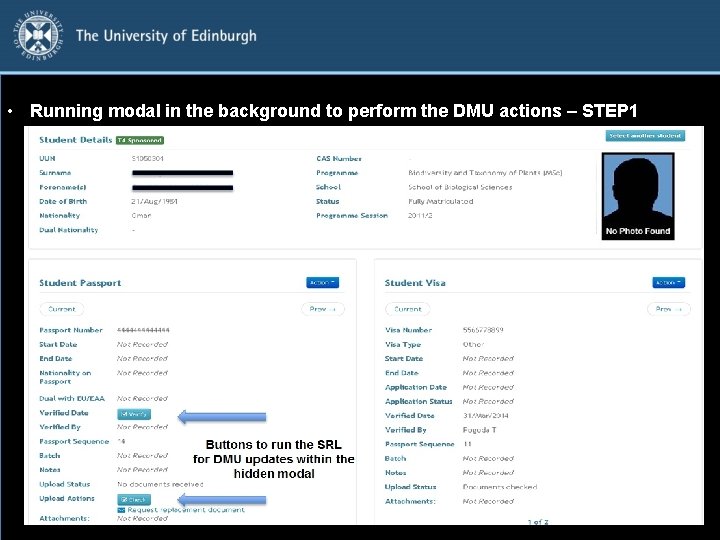
• Running modal in the background to perform the DMU actions – STEP 1
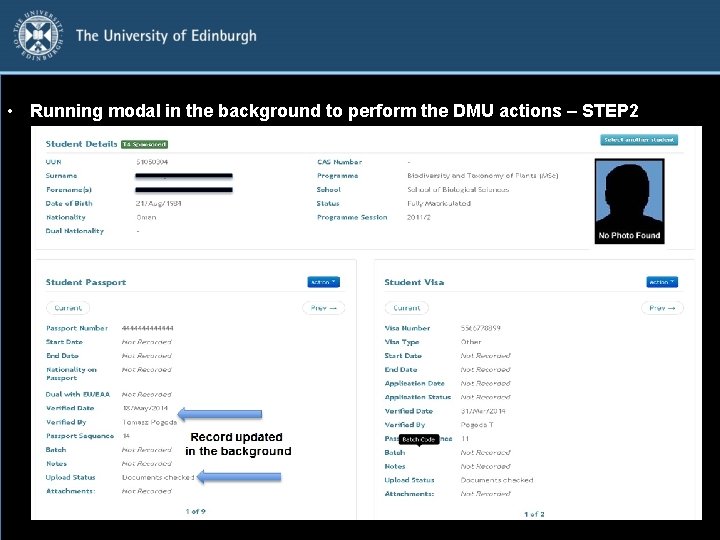
• Running modal in the background to perform the DMU actions – STEP 2
Ajax
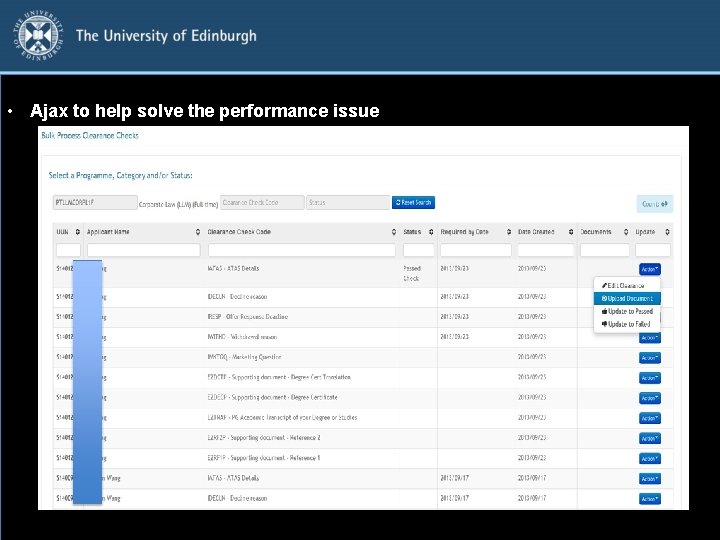
• Ajax to help solve the performance issue
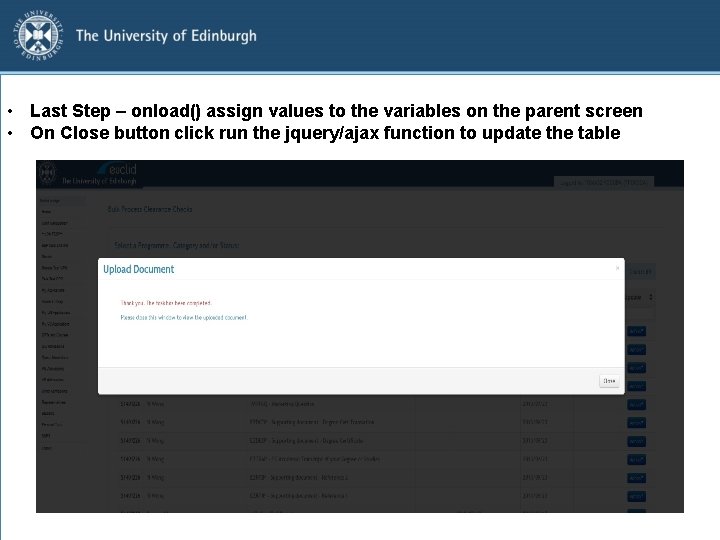
• Last Step – onload() assign values to the variables on the parent screen • On Close button click run the jquery/ajax function to update the table
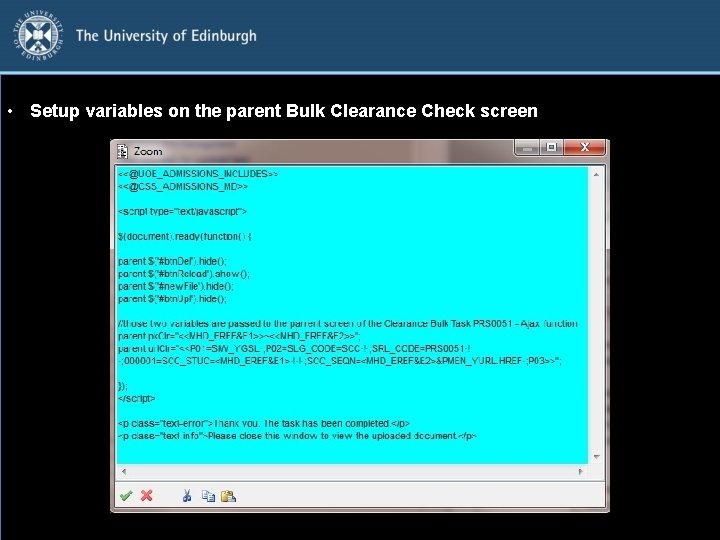
• Setup variables on the parent Bulk Clearance Check screen
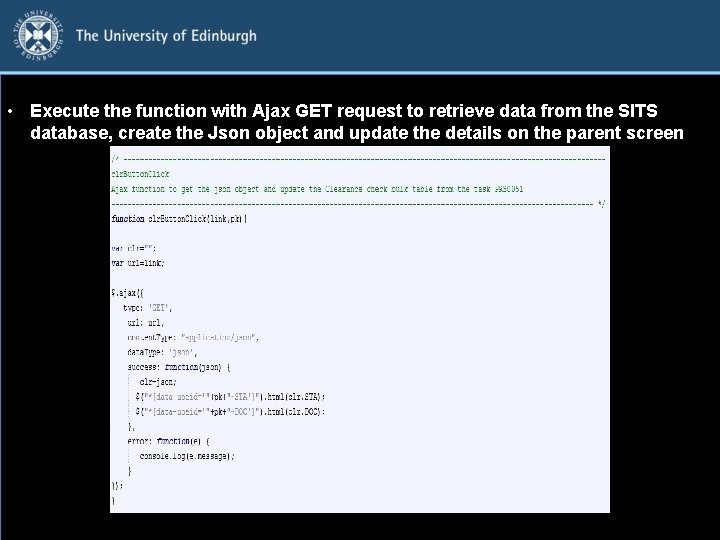
• Execute the function with Ajax GET request to retrieve data from the SITS database, create the Json object and update the details on the parent screen
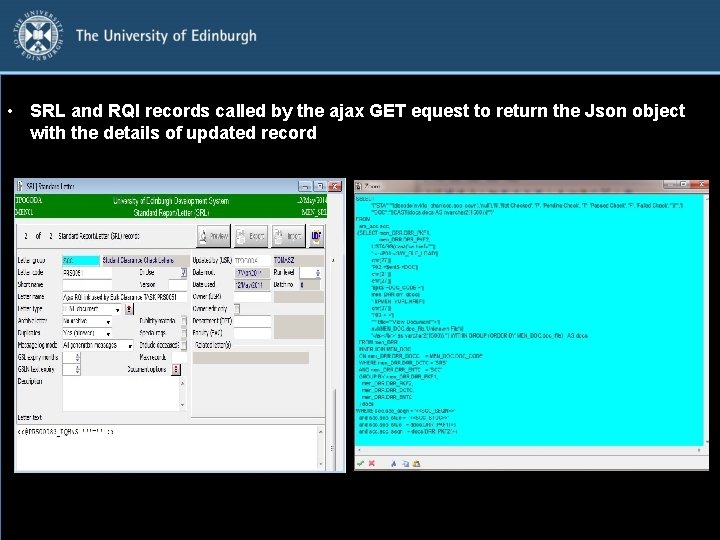
• SRL and RQI records called by the ajax GET equest to return the Json object with the details of updated record
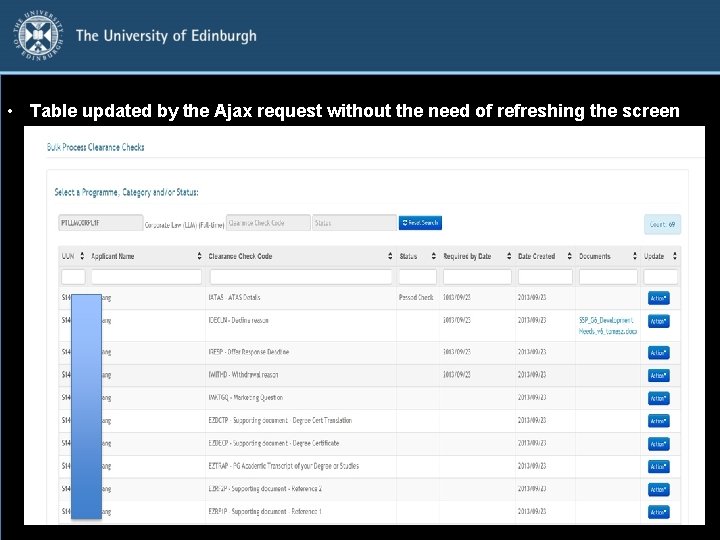
• Table updated by the Ajax request without the need of refreshing the screen
Bootstrap UI Examples
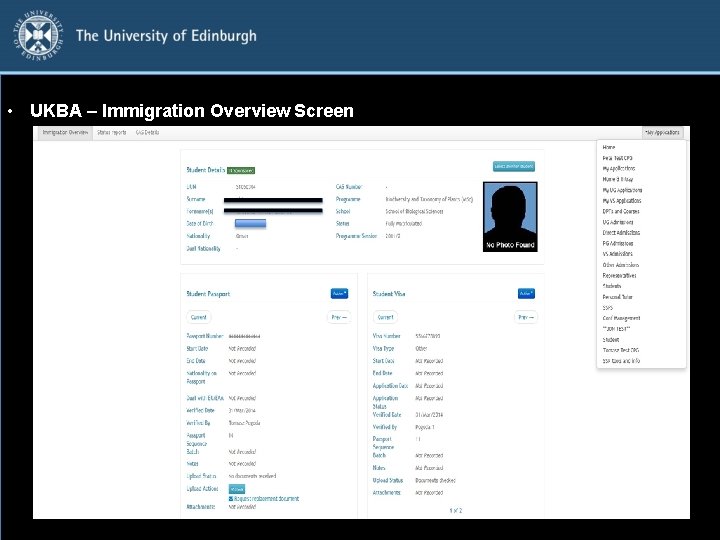
• UKBA – Immigration Overview Screen
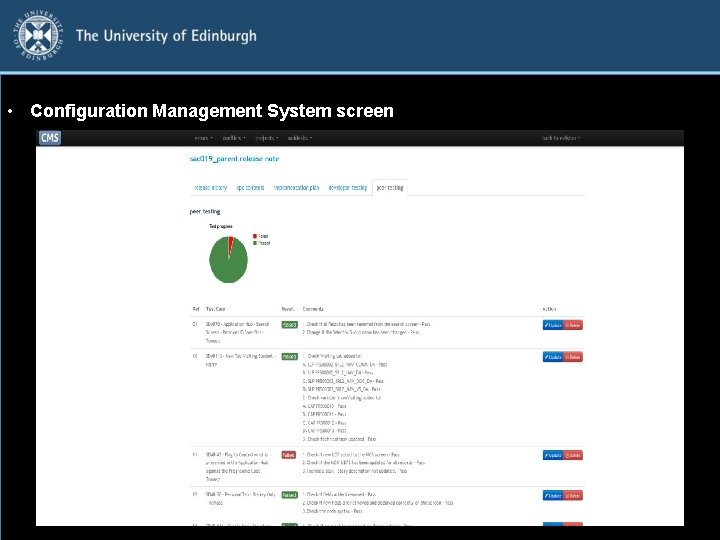
• Configuration Management System screen
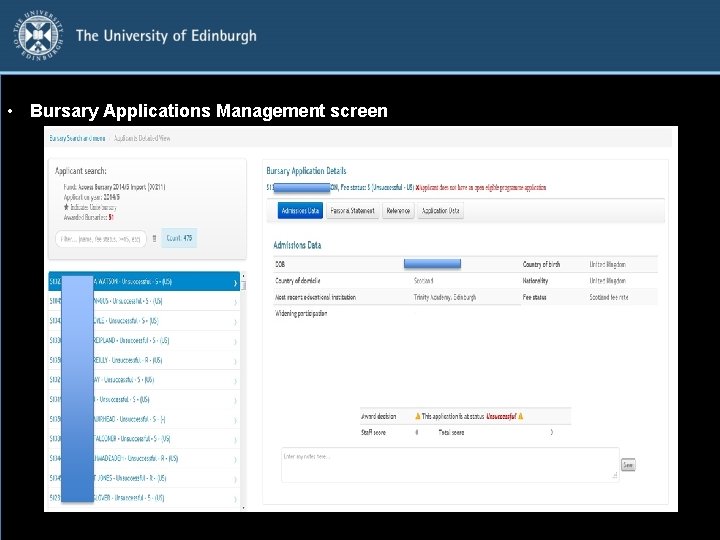
• Bursary Applications Management screen
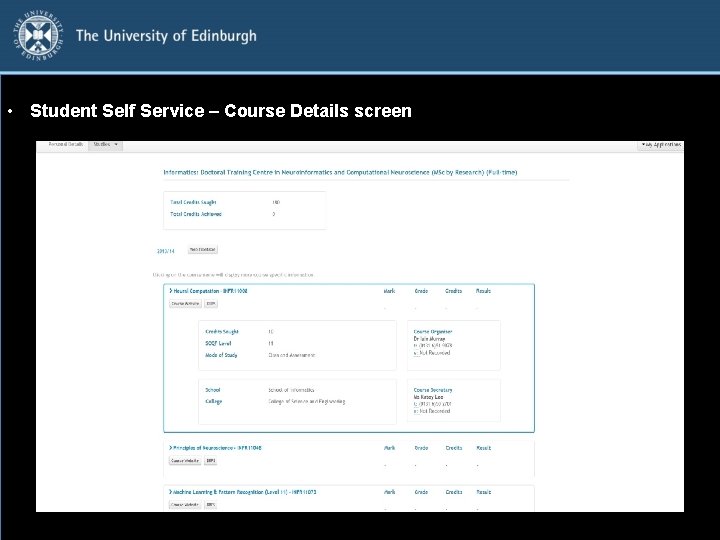
• Student Self Service – Course Details screen
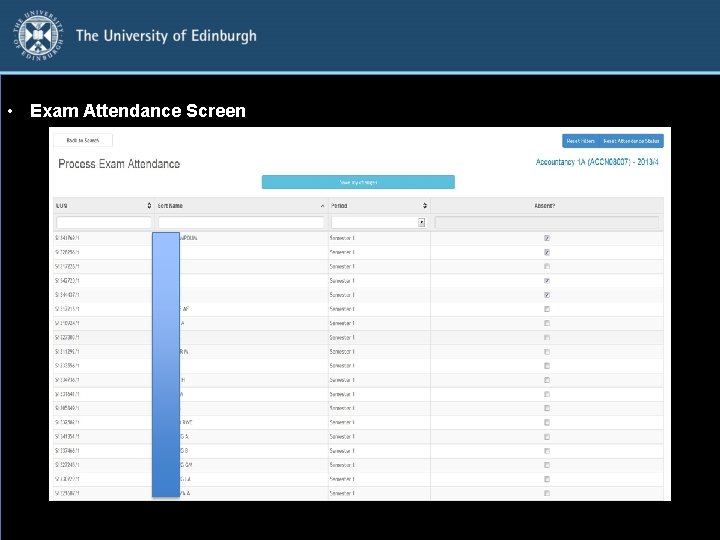
• Exam Attendance Screen
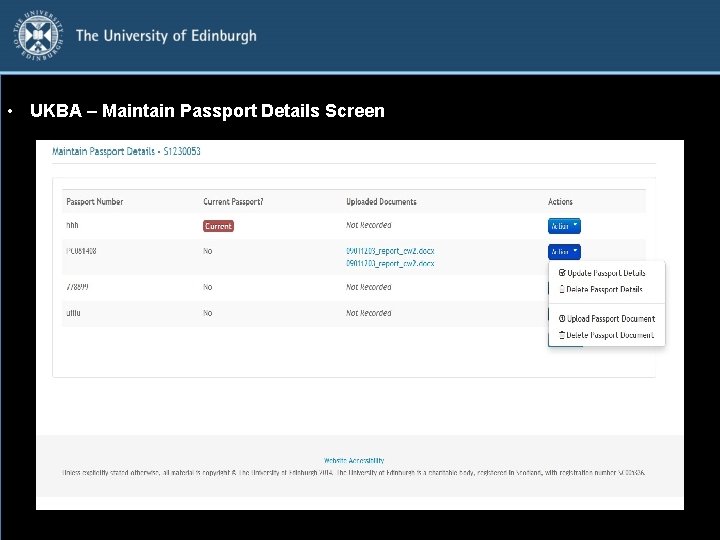
• UKBA – Maintain Passport Details Screen

Questions? Tomasz Pogoda – tomasz. pogoda@ed. ac. uk Jon Martin – jon. martin@ed. ac. uk
- Slides: 35