
Improved Chemical Agent Monitor ICAM SOLDIER and BIOLOGICAL

Improved Chemical Agent Monitor (ICAM) SOLDIER and BIOLOGICAL, CHEMICAL COMMAND (SBCCOM) New Equipment Training (NET) Overview Name Project Manager, Fielding & NET DSN 584 or COM 410 -436 - 1 -21433 MB 99
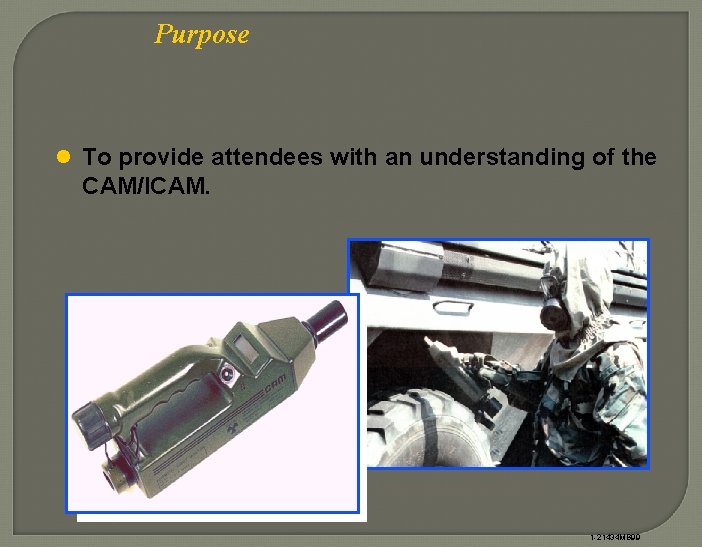
Purpose l To provide attendees with an understanding of the CAM/ICAM. 1 -21434 MB 99
Agenda l Introductions l Primary and Assistant Instructor l Training materials l 2 students per CAM/ICAM l Video demonstration 1 -21435 MB 99

New Equipment Training (NET) l Length - 2 hours scheduled l Capacity - 20 soldiers per class l Training - “Hands-On” Operation Components and use PMCS Maintenance l Target Audience BN and separate company NBC personnel Maintainer (31 U) l Interactive CD ROM (CAM DS Maintainer) 1 -21435 MB 99
ICAM Background l ICAM augments CAMs in Army inventory l ICAM Type Classified in Jul 93 l Fielded to USACMLS 2 Qtr FY 99 (FEB 99) l Manufactured by Intellitec and developed by Graseby Ionics in the UK l Not a substitute for the M 8 A 1 or ACADA 1 -21436 MB 99
ICAM Cautions and Warnings l NI 63 (10 milicuries) l Beta source, hazard through ingestion l Lithium batteries (BA 5800 s) 1 -21436 MB 99
ICAM/CAM VIDEO DEMONSTRATION 1 -21436 MB 99
ICAM Capabilities l Provides a real time indication of chemical agent vapors l Provides changes in agent hazard l Provides post attack contamination assessment l Can be used to assist during unmasking procedures (M 256 A 1) l Can be used to determine effectiveness of decontamination operations 1 -21437 MB 99
ICAM System Description l Hand-held portable monitor l Detects nerve and blister agent vapors l Size -- 3” (H) X 6” (W) X 16” (L) l Weighs 4 pounds l LCD displays levels of agent contamination 1 -21438 MB 99
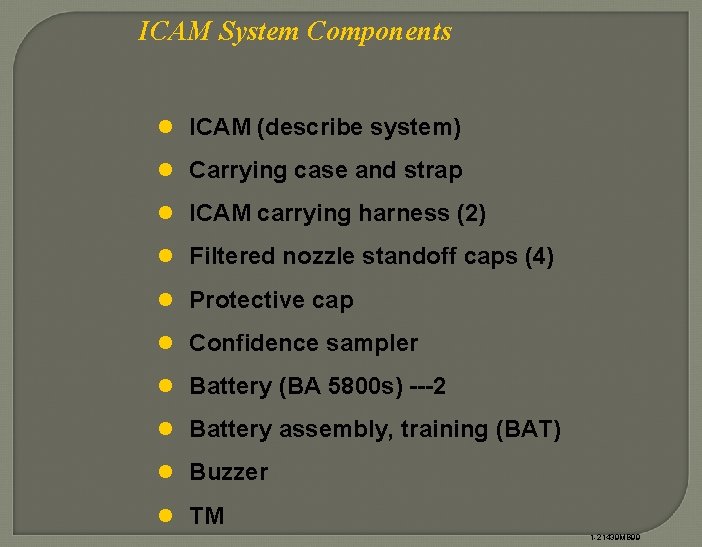
ICAM System Components l ICAM (describe system) l Carrying case and strap l ICAM carrying harness (2) l Filtered nozzle standoff caps (4) l Protective cap l Confidence sampler l Battery (BA 5800 s) ---2 l Battery assembly, training (BAT) l Buzzer l TM 1 -21439 MB 99
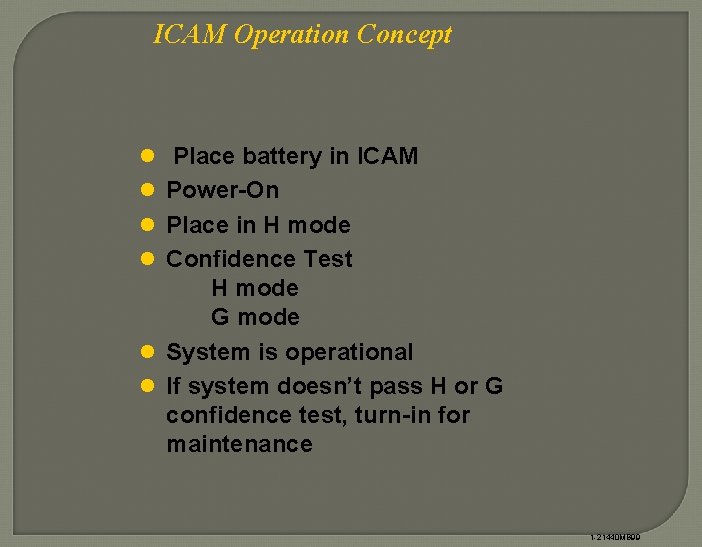
ICAM Operation Concept l Place battery in ICAM l Power-On l Place in H mode l Confidence Test H mode G mode l System is operational l If system doesn’t pass H or G confidence test, turn-in for maintenance 1 -21440 MB 99
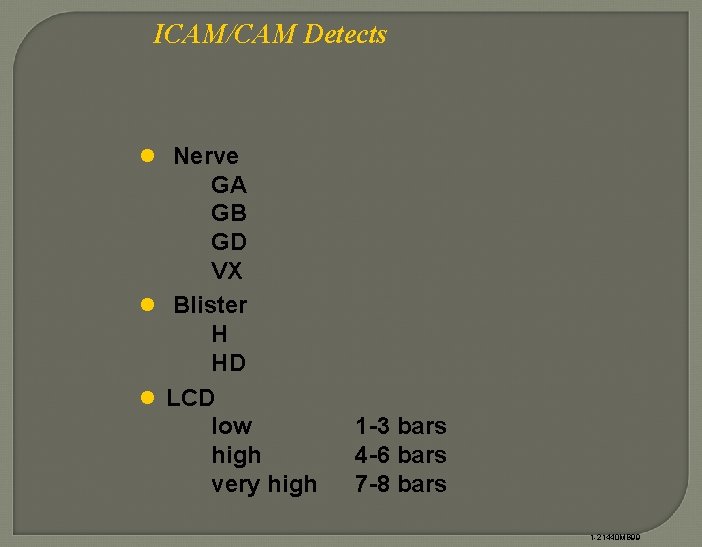
ICAM/CAM Detects l Nerve GA GB GD VX l Blister H HD l LCD low high very high 1 -3 bars 4 -6 bars 7 -8 bars 1 -21440 MB 99
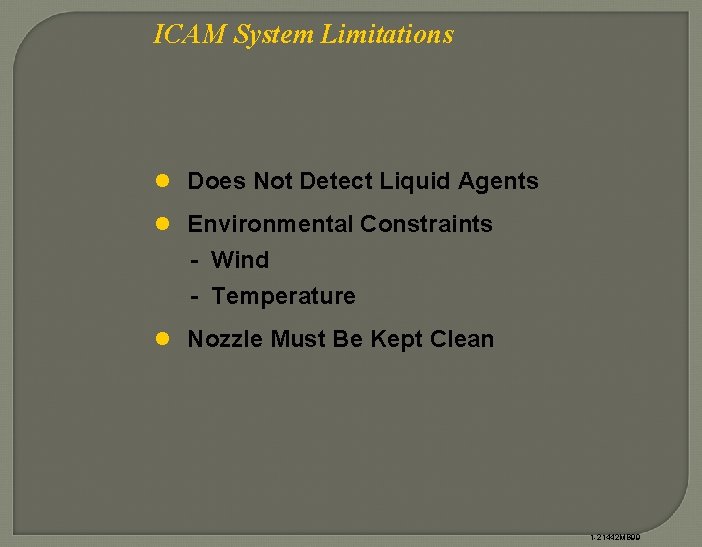
ICAM System Limitations l Does Not Detect Liquid Agents l Environmental Constraints - Wind - Temperature l Nozzle Must Be Kept Clean 1 -21442 MB 99
ICAM Maintenance Concept l Operator/Unit (TM 3 -6665 -343 -10) - PMCS, clean, confidence test and replace battery l Direct Support (TM 3 -6665 -343 -23&P) - Wipe test - Complete repair l Depot - None 1 -21440 MB 99
ICAM Safety Issues l Operator - Radioactive source - Nickel-63 (NI 63) 10 millicuries - Storage requirements are the same as the CAM and M 8 A 1 l Direct Support - Annual wipe test - New wipe test kit (NSN 6665 -01 -447 -5639) 1 -21443 MB 99
New Equipment Training l None required l Training aids available - TVT 3 -41 CAM PMCS, use and maintenance - TVT 3 -82 CAM employment - CD ROM/Video, CAM DS maintenance 1 -21453 MB 99
Points of Contact l Primary Instructor DSN: 584 - OR Comm: (410) 436 - l Assistant Instructor DSN: 584 - OR Comm: (410) 436 - 1 -21455 MB 99
ICAM Do’s l Make sure protective cap is on to switch on the ICAM l Start ICAM in the H mode l Place protective cap on the environmental cap when monitoring l Use clean nozzle standoff before monitoring l Know your operating environment (local interferences) l Replace nozzle standoff immediately if it becomes contaminated or dirty l Work from clean areas into contaminated areas and minimize time spent in contaminated areas l Be aware of possible pick up of contamination, especially on gloves and boots 1 -21457 MB 99
ICAM Don’ts l Don’t remove the protective cap until display is cleared down to one or zero bars l Don’t continue to sample once contamination is found l Don’t bring ICAM in contact with liquids or the surface you are monitoring l Don’t change modes until display is cleared down to one or zero bars l Don’t decontaminate a ICAM while it is in use l Don’t switch ICAM off at the end of a mission or for storage if any bars are displayed 1 -21458 MB 99
- Slides: 20