
IMPORTANT Instructions Please read the Instructions for the
- Slides: 74
IMPORTANT: Instructions Please read the “Instructions for the WCAG 2. 0 Presentation” at www. w 3. org/WAI/WCAG 20/presentation for an introduction, tips, and permission to use. The Notes section for each slide contains important information. Make sure you can read the Notes. On this slide, the notes start with “[NOTES SECTION: This is where the important information is…]” Copyright © 2007 W 3 C® (MIT, ERCIM, Keio)
WCAG 2. 0 Web Content Accessibility Guidelines Update Last Updated 6 October 2007
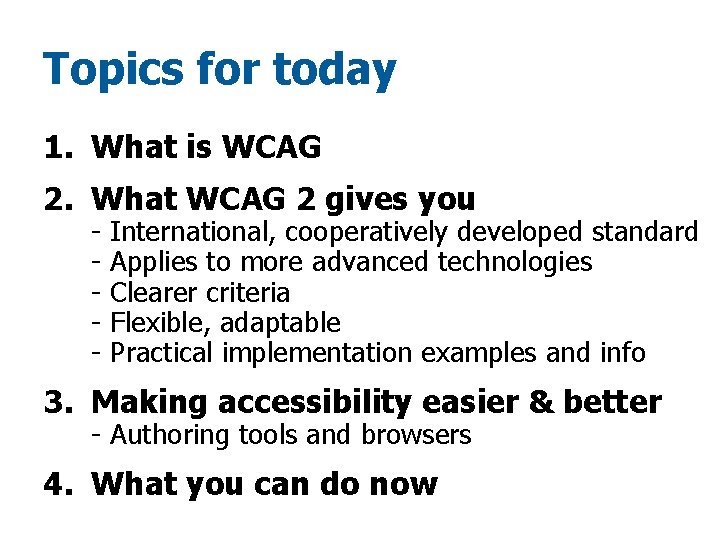
Topics for today 1. What is WCAG 2. What WCAG 2 gives you - International, cooperatively developed standard Applies to more advanced technologies Clearer criteria Flexible, adaptable Practical implementation examples and info 3. Making accessibility easier & better - Authoring tools and browsers 4. What you can do now
We won’t cover § The actual requirements/content of WCAG 2. 0 § The basics of Web accessibility, how people with disabilities use the Web, WCAG 1. 0 § The business case § Policies, laws (Resources for these at the end)
WCAG 2. 0 Web Content Accessibility Guidelines § Web content = Web pages, sites, applications, … § Optimized for: • Web developers and designers, • Authoring tool and evaluation tool developers, and • Others who need a technical standard… • (not novices)
What WCAG 2 gives you § International, cooperatively developed Web standard
Who develops WCAG § Standards making body for the Web § International, multi-stakeholder development § Formal process for broad public review
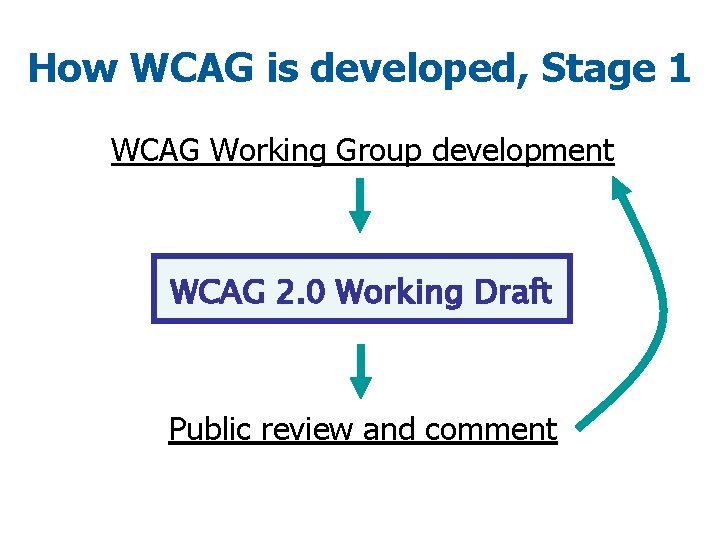
How WCAG is developed, Stage 1 WCAG Working Group development WCAG 2. 0 Working Draft Public review and comment
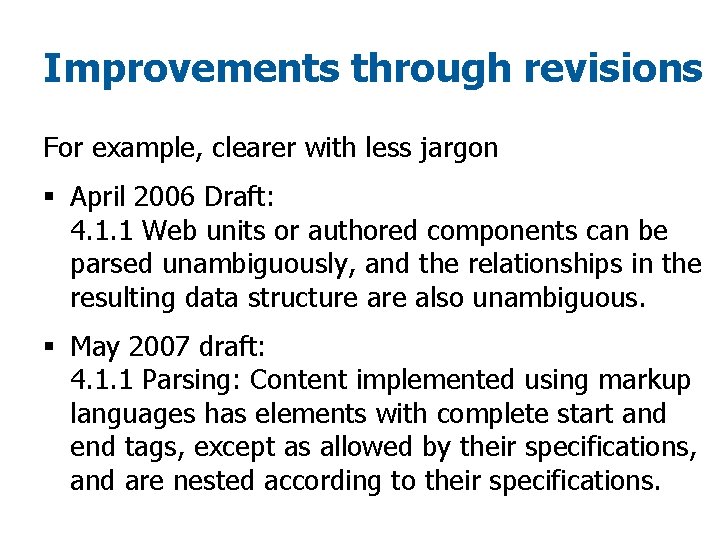
Improvements through revisions For example, clearer with less jargon § April 2006 Draft: 4. 1. 1 Web units or authored components can be parsed unambiguously, and the relationships in the resulting data structure also unambiguous. § May 2007 draft: 4. 1. 1 Parsing: Content implemented using markup languages has elements with complete start and end tags, except as allowed by their specifications, and are nested according to their specifications.
See for yourself § Note the new and improved documents: • WCAG 2 FAQ • WCAG 2. 0 Quick Reference • Summary of Issues, Revisions, and Rationales for Changes to WCAG 2. 0 2006 Last Call Draft
When will WCAG 2. 0 be completed?
Milestones § Public Working Drafts § Last Call Working Draft § … § …
Milestones § Public Working Drafts § Last Call Working Draft § … § …
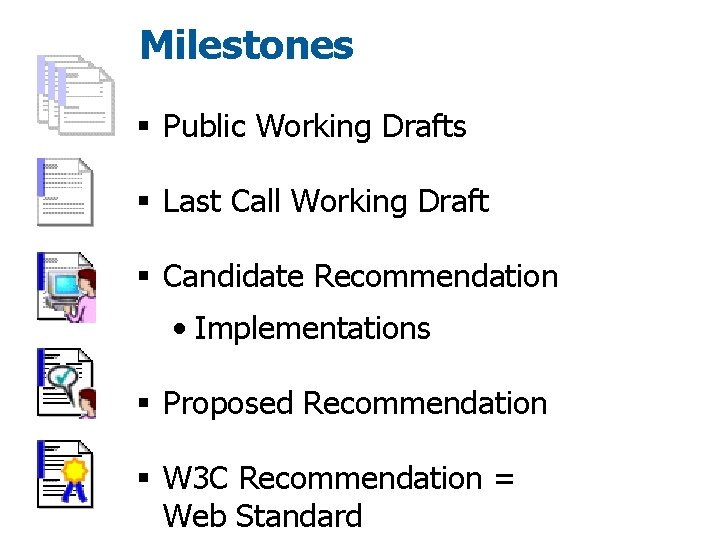
Milestones § Public Working Drafts § Last Call Working Draft § Candidate Recommendation • Implementations § Proposed Recommendation § W 3 C Recommendation = Web Standard
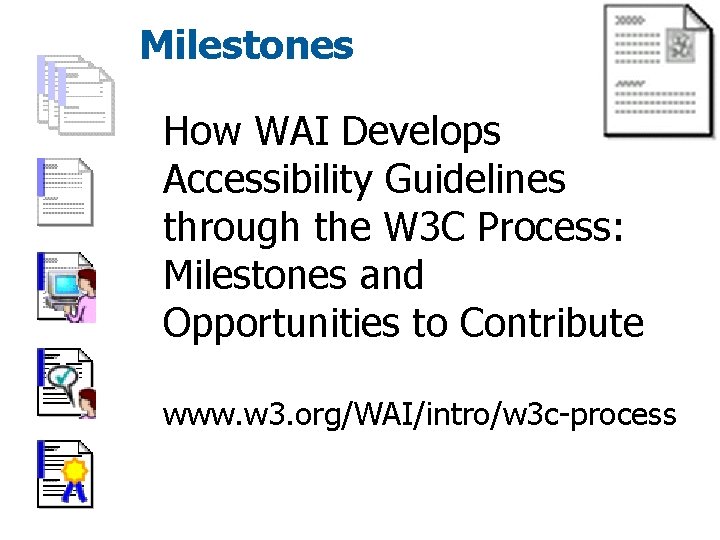
Milestones How WAI Develops Accessibility Guidelines through the W 3 C Process: Milestones and Opportunities to Contribute www. w 3. org/WAI/intro/w 3 c-process
Advances from WCAG 1. 0 to WCAG 2. 0
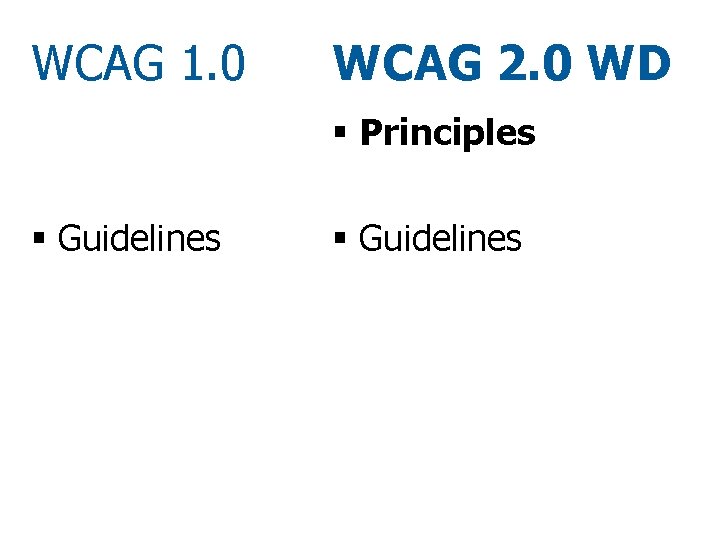
WCAG 1. 0 WCAG 2. 0 WD § Principles § Guidelines
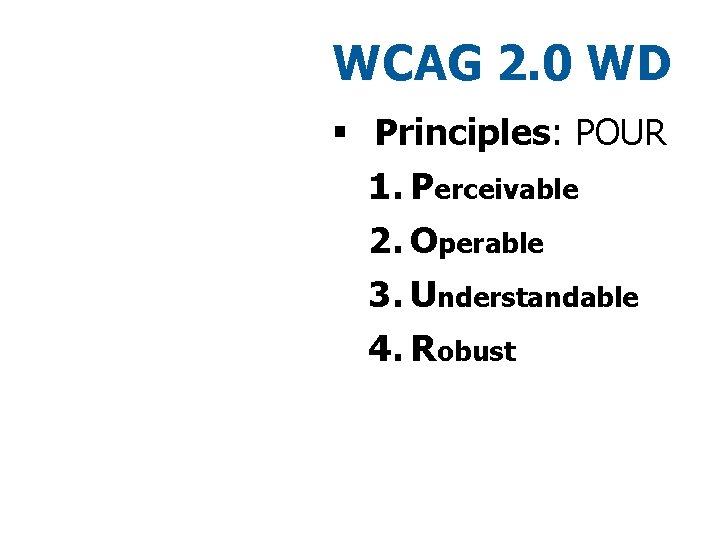
WCAG 2. 0 WD § Principles: POUR 1. Perceivable 2. Operable 3. Understandable 4. Robust
What WCAG 2 gives you § Clearer criteria, more precisely testable (still need human judgment)
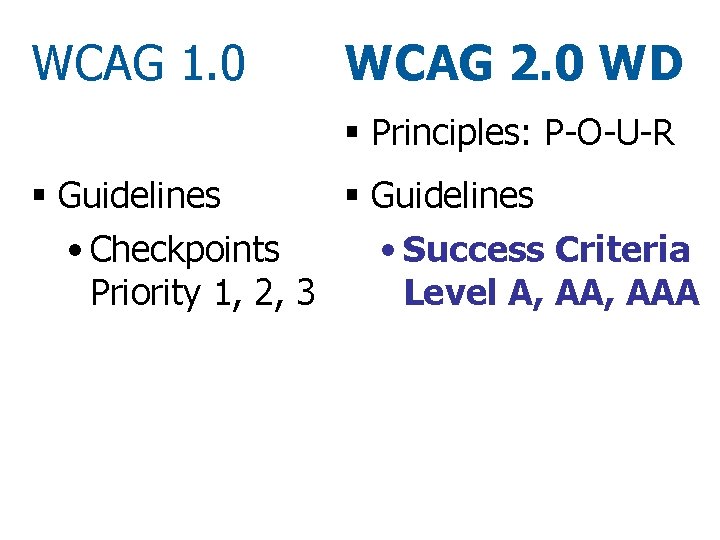
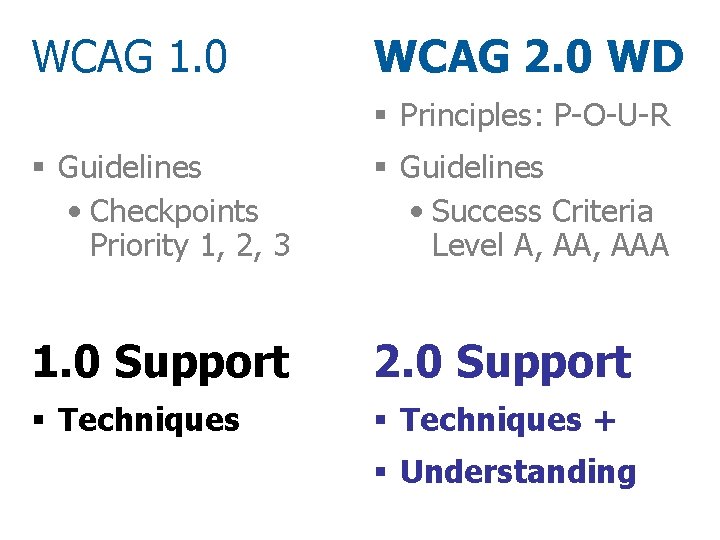
WCAG 1. 0 WCAG 2. 0 WD § Principles: P-O-U-R § Guidelines • Checkpoints • Success Criteria Priority 1, 2, 3 Level A, AAA
Testable Example § WCAG 1. 0 Checkpoint • 2. 2 Ensure that foreground and background color combinations provide sufficient contrast when viewed by someone having color deficits…
Screenshot with questionable color contrast
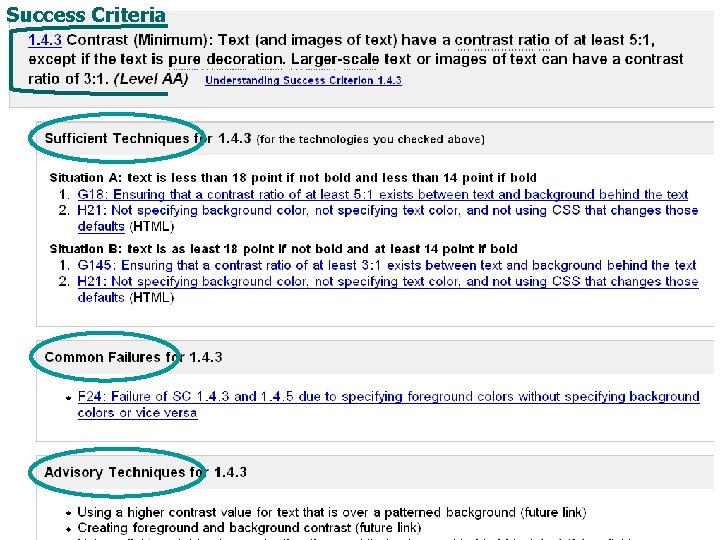
Testable Example § WCAG 1. 0 Checkpoint • 2. 2 Ensure that foreground and background color combinations provide sufficient contrast when viewed by someone having color deficits… § WCAG 2. 0 Success Criteria • 1. 4. 3 Text (and images of text) have a contrast ratio of at least 5: 1… (from the May 2007 Draft)
What WCAG 2 gives you § Applies to more advanced technologies - current, future, non-W 3 C § Adaptable, flexible for different situations, and developing technologies and techniques
WCAG 2. 0 Document www. w 3. org/TR/WCAG 20/ § Formal Web standard draft, planned to become a “W 3 C Recommendation” § “Normative”
Techniques document § Supporting document, “informative” § Examples for HTML, CSS, etc. § Can be updated
WCAG 2. 0 requirements are more flexible
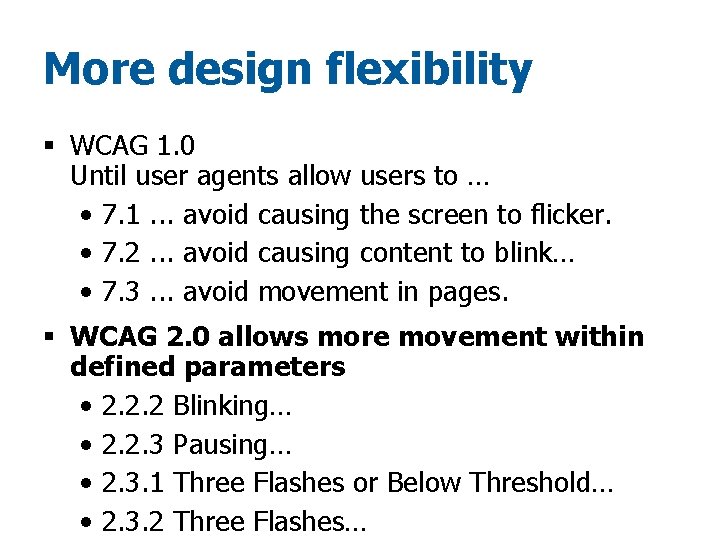
More design flexibility § WCAG 1. 0 Until user agents allow users to … • 7. 1. . . avoid causing the screen to flicker. • 7. 2. . . avoid causing content to blink… • 7. 3. . . avoid movement in pages. § WCAG 2. 0 allows more movement within defined parameters • 2. 2. 2 Blinking… • 2. 2. 3 Pausing… • 2. 3. 1 Three Flashes or Below Threshold… • 2. 3. 2 Three Flashes…
Scripting allowed!
Scripting Techniques § Providing client-side validation and alert § Using functions of the Document Object Model (DOM) to add content to a page § Using Dynamic Web Content Accessibility to programmatically identify form fields as required §. . .
Flexibility for rich Internet applications (Ajax, DHTML) § WAI-ARIA: Accessible Rich Internet Applications Suite • For example, accessible and highly usable expanding and collapsing menus/tree controls/nav bars • Techniques for meeting WCAG 2. 0
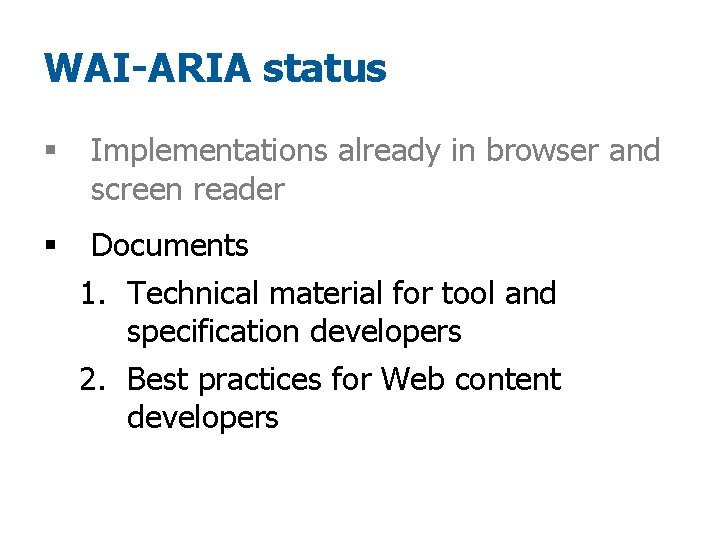
WAI-ARIA status § Implementations already in browser and screen reader
WAI-ARIA status § Implementations already in browser and screen reader § Documents 1. Technical material for tool and specification developers 2. Best practices for Web content developers
Flexibility through “accessibility-supported technologies” (formerly “baseline”)
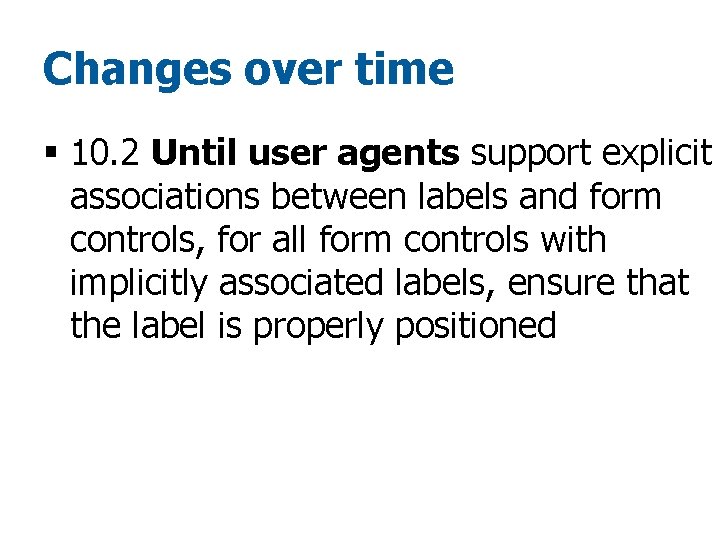
Changes over time § 10. 2 Until user agents support explicit associations between labels and form controls, for all form controls with implicitly associated labels, ensure that the label is properly positioned
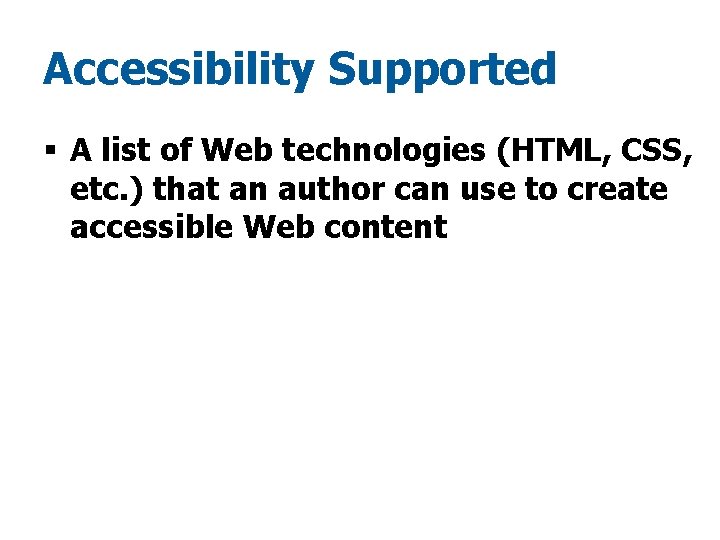
Accessibility Supported § A list of Web technologies (HTML, CSS, etc. ) that an author can use to create accessible Web content
Accessibility Supported § A list of Web technologies (HTML, CSS, etc. ) that an author can use to create accessible Web content § List may come from: • WAI, or • A governing body, or • An organization with accessibility expertise • or …
Accessibility Supported § An established list of Web technologies (HTML, CSS, etc. ) that an author can use to create accessible Web content § Can use non-accessibility-supported technologies, as long as content is usable without them • That is, used only for enhancement
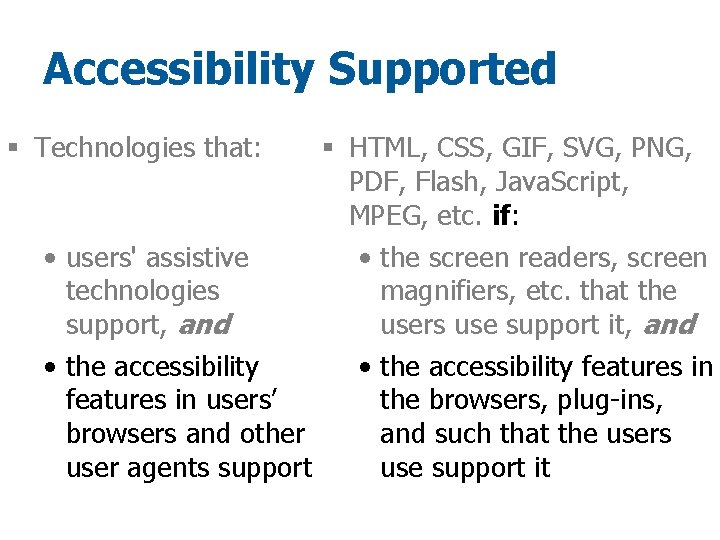
Accessibility Supported § Technologies that: • users' assistive technologies support, and • the accessibility features in users’ browsers and other user agents support
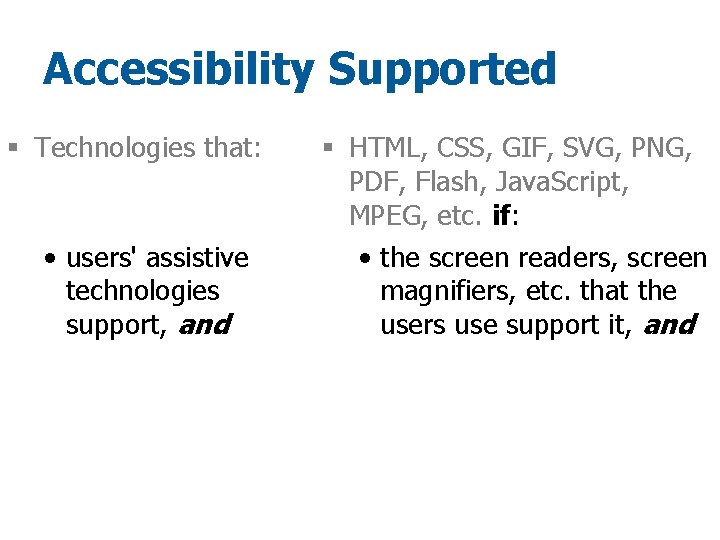
Accessibility Supported § Technologies that: § HTML, CSS, GIF, SVG, PNG, PDF, Flash, Java. Script, MPEG, etc. if:
Accessibility Supported § Technologies that: • users' assistive technologies support, and § HTML, CSS, GIF, SVG, PNG, PDF, Flash, Java. Script, MPEG, etc. if: • the screen readers, screen magnifiers, etc. that the users use support it, and
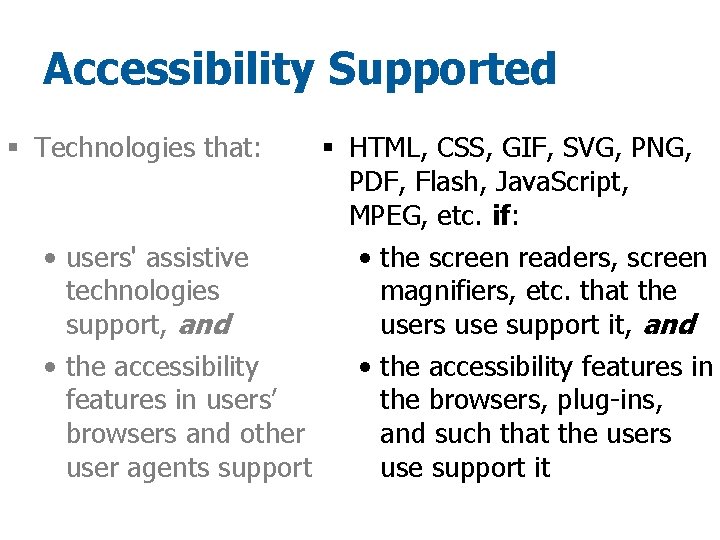
Accessibility Supported § Technologies that: § HTML, CSS, GIF, SVG, PNG, PDF, Flash, Java. Script, MPEG, etc. if: • users' assistive • the screen readers, screen technologies magnifiers, etc. that the support, and users use support it, and • the accessibility features in users’ the browsers, plug-ins, browsers and other and such that the users user agents support use support it
Accessibility Supported § Technologies that: § HTML, CSS, GIF, SVG, PNG, PDF, Flash, Java. Script, MPEG, etc. if: • users' assistive • the screen readers, screen technologies magnifiers, etc. that the support, and users use support it, and • the accessibility features in users’ the browsers, plug-ins, browsers and other and such that the users user agents support use support it
Flexibility for different situations Situation A Situation B
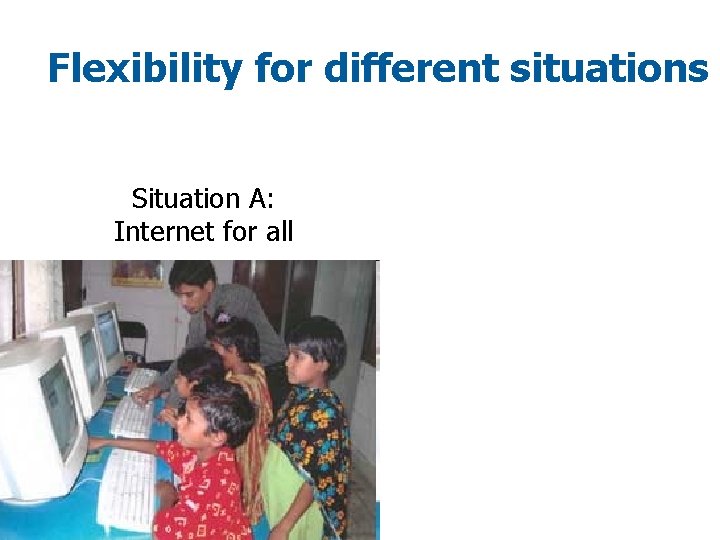
Flexibility for different situations Situation A: Internet for all
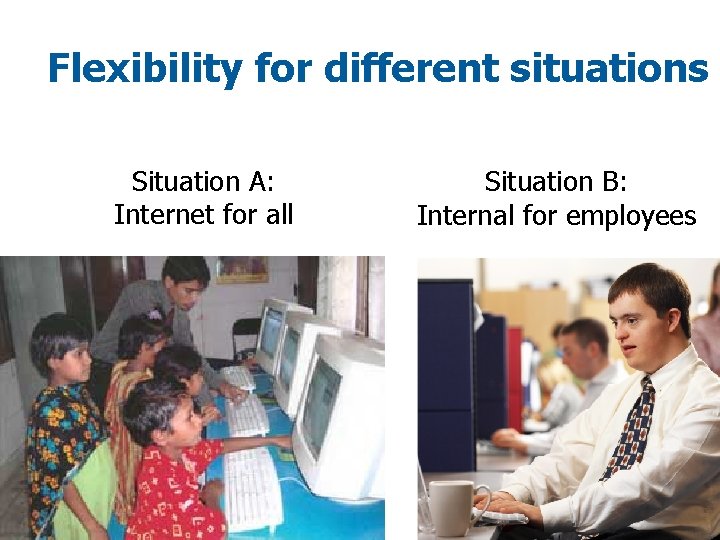
Flexibility for different situations Situation A: Internet for all Situation B: Internal for employees
Accessibility Supported § An established list of Web technologies (HTML, CSS, etc. ) that an author can use to create accessible Web content, because the technologies are supported by users’ assisistive technologies and user agents’ accessibility features.
What WCAG 2 gives you § Extensive supporting materials, practical implementation guidance
WCAG 1. 0 WCAG 2. 0 WD § Principles: P-O-U-R § Guidelines • Checkpoints Priority 1, 2, 3 § Guidelines • Success Criteria Level A, AAA 1. 0 Support 2. 0 Support § Techniques + § Understanding
Understanding document § Supporting document, “informative” § Reference manual
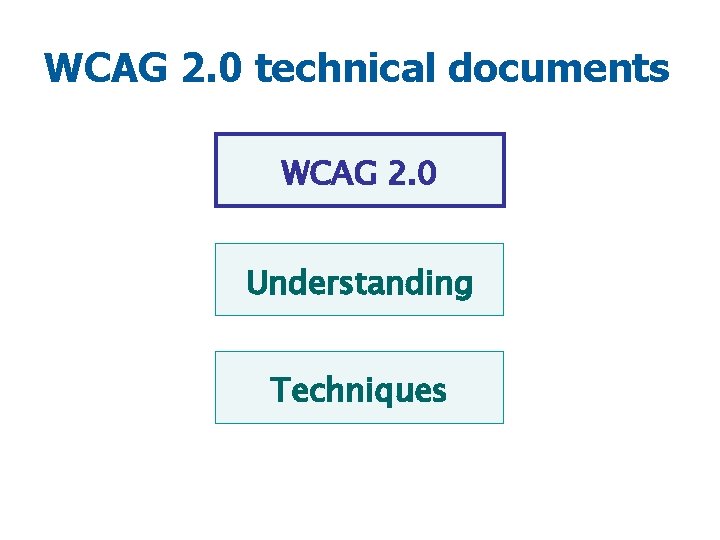
WCAG 2. 0 technical documents WCAG 2. 0 Understanding Techniques
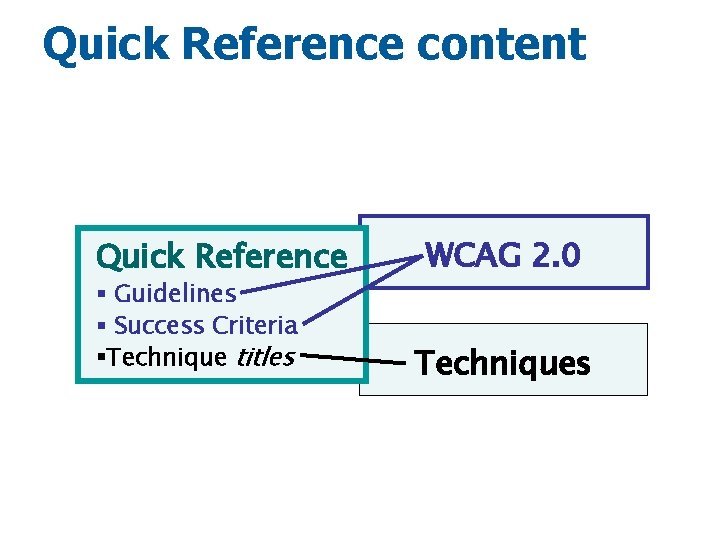
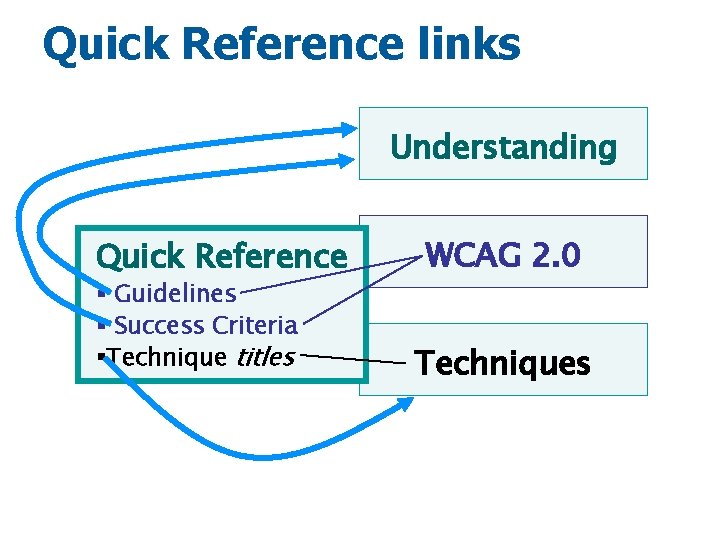
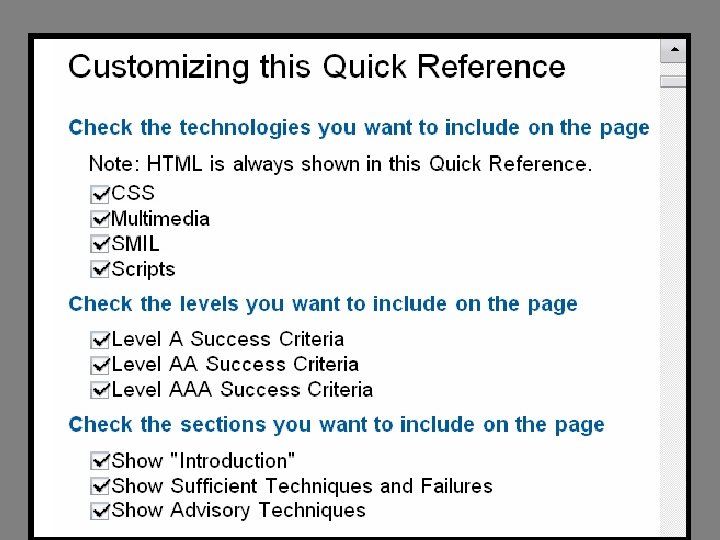
WCAG 2. 0 Quick Reference § Lists the WCAG 2. 0 requirements § Provides summary information from the other documents § Links to details
Quick Reference content Quick Reference § Guidelines § Success Criteria §Technique titles WCAG 2. 0 Techniques
Quick Reference links Understanding Quick Reference § Guidelines § Success Criteria §Technique titles WCAG 2. 0 Techniques
Success Criteria
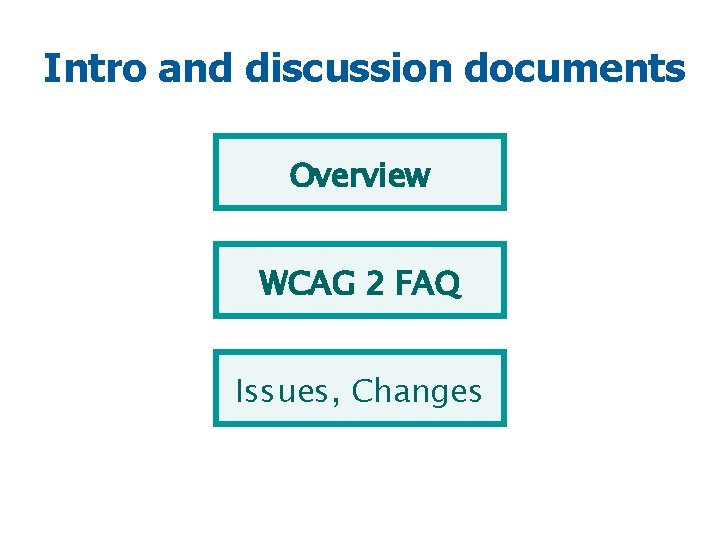
Intro and discussion documents Overview WCAG 2 FAQ Issues, Changes
What WCAG 2 gives you § International standard, developed cooperatively § Applies to more advanced Web technologies • current, future, non-W 3 C § Clearer criteria, more precisely testable § Adaptable, flexible for different situations, and developing technologies and techniques § Extensive supporting materials, practical implementation guidance
Accessibility = People using Web § WAI Resources • How People with Disabilities Use the Web • Involving Users in Web Accessibility [Design and] Evaluation § Other recourses, including videos § People with disabilities using your Web site
Achieving Web accessibility § Understanding accessibility issues and how people with disabilities use your site § Using WCAG 2. 0 § ___? ___
Who is responsible for Web accessibility?
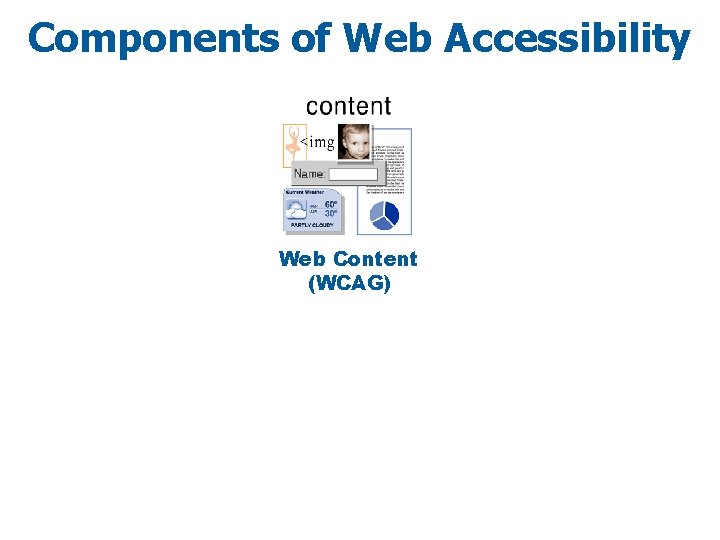
Components of Web Accessibility Web Content (WCAG)
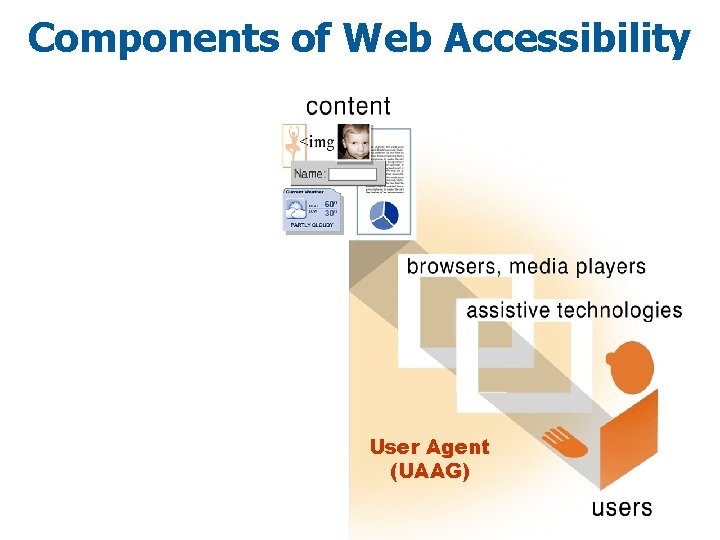
Components of Web Accessibility User Agent (UAAG)
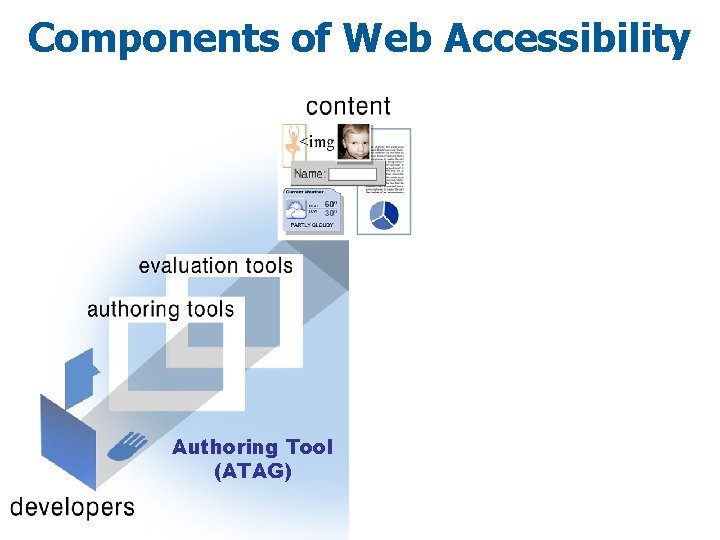
Components of Web Accessibility Authoring Tool (ATAG)
Making accessibility easier for site developers and better for users!
Actively encourage accessibility improvements in tools Action ! http: //flickr. com/photos/ming 2046/5749434/
What else you can do now Action !
Get into WCAG 2. 0
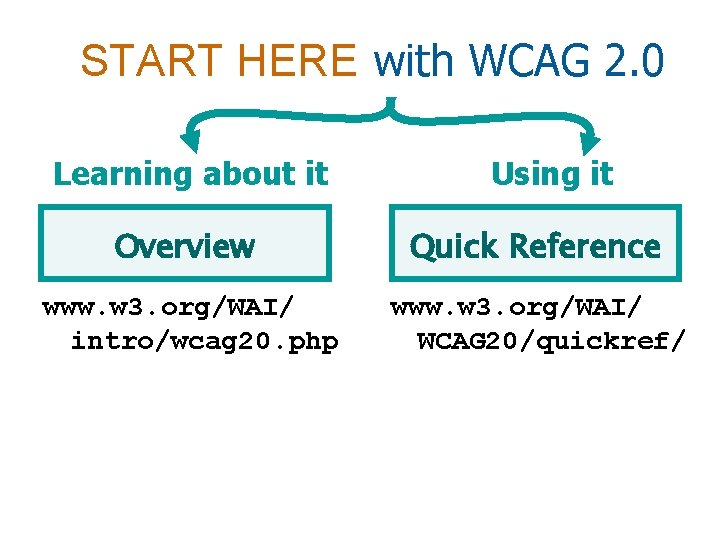
START HERE with WCAG 2. 0 Learning about it Using it Overview Quick Reference www. w 3. org/WAI/ intro/wcag 20. php www. w 3. org/WAI/ WCAG 20/quickref/
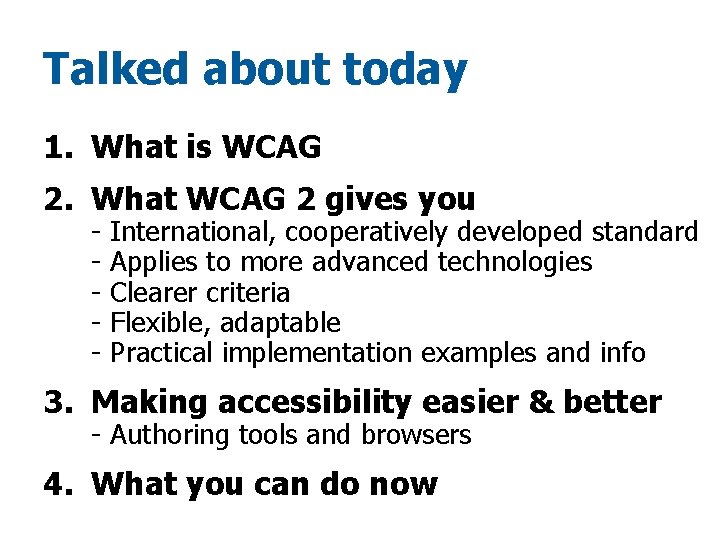
Talked about today 1. What is WCAG 2. What WCAG 2 gives you - International, cooperatively developed standard Applies to more advanced technologies Clearer criteria Flexible, adaptable Practical implementation examples and info 3. Making accessibility easier & better - Authoring tools and browsers 4. What you can do now
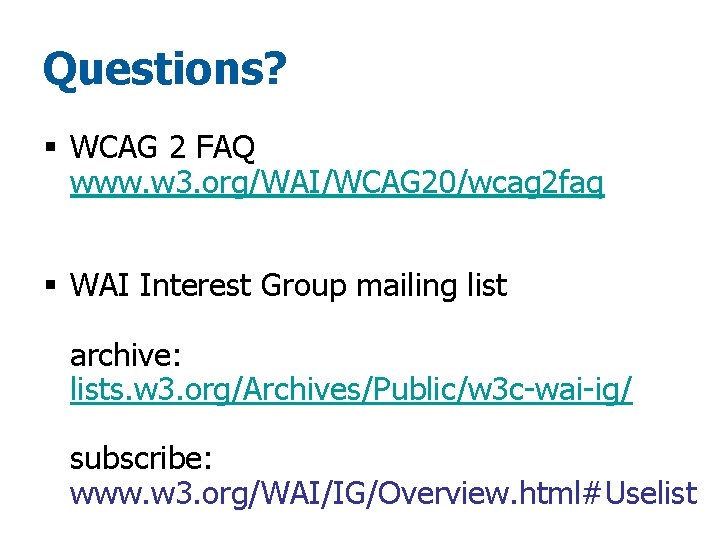
Questions? § WCAG 2 FAQ www. w 3. org/WAI/WCAG 20/wcag 2 faq § WAI Interest Group mailing list archive: lists. w 3. org/Archives/Public/w 3 c-wai-ig/ subscribe: www. w 3. org/WAI/IG/Overview. html#Uselist
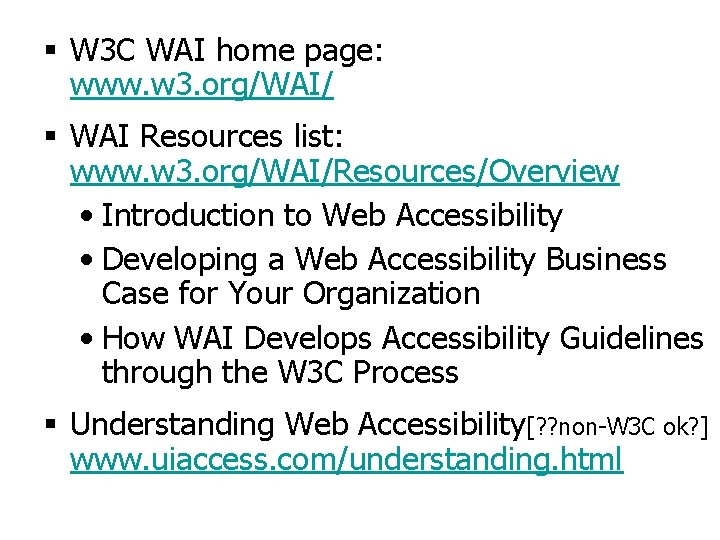
§ W 3 C WAI home page: www. w 3. org/WAI/ § WAI Resources list: www. w 3. org/WAI/Resources/Overview • Introduction to Web Accessibility • Developing a Web Accessibility Business Case for Your Organization • How WAI Develops Accessibility Guidelines through the W 3 C Process § Understanding Web Accessibility[? ? non-W 3 C ok? ] www. uiaccess. com/understanding. html
Source Material WCAG 2. 0 Web Content Accessibility Guidelines Update W 3 C WAI Education and Outreach Working Group, Shawn Henry editor www. w 3. org/WAI/WCAG 20/presentation
Actively encourage real accessibility Reward Web sites, tools, developers, … Thank you!