
Important Instructions for Presenters and Volunteer Moderators 1



- Slides: 38
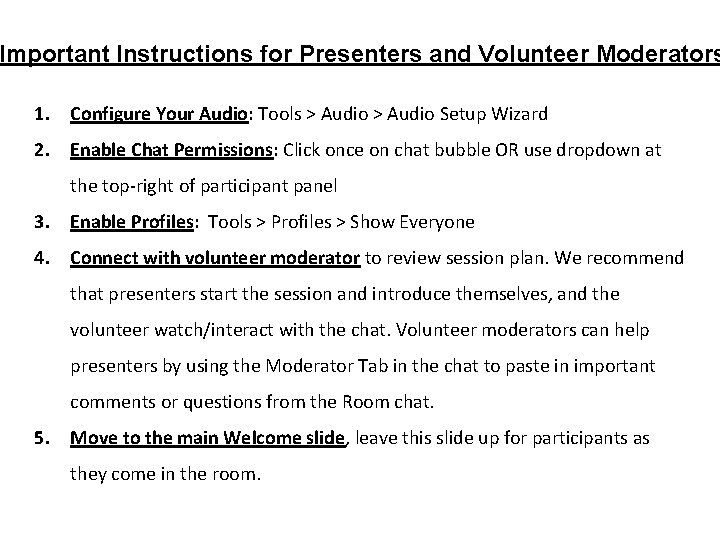
Important Instructions for Presenters and Volunteer Moderators 1. Configure Your Audio: Tools > Audio Setup Wizard 2. Enable Chat Permissions: Click once on chat bubble OR use dropdown at the top-right of participant panel 3. Enable Profiles: Tools > Profiles > Show Everyone 4. Connect with volunteer moderator to review session plan. We recommend that presenters start the session and introduce themselves, and the volunteer watch/interact with the chat. Volunteer moderators can help presenters by using the Moderator Tab in the chat to paste in important comments or questions from the Room chat. 5. Move to the main Welcome slide, leave this slide up for participants as they come in the room.
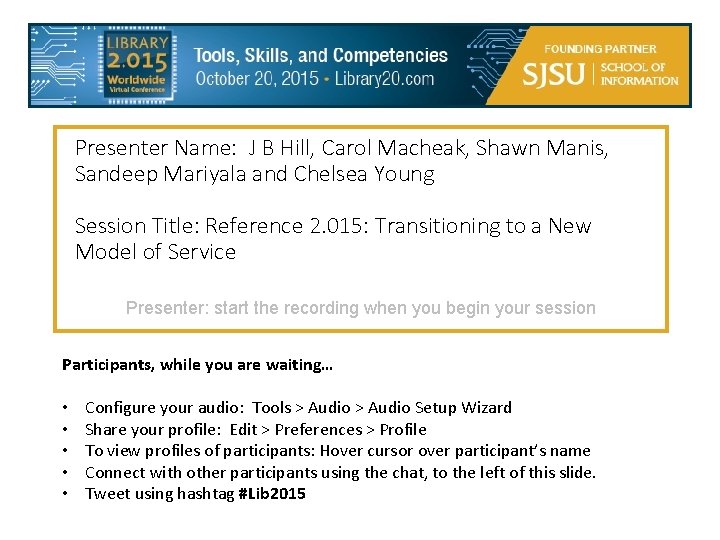
Presenter Name: J B Hill, Carol Macheak, Shawn Manis, Sandeep Mariyala and Chelsea Young Session Title: Reference 2. 015: Transitioning to a New Model of Service Presenter: start the recording when you begin your session Participants, while you are waiting… • • • Configure your audio: Tools > Audio Setup Wizard Share your profile: Edit > Preferences > Profile To view profiles of participants: Hover cursor over participant’s name Connect with other participants using the chat, to the left of this slide. Tweet using hashtag #Lib 2015
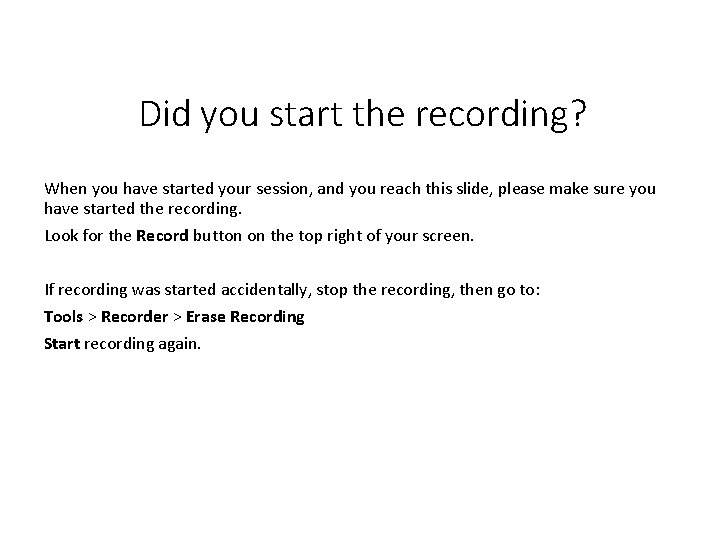
Did you start the recording? When you have started your session, and you reach this slide, please make sure you have started the recording. Look for the Record button on the top right of your screen. If recording was started accidentally, stop the recording, then go to: Tools > Recorder > Erase Recording Start recording again.
Thank You to Our Sponsors & Supporters!
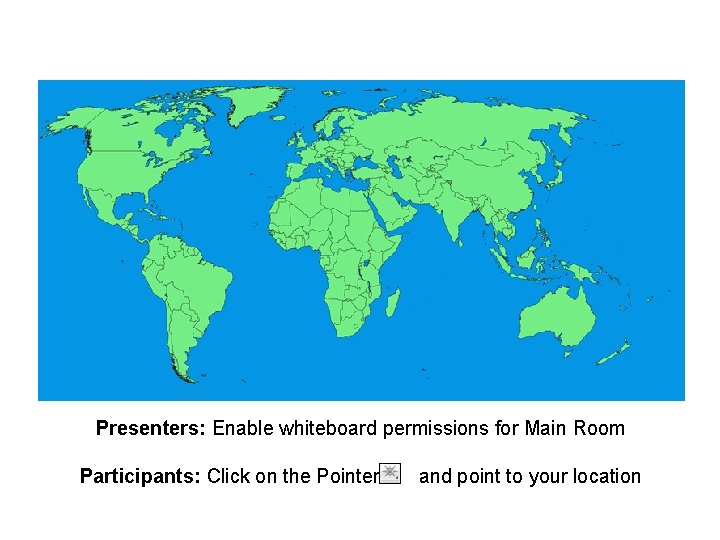
Presenters: Enable whiteboard permissions for Main Room Participants: Click on the Pointer and point to your location
Reference 2. 015: Transitioning to a New Model of Service J. B. Hill, Carol Macheak, Shawn Manis, Sandeep Mariyala and Chelsea Young Collections and Archives, Ottenheimer Library University of Arkansas at Little Rock (UALR)
Abstract ABSTRACT • Library databases and search interfaces have evolved to make basic research easier without librarian intervention, enabling libraries to rethink librarian and library staff roles. • Presenters will discuss their experience at the University of Arkansas at Little Rock, including an analysis of reference transactions logs, the resulting elimination of the reference desk and reference department, the integration of the reference collection into the circulating collections, and the development of staff/peer consultant training and staffing.
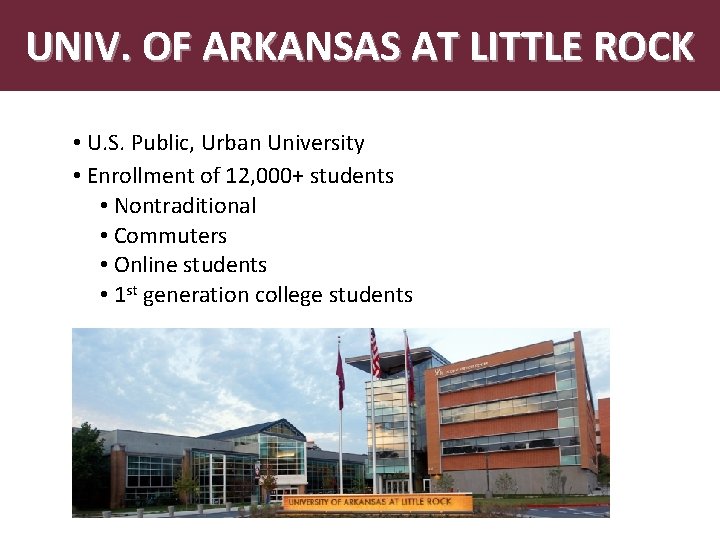
UNIV. OF ARKANSAS AT LITTLE ROCK • U. S. Public, Urban University • Enrollment of 12, 000+ students • Nontraditional • Commuters • Online students • 1 st generation college students
UALR VISION To be one of the Top Metropolitan, Community. Engaged, Research Universities among the 16 Member States of the Southern Regional Education Board (SREB).
BUILD ON UALR STRENGTHS Abstract • Align Academic and Research Programs with City and Region • Implement a Set of High Impact Programs Taking Advantage of Our Location • Promote Interdisciplinary Collaboration • Promote a Student-Centered Culture • Programs, Services and Facilities
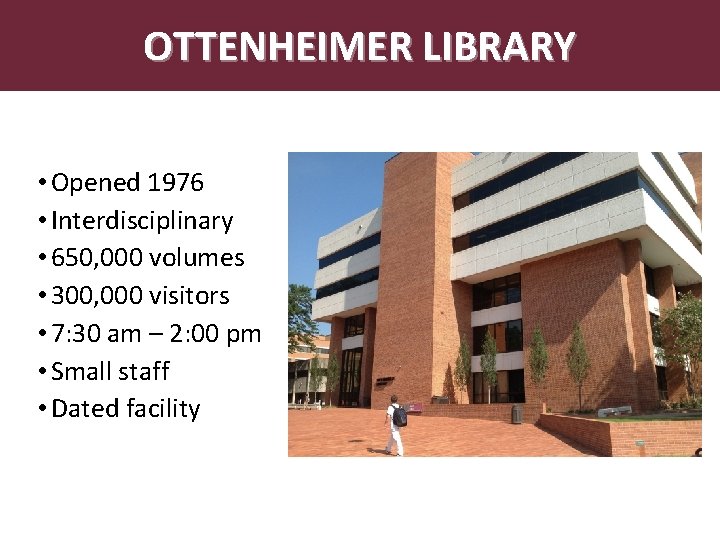
OTTENHEIMER LIBRARY • Opened 1976 • Interdisciplinary • 650, 000 volumes • 300, 000 visitors • 7: 30 am – 2: 00 pm • Small staff • Dated facility
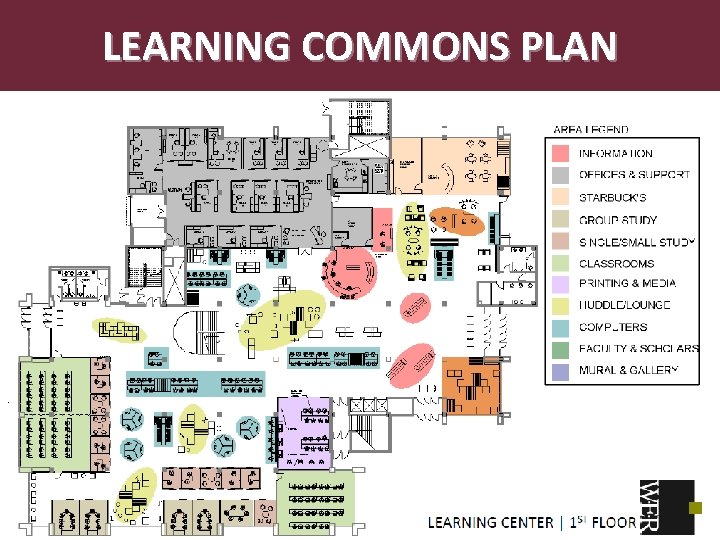
LEARNING COMMONS PLAN Circulation and Reference Desks (~ 20 feet apart) .
LEARNING COMMONS FEATURES Abstract • Limited Print Collections • Collaborative Spaces • Group Rooms & Class Rooms • Single Support Center • • Circulation/Reserves Reference Technology Writing/Languages • Long-term Goal in Incremental Steps
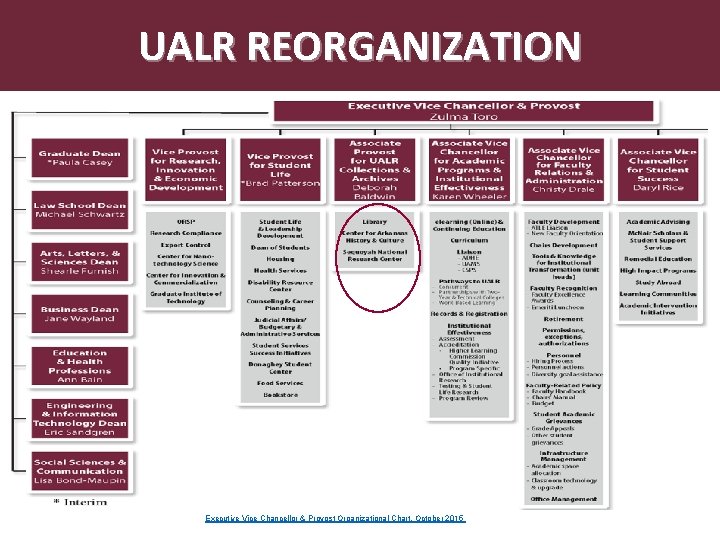
UALR REORGANIZATION Executive Vice Chancellor & Provost Organizational Chart, October 2015
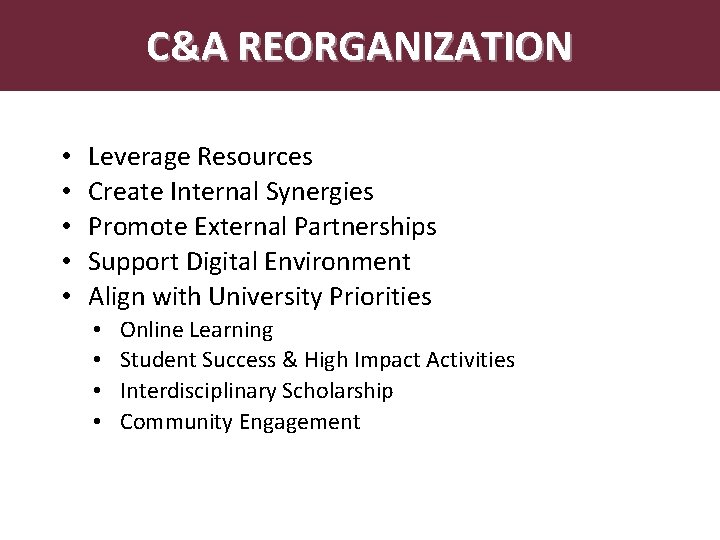
Abstract. C&A REORGANIZATION • • • Leverage Resources Create Internal Synergies Promote External Partnerships Support Digital Environment Align with University Priorities • • Online Learning Student Success & High Impact Activities Interdisciplinary Scholarship Community Engagement
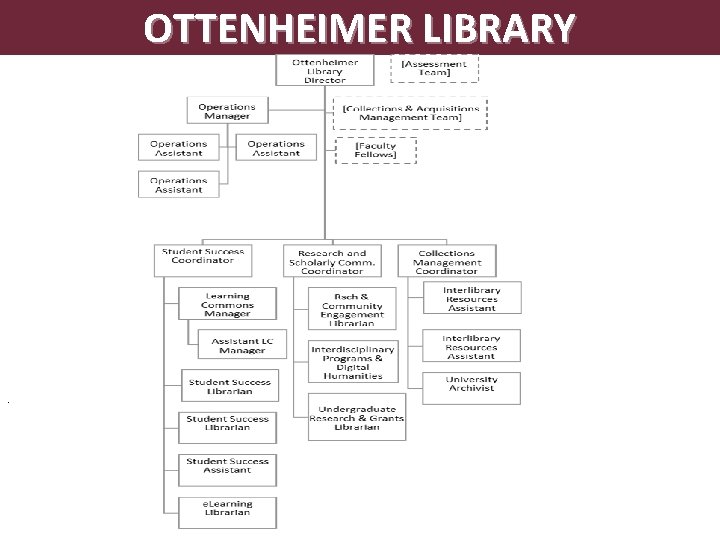
OTTENHEIMER LIBRARY .
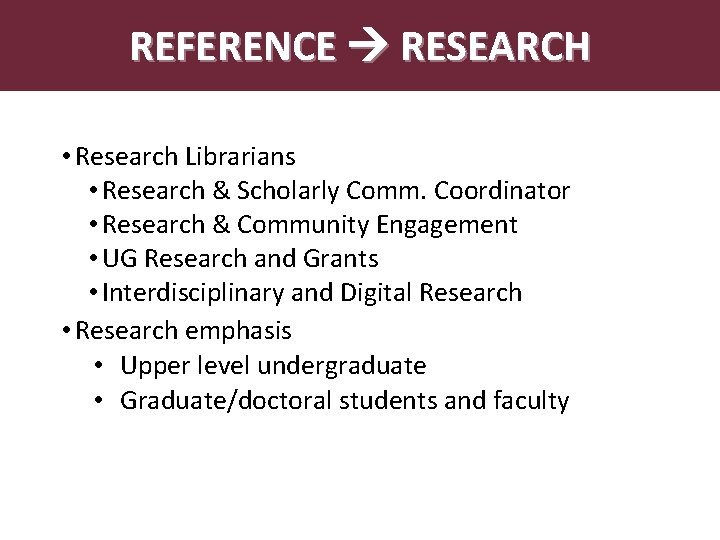
REFERENCE RESEARCH Abstract • Research Librarians • Research & Scholarly Comm. Coordinator • Research & Community Engagement • UG Research and Grants • Interdisciplinary and Digital Research • Research emphasis • Upper level undergraduate • Graduate/doctoral students and faculty
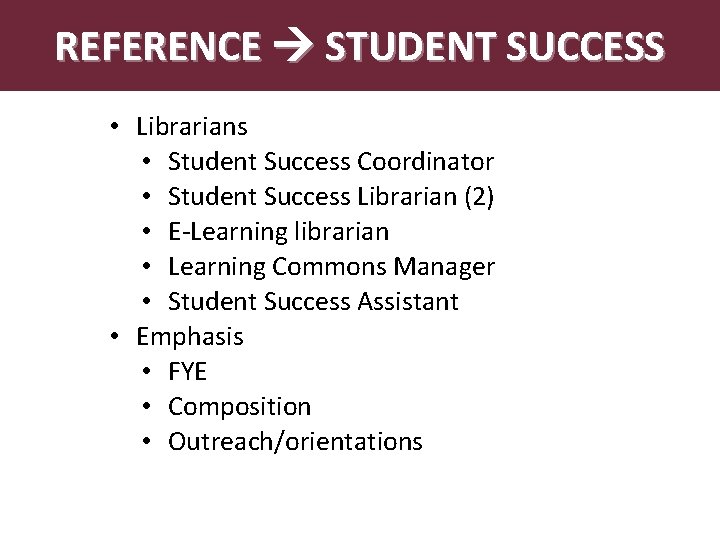
REFERENCE STUDENT SUCCESS Abstract • Librarians • Student Success Coordinator • Student Success Librarian (2) • E-Learning librarian • Learning Commons Manager • Student Success Assistant • Emphasis • FYE • Composition • Outreach/orientations
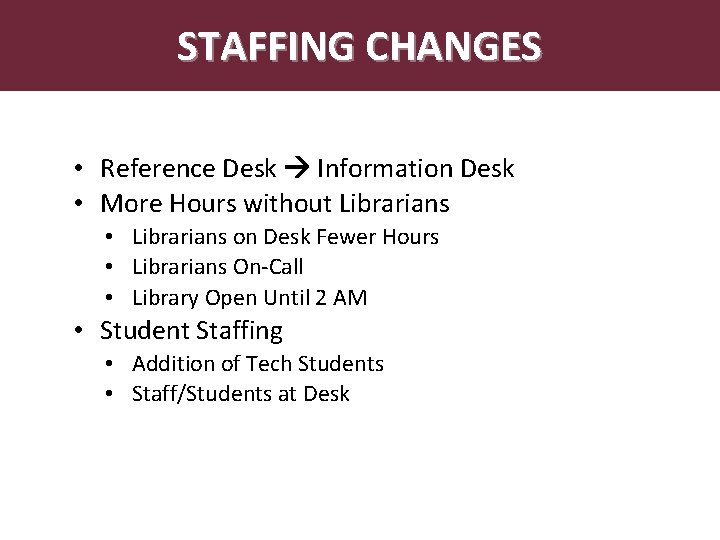
Abstract STAFFING CHANGES • Reference Desk Information Desk • More Hours without Librarians • Librarians on Desk Fewer Hours • Librarians On-Call • Library Open Until 2 AM • Student Staffing • Addition of Tech Students • Staff/Students at Desk
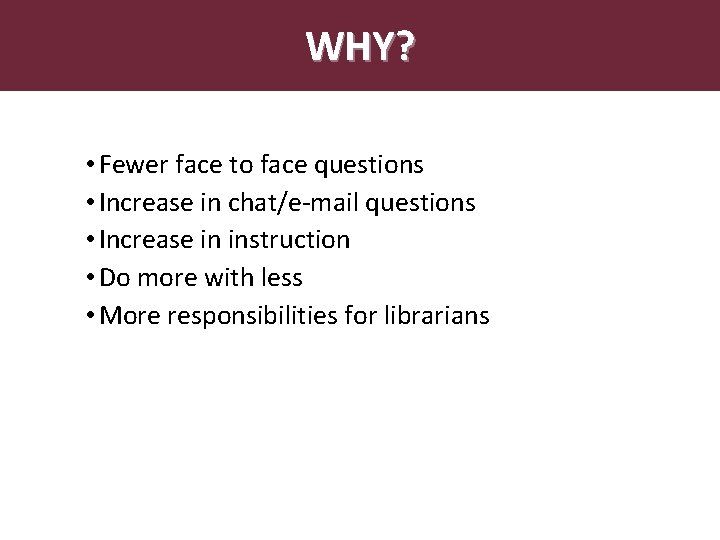
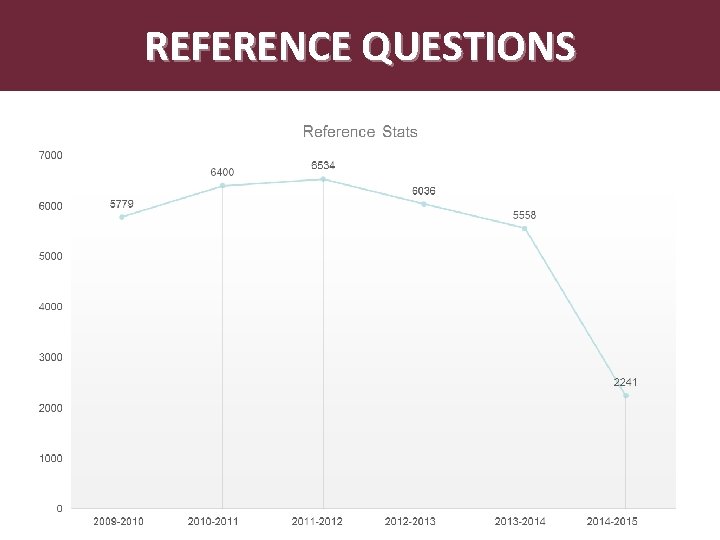
Abstract WHY? • Fewer face to face questions • Increase in chat/e-mail questions • Increase in instruction • Do more with less • More responsibilities for librarians
REFERENCE QUESTIONS
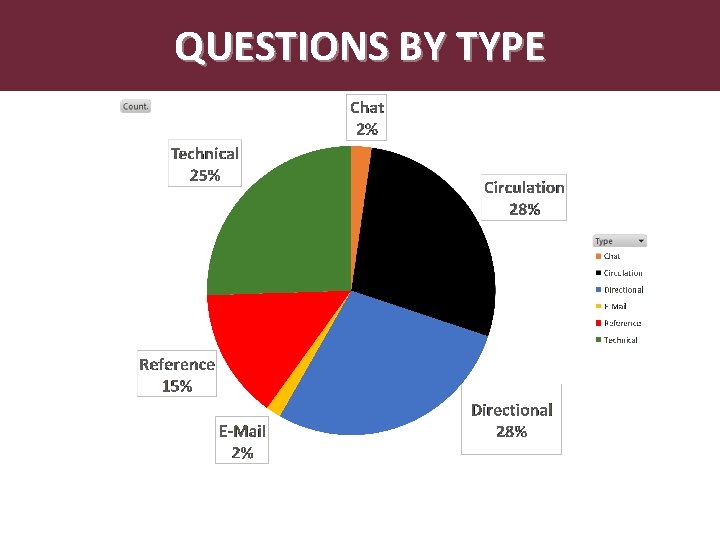
QUESTIONS BY TYPE
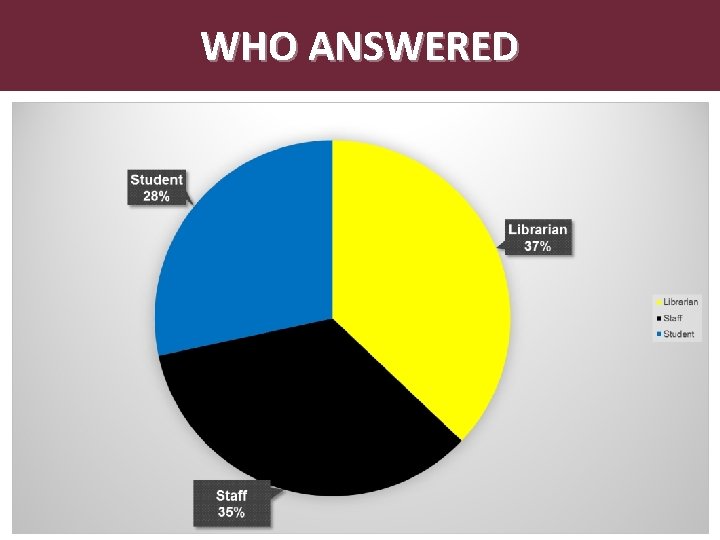
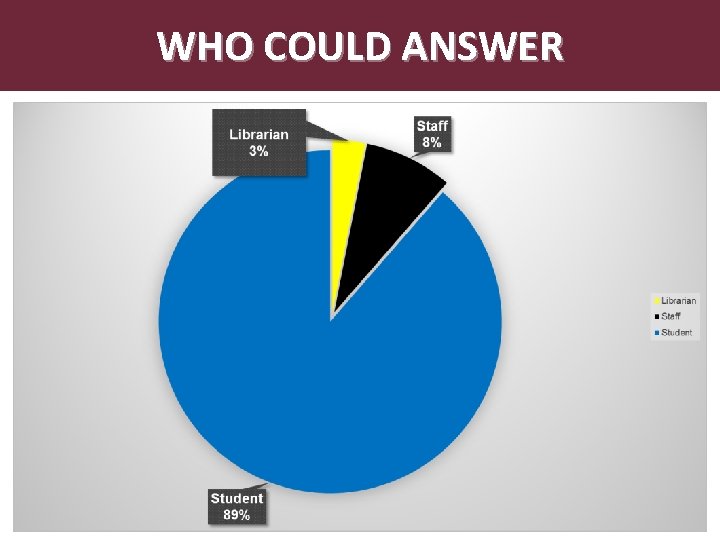
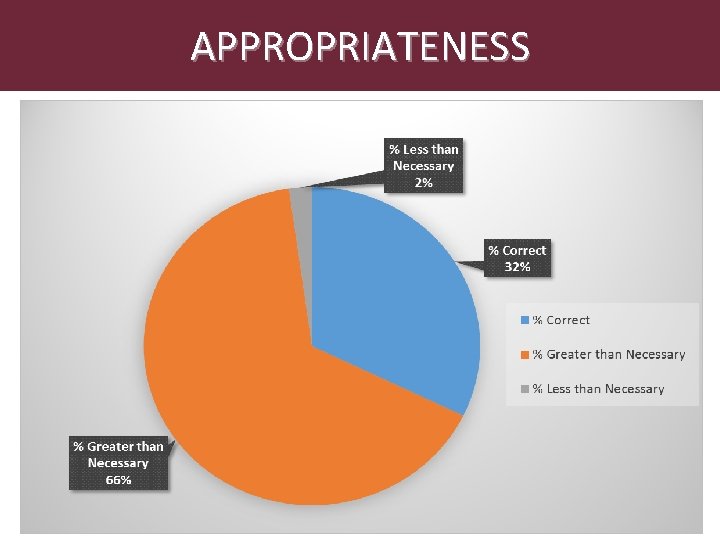
Abstract ANALYSIS OF DATA • During 2014 -15 • Statistics recorded at two desks • Detailed logs of questions asked • Transactions coded analyzed
WHO ANSWERED
WHO COULD ANSWER
APPROPRIATENESS
Abstract NEW SERVICE MODEL • Create One Service Point • Develop Triage Reference Model • On-Call Librarians • Research Consultations • Staff & Students on Front Line
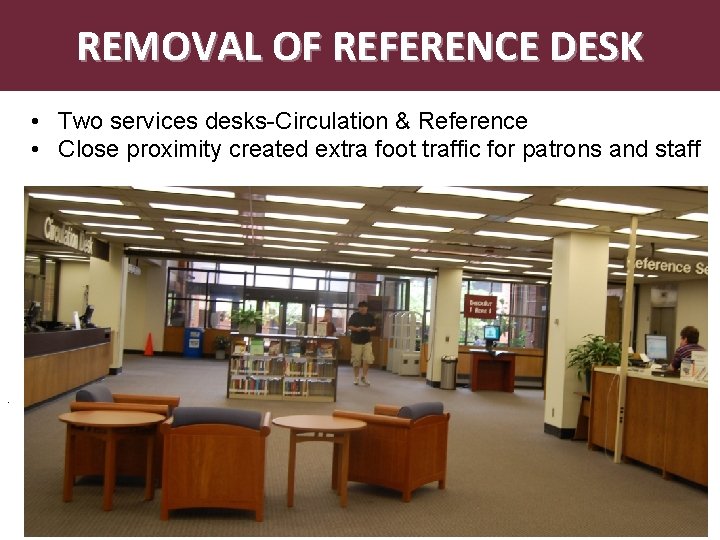
REMOVAL OF REFERENCE DESK • Two services desks-Circulation & Reference • Close proximity created extra foot traffic for patrons and staff .
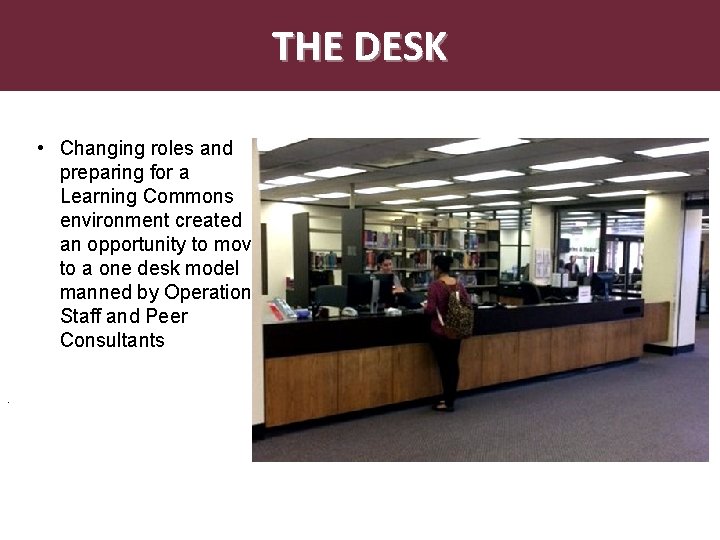
THE DESK • Changing roles and preparing for a Learning Commons environment created an opportunity to move to a one desk model manned by Operations Staff and Peer Consultants.
Abstract STAFF TRAINING • Library Training During the Summer of 2015, Operations Staff engaged in reference training with Reference Librarians in preparation for their handling of front line reference questions • Articles and Databases • Research Guides • Government Documents • Thesis & Dissertations • Quick Search Box (Discovery System) • E-Journals and e-books • External Training • GIS Training (Geographic Information System) • Blackboard Training
STUDENT EMPLOYEE TRAINING Abstract • Collaborative training by librarians and staff in key areas of service. • Customer Service • Online Catalog & Quick Search • Articles and Databases • Research Guides • Reserves • Equipment and Technology • Students attend mandatory, weekly training sessions
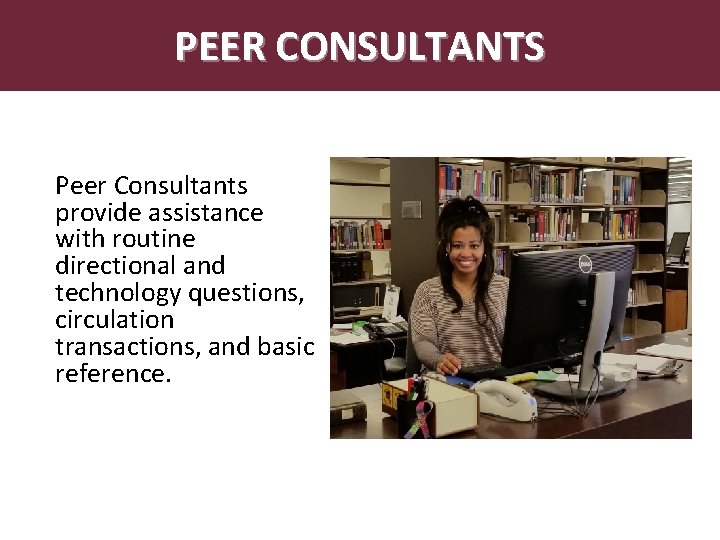
Abstract PEER CONSULTANTS Peer Consultants provide assistance with routine directional and technology questions, circulation transactions, and basic reference.
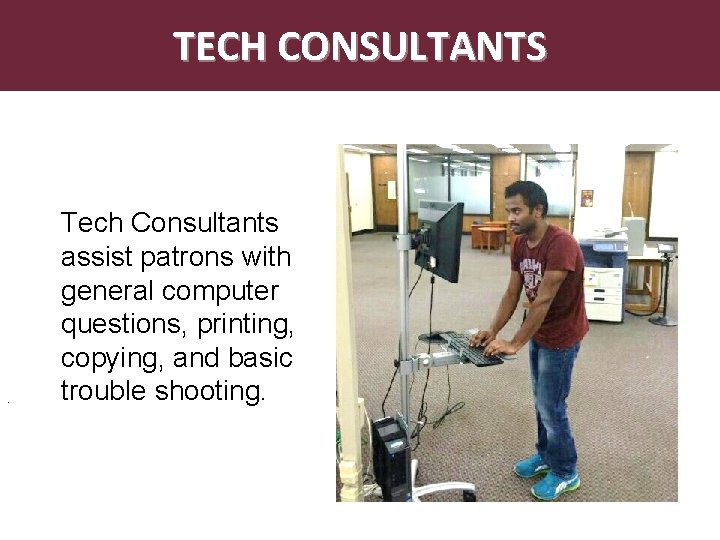
TECH CONSULTANTS . Tech Consultants assist patrons with general computer questions, printing, copying, and basic trouble shooting.
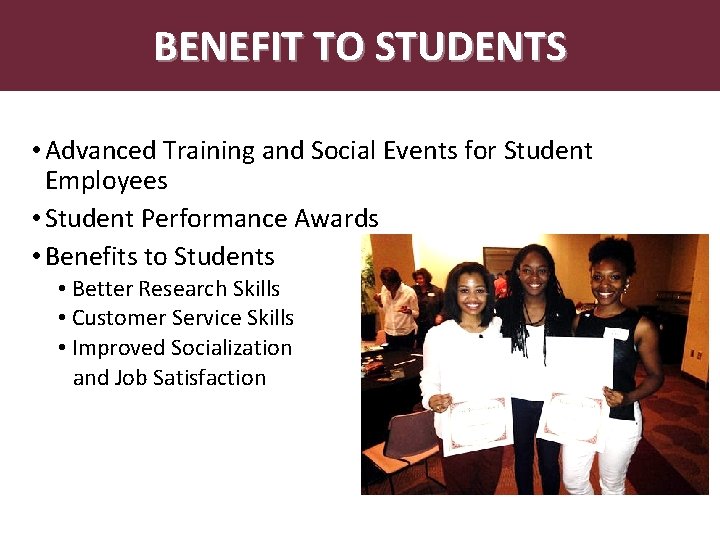
Abstract. BENEFIT TO STUDENTS • Advanced Training and Social Events for Student Employees • Student Performance Awards • Benefits to Students • Better Research Skills • Customer Service Skills • Improved Socialization and Job Satisfaction
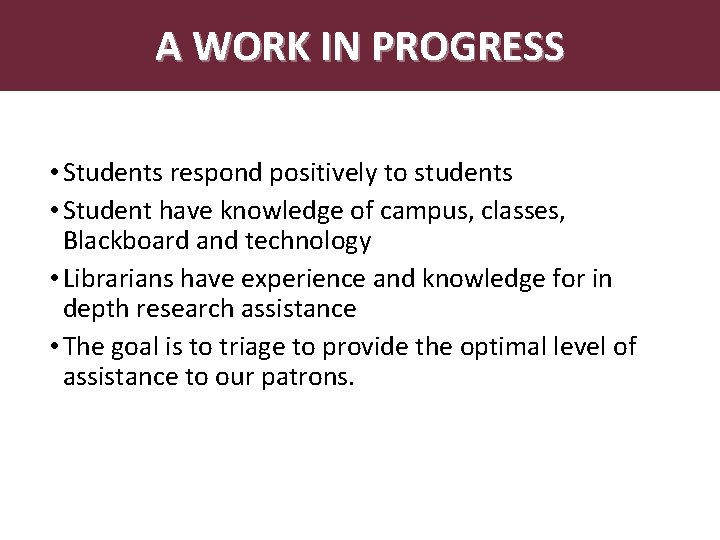
A WORK IN PROGRESS • Students respond positively to students • Student have knowledge of campus, classes, Blackboard and technology • Librarians have experience and knowledge for in depth research assistance • The goal is to triage to provide the optimal level of assistance to our patrons.
QUESTIONS
CONTACTS J. B. Hill, Ottenheimer Library Director jbhill@ualr. edu 501. 569. 8808 Carol Macheak, Research and Scholarly Communication Coordinator cimacheak@ualr. edu 501. 569. 8809 Shawn Manis, Operations Manager scmanis@ualr. edu 501. 569. 8839 Chelsea Young, Operations Assistant kcguess@ualr. edu 501. 569. 8018
Presenters 1. Stop the recording 2. Ask participants to exit the session. Right-click on participant names to remove any stragglers. 3. Go to Tools > Moderator and unclick “allow new participants to enter session. ” 4. When the room is completely empty, you can exit the session. Participants Thank you for attending! In order for the recording to process, you will need to exit the room • Windows: File > Exit • Mac: Blackboard Collaborate > Quit • Mobile: Select Leave Session When you exit a survey will come up giving you the opportunity to share feedback on this session. See what’s coming up next! http: //www. library 20. com/page/sessions-and-schedule