
Import from Excel DIRECTLY into Sage 50 with

- Slides: 12
Import from Excel DIRECTLY into Sage 50 “with just ONE CLICK, it’s that simple!” Ara Martirossian A. C. A. ara@excel 2 sage. co. uk
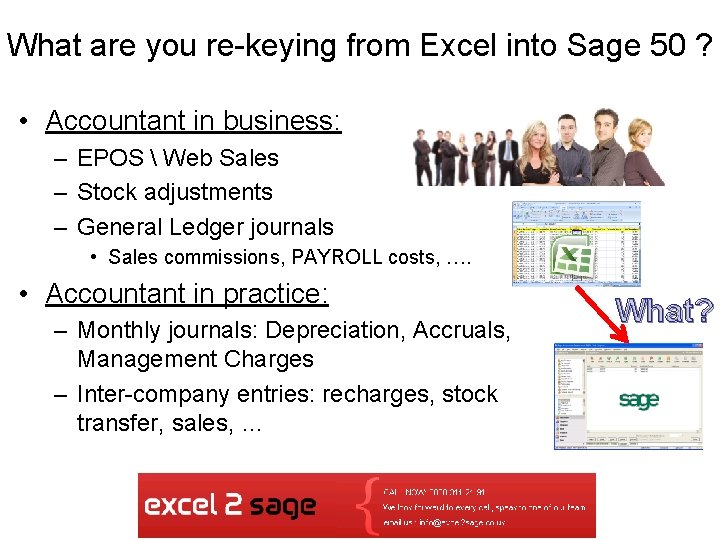
What are you re-keying from Excel into Sage 50 ? • Accountant in business: – EPOS Web Sales – Stock adjustments – General Ledger journals • Sales commissions, PAYROLL costs, …. • Accountant in practice: – Monthly journals: Depreciation, Accruals, Management Charges – Inter-company entries: recharges, stock transfer, sales, … What?
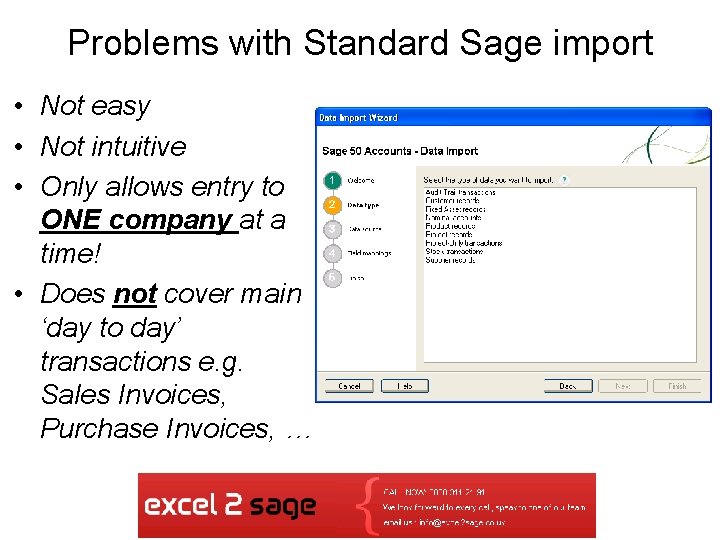
Problems with Standard Sage import • Not easy • Not intuitive • Only allows entry to ONE company at a time! • Does not cover main ‘day to day’ transactions e. g. Sales Invoices, Purchase Invoices, …
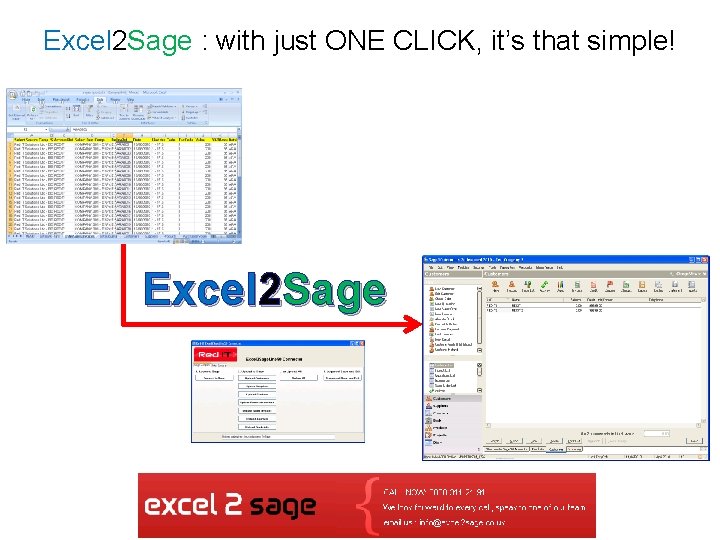
Excel 2 Sage : with just ONE CLICK, it’s that simple! Excel 2 Sage
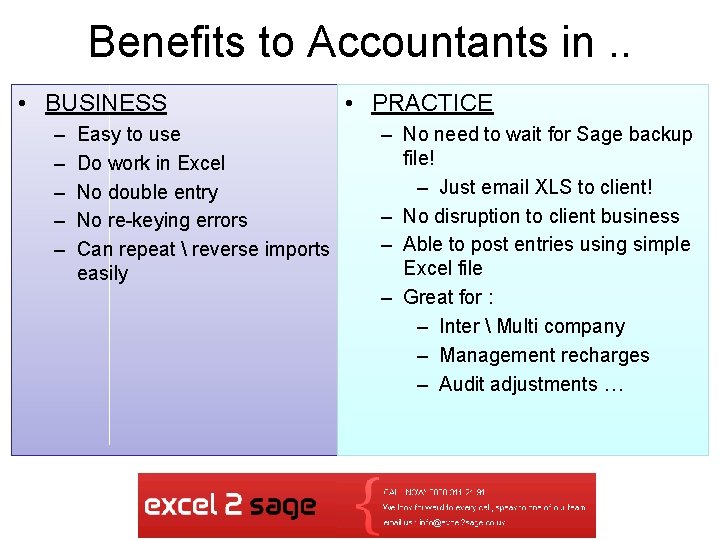
Benefits to Accountants in. . • BUSINESS – – – Easy to use Do work in Excel No double entry No re-keying errors Can repeat reverse imports easily • PRACTICE – No need to wait for Sage backup file! – Just email XLS to client! – No disruption to client business – Able to post entries using simple Excel file – Great for : – Inter Multi company – Management recharges – Audit adjustments …
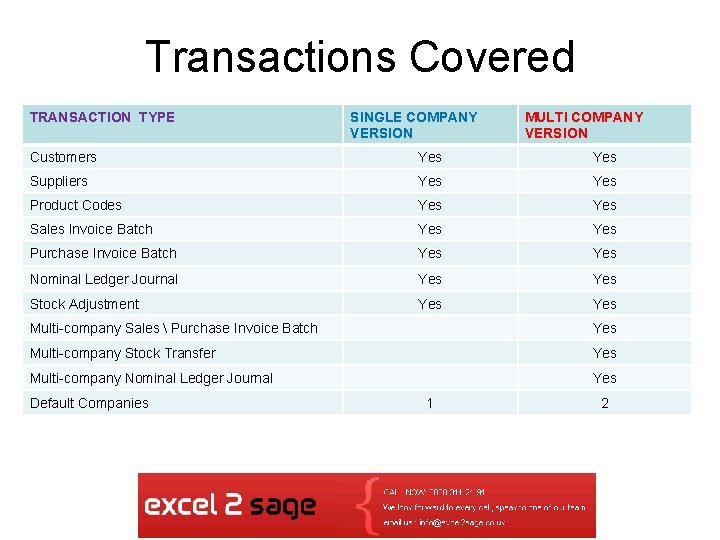
Transactions Covered TRANSACTION TYPE SINGLE COMPANY VERSION MULTI COMPANY VERSION Customers Yes Suppliers Yes Product Codes Yes Sales Invoice Batch Yes Purchase Invoice Batch Yes Nominal Ledger Journal Yes Stock Adjustment Yes Multi-company Sales Purchase Invoice Batch Yes Multi-company Stock Transfer Yes Multi-company Nominal Ledger Journal Yes Default Companies 1 2
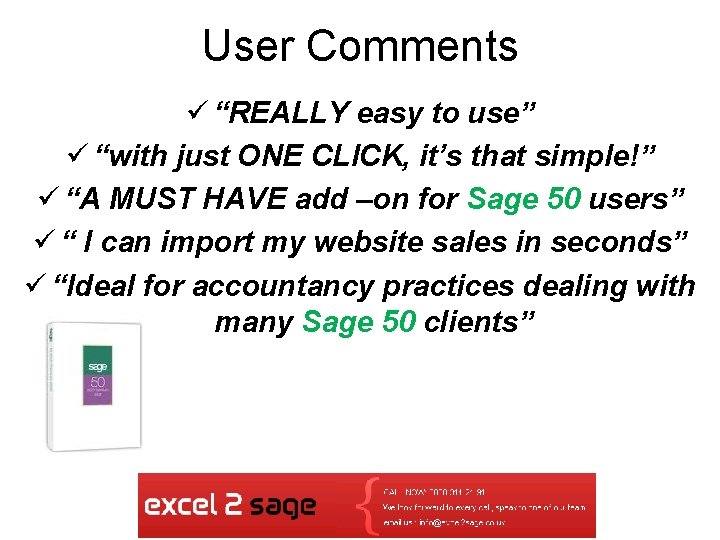
User Comments ü “REALLY easy to use” ü “with just ONE CLICK, it’s that simple!” ü “A MUST HAVE add –on for Sage 50 users” ü “ I can import my website sales in seconds” ü “Ideal for accountancy practices dealing with many Sage 50 clients”
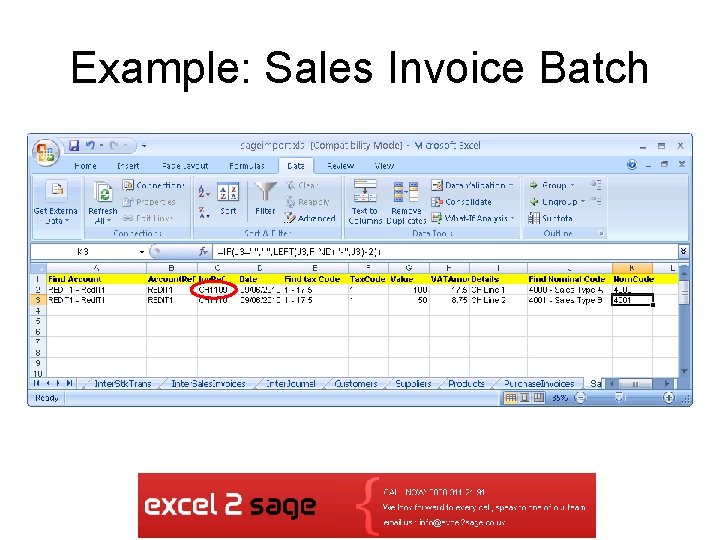
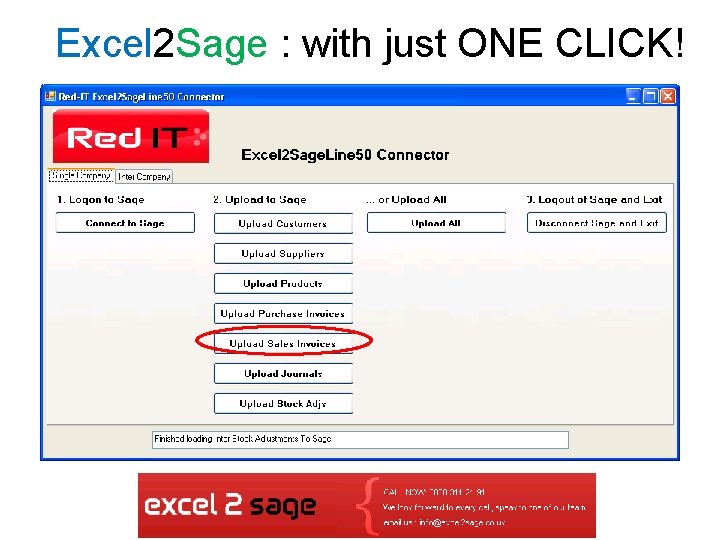
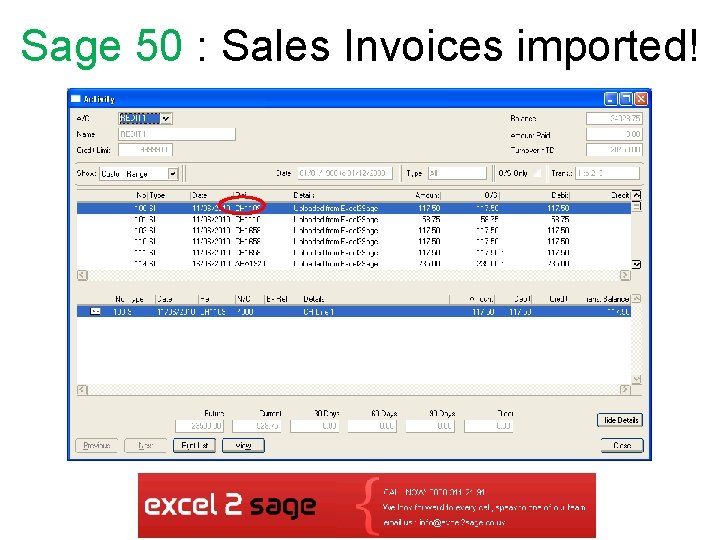
Example: Sales Invoice Batch
Excel 2 Sage : with just ONE CLICK!
Sage 50 : Sales Invoices imported!
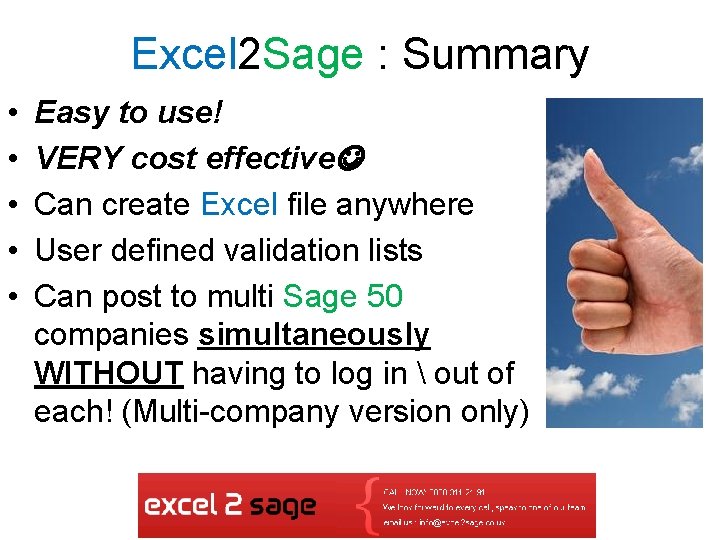
Excel 2 Sage : Summary • • • Easy to use! VERY cost effective Can create Excel file anywhere User defined validation lists Can post to multi Sage 50 companies simultaneously WITHOUT having to log in out of each! (Multi-company version only)
THANK YOU FOR YOUR INTEREST! Import from Excel DIRECTLY into Sage 50 “with just ONE CLICK, it’s that simple!” Ara Martirossian A. C. A. ara@excel 2 sage. co. uk