
Implementing a JPEG Camera Module on the Rover
![Continued void loop() { byte a[32]; Send. Reset. Cmd(); delay(4000); Send. Take. Photo. Cmd();](https://slidetodoc.com/presentation_image_h/83c266c1c7d5e9013d663fcf9456a9f8/image-10.jpg "Continued void loop() { byte a[32]; Send. Reset. Cmd(); delay(4000); Send. Take. Photo. Cmd();")
![Continued while(my. Serial. available()>0) { incomingbyte=my. Serial. read(); k++; if((k>5)&&(j<32)&&(!End. Flag)) { a[j]=incomingbyte; if((a[j-1]==0](https://slidetodoc.com/presentation_image_h/83c266c1c7d5e9013d663fcf9456a9f8/image-11.jpg "Continued while(my. Serial. available()>0) { incomingbyte=my. Serial. read(); k++; if((k>5)&&(j<32)&&(!End. Flag)) { a[j]=incomingbyte; if((a[j-1]==0")
- Slides: 15
Implementing a JPEG Camera Module on the Rover Subrata Debnath Team: T 3 Fall 2011
Objective (on progress) �Configuring the camera module to work with the Arduino Uno (ATmega 328 p). �Mounting the camera module on the Rover and take pictures (on progress). �Using the camera module during the mission to take pictures of the targets/plaques (on progress).
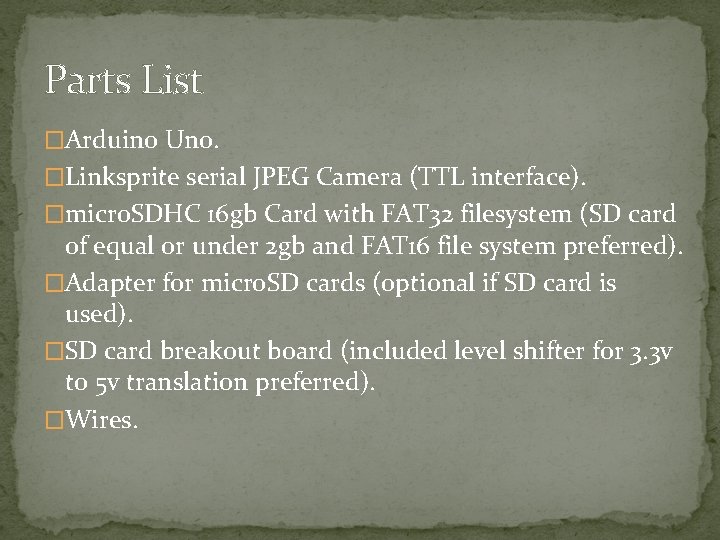
Parts List �Arduino Uno. �Linksprite serial JPEG Camera (TTL interface). �micro. SDHC 16 gb Card with FAT 32 filesystem (SD card of equal or under 2 gb and FAT 16 file system preferred). �Adapter for micro. SD cards (optional if SD card is used). �SD card breakout board (included level shifter for 3. 3 v to 5 v translation preferred). �Wires.
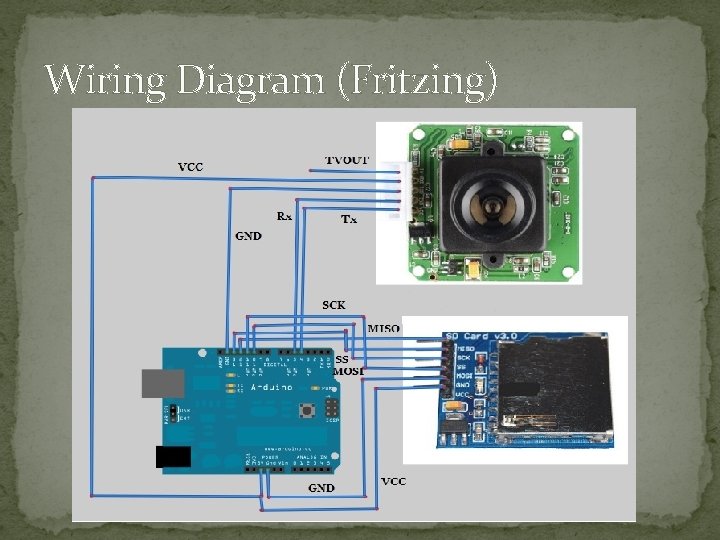
Wiring Diagram (Fritzing)
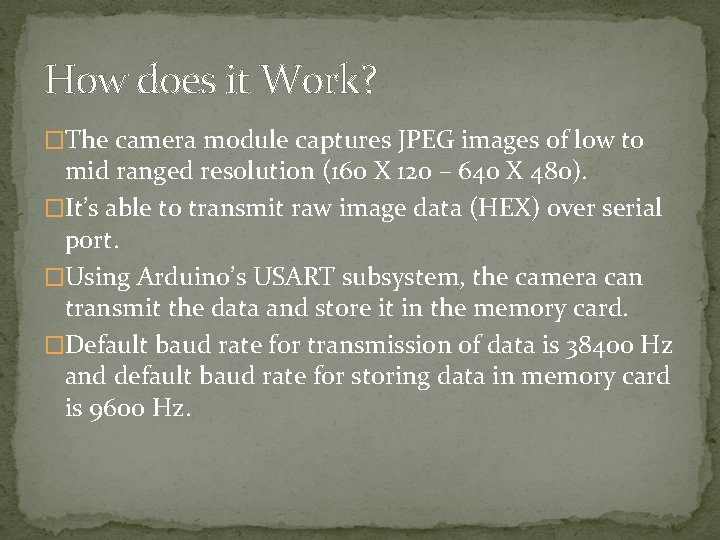
How does it Work? �The camera module captures JPEG images of low to mid ranged resolution (160 X 120 – 640 X 480). �It’s able to transmit raw image data (HEX) over serial port. �Using Arduino’s USART subsystem, the camera can transmit the data and store it in the memory card. �Default baud rate for transmission of data is 38400 Hz and default baud rate for storing data in memory card is 9600 Hz.
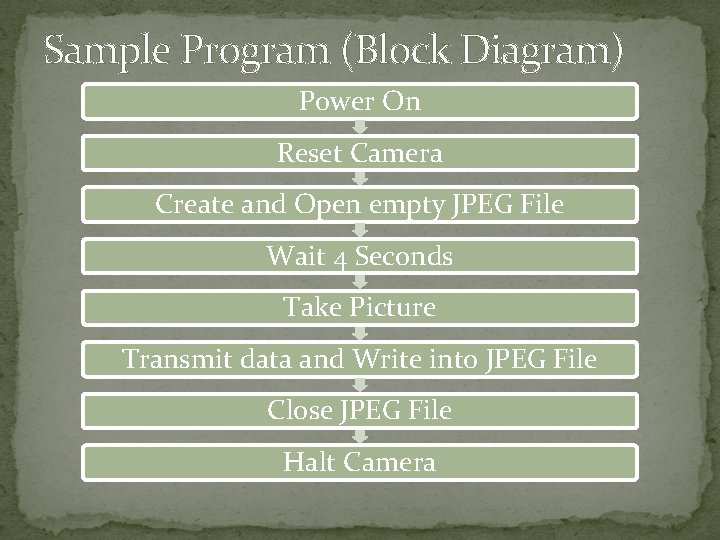
Sample Program (Block Diagram) Power On Reset Camera Create and Open empty JPEG File Wait 4 Seconds Take Picture Transmit data and Write into JPEG File Close JPEG File Halt Camera
Future Research/Development �Reading the camera’s TVOUT signal and transmitting a live video wirelessly for augmented reality projects. �Replacing the IR sensor with the camera and processing the incoming video to measure the distance of the targets/plaques for the mission (if at all possible by the processing power of ATmega 328 p)
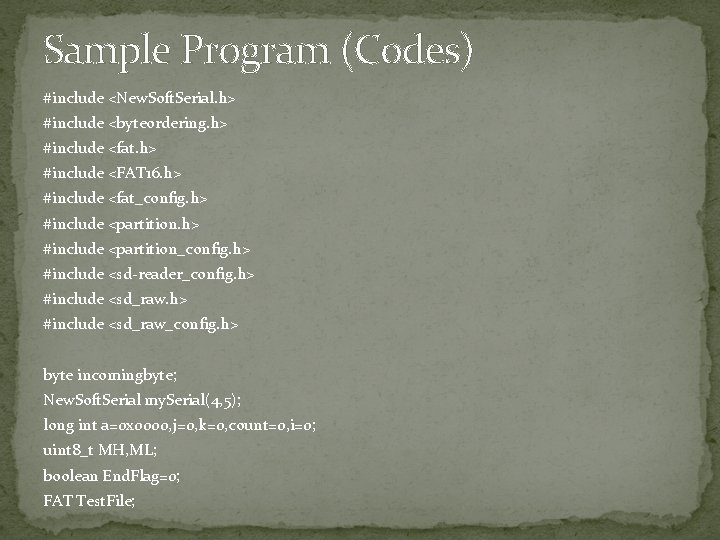
Sample Program (Codes) #include <New. Soft. Serial. h> #include <byteordering. h> #include <fat. h> #include <FAT 16. h> #include <fat_config. h> #include <partition_config. h> #include <sd-reader_config. h> #include <sd_raw_config. h> byte incomingbyte; New. Soft. Serial my. Serial(4, 5); long int a=0 x 0000, j=0, k=0, count=0, i=0; uint 8_t MH, ML; boolean End. Flag=0; FAT Test. File;
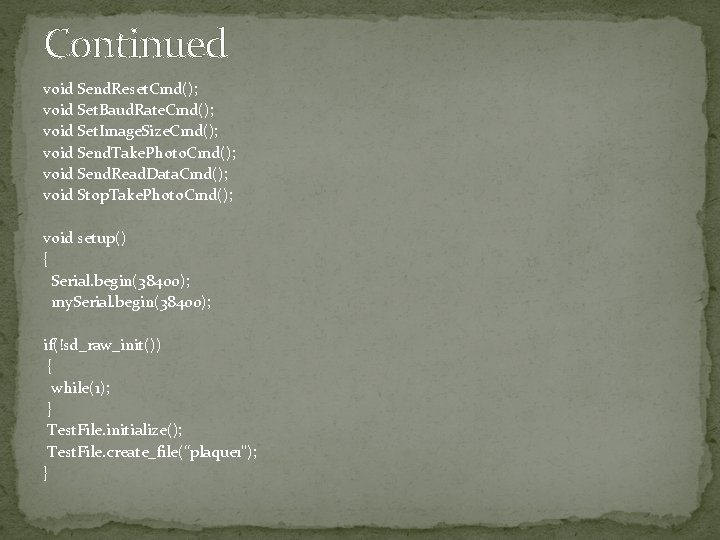
Continued void Send. Reset. Cmd(); void Set. Baud. Rate. Cmd(); void Set. Image. Size. Cmd(); void Send. Take. Photo. Cmd(); void Send. Read. Data. Cmd(); void Stop. Take. Photo. Cmd(); void setup() { Serial. begin(38400); my. Serial. begin(38400); if(!sd_raw_init()) { while(1); } Test. File. initialize(); Test. File. create_file(“plaque 1"); }
Continued void loop() { byte a[32]; Send. Reset. Cmd(); delay(4000); Send. Take. Photo. Cmd(); while(my. Serial. available()>0) { incomingbyte=my. Serial. read(); } Test. File. open(); while(!End. Flag) { j=0; k=0; count=0; Send. Read. Data. Cmd(); delay(20);
Continued while(my. Serial. available()>0) { incomingbyte=my. Serial. read(); k++; if((k>5)&&(j<32)&&(!End. Flag)) { a[j]=incomingbyte; if((a[j-1]==0 x. FF)&&(a[j]==0 x. D 9)) End. Flag=1; j++; count++; } } for(j=0; j<count; j++) { if(a[j]<0 x 10) Serial. print("0"); Serial. print(a[j], HEX); Serial. print(" "); }
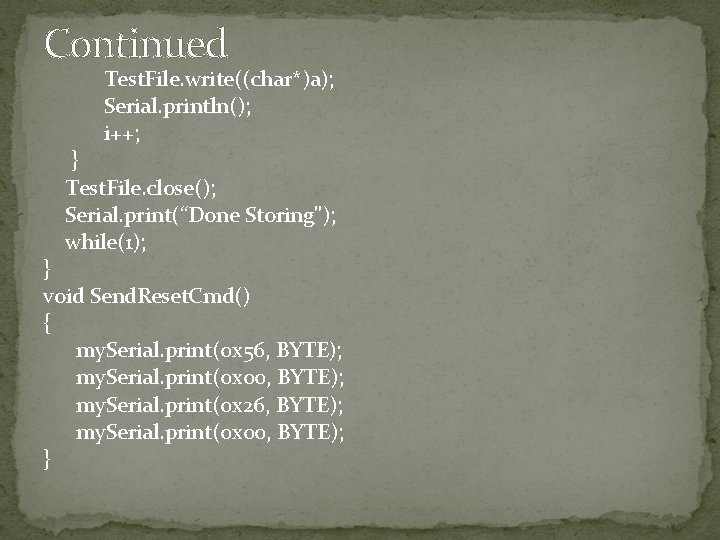
Continued Test. File. write((char*)a); Serial. println(); i++; } Test. File. close(); Serial. print(“Done Storing"); while(1); } void Send. Reset. Cmd() { my. Serial. print(0 x 56, BYTE); my. Serial. print(0 x 00, BYTE); my. Serial. print(0 x 26, BYTE); my. Serial. print(0 x 00, BYTE); }
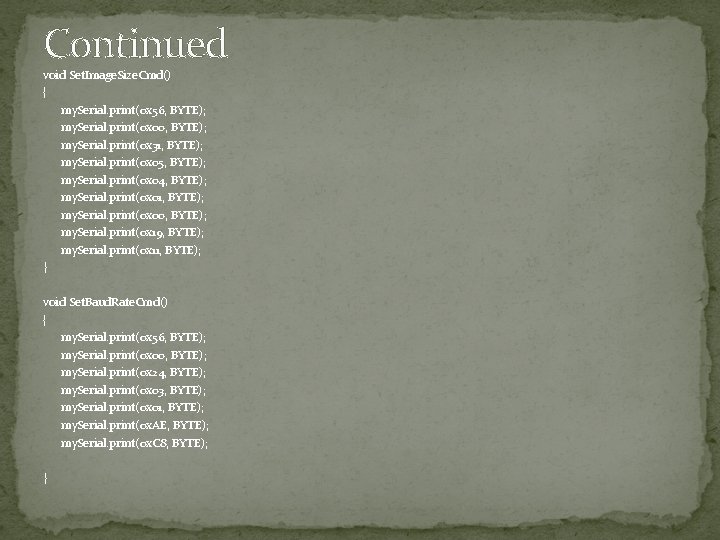
Continued void Set. Image. Size. Cmd() { my. Serial. print(0 x 56, BYTE); my. Serial. print(0 x 00, BYTE); my. Serial. print(0 x 31, BYTE); my. Serial. print(0 x 05, BYTE); my. Serial. print(0 x 04, BYTE); my. Serial. print(0 x 01, BYTE); my. Serial. print(0 x 00, BYTE); my. Serial. print(0 x 19, BYTE); my. Serial. print(0 x 11, BYTE); } void Set. Baud. Rate. Cmd() { my. Serial. print(0 x 56, BYTE); my. Serial. print(0 x 00, BYTE); my. Serial. print(0 x 24, BYTE); my. Serial. print(0 x 03, BYTE); my. Serial. print(0 x 01, BYTE); my. Serial. print(0 x. AE, BYTE); my. Serial. print(0 x. C 8, BYTE); }
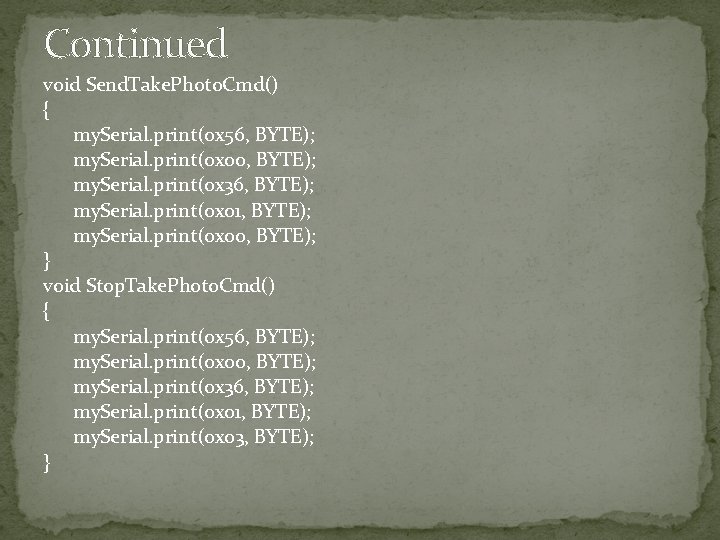
Continued void Send. Take. Photo. Cmd() { my. Serial. print(0 x 56, BYTE); my. Serial. print(0 x 00, BYTE); my. Serial. print(0 x 36, BYTE); my. Serial. print(0 x 01, BYTE); my. Serial. print(0 x 00, BYTE); } void Stop. Take. Photo. Cmd() { my. Serial. print(0 x 56, BYTE); my. Serial. print(0 x 00, BYTE); my. Serial. print(0 x 36, BYTE); my. Serial. print(0 x 01, BYTE); my. Serial. print(0 x 03, BYTE); }
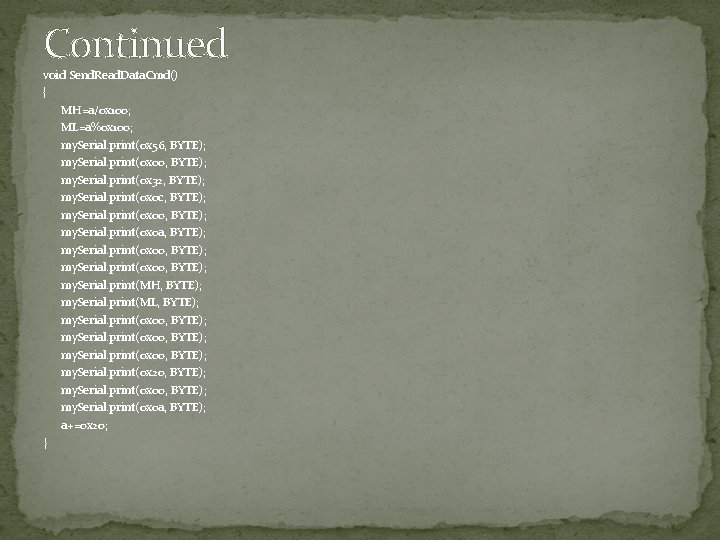
Continued void Send. Read. Data. Cmd() { MH=a/0 x 100; ML=a%0 x 100; my. Serial. print(0 x 56, BYTE); my. Serial. print(0 x 00, BYTE); my. Serial. print(0 x 32, BYTE); my. Serial. print(0 x 0 c, BYTE); my. Serial. print(0 x 00, BYTE); my. Serial. print(0 x 0 a, BYTE); my. Serial. print(0 x 00, BYTE); my. Serial. print(MH, BYTE); my. Serial. print(ML, BYTE); my. Serial. print(0 x 00, BYTE); my. Serial. print(0 x 20, BYTE); my. Serial. print(0 x 0 a, BYTE); a+=0 x 20; }