
Implementation of e Office in offices and Directorates
- Slides: 10
Implementation of e. Office in offices and Directorates of CBIC Moving to an electronic Office By: Sunil Singh Katiyar Commissioner Central Tax Panchkula On behalf of DGPM, New Delhi
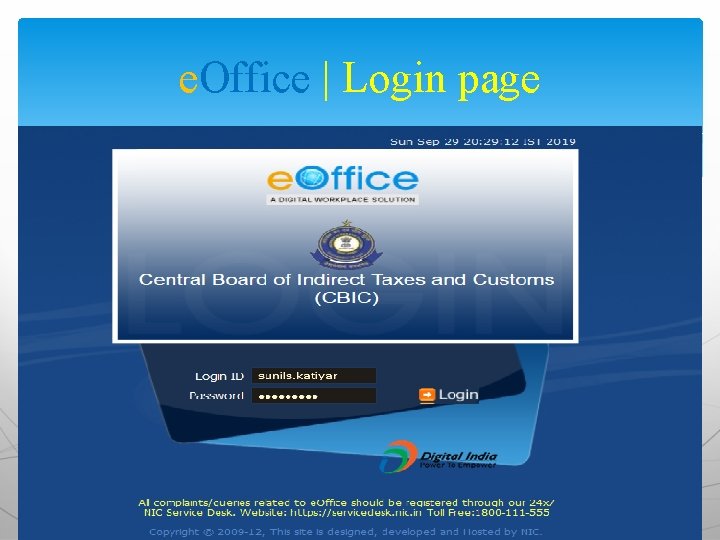
e. Office | Login page
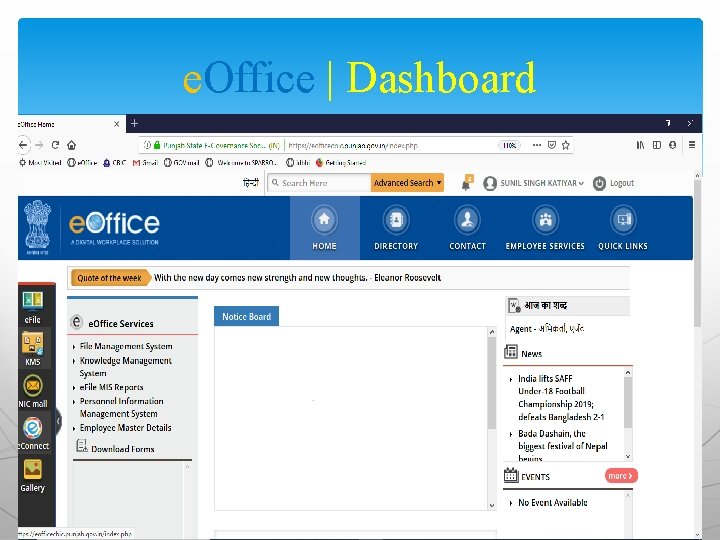
e. Office | Dashboard
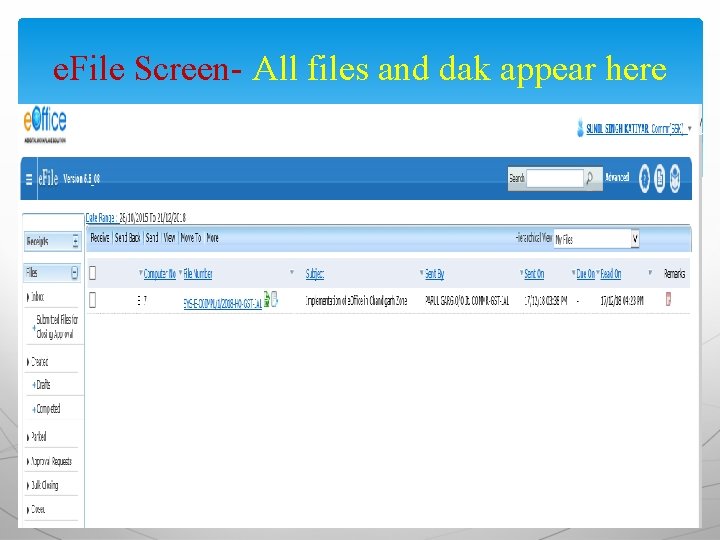
e. File Screen- All files and dak appear here
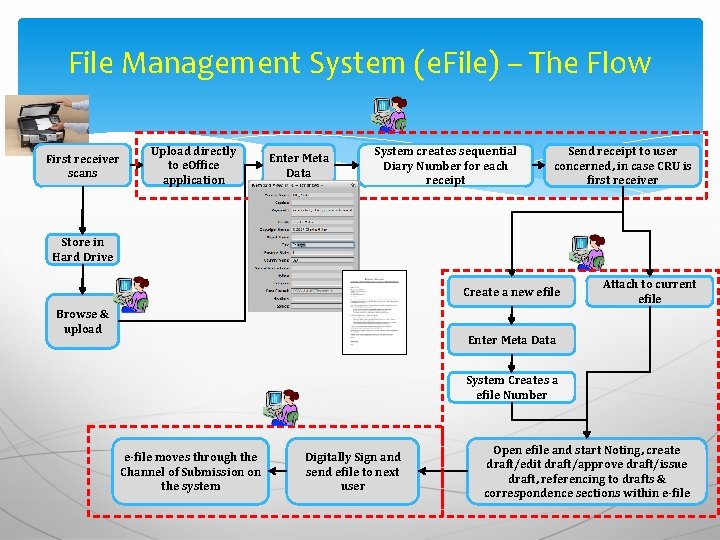
e. FILE| What is e. File? e. File is a workflow based system that replaces the existing manual handling of files with a more efficient electronic system. It is essentially a physical file in electronic mode. Everything that is/can be done on a physical file can be done on efile as well. This system involves all stages including : v. Diarisation of inward receipts v. Creation of Files v. Movement of Receipts & Files v. The archival of records
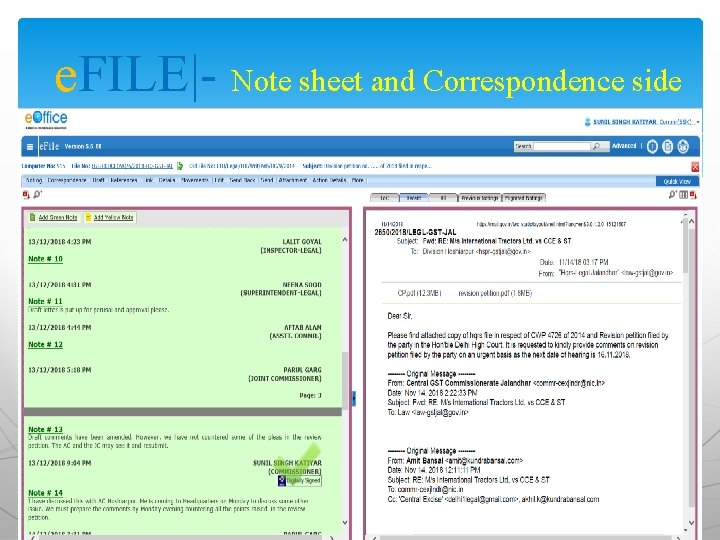
e. FILE|- Note sheet and Correspondence side
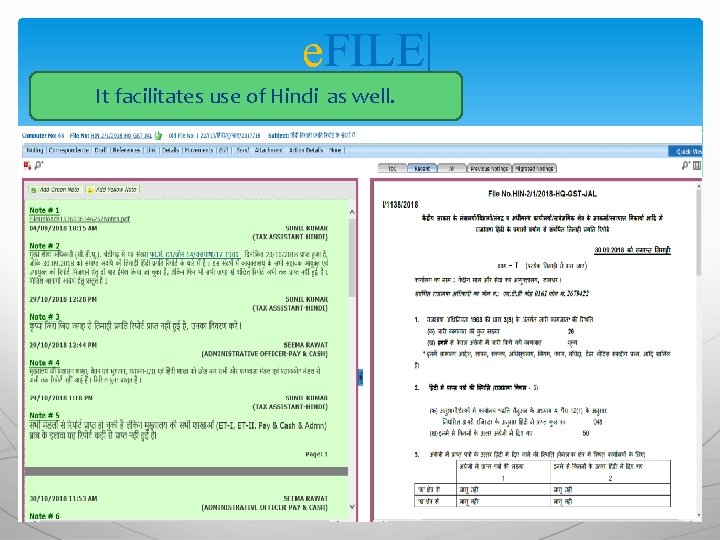
e. FILE| It facilitates use of Hindi as well.
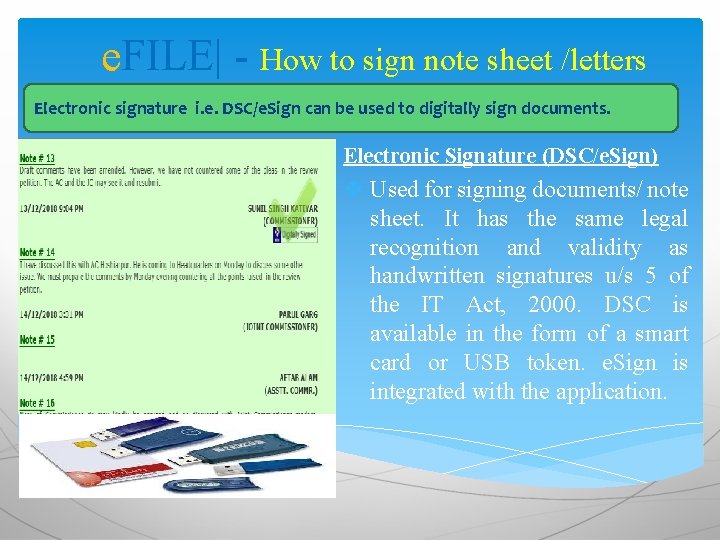
e. FILE| - How to sign note sheet /letters Electronic signature i. e. DSC/e. Sign can be used to digitally sign documents. Electronic Signature (DSC/e. Sign) v Used for signing documents/ note sheet. It has the same legal recognition and validity as handwritten signatures u/s 5 of the IT Act, 2000. DSC is available in the form of a smart card or USB token. e. Sign is integrated with the application.
File Management System (e. File) – The Flow First receiver scans Upload directly to e. Office application Enter Meta Data System creates sequential Diary Number for each receipt Send receipt to user concerned, in case CRU is first receiver Store in Hard Drive Create a new efile Browse & upload Attach to current efile Enter Meta Data System Creates a efile Number e-file moves through the Channel of Submission on the system Digitally Sign and send efile to next user Open efile and start Noting, create draft/edit draft/approve draft/issue draft, referencing to drafts & correspondence sections within e-file
Please see the next PPT for remaining slides.