
Implementation and Impact of AI Decision Support Software
- Slides: 1
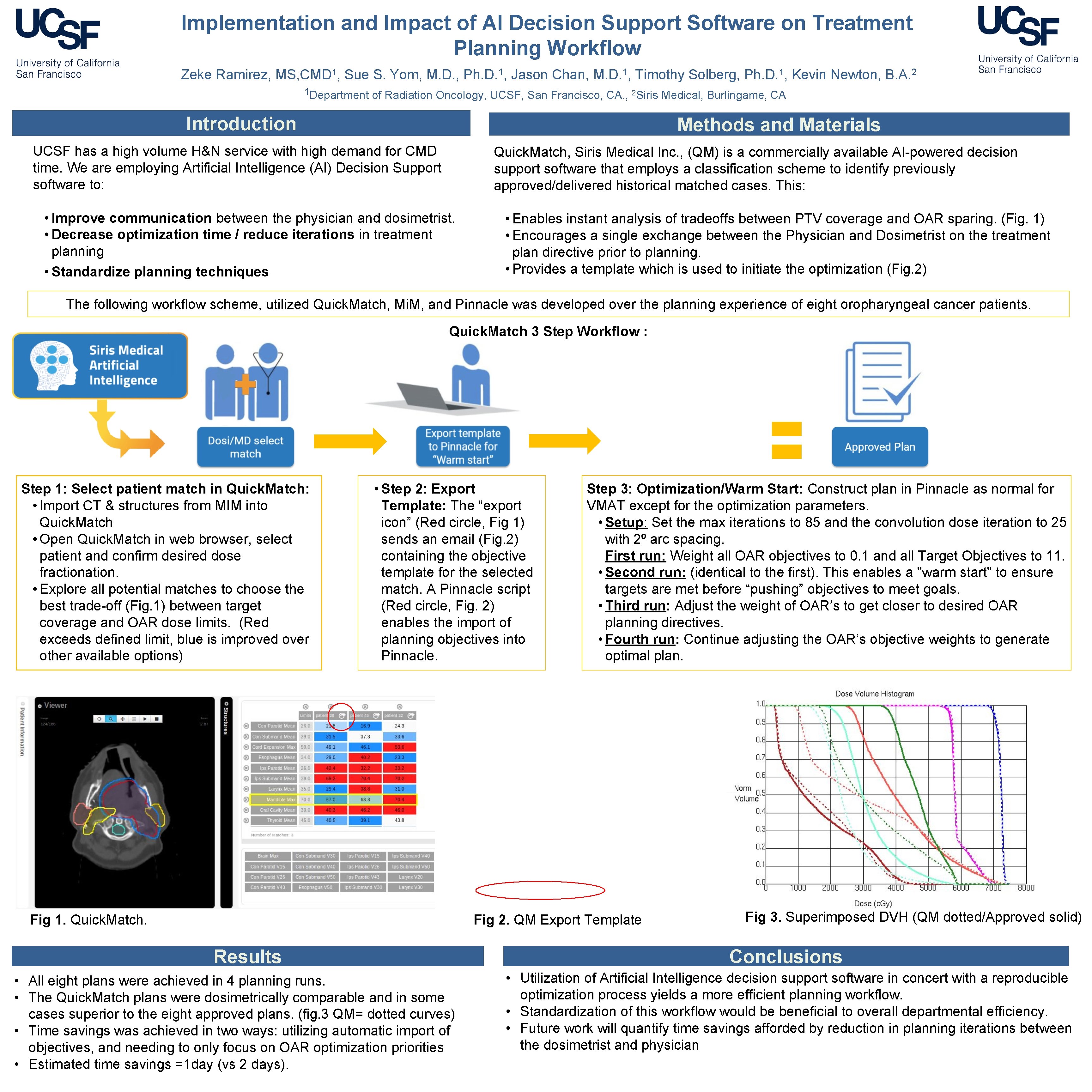
Implementation and Impact of AI Decision Support Software on Treatment Planning Workflow Zeke Ramirez, MS, CMD 1, Sue S. Yom, M. D. , Ph. D. 1, Jason Chan, M. D. 1, Timothy Solberg, Ph. D. 1, Kevin Newton, B. A. 2 1 Department of Radiation Oncology, UCSF, San Francisco, CA. , 2 Siris Medical, Burlingame, CA Introduction Methods and Materials UCSF has a high volume H&N service with high demand for CMD time. We are employing Artificial Intelligence (AI) Decision Support software to: • Improve communication between the physician and dosimetrist. • Decrease optimization time / reduce iterations in treatment planning • Standardize planning techniques Quick. Match, Siris Medical Inc. , (QM) is a commercially available AI-powered decision support software that employs a classification scheme to identify previously approved/delivered historical matched cases. This: • Enables instant analysis of tradeoffs between PTV coverage and OAR sparing. (Fig. 1) • Encourages a single exchange between the Physician and Dosimetrist on the treatment plan directive prior to planning. • Provides a template which is used to initiate the optimization (Fig. 2) The following workflow scheme, utilized Quick. Match, Mi. M, and Pinnacle was developed over the planning experience of eight oropharyngeal cancer patients. Quick. Match 3 Step Workflow : Step 1: Select patient match in Quick. Match: • Import CT & structures from MIM into Quick. Match • Open Quick. Match in web browser, select patient and confirm desired dose fractionation. • Explore all potential matches to choose the best trade-off (Fig. 1) between target coverage and OAR dose limits. (Red exceeds defined limit, blue is improved over other available options) • Step 2: Export Template: The “export icon” (Red circle, Fig 1) sends an email (Fig. 2) containing the objective template for the selected match. A Pinnacle script (Red circle, Fig. 2) enables the import of planning objectives into Pinnacle. Fig 1. Quick. Match. Step 3: Optimization/Warm Start: Construct plan in Pinnacle as normal for VMAT except for the optimization parameters. • Setup: Set the max iterations to 85 and the convolution dose iteration to 25 with 2⁰ arc spacing. First run: Weight all OAR objectives to 0. 1 and all Target Objectives to 11. • Second run: (identical to the first). This enables a "warm start" to ensure targets are met before “pushing” objectives to meet goals. • Third run: Adjust the weight of OAR’s to get closer to desired OAR planning directives. • Fourth run: Continue adjusting the OAR’s objective weights to generate optimal plan. Fig 2. QM Export Template Results • All eight plans were achieved in 4 planning runs. • The Quick. Match plans were dosimetrically comparable and in some cases superior to the eight approved plans. (fig. 3 QM= dotted curves) • Time savings was achieved in two ways: utilizing automatic import of objectives, and needing to only focus on OAR optimization priorities • Estimated time savings =1 day (vs 2 days). Fig 3. Superimposed DVH (QM dotted/Approved solid) Conclusions • Utilization of Artificial Intelligence decision support software in concert with a reproducible optimization process yields a more efficient planning workflow. • Standardization of this workflow would be beneficial to overall departmental efficiency. • Future work will quantify time savings afforded by reduction in planning iterations between the dosimetrist and physician