
Implement Inclusive Pedagogy Using Universal Design Facilitators Cindy

- Slides: 27
Implement Inclusive Pedagogy Using Universal Design Facilitators: Cindy Albert & Avonlea Hanson
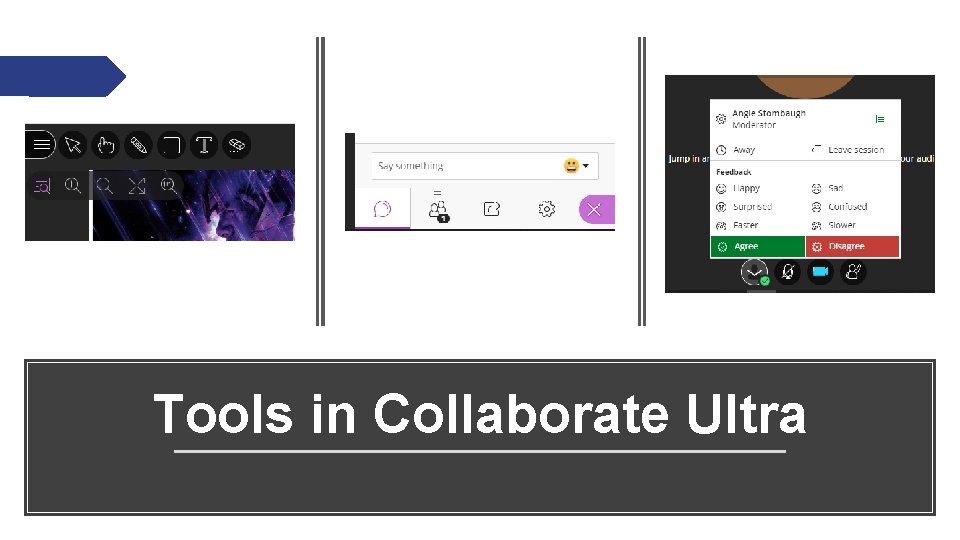
Tools in Collaborate Ultra
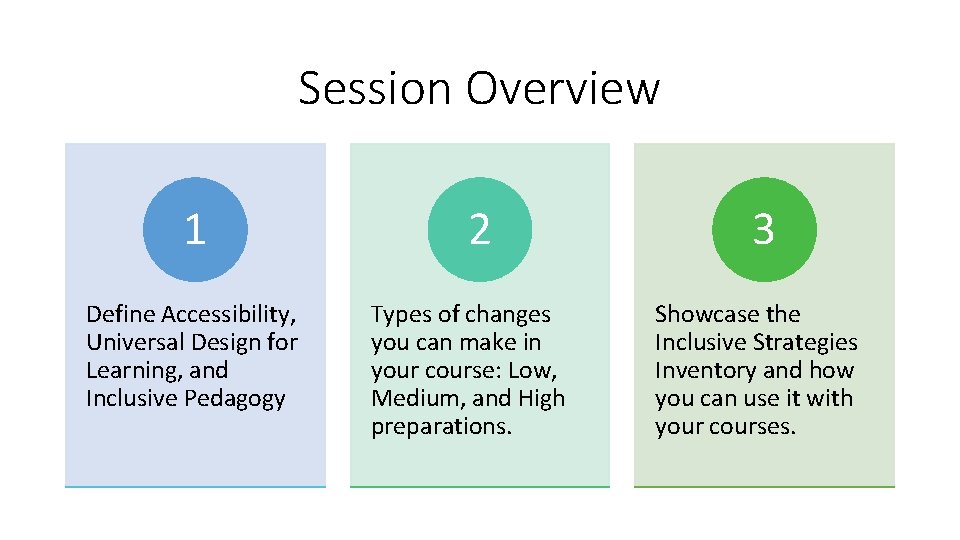
Session Overview 1 Define Accessibility, Universal Design for Learning, and Inclusive Pedagogy 2 Types of changes you can make in your course: Low, Medium, and High preparations. 3 Showcase the Inclusive Strategies Inventory and how you can use it with your courses.
Definition: Accessibility Complete in a similar amount of time Available in multiple formats Understandable for the level of the learner
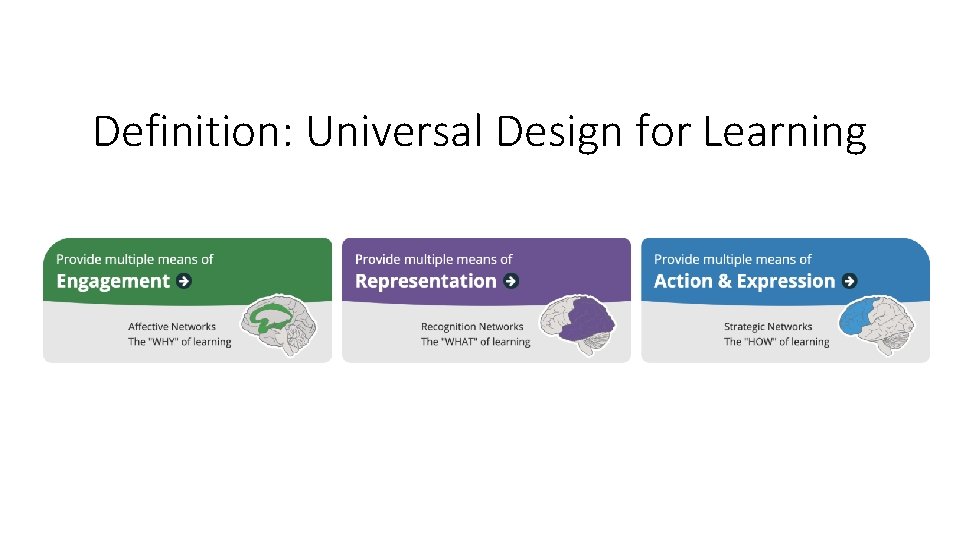
Definition: Universal Design for Learning
Definition: Inclusive Pedagogy Shift from a traditional teaching approach to an approach that benefits all students. 1) Whom [not what!] are we teaching? 2) What are the students’ concerns and needs? 3) What do students need/want to learn? 4) What big questions are we answering? 5) Is the learning authentic and relevant?
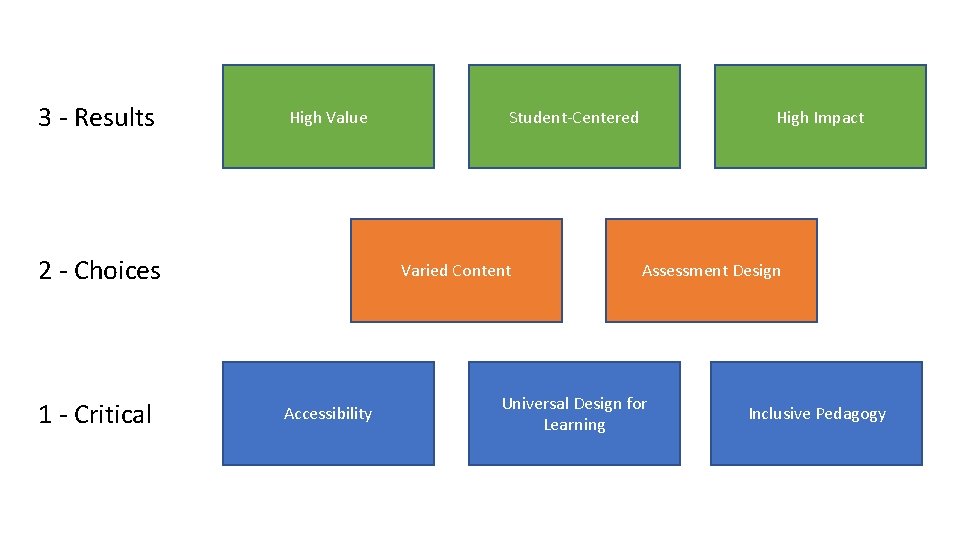
3 - Results High Value 2 - Choices 1 - Critical Student-Centered Varied Content Accessibility High Impact Assessment Design Universal Design for Learning Inclusive Pedagogy
Questions? Contact CETL@uwec. edu for more information or to set up a consultation with CETL staff.
Next, we will share low, medium, and high prep changes you can make in your courses. Low Medium High
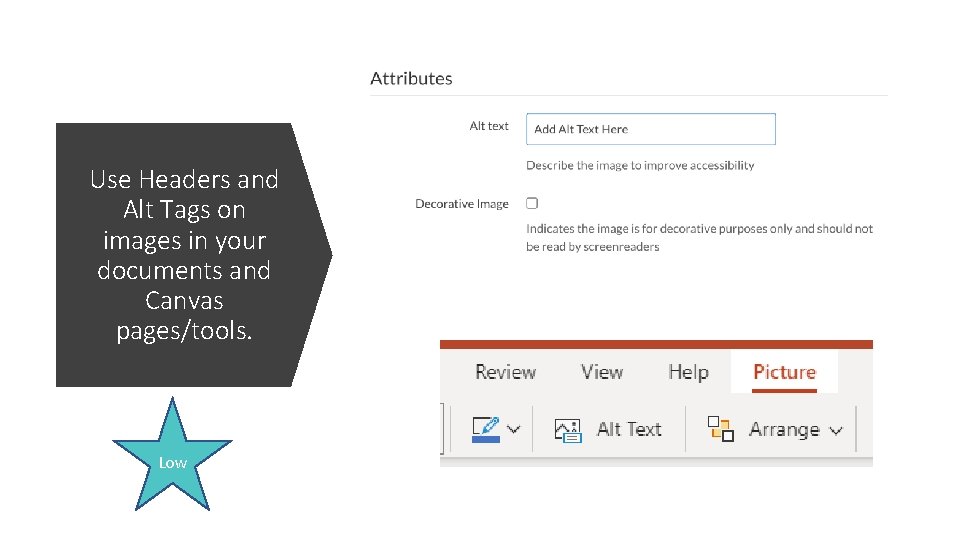
Use Headers and Alt Tags on images in your documents and Canvas pages/tools. Low
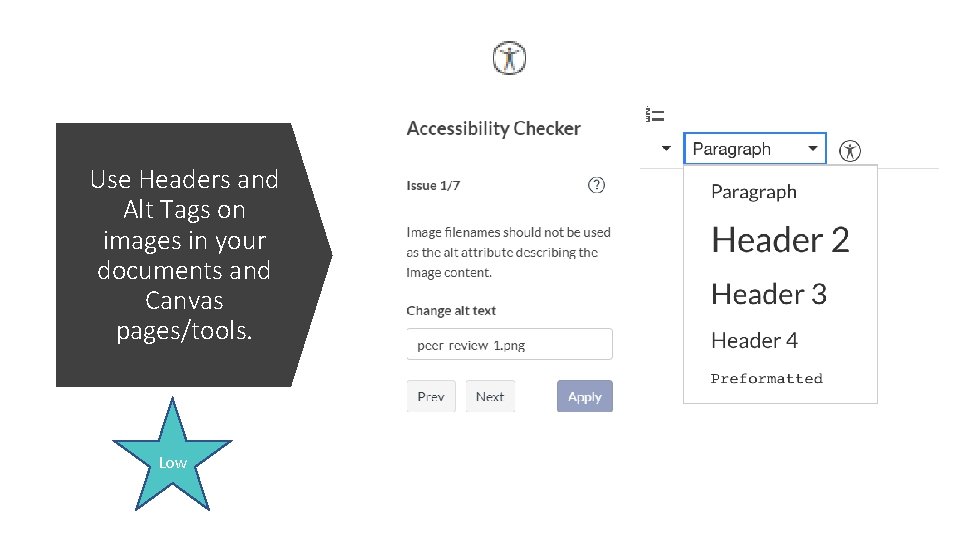
Use Headers and Alt Tags on images in your documents and Canvas pages/tools. Low
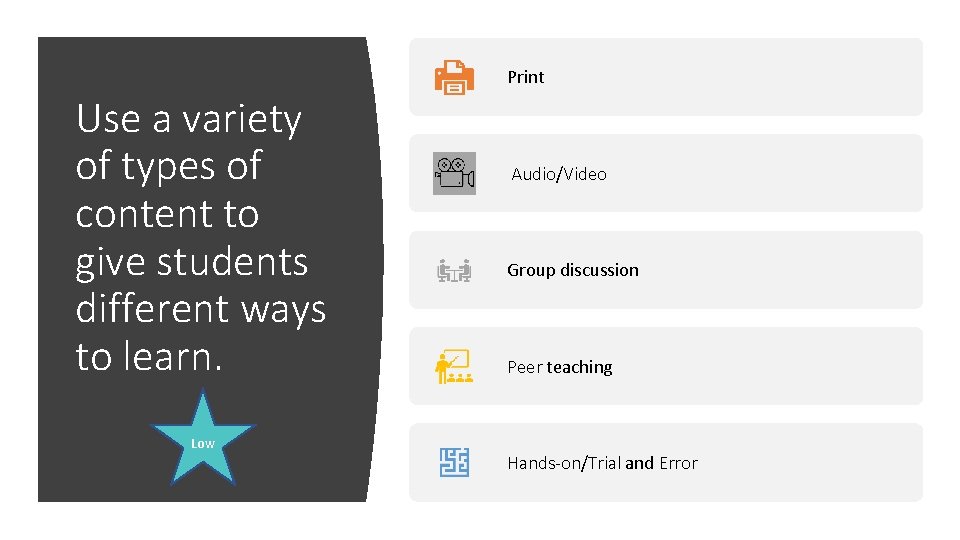
Print Use a variety of types of content to give students different ways to learn. Low Audio/Video Group discussion Peer teaching Hands-on/Trial and Error
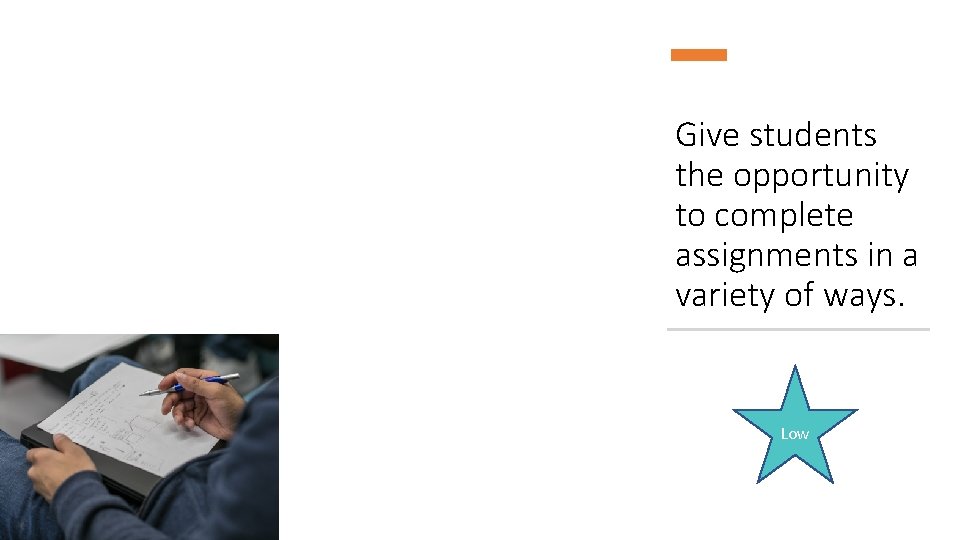
Give students the opportunity to complete assignments in a variety of ways. Low
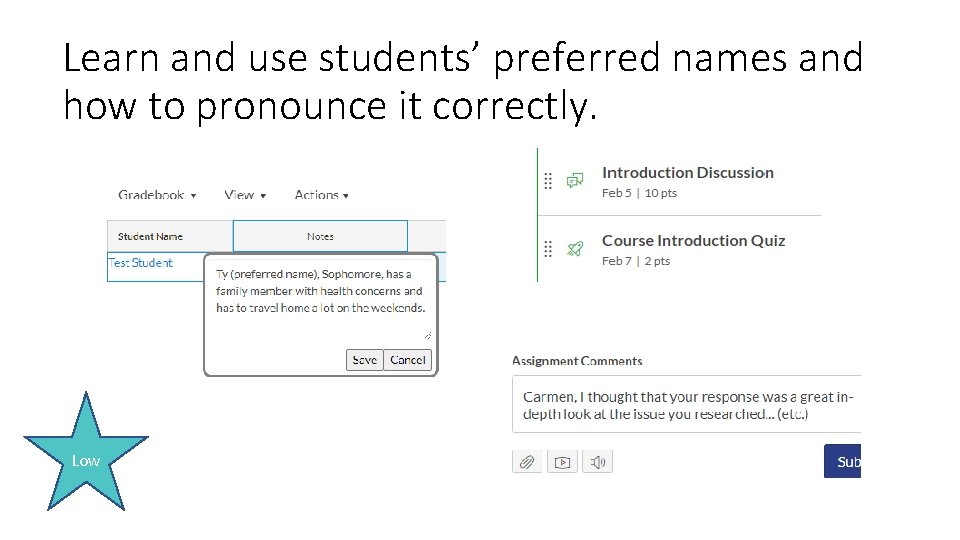
Learn and use students’ preferred names and how to pronounce it correctly. Low
Questions? Contact CETL@uwec. edu for more information or to set up a consultation with CETL staff.
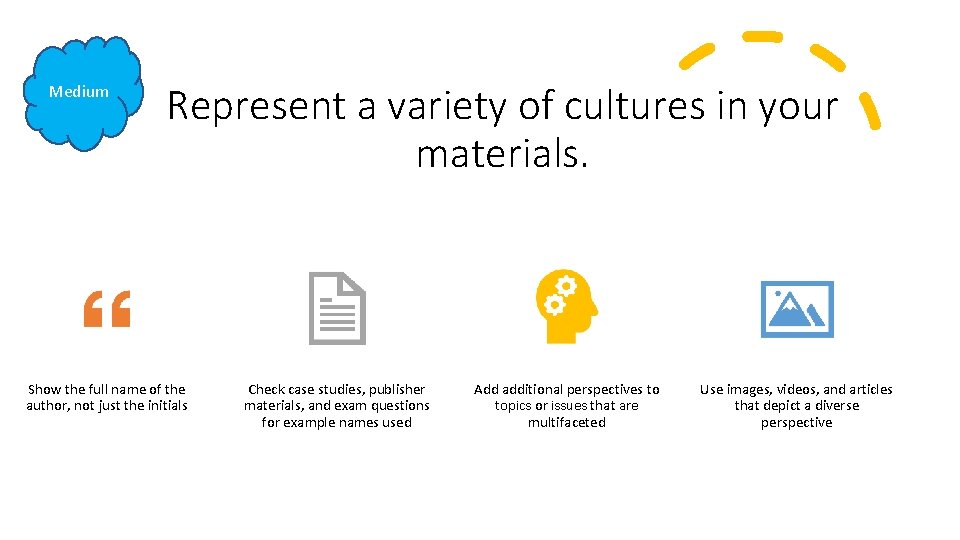
Medium Represent a variety of cultures in your materials. Show the full name of the author, not just the initials Check case studies, publisher materials, and exam questions for example names used Add additional perspectives to topics or issues that are multifaceted Use images, videos, and articles that depict a diverse perspective
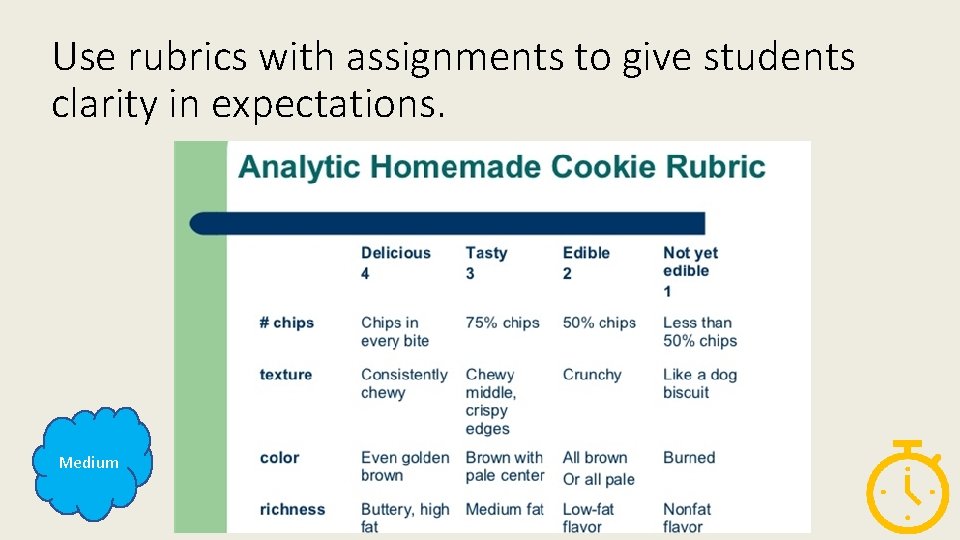
Use rubrics with assignments to give students clarity in expectations. Medium
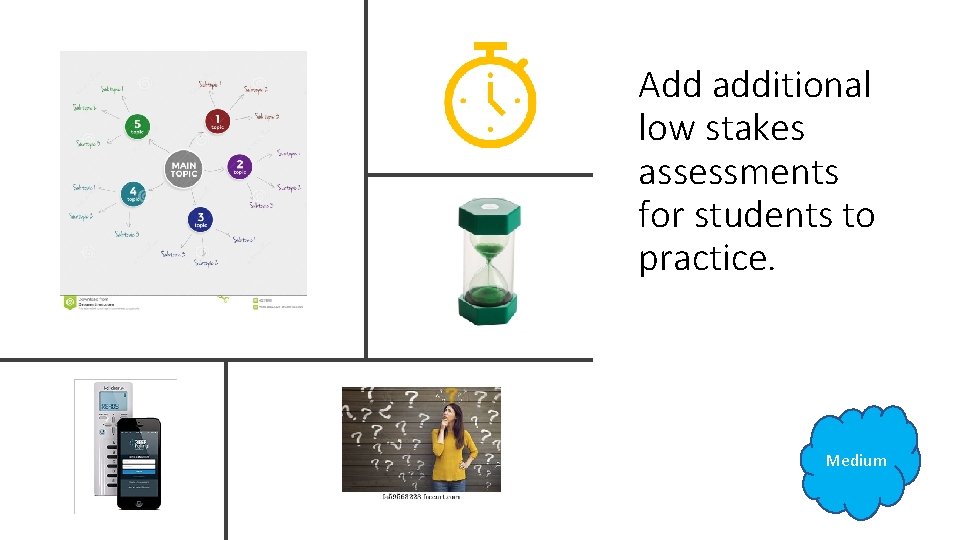
Add additional low stakes assessments for students to practice. Medium
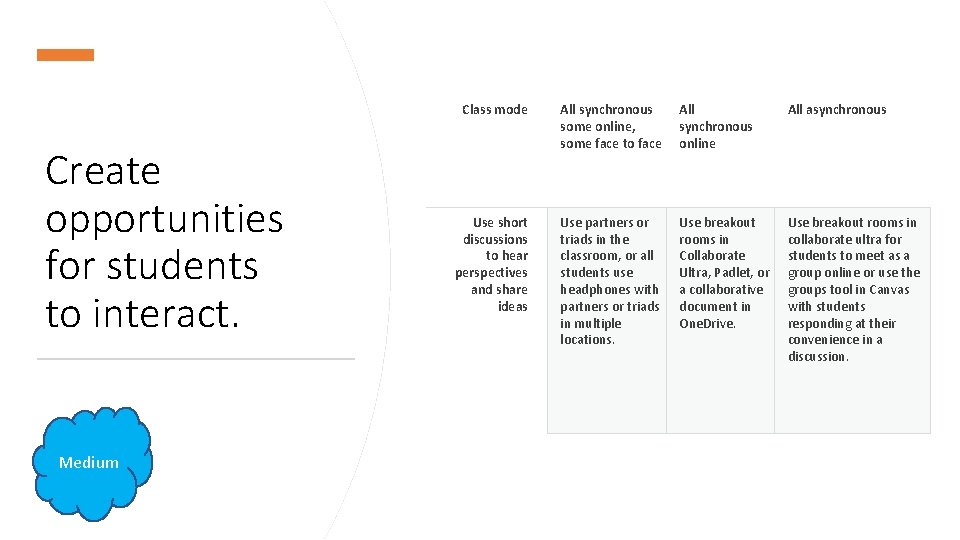
Create opportunities for students to interact. Medium Class mode All synchronous some online, some face to face All synchronous online All asynchronous Use short discussions to hear perspectives and share ideas Use partners or triads in the classroom, or all students use headphones with partners or triads in multiple locations. Use breakout rooms in Collaborate Ultra, Padlet, or a collaborative document in One. Drive. Use breakout rooms in collaborate ultra for students to meet as a group online or use the groups tool in Canvas with students responding at their convenience in a discussion.
Questions? Contact CETL@uwec. edu for more information or to set up a consultation with CETL staff.
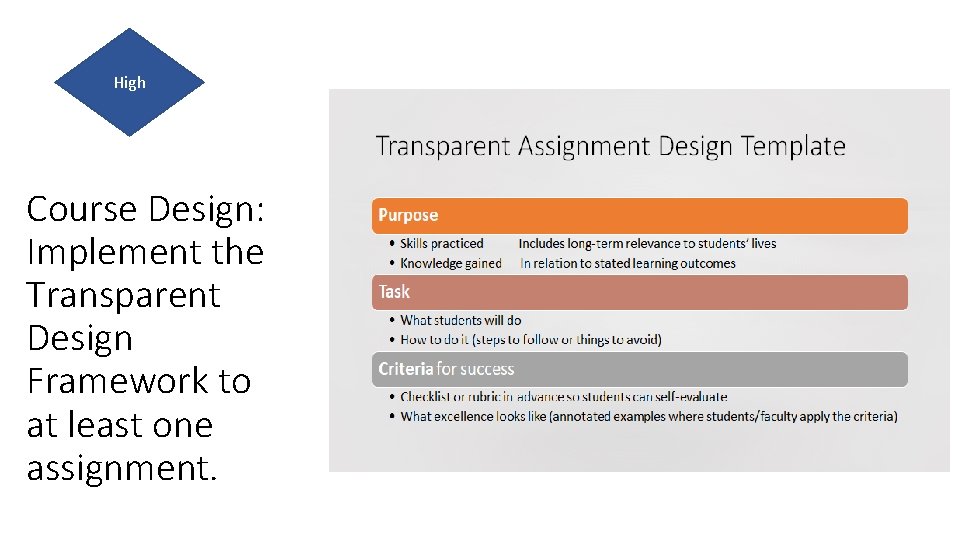
High Course Design: Implement the Transparent Design Framework to at least one assignment.
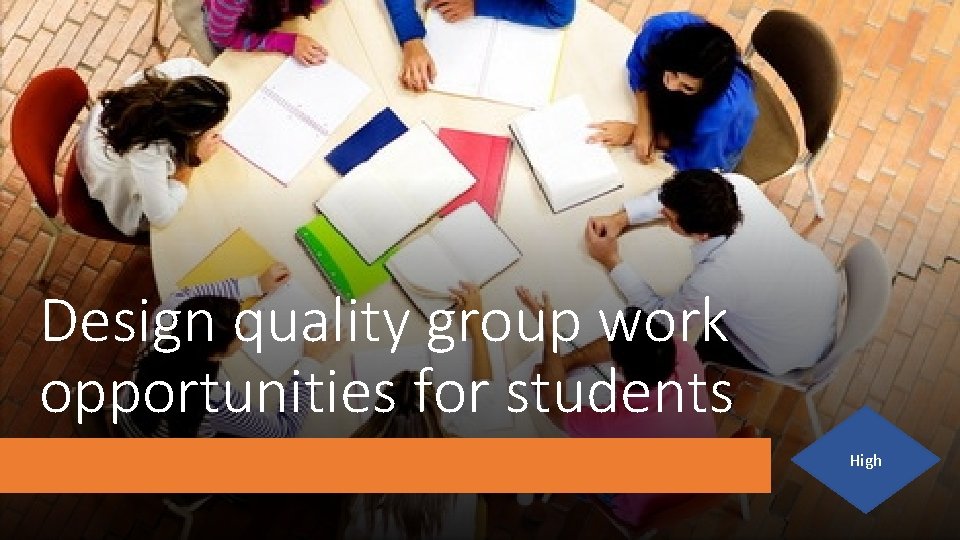
Design quality group work opportunities for students High
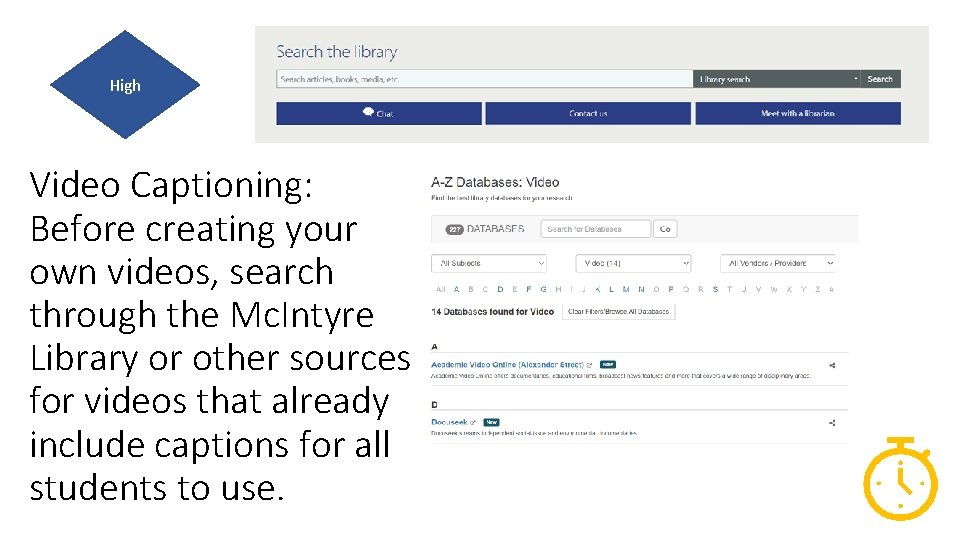
High Video Captioning: Before creating your own videos, search through the Mc. Intyre Library or other sources for videos that already include captions for all students to use.
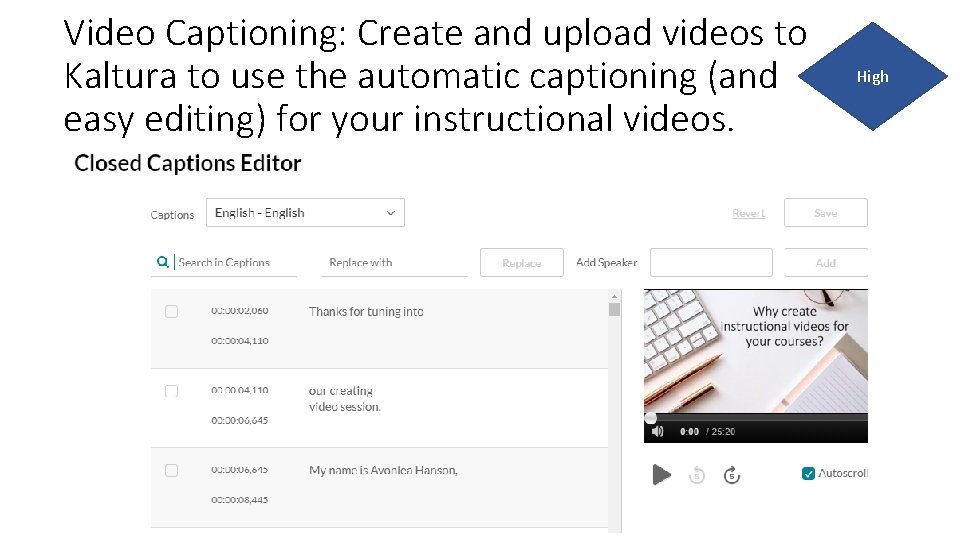
Video Captioning: Create and upload videos to Kaltura to use the automatic captioning (and easy editing) for your instructional videos. High
The Inclusive Strategies Inventory can help you to identify both the great things you are doing and the areas you can continue to improve for student success.
Questions? Contact CETL@uwec. edu for more information or to set up a consultation with CETL staff.