
Image transformations Part 2 Prof Noah Snavely CS
- Slides: 27
Image transformations, Part 2 Prof. Noah Snavely CS 1114 http: //cs 1114. cs. cornell. edu
Administrivia § Assignment 4 has been posted – Due the Friday after spring break § TA evaluations – http: //www. engineering. cornell. edu/TAEval/survey. cfm § Midterm course evaluations 2
Tricks with convex hull § What else can we do with convex hull? § Answer: sort! § Given a list of numbers (x 1, x 2, … xn), create a list of 2 D points: (x 1, x 12), (x 2, x 22), … (xn, xn 2) § Find the convex hull of these points – the points will be in sorted order § What does this tell us about the running time of convex hull? 3
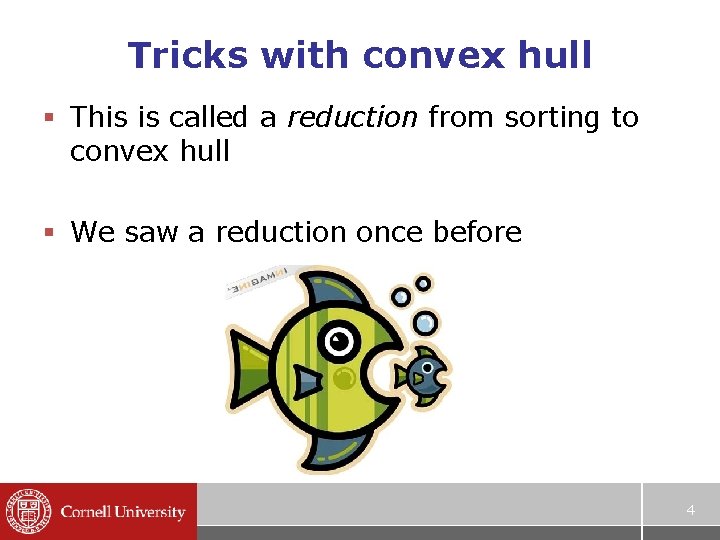
Tricks with convex hull § This is called a reduction from sorting to convex hull § We saw a reduction once before 4
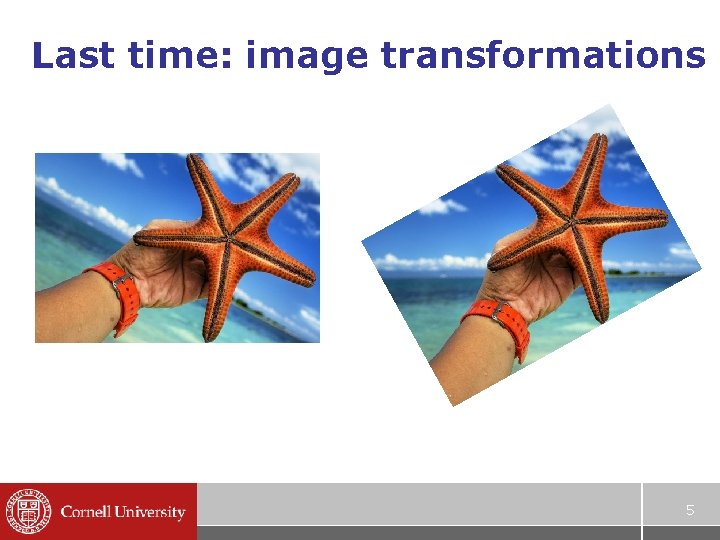
Last time: image transformations 5
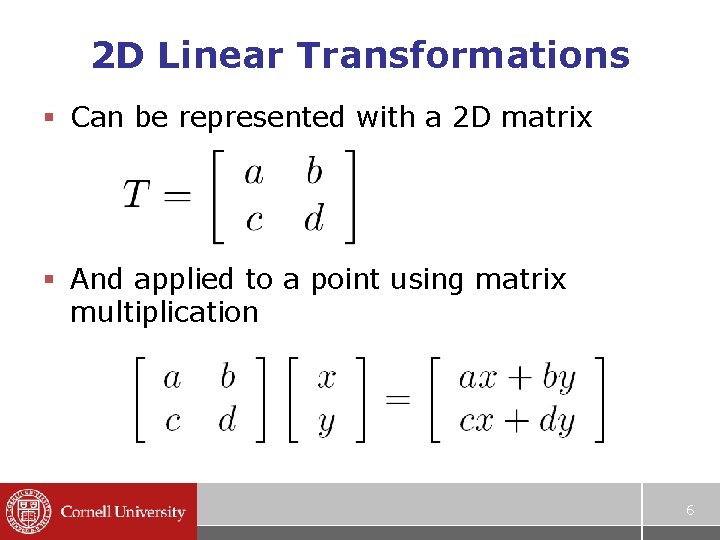
2 D Linear Transformations § Can be represented with a 2 D matrix § And applied to a point using matrix multiplication 6
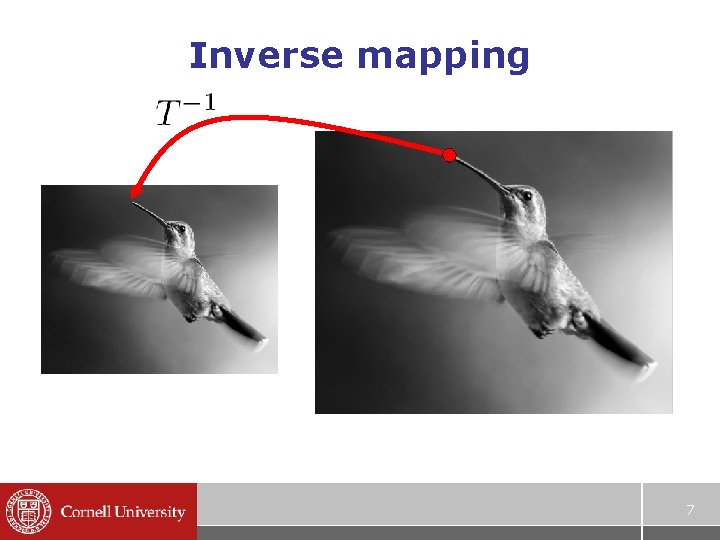
Inverse mapping 7
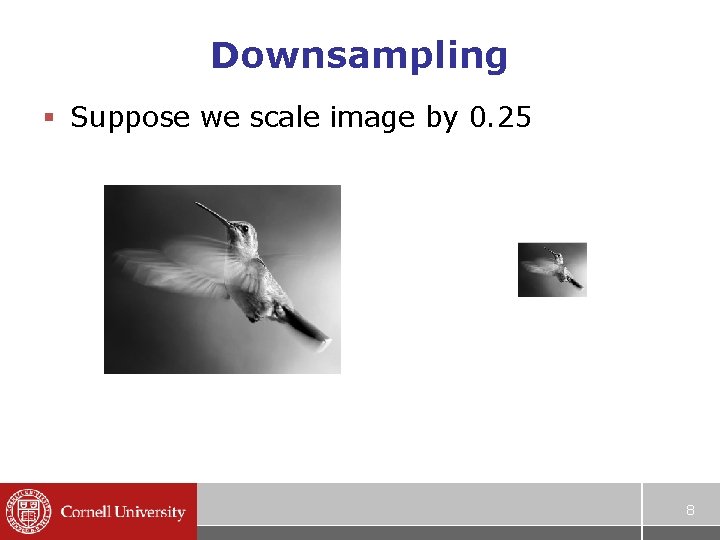
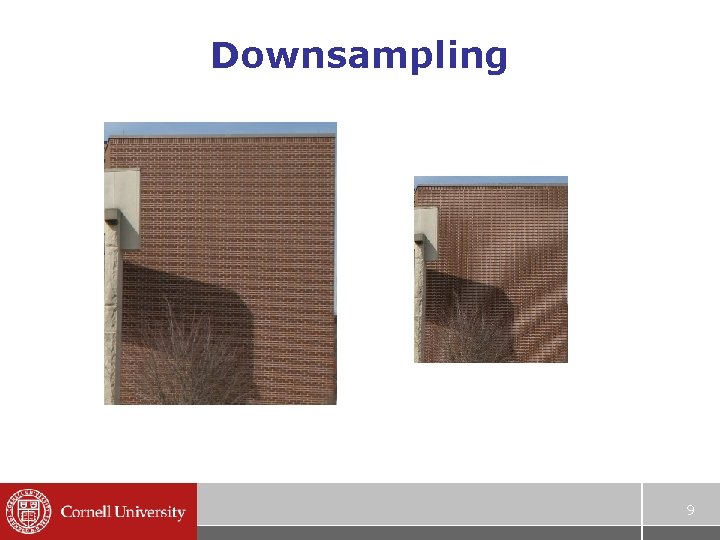
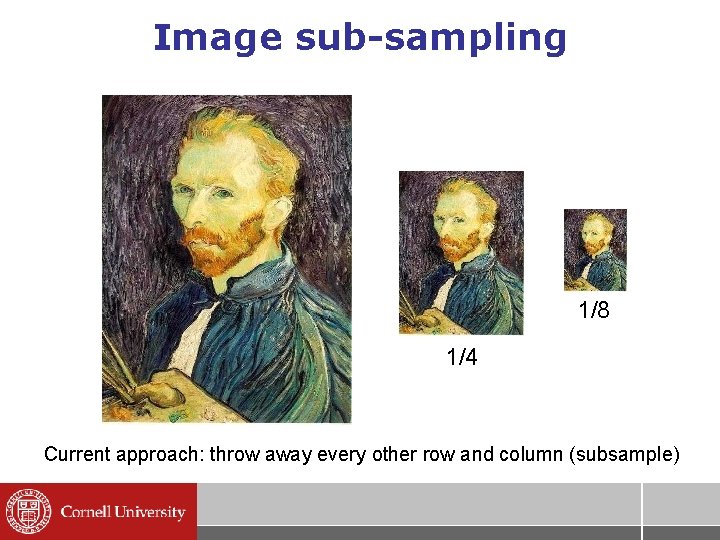
Downsampling § Suppose we scale image by 0. 25 8
Downsampling 9
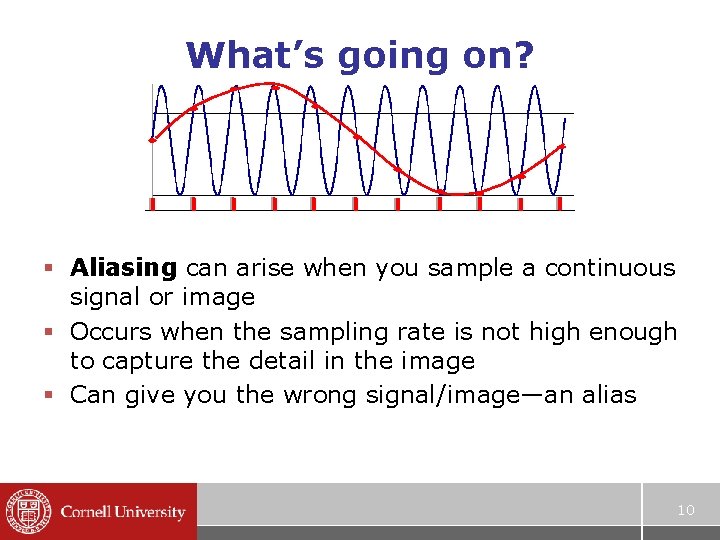
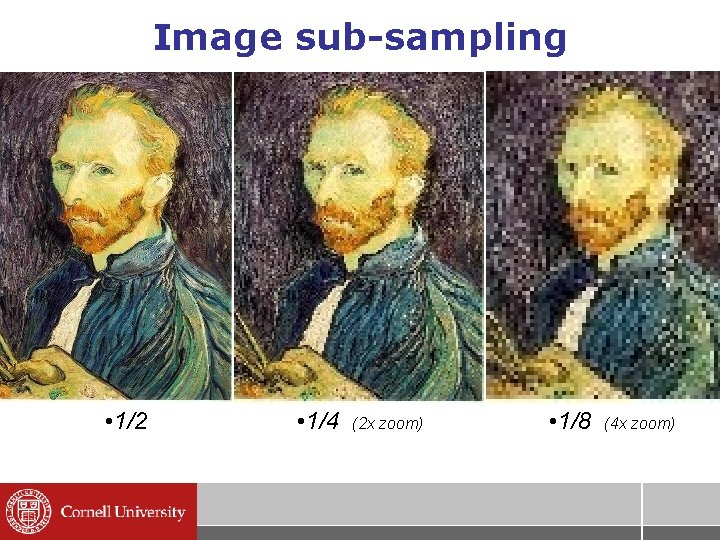
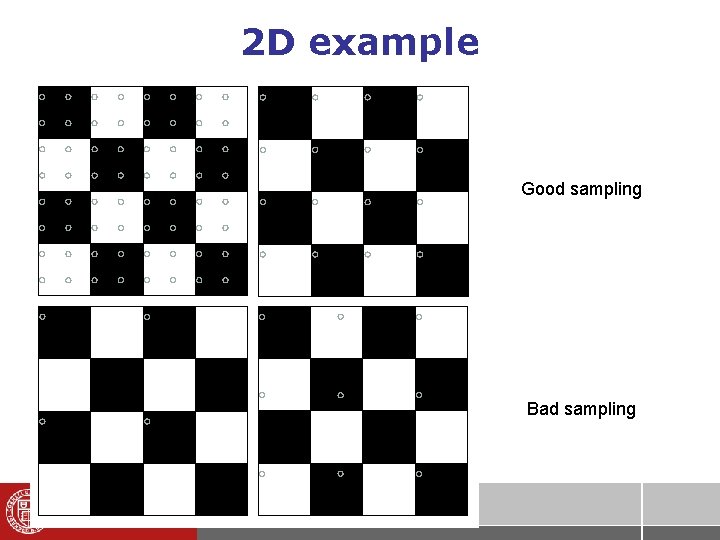
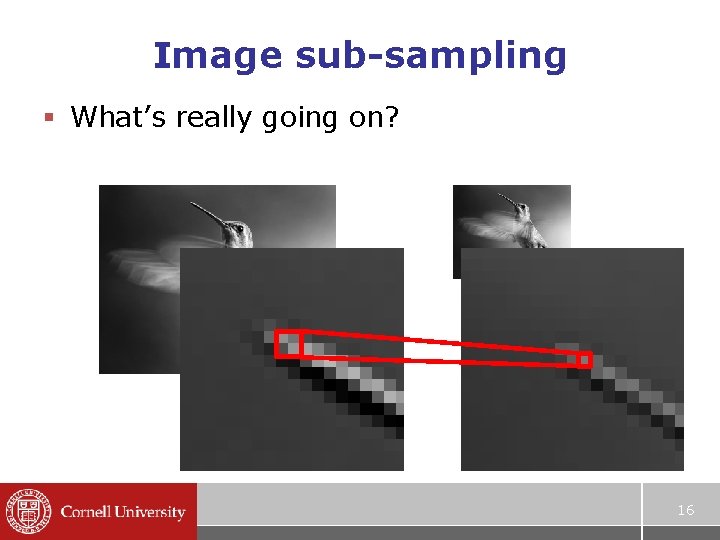
What’s going on? § Aliasing can arise when you sample a continuous signal or image § Occurs when the sampling rate is not high enough to capture the detail in the image § Can give you the wrong signal/image—an alias 10
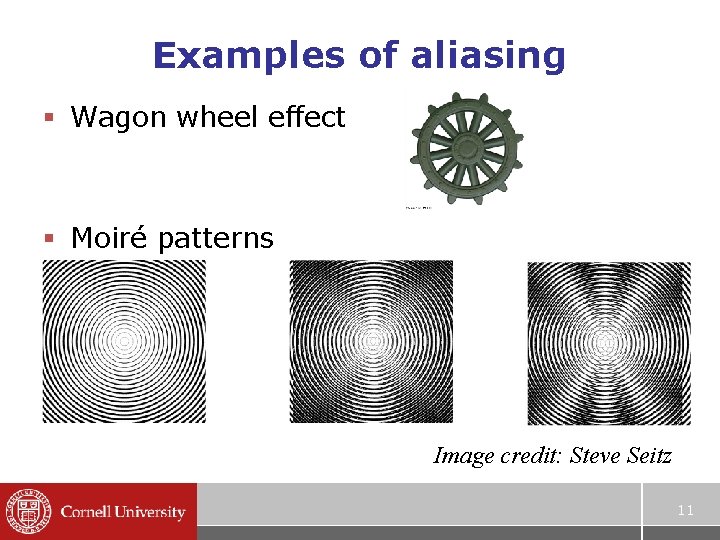
Examples of aliasing § Wagon wheel effect § Moiré patterns Image credit: Steve Seitz 11
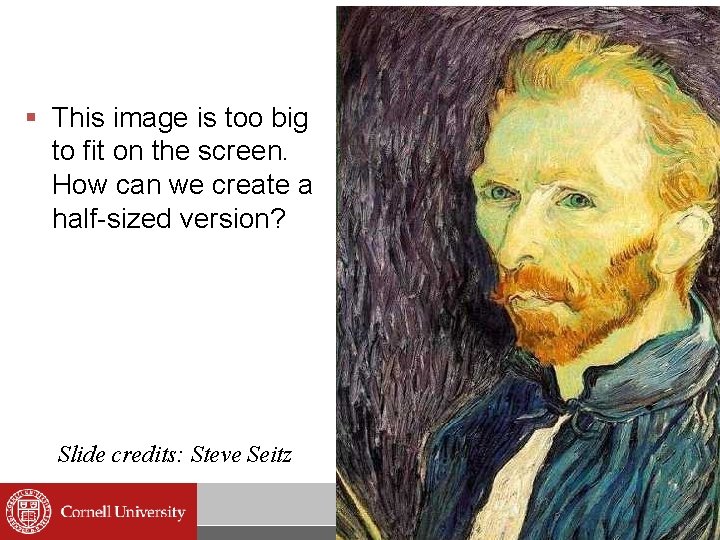
§ This image is too big to fit on the screen. How can we create a half-sized version? Slide credits: Steve Seitz
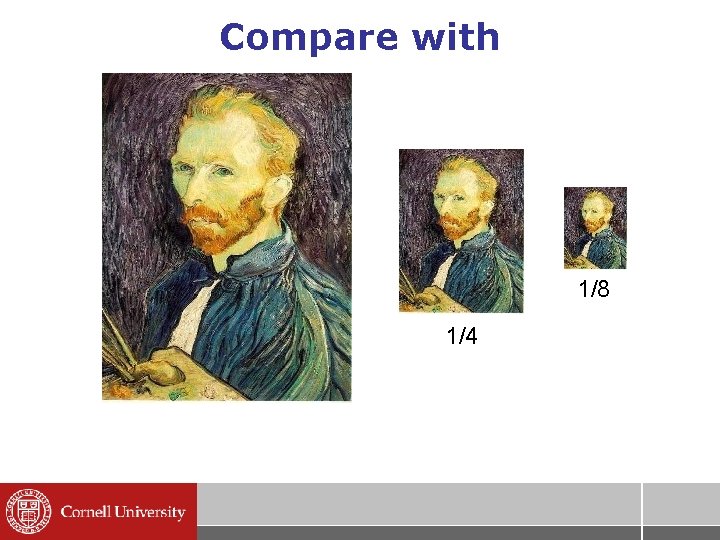
Image sub-sampling 1/8 1/4 Current approach: throw away every other row and column (subsample)
Image sub-sampling • 1/2 • 1/4 (2 x zoom) • 1/8 (4 x zoom)
2 D example Good sampling Bad sampling
Image sub-sampling § What’s really going on? 16
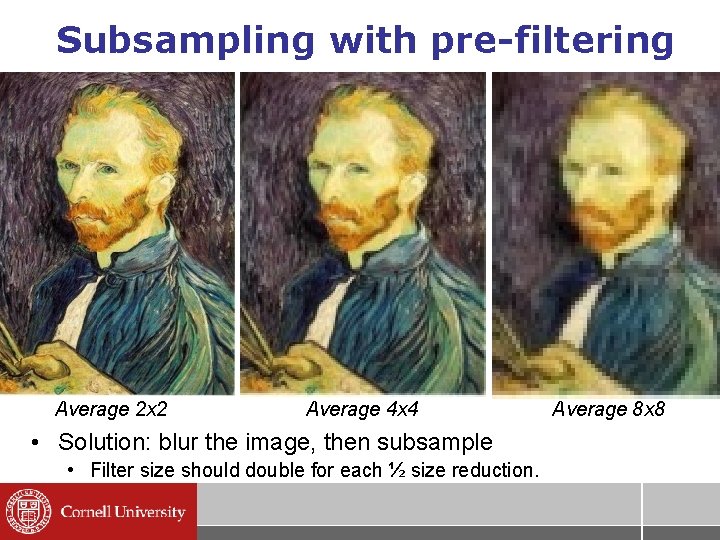
Subsampling with pre-filtering Average 2 x 2 Average 4 x 4 • Solution: blur the image, then subsample • Filter size should double for each ½ size reduction. Average 8 x 8
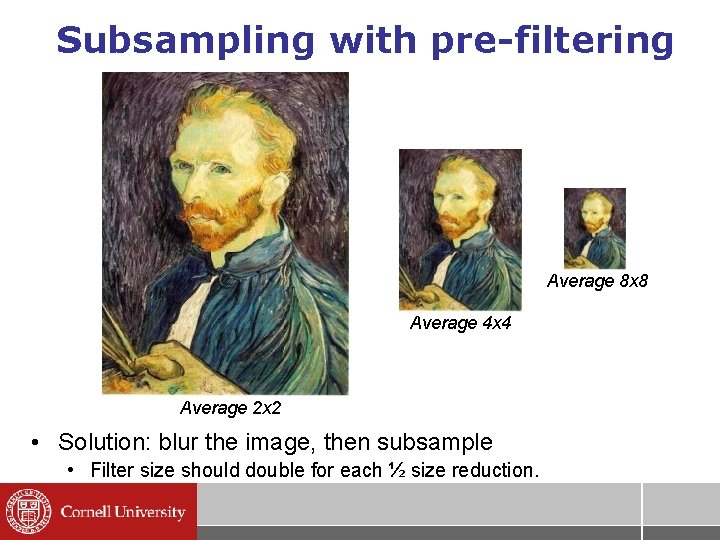
Subsampling with pre-filtering Average 8 x 8 Average 4 x 4 Average 2 x 2 • Solution: blur the image, then subsample • Filter size should double for each ½ size reduction.
Compare with 1/8 1/4
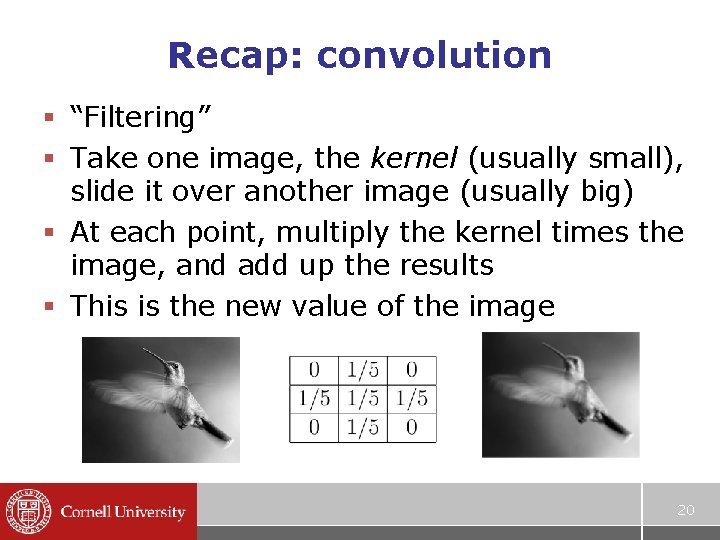
Recap: convolution § “Filtering” § Take one image, the kernel (usually small), slide it over another image (usually big) § At each point, multiply the kernel times the image, and add up the results § This is the new value of the image 20
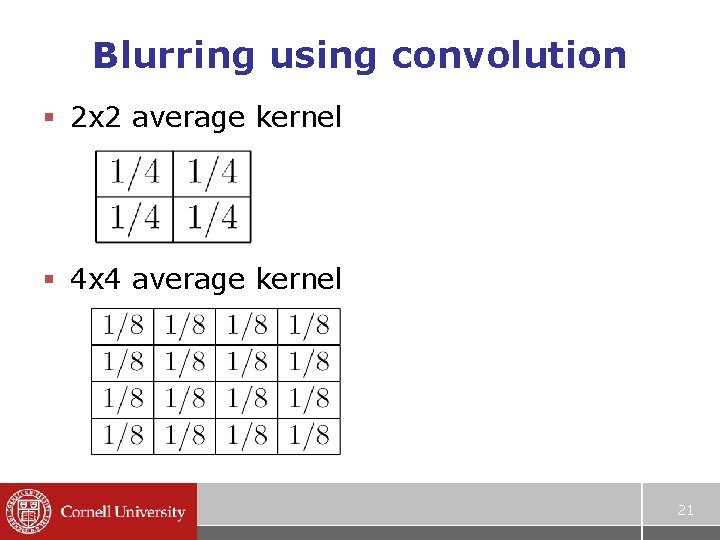
Blurring using convolution § 2 x 2 average kernel § 4 x 4 average kernel 21
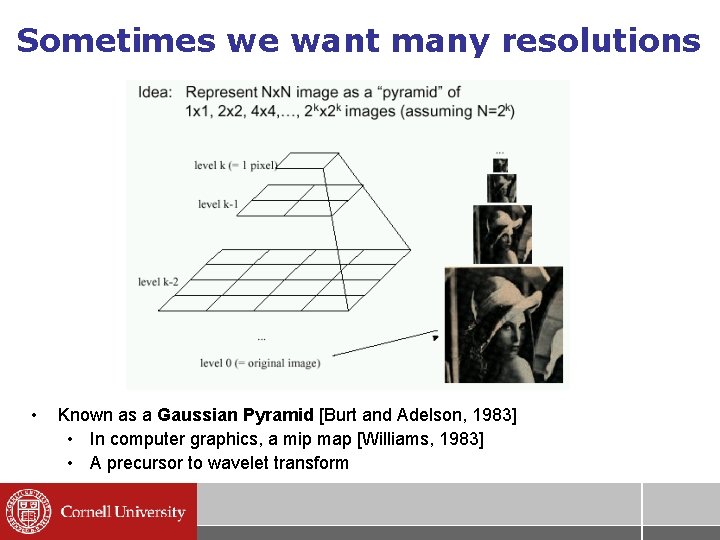
Sometimes we want many resolutions • Known as a Gaussian Pyramid [Burt and Adelson, 1983] • In computer graphics, a mip map [Williams, 1983] • A precursor to wavelet transform
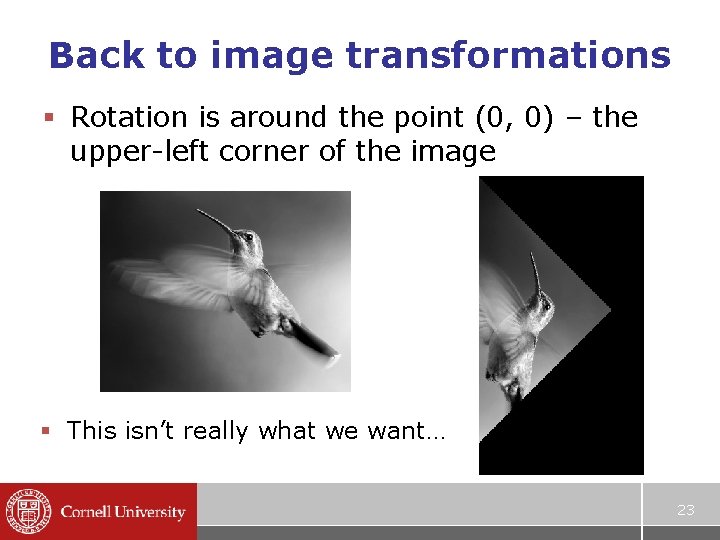
Back to image transformations § Rotation is around the point (0, 0) – the upper-left corner of the image § This isn’t really what we want… 23
Translation § We really want to rotate around the center of the image § Approach: move the center of the image to the origin, rotate, then the center back § (Moving an image is called “translation”) § But translation isn’t linear… 24
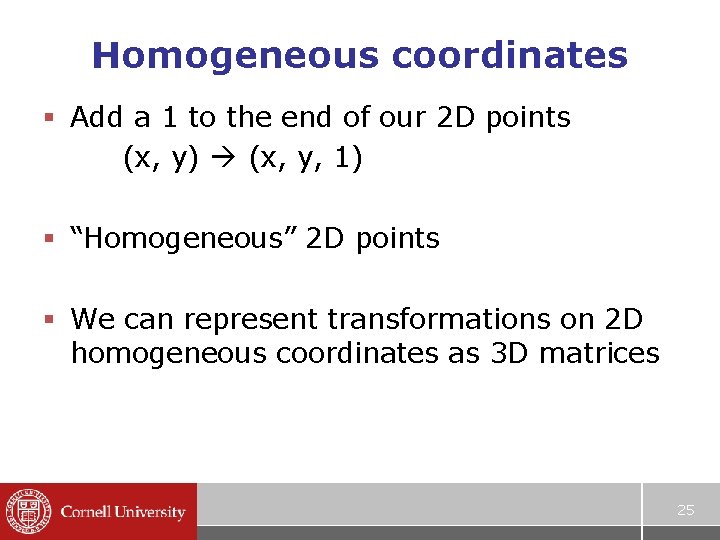
Homogeneous coordinates § Add a 1 to the end of our 2 D points (x, y) (x, y, 1) § “Homogeneous” 2 D points § We can represent transformations on 2 D homogeneous coordinates as 3 D matrices 25
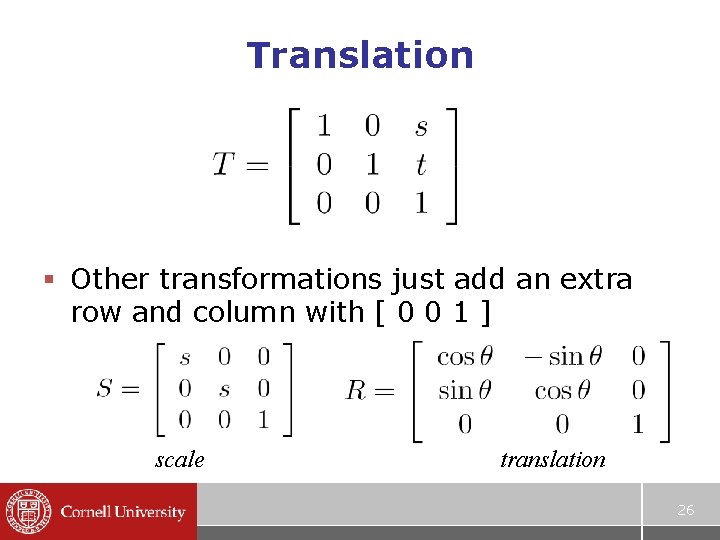
Translation § Other transformations just add an extra row and column with [ 0 0 1 ] scale translation 26
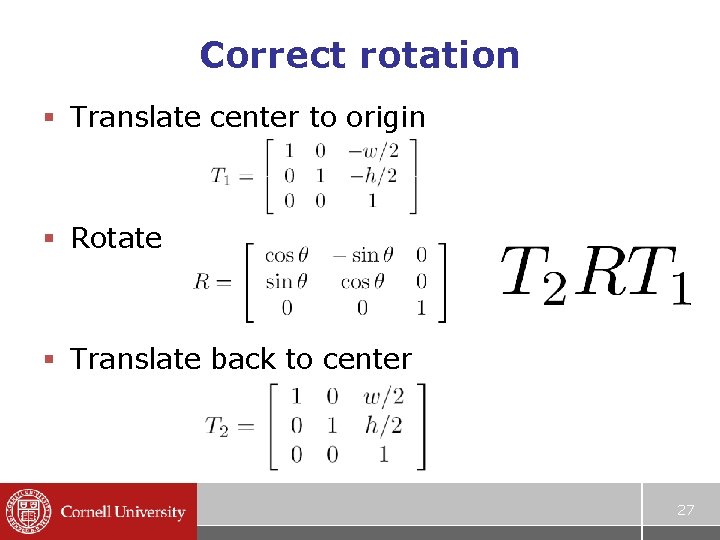
Correct rotation § Translate center to origin § Rotate § Translate back to center 27