
Image Sampling Antialiasing filter types Lesson Introduction Orientation



- Slides: 15
Image Sampling: Anti-aliasing filter types
Lesson Introduction – Orientation • This presentation will take you through adjusting Anti-aliasing filters using the V-Ray Render Settings • The information centers around the Image Sampler settings • This lesson topic is approximately 30 minutes in length • Presentation covers all 3 Learning Cycles for the Lesson Topic – Lecture, Demonstration, and Activity
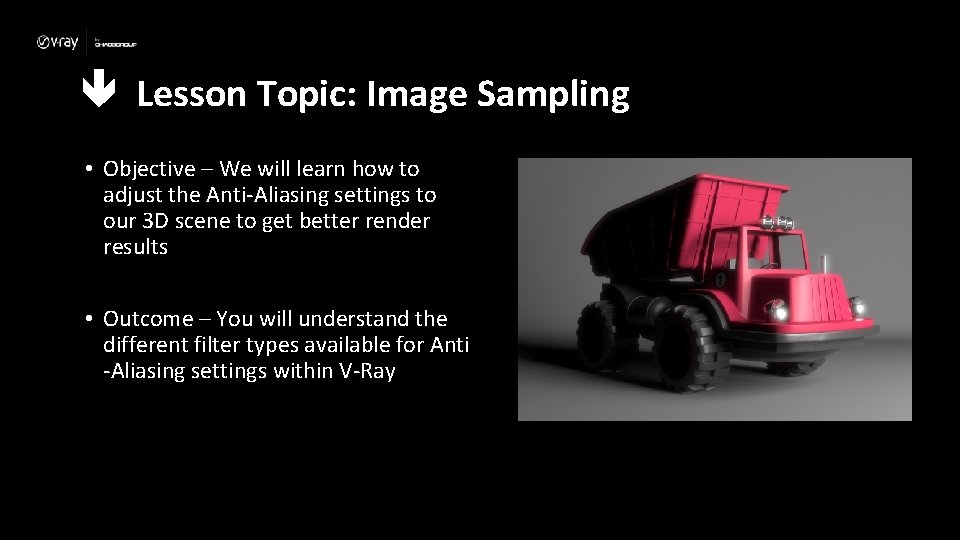
Lesson Topic: Image Sampling • Objective – We will learn how to adjust the Anti-Aliasing settings to our 3 D scene to get better render results • Outcome – You will understand the different filter types available for Anti -Aliasing settings within V-Ray
Lecture: Terminology • Here’s some terms to be aware of when thinking about Image Sampling – The act of gathering information from the rays to determine what each pixel will look like in the render – Anti-aliasing – A blending/blurring of pixel information based on sampling differences to produce a cleaner render particularly on diagonal/curved areas of a render, or where there is a difference in pixel colors/values – AA Filtering – A filter used when sampling an image to simplify the information that is traced back to the pixels in a render
Lesson Topic: Image Sampling • V-Ray Quick Settings • The Studio Setup preset is useful for product design visualizations (like our scene with the toy truck) • The Manage Presets allows you to save the current settings into the V-Ray presets file or to load a previously saved settings • The Settings buttons give you a quick way to jump to the render settings that apply to the area affected by the Quality sliders (GI, Shading, Anti-Aliasing) • To open Quick Settings, click its icon in the VRay shelf (shown below) • If you do not have the V-Ray shelf, enable it through the Render Settings window, Settings tab under the Vray UI heading by clicking Create/Replace V-Ray Shelf
Lesson Topic: Image Sampling • AA Filters • Adds a filter effect to the anti-aliasing of the render • V-ray supplies eight types of Antialiasing filters: Box, Area, Triangle, Lanczos, Sinc, Catmull. Rom, Gaussian and Cook Variable • Each of those has advantages and disadvantages which make them useful for different tasks • Rendering with a particular filter is not the same as rendering without a filter and then blurring the image in a post-processing program like Adobe Photoshop • Filters are applied on a sub-pixel level, over the individual subpixel samples • Applying the filter at render time produces a much more accurate and subtle result than applying it as a post effect.
Lesson Topic: Image Sampling • AA Filters • Area filter applies a slight blur to the image that is normally more pleasing than the Box filter Shading Quality: 50% AA Quality: 1 -6 No AA Filter Shading Quality: 50% AA Quality: 1 -6 Area AA Filter (default 1. 5 Size)
Lesson Topic: Image Sampling • AA Filters • Gaussian filter applies a stronger blur to the image to soften the edges Shading Quality: 50% AA Quality: 1 -6 No AA Filter Shading Quality: 50% AA Quality: 1 -6 Gaussian AA Filter (Size: 2. 0)
Lesson Topic: Image Sampling • Sharpening AA Filters • Lanczos filter applies a sharpening effect on the edges in the image • Can produce “moire” effects on detailed geometry Shading Quality: 50% AA Quality: 1 -6 No AA Filter Shading Quality: 50% AA Quality: 1 -6 Lanczos AA Filter (Size: 2. 0)
Lecture Conclusion: Image Sampling – Raytracing – The rendering technique used by V-Ray to shoot camera rays into the scene to gather info. and then trace their paths back to the pixel grid that makes up the final rendered image – Anti-aliasing – A blending/blurring of pixel information based on sampling differences to produce a cleaner render – AA filtering – An effect added to the anti-aliasing process to help improve the end result of the render
Time to see it work ! • Demonstration Cycle! • Watch while I demonstrate how to adjust the filter types for Anti-aliasing to get different rendering results
Time to do it yourself! • Activity Cycle! • Now it’s your turn!! • Use the provided scene file to get a better understanding of filtering Anti-aliasing • The next slide provides some specific values I used for your reference
Dialing in the right values • GI Preset to None • Shading Quality at 50% • Min Shading Rate: 32 • AA Quality at 20% • Adaptive Min subdivs: 1 • Max subdivs: 6 • (noise) Threshold: 0. 01 • AA filter type: Lanczos • Size: 2. 0