
Image Processing on the Pi using open Frameworks

- Slides: 12
Image Processing on the Pi using open. Frameworks
Setup • Before beginning: – Install open. Frameworks per these instructions • Run dependency scripts and compile open. Frameworks – Install g++-4. 7 • sudo apt-get install g++-4. 7 – Install and test Raspberry Pi camera • Use the raspistill command to test • Beware: The Pi camera connection is somewhat fragile. Repeated connecting and disconnecting is not advised.
open. Frameworks • An opensource C++ toolkit that includes many libraries including open. CV for computer vision • Massively cross-compatible – Windows, OSX, Linux, i. OS, Android, Raspberry Pi – Four IDEs: XCode, Code: : Blocks, and Visual Studio and Eclipse • All code is on Git. Hub • Reminiscent of Processing
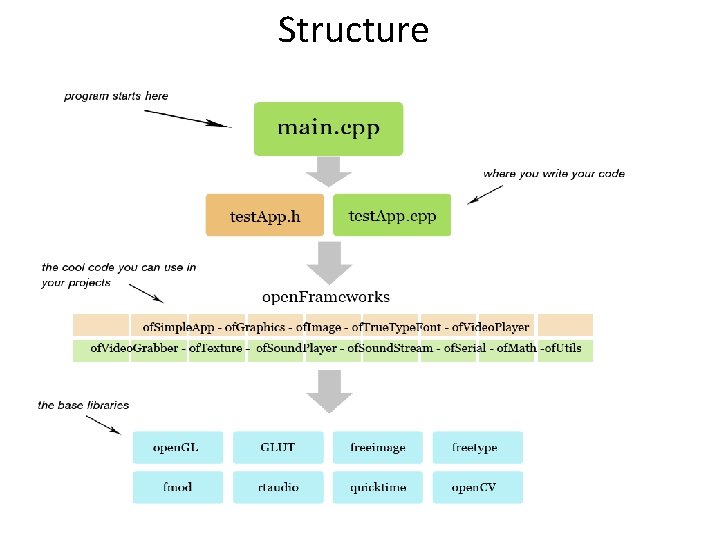
Structure
Resources • In Ramsey library: – Programming Interactivity by Joshua Noble • Web excerpt • On-line – OF website – A very good workshop
Working with the Pi Camera • Take from the Creepy Face Tracking Portrait by Tony Di. Cola • Uses ofx. RPICamera. Video. Grabber by Jason Van Cleave • Use the program structure created by Di. Cola to write other open. Frameworks programs that work with the Pi camera
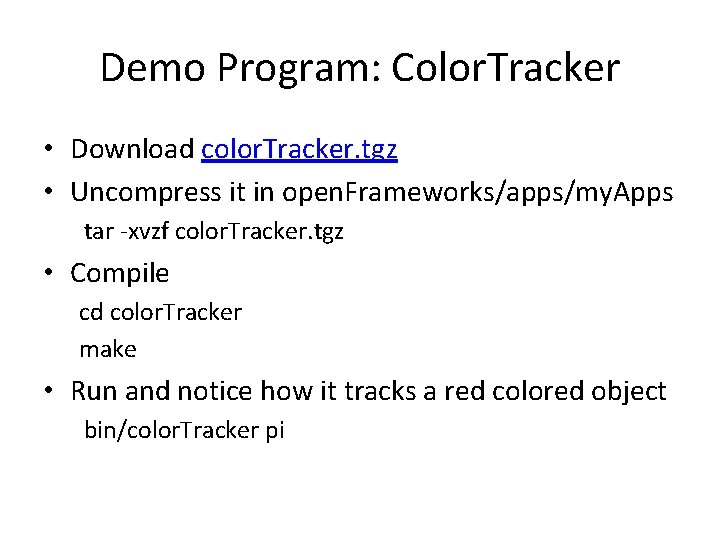
Demo Program: Color. Tracker • Download color. Tracker. tgz • Uncompress it in open. Frameworks/apps/my. Apps tar -xvzf color. Tracker. tgz • Compile cd color. Tracker make • Run and notice how it tracks a red colored object bin/color. Tracker pi
Use Color. Tracker as a Template • Copy the color. Tracker directory into the open. Frameworks/apps/my. Apps directory with a new name: cp –r color. Tracker <new. Project. Name> • Keep the portions of main. cpp and the app. h and. cpp files in the src directory as described in the next three slides • Rename the app files, replace Color. Tracker with the new app name, and add new code to create the desired functionality
Keep the following from Color. Tracker. h #include <vector> #include "of. Main. h" #include "Video. Source. h" #include "ofx. Open. Cv. h" class Color. Tracker: public of. Base. App { // remember to change the class name throughout public: Color. Tracker() {} ~Color. Tracker() {} void setup(); void update(); void draw(); . . // method prototypes in all open. Frameworks apps. void got. Message(of. Message msg); of. Vec 2 f update. Angle(const of. Vec 2 f& point); // Distance camera is back on the Z axis from the origin. float camera. Distance = 650. 0; // Reference to a video source. std: : shared_ptr<IVideo. Source> video; float video. FOV; of. Vec 2 f video. Offset = of. Vec 2 f(0, 0); private: of. Easy. Cam camera; float pixel. Focal. Length; };
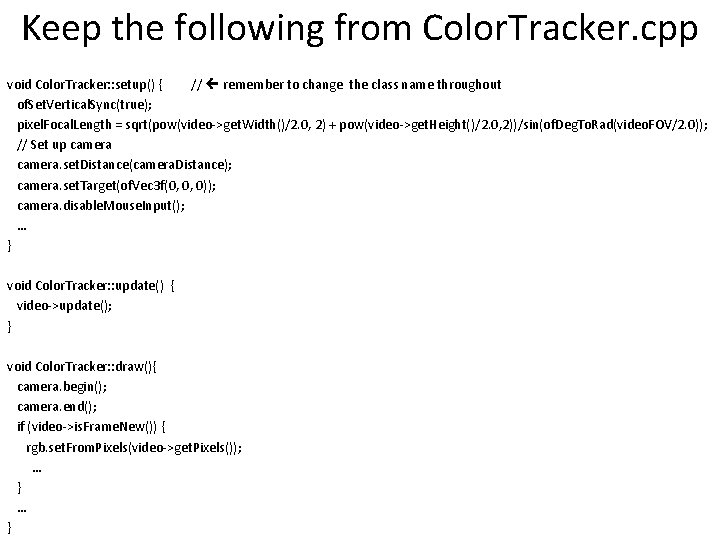
Keep the following from Color. Tracker. cpp void Color. Tracker: : setup() { // remember to change the class name throughout of. Set. Vertical. Sync(true); pixel. Focal. Length = sqrt(pow(video->get. Width()/2. 0, 2) + pow(video->get. Height()/2. 0, 2))/sin(of. Deg. To. Rad(video. FOV/2. 0)); // Set up camera. set. Distance(camera. Distance); camera. set. Target(of. Vec 3 f(0, 0, 0)); camera. disable. Mouse. Input(); … } void Color. Tracker: : update() { video->update(); } void Color. Tracker: : draw(){ camera. begin(); camera. end(); if (video->is. Frame. New()) { rgb. set. From. Pixels(video->get. Pixels()); … }
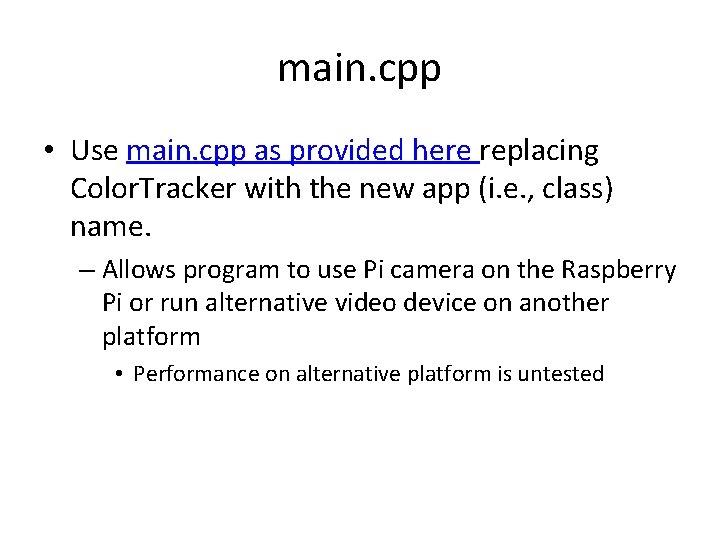
main. cpp • Use main. cpp as provided here replacing Color. Tracker with the new app (i. e. , class) name. – Allows program to use Pi camera on the Raspberry Pi or run alternative video device on another platform • Performance on alternative platform is untested
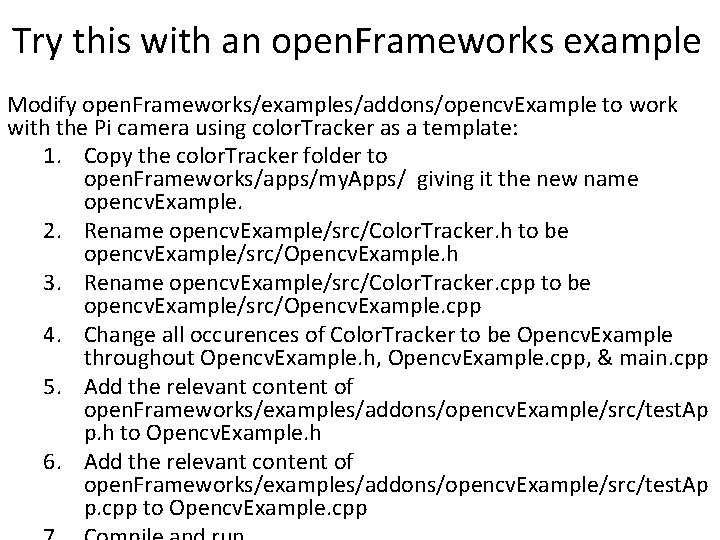
Try this with an open. Frameworks example Modify open. Frameworks/examples/addons/opencv. Example to work with the Pi camera using color. Tracker as a template: 1. Copy the color. Tracker folder to open. Frameworks/apps/my. Apps/ giving it the new name opencv. Example. 2. Rename opencv. Example/src/Color. Tracker. h to be opencv. Example/src/Opencv. Example. h 3. Rename opencv. Example/src/Color. Tracker. cpp to be opencv. Example/src/Opencv. Example. cpp 4. Change all occurences of Color. Tracker to be Opencv. Example throughout Opencv. Example. h, Opencv. Example. cpp, & main. cpp 5. Add the relevant content of open. Frameworks/examples/addons/opencv. Example/src/test. Ap p. h to Opencv. Example. h 6. Add the relevant content of open. Frameworks/examples/addons/opencv. Example/src/test. Ap p. cpp to Opencv. Example. cpp