
IMAGE PROCESSING INTRODUCTION DIGITAL IMAGES HISTOGRAMS UTRECHT UNIVERSITY






- Slides: 23
IMAGE PROCESSING >INTRODUCTION DIGITAL IMAGES & HISTOGRAMS UTRECHT UNIVERSITY DEB PANJA RONALD POPPE
TODAY Course info Image processing Histograms
COURSE INFO
COURSE OVERVIEW Your lecturers: • Ronald Poppe (r. w. poppe@uu. nl) – last 8 lectures (coordinator) • Deb Panja (d. panja@uu. nl) – first 7 lectures Practicum assistants: • Casper Hagenaars • Daphne Odekerken • Ruben Schenkhuizen Exercise assistant: • Federico D’Ambrosio
COURSE OVERVIEW 2 Website: http: //www. cs. uu. nl/docs/vakken/ibv/ (link on cs education page) Course form: • Lectures (15) • Exercise sessions (2) • Mid-term and final exam • Assignments (3) • Walk-in sessions for assignments (5)
COURSE OVERVIEW 3 After the course, you should possess knowledge on: • • Introduction to basic manipulations of images From acquisition to complex processing Insights into image processing concepts (these will be tested using the exams) And you should also develop skills on: • Experience in using and developing a variety of image processing techniques • (these will be tested by assignments)
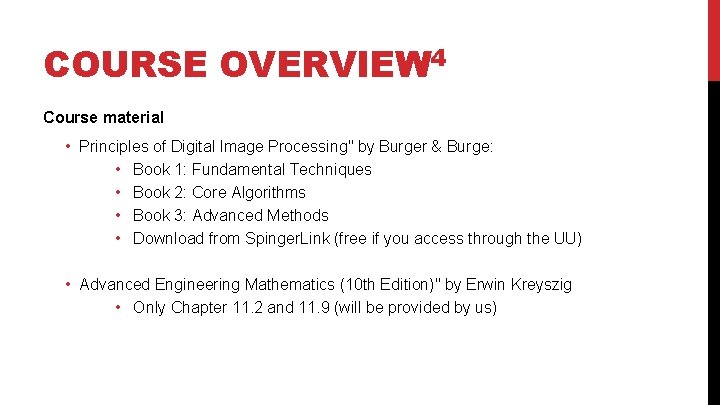
COURSE OVERVIEW 4 Course material • Principles of Digital Image Processing" by Burger & Burge: • Book 1: Fundamental Techniques • Book 2: Core Algorithms • Book 3: Advanced Methods • Download from Spinger. Link (free if you access through the UU) • Advanced Engineering Mathematics (10 th Edition)" by Erwin Kreyszig • Only Chapter 11. 2 and 11. 9 (will be provided by us)
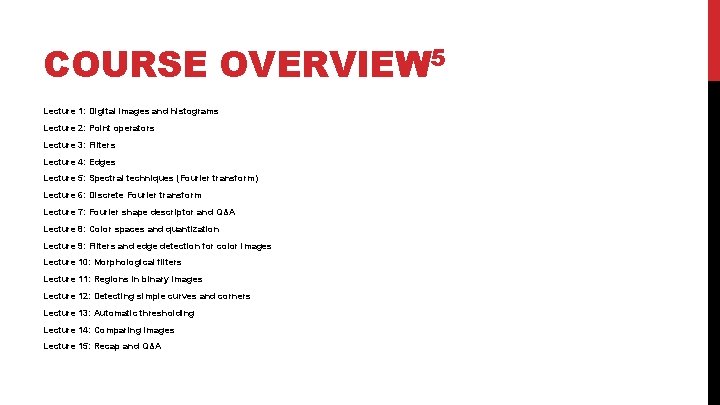
COURSE OVERVIEW 5 Lecture 1: Digital images and histograms Lecture 2: Point operators Lecture 3: Filters Lecture 4: Edges Lecture 5: Spectral techniques (Fourier transform) Lecture 6: Discrete Fourier transform Lecture 7: Fourier shape descriptor and Q&A Lecture 8: Color spaces and quantization Lecture 9: Filters and edge detection for color images Lecture 10: Morphological filters Lecture 11: Regions in binary images Lecture 12: Detecting simple curves and corners Lecture 13: Automatic thresholding Lecture 14: Comparing images Lecture 15: Recap and Q&A
COURSE OVERVIEW 6 Slides are part of the course material • Will be available on the course website Exercise (and assignment) sessions are good preparation for exams • Covers topics not included in assignments We encourage active participation so don’t hold back with questions and remarks
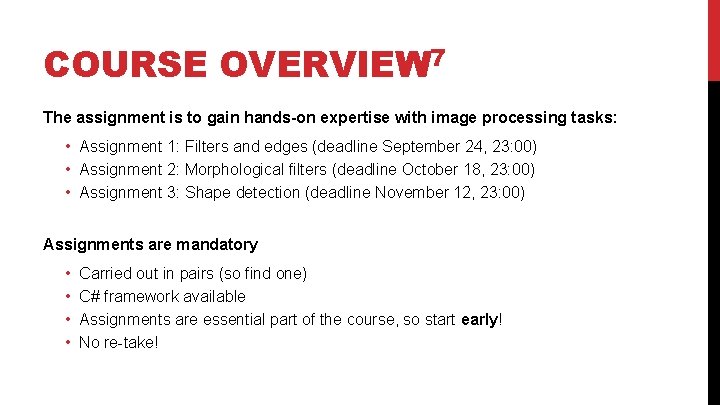
COURSE OVERVIEW 7 The assignment is to gain hands-on expertise with image processing tasks: • Assignment 1: Filters and edges (deadline September 24, 23: 00) • Assignment 2: Morphological filters (deadline October 18, 23: 00) • Assignment 3: Shape detection (deadline November 12, 23: 00) Assignments are mandatory • • Carried out in pairs (so find one) C# framework available Assignments are essential part of the course, so start early! No re-take!
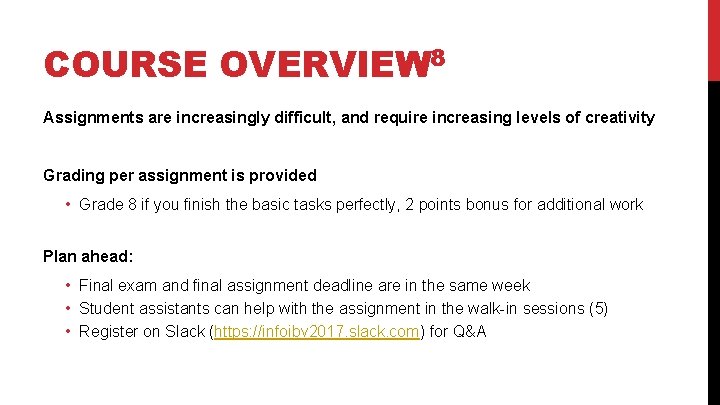
COURSE OVERVIEW 8 Assignments are increasingly difficult, and require increasing levels of creativity Grading per assignment is provided • Grade 8 if you finish the basic tasks perfectly, 2 points bonus for additional work Plan ahead: • Final exam and final assignment deadline are in the same week • Student assistants can help with the assignment in the walk-in sessions (5) • Register on Slack (https: //infoibv 2017. slack. com) for Q&A
COURSE OVERVIEW 9 Regarding deadlines, there are very few excuses when you find out: • There is not enough time • The software framework doesn’t work • In the last week that your partner didn’t do anything So start early and notify us as soon as possible when things go wrong
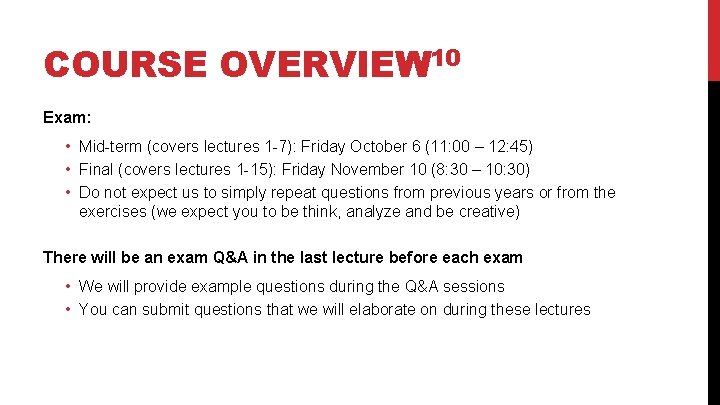
COURSE OVERVIEW 10 Exam: • Mid-term (covers lectures 1 -7): Friday October 6 (11: 00 – 12: 45) • Final (covers lectures 1 -15): Friday November 10 (8: 30 – 10: 30) • Do not expect us to simply repeat questions from previous years or from the exercises (we expect you to be think, analyze and be creative) There will be an exam Q&A in the last lecture before each exam • We will provide example questions during the Q&A sessions • You can submit questions that we will elaborate on during these lectures
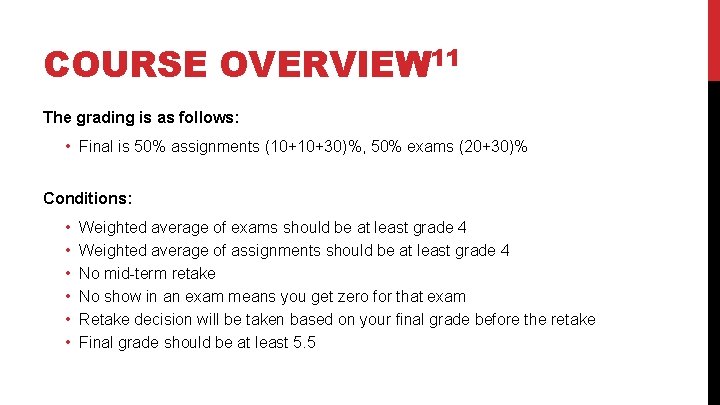
COURSE OVERVIEW 11 The grading is as follows: • Final is 50% assignments (10+10+30)%, 50% exams (20+30)% Conditions: • • • Weighted average of exams should be at least grade 4 Weighted average of assignments should be at least grade 4 No mid-term retake No show in an exam means you get zero for that exam Retake decision will be taken based on your final grade before the retake Final grade should be at least 5. 5
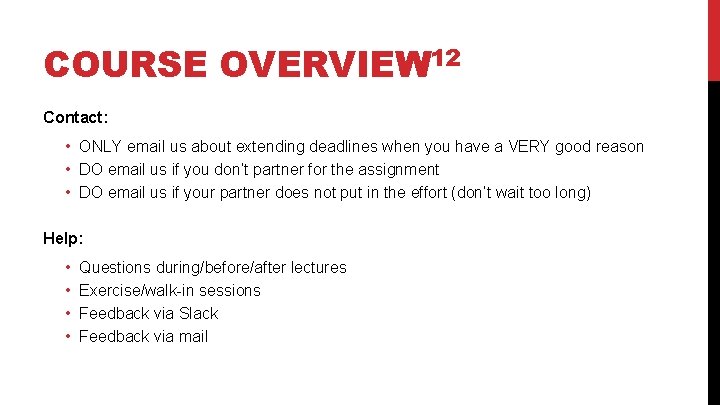
COURSE OVERVIEW 12 Contact: • ONLY email us about extending deadlines when you have a VERY good reason • DO email us if you don’t partner for the assignment • DO email us if your partner does not put in the effort (don’t wait too long) Help: • • Questions during/before/after lectures Exercise/walk-in sessions Feedback via Slack Feedback via mail
COURSE OVERVIEW 13 Your responsibilities (and our expectations): • • • Register for the course (ASAP) Find a partner for the assignments (ASAP) Register on Slack (https: //infoibv 2017. slack. com) Master the topics on the course (lectures, exercises, slides) Develop insight and practical experience through assignments (mandatory) Pass the exams (mandatory) Don’t underestimate: • The difficulty of some of the topics in the course (especially maths) • The time it takes to finish the assignments • The lack of time in the final weeks of the block
COURSE OVERVIEW 14 Our responsibilities: • • Compact-concise-connected set of topics Thought-through exercises and assignments Make the material “as simple as possible, but not simpler” Provide help when needed
COURSE OVERVIEW 15 In summary: • You will gain relevant knowledge, insights and expertise • You will have a solid base in image processing, and might consider the course “Computer Vision” when doing a master • This is a very interesting and fun course! • You will have to spend some time though • Don’t underestimate the maths
QUESTIONS?
NEXT LECTURE
NEXT LECTURE Next lecture is about: • Point operators (Book I, Chapter 4) • Wednesday September 9, 15: 15 - 17: 00 (RUPPERT-042) Deadline for Assignment 1 (Filters and edges): • September 24, 23: 00 • Walk-in September 22, 9: 00 -10: 45 • Find a partner!
CONTENTS OF THIS LECTURE
CONTENTS OF THIS LECTURE Fundamental techniques (book I) • Chapter 1: Digital images • Chapter 3: Histograms